- Batasan usia4+
- KategoriKegunaan
- PengembangStimare Ltd
- BahasaInggris
- Ukuran68,2 MB
Tertaut ke halaman resmi App Store
Download.org tidak menyimpan file Saveo Support apa pun. Tombol ini membuka halaman aplikasi di App Store, tempat Stimare Ltd menerbitkannya. Halaman terakhir diperiksa pada 23/11/2026.
Tangkapan layar
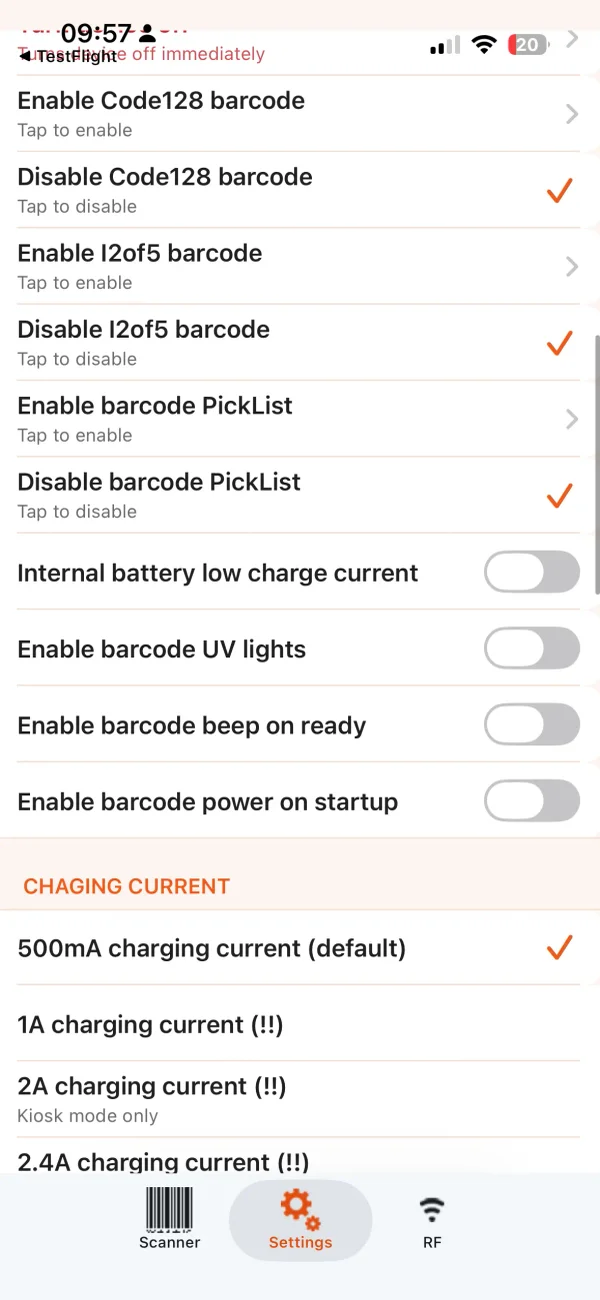
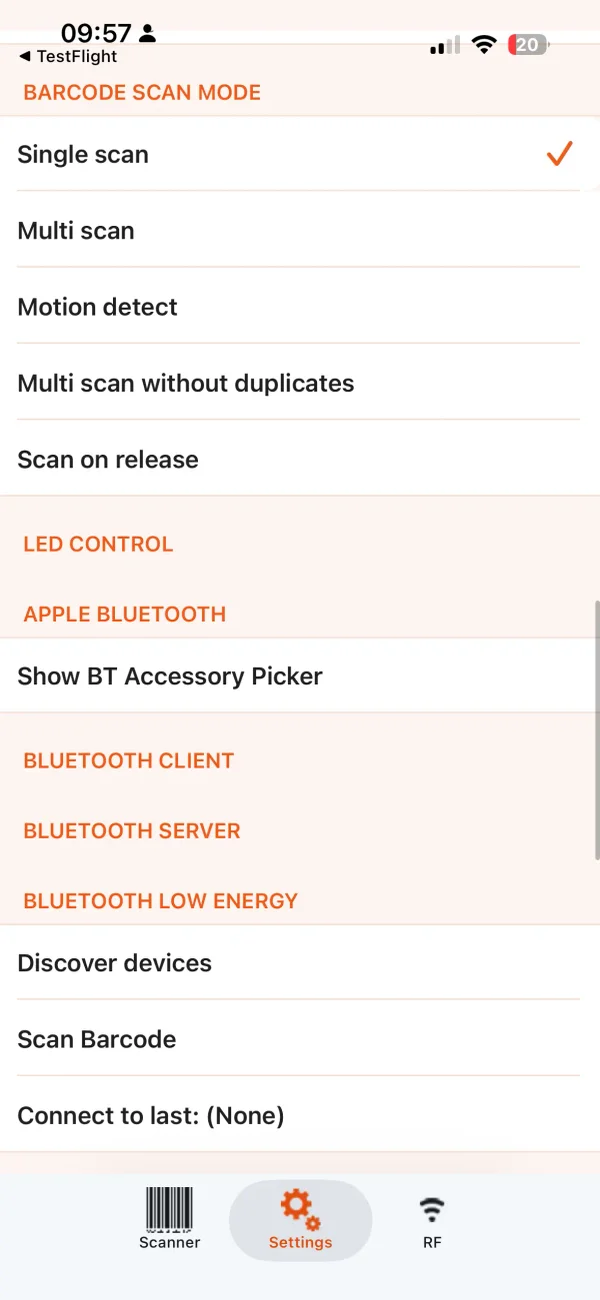
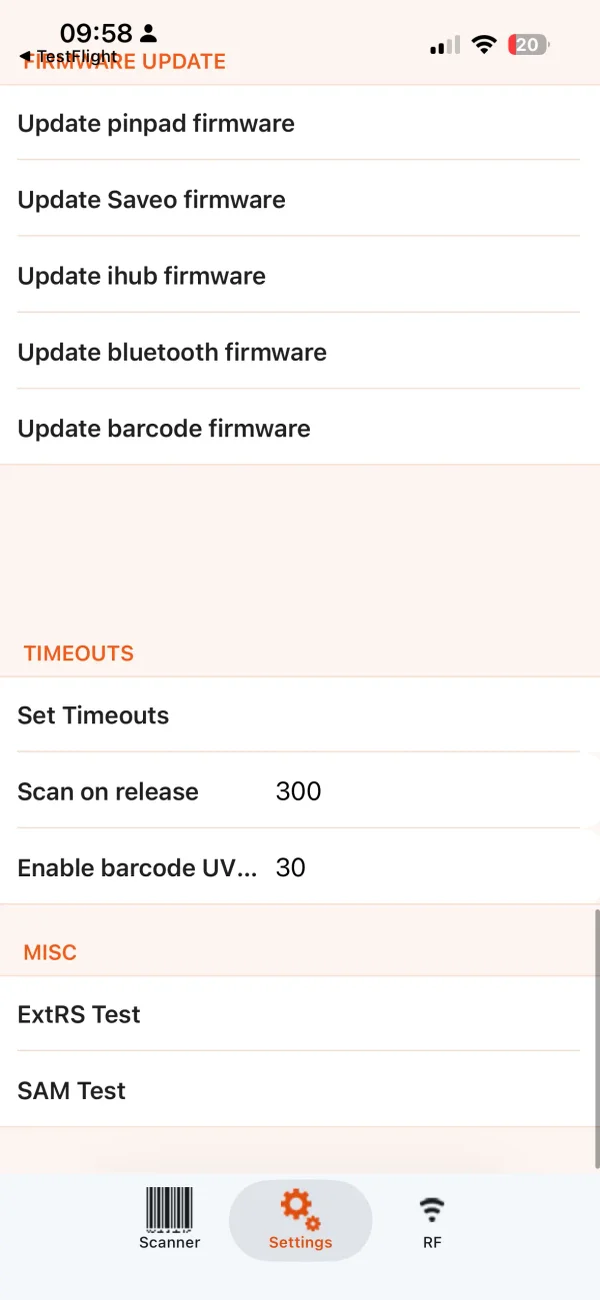
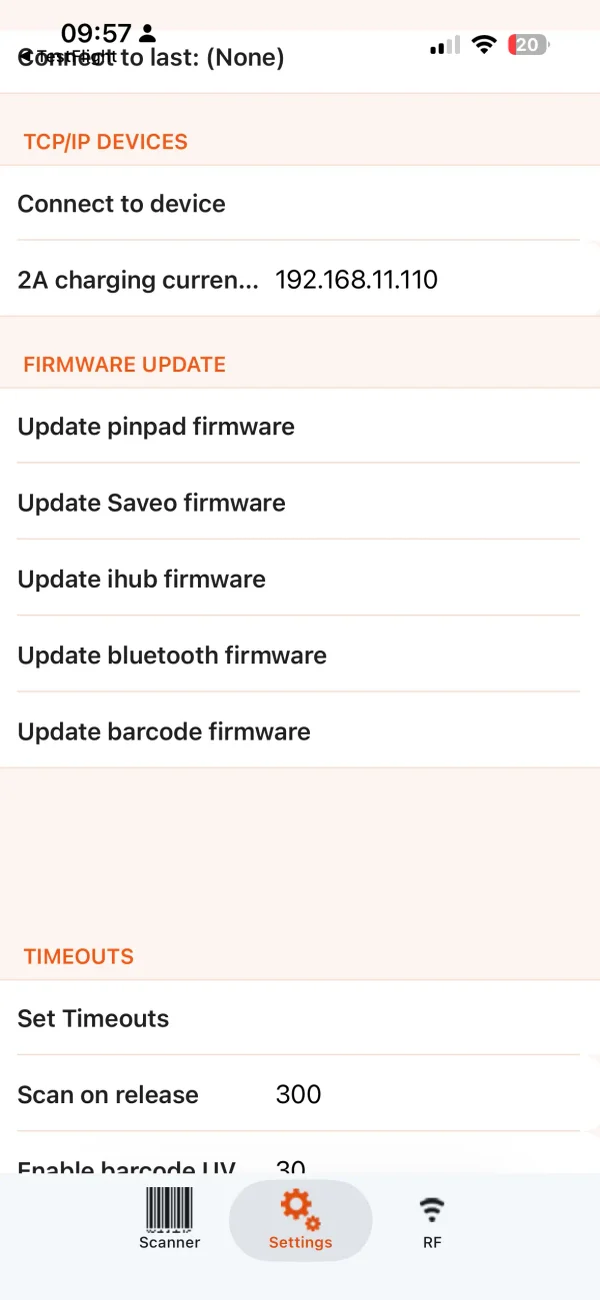

Tentang
Pengembang belum menyediakan teks ini dalam bahasa Anda.
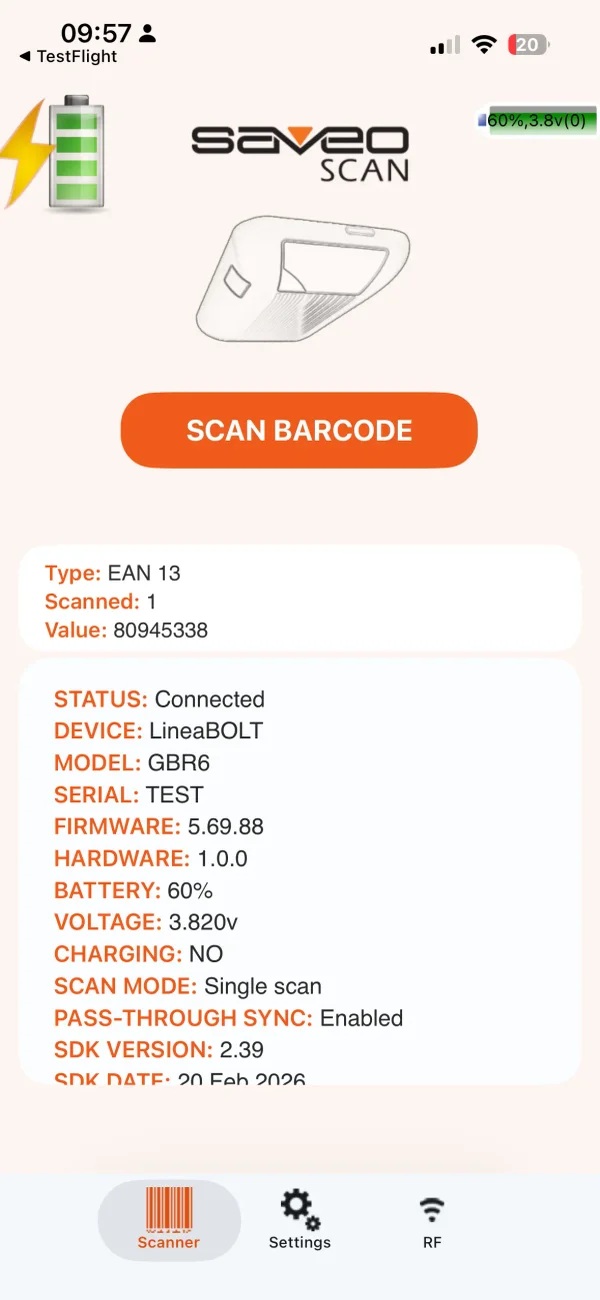
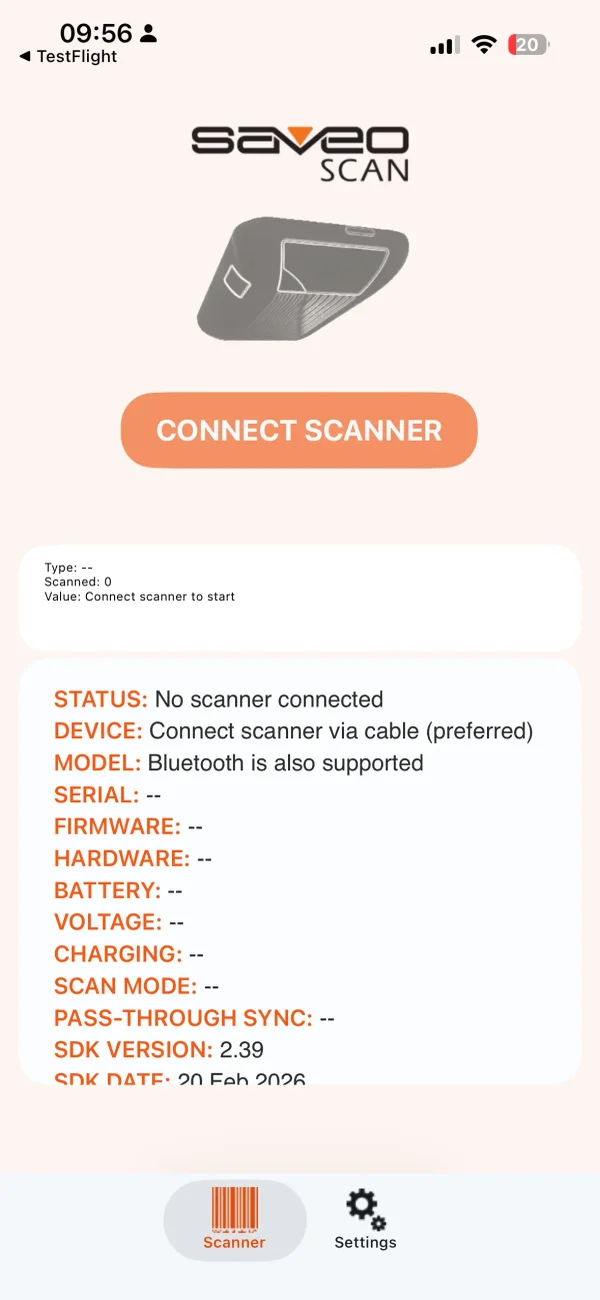
Saveo Support works with supported Saveo scanner hardware to provide barcode scanning, device status, and configuration tools in a simple mobile workflow.
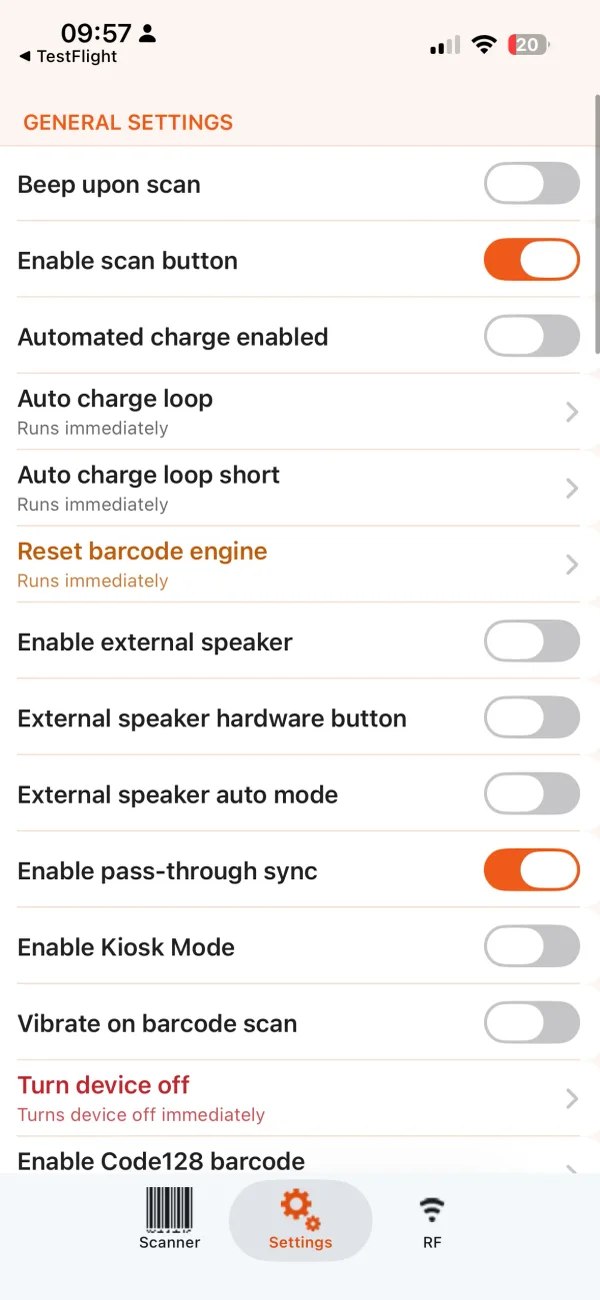
Use the app to connect supported hardware, scan barcodes, view device information, monitor firmware and battery details, and access device settings from a single interface.
Features include:
• Barcode scanning with supported Saveo hardware
• Live device information and connection status
• Battery, firmware, and SDK information
• Device settings and scanner configuration
• Firmware update support for compatible devices
• Bluetooth support on compatible hardware
• iHUB connectivity support for compatible workflows
Saveo Support is intended for use with supported external accessories. Some features require compatible hardware to function.
Yang baru
Versi 1.22.3 · 21/11/2026
iPad: Saveo Support now works in landscape, for example in a POS stand, and fills the whole screen.
Saveo Sled 15/16/16E: new keyboard (HID) firmware 01.05.70.29, adding the on-screen keyboard show/hide toggle (bottom-left key), as on the Saveo Bolt X2.
How to update (scanner connected):
1. Settings › Update Saveo firmware › tap the keyboard firmware offered and wait for the update to finish.
2. Settings › Reset barcode engine › OK (one-time step after updating).
3. Optional: Settings › HID Barcode Suffix › Enter.
4. Scan into any app. Press the bottom-left key to show or hide the on-screen keyboard.
Also includes minor fixes and improvements.
Video guide: saveoscan.com/support-2/#hid-firmware
Privasi aplikasi
Yang dinyatakan Stimare Ltd di App Store tentang cara aplikasi ini menangani data.
-
Data tidak dikumpulkan
Pengembang tidak mengumpulkan data apa pun dari aplikasi ini.
Praktik privasi dapat bervariasi, misalnya berdasarkan fitur yang Anda gunakan atau usia Anda.
Informasi
- Penjual
- Stimare Ltd
- Kategori
- Kegunaan
- Versi
- 1.22.3
- Diperbarui
- 21/11/2026
- Dirilis
- 12/5/2026
- Ukuran
- 68,2 MB
- Memerlukan
- iOS 15.0 atau yang lebih baru
- Batasan usia
- 4+
- Harga
- Gratis
- Bahasa
- Inggris
- Hak cipta
- © Stimare Ltd