Screen Test: Display & Touch
Dead Pixel & Touch Diagnostic
Entwickelt für iPhone, iPad
Kostenlos · In-App-Käufe
- Altersfreigabe4+
- KategorieDienstprogramme
- EntwicklerBhavinkumar Satashiya
- SprachenEnglisch
- Größe3,8 MB
Verlinkt auf die offizielle App Store-Seite
Download.org hostet keine Datei von Screen Test: Display & Touch. Die Schaltfläche öffnet die App-Seite bei App Store, wo Bhavinkumar Satashiya die App veröffentlicht. Eintrag zuletzt geprüft am 15.11.2026.
Screenshots
Info
Der Entwickler hat diesen Text nicht in Ihrer Sprache bereitgestellt.
Before you buy a used phone, before you sell one, before the return window closes on a new one — run Screen Test. Eight quick checks, one plain-English report, and a certificate you can actually show someone.
No hunting through Settings, no cryptic diagnostic codes. Just tap through eight tests, answer honestly, and get a score out of 8 you can trust — or send.
WHAT SCREEN TEST CHECKS
Display
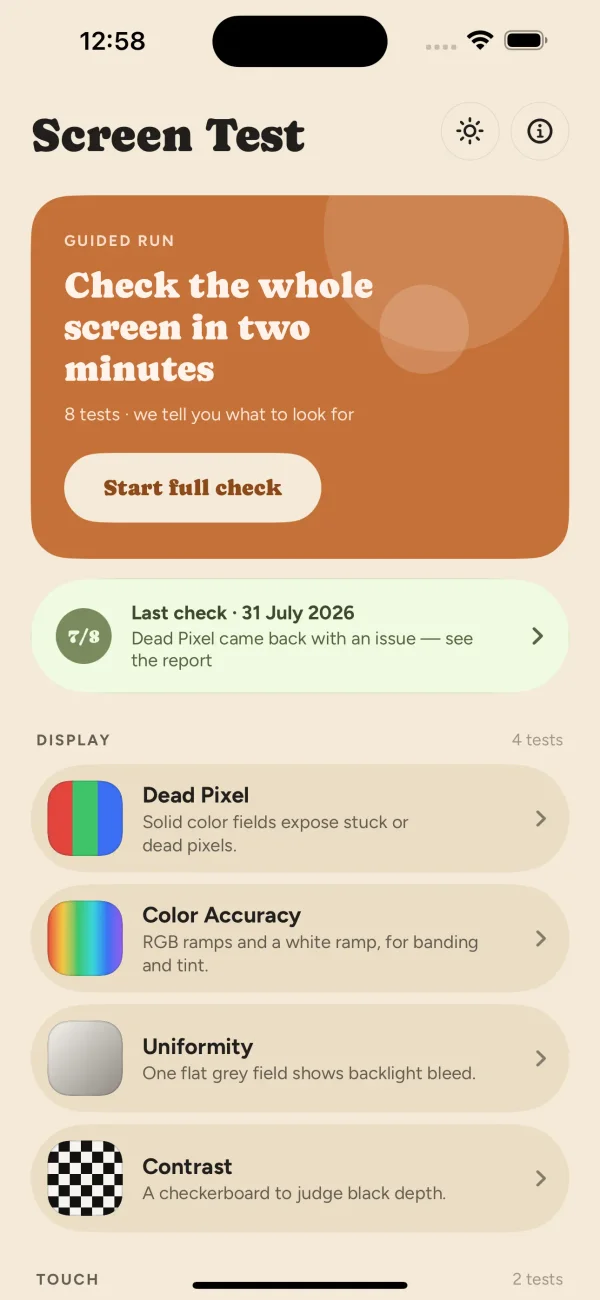
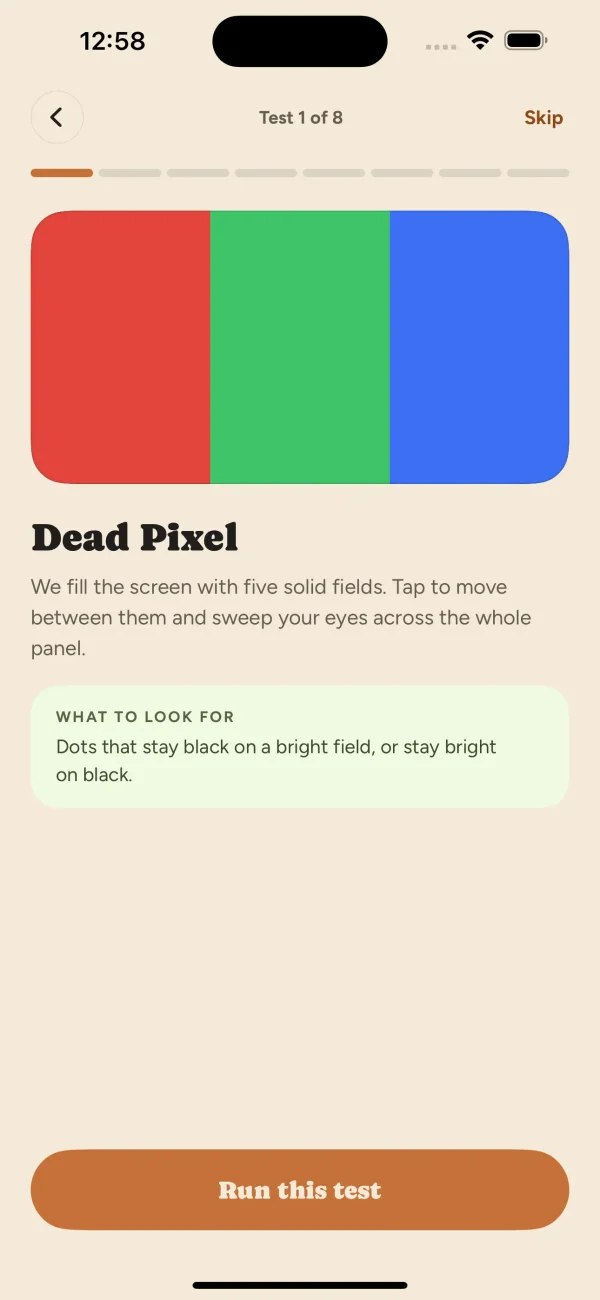
• Dead Pixel — solid color fields expose stuck or dead pixels
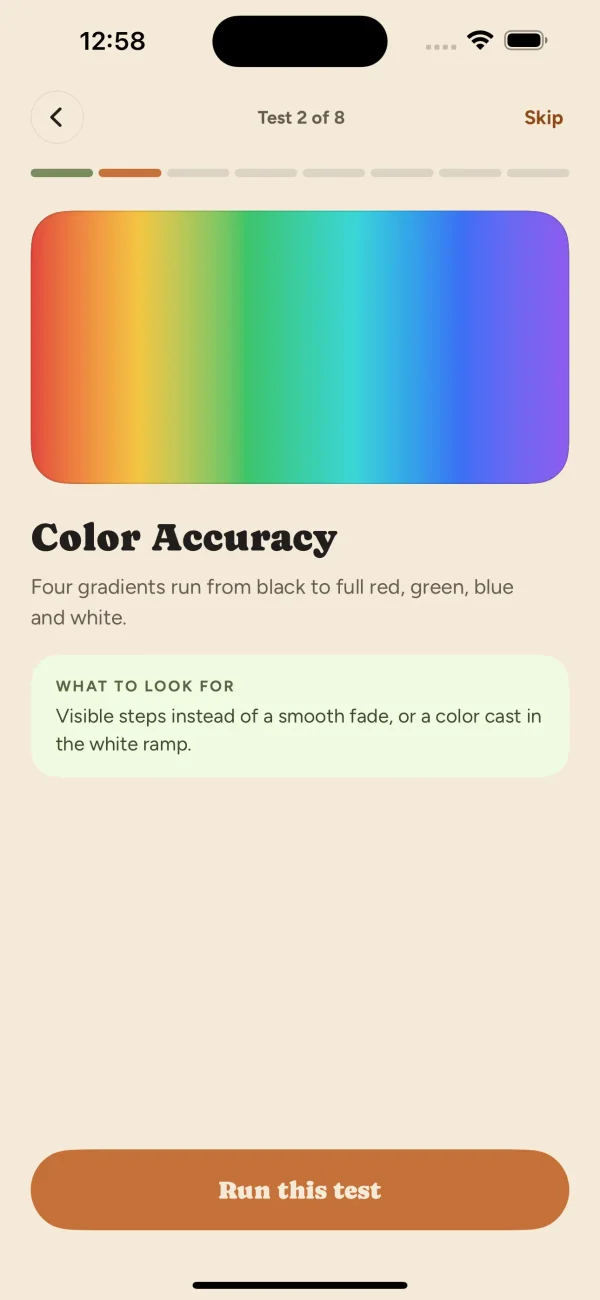
• Color Accuracy — RGB and white ramps reveal banding or tint
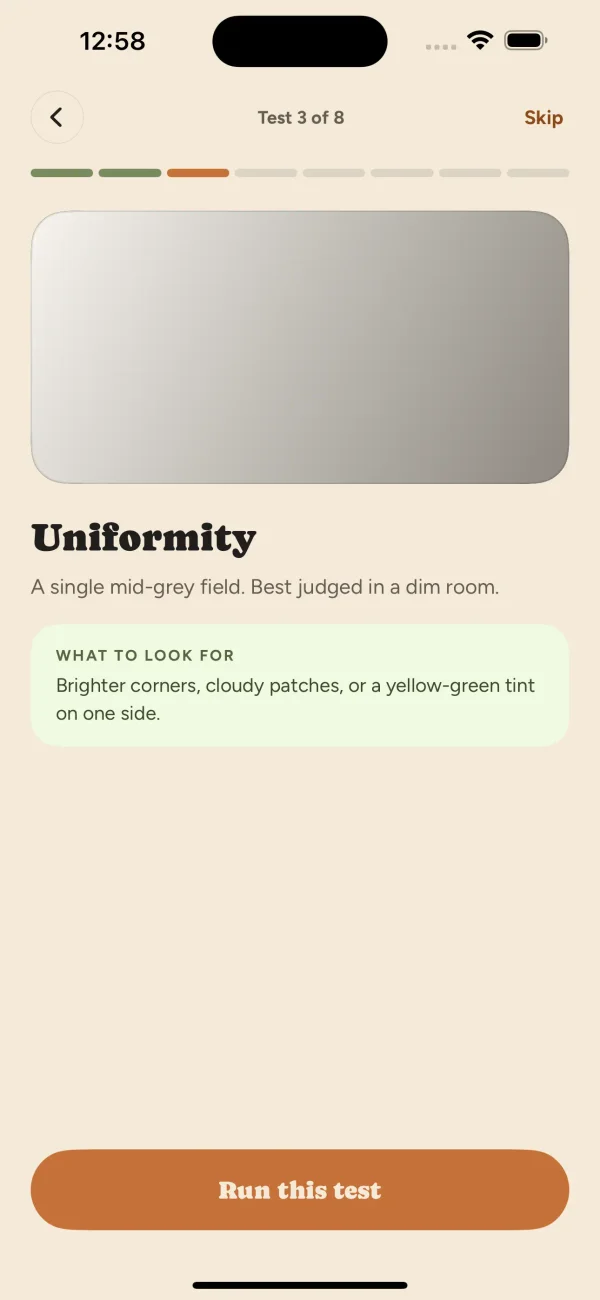
• Uniformity — a flat grey field shows backlight bleed
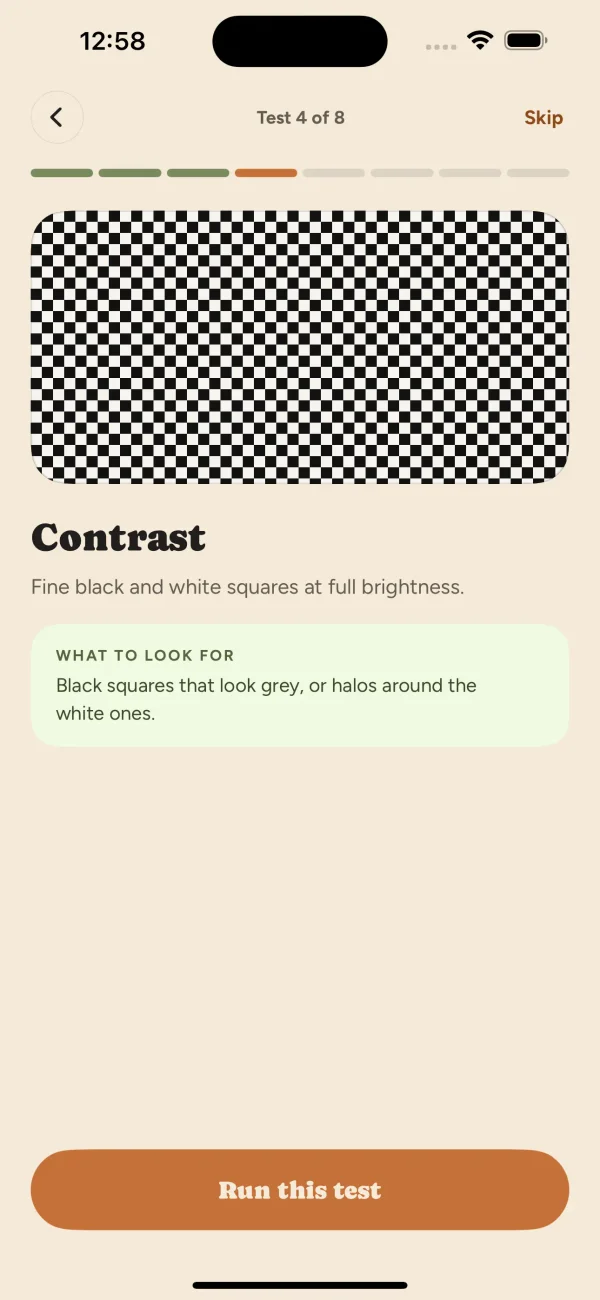
• Contrast — a fine checkerboard judges true black depth
Touch
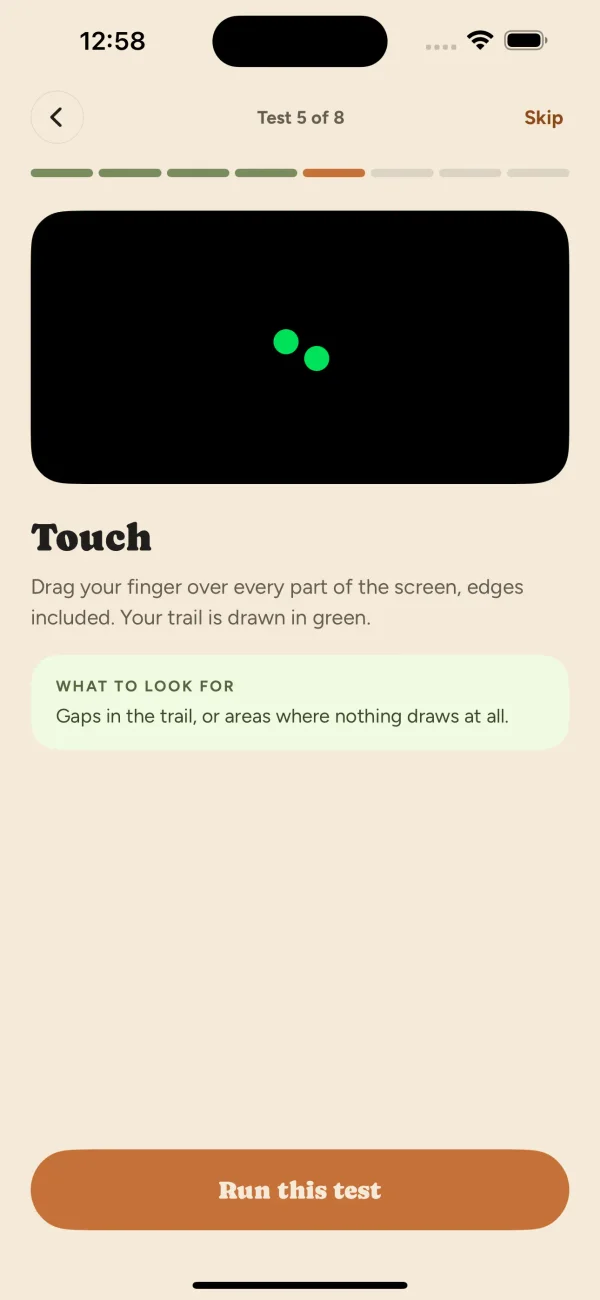
• Touch — drag across the whole panel to find dead zones
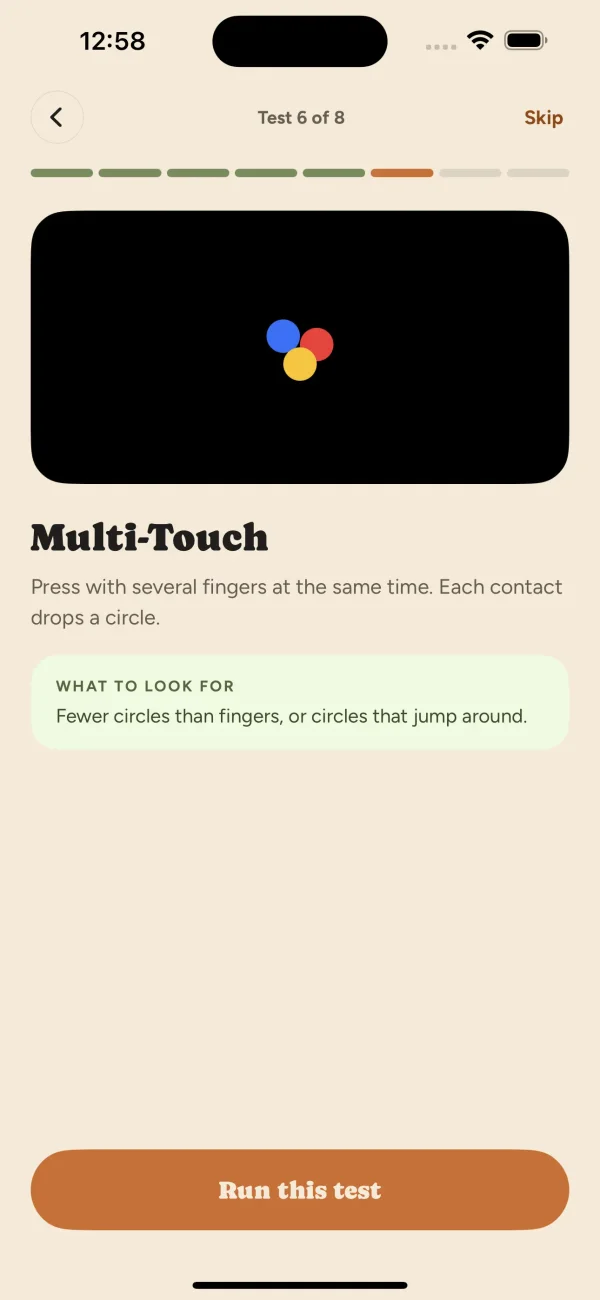
• Multi-Touch — press with several fingers to see how many actually register
Geometry & Motion
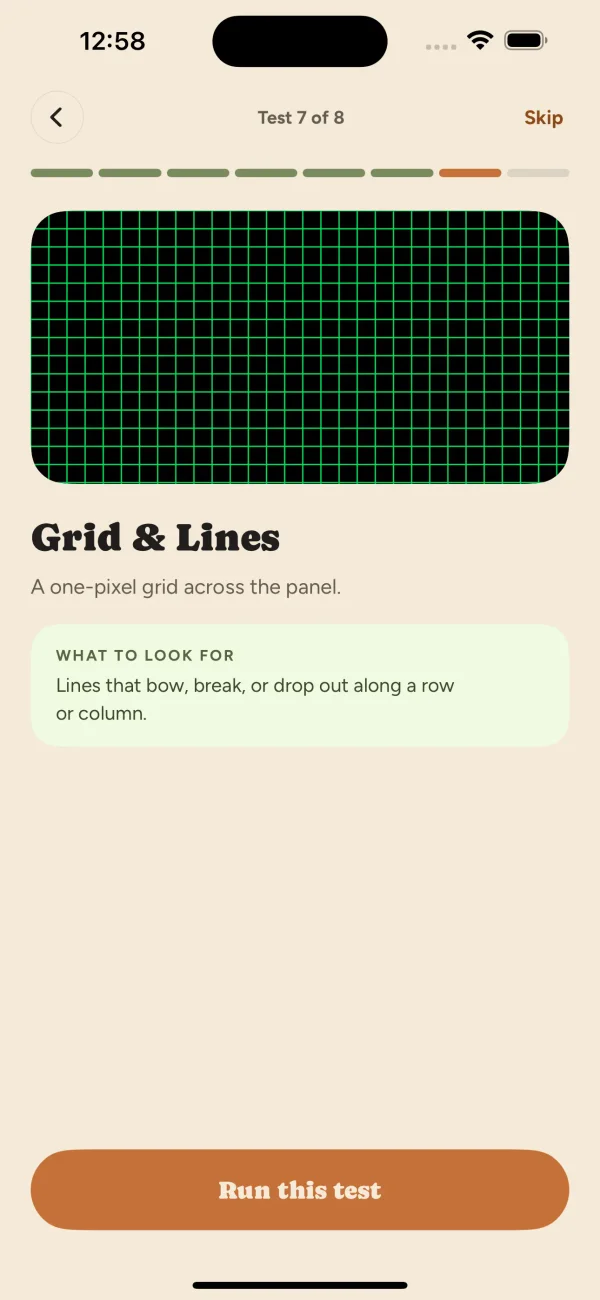
• Grid & Lines — a fine grid reveals distortion and bent lines
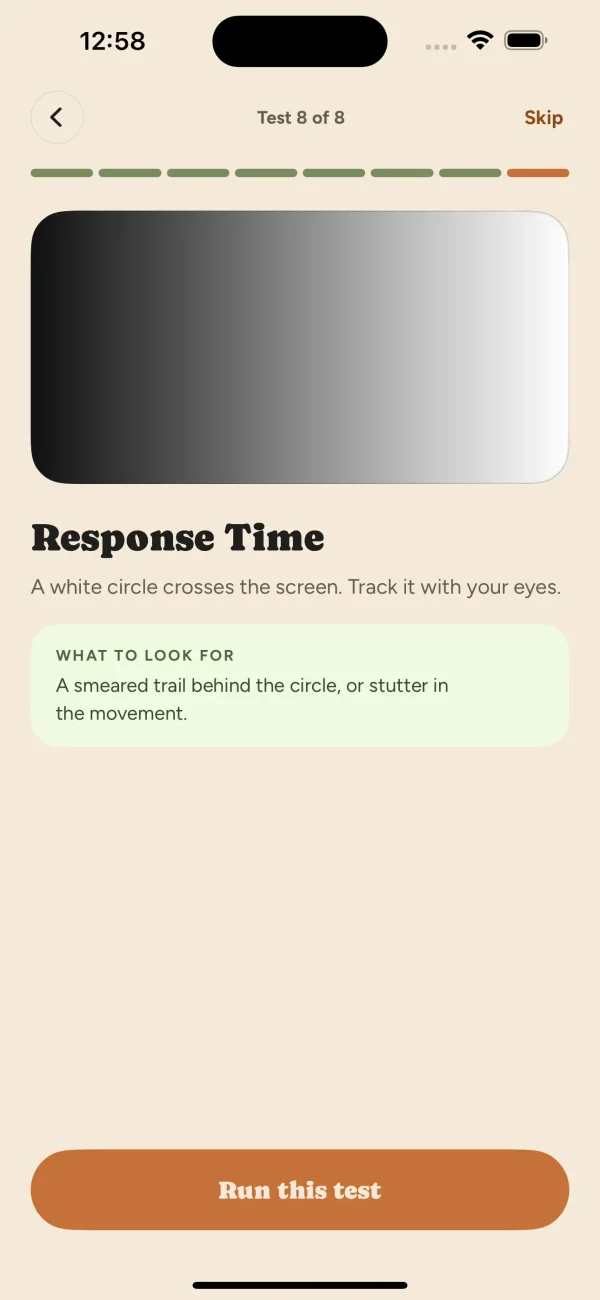
• Response Time — a moving object exposes ghosting and blur
HOW IT WORKS
Start the guided run and Screen Test walks you through all eight, one at a time — with a short explanation of what you're looking for before each one. Answer "Looked fine" or "Something was wrong" and move on. The whole thing takes about two minutes.
Screen brightness is raised automatically while a test is running and put back afterward, because a dim panel can hide the exact problems you're trying to catch.
YOUR REPORT
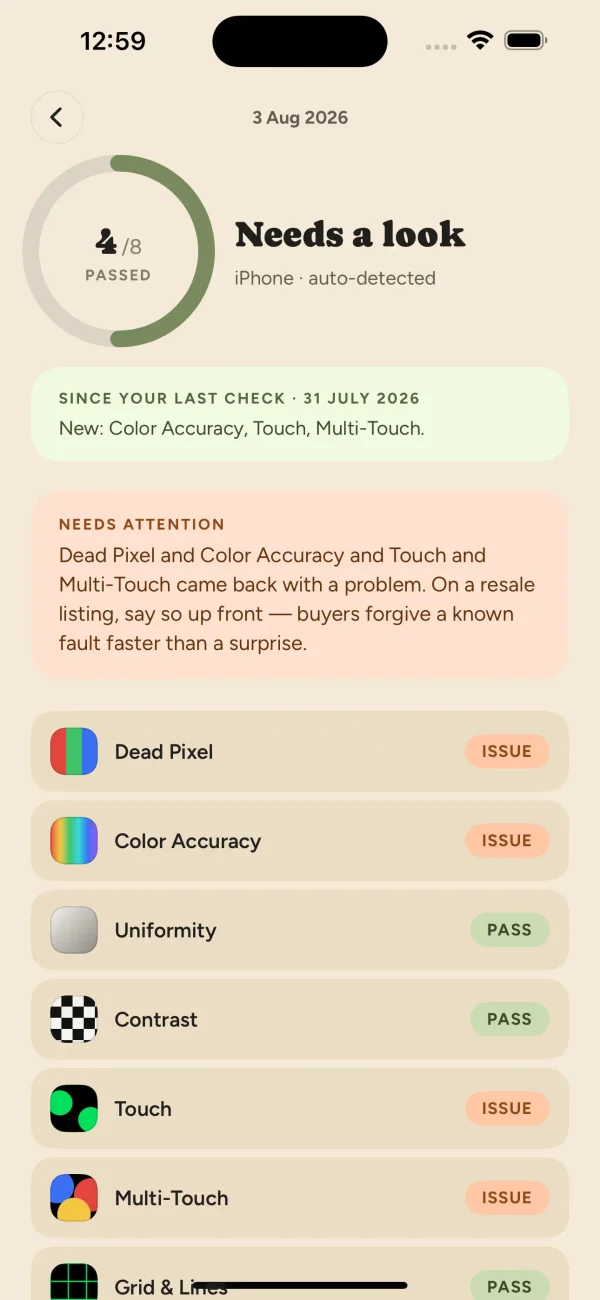
At the end you get a score, a plain-language verdict, and — if anything's off — a clear note on what to say if you're the one selling. Run it again later and Screen Test tells you what changed since your last check, so a new scratch or a new dead pixel doesn't slip past you.
Privacy Policy : https://forms.gle/dnBUgnpqw4AREio97
Terms of Use : https://forms.gle/2uy2JqJa2JjkTZpo8
App-Datenschutz
Was Bhavinkumar Satashiya im App Store zum Umgang dieser App mit Daten angibt.
-
Daten, die zum Tracking Ihrer Person verwendet werden
Können verwendet werden, um Sie über Apps und Websites anderer Unternehmen hinweg zu verfolgen.
- Nutzungsdaten
-
Nicht mit Ihnen verknüpfte Daten
Können erfasst werden, sind aber nicht mit Ihrer Identität verknüpft.
- Nutzungsdaten
Die Datenschutzpraktiken können variieren, zum Beispiel je nach den von Ihnen verwendeten Funktionen oder Ihrem Alter.
Informationen
- Anbieter
- Bhavinkumar Satashiya
- Kategorie
- Dienstprogramme
- Version
- 1.0
- Aktualisiert
- 18.08.2026
- Veröffentlicht
- 18.08.2026
- Größe
- 3,8 MB
- Erfordert
- iOS 16.0 oder neuer
- Altersfreigabe
- 4+
- Preis
- Kostenlos
- In-App-Käufe
- Ja
- Sprachen
- Englisch
- Copyright
- © 2026
Das könnte Ihnen auch gefallen
-
 Bildschirmtest: PixelfehlerTouch- & Einbrenn-Test
-
 Color Test For Your ScreenDienstprogramme
-
 Pixeltest - Screen Check11 Display-Tests · PDF-Bericht
-
 ScreenTest - Dead Pixel CheckDienstprogramme
-
 Pixel Pulse: Bildschirm TestOLED-Test & tote Pixel finden
-
 Pixel ControlBeherrsche jedes Pixel!
-
 Phone TesterDienstprogramme
-
 Phone DiagnosticsDienstprogramme
-
 NSYS-TestDienstprogramme
-
 Battery LifeLade-Alarme & Geräte-Widgets