Screen Test: Display & Touch
Dead Pixel & Touch Diagnostic
Dirancang untuk iPhone, iPad
Gratis · Pembelian dalam aplikasi
- Batasan usia4+
- KategoriKegunaan
- PengembangBhavinkumar Satashiya
- BahasaInggris
- Ukuran3,8 MB
Tertaut ke halaman resmi App Store
Download.org tidak menyimpan file Screen Test: Display & Touch apa pun. Tombol ini membuka halaman aplikasi di App Store, tempat Bhavinkumar Satashiya menerbitkannya. Halaman terakhir diperiksa pada 15/11/2026.
Tangkapan layar
Tentang
Pengembang belum menyediakan teks ini dalam bahasa Anda.
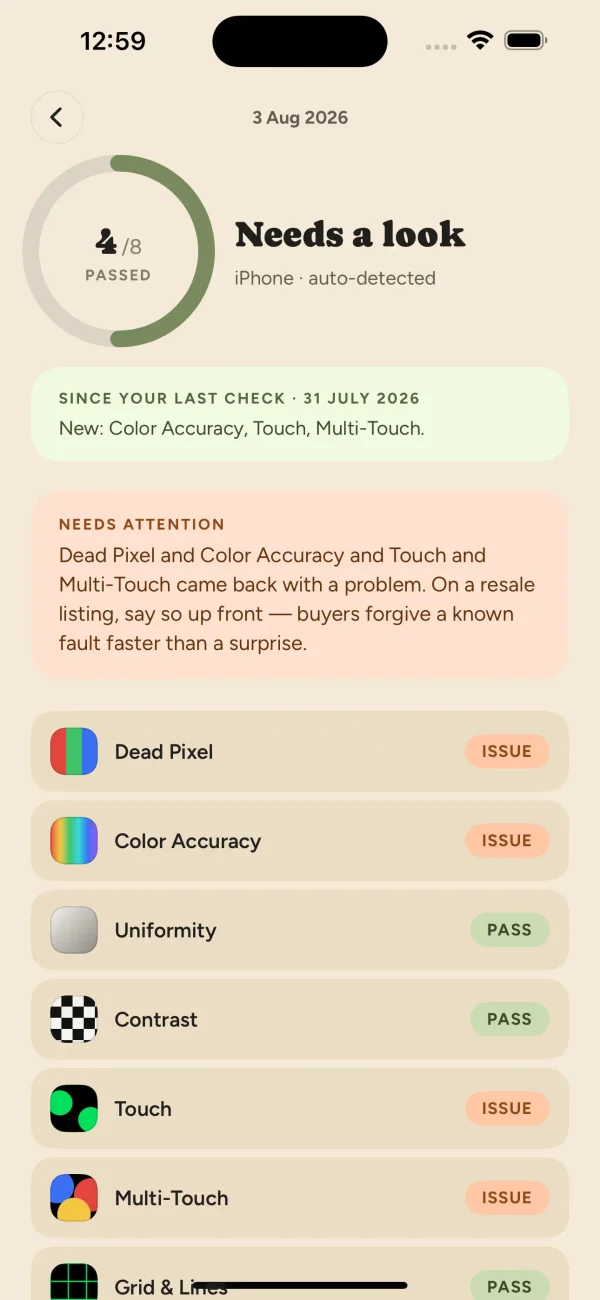
Before you buy a used phone, before you sell one, before the return window closes on a new one — run Screen Test. Eight quick checks, one plain-English report, and a certificate you can actually show someone.
No hunting through Settings, no cryptic diagnostic codes. Just tap through eight tests, answer honestly, and get a score out of 8 you can trust — or send.
WHAT SCREEN TEST CHECKS
Display
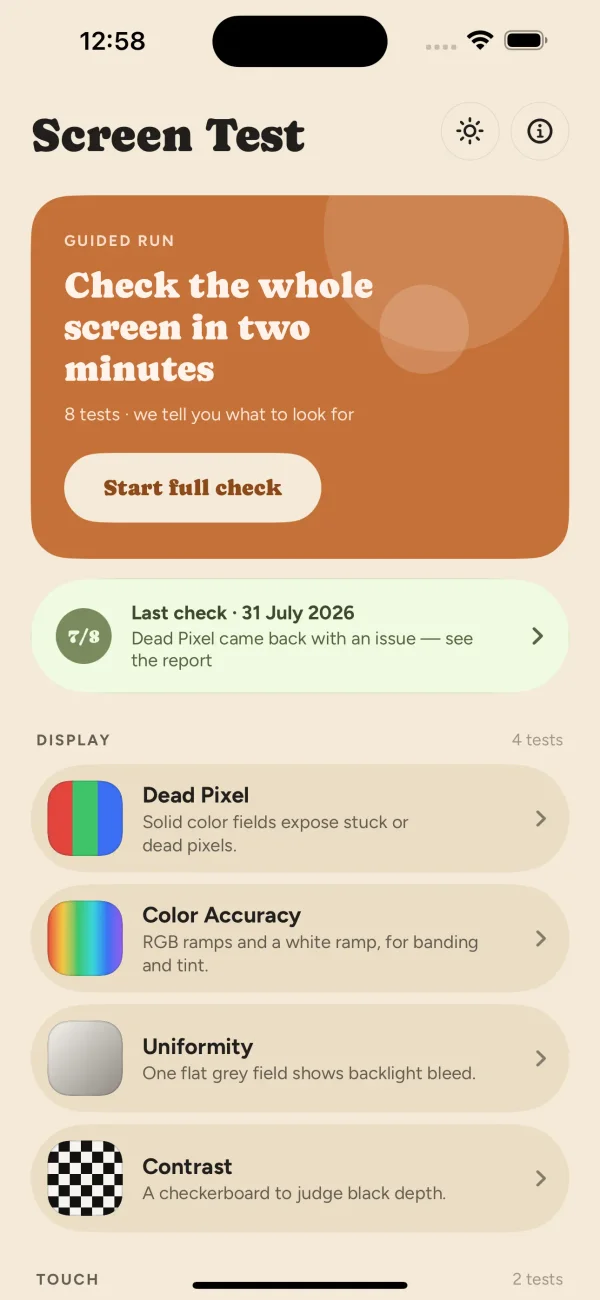
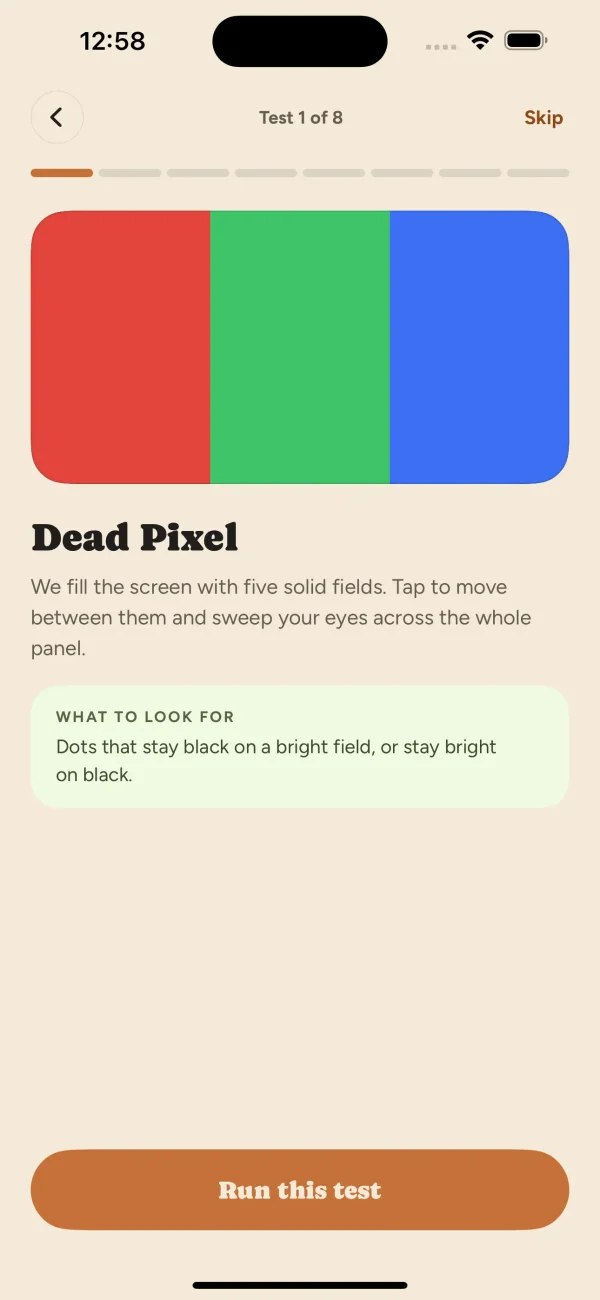
• Dead Pixel — solid color fields expose stuck or dead pixels
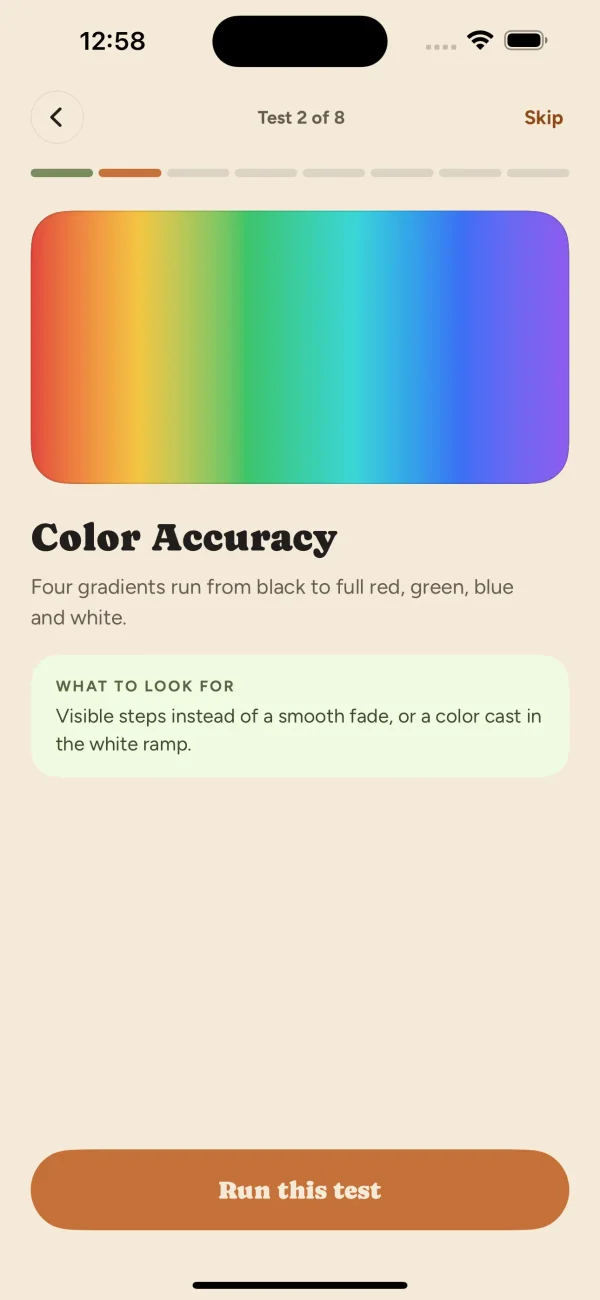
• Color Accuracy — RGB and white ramps reveal banding or tint
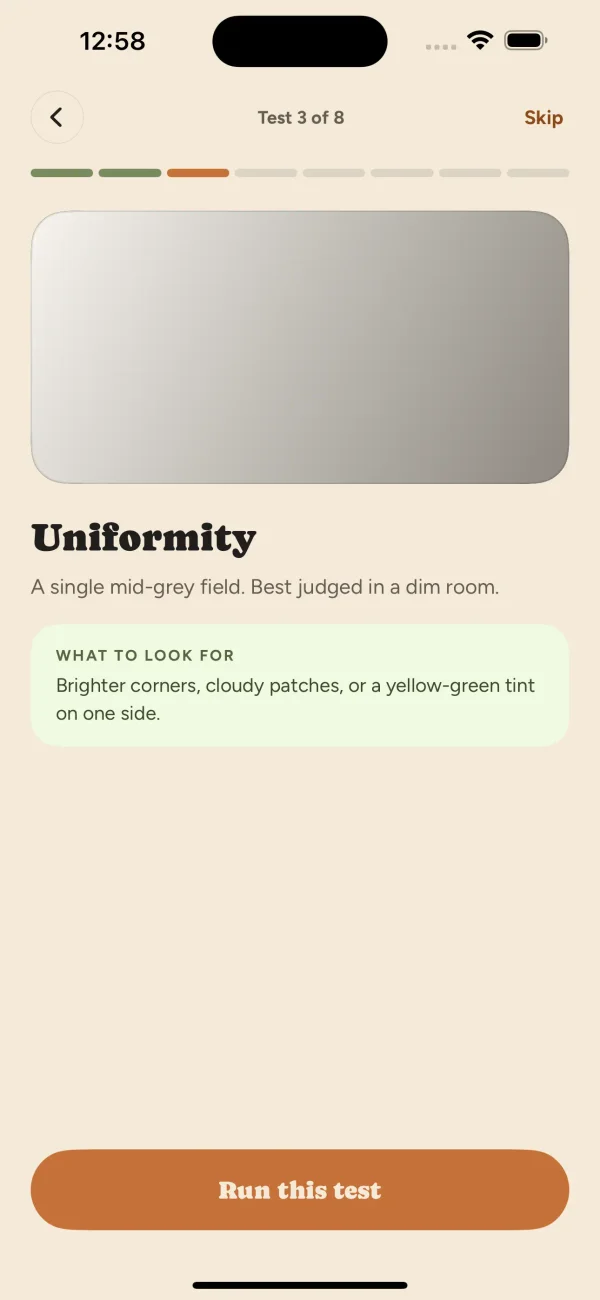
• Uniformity — a flat grey field shows backlight bleed
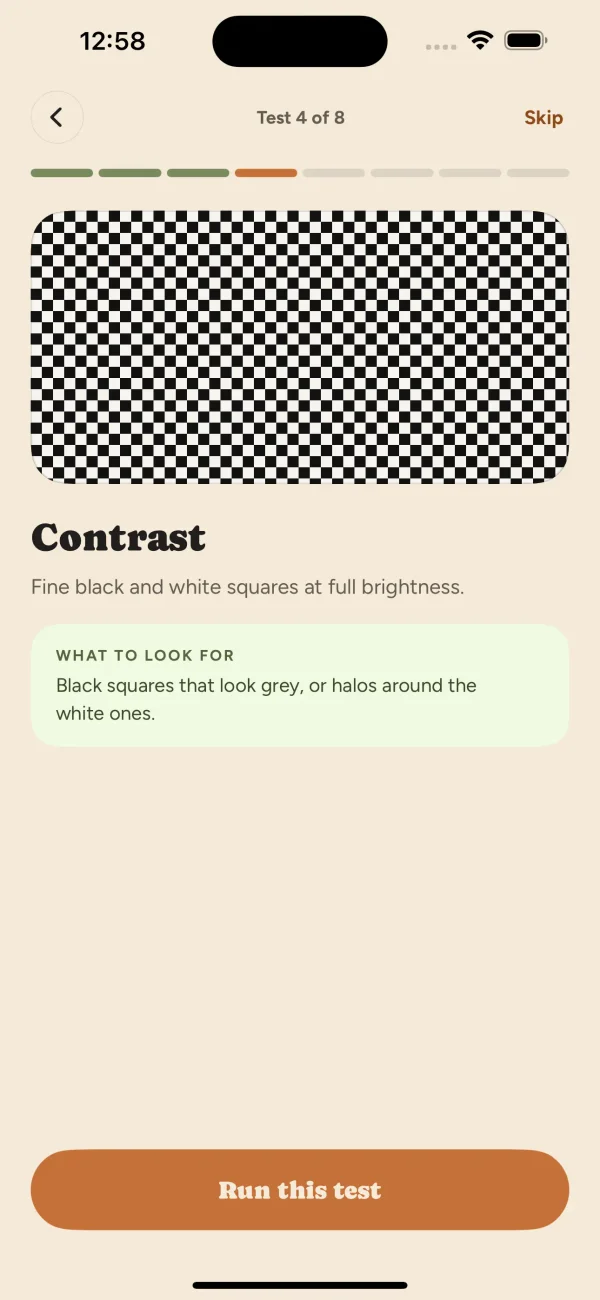
• Contrast — a fine checkerboard judges true black depth
Touch
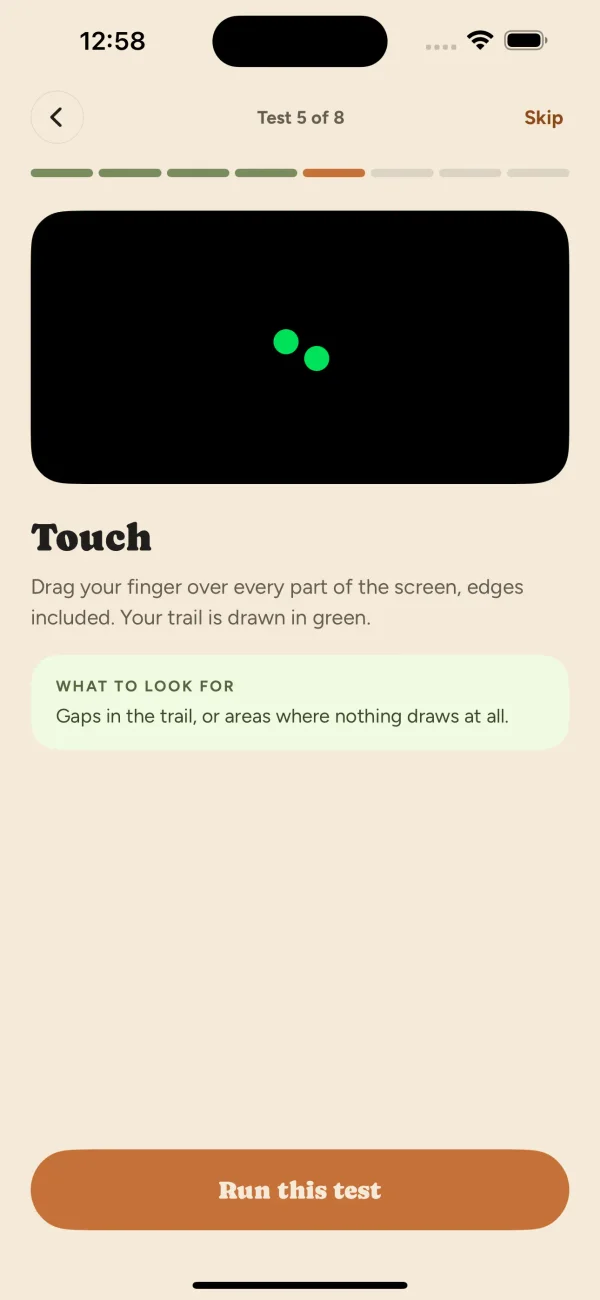
• Touch — drag across the whole panel to find dead zones
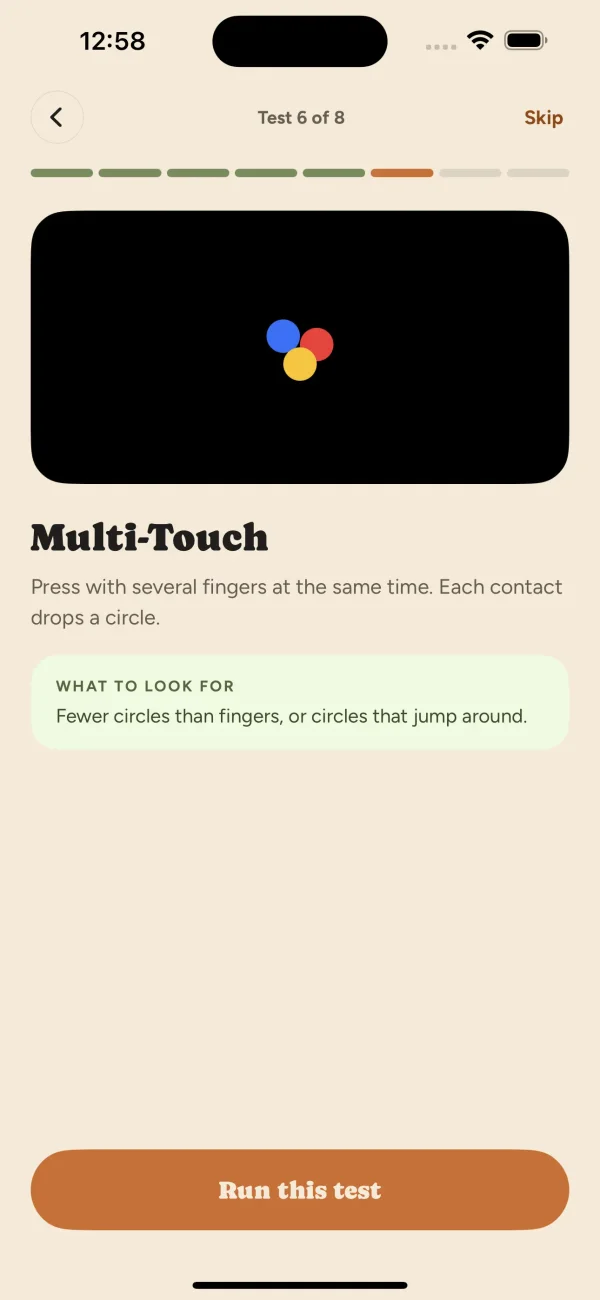
• Multi-Touch — press with several fingers to see how many actually register
Geometry & Motion
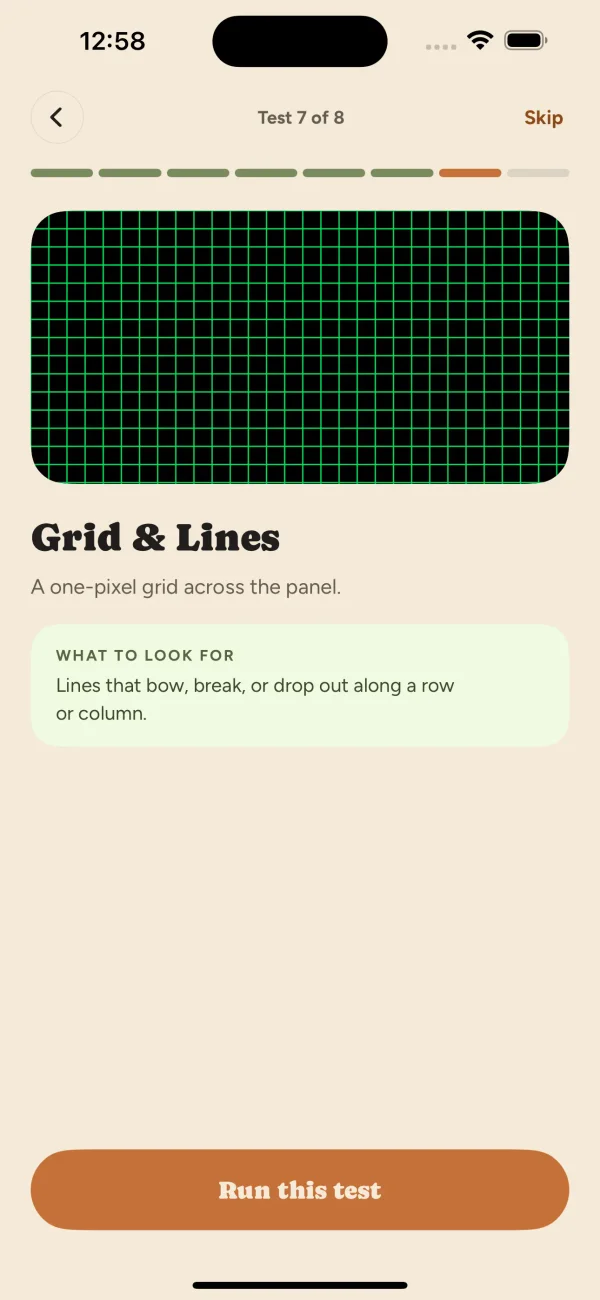
• Grid & Lines — a fine grid reveals distortion and bent lines
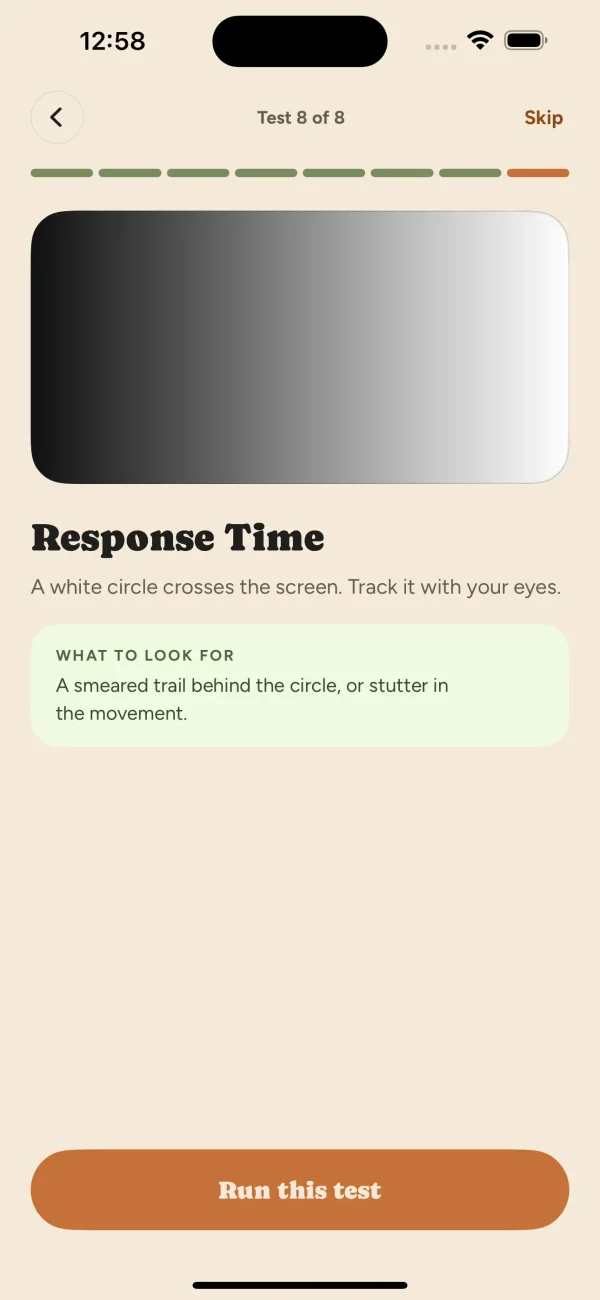
• Response Time — a moving object exposes ghosting and blur
HOW IT WORKS
Start the guided run and Screen Test walks you through all eight, one at a time — with a short explanation of what you're looking for before each one. Answer "Looked fine" or "Something was wrong" and move on. The whole thing takes about two minutes.
Screen brightness is raised automatically while a test is running and put back afterward, because a dim panel can hide the exact problems you're trying to catch.
YOUR REPORT
At the end you get a score, a plain-language verdict, and — if anything's off — a clear note on what to say if you're the one selling. Run it again later and Screen Test tells you what changed since your last check, so a new scratch or a new dead pixel doesn't slip past you.
Privacy Policy : https://forms.gle/dnBUgnpqw4AREio97
Terms of Use : https://forms.gle/2uy2JqJa2JjkTZpo8
Privasi aplikasi
Yang dinyatakan Bhavinkumar Satashiya di App Store tentang cara aplikasi ini menangani data.
-
Data yang digunakan untuk melacak Anda
Dapat digunakan untuk melacak Anda di aplikasi dan situs web milik perusahaan lain.
- Data penggunaan
-
Data yang tidak ditautkan dengan Anda
Dapat dikumpulkan, tetapi tidak ditautkan dengan identitas Anda.
- Data penggunaan
Praktik privasi dapat bervariasi, misalnya berdasarkan fitur yang Anda gunakan atau usia Anda.
Informasi
- Penjual
- Bhavinkumar Satashiya
- Kategori
- Kegunaan
- Versi
- 1.0
- Diperbarui
- 18/8/2026
- Dirilis
- 18/8/2026
- Ukuran
- 3,8 MB
- Memerlukan
- iOS 16.0 atau yang lebih baru
- Batasan usia
- 4+
- Harga
- Gratis
- Pembelian dalam aplikasi
- Ya
- Bahasa
- Inggris
- Hak cipta
- © 2026
Mungkin Anda juga suka
-
 Screen Test: Dead Pixel CheckKegunaan
-
 Color Test For Your ScreenKegunaan
-
 Tes Piksel - Screen Check11 tes layar · Laporan PDF
-
 ScreenTest - Dead Pixel CheckKegunaan
-
 Pixel Pulse: Perawatan OLEDGhosting dan uji piksel
-
 Pixel ControlKegunaan
-
 Phone TesterKegunaan
-
 Phone DiagnosticsKegunaan
-
 NSYS-TestKegunaan
-
 Battery Life - pantau bateraiPeringatan isi daya & widget