Screen Test: Display & Touch
Dead Pixel & Touch Diagnostic
Conçue pour iPhone, iPad
Gratuit · Achats intégrés
- Classification d’âge4+
- CatégorieUtilitaires
- DéveloppeurBhavinkumar Satashiya
- LanguesAnglais
- Taille3,8 Mo
Renvoie vers la page App Store officielle
Download.org n’héberge aucun fichier de Screen Test: Display & Touch. Le bouton ouvre la page de l’application sur App Store, où Bhavinkumar Satashiya la publie. Fiche vérifiée pour la dernière fois le 15/11/2026.
Captures d’écran
À propos
Le développeur n’a pas fourni ce texte dans votre langue.
Before you buy a used phone, before you sell one, before the return window closes on a new one — run Screen Test. Eight quick checks, one plain-English report, and a certificate you can actually show someone.
No hunting through Settings, no cryptic diagnostic codes. Just tap through eight tests, answer honestly, and get a score out of 8 you can trust — or send.
WHAT SCREEN TEST CHECKS
Display
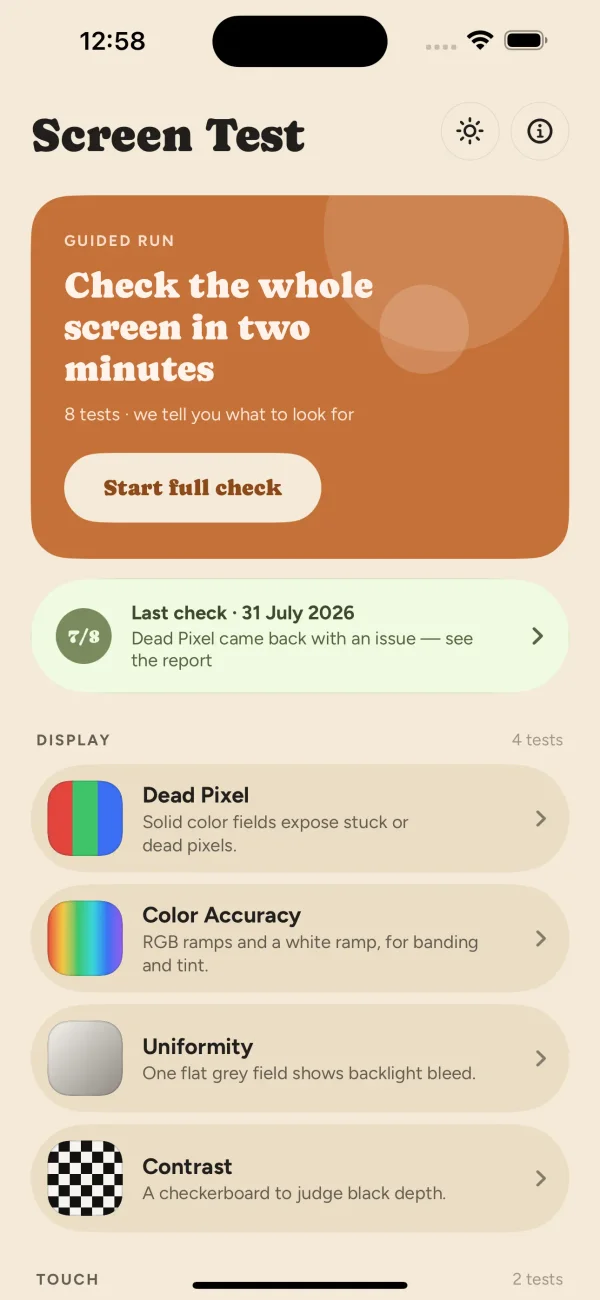
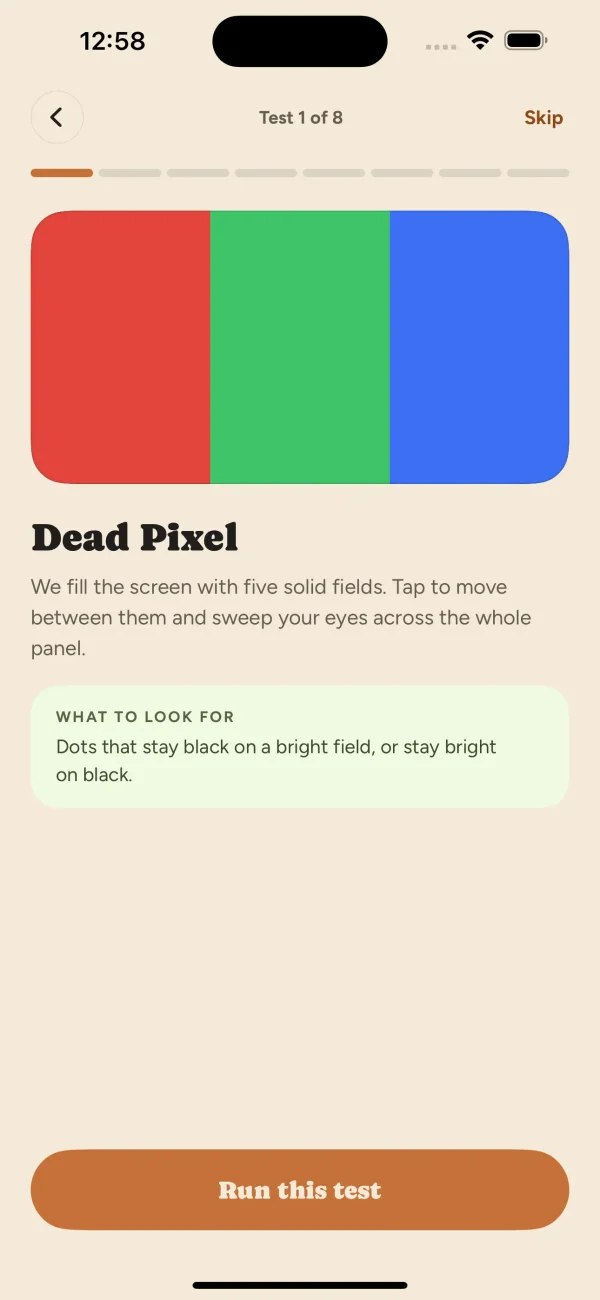
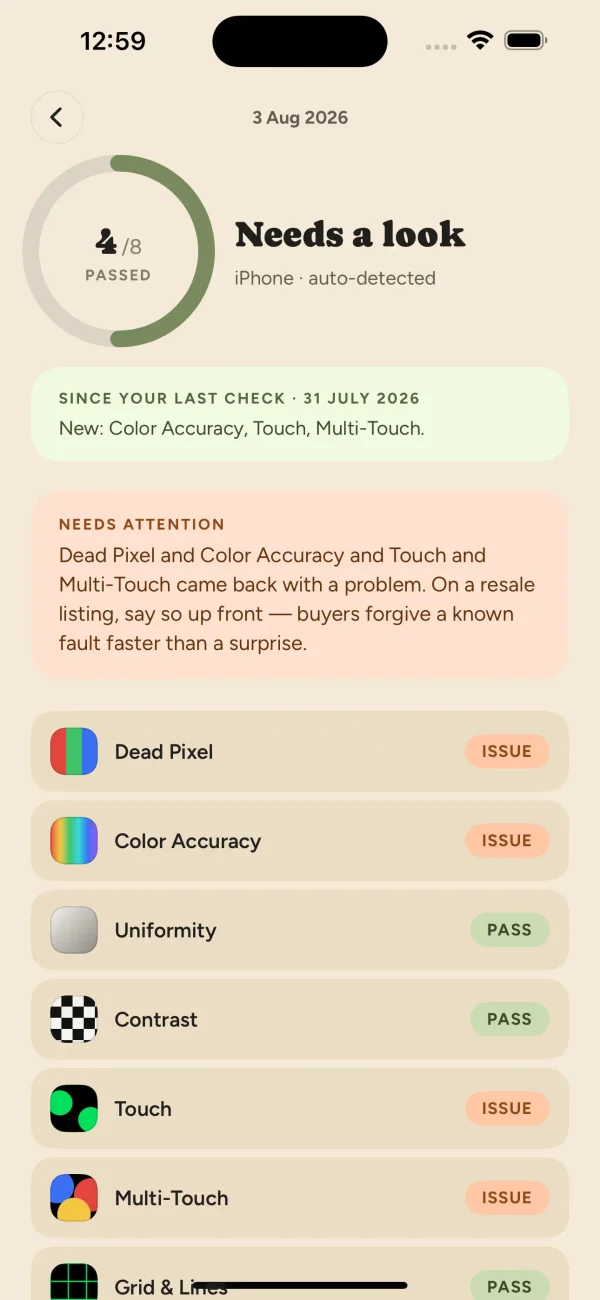
• Dead Pixel — solid color fields expose stuck or dead pixels
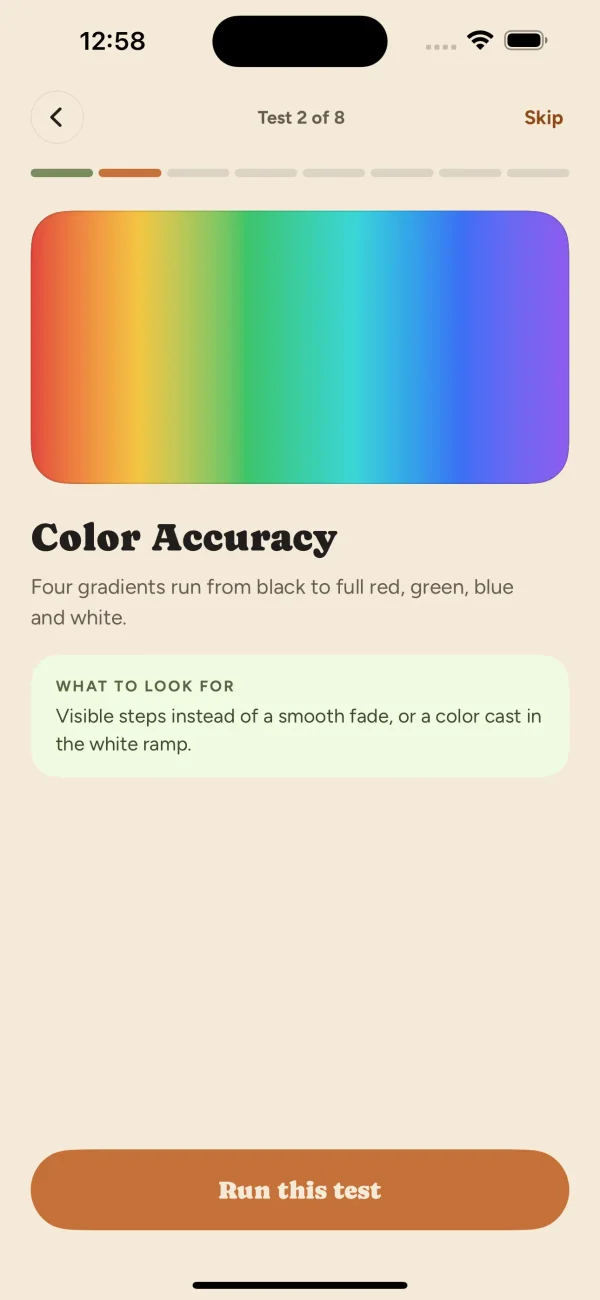
• Color Accuracy — RGB and white ramps reveal banding or tint
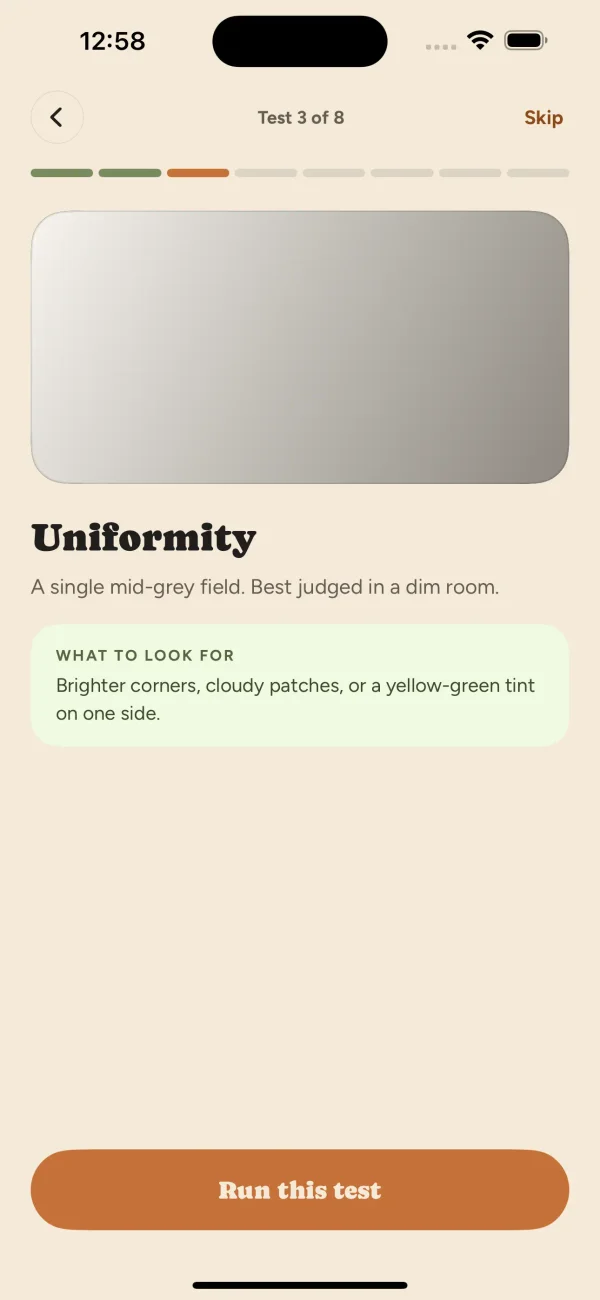
• Uniformity — a flat grey field shows backlight bleed
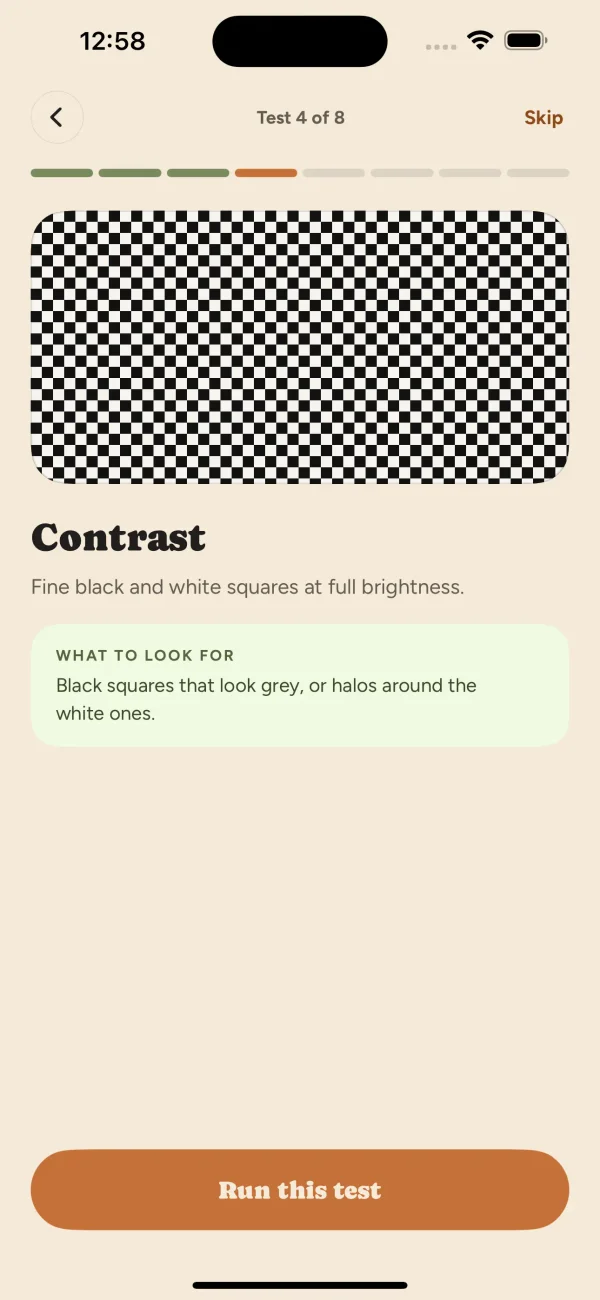
• Contrast — a fine checkerboard judges true black depth
Touch
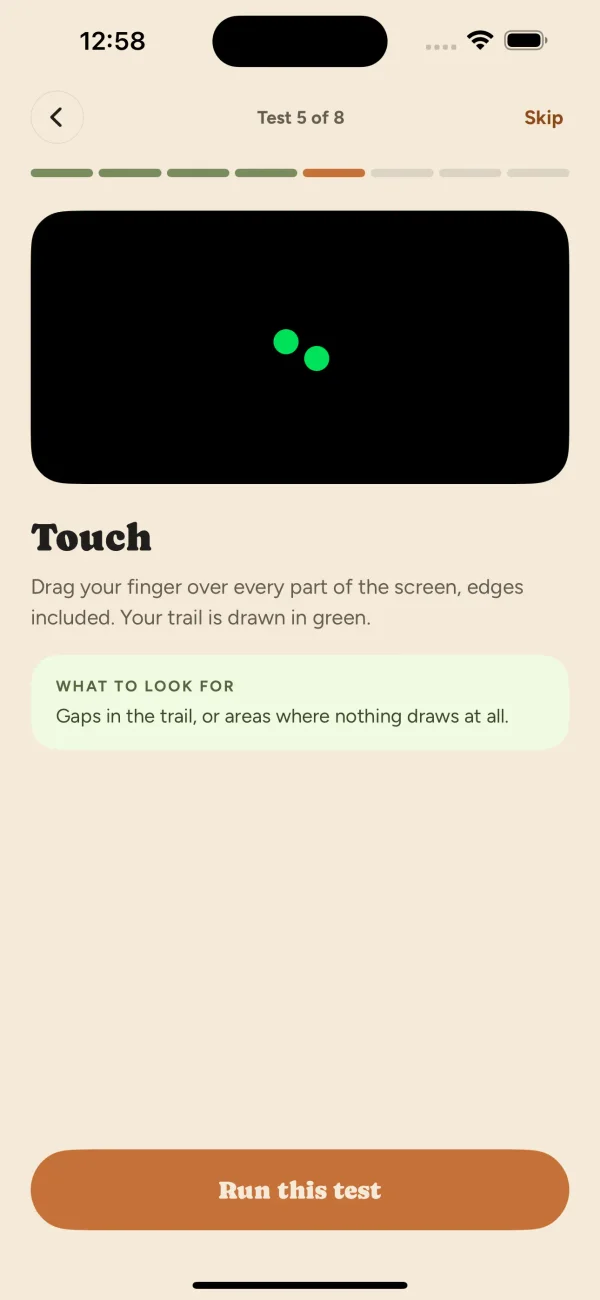
• Touch — drag across the whole panel to find dead zones
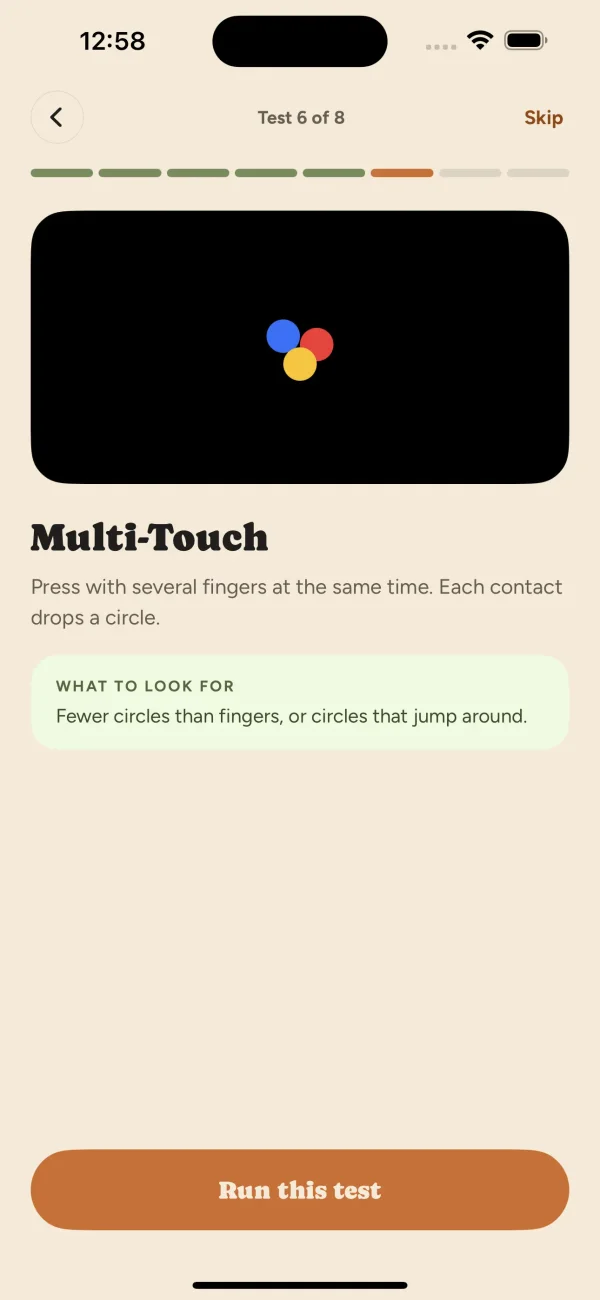
• Multi-Touch — press with several fingers to see how many actually register
Geometry & Motion
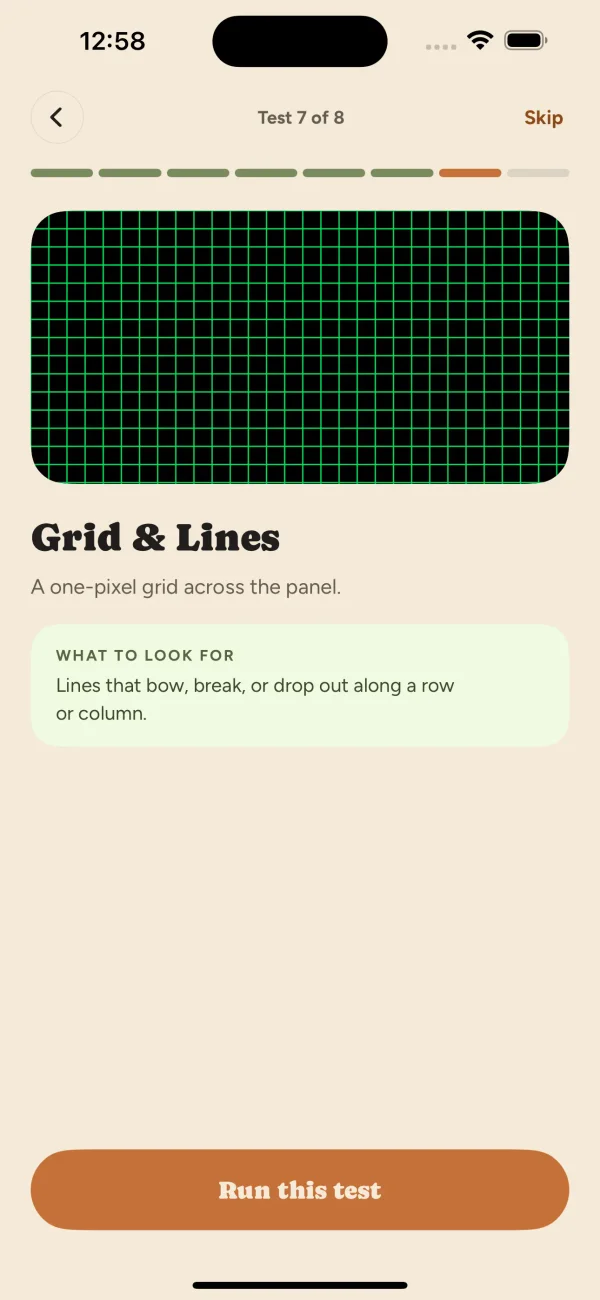
• Grid & Lines — a fine grid reveals distortion and bent lines
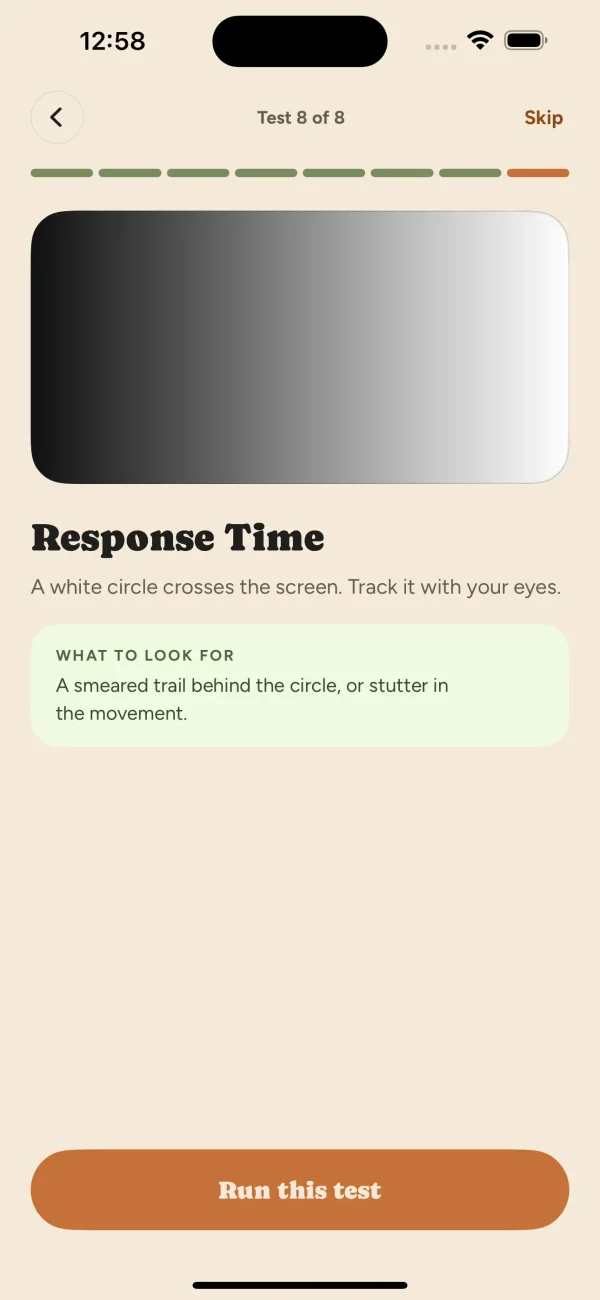
• Response Time — a moving object exposes ghosting and blur
HOW IT WORKS
Start the guided run and Screen Test walks you through all eight, one at a time — with a short explanation of what you're looking for before each one. Answer "Looked fine" or "Something was wrong" and move on. The whole thing takes about two minutes.
Screen brightness is raised automatically while a test is running and put back afterward, because a dim panel can hide the exact problems you're trying to catch.
YOUR REPORT
At the end you get a score, a plain-language verdict, and — if anything's off — a clear note on what to say if you're the one selling. Run it again later and Screen Test tells you what changed since your last check, so a new scratch or a new dead pixel doesn't slip past you.
Privacy Policy : https://forms.gle/dnBUgnpqw4AREio97
Terms of Use : https://forms.gle/2uy2JqJa2JjkTZpo8
Confidentialité de l’application
Ce que Bhavinkumar Satashiya déclare sur l’App Store au sujet du traitement des données par cette application.
-
Données utilisées pour vous suivre
Peuvent être utilisées pour vous suivre sur des applications et des sites web appartenant à d’autres sociétés.
- Données d’utilisation
-
Données n’établissant aucun lien avec vous
Peuvent être collectées, mais ne sont pas liées à votre identité.
- Données d’utilisation
Les pratiques en matière de confidentialité peuvent varier, notamment en fonction des fonctionnalités que vous utilisez ou de votre âge.
Informations
- Vendeur
- Bhavinkumar Satashiya
- Catégorie
- Utilitaires
- Version
- 1.0
- Mis à jour
- 18/08/2026
- Publié
- 18/08/2026
- Taille
- 3,8 Mo
- Nécessite
- iOS 16.0 ou version ultérieure
- Classification d’âge
- 4+
- Prix
- Gratuit
- Achats intégrés
- Oui
- Langues
- Anglais
- Copyright
- © 2026
Vous aimerez peut-être aussi
-
 Test Écran : Pixel MortTactile, brûlure et couleurs
-
 Color Test For Your ScreenUtilitaires
-
 Test Pixel Mort - Screen CheckDiagnostic écran et tactile
-
 ScreenTest - Dead Pixel CheckUtilitaires
-
 Pixel Pulse: OLED Screen CareProtect from screen ghosting
-
 Pixel ControlDominez chaque pixel!
-
 Phone TesterUtilitaires
-
 Phone DiagnosticsUtilitaires
-
 NSYS-TestUtilitaires
-
 Battery LifeAlertes de charge & widgets