Screen Test: Display & Touch
Dead Pixel & Touch Diagnostic
iPhone, iPad向けに設計
無料 · アプリ内課金
- 対象年齢4+
- カテゴリユーティリティ
- 開発元Bhavinkumar Satashiya
- 言語英語
- サイズ3.8 MB
App Storeの公式ページにリンクしています
Download.orgはScreen Test: Display & Touchのファイルを一切ホストしていません。ボタンを押すと、Bhavinkumar Satashiyaが公開しているApp Storeのアプリページが開きます。ページの最終確認:2026/11/15。
スクリーンショット
概要
開発元はこのテキストをお使いの言語で提供していません。
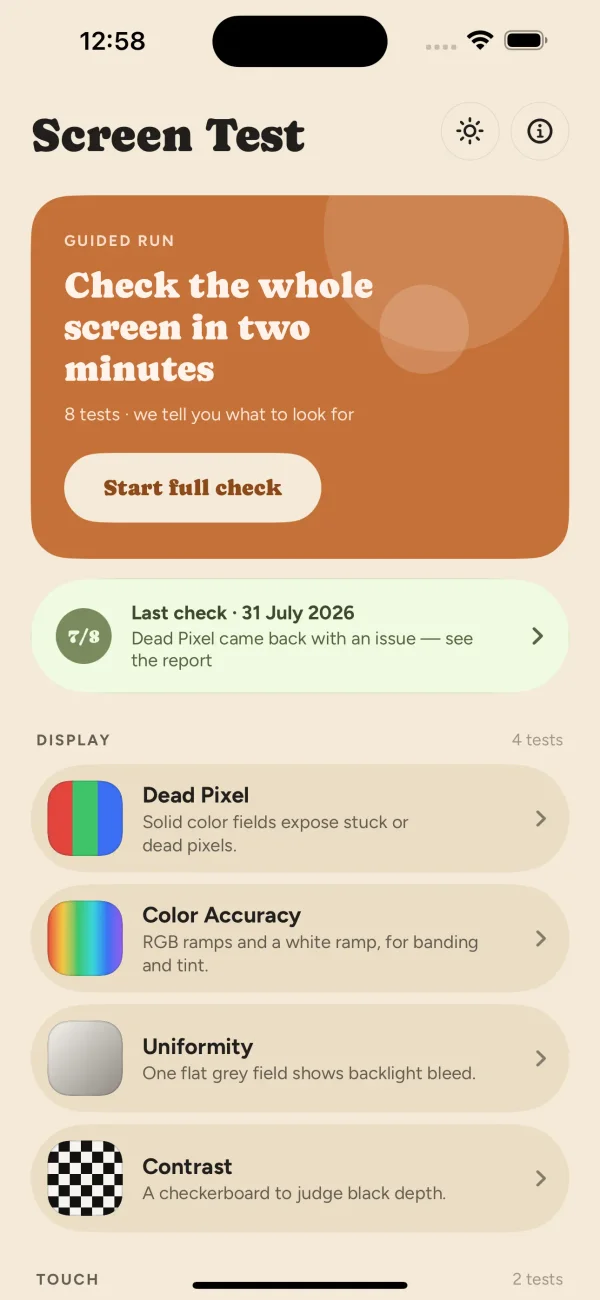
Before you buy a used phone, before you sell one, before the return window closes on a new one — run Screen Test. Eight quick checks, one plain-English report, and a certificate you can actually show someone.
No hunting through Settings, no cryptic diagnostic codes. Just tap through eight tests, answer honestly, and get a score out of 8 you can trust — or send.
WHAT SCREEN TEST CHECKS
Display
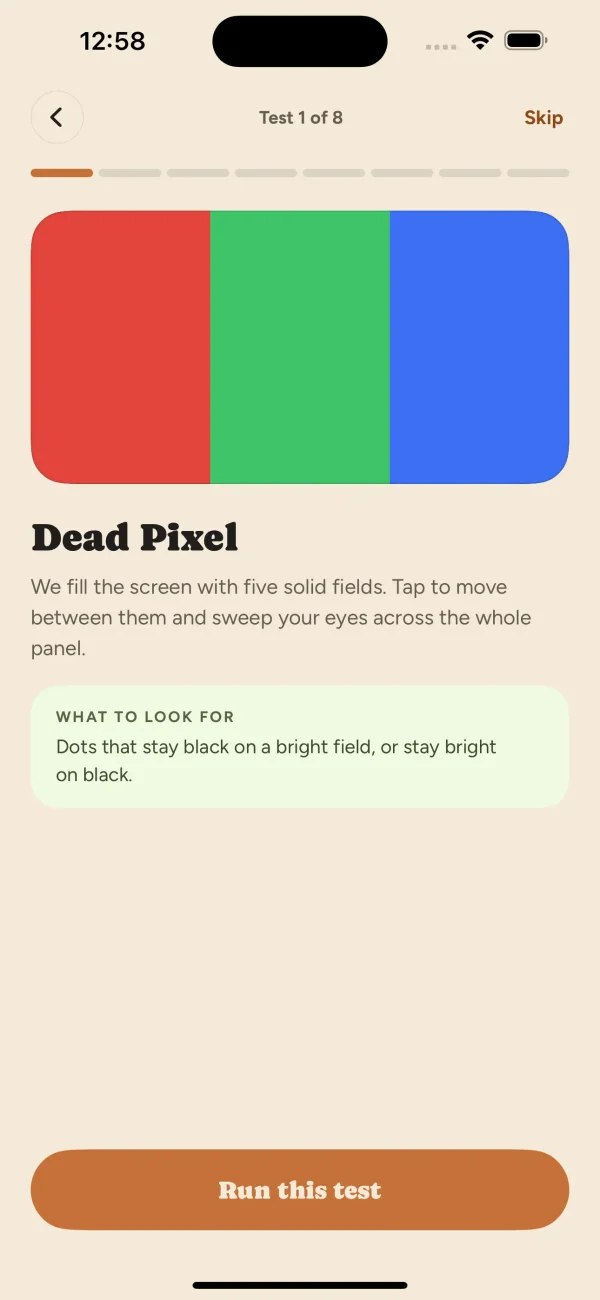
• Dead Pixel — solid color fields expose stuck or dead pixels
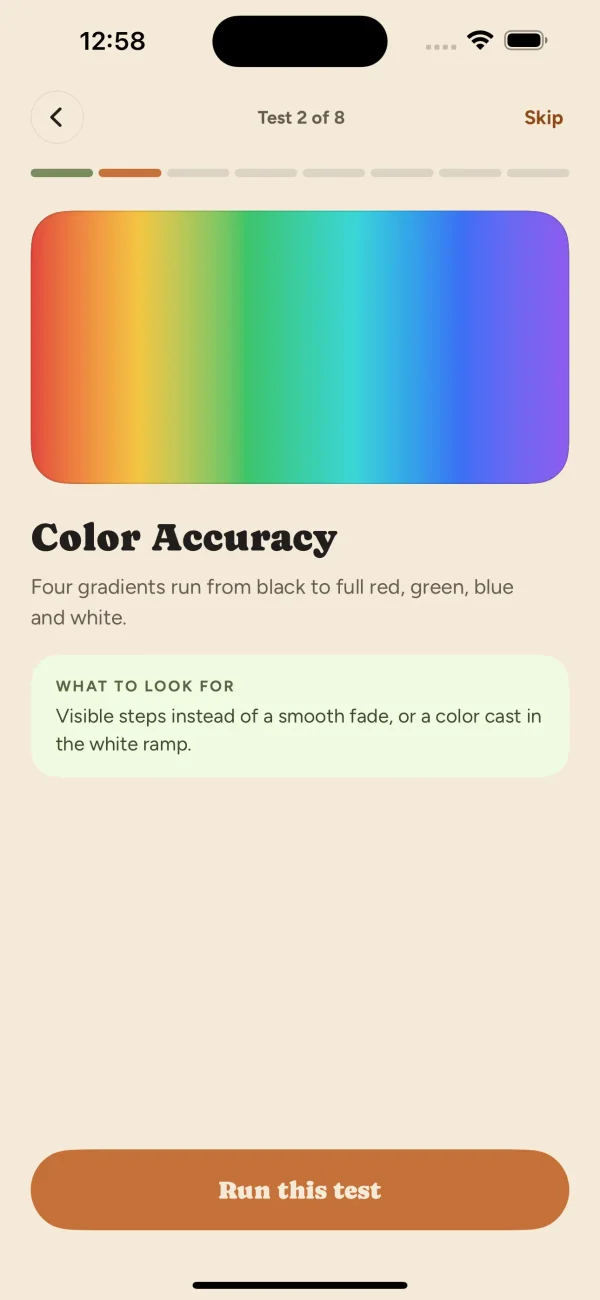
• Color Accuracy — RGB and white ramps reveal banding or tint
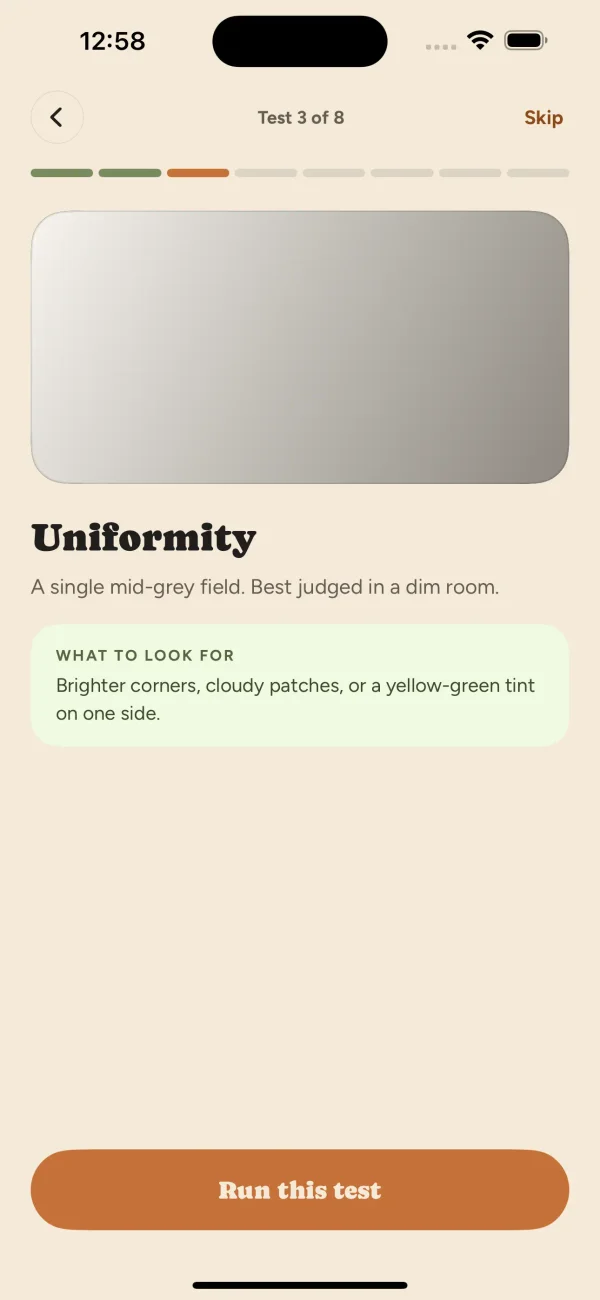
• Uniformity — a flat grey field shows backlight bleed
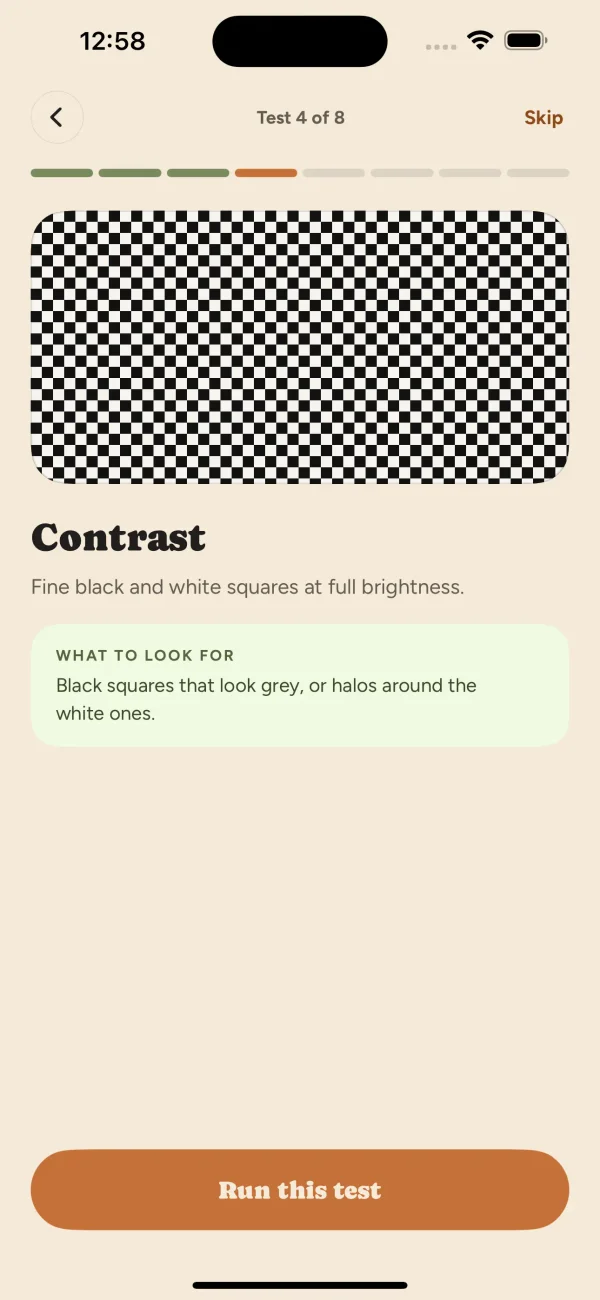
• Contrast — a fine checkerboard judges true black depth
Touch
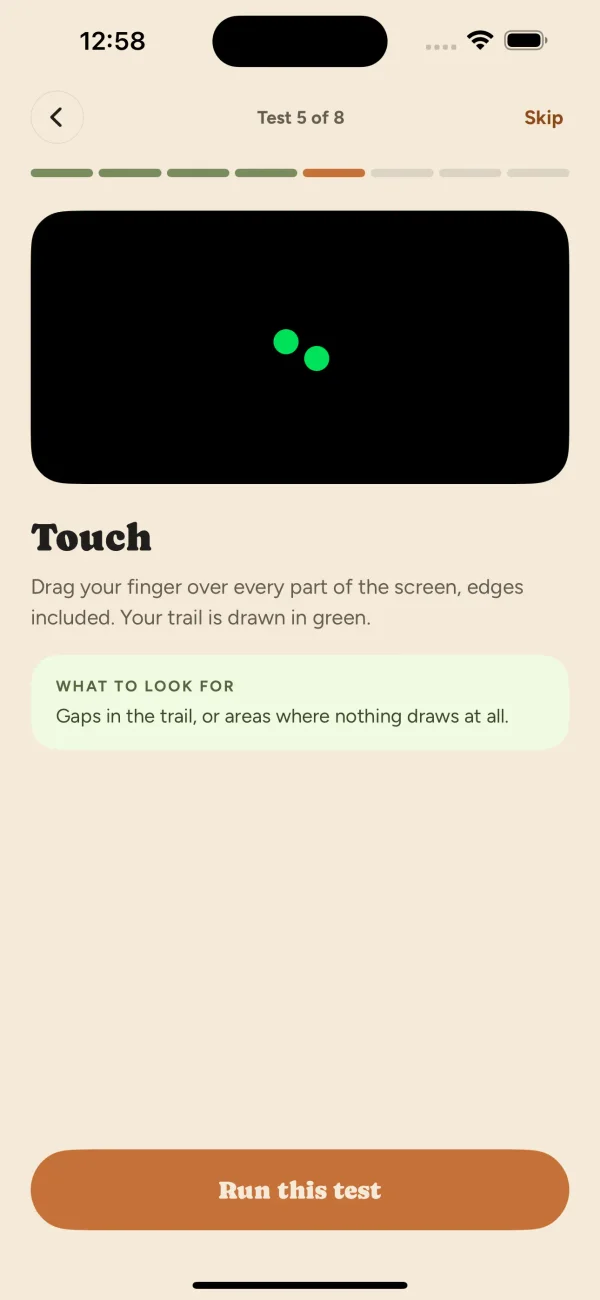
• Touch — drag across the whole panel to find dead zones
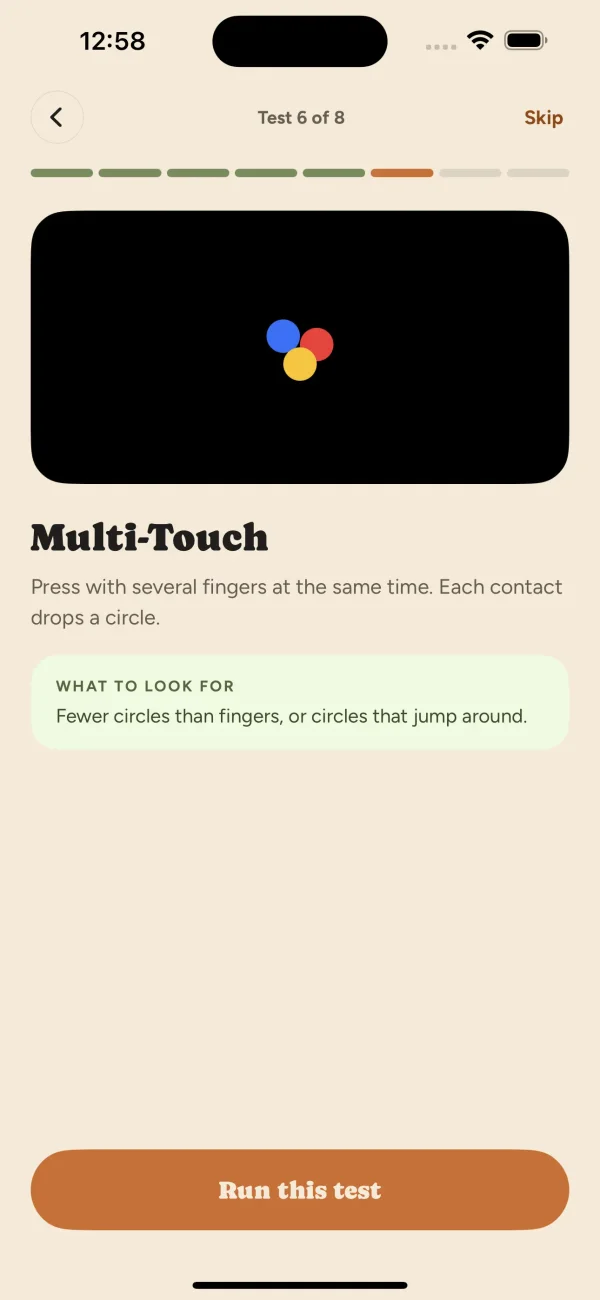
• Multi-Touch — press with several fingers to see how many actually register
Geometry & Motion
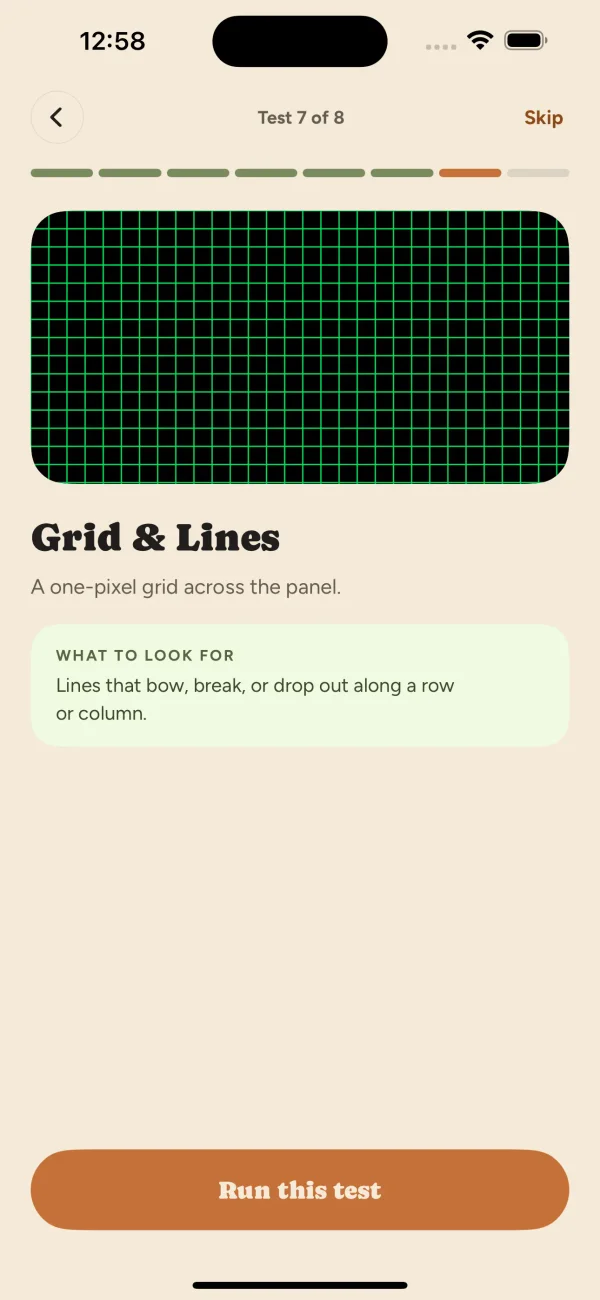
• Grid & Lines — a fine grid reveals distortion and bent lines
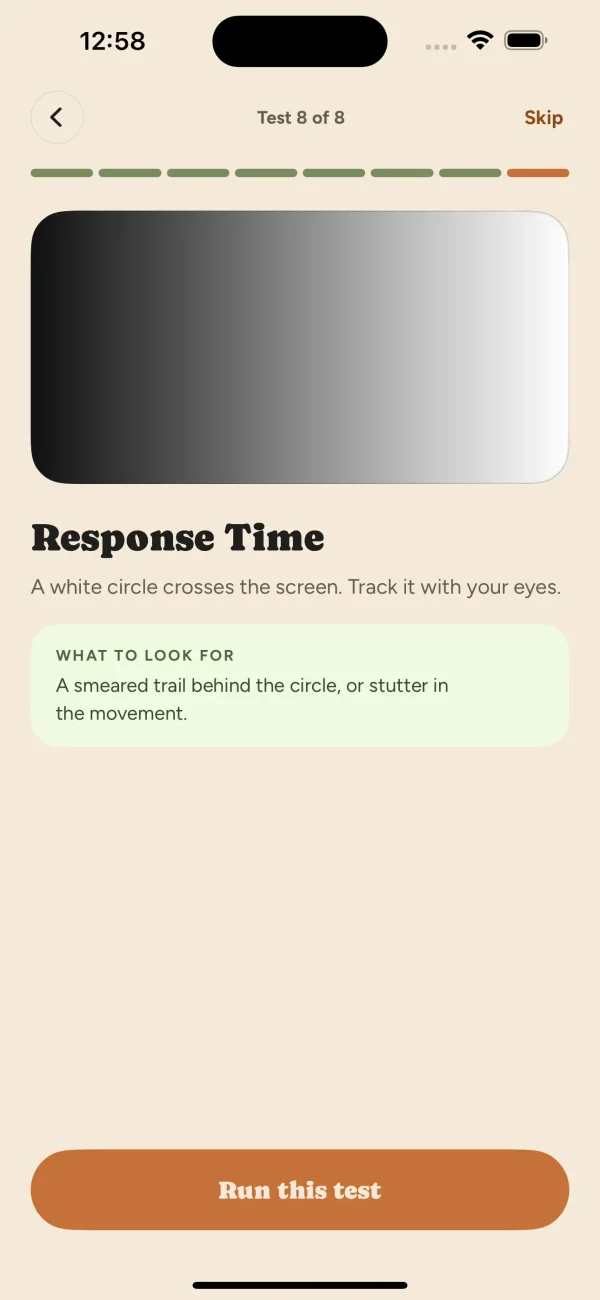
• Response Time — a moving object exposes ghosting and blur
HOW IT WORKS
Start the guided run and Screen Test walks you through all eight, one at a time — with a short explanation of what you're looking for before each one. Answer "Looked fine" or "Something was wrong" and move on. The whole thing takes about two minutes.
Screen brightness is raised automatically while a test is running and put back afterward, because a dim panel can hide the exact problems you're trying to catch.
YOUR REPORT
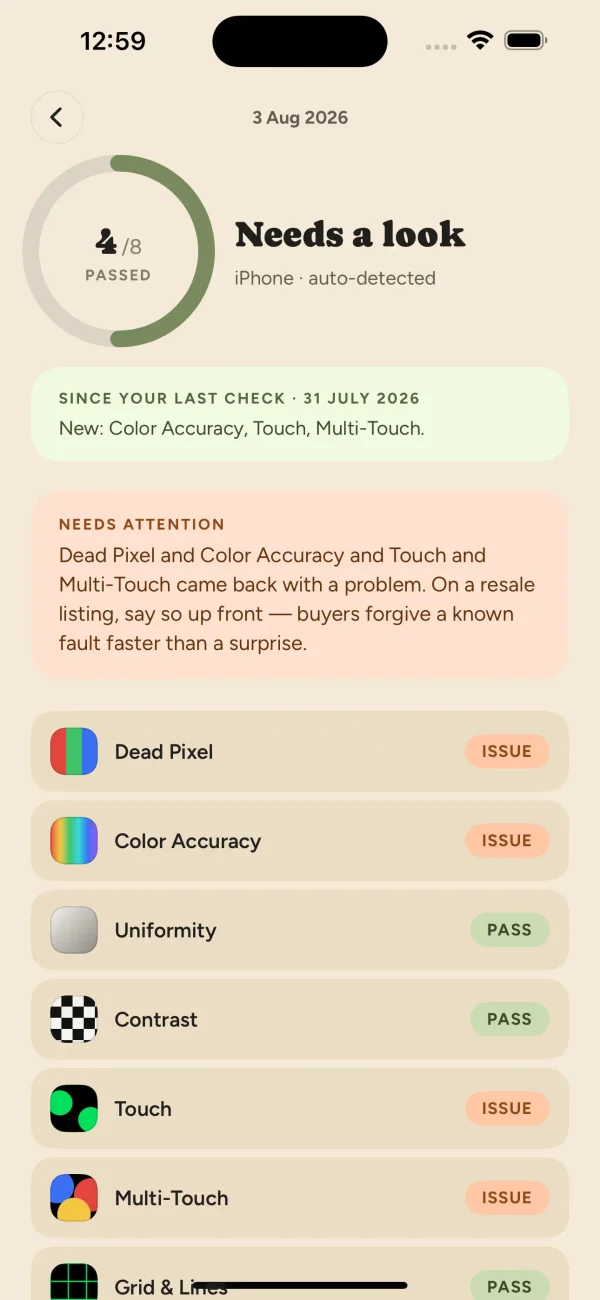
At the end you get a score, a plain-language verdict, and — if anything's off — a clear note on what to say if you're the one selling. Run it again later and Screen Test tells you what changed since your last check, so a new scratch or a new dead pixel doesn't slip past you.
Privacy Policy : https://forms.gle/dnBUgnpqw4AREio97
Terms of Use : https://forms.gle/2uy2JqJa2JjkTZpo8
アプリのプライバシー
このアプリのデータの取り扱いについて、Bhavinkumar SatashiyaがApp Storeで申告している内容です。
-
ユーザーのトラッキングに使用されるデータ
他社のアプリやウェブサイトを横断してユーザーをトラッキングする目的で使用される場合があります。
- 使用状況データ
-
ユーザーに関連付けられないデータ
収集される場合がありますが、ユーザーの識別情報には関連付けられません。
- 使用状況データ
プライバシーの取り扱いは、ご利用の機能やお客様の年齢などに応じて異なる場合があります。
情報
- 販売元
- Bhavinkumar Satashiya
- カテゴリ
- ユーティリティ
- バージョン
- 1.0
- 更新日
- 2026/8/18
- リリース
- 2026/8/18
- サイズ
- 3.8 MB
- 必要条件
- iOS 16.0以降
- 対象年齢
- 4+
- 価格
- 無料
- アプリ内課金
- あり
- 言語
- 英語
- 著作権
- © 2026
こちらもおすすめ
-
 画面テスト:ドット抜けチェックタッチ・焼き付き・色チェック
-
 Color Test For Your Screenユーティリティ
-
 ドット抜けテスト - Screen Check11種の画面テスト · PDFレポート
-
 ScreenTest - Dead Pixel Checkユーティリティ
-
 Pixel Pulse: OLED画面ケア残像対策・焼き付きと画素のチェック
-
 Pixel Control画面の完璧さ
-
 Phone Testerユーティリティ
-
 Phone Diagnosticsユーティリティ
-
 NSYS-Testユーティリティ
-
 バッテリー・ライフ (Battery Life)充電通知とデバイスのウィジェット