Screen Test: Display & Touch
Dead Pixel & Touch Diagnostic
iPhone, iPad için tasarlandı
Ücretsiz · Uygulama içi satın alma
- Yaş sınırı4+
- KategoriYardımcılar
- GeliştiriciBhavinkumar Satashiya
- Dillerİngilizce
- Boyut3,8 MB
Resmi App Store sayfasına bağlanır
Download.org, Screen Test: Display & Touch için hiçbir dosya barındırmaz. Düğme, uygulamanın App Store üzerindeki sayfasını açar; uygulamayı orada Bhavinkumar Satashiya yayınlar. Sayfanın son kontrolü: 15.11.2026.
Ekran görüntüleri
Hakkında
Geliştirici bu metni dilinizde sunmamış.
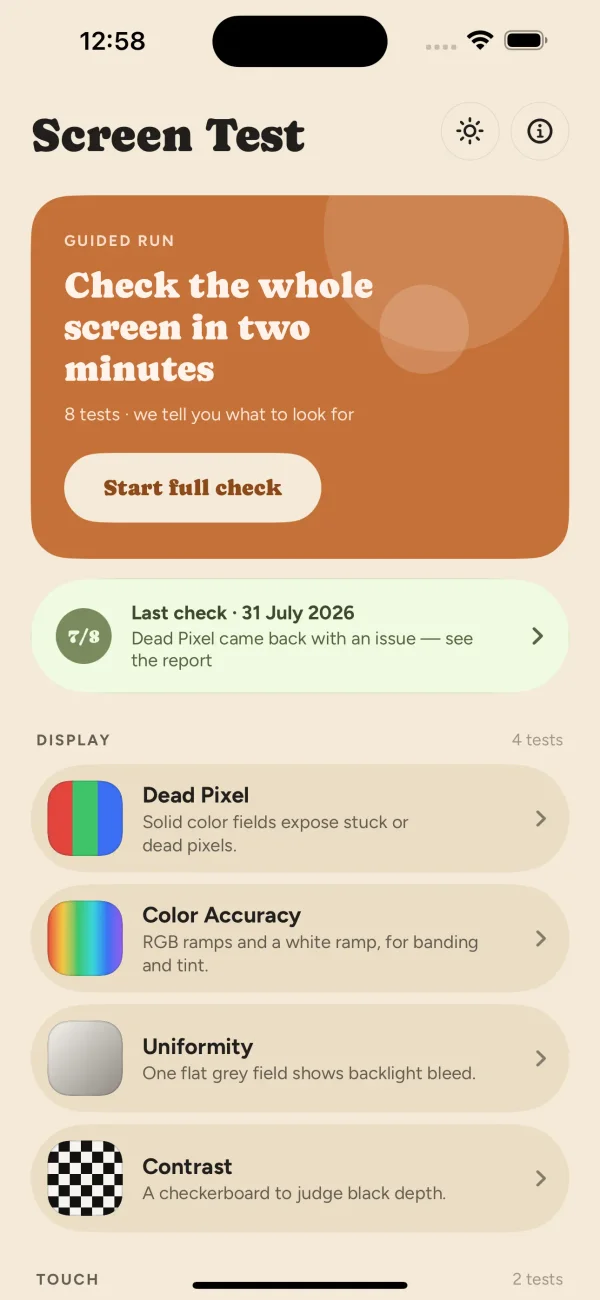
Before you buy a used phone, before you sell one, before the return window closes on a new one — run Screen Test. Eight quick checks, one plain-English report, and a certificate you can actually show someone.
No hunting through Settings, no cryptic diagnostic codes. Just tap through eight tests, answer honestly, and get a score out of 8 you can trust — or send.
WHAT SCREEN TEST CHECKS
Display
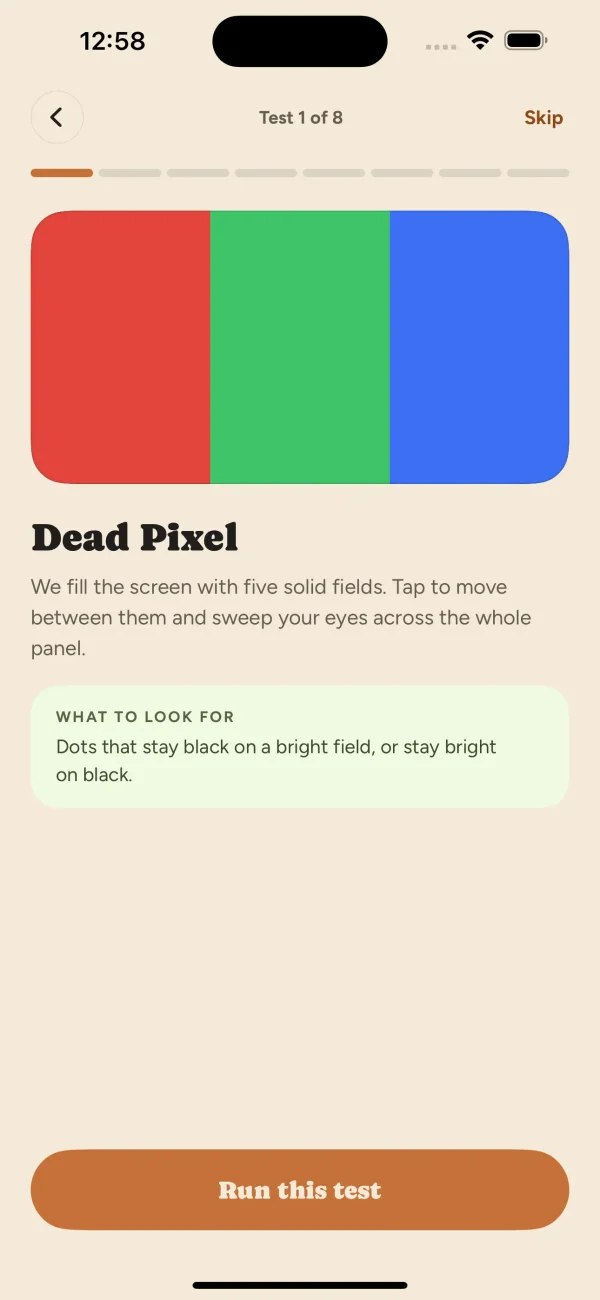
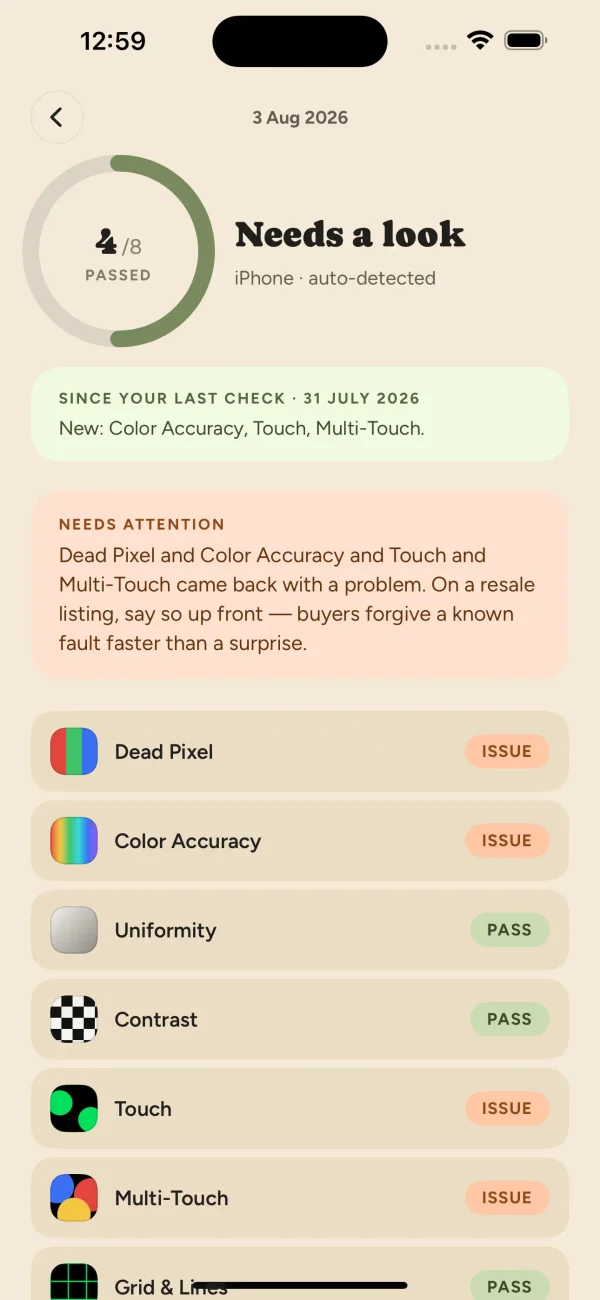
• Dead Pixel — solid color fields expose stuck or dead pixels
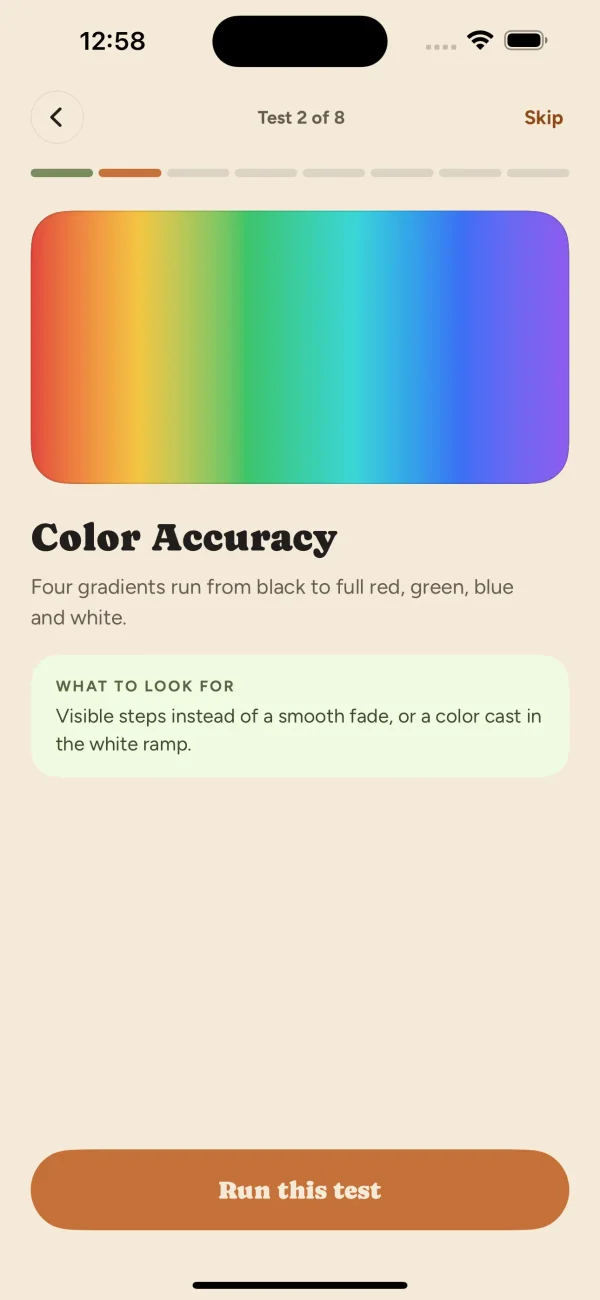
• Color Accuracy — RGB and white ramps reveal banding or tint
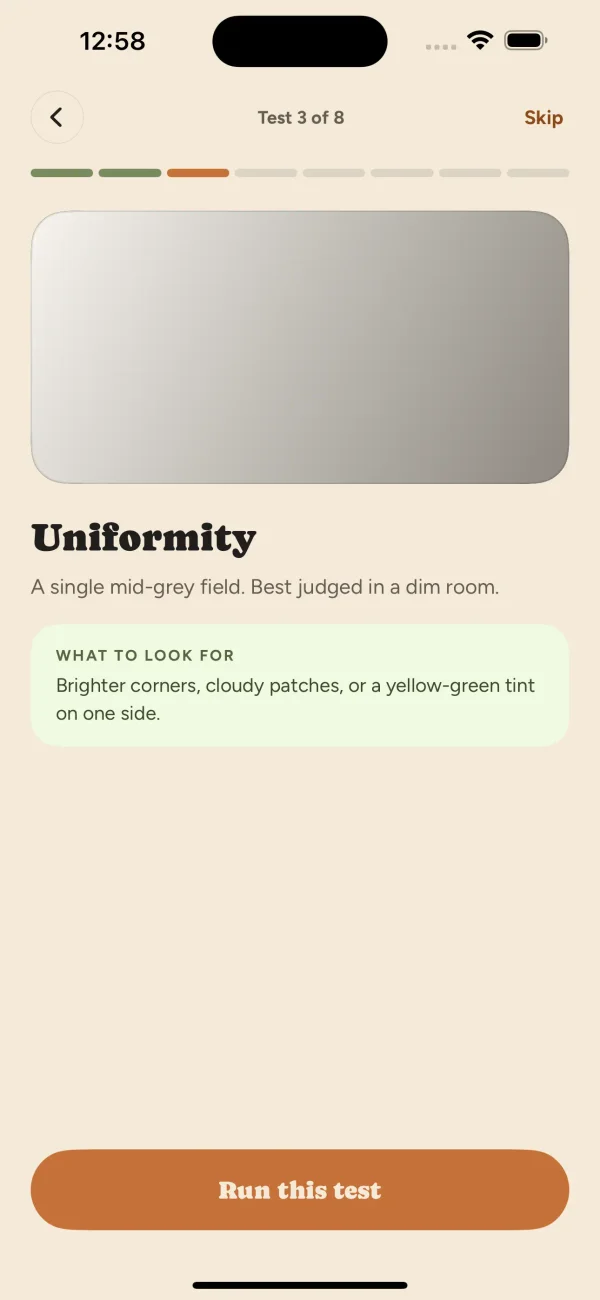
• Uniformity — a flat grey field shows backlight bleed
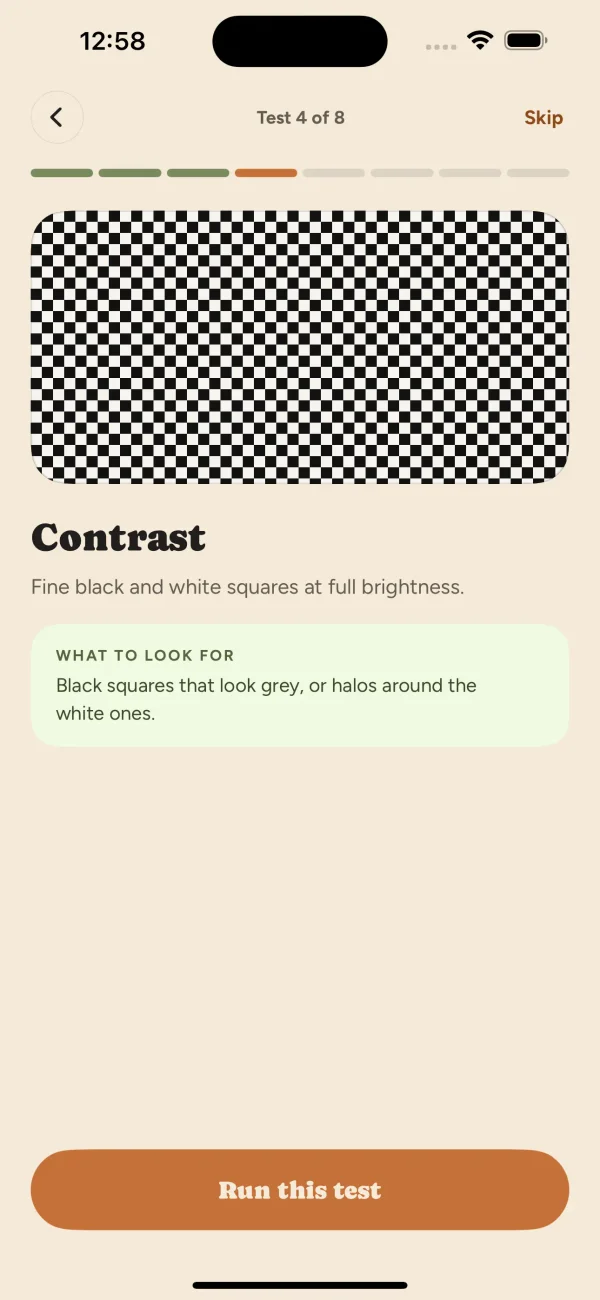
• Contrast — a fine checkerboard judges true black depth
Touch
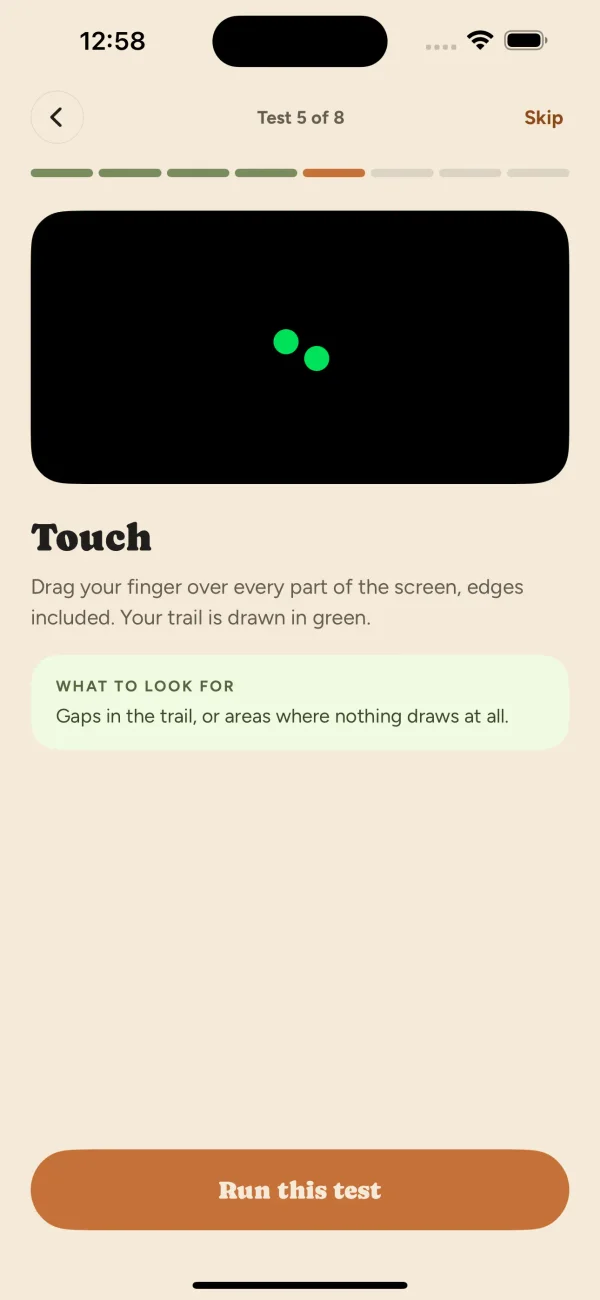
• Touch — drag across the whole panel to find dead zones
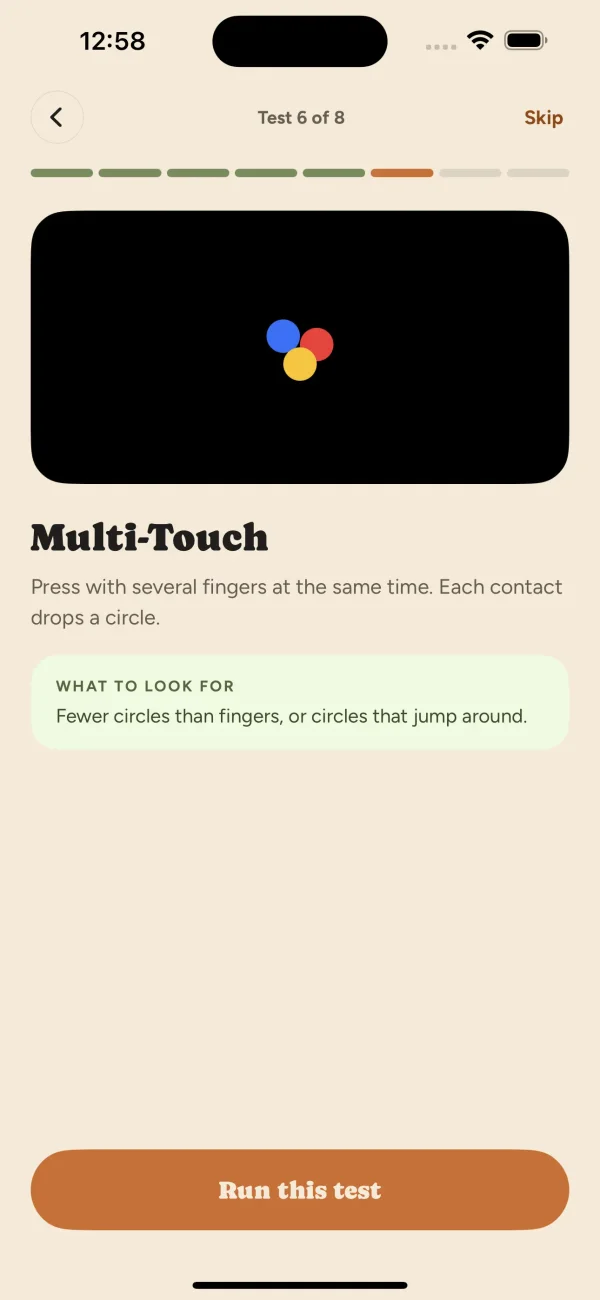
• Multi-Touch — press with several fingers to see how many actually register
Geometry & Motion
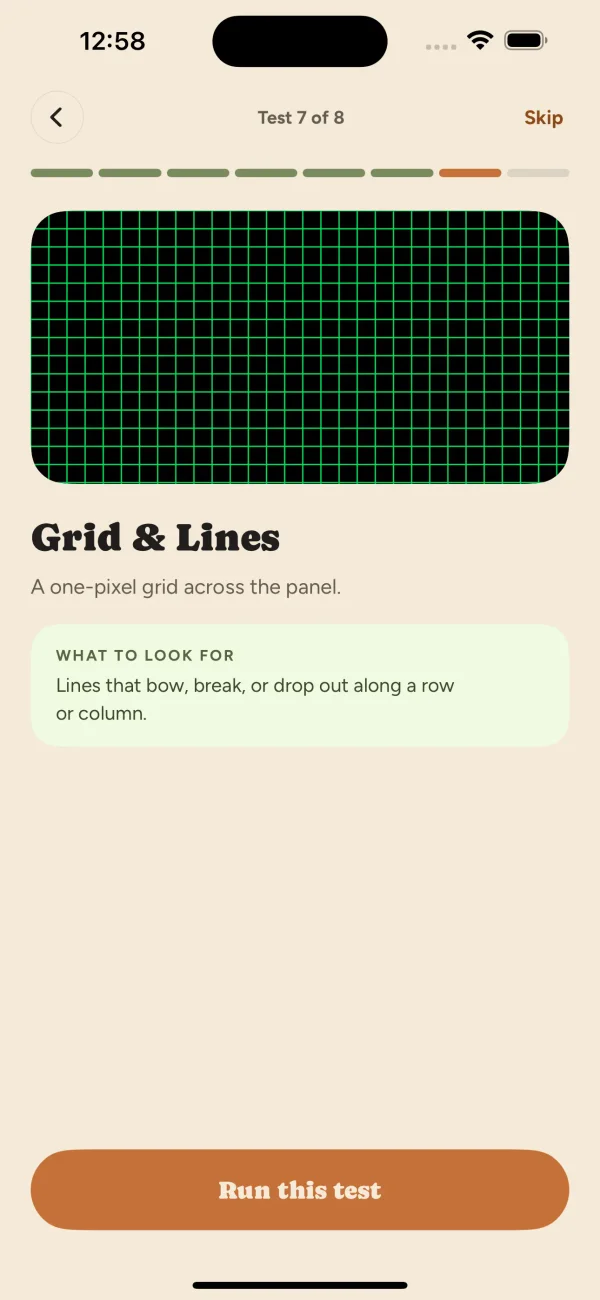
• Grid & Lines — a fine grid reveals distortion and bent lines
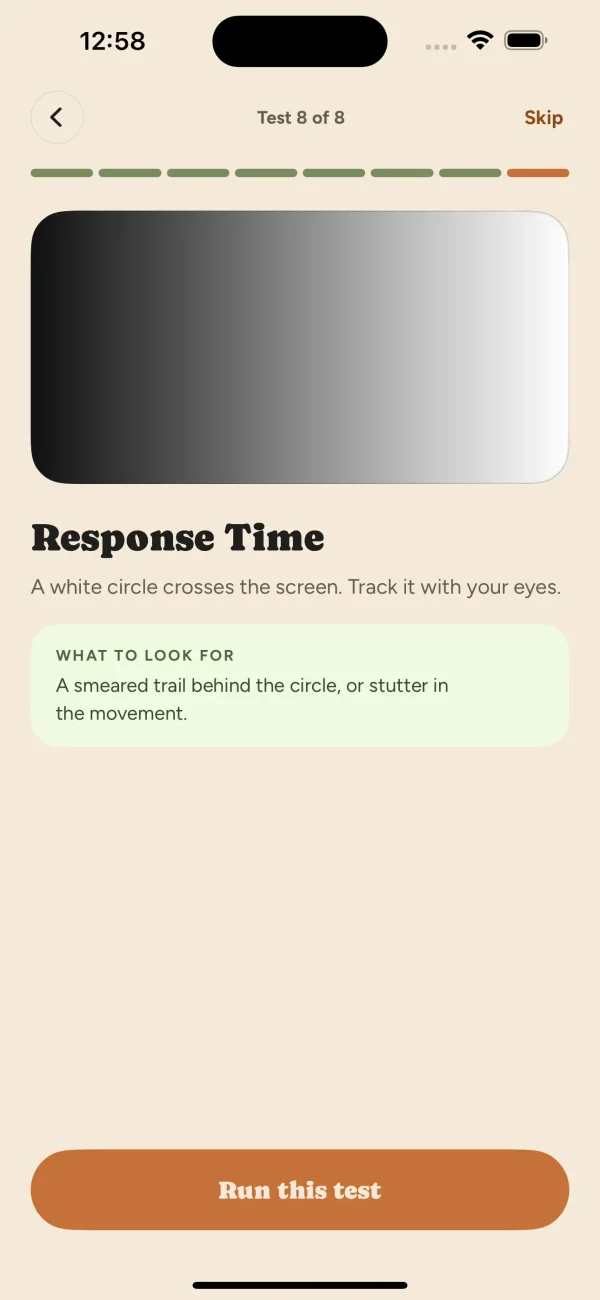
• Response Time — a moving object exposes ghosting and blur
HOW IT WORKS
Start the guided run and Screen Test walks you through all eight, one at a time — with a short explanation of what you're looking for before each one. Answer "Looked fine" or "Something was wrong" and move on. The whole thing takes about two minutes.
Screen brightness is raised automatically while a test is running and put back afterward, because a dim panel can hide the exact problems you're trying to catch.
YOUR REPORT
At the end you get a score, a plain-language verdict, and — if anything's off — a clear note on what to say if you're the one selling. Run it again later and Screen Test tells you what changed since your last check, so a new scratch or a new dead pixel doesn't slip past you.
Privacy Policy : https://forms.gle/dnBUgnpqw4AREio97
Terms of Use : https://forms.gle/2uy2JqJa2JjkTZpo8
Uygulama gizliliği
Bu uygulamanın verileri nasıl işlediği hakkında Bhavinkumar Satashiya tarafından App Store üzerinde yapılan beyan.
-
Sizi izlemek için kullanılan veriler
Başka şirketlere ait uygulamalarda ve web sitelerinde sizi izlemek için kullanılabilir.
- Kullanım verileri
-
Sizinle ilişkilendirilmeyen veriler
Toplanabilir ancak kimliğinizle ilişkilendirilmez.
- Kullanım verileri
Gizlilik uygulamaları, örneğin kullandığınız özelliklere veya yaşınıza göre değişiklik gösterebilir.
Bilgiler
- Satıcı
- Bhavinkumar Satashiya
- Kategori
- Yardımcılar
- Sürüm
- 1.0
- Güncellendi
- 18.08.2026
- Yayın tarihi
- 18.08.2026
- Boyut
- 3,8 MB
- Gereksinim
- iOS 16.0 veya sonrası
- Yaş sınırı
- 4+
- Fiyat
- Ücretsiz
- Uygulama içi satın alma
- Evet
- Diller
- İngilizce
- Telif hakkı
- © 2026
Bunları da beğenebilirsiniz
-
 Ekran Testi: Ölü PikselDokunmatik, Renk, Yanık Testi
-
 Color Test For Your ScreenYardımcılar
-
 Piksel Testi - Screen Check11 ekran testi · PDF rapor
-
 ScreenTest - Dead Pixel CheckYardımcılar
-
 Pixel Pulse: OLED Ekran BakımıHayalet görüntü, piksel testi
-
 Piksel KontrolHer piksele hükmedin!
-
 Phone TesterYardımcılar
-
 Phone DiagnosticsYardımcılar
-
 NSYS-TestYardımcılar
-
 Battery LifeŞarj uyarısı ve araç takımı