Screenshot & Link - Keeply
Organize screenshots & links
Entwickelt für iPhone, iPad, iPod touch
Kostenlos · In-App-Käufe
- Altersfreigabe12+
- KategorieProduktivität
- Entwicklersang woon kim
- SprachenEnglisch
- Größe73,1 MB
Verlinkt auf die offizielle App Store-Seite
Download.org hostet keine Datei von Screenshot & Link - Keeply. Die Schaltfläche öffnet die App-Seite bei App Store, wo sang woon kim die App veröffentlicht. Eintrag zuletzt geprüft am 12.11.2026.
Screenshots
Info
Der Entwickler hat diesen Text nicht in Ihrer Sprache bereitgestellt.
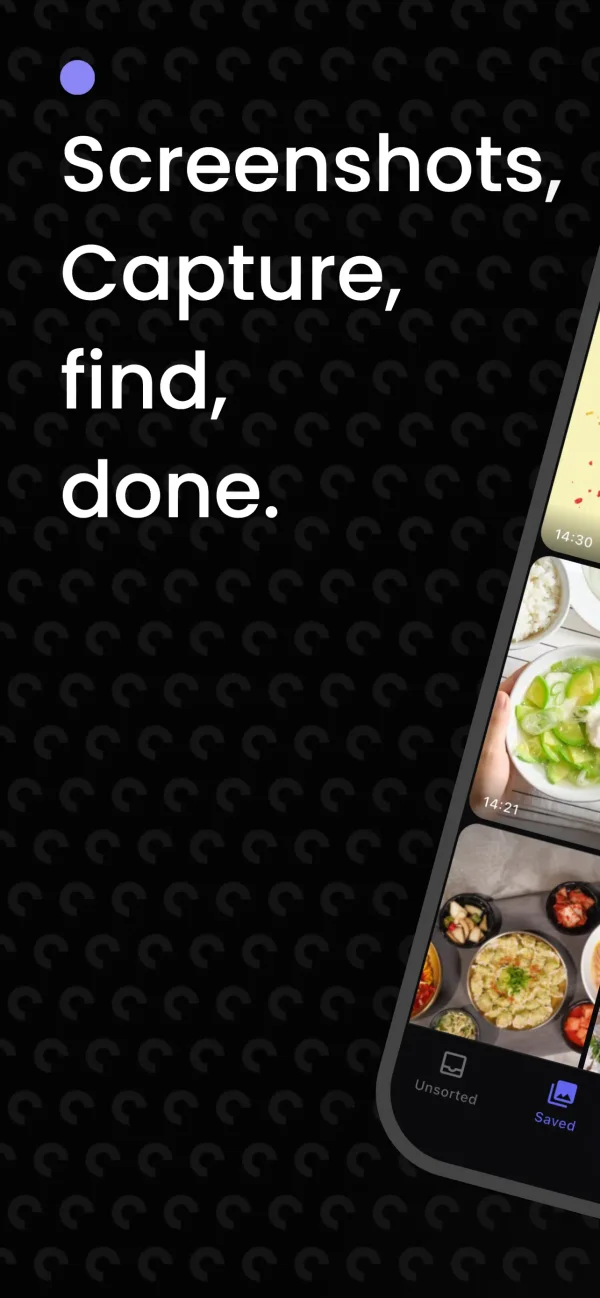
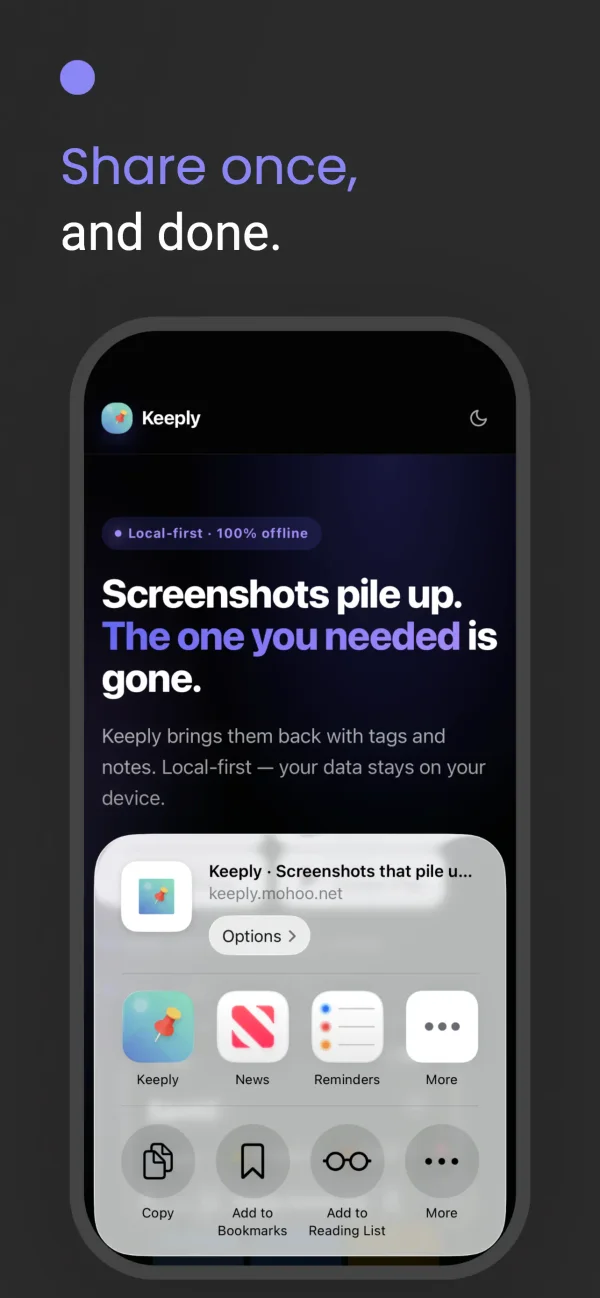
Keeply — your scattered screenshots and links, all in one place
Screenshots piling up on your phone, links you saved but can't find again. Keeply keeps them tidy.
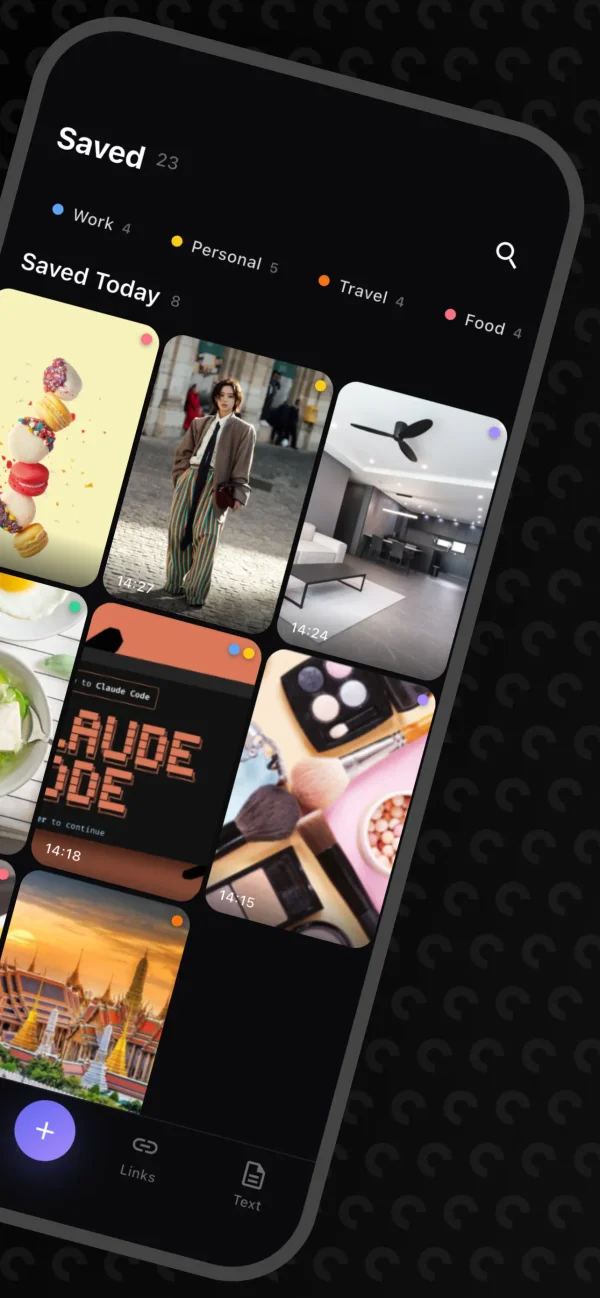
[ Automatic screenshot organizing ]
Open the app and your gallery's screenshots load automatically. No need to hunt them down one by one — just add tags and notes right away.
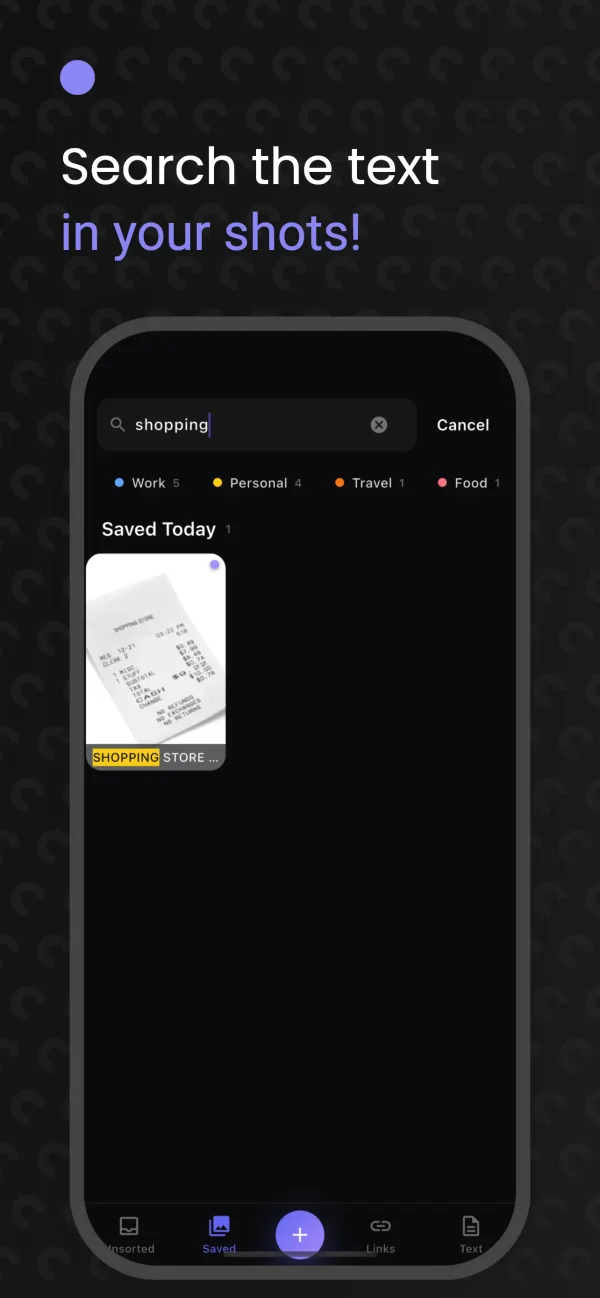
[ Search text inside screenshots ]
Keeply automatically recognizes the text in your saved screenshots (OCR). Even without a note, you can search by words you saw on screen and find them instantly. Existing screenshots are processed automatically too.
[ Tap links, phone numbers & emails ]
Keeply finds links, phone numbers, and emails inside your screenshots. Open a link, place a call, or write an email — all in one tap.
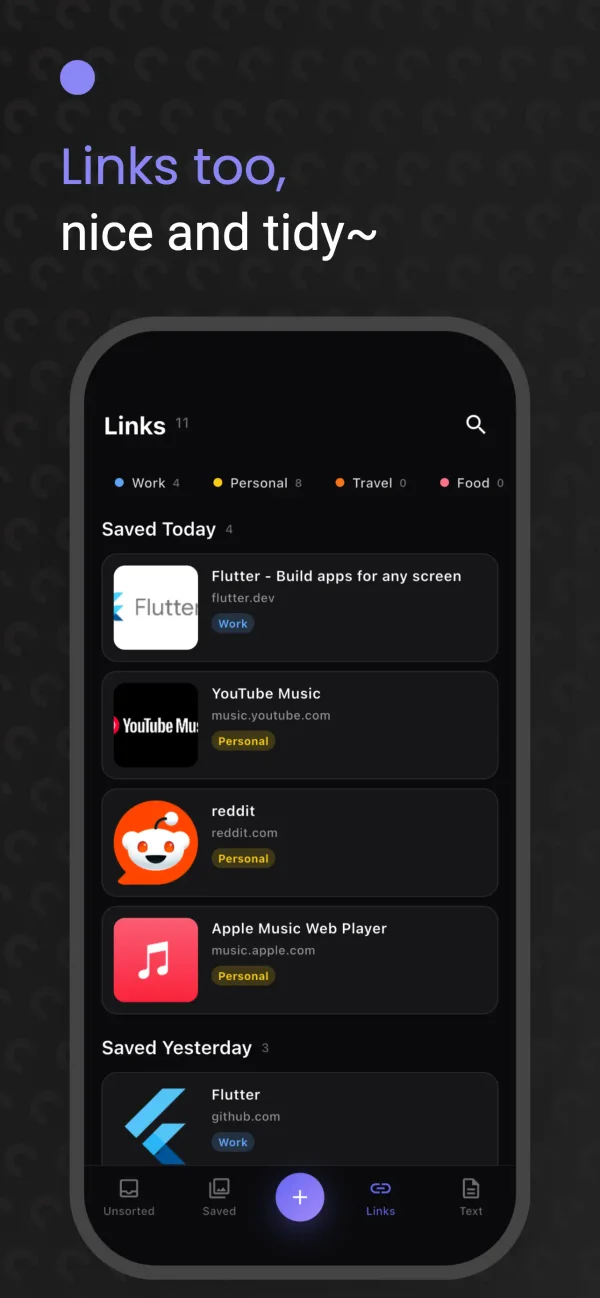
[ Save links with previews ]
Paste a link and Keeply pulls in preview details like the title and image automatically. Manage them with tags and notes, just like screenshots.
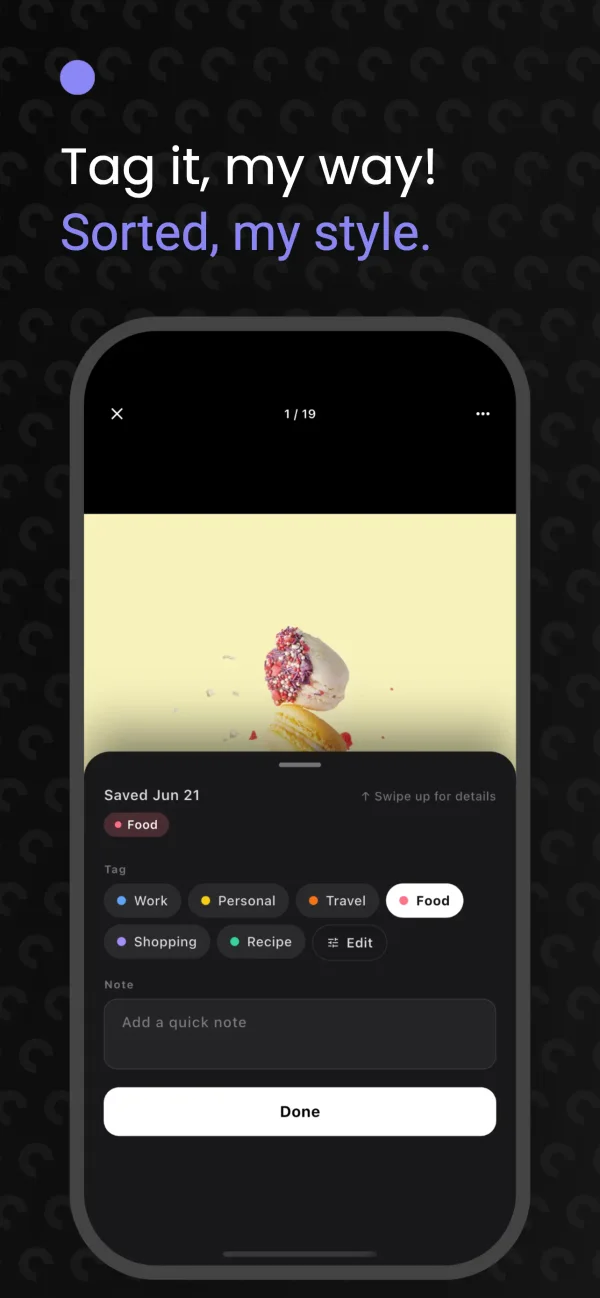
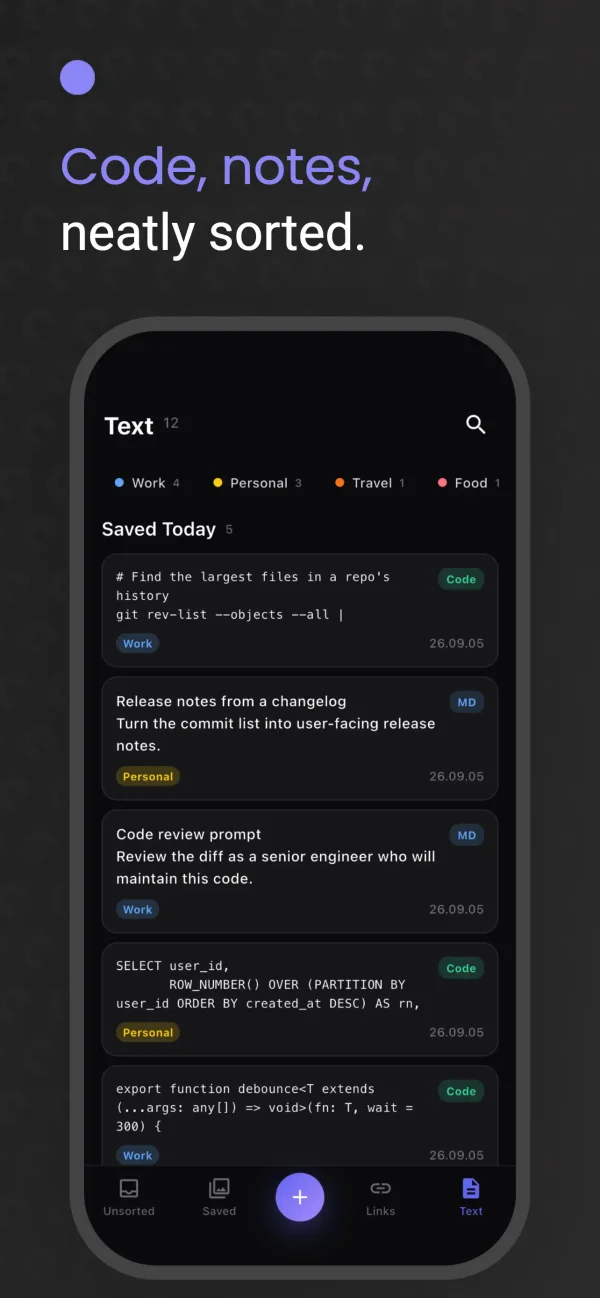
[ Quick sorting with tags ]
Create your own tags to organize screenshots and links however you like. Find them again later with a single tag.
[ Add notes ]
Leave a note on each item so you never forget why you saved it.
[ Copy image ]
Copy a saved screenshot to the clipboard and paste it anywhere.
[ Offline ]
All your data stays on your device. Organize and search even without a network.
Tidy up your digital space with Keeply today.
Neue Funktionen
Version 2.5.0 · 08.09.2026
• On tablets and foldables, your list and what's in it now sit side by side. On wide screens the menu moves to the left, and photos keep their size while more of them fit.
• Share an image link and it's saved as a photo, not a link.
• (iPhone) The "Allow Paste" prompt no longer shows every time you open the app — just once, when you tap to add.
App-Datenschutz
Was sang woon kim im App Store zum Umgang dieser App mit Daten angibt.
-
Daten, die zum Tracking Ihrer Person verwendet werden
Können verwendet werden, um Sie über Apps und Websites anderer Unternehmen hinweg zu verfolgen.
- Kennungen
- Nutzungsdaten
-
Nicht mit Ihnen verknüpfte Daten
Können erfasst werden, sind aber nicht mit Ihrer Identität verknüpft.
- Kennungen
- Nutzungsdaten
Die Datenschutzpraktiken können variieren, zum Beispiel je nach den von Ihnen verwendeten Funktionen oder Ihrem Alter.
Informationen
- Anbieter
- Mohoo Studio
- Kategorie
- Produktivität
- Version
- 2.5.0
- Aktualisiert
- 08.09.2026
- Veröffentlicht
- 07.03.2026
- Größe
- 73,1 MB
- Erfordert
- iOS 15.0 oder neuer
- Altersfreigabe
- 12+
- Preis
- Kostenlos
- In-App-Käufe
- Ja
- Sprachen
- Englisch
- Copyright
- © 2026 keeply
Das könnte Ihnen auch gefallen
-
 CheckMate: AI Todo PlannerProduktivität
-
 TasteShelfProduktivität
-
 기록해 - 순간을 담다Produktivität
-
 링클립 - AI 링크 요약 & 북마크Produktivität
-
 Husk: Screenshots aufräumenErst sichern, dann entscheiden
-
 Stashly - Speichern & OrdnenPosts, Links & Ideen sichern
-
 TT Calendar: To-Do & CountdownProduktivität
-
 DoBeDoBeProduktivität
-
 提示词记录本Produktivität
-
 ToDough: Bake & To-Do ListProduktivität