Screenshot & Link - Keeply
Organize screenshots & links
Diseñada para iPhone, iPad, iPod touch
Gratis · Compras en la aplicación
- Clasificación por edad12+
- CategoríaProductividad
- Desarrolladorsang woon kim
- IdiomasInglés
- Tamaño73,1 MB
Enlaza a la página oficial de App Store
Download.org no aloja ningún archivo de Screenshot & Link - Keeply. El botón abre la página de la aplicación en App Store, donde la publica sang woon kim. Ficha comprobada por última vez el 12/11/2026.
Capturas de pantalla
Acerca de
El desarrollador no ha proporcionado este texto en tu idioma.
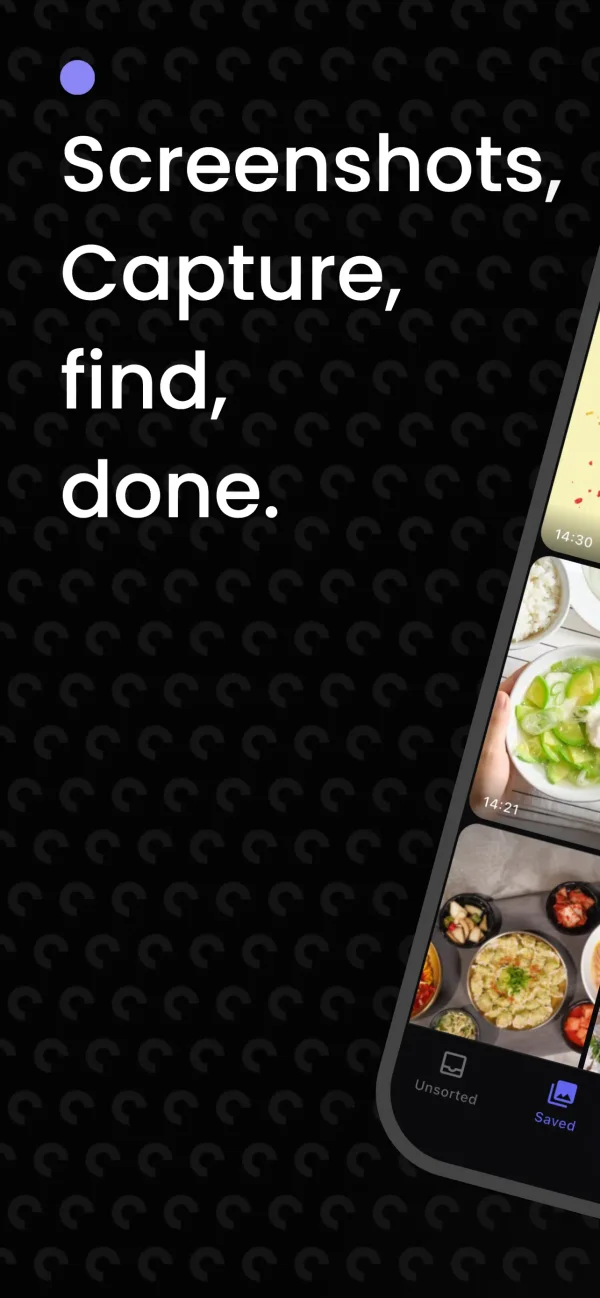
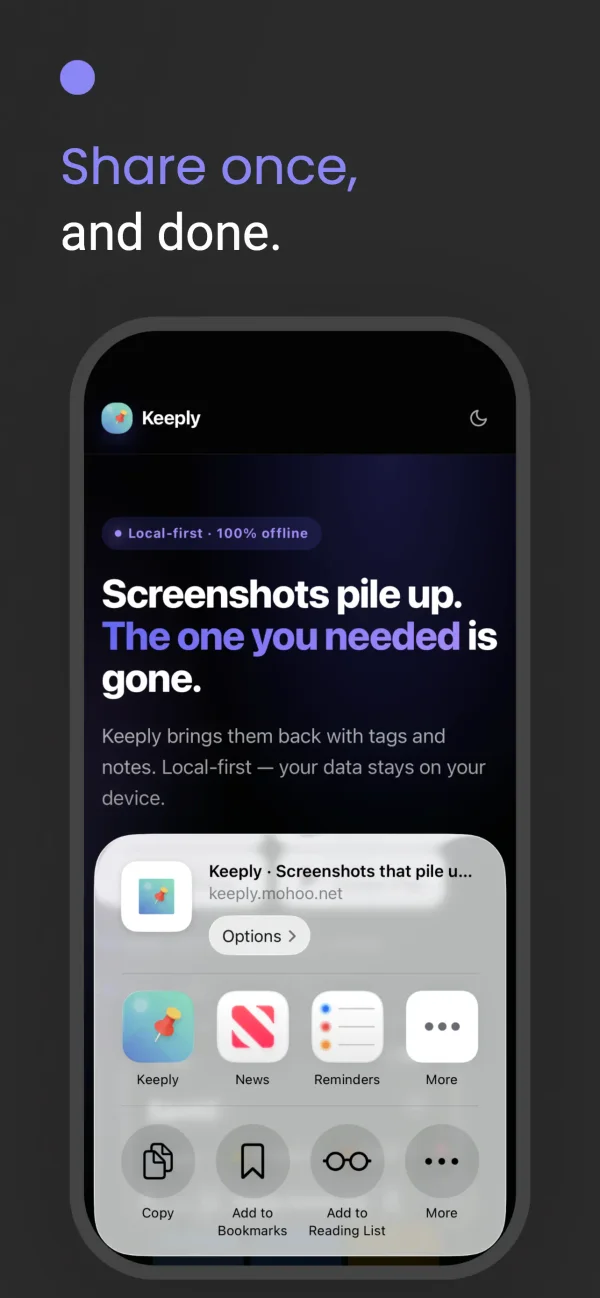
Keeply — your scattered screenshots and links, all in one place
Screenshots piling up on your phone, links you saved but can't find again. Keeply keeps them tidy.
[ Automatic screenshot organizing ]
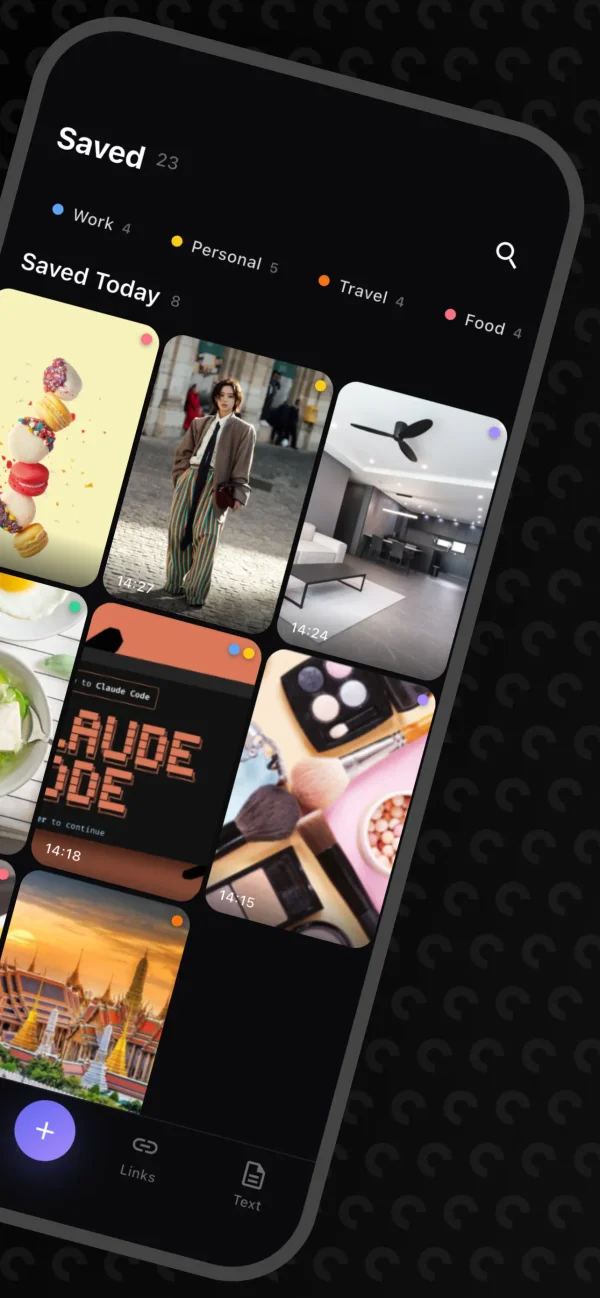
Open the app and your gallery's screenshots load automatically. No need to hunt them down one by one — just add tags and notes right away.
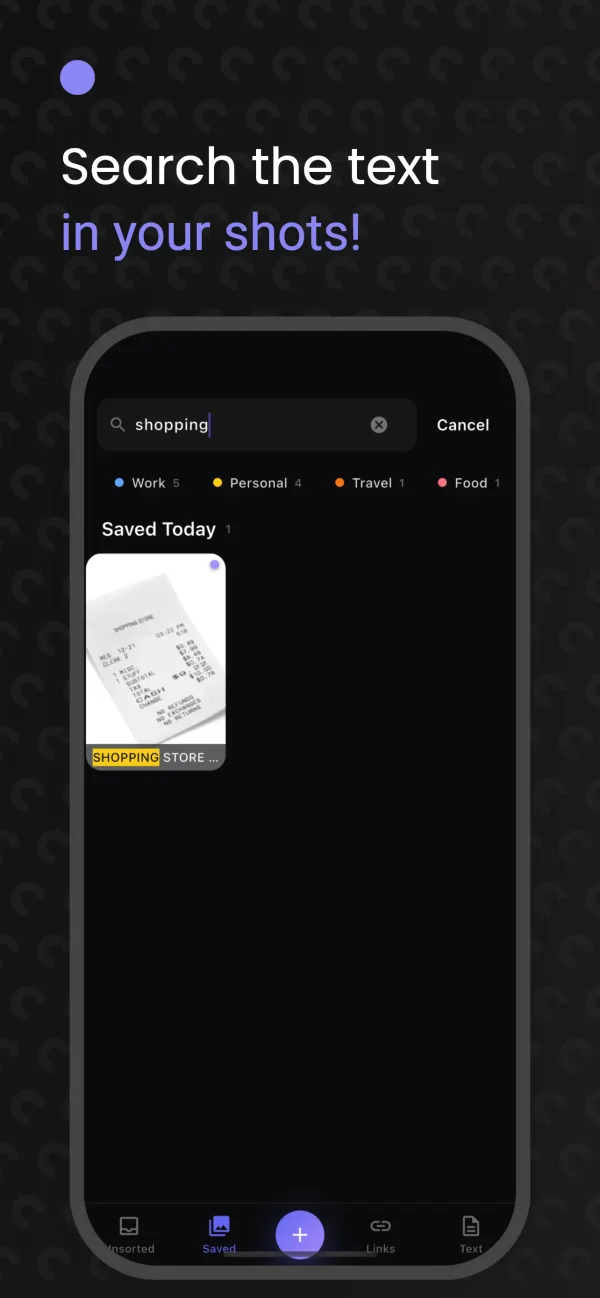
[ Search text inside screenshots ]
Keeply automatically recognizes the text in your saved screenshots (OCR). Even without a note, you can search by words you saw on screen and find them instantly. Existing screenshots are processed automatically too.
[ Tap links, phone numbers & emails ]
Keeply finds links, phone numbers, and emails inside your screenshots. Open a link, place a call, or write an email — all in one tap.
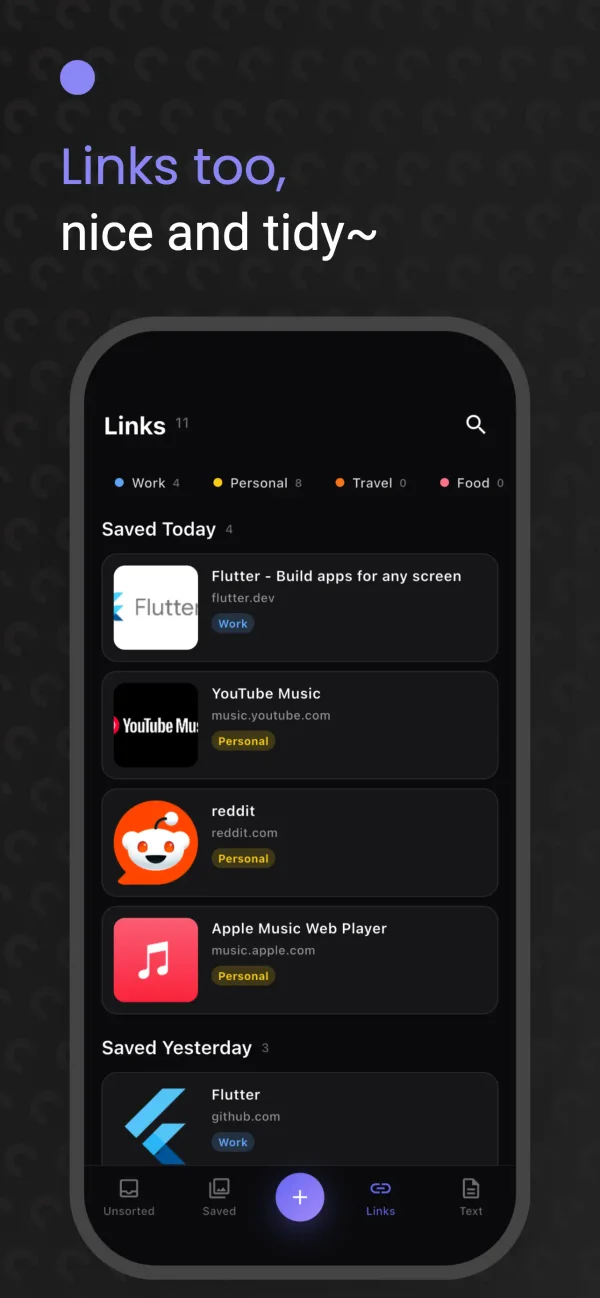
[ Save links with previews ]
Paste a link and Keeply pulls in preview details like the title and image automatically. Manage them with tags and notes, just like screenshots.
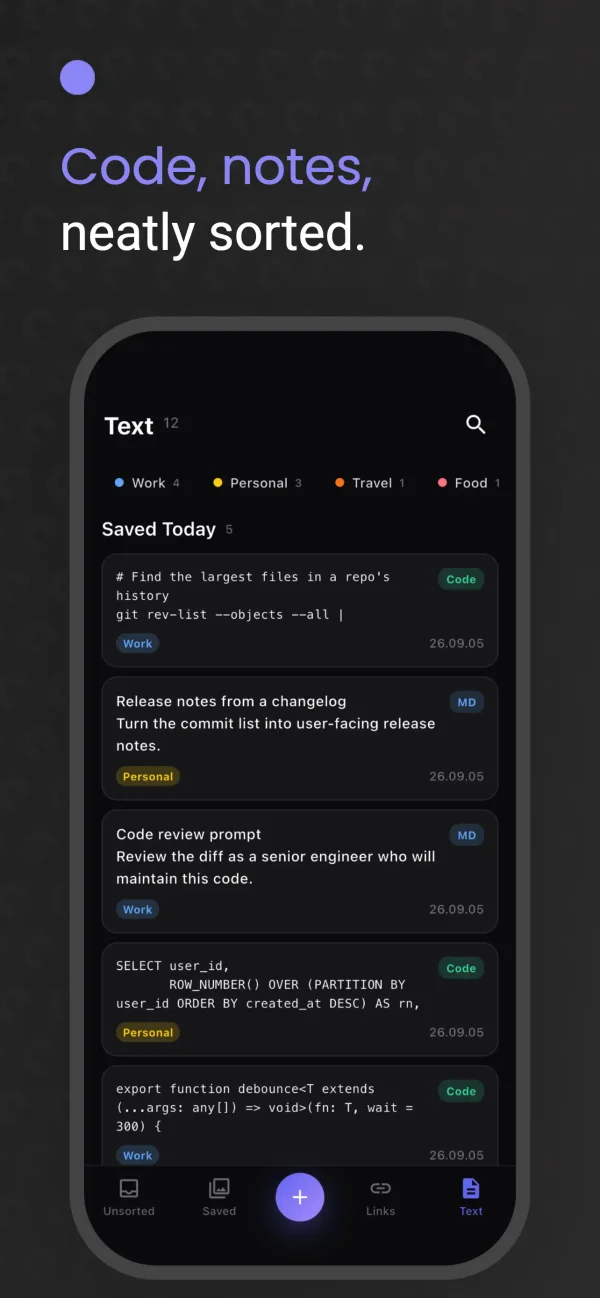
[ Quick sorting with tags ]
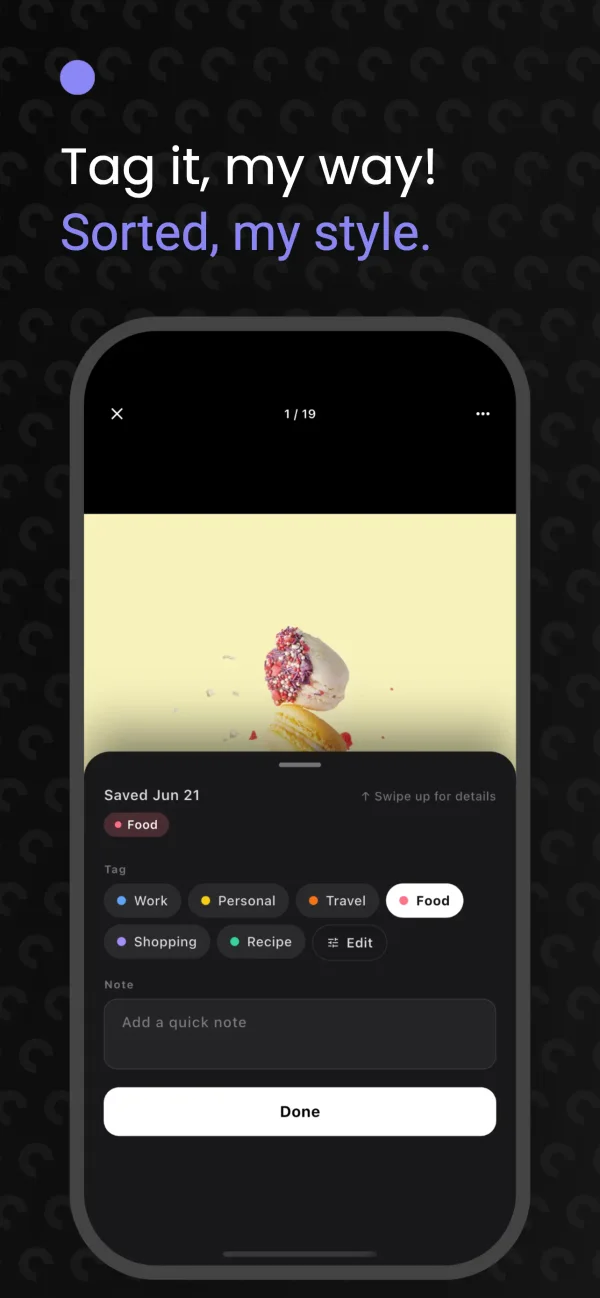
Create your own tags to organize screenshots and links however you like. Find them again later with a single tag.
[ Add notes ]
Leave a note on each item so you never forget why you saved it.
[ Copy image ]
Copy a saved screenshot to the clipboard and paste it anywhere.
[ Offline ]
All your data stays on your device. Organize and search even without a network.
Tidy up your digital space with Keeply today.
Novedades
Versión 2.5.0 · 8/9/2026
• On tablets and foldables, your list and what's in it now sit side by side. On wide screens the menu moves to the left, and photos keep their size while more of them fit.
• Share an image link and it's saved as a photo, not a link.
• (iPhone) The "Allow Paste" prompt no longer shows every time you open the app — just once, when you tap to add.
Privacidad de la aplicación
Lo que sang woon kim declara en App Store sobre cómo esta aplicación gestiona los datos.
-
Datos usados para rastrearte
Pueden usarse para rastrearte en aplicaciones y sitios web propiedad de otras empresas.
- Identificadores
- Datos de uso
-
Datos no vinculados a ti
Pueden recopilarse, pero no se vinculan a tu identidad.
- Identificadores
- Datos de uso
Las prácticas de privacidad pueden variar, por ejemplo, según las funciones que uses o tu edad.
Información
- Vendedor
- Mohoo Studio
- Categoría
- Productividad
- Versión
- 2.5.0
- Actualizado
- 8/9/2026
- Publicado
- 7/3/2026
- Tamaño
- 73,1 MB
- Requiere
- iOS 15.0 o posterior
- Clasificación por edad
- 12+
- Precio
- Gratis
- Compras en la aplicación
- Sí
- Idiomas
- Inglés
- Copyright
- © 2026 keeply
Quizá también te guste
-
 CheckMate: AI Todo PlannerProductividad
-
 TasteShelfProductividad
-
 기록해 - 순간을 담다Productividad
-
 링클립 - AI 링크 요약 & 북마크Productividad
-
 Husk: Limpiar capturas y fotosBorra y libera almacenamiento
-
 Stashly - Guarda y organizaGuarda posts, enlaces e ideas
-
 TT Calendario: tareas y díasColorea tu mes y tus hábitos
-
 DoBeDoBeProductividad
-
 提示词记录本Productividad
-
 ToDough: Bake & To-Do ListProductividad