Screenshot & Link - Keeply
Organize screenshots & links
Dirancang untuk iPhone, iPad, iPod touch
Gratis · Pembelian dalam aplikasi
- Batasan usia12+
- KategoriProduktivitas
- Pengembangsang woon kim
- BahasaInggris
- Ukuran73,1 MB
Tertaut ke halaman resmi App Store
Download.org tidak menyimpan file Screenshot & Link - Keeply apa pun. Tombol ini membuka halaman aplikasi di App Store, tempat sang woon kim menerbitkannya. Halaman terakhir diperiksa pada 12/11/2026.
Tangkapan layar
Tentang
Pengembang belum menyediakan teks ini dalam bahasa Anda.
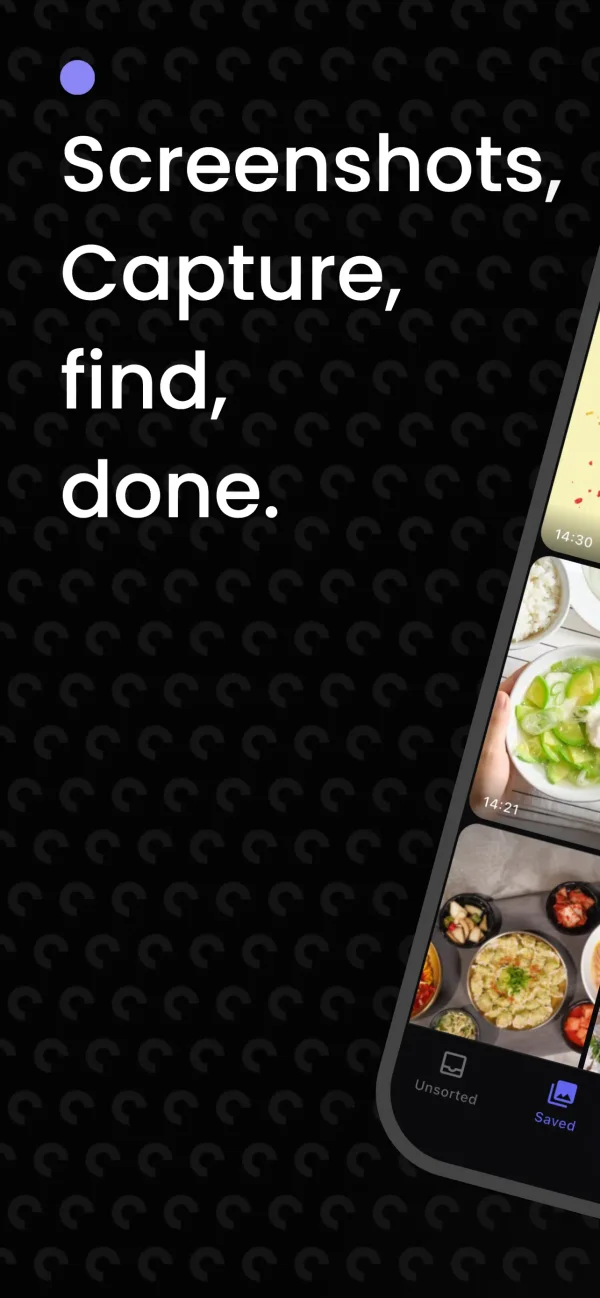
Keeply — your scattered screenshots and links, all in one place
Screenshots piling up on your phone, links you saved but can't find again. Keeply keeps them tidy.
[ Automatic screenshot organizing ]
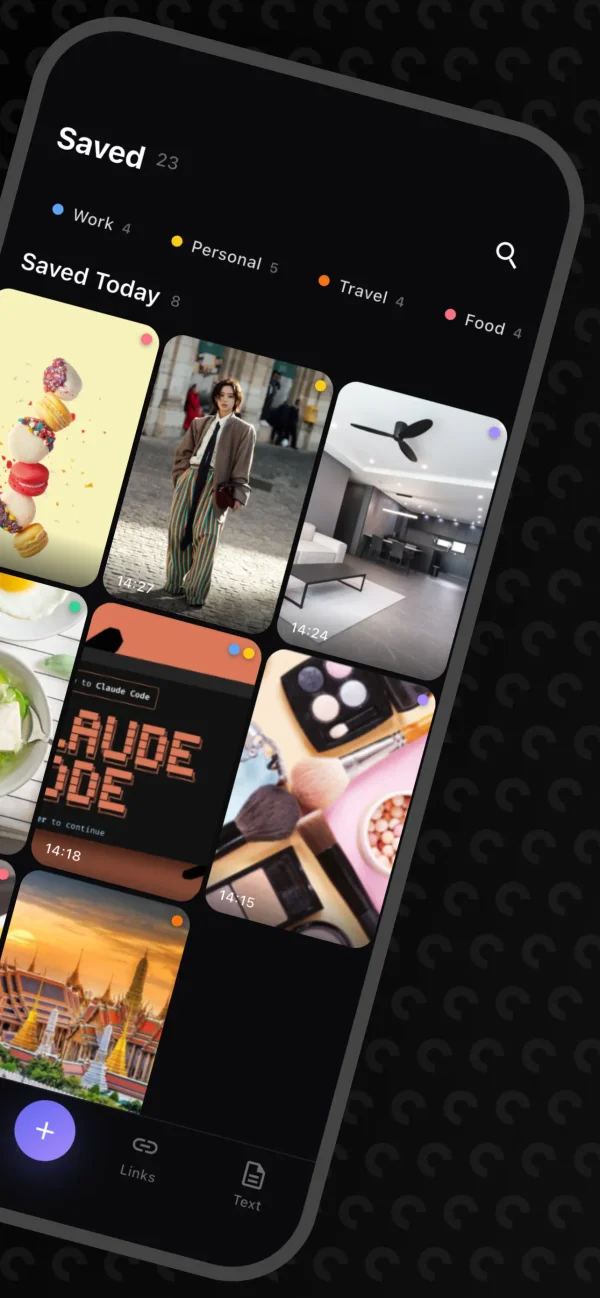
Open the app and your gallery's screenshots load automatically. No need to hunt them down one by one — just add tags and notes right away.
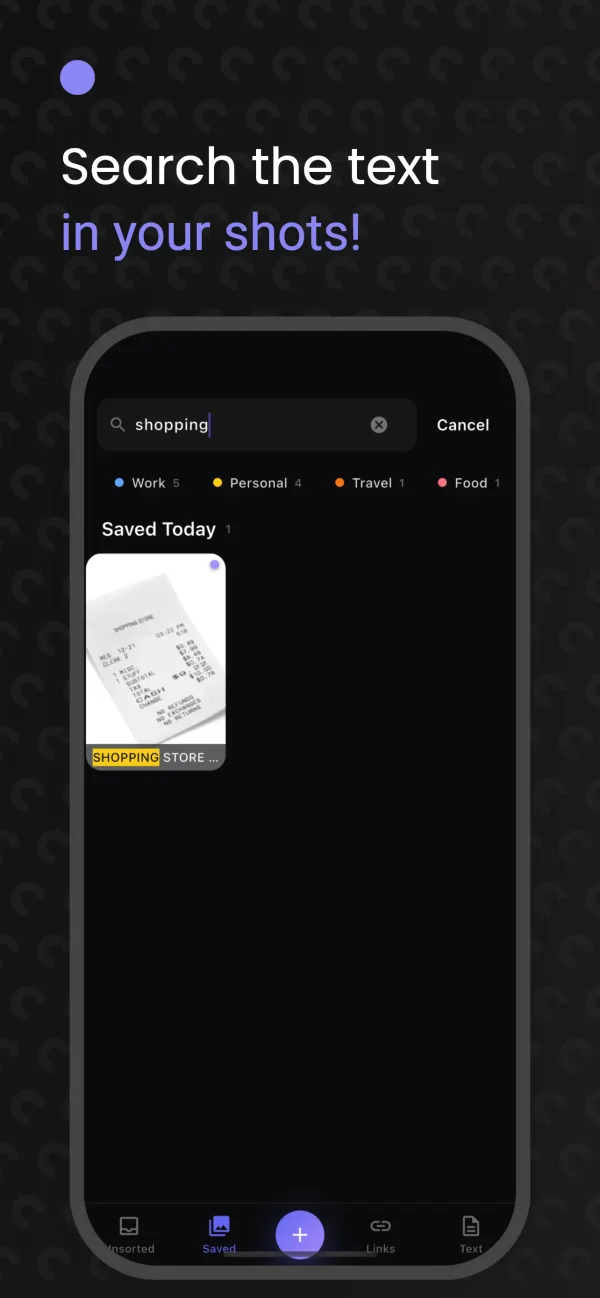
[ Search text inside screenshots ]
Keeply automatically recognizes the text in your saved screenshots (OCR). Even without a note, you can search by words you saw on screen and find them instantly. Existing screenshots are processed automatically too.
[ Tap links, phone numbers & emails ]
Keeply finds links, phone numbers, and emails inside your screenshots. Open a link, place a call, or write an email — all in one tap.
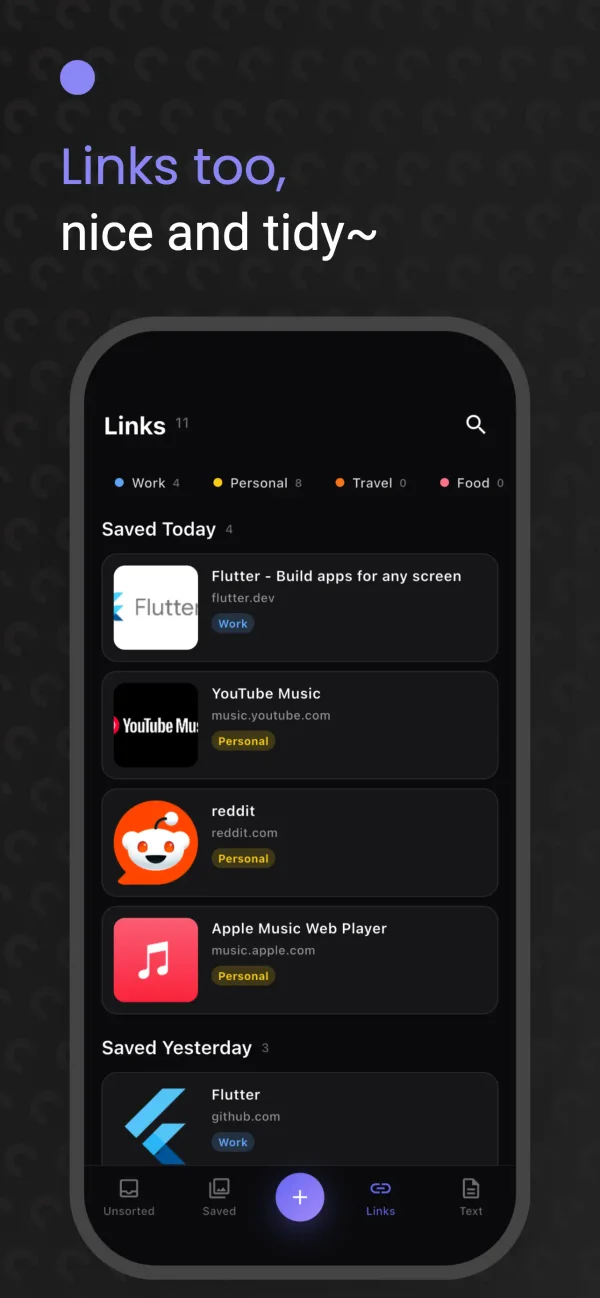
[ Save links with previews ]
Paste a link and Keeply pulls in preview details like the title and image automatically. Manage them with tags and notes, just like screenshots.
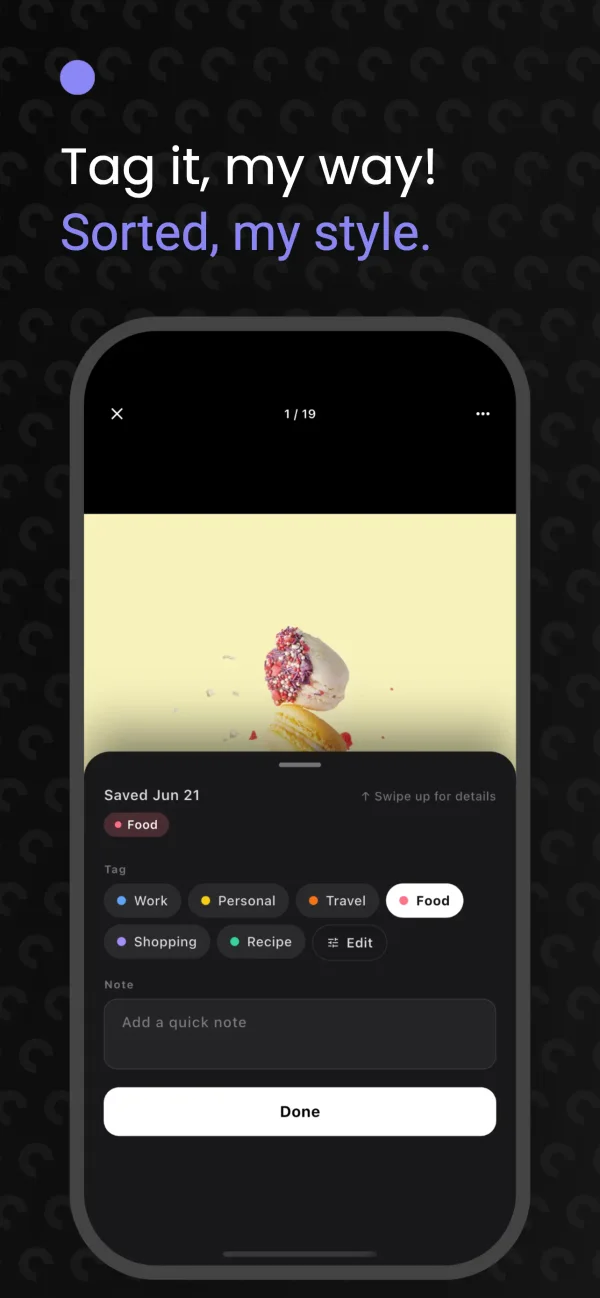
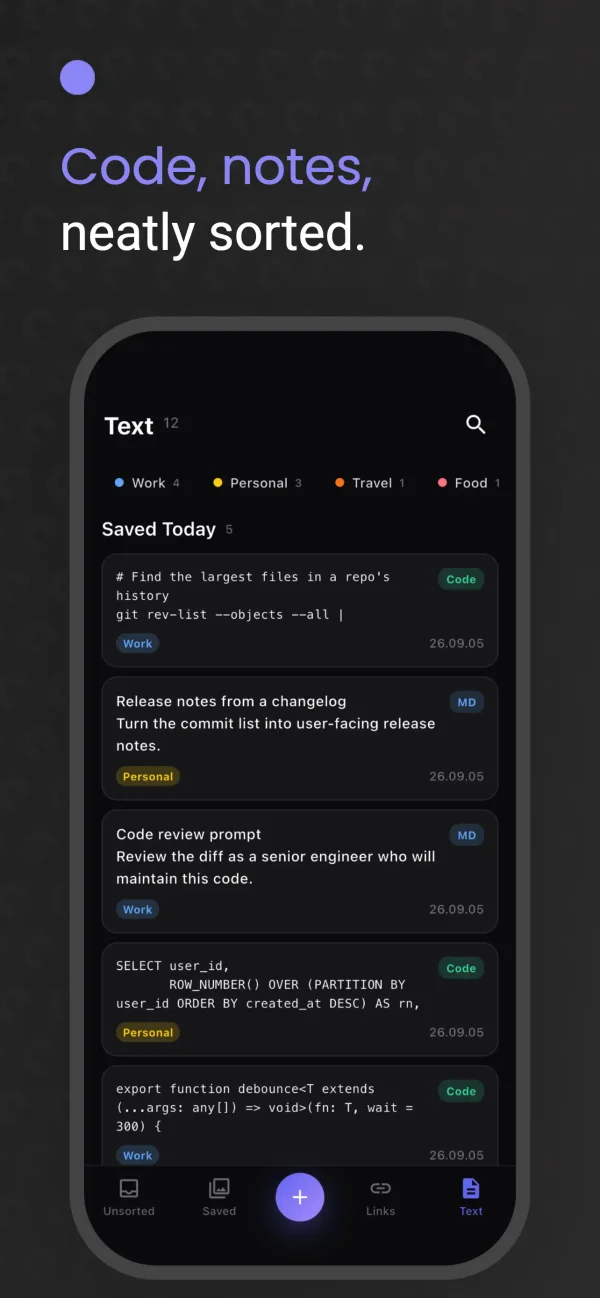
[ Quick sorting with tags ]
Create your own tags to organize screenshots and links however you like. Find them again later with a single tag.
[ Add notes ]
Leave a note on each item so you never forget why you saved it.
[ Copy image ]
Copy a saved screenshot to the clipboard and paste it anywhere.
[ Offline ]
All your data stays on your device. Organize and search even without a network.
Tidy up your digital space with Keeply today.
Yang baru
Versi 2.5.0 · 8/9/2026
• On tablets and foldables, your list and what's in it now sit side by side. On wide screens the menu moves to the left, and photos keep their size while more of them fit.
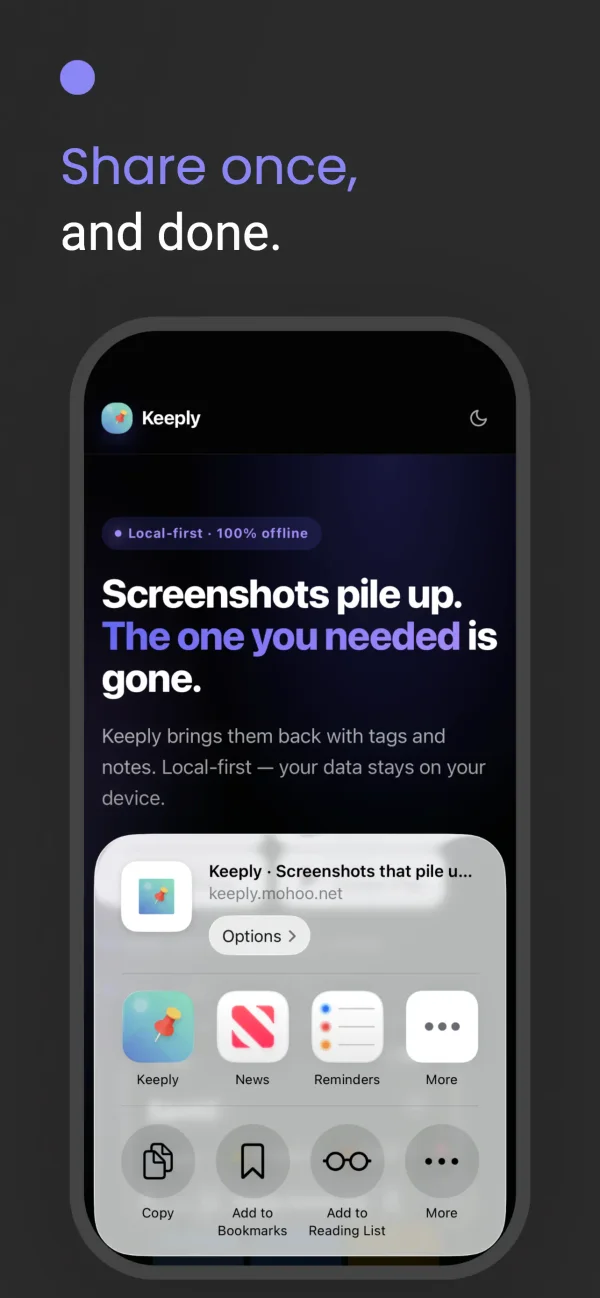
• Share an image link and it's saved as a photo, not a link.
• (iPhone) The "Allow Paste" prompt no longer shows every time you open the app — just once, when you tap to add.
Privasi aplikasi
Yang dinyatakan sang woon kim di App Store tentang cara aplikasi ini menangani data.
-
Data yang digunakan untuk melacak Anda
Dapat digunakan untuk melacak Anda di aplikasi dan situs web milik perusahaan lain.
- Pengenal
- Data penggunaan
-
Data yang tidak ditautkan dengan Anda
Dapat dikumpulkan, tetapi tidak ditautkan dengan identitas Anda.
- Pengenal
- Data penggunaan
Praktik privasi dapat bervariasi, misalnya berdasarkan fitur yang Anda gunakan atau usia Anda.
Informasi
- Penjual
- Mohoo Studio
- Kategori
- Produktivitas
- Versi
- 2.5.0
- Diperbarui
- 8/9/2026
- Dirilis
- 7/3/2026
- Ukuran
- 73,1 MB
- Memerlukan
- iOS 15.0 atau yang lebih baru
- Batasan usia
- 12+
- Harga
- Gratis
- Pembelian dalam aplikasi
- Ya
- Bahasa
- Inggris
- Hak cipta
- © 2026 keeply
Mungkin Anda juga suka
-
 CheckMate: AI Todo PlannerProduktivitas
-
 TasteShelfProduktivitas
-
 기록해 - 순간을 담다Produktivitas
-
 링클립 - AI 링크 요약 & 북마크Produktivitas
-
 Husk: Screenshot Photo CleanerProduktivitas
-
 Stashly - Simpan & RapikanSimpan postingan, link & ide
-
 TT Calendar: To-Do & CountdownProduktivitas
-
 DoBeDoBeProduktivitas
-
 提示词记录本Produktivitas
-
 ToDough: Bake & To-Do ListProduktivitas