Screenshot & Link - Keeply
Organize screenshots & links
iPhone, iPad, iPod touch için tasarlandı
Ücretsiz · Uygulama içi satın alma
- Yaş sınırı12+
- KategoriÜretkenlik
- Geliştiricisang woon kim
- Dillerİngilizce
- Boyut73,1 MB
Resmi App Store sayfasına bağlanır
Download.org, Screenshot & Link - Keeply için hiçbir dosya barındırmaz. Düğme, uygulamanın App Store üzerindeki sayfasını açar; uygulamayı orada sang woon kim yayınlar. Sayfanın son kontrolü: 12.11.2026.
Ekran görüntüleri
Hakkında
Geliştirici bu metni dilinizde sunmamış.
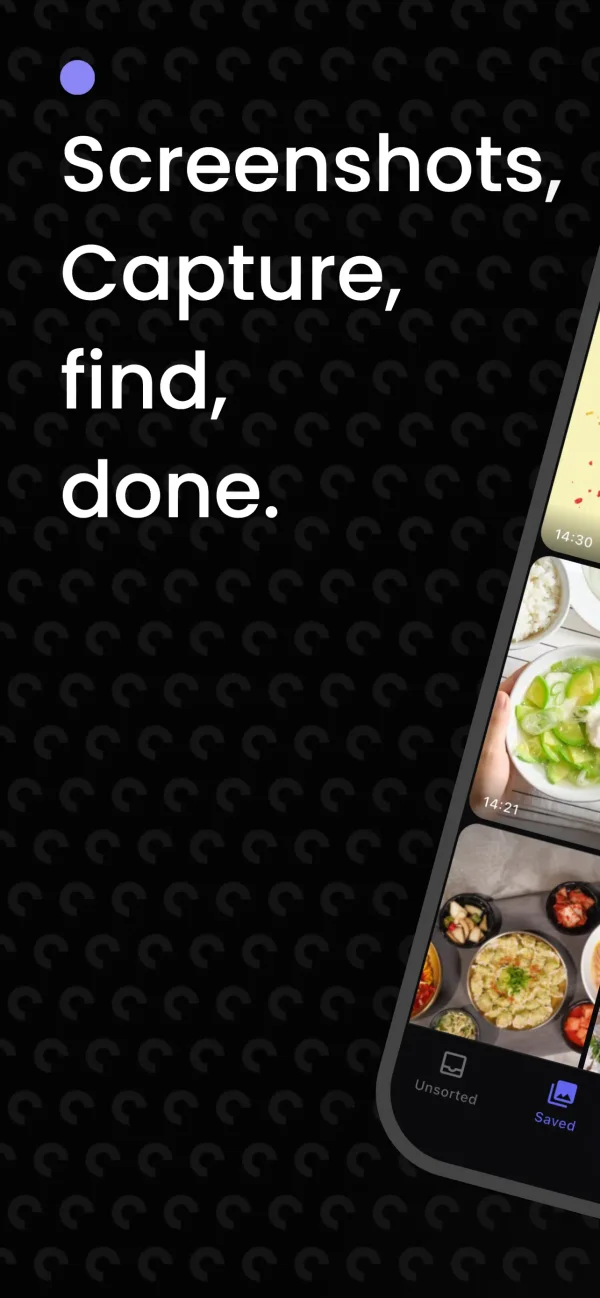
Keeply — your scattered screenshots and links, all in one place
Screenshots piling up on your phone, links you saved but can't find again. Keeply keeps them tidy.
[ Automatic screenshot organizing ]
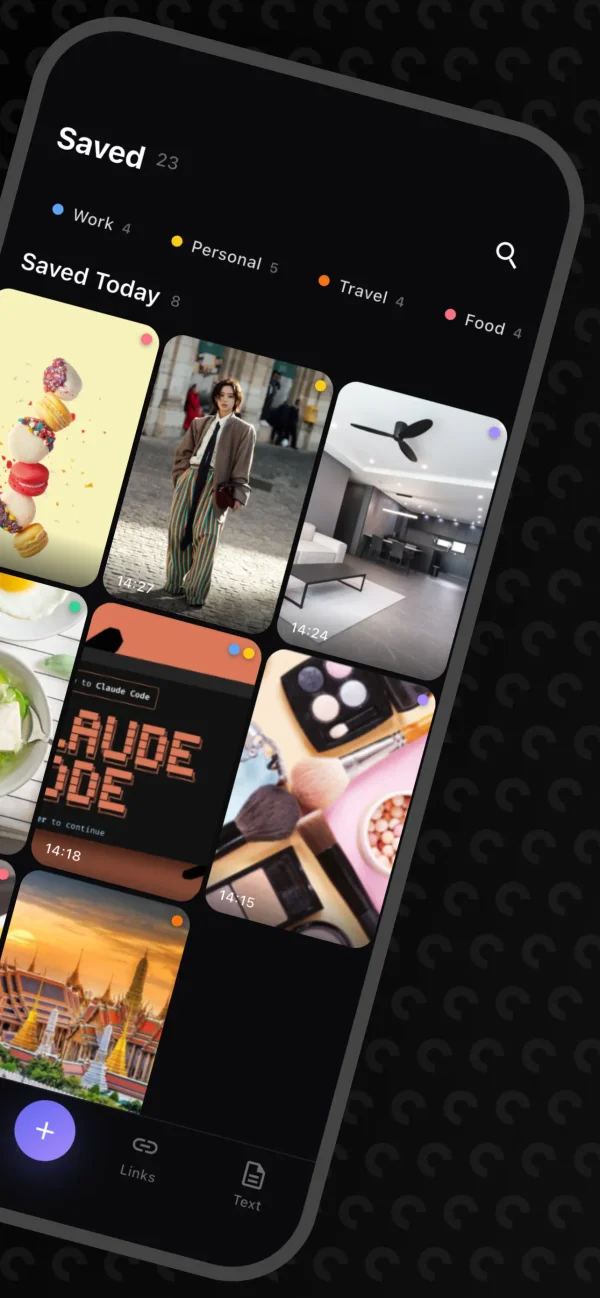
Open the app and your gallery's screenshots load automatically. No need to hunt them down one by one — just add tags and notes right away.
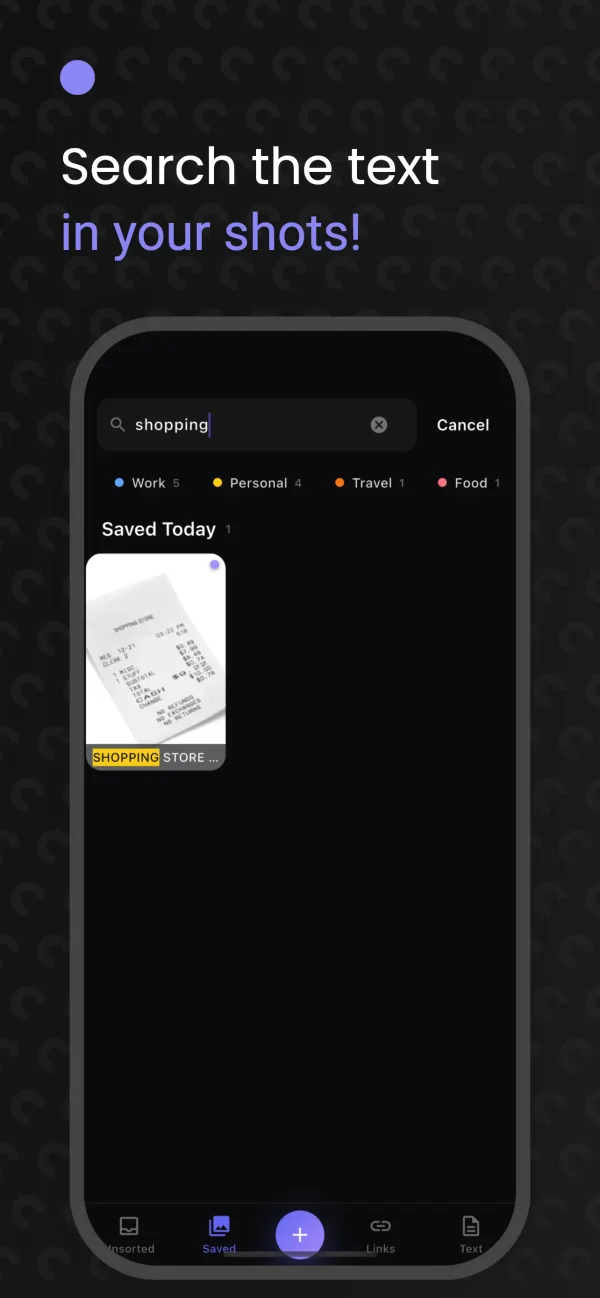
[ Search text inside screenshots ]
Keeply automatically recognizes the text in your saved screenshots (OCR). Even without a note, you can search by words you saw on screen and find them instantly. Existing screenshots are processed automatically too.
[ Tap links, phone numbers & emails ]
Keeply finds links, phone numbers, and emails inside your screenshots. Open a link, place a call, or write an email — all in one tap.
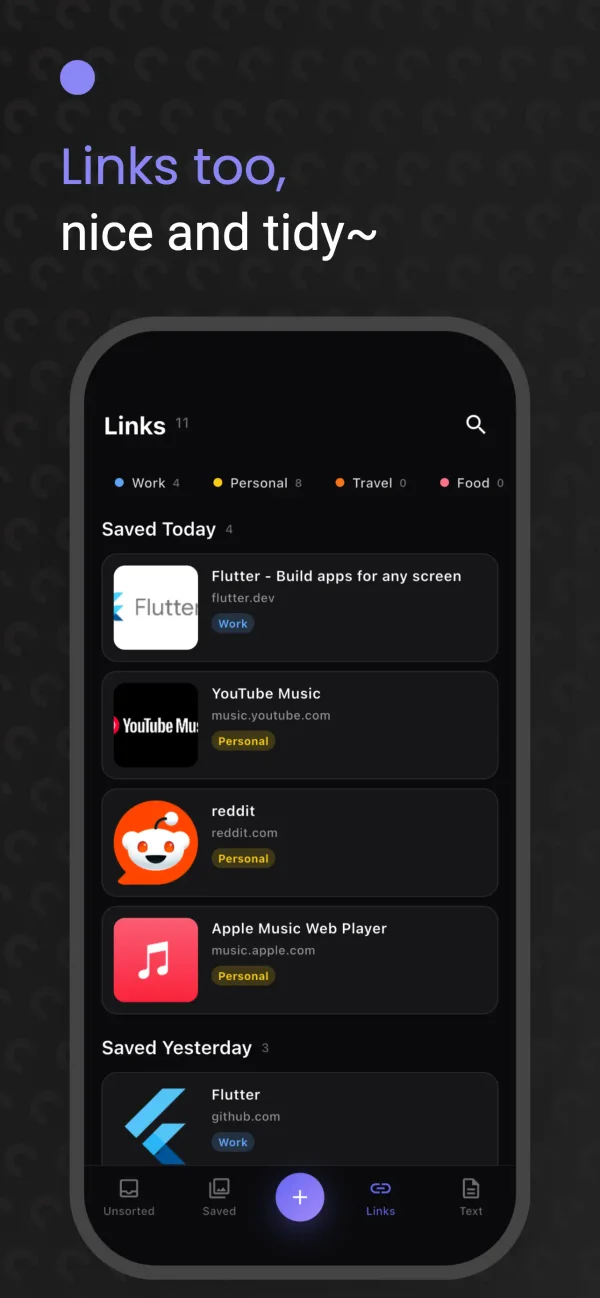
[ Save links with previews ]
Paste a link and Keeply pulls in preview details like the title and image automatically. Manage them with tags and notes, just like screenshots.
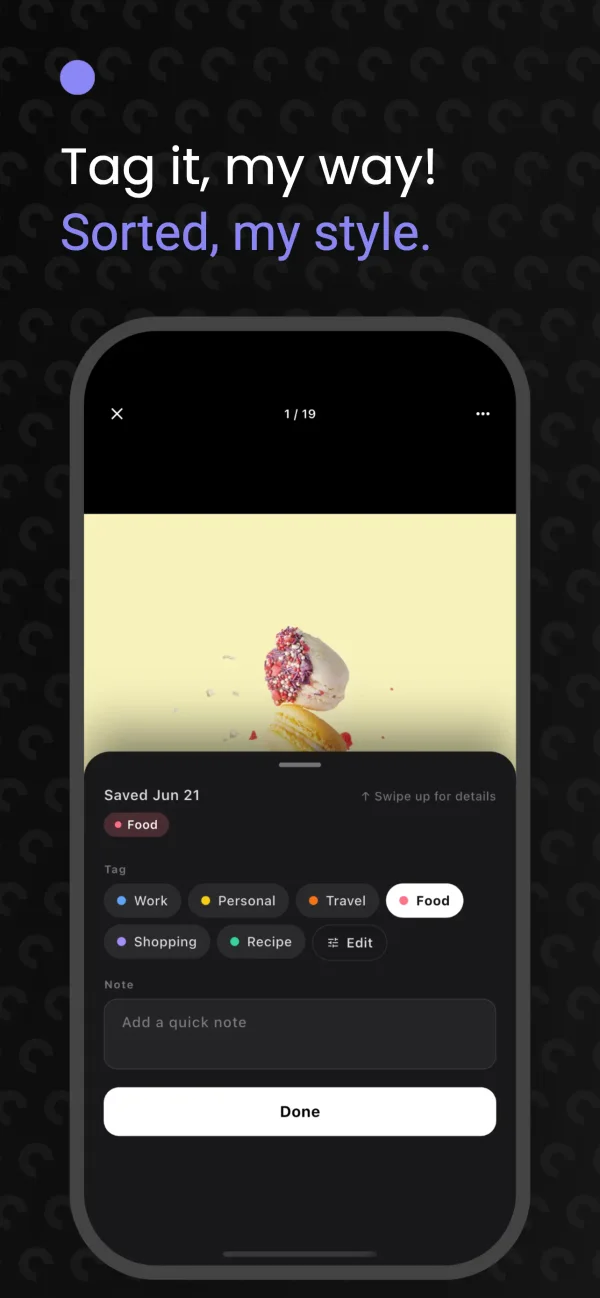
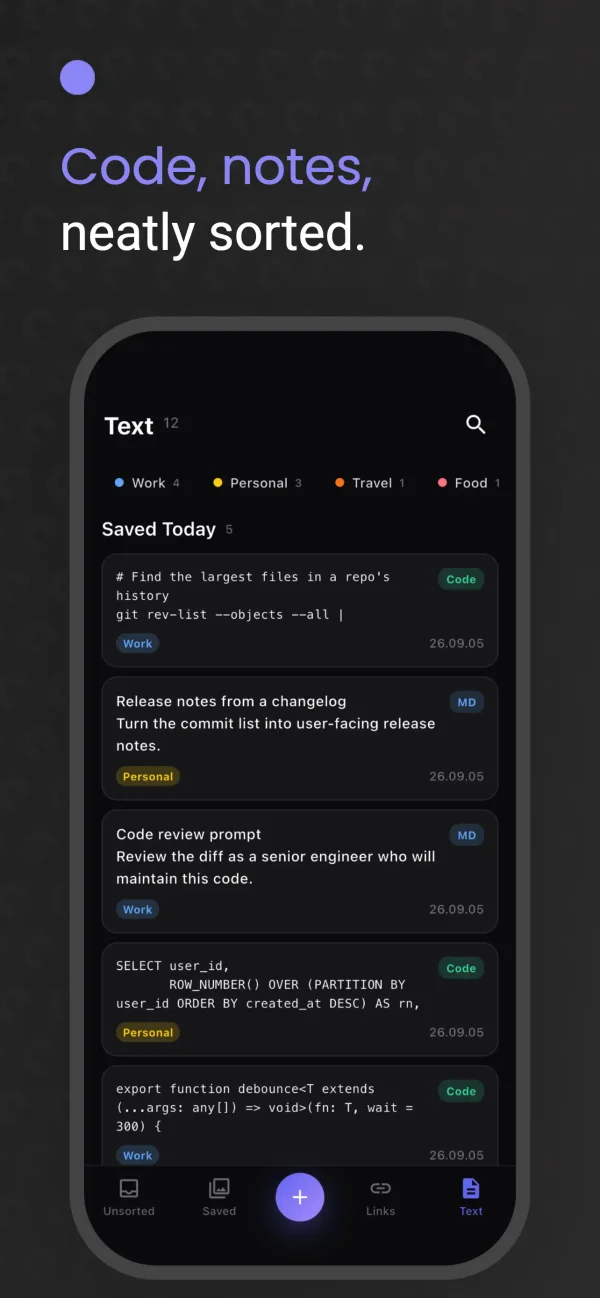
[ Quick sorting with tags ]
Create your own tags to organize screenshots and links however you like. Find them again later with a single tag.
[ Add notes ]
Leave a note on each item so you never forget why you saved it.
[ Copy image ]
Copy a saved screenshot to the clipboard and paste it anywhere.
[ Offline ]
All your data stays on your device. Organize and search even without a network.
Tidy up your digital space with Keeply today.
Yenilikler
Sürüm 2.5.0 · 08.09.2026
• On tablets and foldables, your list and what's in it now sit side by side. On wide screens the menu moves to the left, and photos keep their size while more of them fit.
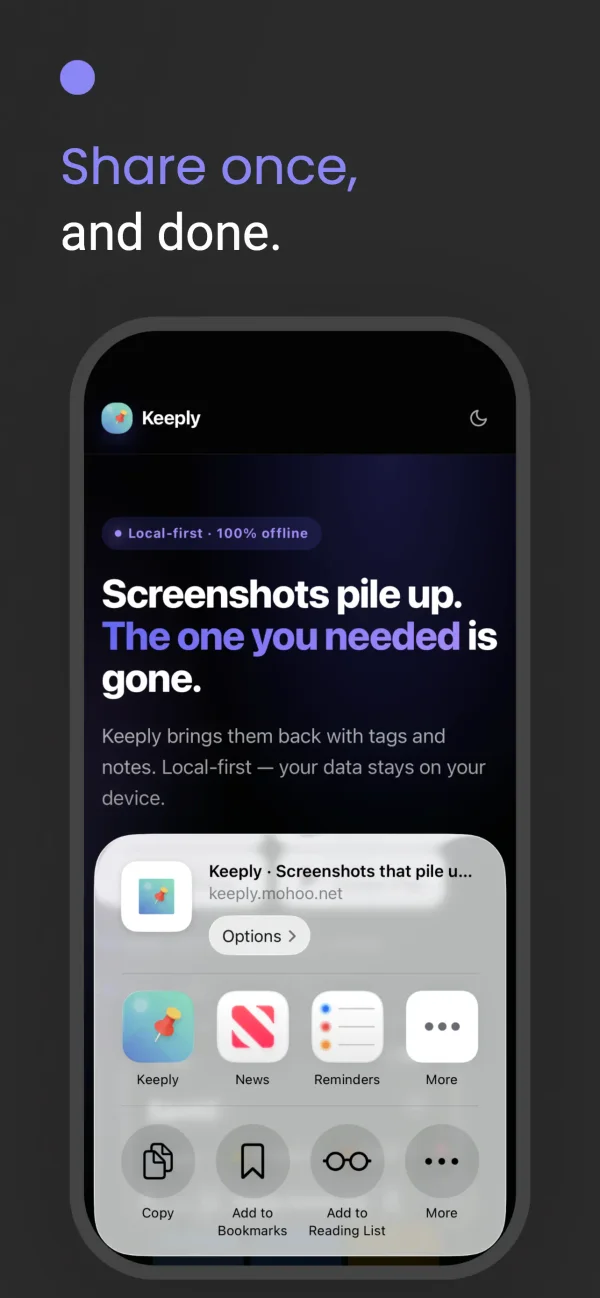
• Share an image link and it's saved as a photo, not a link.
• (iPhone) The "Allow Paste" prompt no longer shows every time you open the app — just once, when you tap to add.
Uygulama gizliliği
Bu uygulamanın verileri nasıl işlediği hakkında sang woon kim tarafından App Store üzerinde yapılan beyan.
-
Sizi izlemek için kullanılan veriler
Başka şirketlere ait uygulamalarda ve web sitelerinde sizi izlemek için kullanılabilir.
- Tanımlayıcılar
- Kullanım verileri
-
Sizinle ilişkilendirilmeyen veriler
Toplanabilir ancak kimliğinizle ilişkilendirilmez.
- Tanımlayıcılar
- Kullanım verileri
Gizlilik uygulamaları, örneğin kullandığınız özelliklere veya yaşınıza göre değişiklik gösterebilir.
Bilgiler
- Satıcı
- Mohoo Studio
- Kategori
- Üretkenlik
- Sürüm
- 2.5.0
- Güncellendi
- 08.09.2026
- Yayın tarihi
- 07.03.2026
- Boyut
- 73,1 MB
- Gereksinim
- iOS 15.0 veya sonrası
- Yaş sınırı
- 12+
- Fiyat
- Ücretsiz
- Uygulama içi satın alma
- Evet
- Diller
- İngilizce
- Telif hakkı
- © 2026 keeply
Bunları da beğenebilirsiniz
-
 CheckMate: AI Todo PlannerÜretkenlik
-
 TasteShelfÜretkenlik
-
 기록해 - 순간을 담다Üretkenlik
-
 링클립 - AI 링크 요약 & 북마크Üretkenlik
-
 Husk: Screenshot CleanupÜretkenlik
-
 Stashly - Kaydet ve DüzenleGönderi, link ve fikir kaydet
-
 TT Calendar: To-Do & CountdownÜretkenlik
-
 DoBeDoBeÜretkenlik
-
 提示词记录本Üretkenlik
-
 ToDough: Bake & To-Do ListÜretkenlik