Screenshot & Link - Keeply
Organize screenshots & links
Designed for iPhone, iPad, iPod touch
In-app purchases
- Age rating12+
- CategoryProductivity
- Developersang woon kim
- LanguagesEnglish
- Size73.1 MB
Links to the official App Store page
Download.org hosts no file of Screenshot & Link - Keeply. The button opens its official App Store page, published by sang woon kim. Listing last checked on Nov 12, 2026.
Screenshots
About
Keeply — your scattered screenshots and links, all in one place
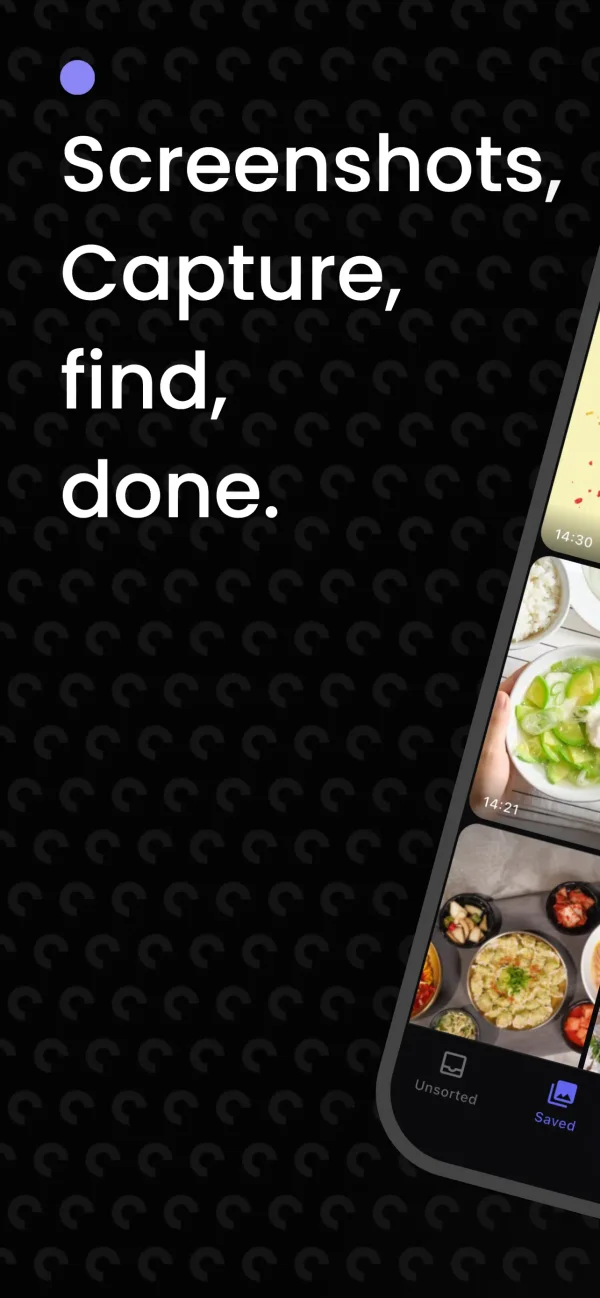
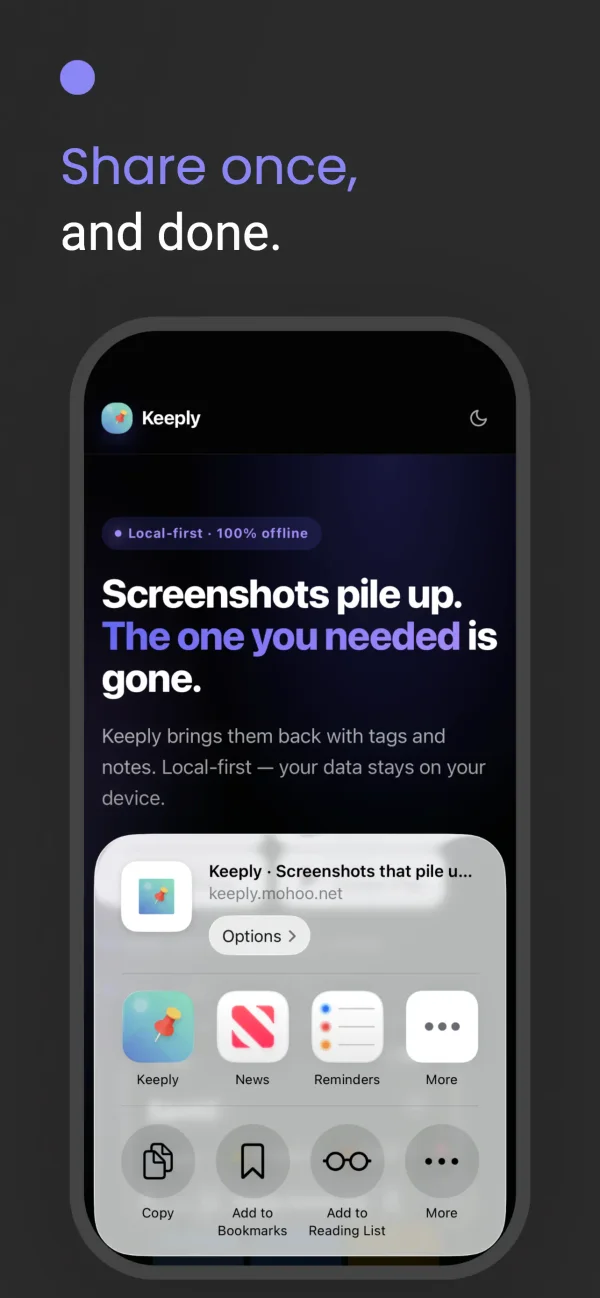
Screenshots piling up on your phone, links you saved but can't find again. Keeply keeps them tidy.
[ Automatic screenshot organizing ]
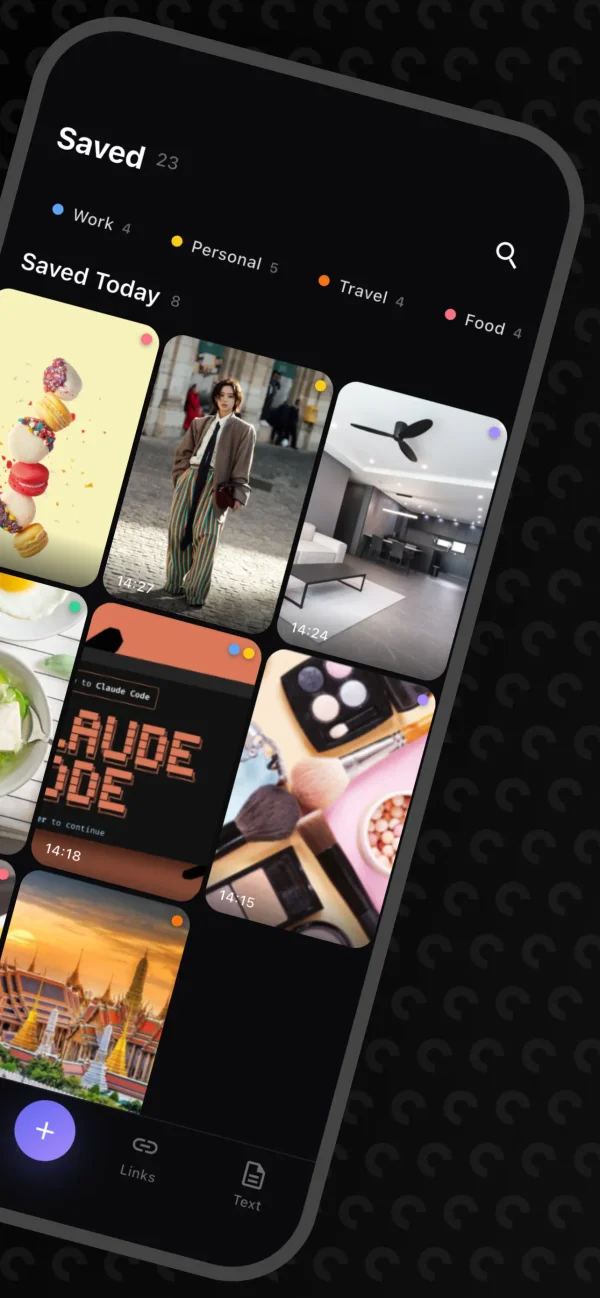
Open the app and your gallery's screenshots load automatically. No need to hunt them down one by one — just add tags and notes right away.
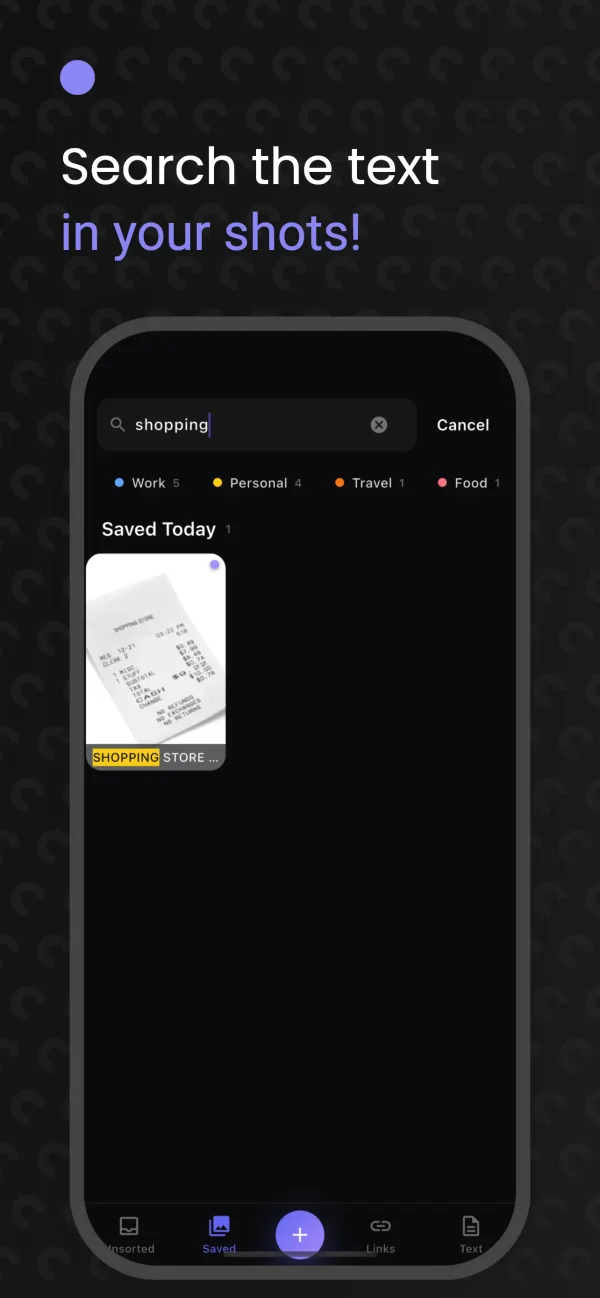
[ Search text inside screenshots ]
Keeply automatically recognizes the text in your saved screenshots (OCR). Even without a note, you can search by words you saw on screen and find them instantly. Existing screenshots are processed automatically too.
[ Tap links, phone numbers & emails ]
Keeply finds links, phone numbers, and emails inside your screenshots. Open a link, place a call, or write an email — all in one tap.
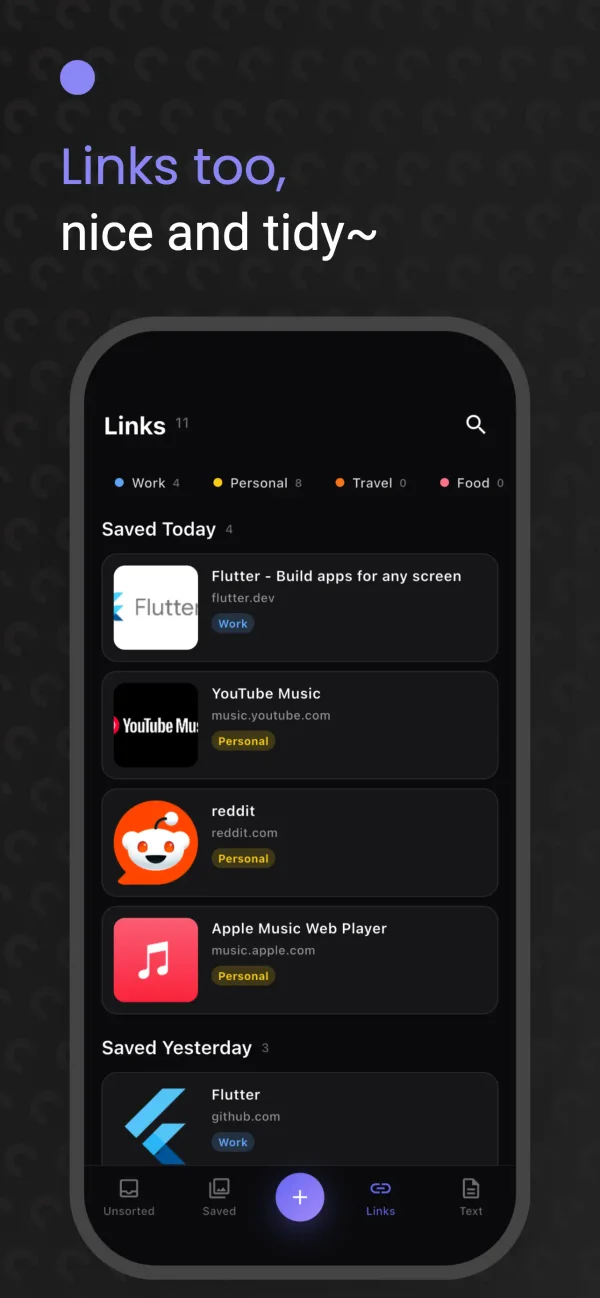
[ Save links with previews ]
Paste a link and Keeply pulls in preview details like the title and image automatically. Manage them with tags and notes, just like screenshots.
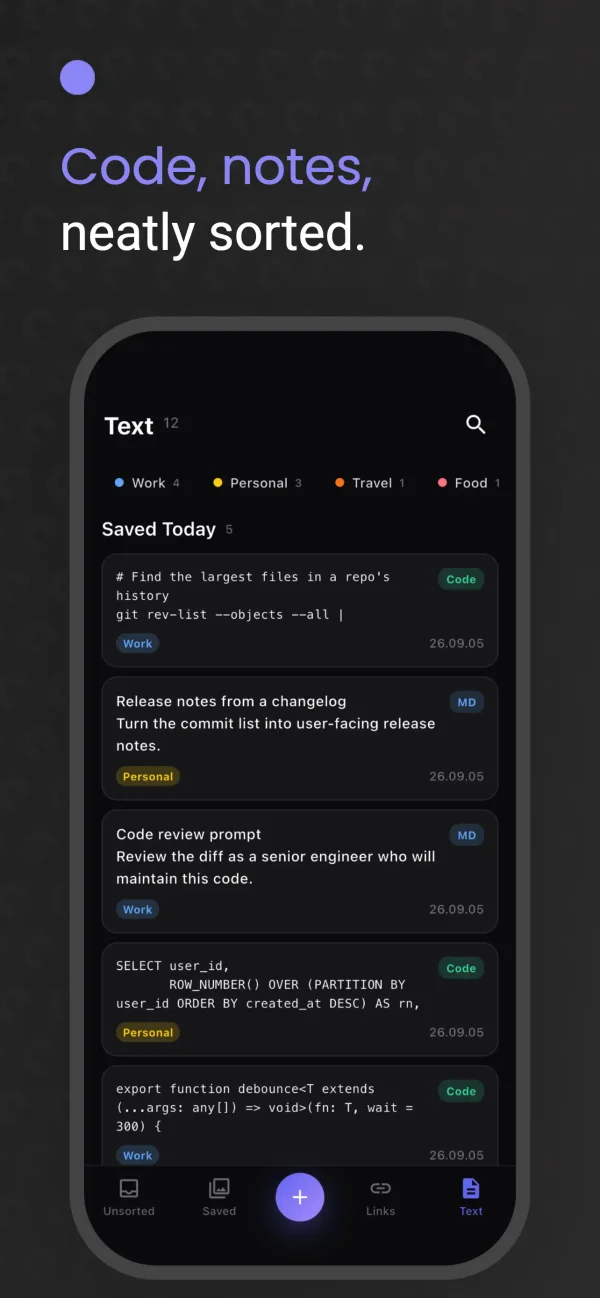
[ Quick sorting with tags ]
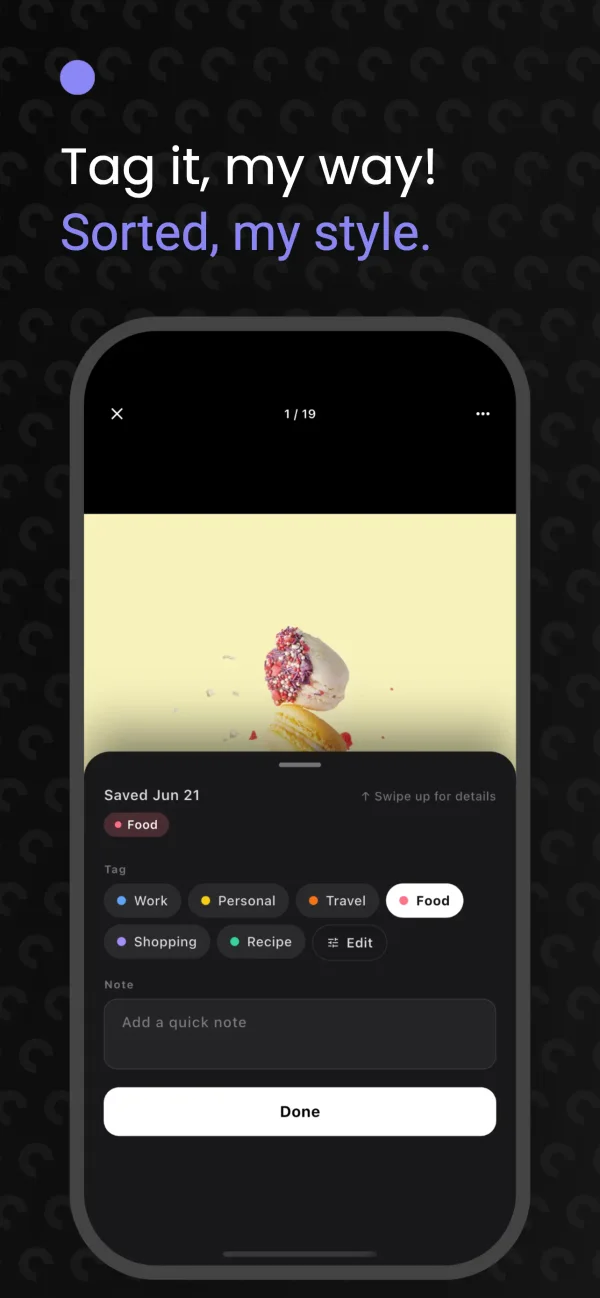
Create your own tags to organize screenshots and links however you like. Find them again later with a single tag.
[ Add notes ]
Leave a note on each item so you never forget why you saved it.
[ Copy image ]
Copy a saved screenshot to the clipboard and paste it anywhere.
[ Offline ]
All your data stays on your device. Organize and search even without a network.
Tidy up your digital space with Keeply today.
What’s new
Version 2.5.0 · Sep 8, 2026
• On tablets and foldables, your list and what's in it now sit side by side. On wide screens the menu moves to the left, and photos keep their size while more of them fit.
• Share an image link and it's saved as a photo, not a link.
• (iPhone) The "Allow Paste" prompt no longer shows every time you open the app — just once, when you tap to add.
App privacy
What sang woon kim declares on the App Store about how this app handles data.
-
Data used to track you
May be used to track you across apps and websites owned by other companies.
- Identifiers
- Usage data
-
Data not linked to you
May be collected but is not linked to your identity.
- Identifiers
- Usage data
Privacy practices may vary, for example with the features you use or your age.
Information
- Seller
- Mohoo Studio
- Category
- Productivity
- Version
- 2.5.0
- Updated
- Sep 8, 2026
- Released
- Mar 7, 2026
- Size
- 73.1 MB
- Requires
- iOS 15.0 or later
- Age rating
- 12+
- In-app purchases
- Yes
- Languages
- English
- Copyright
- © 2026 keeply
You might also like
-
 CheckMate: AI Todo PlannerCheckMate: AI Daily Planner
-
 TasteShelfYour personal taste archive
-
 기록해 - 순간을 담다Productivity
-
 링클립 - AI 링크 요약 & 북마크AI 요약으로 완성하는 나만의 링크 보관함
-
 Husk: Screenshot CleanupSave now. Decide later.
-
 Stashly - Save & OrganizeSave posts, links & ideas
-
 TT Calendar: To-Do & CountdownColor your month, see progress
-
 DoBeDoBeGoal Management App
-
 提示词记录本Productivity
-
 ToDough: Bake & To-Do ListCat To-Do, Habit & Focus Timer