
- Altersfreigabe4+
- KategorieDienstprogramme
- EntwicklerNoriaki Murao
- SprachenEnglisch
- Größe7,3 MB
sqft AR ist bei App Store derzeit möglicherweise nicht verfügbar
Bei unserer letzten Prüfung war der Store-Eintrag nicht erreichbar. Der Link führt weiterhin zur offiziellen App Store-Seite.
Screenshots

Info
Der Entwickler hat diesen Text nicht in Ihrer Sprache bereitgestellt.
**Measure Spaces with Augmented Reality**
Measure floor and wall areas, check distances, visualize furniture placement, and see whether objects fit your space—all using your iPhone's camera.
sqftAR is a practical AR measurement tool for painting, pressure washing, landscaping, renovation, DIY projects, house hunting, and home planning.
Whether you're a contractor estimating an area or a homeowner planning your next project, sqftAR helps you visualize and measure spaces with ease.
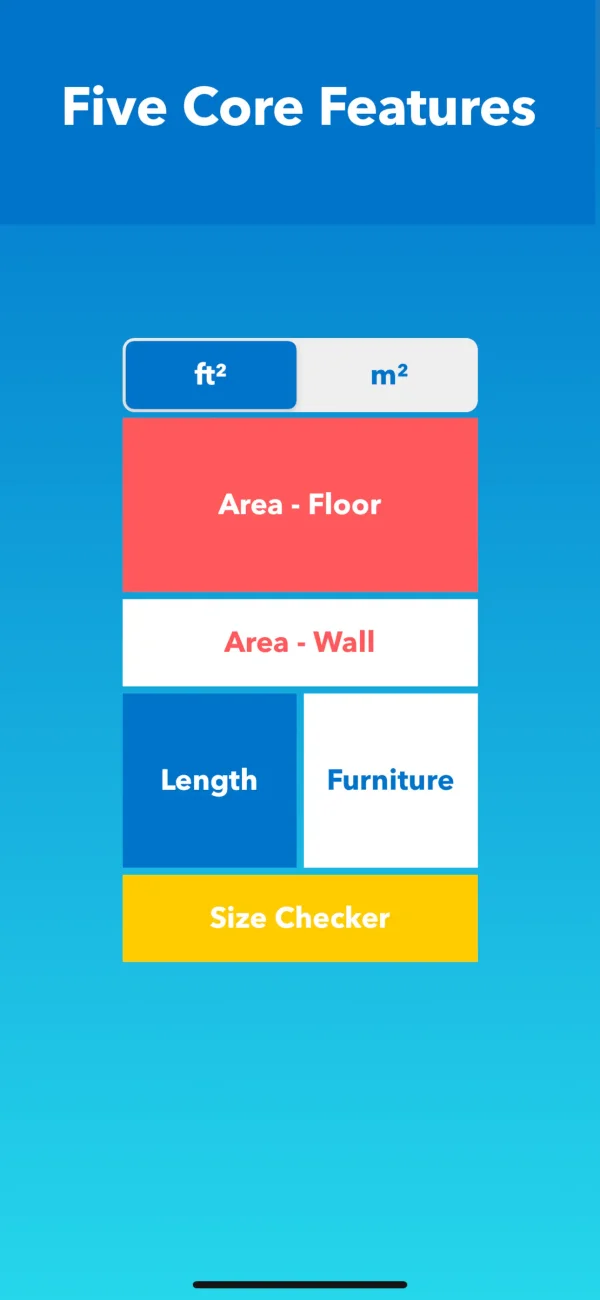
**FIVE CORE FEATURES**
**1. Area – Floor**
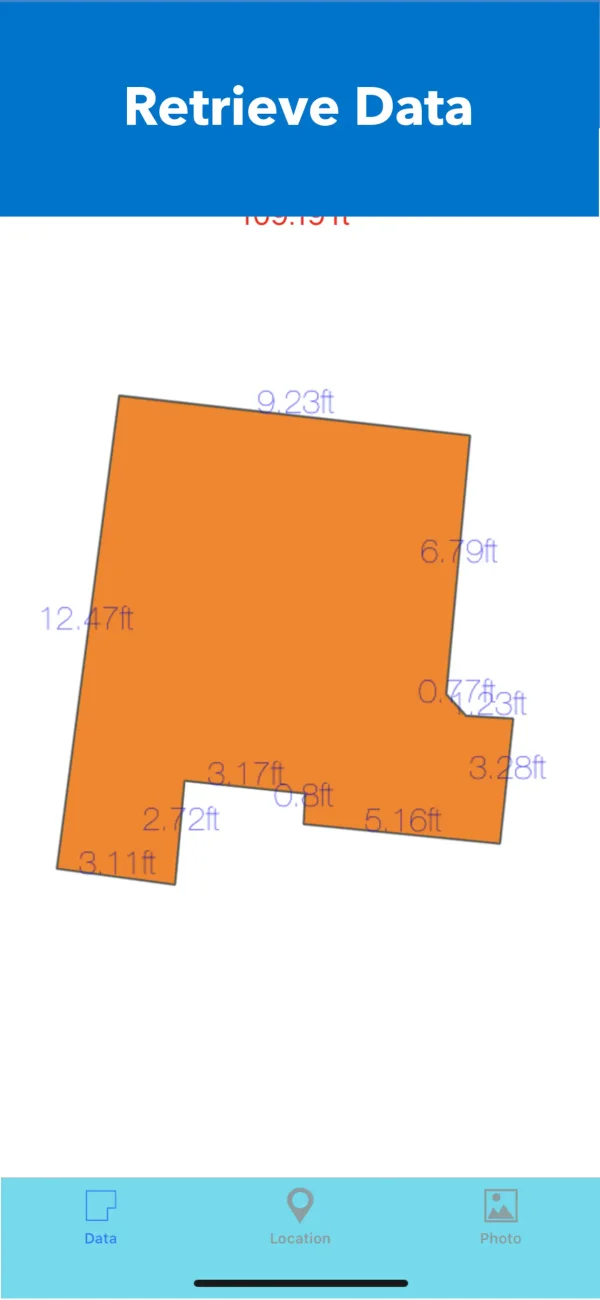
Measure floor areas in square feet (ft²) or square meters (m²). Mark the corners of a floor to calculate its area. Save measurements with notes and review them later.
**2. Area – Wall**
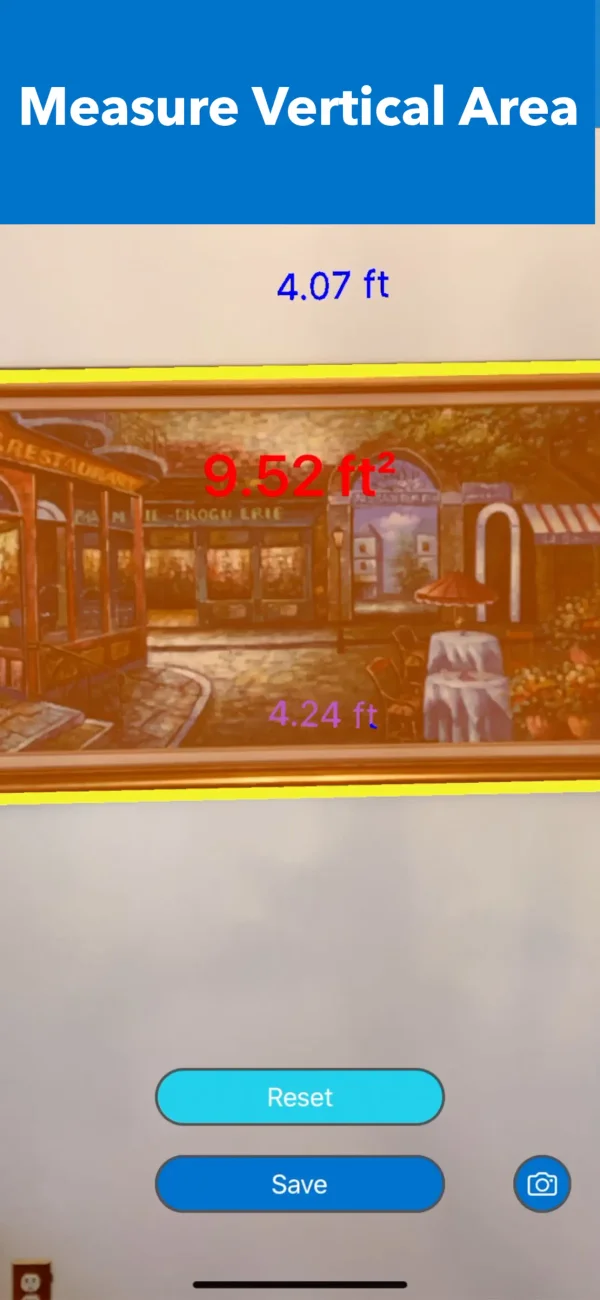
Measure wall areas in ft² or m². Useful for painting, cleaning, renovation, and other home improvement projects.
**3. Length**
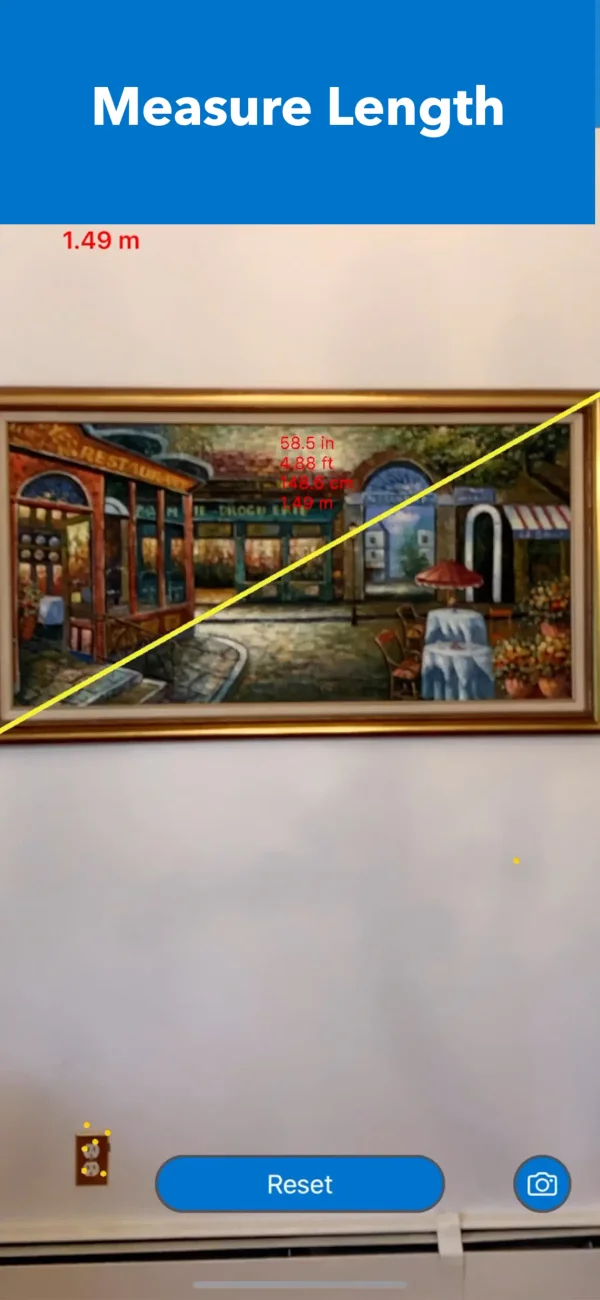
Measure the distance between two points using augmented reality.
**4. Furniture**
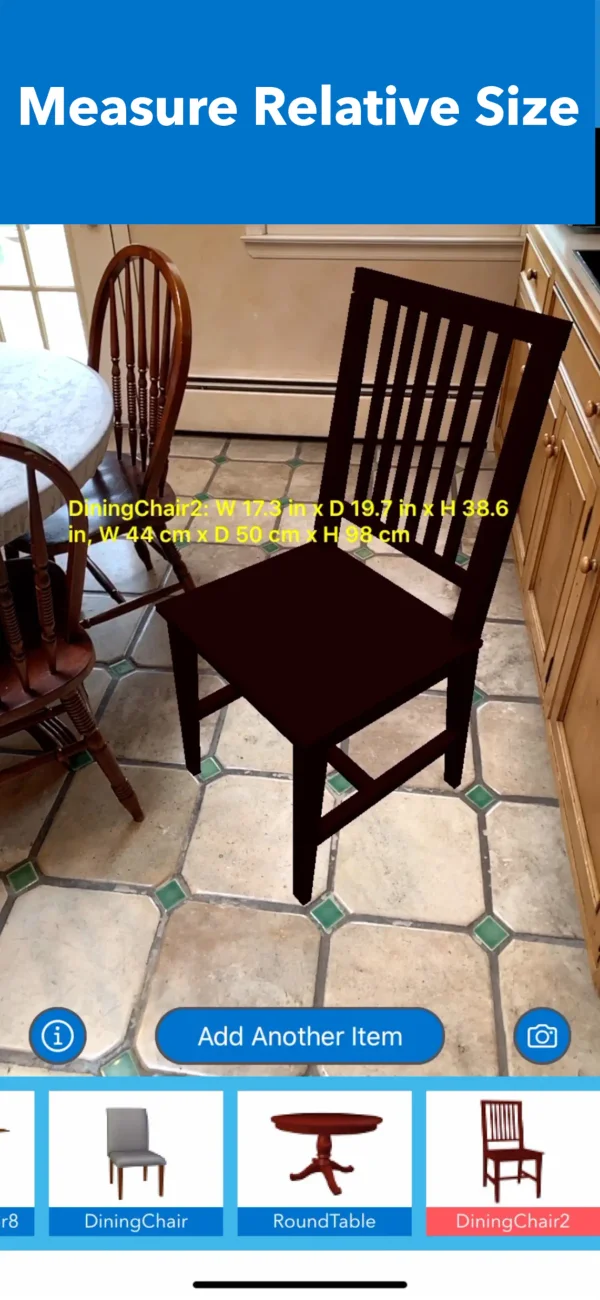
Place standard-sized virtual furniture in your surroundings to visualize how furniture fits and compare its size with the available space.
**5. Size Checker**
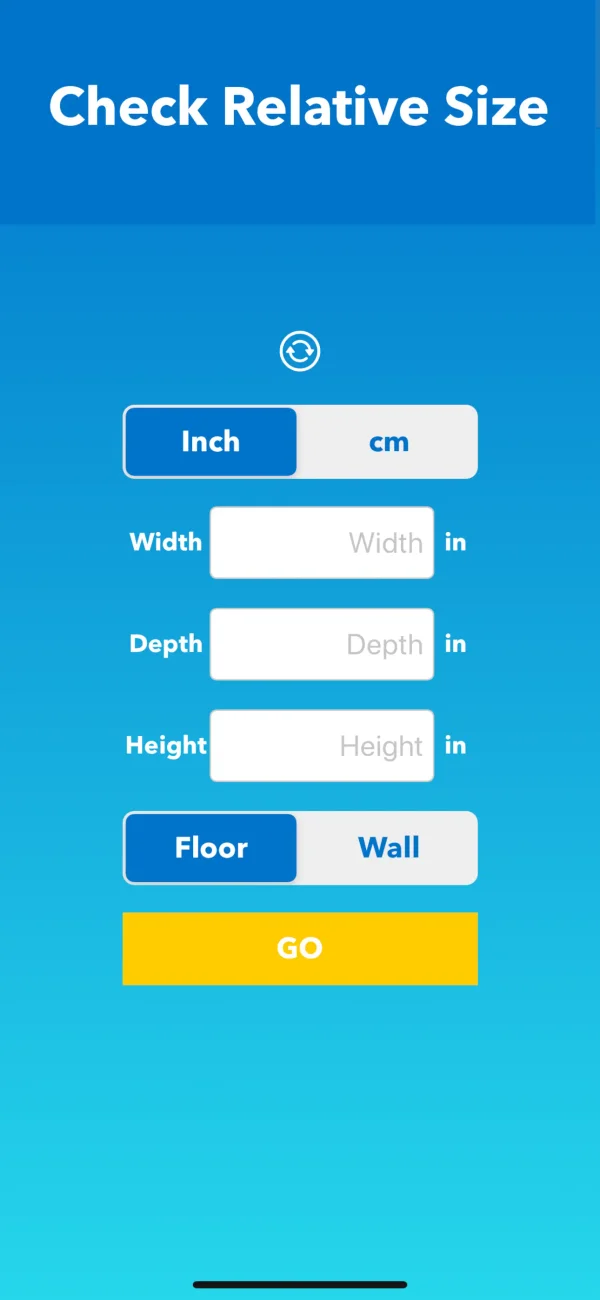
Enter an object's width, depth, and height to create a virtual 3D box. Place it in your surroundings to see how its dimensions compare with the available space.
**HOW TO USE**
**1. Area – Floor or Wall**
- Select your preferred measurement unit (ft² or m²).
- Tap "Area – Floor" or "Area – Wall" on the main menu.
- Move your iPhone slowly to scan the surrounding area.
- Find a flat floor or wall surface and wait for the blue square to appear.
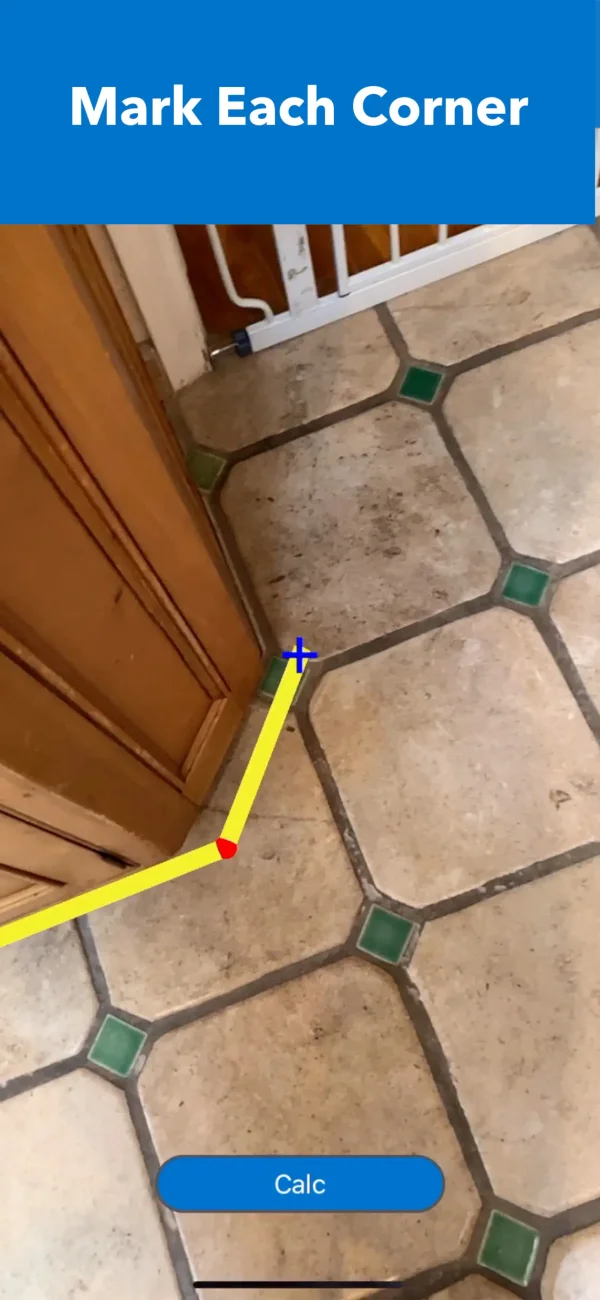
- Position the "+" pointer at the first corner.
- Tap the screen to mark the corner with a red sphere.
- Move clockwise or counterclockwise to the next corner and tap again.
- Continue marking each corner. Do not mark the starting point twice.
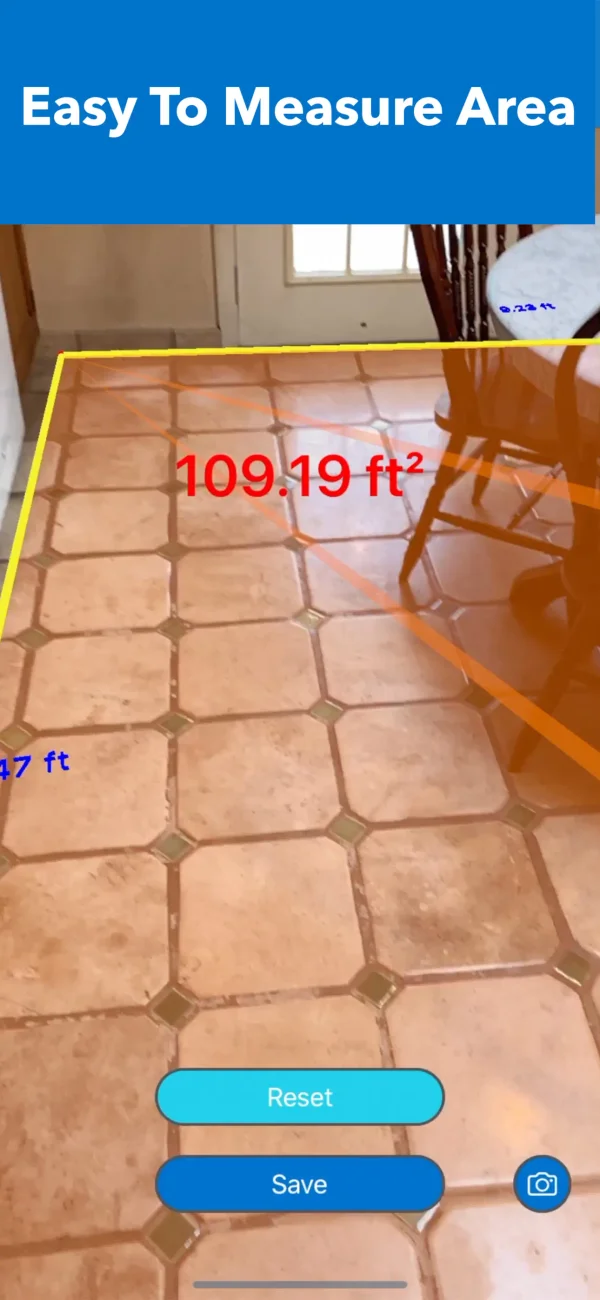
- Tap "Calc" to calculate the area.
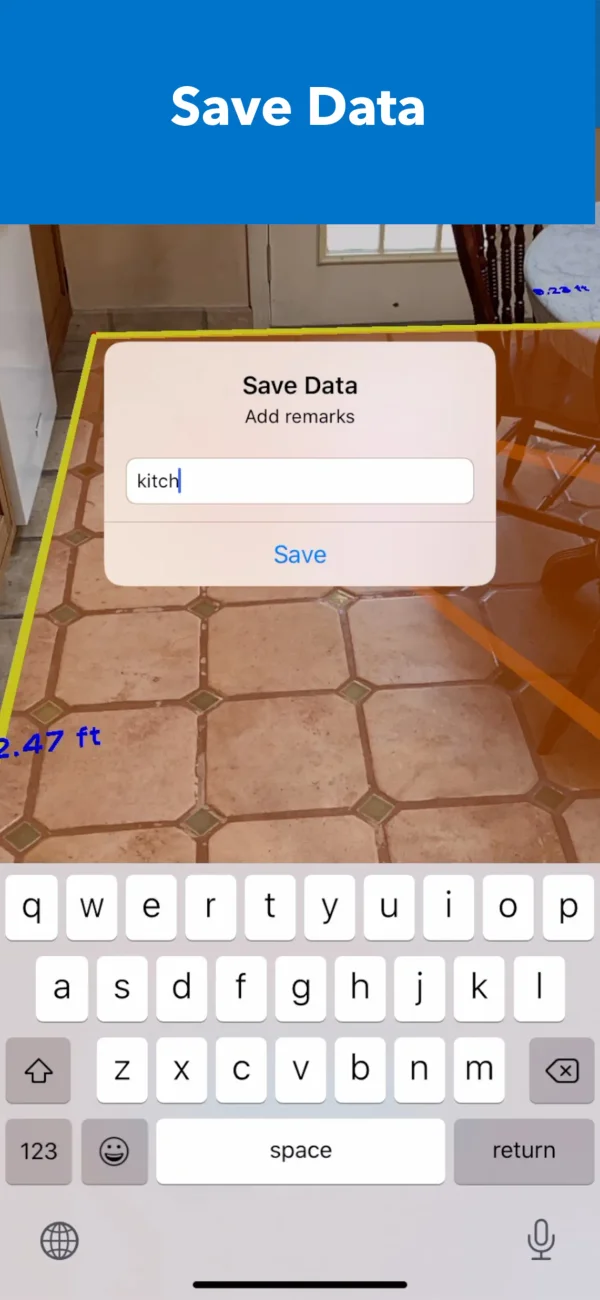
- To save the measurement, tap "Save," enter a note, and confirm.
- Tap "Camera" to take a photo.
- To access saved measurements, tap the file icon in the upper-right corner of the main menu.
- Search your saved measurements to find specific records.
- Tap a saved record to view its location and photo, if available.
- To delete a record, swipe left on the corresponding row.
Note: Occasionally, the orange AR-shaded area may extend beyond the outline or overlap. This visual effect does not affect the app's area calculation.
**2. Length**
- Tap "Length" on the main menu.
- Move your iPhone slowly to scan the surrounding area.
- Wait for yellow dots to appear on the target surface.
- Position the "+" pointer at the starting point.
- Tap the screen to mark the point with a red sphere.
- Move to the endpoint and position the pointer.
- Tap again to display the measured distance.
- To start a new measurement, tap "Reset."
- Tap "Camera" to take a photo.
**3. Furniture**
- Tap "Furniture" on the main menu.
- Scan the surrounding area until the blue square appears on a flat floor surface.
- Select a furniture item from the list.
- Tap the screen to place the virtual furniture.
- To rotate an item, touch it and slide your finger.
- To move an item, long-press it and drag.
- Tap "Add Another Item" to place additional furniture.
- Tap "Info" to show or hide furniture dimensions.
- Tap "Camera" to take a photo.
Virtual furniture uses standard or typical dimensions to help you visualize the relative size of a space.
**4. Size Checker**
- Select your preferred measurement unit.
- Enter the width, depth, and height of the object.
- Select the surface on which to place the virtual box.
- Tap "GO."
- Move your iPhone to scan the surrounding area.
- Wait for the blue square to appear on a suitable flat surface.
- Tap the screen to place the virtual box.
Use this feature to visualize an object's dimensions before purchasing or placing it in your space.
**IMPORTANT NOTES**
AR measurements are estimates and may vary with lighting, surfaces, and device movement. Verify measurements with professional tools when precision is required.
Neue Funktionen
Version 1.8 · 25.10.2026
- Added search functionality to quickly find saved area measurements.
- Minor improvements and bug fixes.
App-Datenschutz
Was Noriaki Murao im App Store zum Umgang dieser App mit Daten angibt.
-
Daten, die zum Tracking Ihrer Person verwendet werden
Können verwendet werden, um Sie über Apps und Websites anderer Unternehmen hinweg zu verfolgen.
- Standort
- Kennungen
- Nutzungsdaten
-
Nicht mit Ihnen verknüpfte Daten
Können erfasst werden, sind aber nicht mit Ihrer Identität verknüpft.
- Standort
- Kennungen
- Nutzungsdaten
- Diagnose
Die Datenschutzpraktiken können variieren, zum Beispiel je nach den von Ihnen verwendeten Funktionen oder Ihrem Alter.
Informationen
- Anbieter
- Noriaki Murao
- Kategorie
- Dienstprogramme
- Version
- 1.8
- Aktualisiert
- 25.10.2026
- Veröffentlicht
- 08.06.2018
- Größe
- 7,3 MB
- Erfordert
- iOS 13.0 oder neuer
- Altersfreigabe
- 4+
- Sprachen
- Englisch
- Copyright
- © 2026 The New Life Enterprise, LLC
Das könnte Ihnen auch gefallen
-
 Flächenrechner: Area CalcGeometrie Rechner - Berechnen
-
 CamToPlan - Maßband & messenAR Kamera Massband & 3D Lineal
-
 Room Scanner Pro - Messen HausGrundriss Zeichnen,Maßband,AR
-
 3D Raumplaner AR: Maßband AppRaum Messen & Grundriss Scan
-
 Square Footage Calculator:AreoDienstprogramme
-
 Calculator areaDienstprogramme
-
 MoasureDie Moasure Companion-App
-
 Landschaftsrechnerby Inch Calculator
-
 Tile Calculator, Flooring calcDienstprogramme
-
 Material Estimator CalculatorDienstprogramme