- Độ tuổi4+
- Danh mụcTiện Ích
- Nhà phát triểnTP-Link Systems Inc.
- Ngôn ngữTiếng Anh+ 22 ngôn ngữ khác
- Kích thước154,3 MB
Liên kết đến trang App Store chính thức
Download.org không lưu trữ tệp nào của TP-Link Omada. Nút này mở trang ứng dụng trên App Store, nơi TP-Link Systems Inc. phát hành ứng dụng. Trang được kiểm tra lần cuối: 26/11/2026.
Ảnh chụp màn hình

Giới thiệu
Nhà phát triển chưa cung cấp nội dung này bằng ngôn ngữ của bạn.
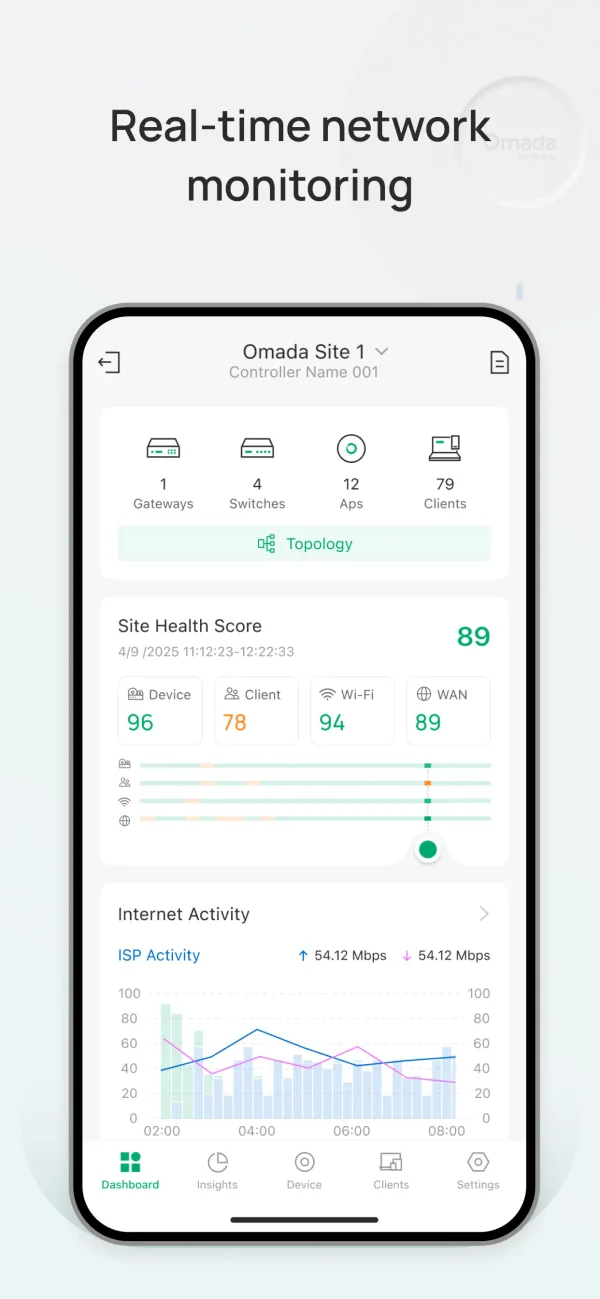
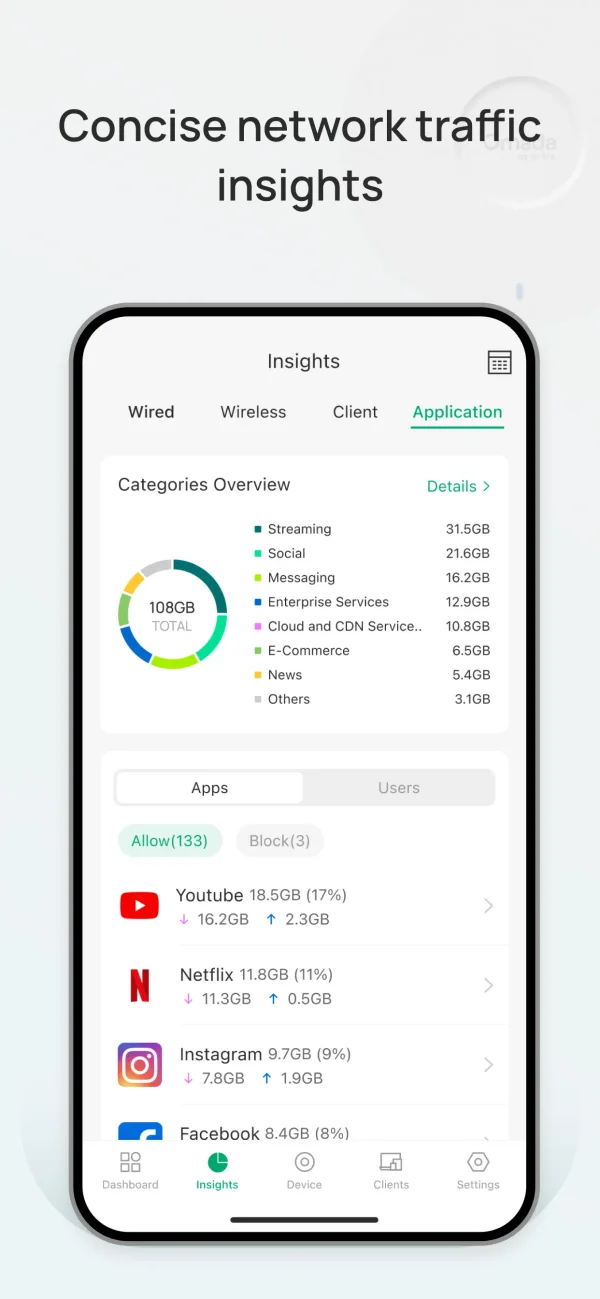
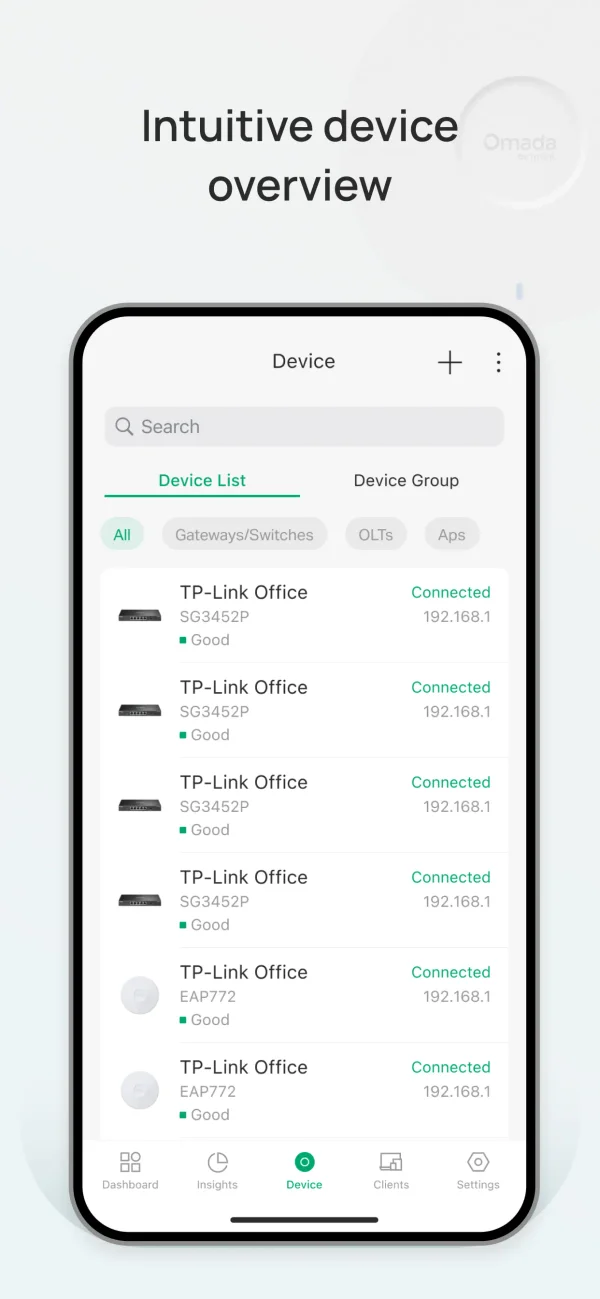
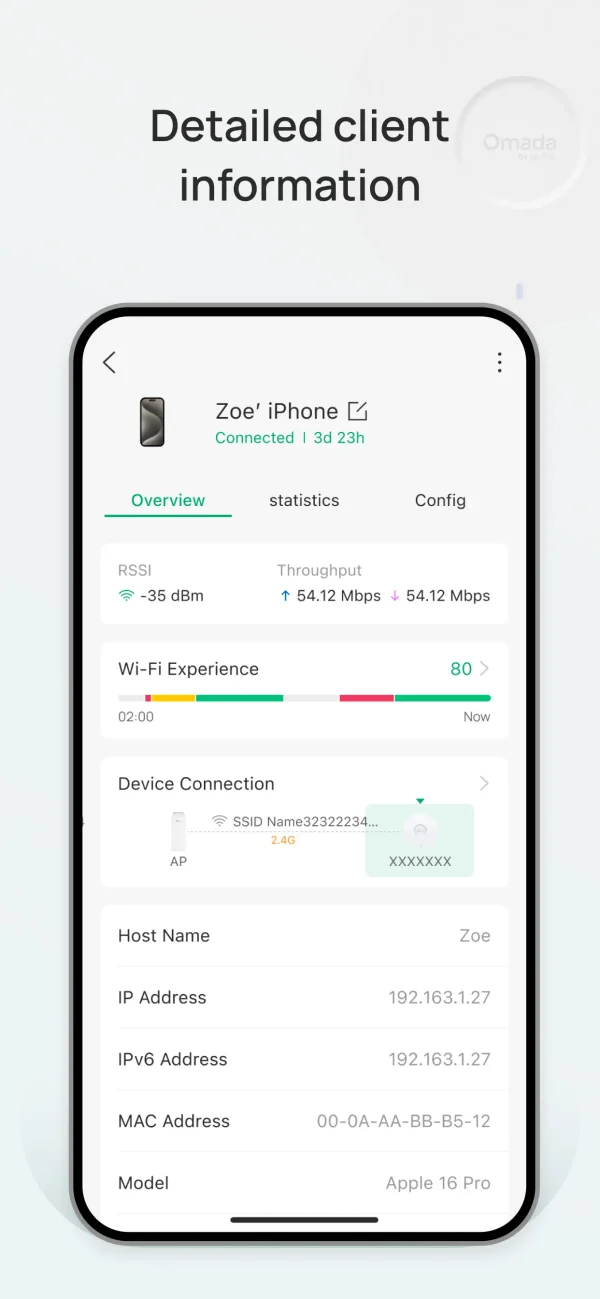
Omada app is used for configuring and managing your Omada devices. You can change settings, monitor the network status and manage clients, all from the convenience of a smart phone or tablet.
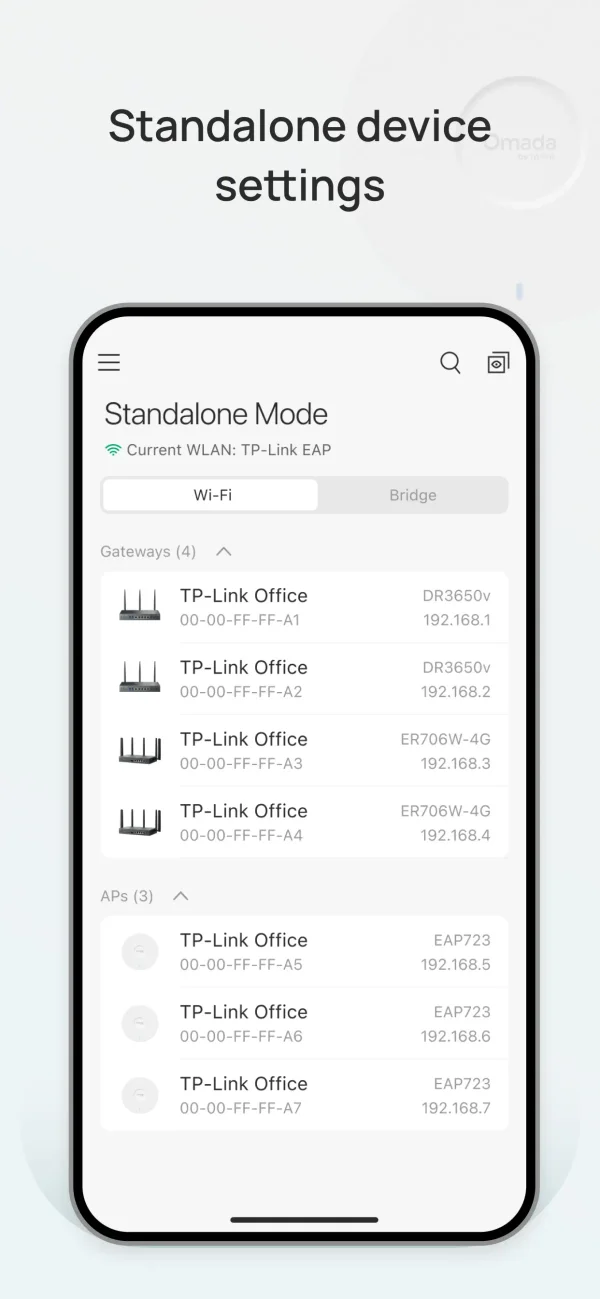
STANDALONE MODE
Standalone mode is designed for managing EAPs or wireless routers right away without having to spend time configuring a controller. Each device is managed separately. This mode is recommended for networks which only have a few EAPs (or wireless routers) and require only basic functions, such as home network.
CONTROLLER MODE
Controller mode works together with a software Omada Controller or a hardware Cloud Controller, and is suitable for managing multiple devices (including gateways, switches and EAPs) centrally. Controller mode allows you to configure and automatically synchronize unified settings to the devices in the network. Compared to Standalone Mode, more configuration options are available and supports to manage more devices in Controller mode.
You can manage devices in Controller mode in two ways: via Local Access or Cloud Access. In Local Access mode, the Omada app can manage devices when the Controller and your mobile device are in the same subnet; in Cloud Access mode, the Omada app can access the Controller across the internet so you can manage your devices wherever you are.
Compatibility List:
The controller mode currently supports hardware cloud controllers (OC200 V1, OC300 V1), software Omada Controller v3.0.2 and above. (To experience more features support and more stable services, we recommend that you upgrade your controller to a new version).
Standalone Mode currently supports the following models (with latest firmware):
EAP245 (EU)/(US) V1
EAP225 (EU)/(US) V3/V2/V1
EAP115 (EU)/(US) V4/V2/V1
EAP110 (EU)/(US) V4/V2/V1
EAP225-Outdoor (EU)/(US) V1
EAP110-Outdoor (EU)/(US) V3/V1
EAP115-Wall (EU) V1
EAP225-Wall (EU) V2
ER706W (EU)/(US) V1/V1.6
ER706W-4G (EU)/(US) V1/V1.6
*The latest firmware is required and can be downloaded from https://www.tp-link.com/omada_compatibility_list.
More devices supported by the app are coming!
Có gì mới
Phiên bản 5.3.26 · 29/10/2026
1. Fixed an issue where the app sometimes failed to log in after Face ID verification succeeded.
Quyền riêng tư của ứng dụng
Những gì TP-Link Systems Inc. khai báo trên App Store về cách ứng dụng này xử lý dữ liệu.
-
Dữ liệu không liên kết với bạn
Có thể được thu thập nhưng không liên kết với danh tính của bạn.
- Vị trí
- Thông tin liên hệ
- Nội dung của người dùng
- Mã định danh
- Dữ liệu sử dụng
- Chẩn đoán
- Dữ liệu khác
Phương thức đảm bảo quyền riêng tư có thể khác nhau, chẳng hạn như tuỳ theo các tính năng bạn sử dụng hoặc độ tuổi của bạn.
Thông tin
- Người bán
- TP-Link Systems Inc.
- Danh mục
- Tiện Ích
- Phiên bản
- 5.3.26
- Cập nhật
- 29/10/2026
- Phát hành
- 22/05/2018
- Kích thước
- 154,3 MB
- Yêu cầu
- iOS 15.0 trở lên
- Độ tuổi
- 4+
- Giá
- Miễn phí
- Ngôn ngữ
- Tiếng Anh, Tiếng Ả Rập, Bulgarian, Tiếng Séc, Tiếng Hà Lan, Tiếng Pháp, Tiếng Đức, Tiếng Do Thái, Tiếng Hungary, Tiếng Ý, Tiếng Nhật, Tiếng Hàn + 11 ngôn ngữ khác
- Bản quyền
- © Copyright @ 2025 TP-LINK Systems Inc. All rights reserved.