
- Classification d’âge4+
- CatégorieUtilitaires
- DéveloppeurTP-Link Systems Inc.
- LanguesAnglais+ 22 de plus
- Taille154,3 Mo
Renvoie vers la page App Store officielle
Download.org n’héberge aucun fichier de TP-Link Omada. Le bouton ouvre la page de l’application sur App Store, où TP-Link Systems Inc. la publie. Fiche vérifiée pour la dernière fois le 26/11/2026.
Captures d’écran
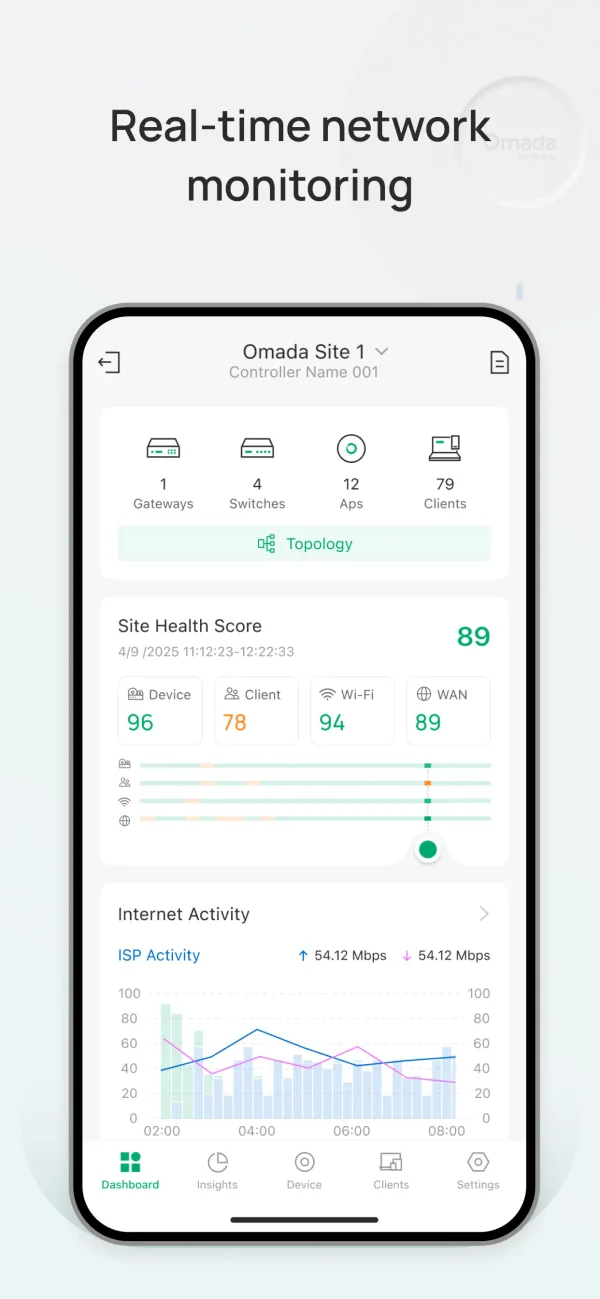
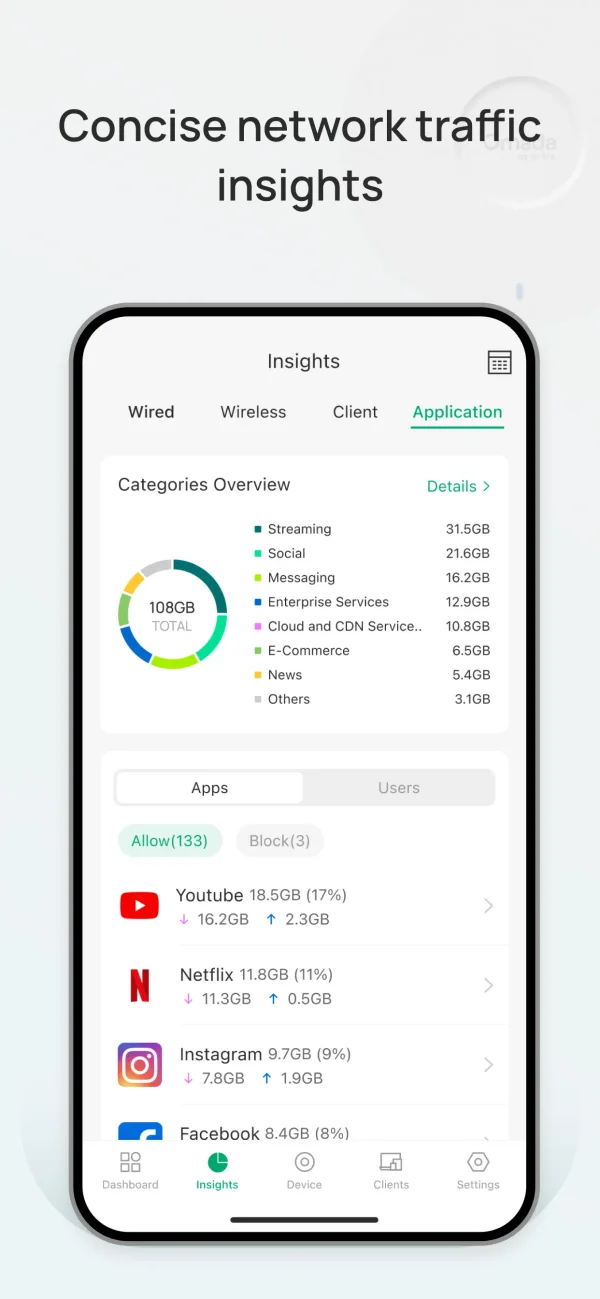
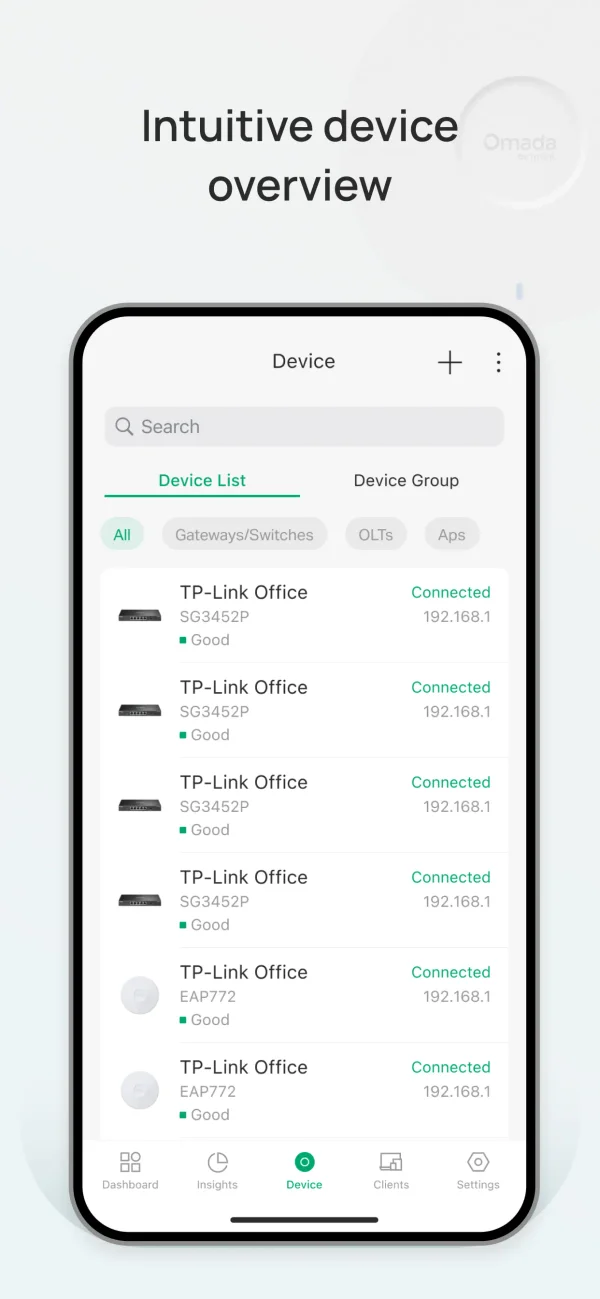

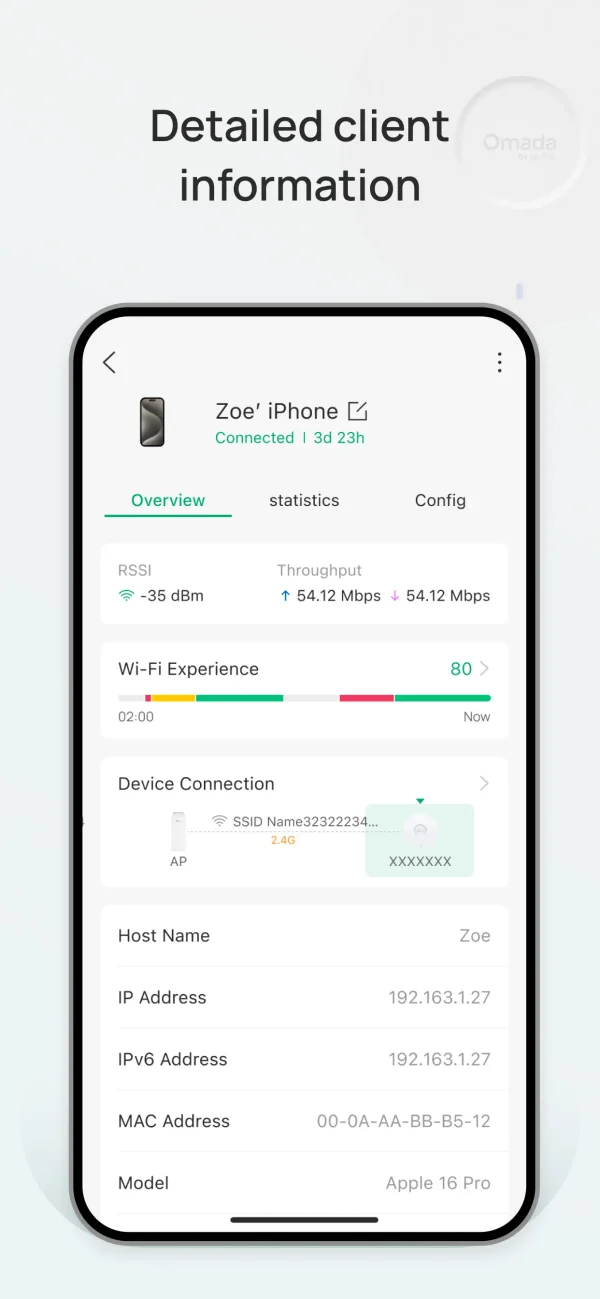
À propos
Le développeur n’a pas fourni ce texte dans votre langue.
Omada app is used for configuring and managing your Omada devices. You can change settings, monitor the network status and manage clients, all from the convenience of a smart phone or tablet.
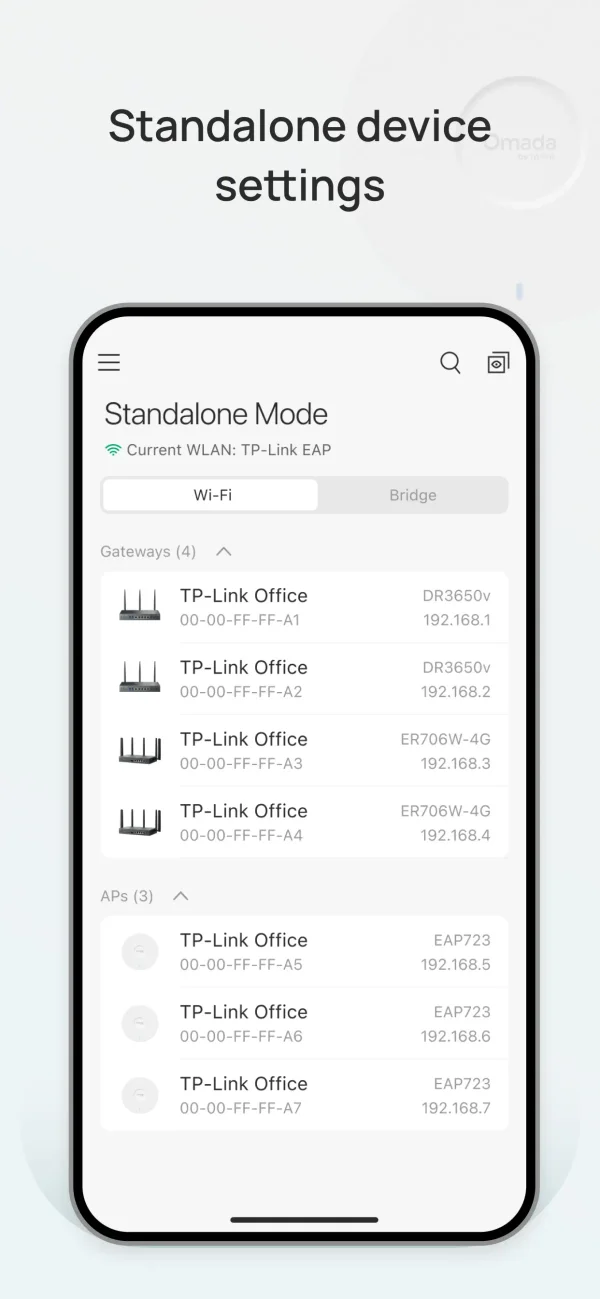
STANDALONE MODE
Standalone mode is designed for managing EAPs or wireless routers right away without having to spend time configuring a controller. Each device is managed separately. This mode is recommended for networks which only have a few EAPs (or wireless routers) and require only basic functions, such as home network.
CONTROLLER MODE
Controller mode works together with a software Omada Controller or a hardware Cloud Controller, and is suitable for managing multiple devices (including gateways, switches and EAPs) centrally. Controller mode allows you to configure and automatically synchronize unified settings to the devices in the network. Compared to Standalone Mode, more configuration options are available and supports to manage more devices in Controller mode.
You can manage devices in Controller mode in two ways: via Local Access or Cloud Access. In Local Access mode, the Omada app can manage devices when the Controller and your mobile device are in the same subnet; in Cloud Access mode, the Omada app can access the Controller across the internet so you can manage your devices wherever you are.
Compatibility List:
The controller mode currently supports hardware cloud controllers (OC200 V1, OC300 V1), software Omada Controller v3.0.2 and above. (To experience more features support and more stable services, we recommend that you upgrade your controller to a new version).
Standalone Mode currently supports the following models (with latest firmware):
EAP245 (EU)/(US) V1
EAP225 (EU)/(US) V3/V2/V1
EAP115 (EU)/(US) V4/V2/V1
EAP110 (EU)/(US) V4/V2/V1
EAP225-Outdoor (EU)/(US) V1
EAP110-Outdoor (EU)/(US) V3/V1
EAP115-Wall (EU) V1
EAP225-Wall (EU) V2
ER706W (EU)/(US) V1/V1.6
ER706W-4G (EU)/(US) V1/V1.6
*The latest firmware is required and can be downloaded from https://www.tp-link.com/omada_compatibility_list.
More devices supported by the app are coming!
Nouveautés
Version 5.3.26 · 29/10/2026
1. Fixed an issue where the app sometimes failed to log in after Face ID verification succeeded.
Confidentialité de l’application
Ce que TP-Link Systems Inc. déclare sur l’App Store au sujet du traitement des données par cette application.
-
Données n’établissant aucun lien avec vous
Peuvent être collectées, mais ne sont pas liées à votre identité.
- Emplacement
- Coordonnées
- Contenu utilisateur
- Identifiants
- Données d’utilisation
- Diagnostic
- Autres données
Les pratiques en matière de confidentialité peuvent varier, notamment en fonction des fonctionnalités que vous utilisez ou de votre âge.
Informations
- Vendeur
- TP-Link Systems Inc.
- Catégorie
- Utilitaires
- Version
- 5.3.26
- Mis à jour
- 29/10/2026
- Publié
- 22/05/2018
- Taille
- 154,3 Mo
- Nécessite
- iOS 15.0 ou version ultérieure
- Classification d’âge
- 4+
- Prix
- Gratuit
- Langues
- Anglais, Arabe, Bulgare, Tchèque, Néerlandais, Français, Allemand, Hébreu, Hongrois, Italien, Japonais, Coréen + 11 de plus
- Copyright
- © Copyright @ 2025 TP-LINK Systems Inc. All rights reserved.
Vous aimerez peut-être aussi
-
 Ubiquiti WiFimanUtilitaires
-
 Network Analyzer: WiFi ScanUtilitaires
-
 NetSpot WiFi AnalyzerWiFi Heat Map & Speed Test
-
 IP Scanner - Scanner RéseauNetwork Scanner WiFi/LAN
-
 MikroTikUtilitaires
-
 Ping - network utilityUtilitaires
-
 Ruijie ReyeeUtilitaires
-
 RustDesk Remote DesktopUtilitaires
-
 ReolinkUtilitaires
-
 glinetUtilitaires