
- Clasificación por edad4+
- CategoríaUtilidades
- DesarrolladorTP-Link Systems Inc.
- IdiomasInglés+ 22 más
- Tamaño154,3 MB
Enlaza a la página oficial de App Store
Download.org no aloja ningún archivo de TP-Link Omada. El botón abre la página de la aplicación en App Store, donde la publica TP-Link Systems Inc. Ficha comprobada por última vez el 26/11/2026.
Capturas de pantalla

Acerca de
El desarrollador no ha proporcionado este texto en tu idioma.
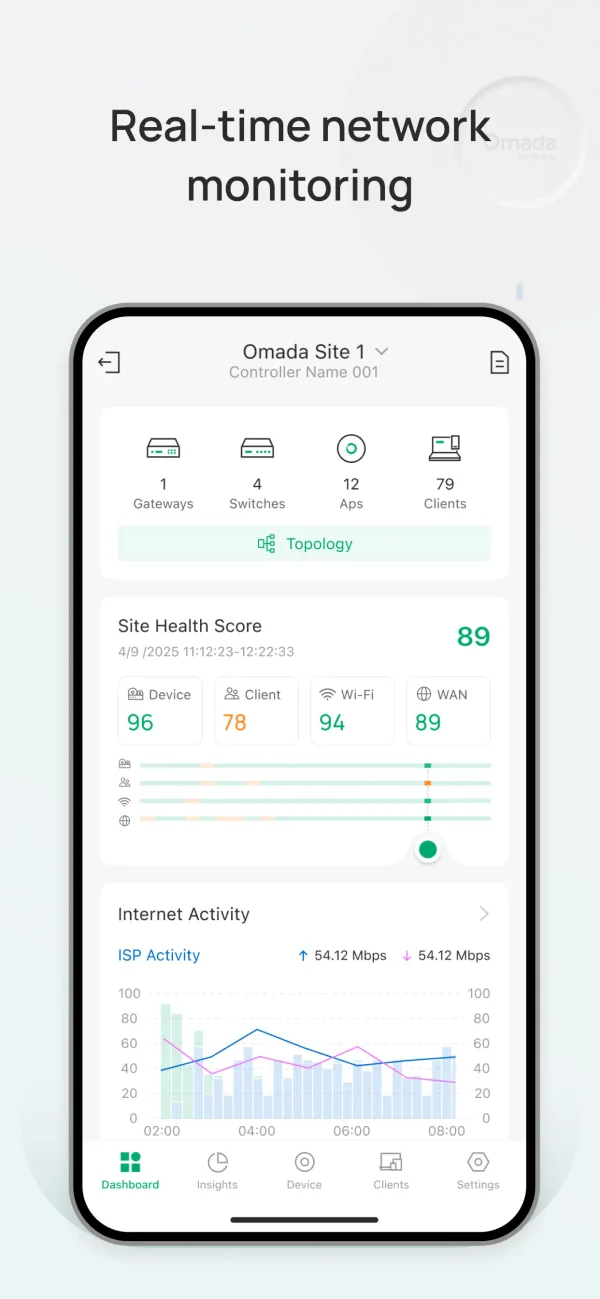
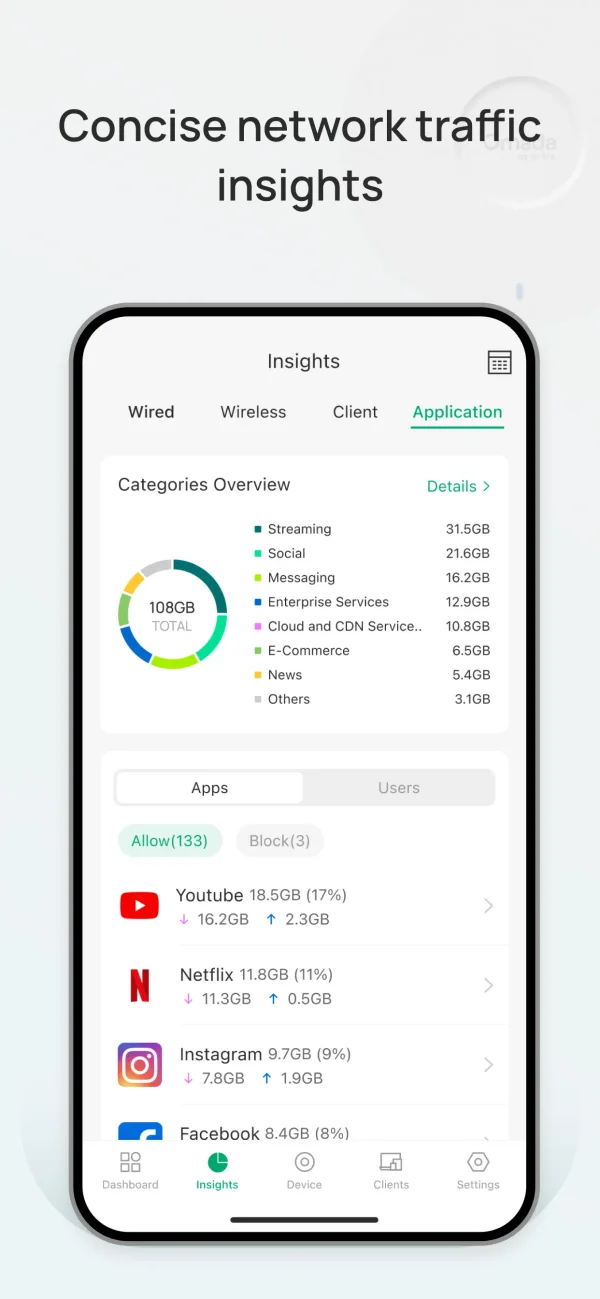
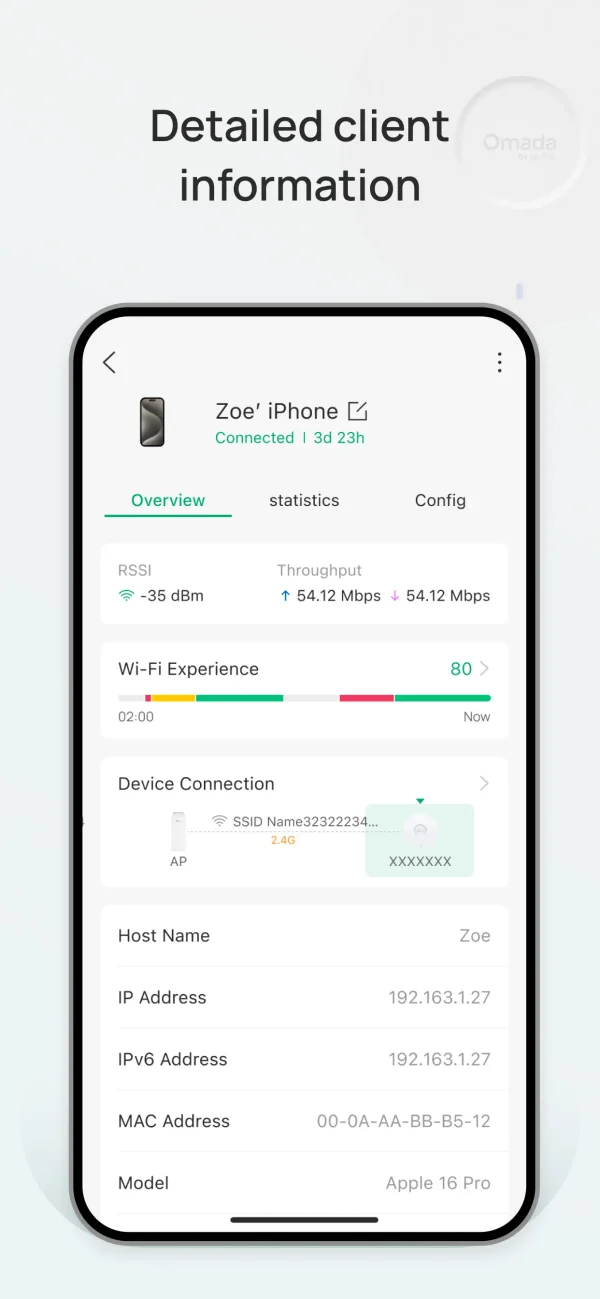
Omada app is used for configuring and managing your Omada devices. You can change settings, monitor the network status and manage clients, all from the convenience of a smart phone or tablet.
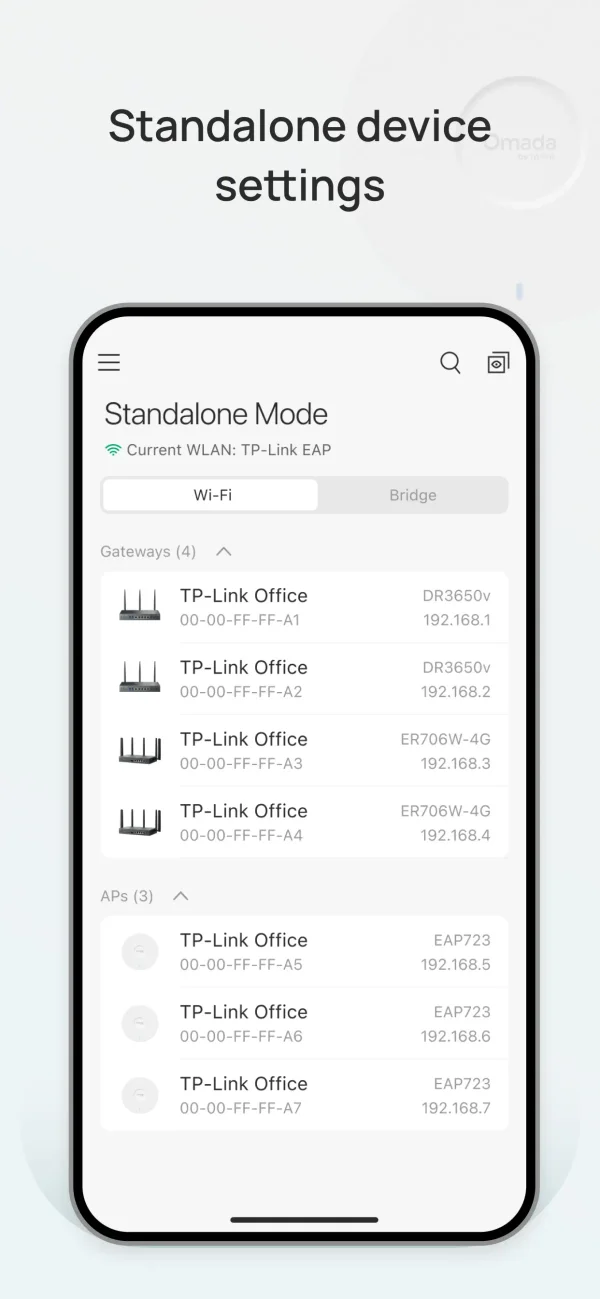
STANDALONE MODE
Standalone mode is designed for managing EAPs or wireless routers right away without having to spend time configuring a controller. Each device is managed separately. This mode is recommended for networks which only have a few EAPs (or wireless routers) and require only basic functions, such as home network.
CONTROLLER MODE
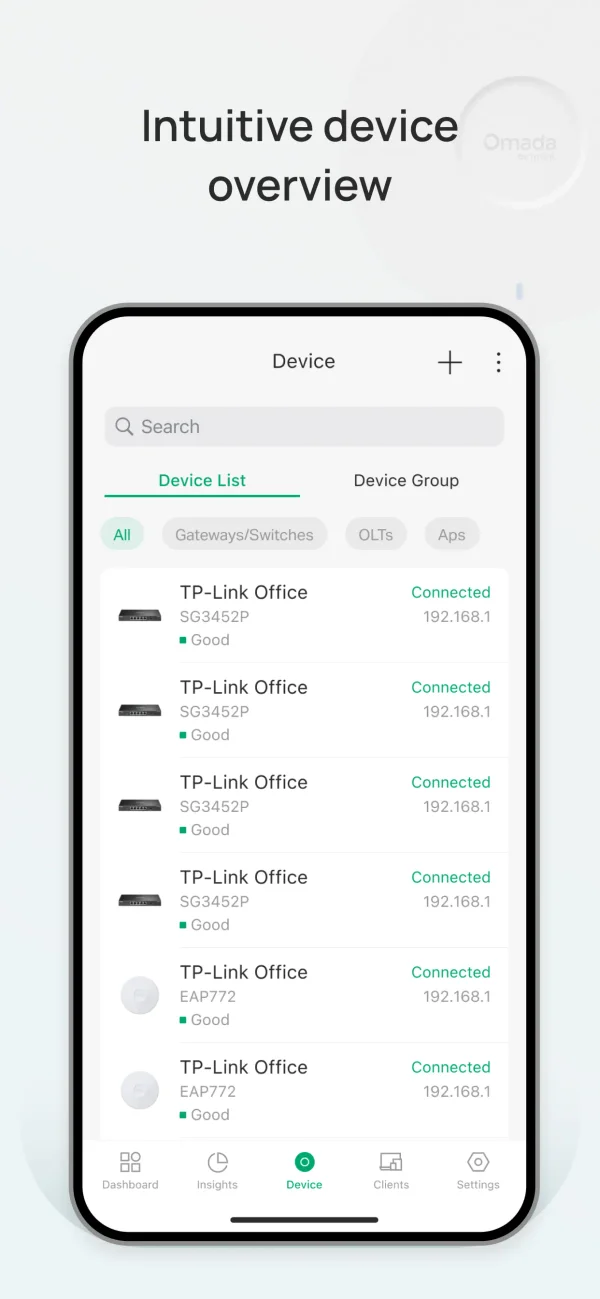
Controller mode works together with a software Omada Controller or a hardware Cloud Controller, and is suitable for managing multiple devices (including gateways, switches and EAPs) centrally. Controller mode allows you to configure and automatically synchronize unified settings to the devices in the network. Compared to Standalone Mode, more configuration options are available and supports to manage more devices in Controller mode.
You can manage devices in Controller mode in two ways: via Local Access or Cloud Access. In Local Access mode, the Omada app can manage devices when the Controller and your mobile device are in the same subnet; in Cloud Access mode, the Omada app can access the Controller across the internet so you can manage your devices wherever you are.
Compatibility List:
The controller mode currently supports hardware cloud controllers (OC200 V1, OC300 V1), software Omada Controller v3.0.2 and above. (To experience more features support and more stable services, we recommend that you upgrade your controller to a new version).
Standalone Mode currently supports the following models (with latest firmware):
EAP245 (EU)/(US) V1
EAP225 (EU)/(US) V3/V2/V1
EAP115 (EU)/(US) V4/V2/V1
EAP110 (EU)/(US) V4/V2/V1
EAP225-Outdoor (EU)/(US) V1
EAP110-Outdoor (EU)/(US) V3/V1
EAP115-Wall (EU) V1
EAP225-Wall (EU) V2
ER706W (EU)/(US) V1/V1.6
ER706W-4G (EU)/(US) V1/V1.6
*The latest firmware is required and can be downloaded from https://www.tp-link.com/omada_compatibility_list.
More devices supported by the app are coming!
Novedades
Versión 5.3.26 · 29/10/2026
1. Fixed an issue where the app sometimes failed to log in after Face ID verification succeeded.
Privacidad de la aplicación
Lo que TP-Link Systems Inc. declara en App Store sobre cómo esta aplicación gestiona los datos.
-
Datos no vinculados a ti
Pueden recopilarse, pero no se vinculan a tu identidad.
- Ubicación
- Información de contacto
- Contenido del usuario
- Identificadores
- Datos de uso
- Diagnóstico
- Otros datos
Las prácticas de privacidad pueden variar, por ejemplo, según las funciones que uses o tu edad.
Información
- Vendedor
- TP-Link Systems Inc.
- Categoría
- Utilidades
- Versión
- 5.3.26
- Actualizado
- 29/10/2026
- Publicado
- 22/5/2018
- Tamaño
- 154,3 MB
- Requiere
- iOS 15.0 o posterior
- Clasificación por edad
- 4+
- Precio
- Gratis
- Idiomas
- Inglés, Árabe, Búlgaro, Checo, Neerlandés, Francés, Alemán, Hebreo, Húngaro, Italiano, Japonés, Coreano + 11 más
- Copyright
- © Copyright @ 2025 TP-LINK Systems Inc. All rights reserved.
Quizá también te guste
-
 Ubiquiti WiFimanUtilidades
-
 Network Analyzer: WiFi ScanUtilidades
-
 NetSpot WiFi AnalyzerWiFi Heat Map & SpeedTest
-
 IP Scanner - Escáner de RedNetwork Scanner WiFi/LAN
-
 MikroTikUtilidades
-
 Ping - network utilityUtilidades
-
 Ruijie ReyeeUtilidades
-
 RustDesk Remote DesktopUtilidades
-
 ReolinkUtilidades
-
 glinetUtilidades