
- Yaş sınırı4+
- KategoriYardımcılar
- GeliştiriciTP-Link Systems Inc.
- Dillerİngilizce+ 22 dil daha
- Boyut154,3 MB
Resmi App Store sayfasına bağlanır
Download.org, TP-Link Omada için hiçbir dosya barındırmaz. Düğme, uygulamanın App Store üzerindeki sayfasını açar; uygulamayı orada TP-Link Systems Inc. yayınlar. Sayfanın son kontrolü: 26.11.2026.
Ekran görüntüleri

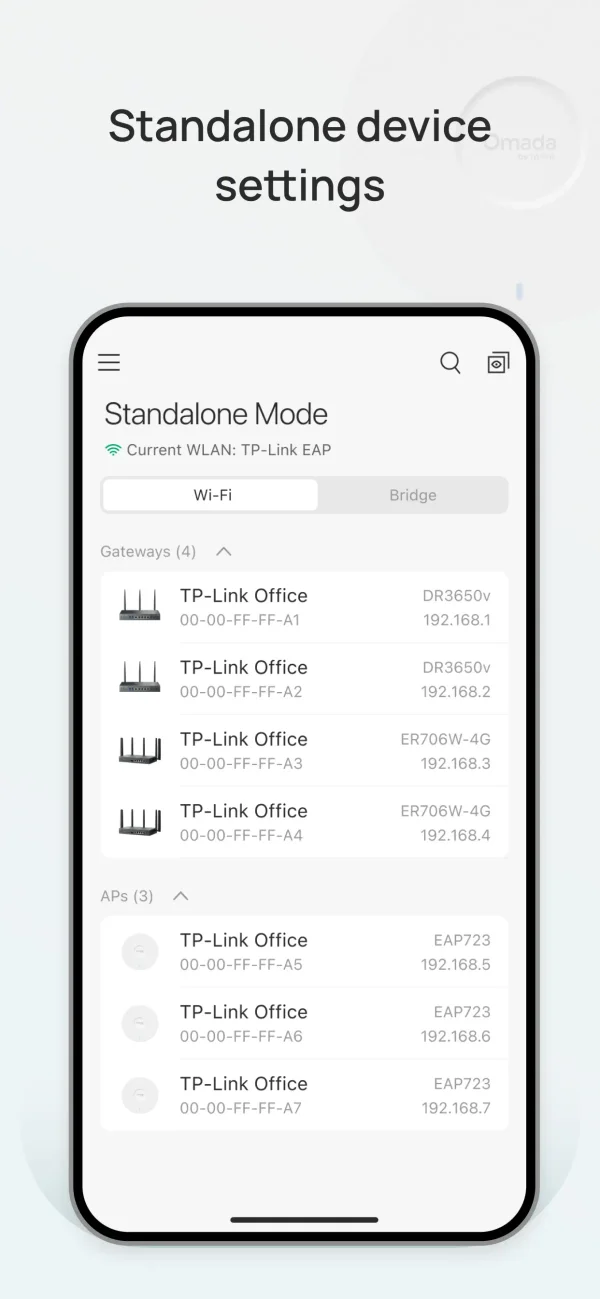
Hakkında
Geliştirici bu metni dilinizde sunmamış.
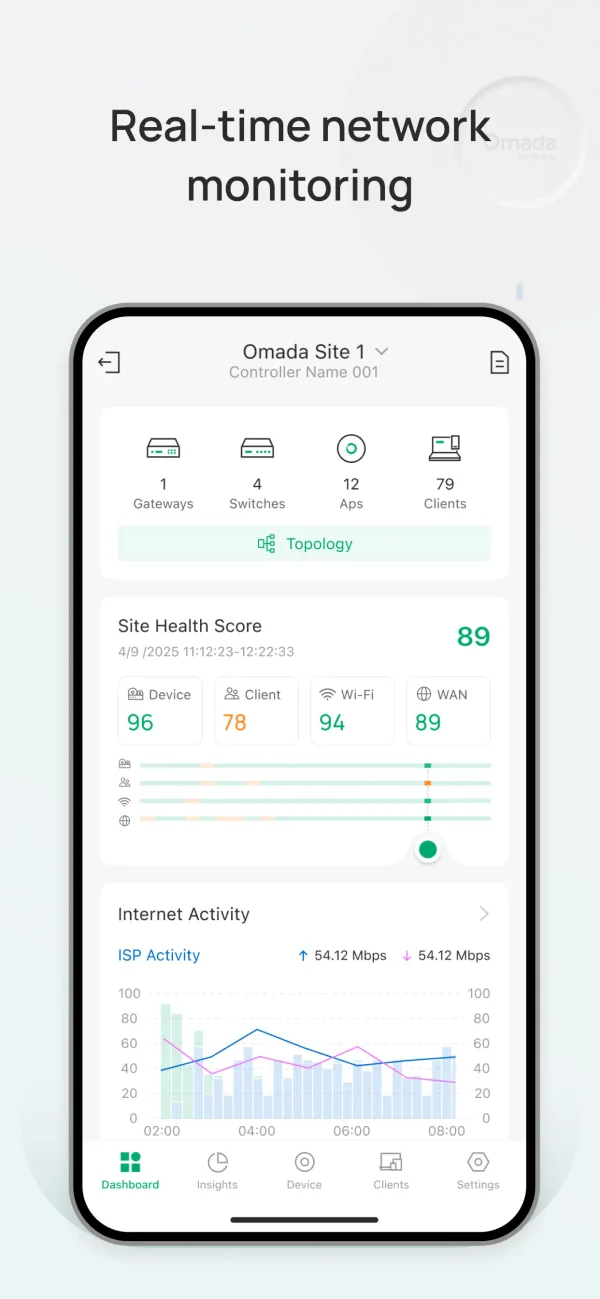
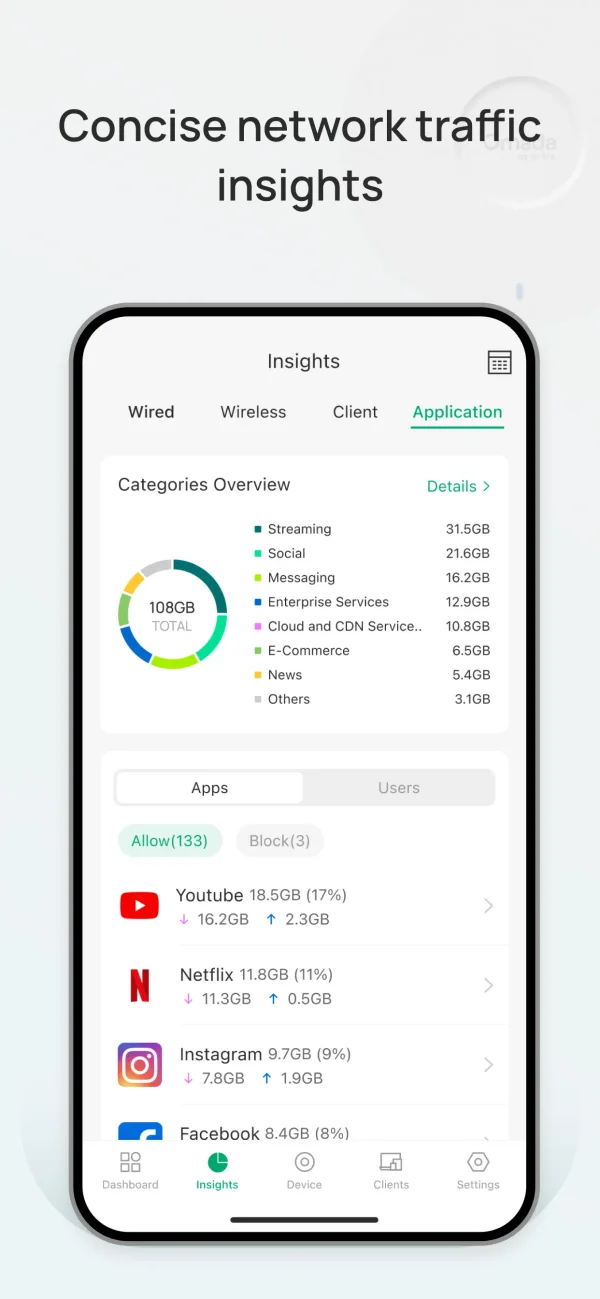
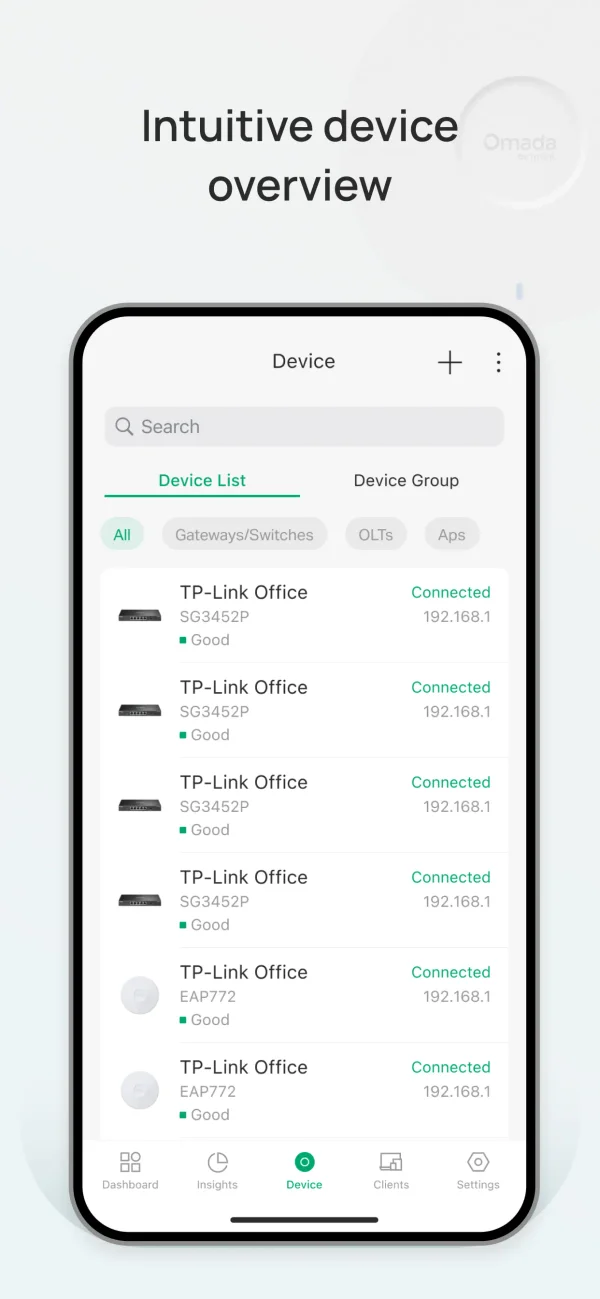
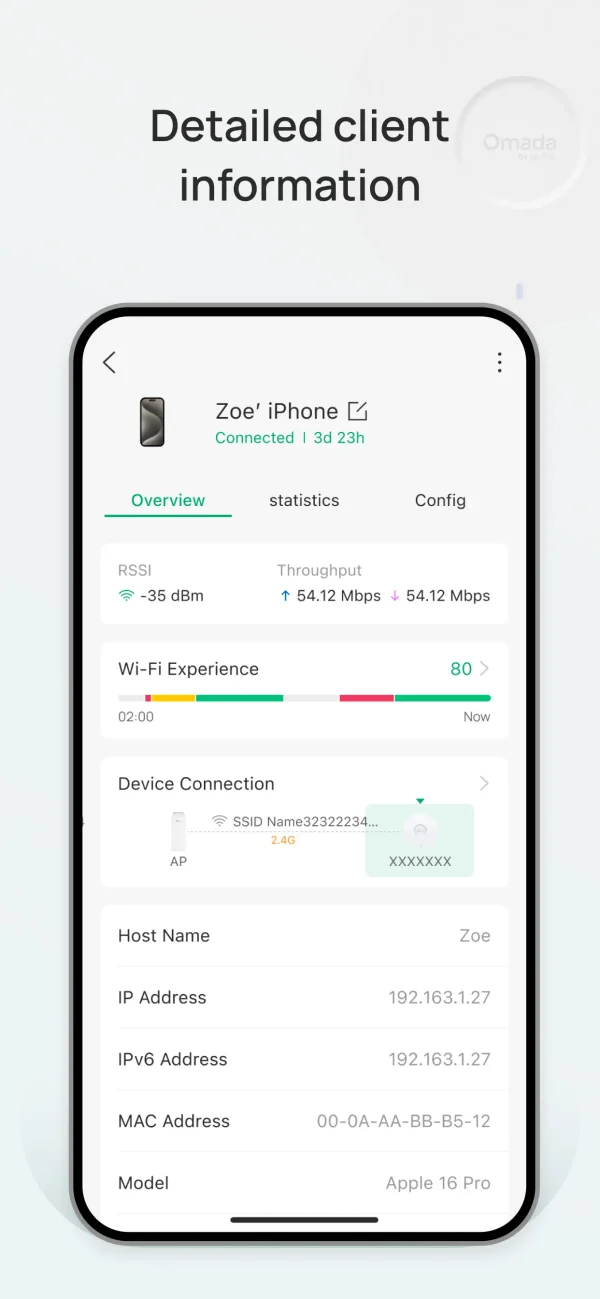
Omada app is used for configuring and managing your Omada devices. You can change settings, monitor the network status and manage clients, all from the convenience of a smart phone or tablet.
STANDALONE MODE
Standalone mode is designed for managing EAPs or wireless routers right away without having to spend time configuring a controller. Each device is managed separately. This mode is recommended for networks which only have a few EAPs (or wireless routers) and require only basic functions, such as home network.
CONTROLLER MODE
Controller mode works together with a software Omada Controller or a hardware Cloud Controller, and is suitable for managing multiple devices (including gateways, switches and EAPs) centrally. Controller mode allows you to configure and automatically synchronize unified settings to the devices in the network. Compared to Standalone Mode, more configuration options are available and supports to manage more devices in Controller mode.
You can manage devices in Controller mode in two ways: via Local Access or Cloud Access. In Local Access mode, the Omada app can manage devices when the Controller and your mobile device are in the same subnet; in Cloud Access mode, the Omada app can access the Controller across the internet so you can manage your devices wherever you are.
Compatibility List:
The controller mode currently supports hardware cloud controllers (OC200 V1, OC300 V1), software Omada Controller v3.0.2 and above. (To experience more features support and more stable services, we recommend that you upgrade your controller to a new version).
Standalone Mode currently supports the following models (with latest firmware):
EAP245 (EU)/(US) V1
EAP225 (EU)/(US) V3/V2/V1
EAP115 (EU)/(US) V4/V2/V1
EAP110 (EU)/(US) V4/V2/V1
EAP225-Outdoor (EU)/(US) V1
EAP110-Outdoor (EU)/(US) V3/V1
EAP115-Wall (EU) V1
EAP225-Wall (EU) V2
ER706W (EU)/(US) V1/V1.6
ER706W-4G (EU)/(US) V1/V1.6
*The latest firmware is required and can be downloaded from https://www.tp-link.com/omada_compatibility_list.
More devices supported by the app are coming!
Yenilikler
Sürüm 5.3.26 · 29.10.2026
1. Fixed an issue where the app sometimes failed to log in after Face ID verification succeeded.
Uygulama gizliliği
Bu uygulamanın verileri nasıl işlediği hakkında TP-Link Systems Inc. tarafından App Store üzerinde yapılan beyan.
-
Sizinle ilişkilendirilmeyen veriler
Toplanabilir ancak kimliğinizle ilişkilendirilmez.
- Konum
- İletişim bilgileri
- Kullanıcı içeriği
- Tanımlayıcılar
- Kullanım verileri
- Tanılama
- Diğer veriler
Gizlilik uygulamaları, örneğin kullandığınız özelliklere veya yaşınıza göre değişiklik gösterebilir.
Bilgiler
- Satıcı
- TP-Link Systems Inc.
- Kategori
- Yardımcılar
- Sürüm
- 5.3.26
- Güncellendi
- 29.10.2026
- Yayın tarihi
- 22.05.2018
- Boyut
- 154,3 MB
- Gereksinim
- iOS 15.0 veya sonrası
- Yaş sınırı
- 4+
- Fiyat
- Ücretsiz
- Diller
- İngilizce, Arapça, Bulgarian, Çekçe, Hollandaca, Fransızca, Almanca, İbranice, Macarca, İtalyanca, Japonca, Korece + 11 dil daha
- Telif hakkı
- © Copyright @ 2025 TP-LINK Systems Inc. All rights reserved.
Bunları da beğenebilirsiniz
-
 Ubiquiti WiFimanYardımcılar
-
 Network Analyzer: WiFi ScanYardımcılar
-
 NetSpot WiFi AnalyzerYardımcılar
-
 IP Scanner - Ağ TarayıcısıNetwork Scanner WiFi/LAN
-
 MikroTikYardımcılar
-
 Ping - network utilityYardımcılar
-
 Ruijie ReyeeYardımcılar
-
 RustDesk Remote DesktopYardımcılar
-
 ReolinkYardımcılar
-
 glinetYardımcılar