
Verify Calculator
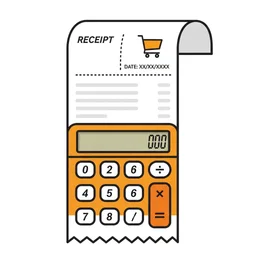
Receipt display calculator.
Entwickelt für iPhone, iPod touch
In-App-Käufe
- Altersfreigabe17+
- KategorieProduktivität
- Entwicklerhiroshi mizuno
- SprachenEnglisch+ 1 weitere
- Größe15,2 MB
Verify Calculator ist bei App Store derzeit möglicherweise nicht verfügbar
Bei unserer letzten Prüfung war der Store-Eintrag nicht erreichbar. Der Link führt weiterhin zur offiziellen App Store-Seite.
Screenshots

Info
Der Entwickler hat diesen Text nicht in Ihrer Sprache bereitgestellt.
Recommended for accountants and finance professionals!
Verify Calculator is a perfect tool for checking the accuracy of invoice and receipt calculations, resembling a printed receipt.
It is ideal for expense calculations.
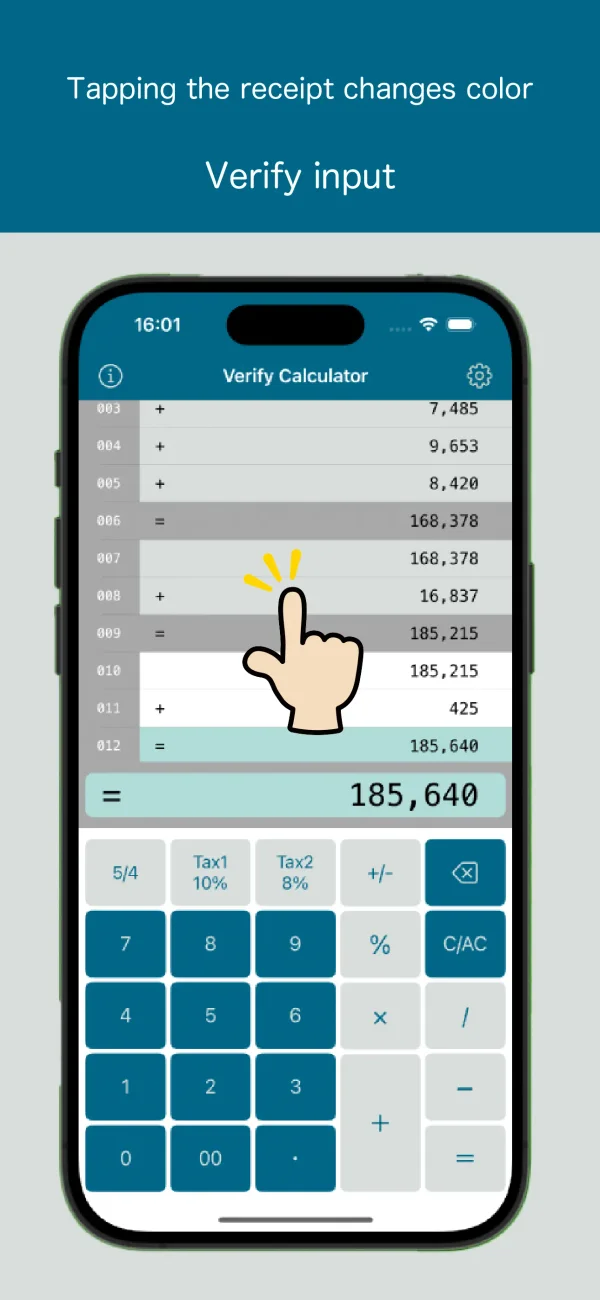
By tapping on the receipt section, the color changes, making it easy to verify the entered values.
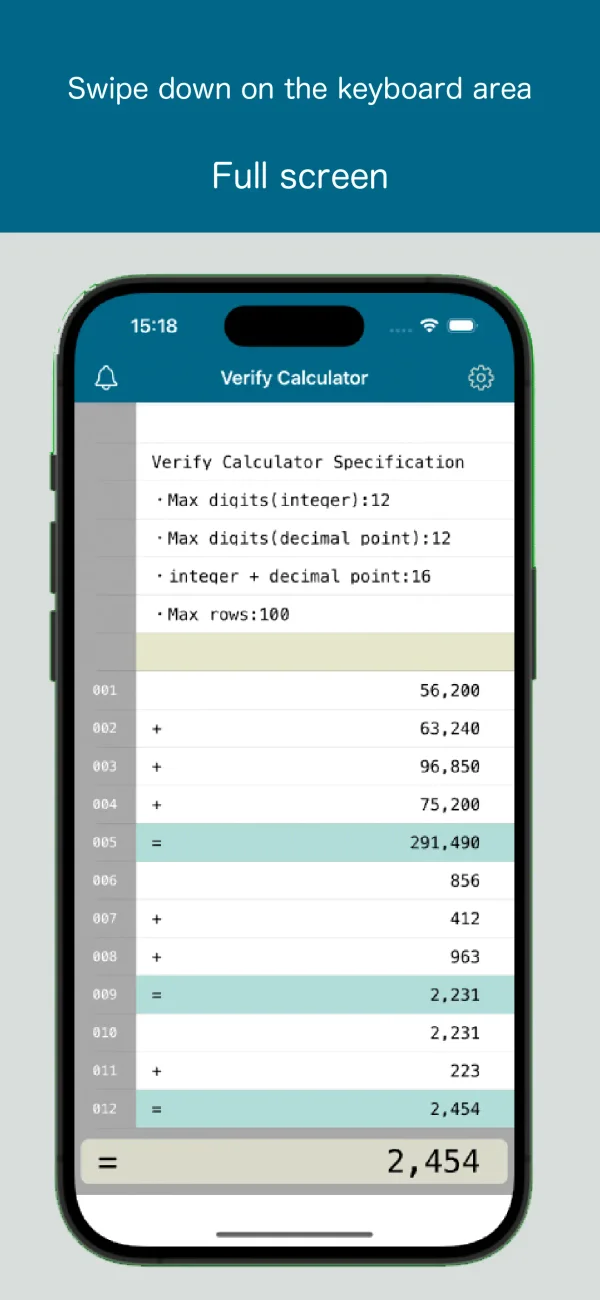
To facilitate verification, you can swipe down the keyboard section to hide it, allowing the receipt section to be displayed more extensively.
Swiping up on the calculation result section will display the keyboard again.
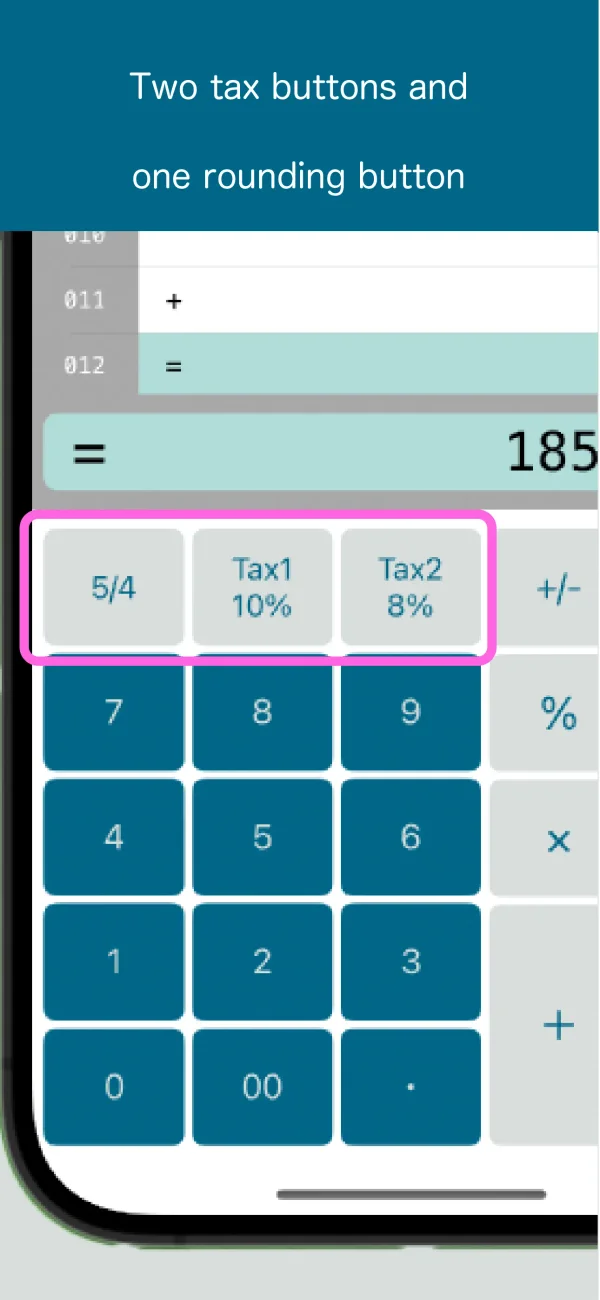
With two tax buttons, you can assign both 10% and 8% rates.
There is also a rounding button that enables single-tap handling of decimal places.
Features
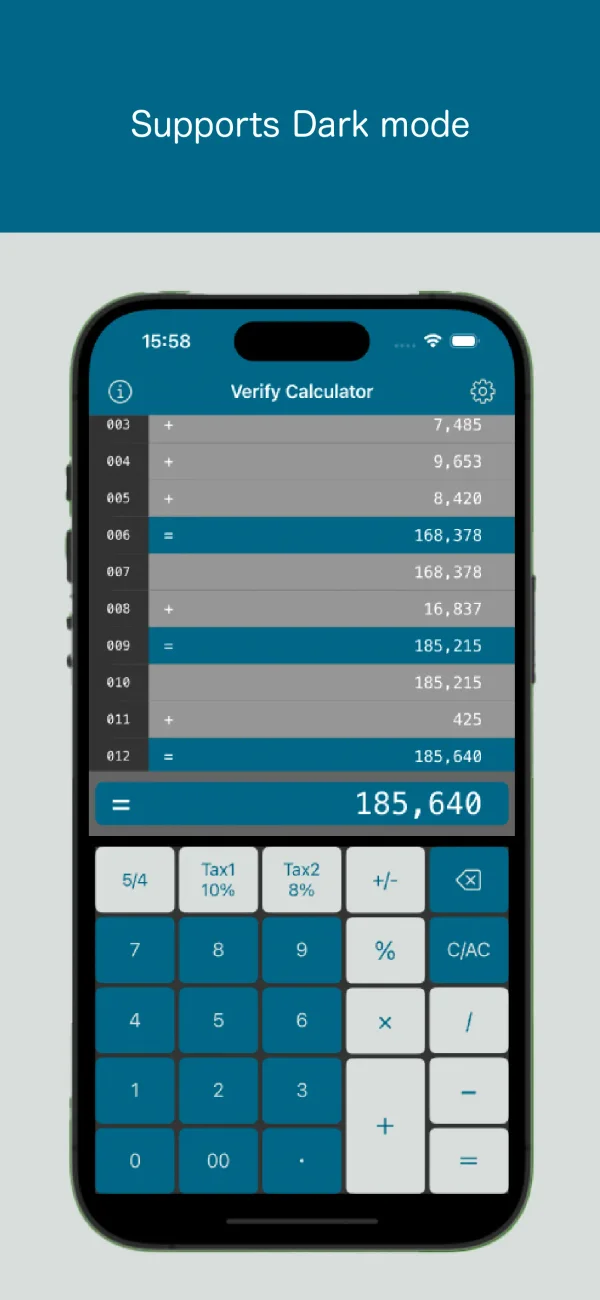
1.Calculation results are displayed in a list like a receipt.
2.Two consumption tax buttons for easy calculation.
3.One-click rounding calculation button.
4.Export calculation history in text format.
5.Tap the receipt section to change its color for verification.
6.Swipe down the keyboard to expand the receipt section.
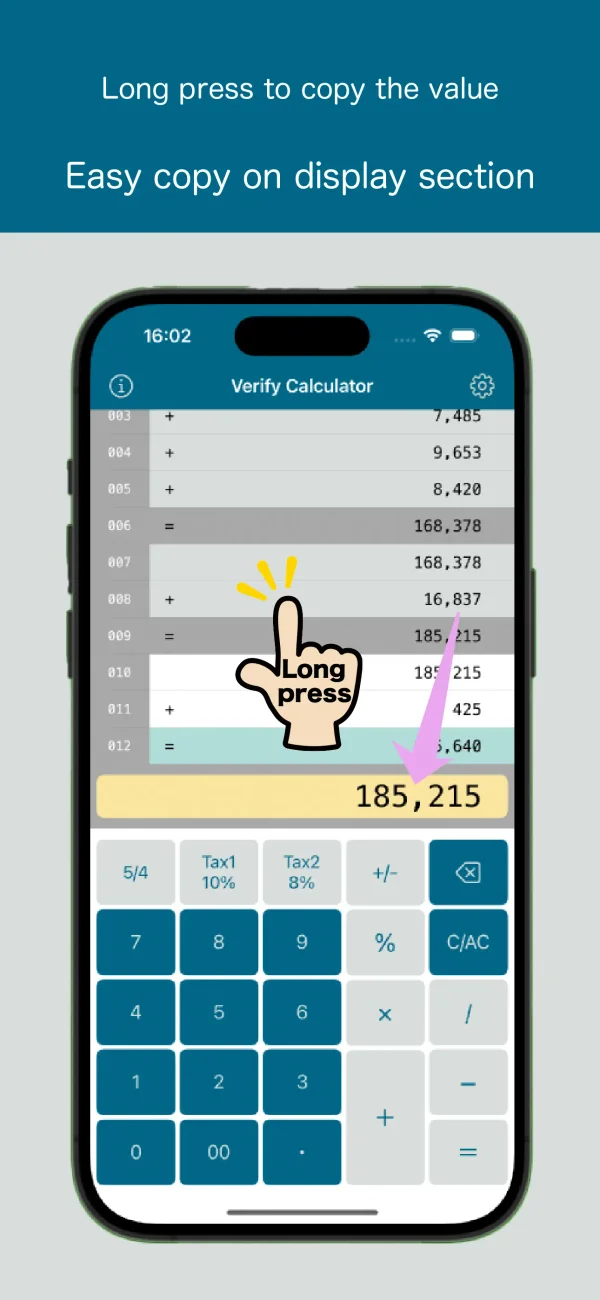
7.Long press the receipt section to copy it to the display section.
8.Long press the calculation result to copy the value to the clipboard.
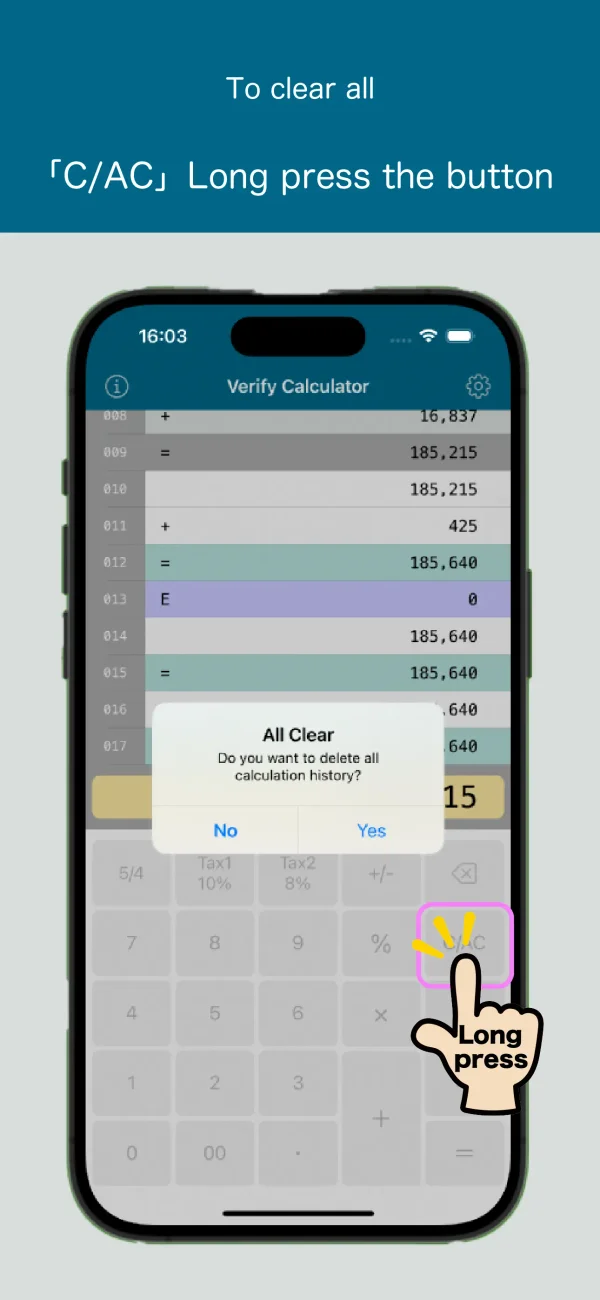
9.Long press the "C/AC" button to clear all calculations in the receipt section.
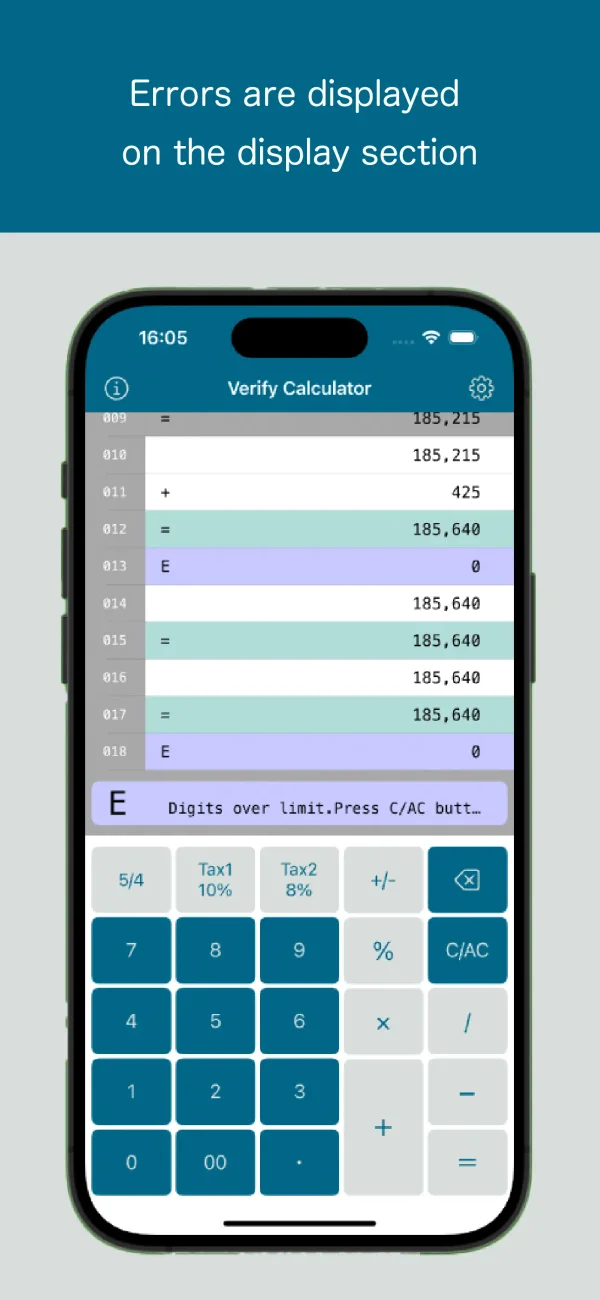
10.Various errors are displayed in the display section.
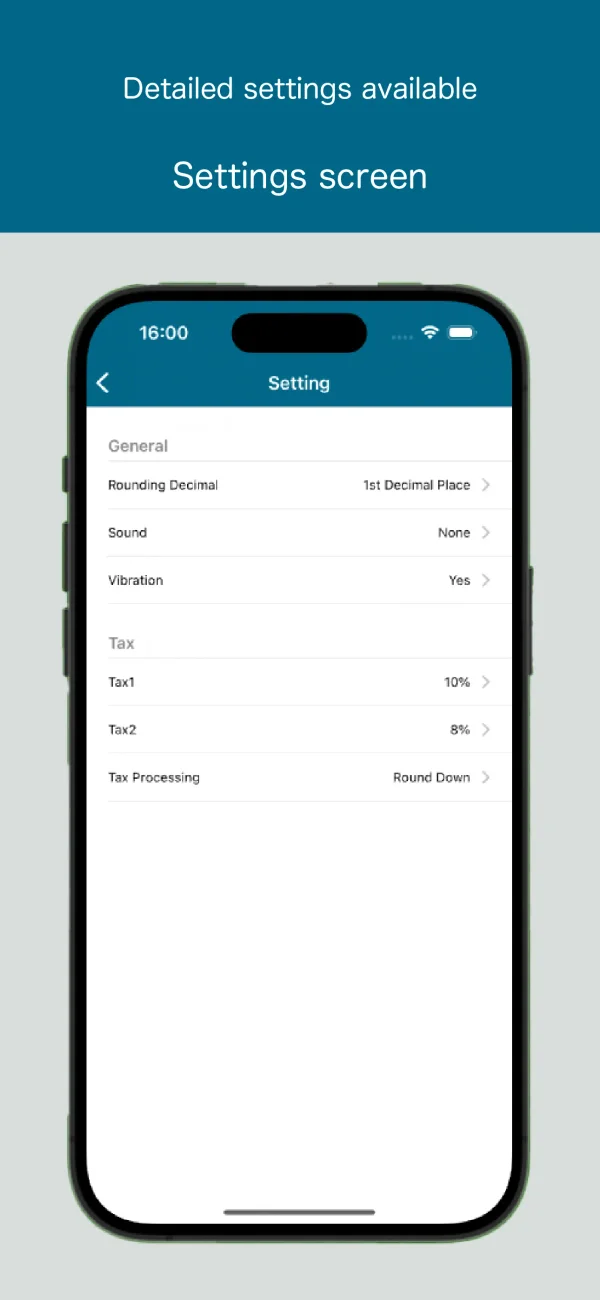
11.Tax rate can be changed.
12.Choose from truncation, rounding up, or rounding down for tax-included calculations.
13.Supports dark mode.
14.Maximum of 100 rows.
Advertisements
You can use it for free, but advertisements will be displayed.
Disclaimer
This calculator application Verify Calculator is provided for general calculation purposes.
We do not guarantee the accuracy or completeness of the calculation results in this application.
We are not responsible for any actions or decisions made based on the calculation results.
Neue Funktionen
Version 1.4.0 · 31.10.2026
Updated to version 1.4.0!
Now compatible with iOS 27.2
App-Datenschutz
Was hiroshi mizuno im App Store zum Umgang dieser App mit Daten angibt.
-
Daten, die zum Tracking Ihrer Person verwendet werden
Können verwendet werden, um Sie über Apps und Websites anderer Unternehmen hinweg zu verfolgen.
- Nutzungsdaten
-
Nicht mit Ihnen verknüpfte Daten
Können erfasst werden, sind aber nicht mit Ihrer Identität verknüpft.
- Nutzungsdaten
Die Datenschutzpraktiken können variieren, zum Beispiel je nach den von Ihnen verwendeten Funktionen oder Ihrem Alter.
Informationen
- Anbieter
- hiroshi mizuno
- Kategorie
- Produktivität
- Version
- 1.4.0
- Aktualisiert
- 31.10.2026
- Veröffentlicht
- 31.05.2024
- Größe
- 15,2 MB
- Erfordert
- iOS 15.4 oder neuer
- Altersfreigabe
- 17+
- In-App-Käufe
- Ja
- Sprachen
- Englisch, Japanisch
- Copyright
- © 2024 Hiroshi Mizuno
Das könnte Ihnen auch gefallen
-
 Calculator 2taxProduktivität
-
 Tax & Receipt CalculatorProduktivität
-
 NilnocCalcProduktivität
-
 Bright CalcProduktivität
-
 FastCalc liteSchnell, übersichtlich
-
 CalcuTotalProduktivität
-
 Textミキサー パパッと文書作成Produktivität
-
 Notification TodoProduktivität
-
 Easy Memo & Picture App CAPMOProduktivität
-
 List Calc - Shopping & BudgetProduktivität