
Verify Calculator
Receipt display calculator.
Diseñada para iPhone, iPod touch
Compras en la aplicación
- Clasificación por edad17+
- CategoríaProductividad
- Desarrolladorhiroshi mizuno
- IdiomasInglés+ 1 más
- Tamaño15,2 MB
Es posible que Verify Calculator no esté disponible en App Store en este momento
No se pudo acceder a la ficha de la tienda en nuestra última comprobación. El enlace sigue llevando a la página oficial de App Store.
Capturas de pantalla

Acerca de
El desarrollador no ha proporcionado este texto en tu idioma.
Recommended for accountants and finance professionals!
Verify Calculator is a perfect tool for checking the accuracy of invoice and receipt calculations, resembling a printed receipt.
It is ideal for expense calculations.
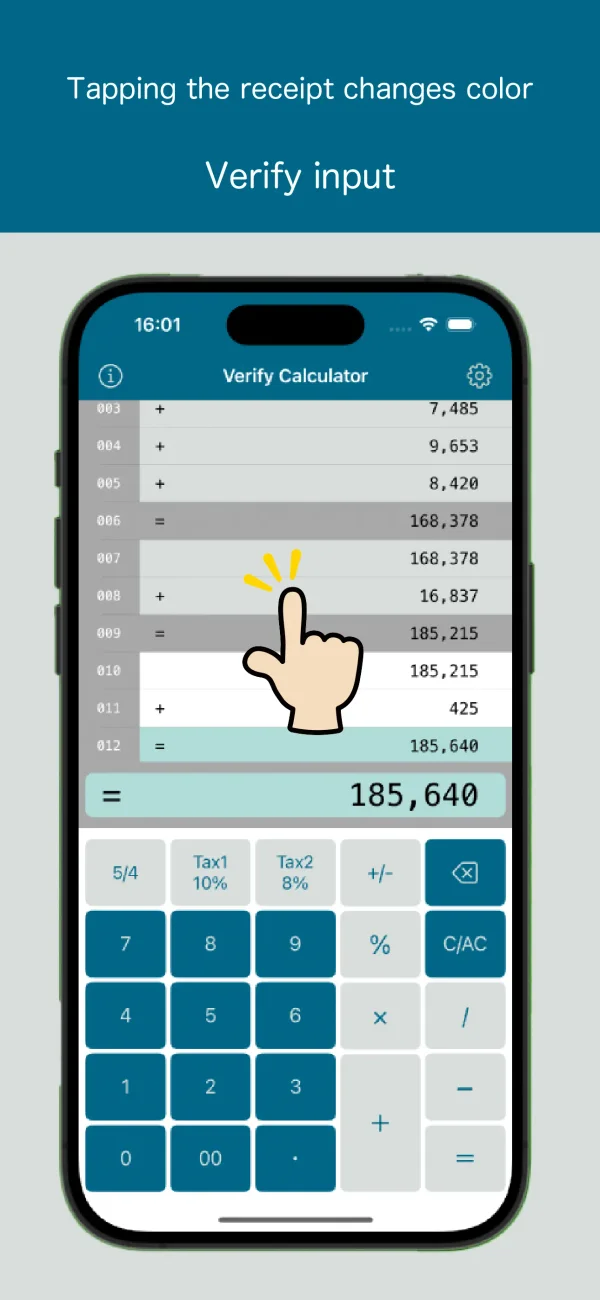
By tapping on the receipt section, the color changes, making it easy to verify the entered values.
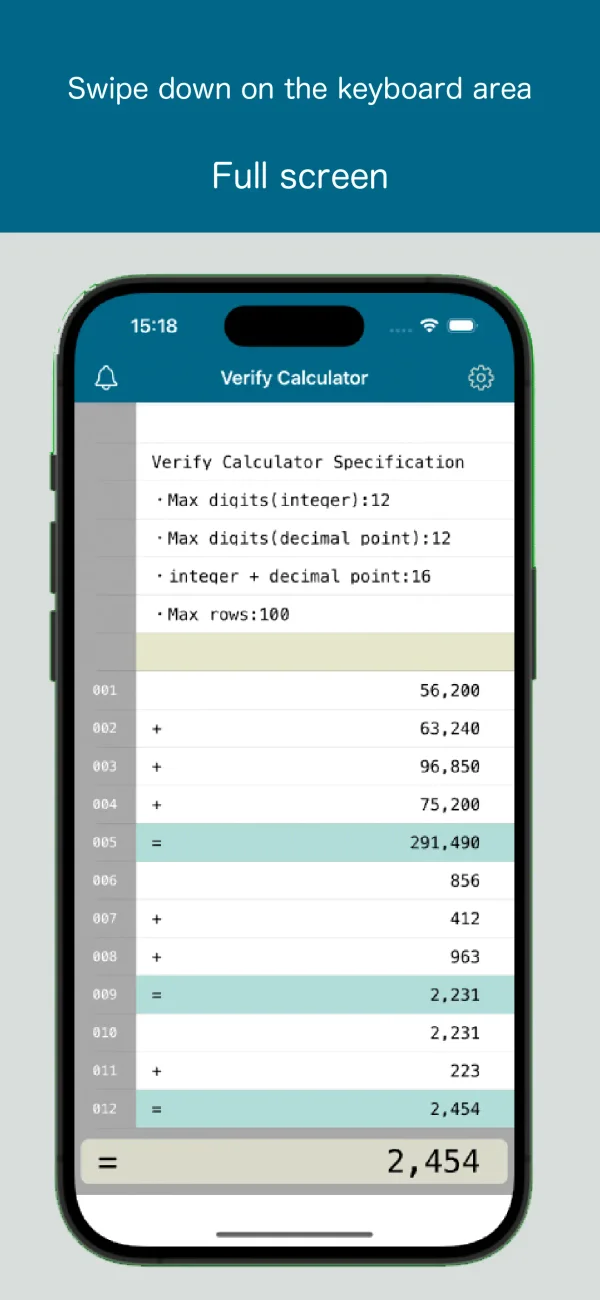
To facilitate verification, you can swipe down the keyboard section to hide it, allowing the receipt section to be displayed more extensively.
Swiping up on the calculation result section will display the keyboard again.
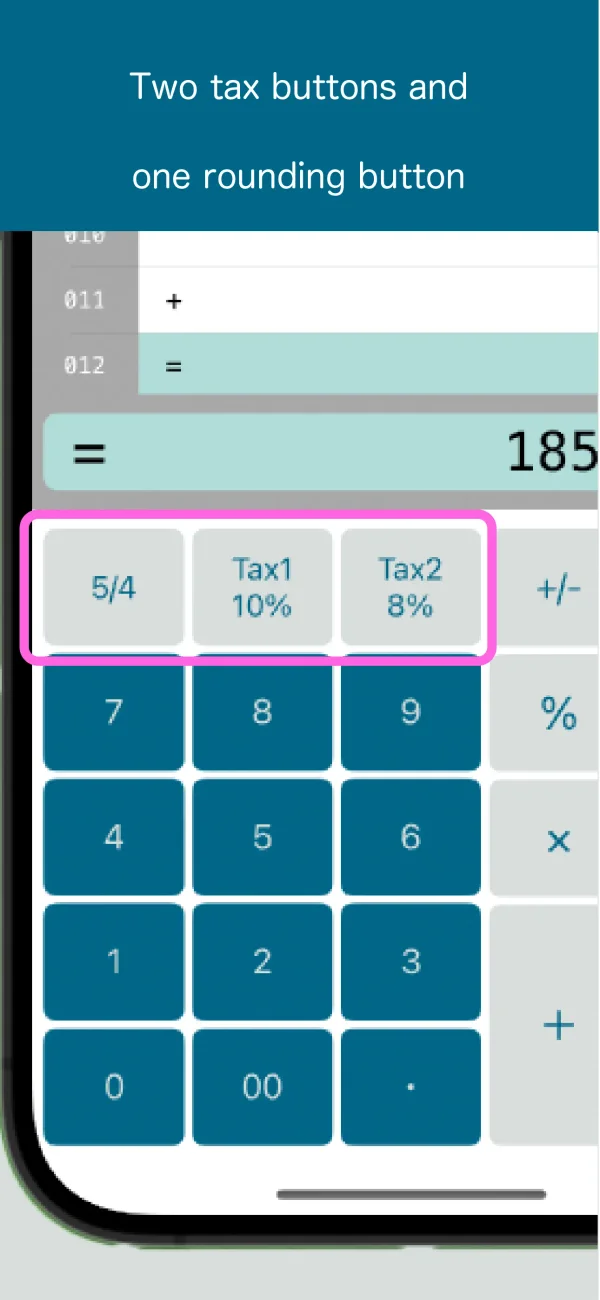
With two tax buttons, you can assign both 10% and 8% rates.
There is also a rounding button that enables single-tap handling of decimal places.
Features
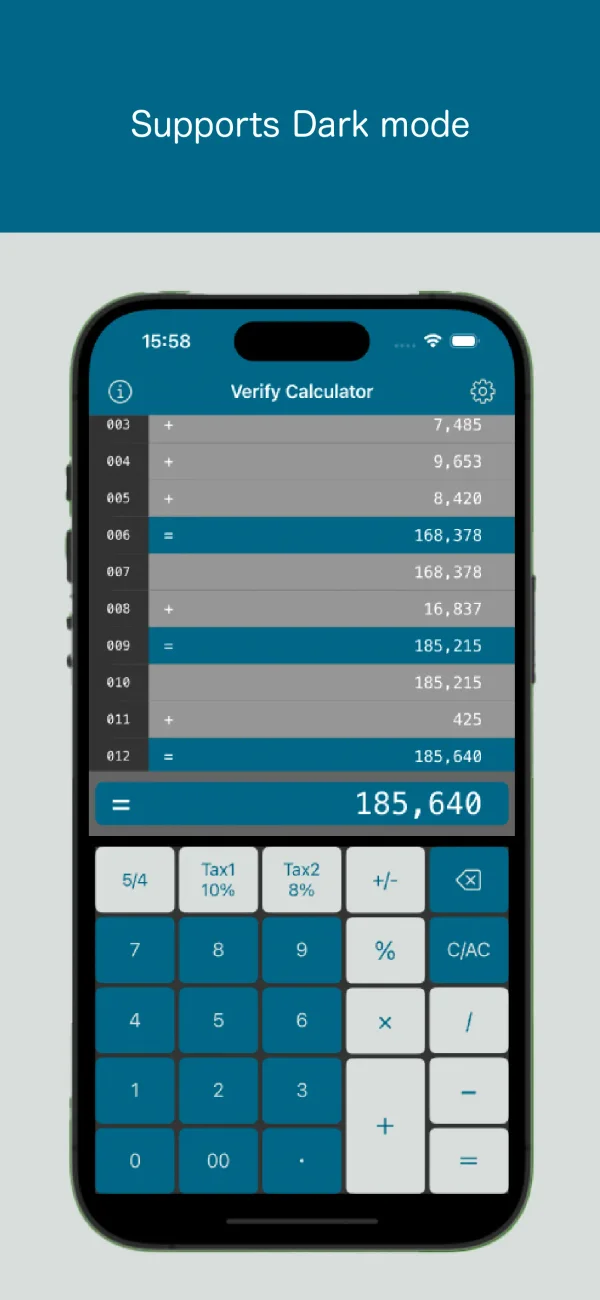
1.Calculation results are displayed in a list like a receipt.
2.Two consumption tax buttons for easy calculation.
3.One-click rounding calculation button.
4.Export calculation history in text format.
5.Tap the receipt section to change its color for verification.
6.Swipe down the keyboard to expand the receipt section.
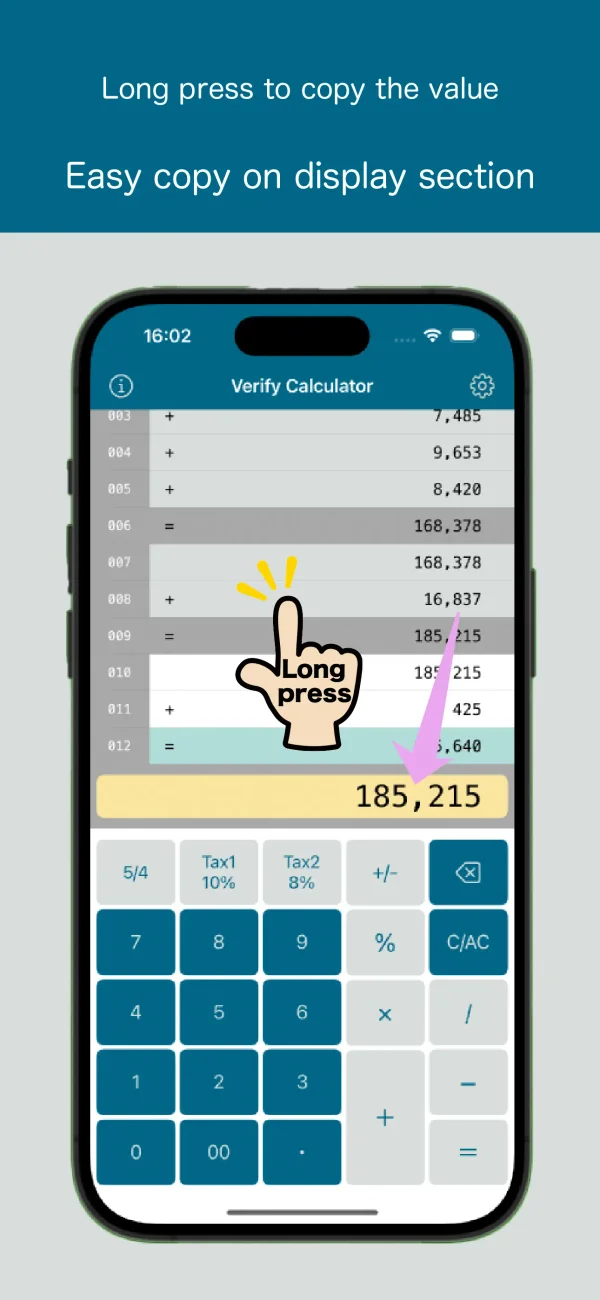
7.Long press the receipt section to copy it to the display section.
8.Long press the calculation result to copy the value to the clipboard.
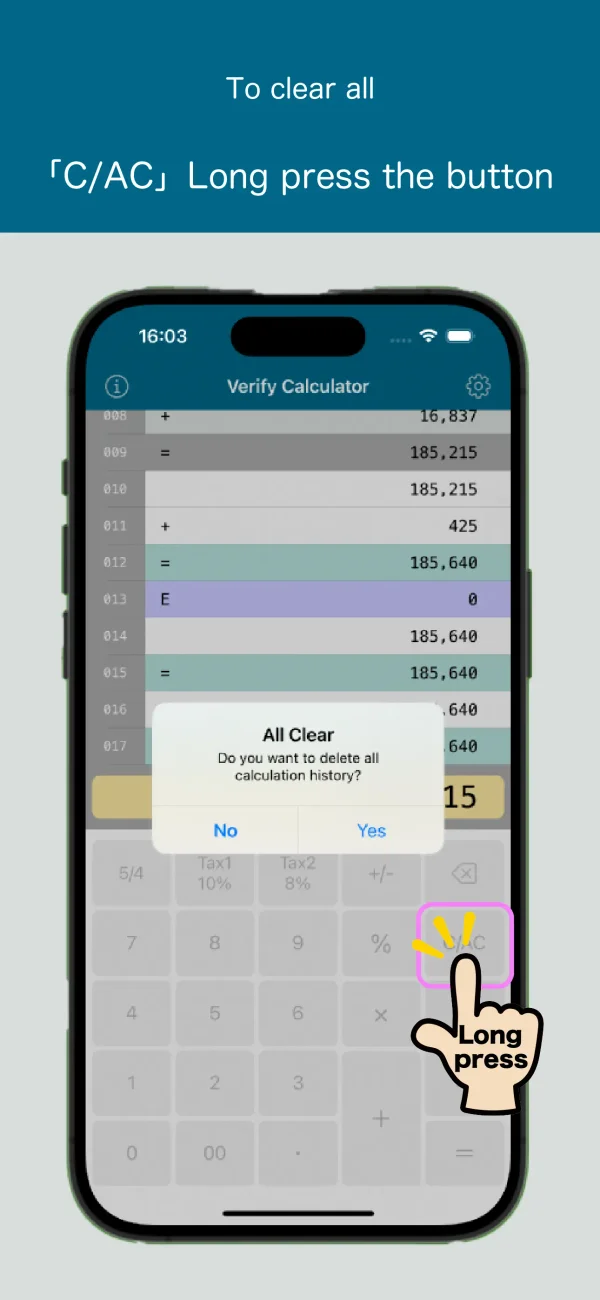
9.Long press the "C/AC" button to clear all calculations in the receipt section.
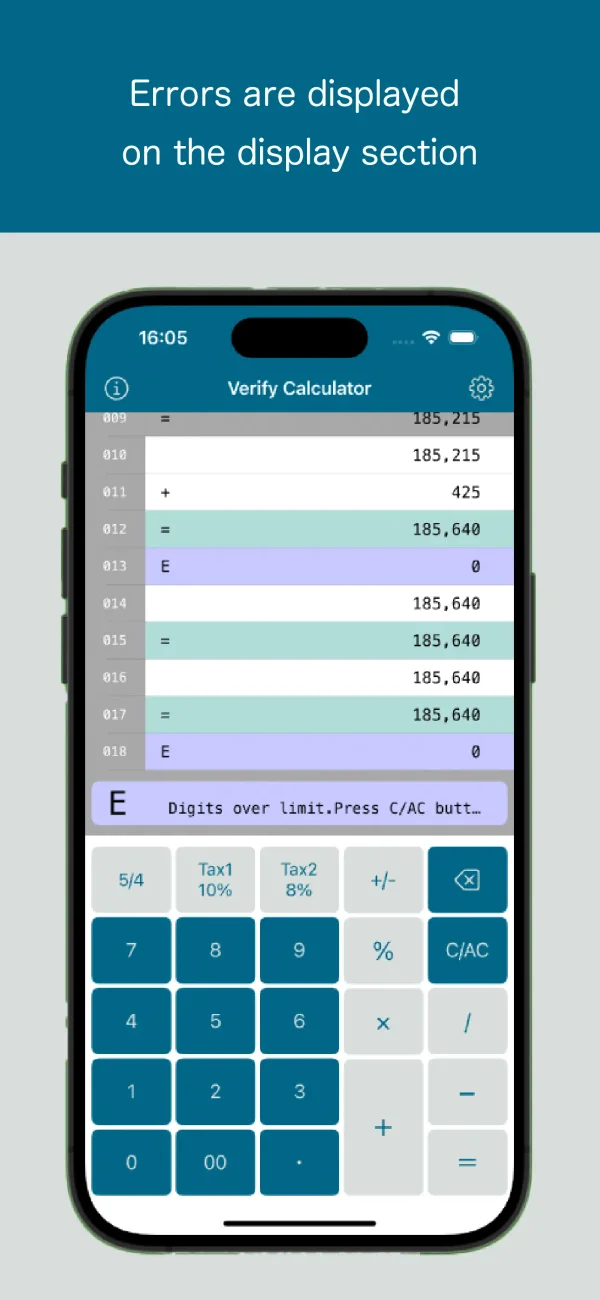
10.Various errors are displayed in the display section.
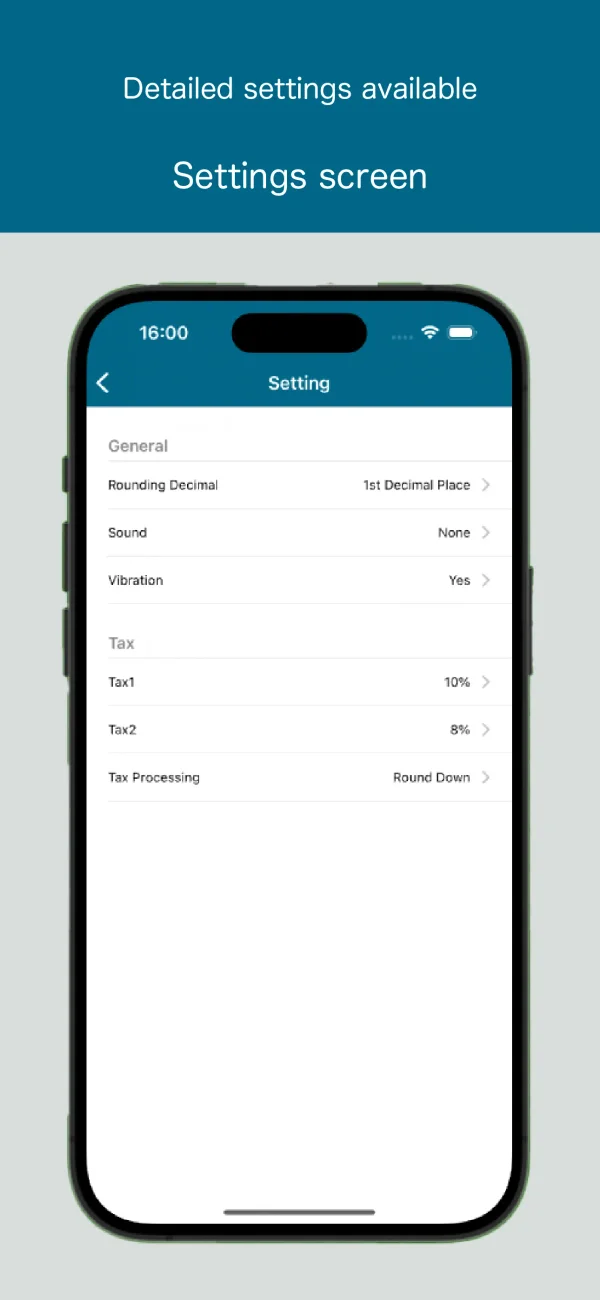
11.Tax rate can be changed.
12.Choose from truncation, rounding up, or rounding down for tax-included calculations.
13.Supports dark mode.
14.Maximum of 100 rows.
Advertisements
You can use it for free, but advertisements will be displayed.
Disclaimer
This calculator application Verify Calculator is provided for general calculation purposes.
We do not guarantee the accuracy or completeness of the calculation results in this application.
We are not responsible for any actions or decisions made based on the calculation results.
Novedades
Versión 1.4.0 · 31/10/2026
Updated to version 1.4.0!
Now compatible with iOS 27.2
Privacidad de la aplicación
Lo que hiroshi mizuno declara en App Store sobre cómo esta aplicación gestiona los datos.
-
Datos usados para rastrearte
Pueden usarse para rastrearte en aplicaciones y sitios web propiedad de otras empresas.
- Datos de uso
-
Datos no vinculados a ti
Pueden recopilarse, pero no se vinculan a tu identidad.
- Datos de uso
Las prácticas de privacidad pueden variar, por ejemplo, según las funciones que uses o tu edad.
Información
- Vendedor
- hiroshi mizuno
- Categoría
- Productividad
- Versión
- 1.4.0
- Actualizado
- 31/10/2026
- Publicado
- 31/5/2024
- Tamaño
- 15,2 MB
- Requiere
- iOS 15.4 o posterior
- Clasificación por edad
- 17+
- Compras en la aplicación
- Sí
- Idiomas
- Inglés, Japonés
- Copyright
- © 2024 Hiroshi Mizuno
Quizá también te guste
-
 Calculator 2taxProductividad
-
 Tax & Receipt CalculatorProductividad
-
 NilnocCalcProductividad
-
 Bright CalcProductividad
-
 FastCalc liteRápida, clara, eficiente
-
 CalcuTotalProductividad
-
 Textミキサー パパッと文書作成Productividad
-
 Notification TodoProductividad
-
 Easy Memo & Picture App CAPMOProductividad
-
 List Calc - Lista de ComprasControl de Gastos y Compras