
Verify Calculator
Receipt display calculator.
Designed for iPhone, iPod touch
Free · In-app purchases
- Age rating17+
- CategoryProductivity
- Developerhiroshi mizuno
- LanguagesEnglish+ 1 more
- Size15.2 MB
Links to the official App Store page
Download.org hosts no file of Verify Calculator. The button opens its official App Store page, published by hiroshi mizuno. Listing last checked on Nov 16, 2026.
Screenshots

About
Recommended for accountants and finance professionals!
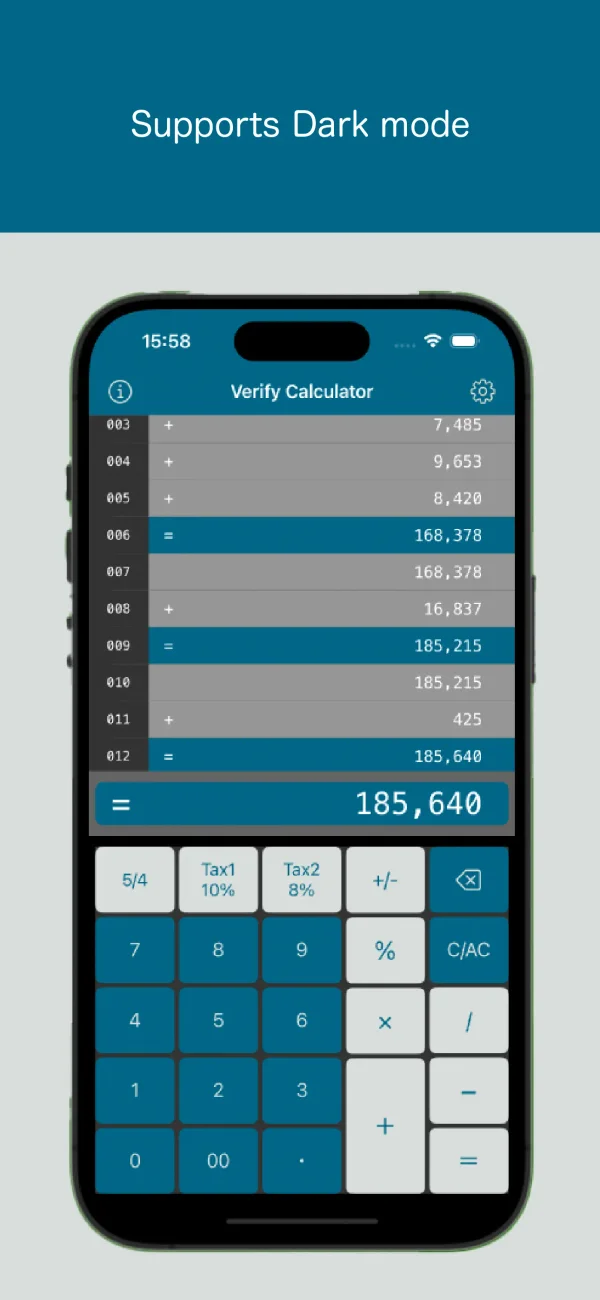
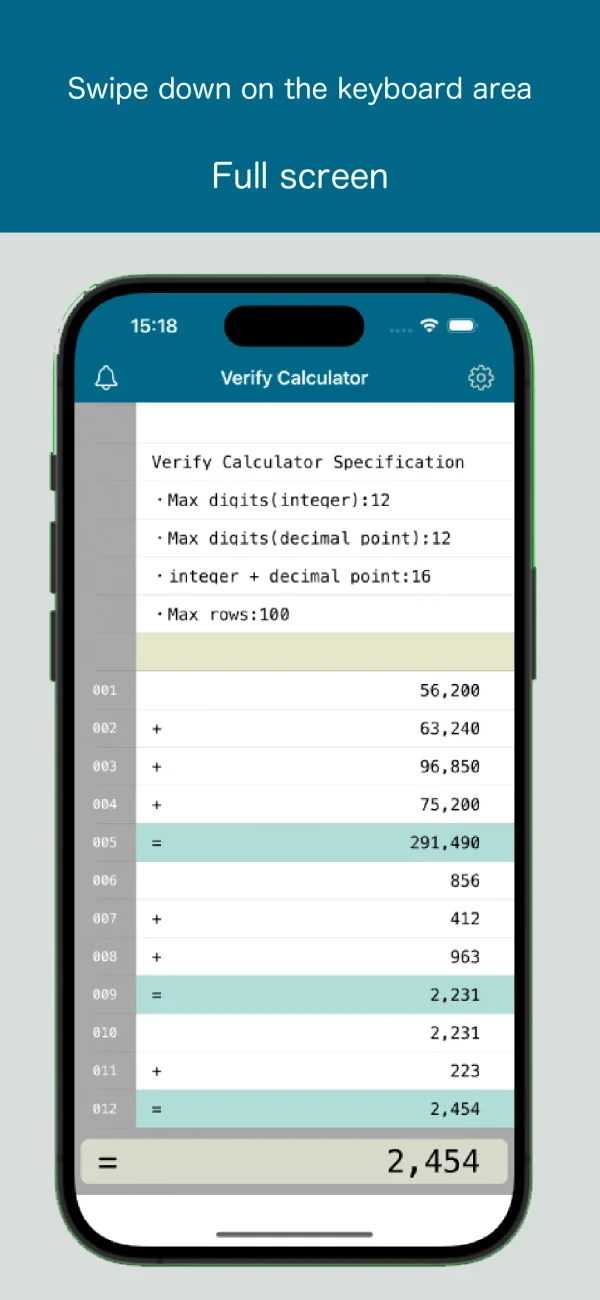
Verify Calculator is a perfect tool for checking the accuracy of invoice and receipt calculations, resembling a printed receipt.
It is ideal for expense calculations.
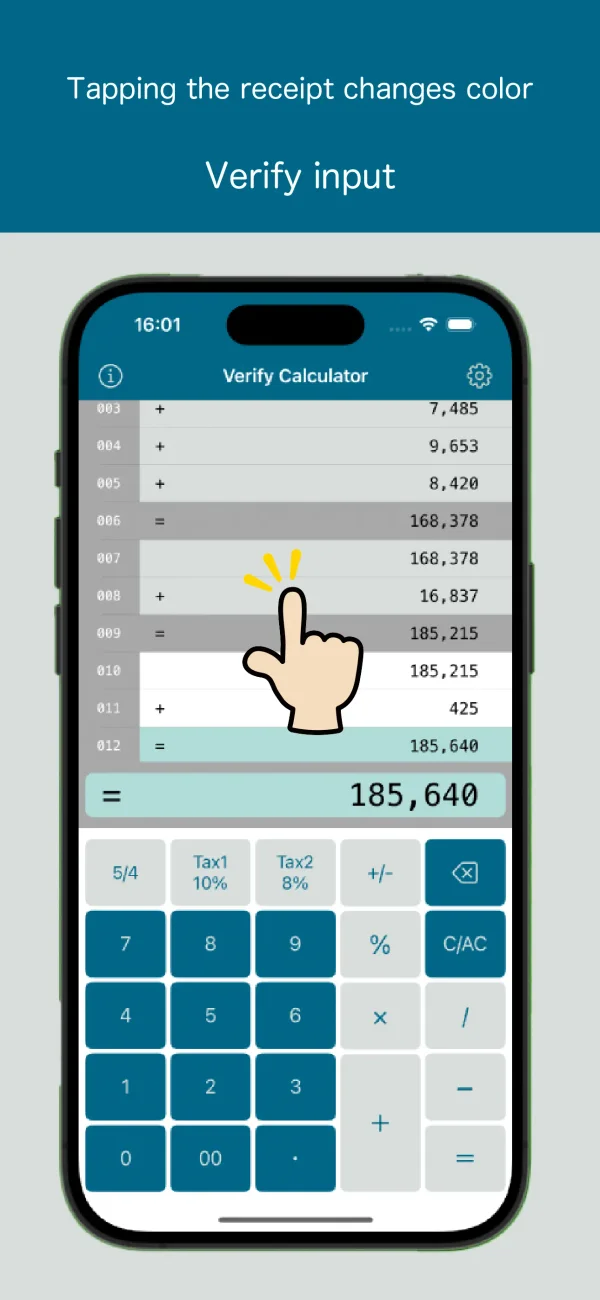
By tapping on the receipt section, the color changes, making it easy to verify the entered values.
To facilitate verification, you can swipe down the keyboard section to hide it, allowing the receipt section to be displayed more extensively.
Swiping up on the calculation result section will display the keyboard again.
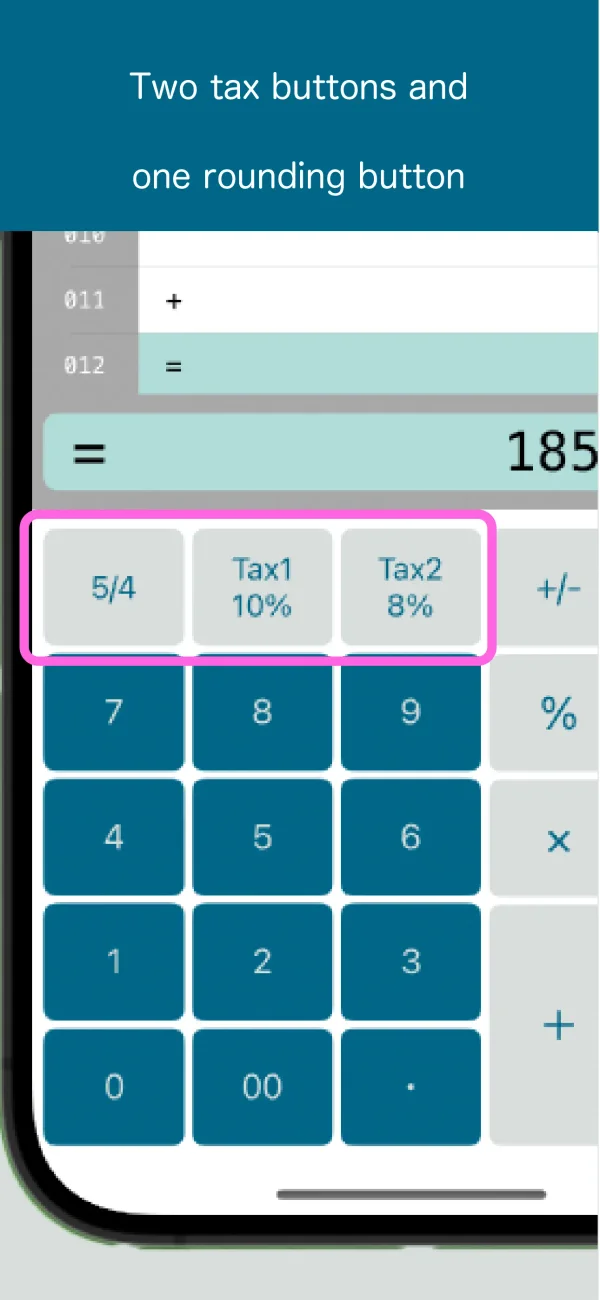
With two tax buttons, you can assign both 10% and 8% rates.
There is also a rounding button that enables single-tap handling of decimal places.
Features
1.Calculation results are displayed in a list like a receipt.
2.Two consumption tax buttons for easy calculation.
3.One-click rounding calculation button.
4.Export calculation history in text format.
5.Tap the receipt section to change its color for verification.
6.Swipe down the keyboard to expand the receipt section.
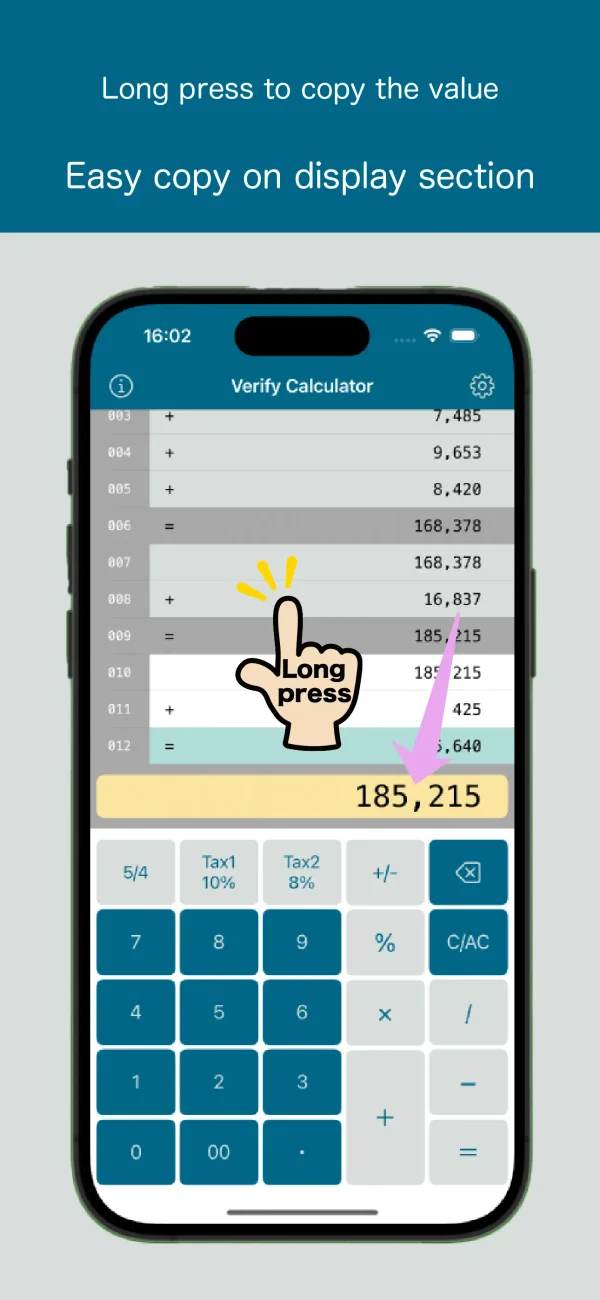
7.Long press the receipt section to copy it to the display section.
8.Long press the calculation result to copy the value to the clipboard.
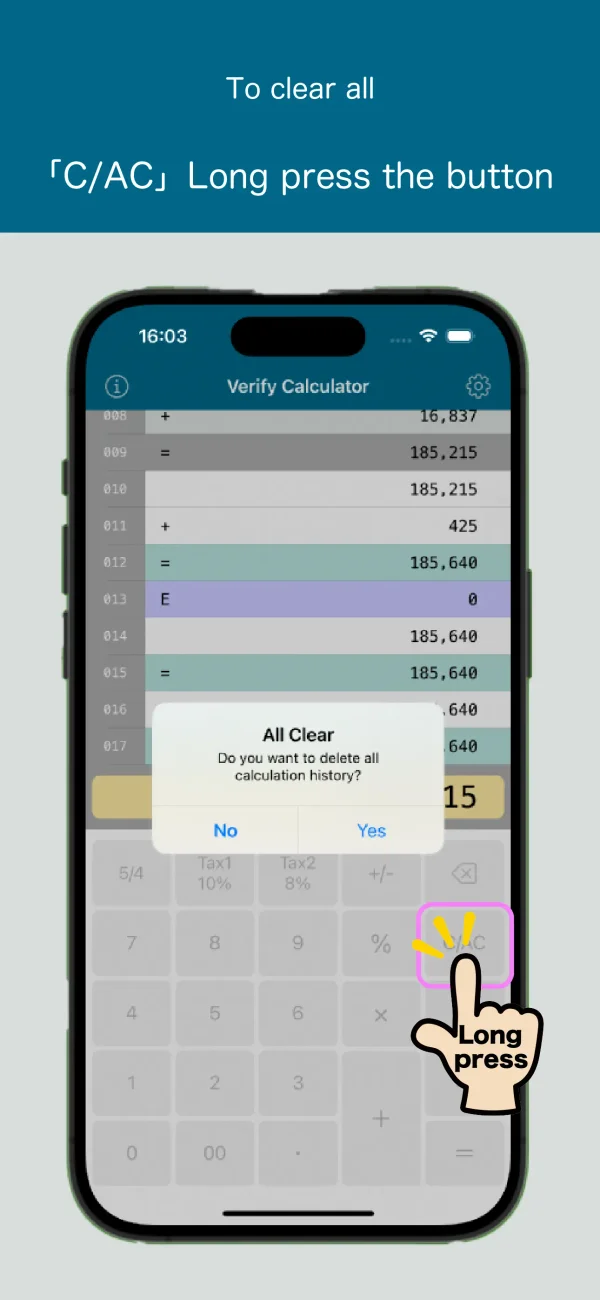
9.Long press the "C/AC" button to clear all calculations in the receipt section.
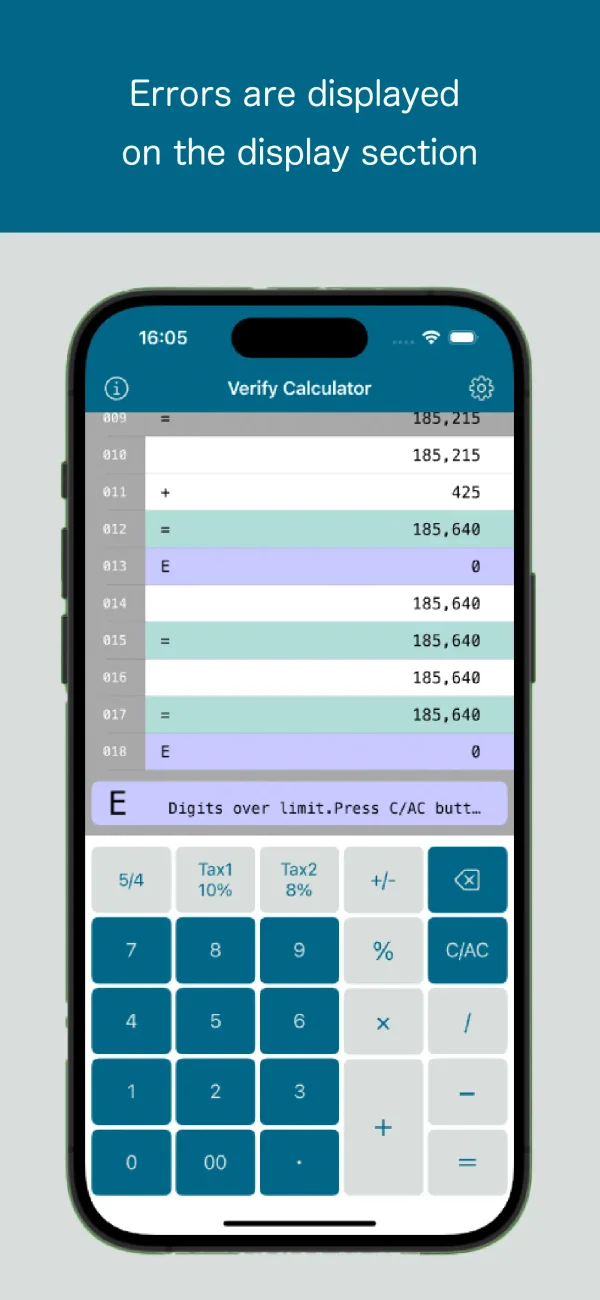
10.Various errors are displayed in the display section.
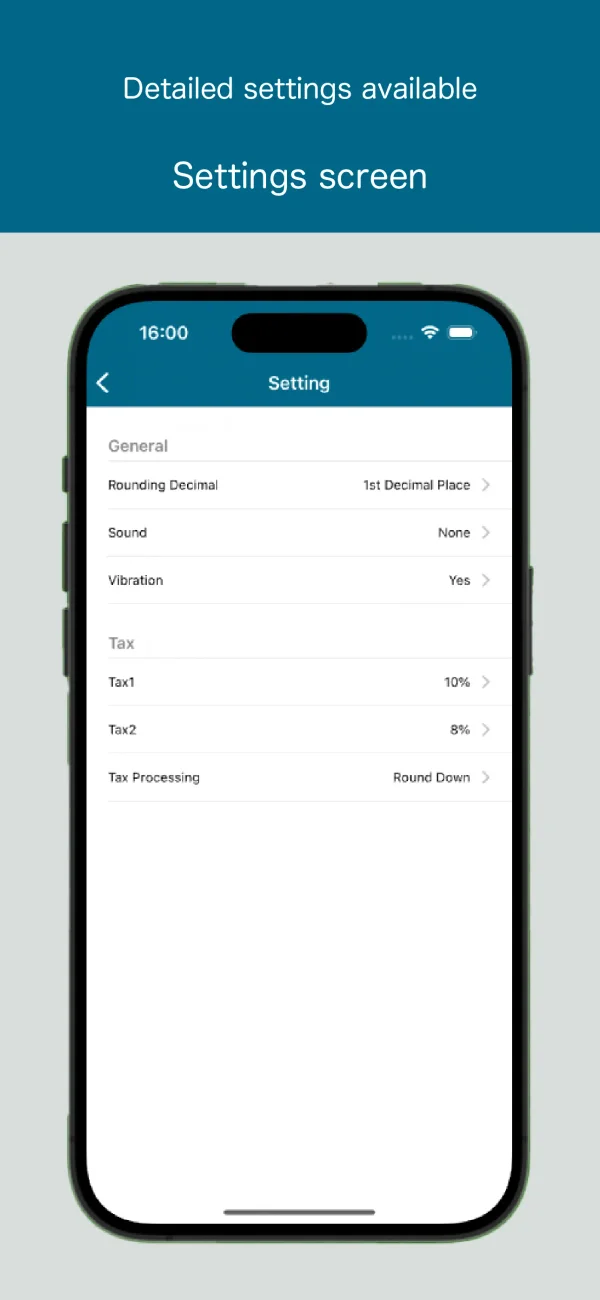
11.Tax rate can be changed.
12.Choose from truncation, rounding up, or rounding down for tax-included calculations.
13.Supports dark mode.
14.Maximum of 100 rows.
Advertisements
You can use it for free, but advertisements will be displayed.
Disclaimer
This calculator application Verify Calculator is provided for general calculation purposes.
We do not guarantee the accuracy or completeness of the calculation results in this application.
We are not responsible for any actions or decisions made based on the calculation results.
What’s new
Version 1.4.0 · Oct 31, 2026
Updated to version 1.4.0!
Now compatible with iOS 27.2
App privacy
What hiroshi mizuno declares on the App Store about how this app handles data.
-
Data used to track you
May be used to track you across apps and websites owned by other companies.
- Usage data
-
Data not linked to you
May be collected but is not linked to your identity.
- Usage data
Privacy practices may vary, for example with the features you use or your age.
Information
- Seller
- hiroshi mizuno
- Category
- Productivity
- Version
- 1.4.0
- Updated
- Oct 31, 2026
- Released
- May 31, 2024
- Size
- 15.2 MB
- Requires
- iOS 15.4 or later
- Age rating
- 17+
- Price
- Free
- In-app purchases
- Yes
- Languages
- English, Japanese
- Copyright
- © 2024 Hiroshi Mizuno
You might also like
-
 Calculator 2taxSupports two consumption taxes
-
 Tax & Receipt CalculatorJapanese consumption tax
-
 NilnocCalcProductivity
-
 Bright CalcProductivity
-
 FastCalc liteFast, clear, efficient
-
 CalcuTotalProductivity
-
 Textミキサー パパッと文書作成Productivity
-
 Notification TodoProductivity
-
 Easy Memo & Picture App CAPMOProductivity
-
 List Calc - Shopping & BudgetTrack Expenses & Smart Lists