Verify Calculator
Receipt display calculator.
Được thiết kế cho iPhone, iPod touch
Miễn phí · Mua hàng trong ứng dụng
- Độ tuổi17+
- Danh mụcHiệu Suất
- Nhà phát triểnhiroshi mizuno
- Ngôn ngữTiếng Anh+ 1 ngôn ngữ khác
- Kích thước15,2 MB
Liên kết đến trang App Store chính thức
Download.org không lưu trữ tệp nào của Verify Calculator. Nút này mở trang ứng dụng trên App Store, nơi hiroshi mizuno phát hành ứng dụng. Trang được kiểm tra lần cuối: 16/11/2026.
Ảnh chụp màn hình

Giới thiệu
Nhà phát triển chưa cung cấp nội dung này bằng ngôn ngữ của bạn.
Recommended for accountants and finance professionals!
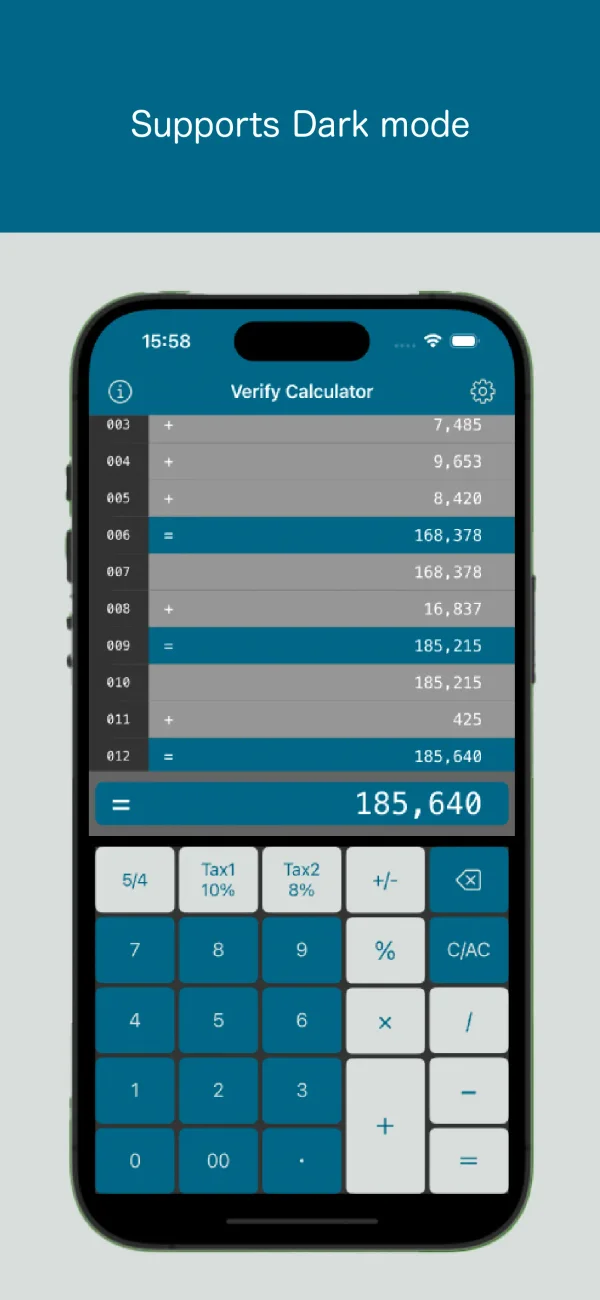
Verify Calculator is a perfect tool for checking the accuracy of invoice and receipt calculations, resembling a printed receipt.
It is ideal for expense calculations.
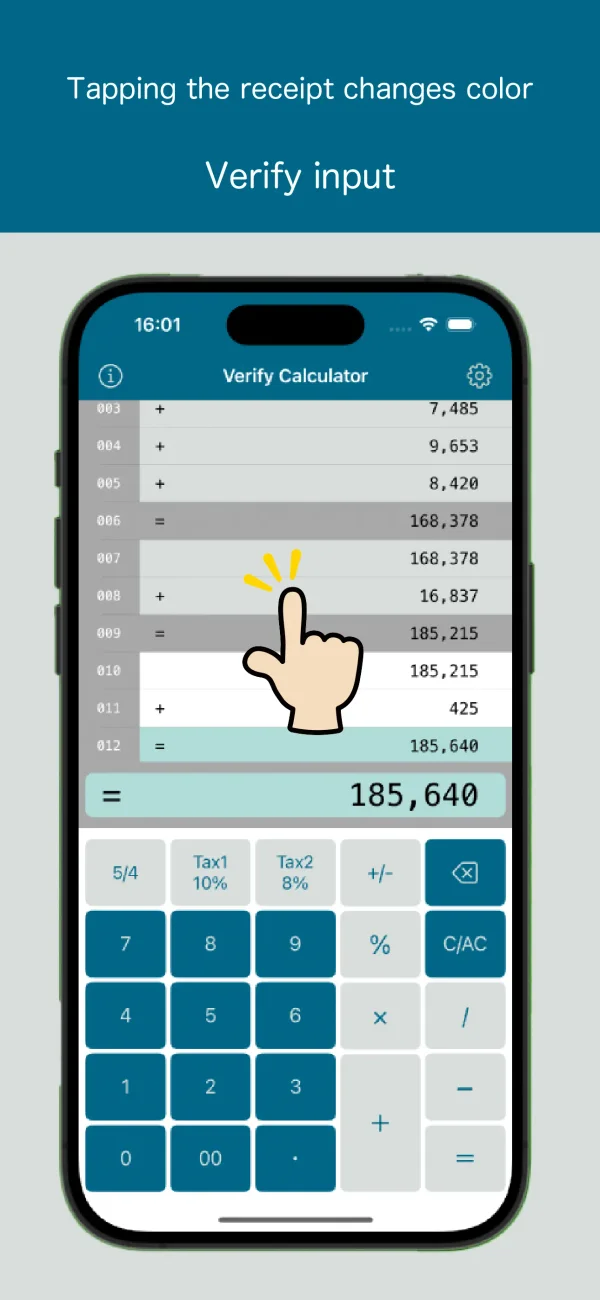
By tapping on the receipt section, the color changes, making it easy to verify the entered values.
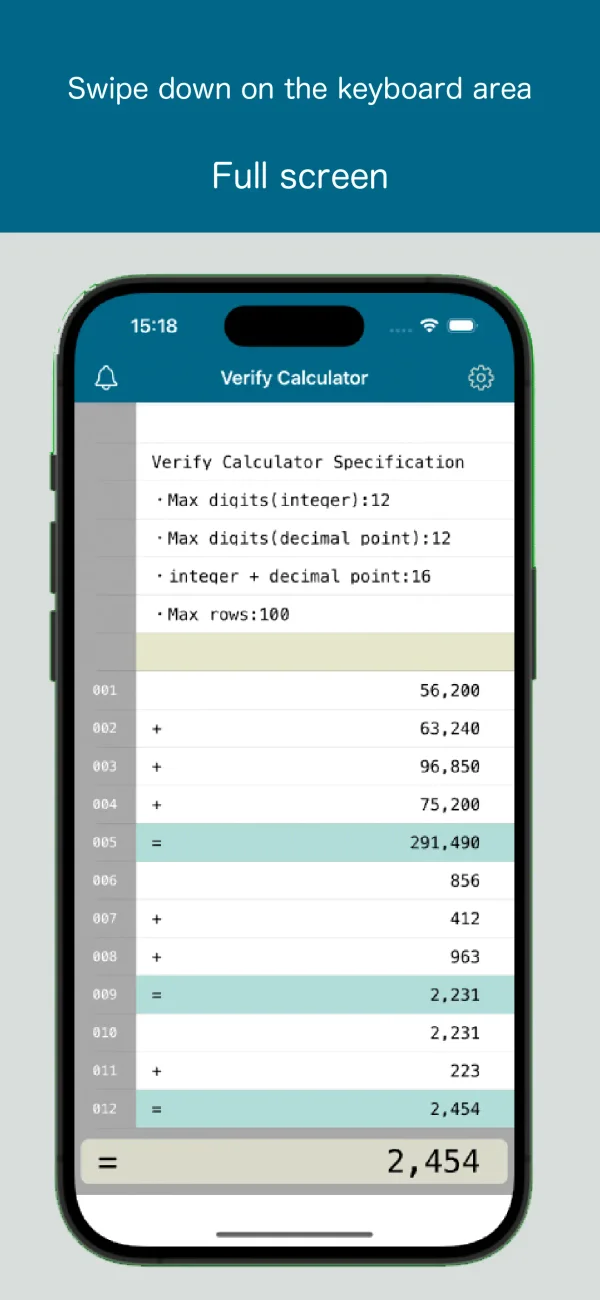
To facilitate verification, you can swipe down the keyboard section to hide it, allowing the receipt section to be displayed more extensively.
Swiping up on the calculation result section will display the keyboard again.
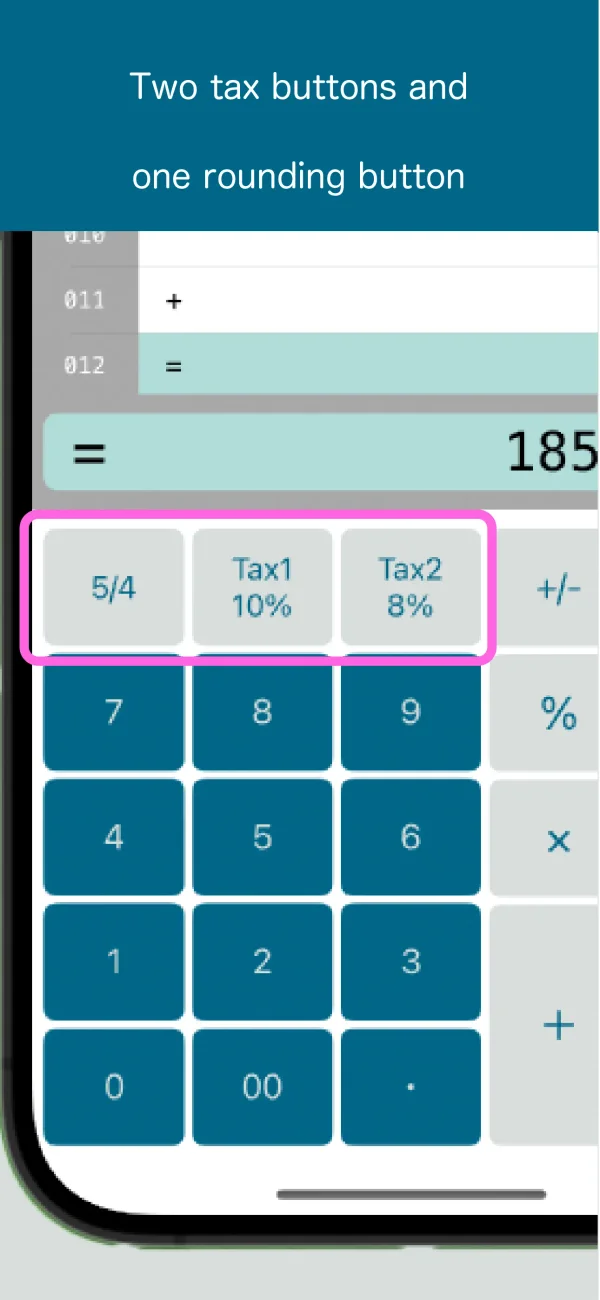
With two tax buttons, you can assign both 10% and 8% rates.
There is also a rounding button that enables single-tap handling of decimal places.
Features
1.Calculation results are displayed in a list like a receipt.
2.Two consumption tax buttons for easy calculation.
3.One-click rounding calculation button.
4.Export calculation history in text format.
5.Tap the receipt section to change its color for verification.
6.Swipe down the keyboard to expand the receipt section.
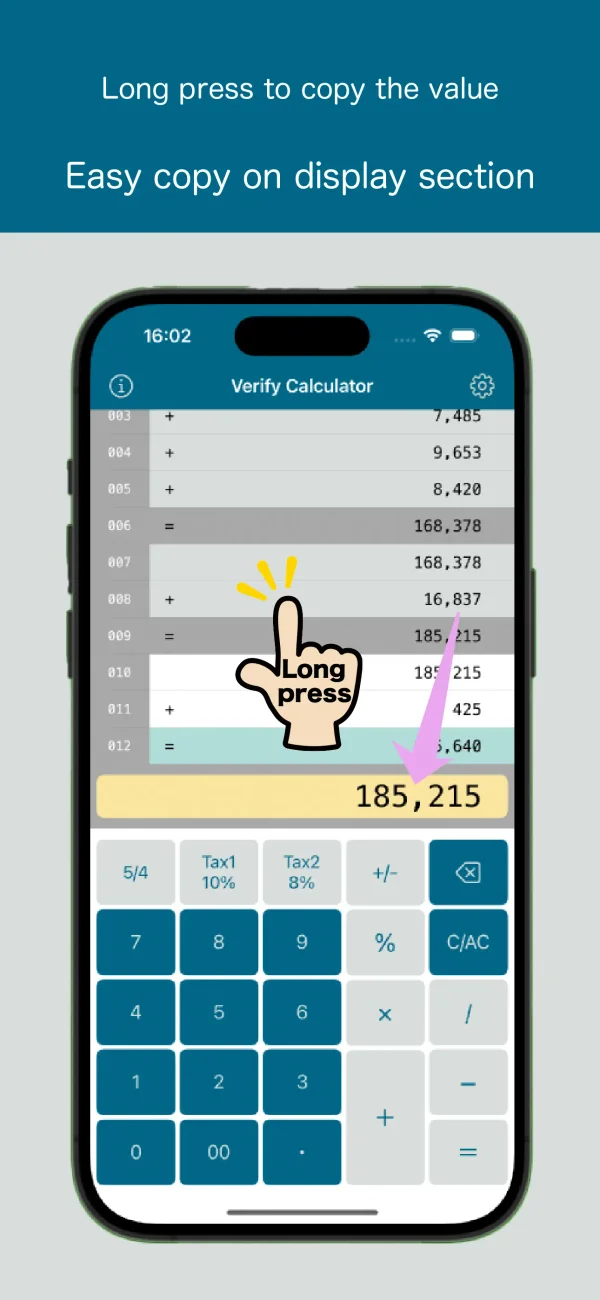
7.Long press the receipt section to copy it to the display section.
8.Long press the calculation result to copy the value to the clipboard.
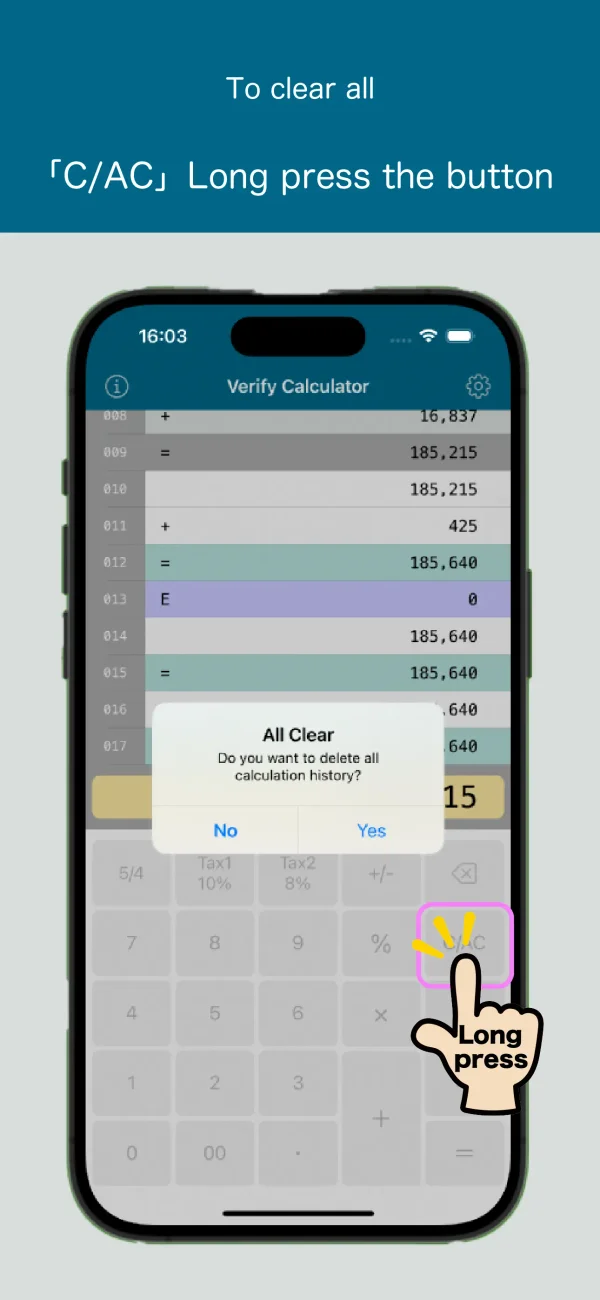
9.Long press the "C/AC" button to clear all calculations in the receipt section.
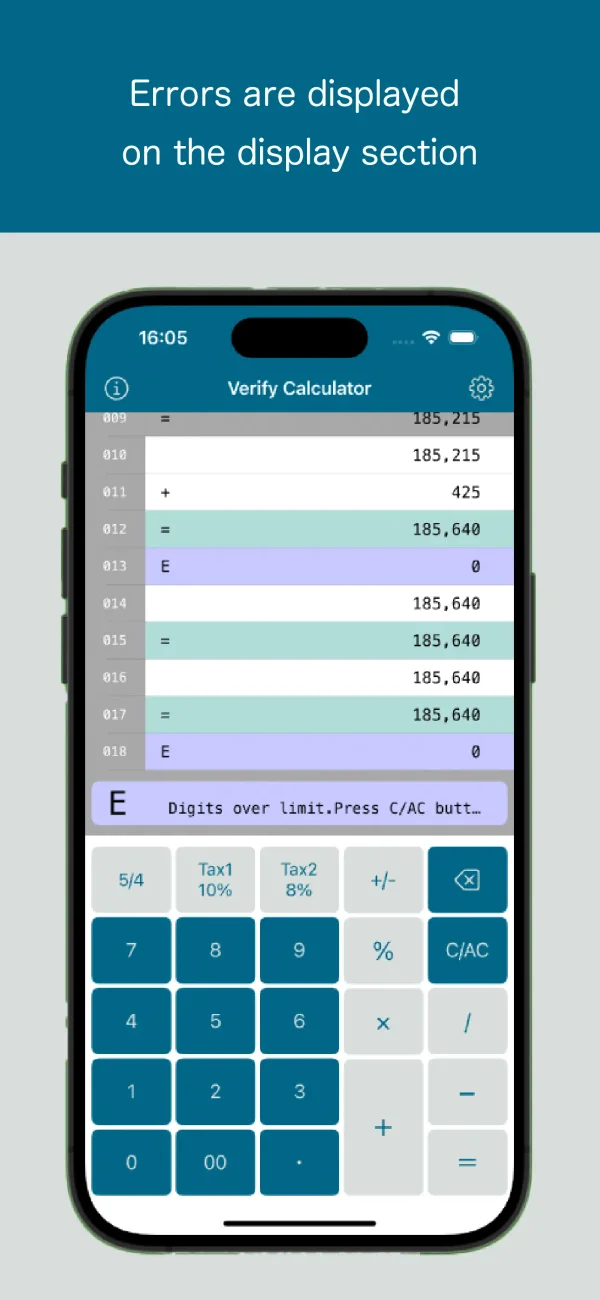
10.Various errors are displayed in the display section.
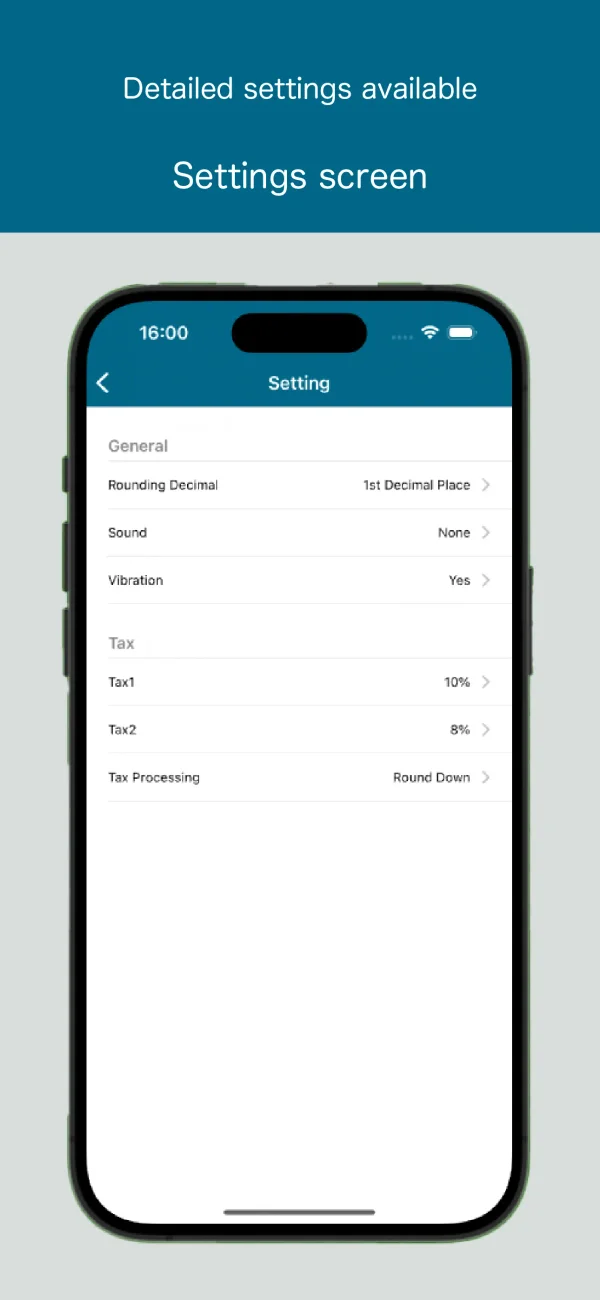
11.Tax rate can be changed.
12.Choose from truncation, rounding up, or rounding down for tax-included calculations.
13.Supports dark mode.
14.Maximum of 100 rows.
Advertisements
You can use it for free, but advertisements will be displayed.
Disclaimer
This calculator application Verify Calculator is provided for general calculation purposes.
We do not guarantee the accuracy or completeness of the calculation results in this application.
We are not responsible for any actions or decisions made based on the calculation results.
Có gì mới
Phiên bản 1.4.0 · 31/10/2026
Updated to version 1.4.0!
Now compatible with iOS 27.2
Quyền riêng tư của ứng dụng
Những gì hiroshi mizuno khai báo trên App Store về cách ứng dụng này xử lý dữ liệu.
-
Dữ liệu được sử dụng để theo dõi bạn
Có thể được sử dụng để theo dõi bạn trên các ứng dụng và trang web do công ty khác sở hữu.
- Dữ liệu sử dụng
-
Dữ liệu không liên kết với bạn
Có thể được thu thập nhưng không liên kết với danh tính của bạn.
- Dữ liệu sử dụng
Phương thức đảm bảo quyền riêng tư có thể khác nhau, chẳng hạn như tuỳ theo các tính năng bạn sử dụng hoặc độ tuổi của bạn.
Thông tin
- Người bán
- hiroshi mizuno
- Danh mục
- Hiệu Suất
- Phiên bản
- 1.4.0
- Cập nhật
- 31/10/2026
- Phát hành
- 31/05/2024
- Kích thước
- 15,2 MB
- Yêu cầu
- iOS 15.4 trở lên
- Độ tuổi
- 17+
- Giá
- Miễn phí
- Mua hàng trong ứng dụng
- Có
- Ngôn ngữ
- Tiếng Anh, Tiếng Nhật
- Bản quyền
- © 2024 Hiroshi Mizuno