
Virtual Steering Controller
Turn Phone Into PC Controller
Entwickelt für iPhone, iPad, iPod touch
Kostenlos · In-App-Käufe
- Altersfreigabe4+
- KategorieDienstprogramme
- EntwicklerAgastya Raj C
- SprachenEnglisch
- Größe107,8 MB
Verlinkt auf die offizielle App Store-Seite
Download.org hostet keine Datei von Virtual Steering Controller. Die Schaltfläche öffnet die App-Seite bei App Store, wo Agastya Raj C die App veröffentlicht. Eintrag zuletzt geprüft am 20.11.2026.
Screenshots


Info
Der Entwickler hat diesen Text nicht in Ihrer Sprache bereitgestellt.
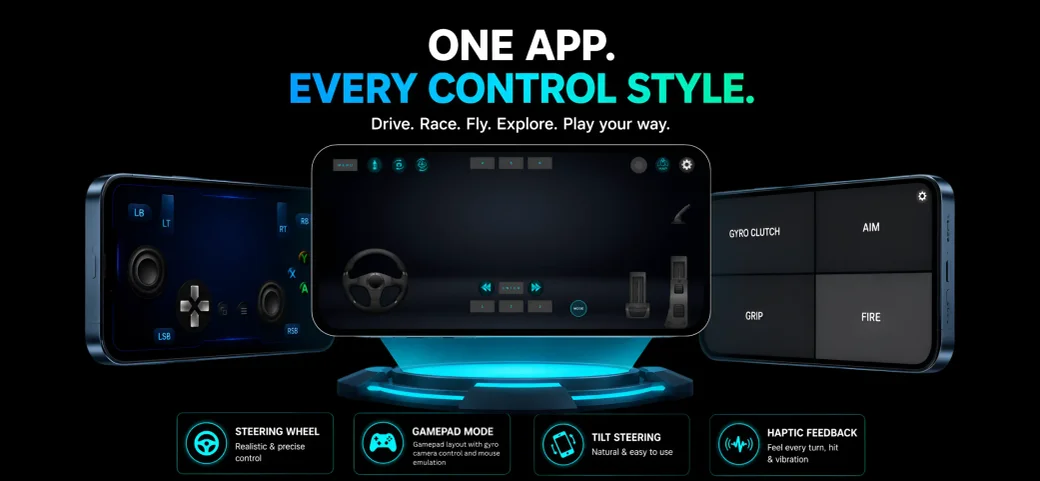
Virtual Steering Controller transforms your iPhone or iPad into a customizable controller for PC games over your local WiFi network.
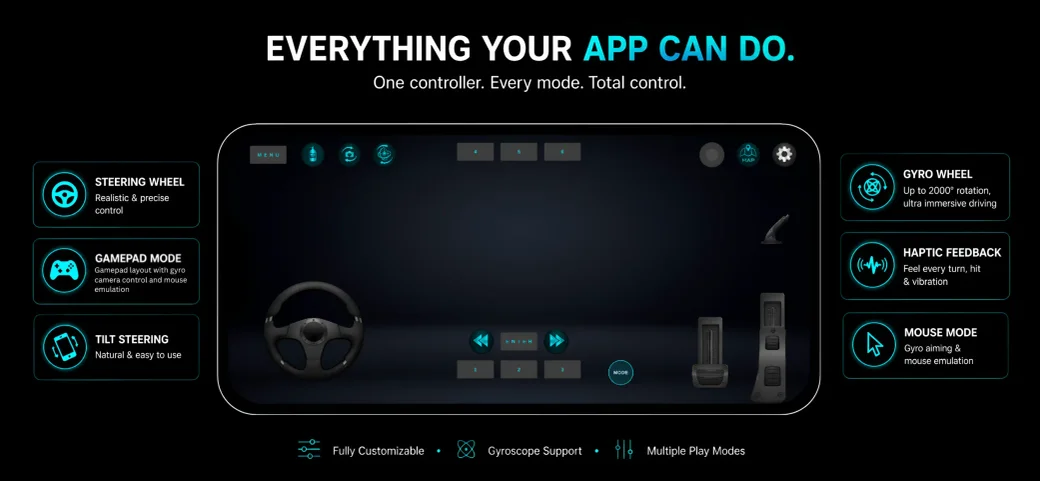
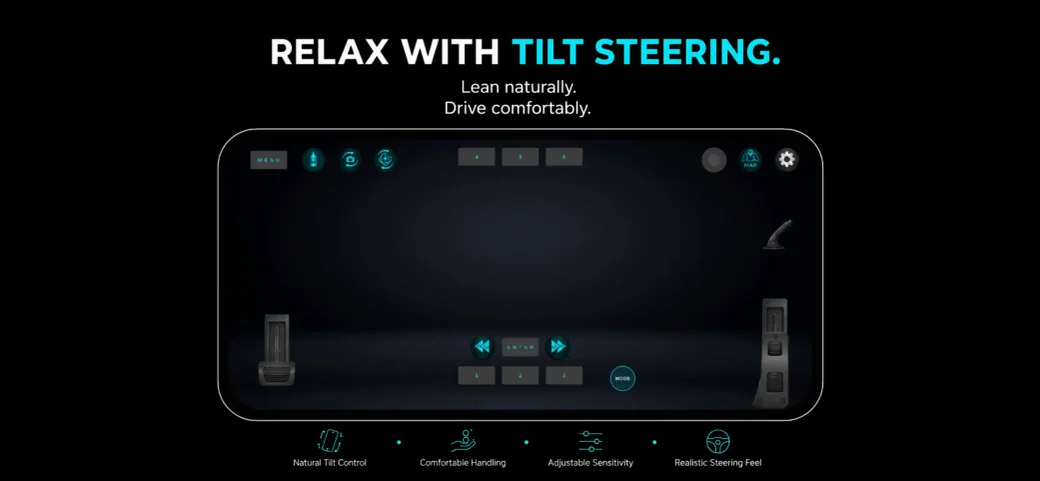
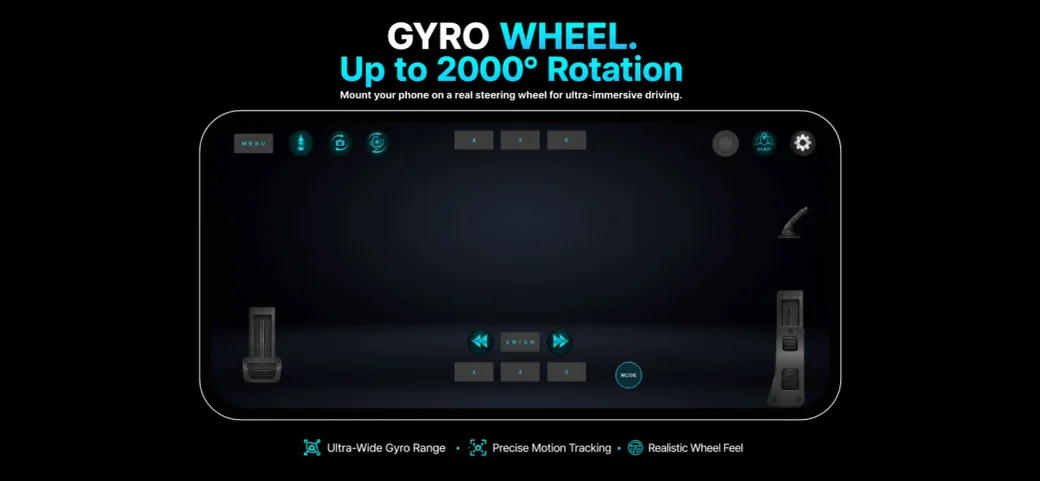
Choose the control style that best suits your game, including steering wheel controls, tilt steering, high-range gyro steering, gamepad controls, and mouse-based aiming. Customize layouts, adjust sensitivity, and create a control setup that works for your play style.
Download the required PC receiver software from:
https://vsteer.pages.dev
Key Features
• Multiple control modes
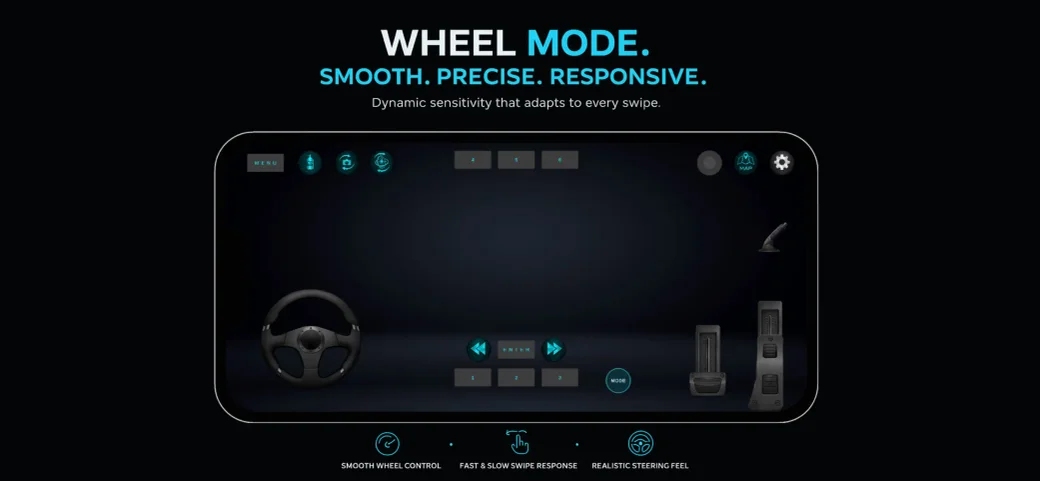
• Steering Wheel Mode
• Tilt Steering
• Gyro Wheel (up to 2000° rotation)
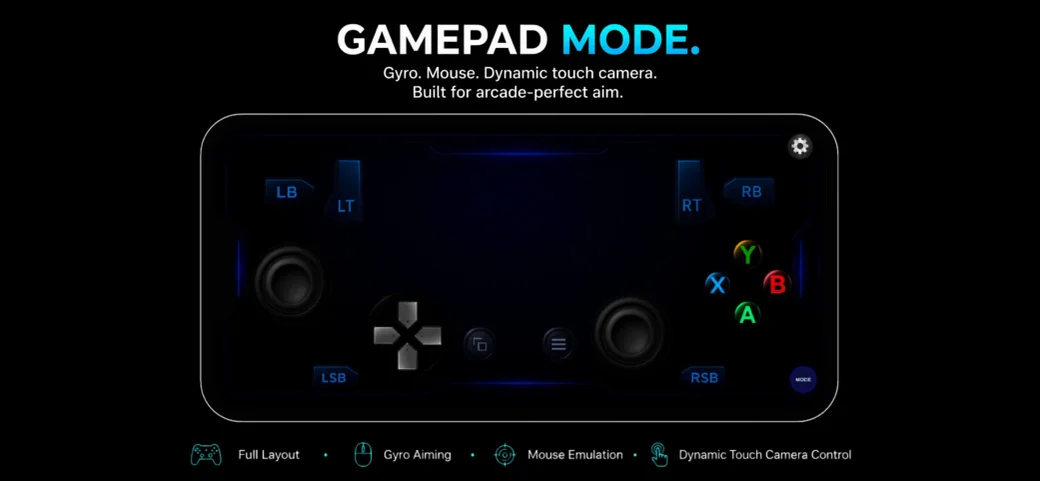
• Gamepad Mode
• Mouse Mode
• Fully customizable on-screen layouts
• Save multiple custom control layouts
• Analog and digital pedal options
• Adjustable steering and sensitivity settings
• Gyroscope support for compatible devices
• Dynamic touch camera controls
• Real-time haptic feedback for supported games
• Works over your local WiFi network (LAN)
• No account required
How It Works
1. Download and install the VSteer Receiver on your Windows PC from the website above.
2. Connect your phone and PC to the same local WiFi network.
3. Launch both applications and follow the connection instructions provided in the documentation.
Important Information
• Requires the VSteer Receiver application on a Windows PC.
• Both devices must be connected to the same local network.
• Gyroscope-based features require a device with a gyroscope sensor.
• Real-time haptic feedback is available for supported games and compatible devices.
Virtual Steering Controller provides a flexible and responsive way to control compatible PC games using your phone, without requiring dedicated gaming hardware.
Neue Funktionen
Version 3.5 · 15.09.2026
• General bug fixes & stability improvements
App-Datenschutz
Was Agastya Raj C im App Store zum Umgang dieser App mit Daten angibt.
-
Daten, die zum Tracking Ihrer Person verwendet werden
Können verwendet werden, um Sie über Apps und Websites anderer Unternehmen hinweg zu verfolgen.
- Standort
- Kennungen
- Nutzungsdaten
- Diagnose
-
Mit Ihnen verknüpfte Daten
Können erfasst und mit Ihrer Identität verknüpft werden.
- Standort
- Kennungen
- Nutzungsdaten
- Diagnose
- Sonstige Daten
-
Nicht mit Ihnen verknüpfte Daten
Können erfasst werden, sind aber nicht mit Ihrer Identität verknüpft.
- Käufe
- Benutzerinhalte
- Diagnose
Die Datenschutzpraktiken können variieren, zum Beispiel je nach den von Ihnen verwendeten Funktionen oder Ihrem Alter.
Informationen
- Anbieter
- Agastya Raj C
- Kategorie
- Dienstprogramme
- Version
- 3.5
- Aktualisiert
- 15.09.2026
- Veröffentlicht
- 02.05.2026
- Größe
- 107,8 MB
- Erfordert
- iOS 15.0 oder neuer
- Altersfreigabe
- 4+
- Preis
- Kostenlos
- In-App-Käufe
- Ja
- Sprachen
- Englisch
- Copyright
- © 2026 Agastya Raj C
Das könnte Ihnen auch gefallen
-
 RojX: PC Gaming ControllerDienstprogramme
-
 V-Pad: Virtual GamepadDienstprogramme
-
 GyroBridgeDienstprogramme
-
 Gamepad Pro – Remote for PCDienstprogramme
-
 Lose Control: PC ControllerDienstprogramme
-
 PadLink RemoteDienstprogramme
-
 TruckSim GPS - ETS2 ATS KarteSimulator Navi & Routenplaner
-
 Phone ControllerDienstprogramme
-
 TapDeck - PC ControllerDienstprogramme
-
 PC RemoteDienstprogramme