
Virtual Steering Controller
Turn Phone Into PC Controller
Conçue pour iPhone, iPad, iPod touch
Gratuit · Achats intégrés
- Classification d’âge4+
- CatégorieUtilitaires
- DéveloppeurAgastya Raj C
- LanguesAnglais
- Taille107,8 Mo
Renvoie vers la page App Store officielle
Download.org n’héberge aucun fichier de Virtual Steering Controller. Le bouton ouvre la page de l’application sur App Store, où Agastya Raj C la publie. Fiche vérifiée pour la dernière fois le 20/11/2026.
Captures d’écran


À propos
Le développeur n’a pas fourni ce texte dans votre langue.
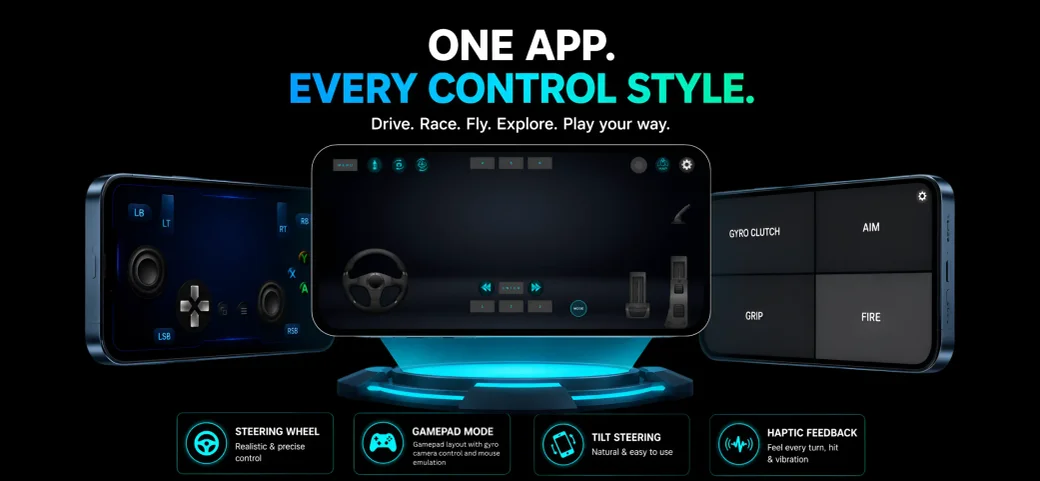
Virtual Steering Controller transforms your iPhone or iPad into a customizable controller for PC games over your local WiFi network.
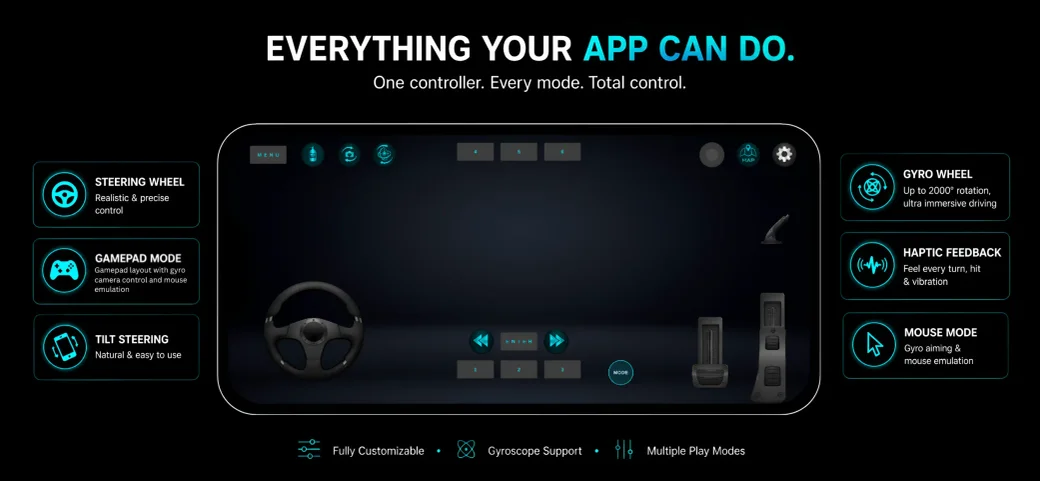
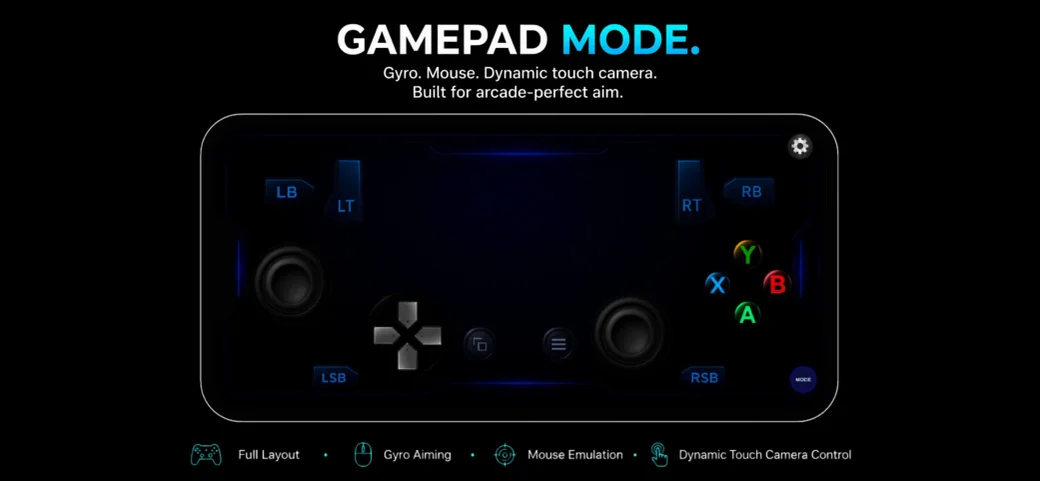
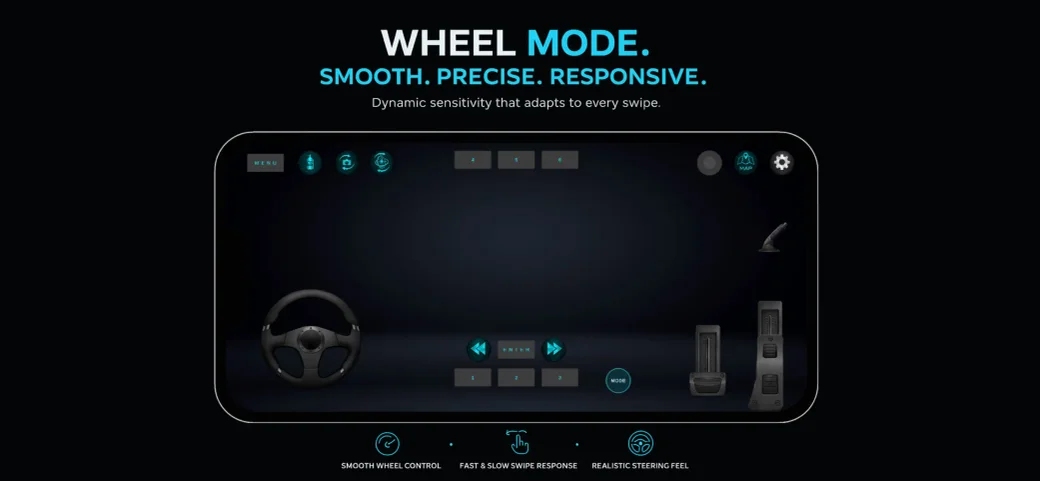
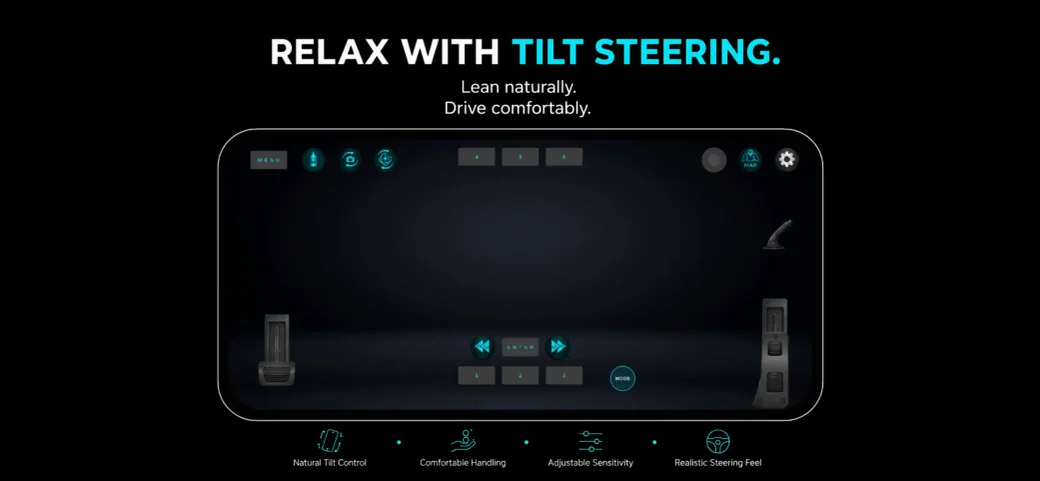
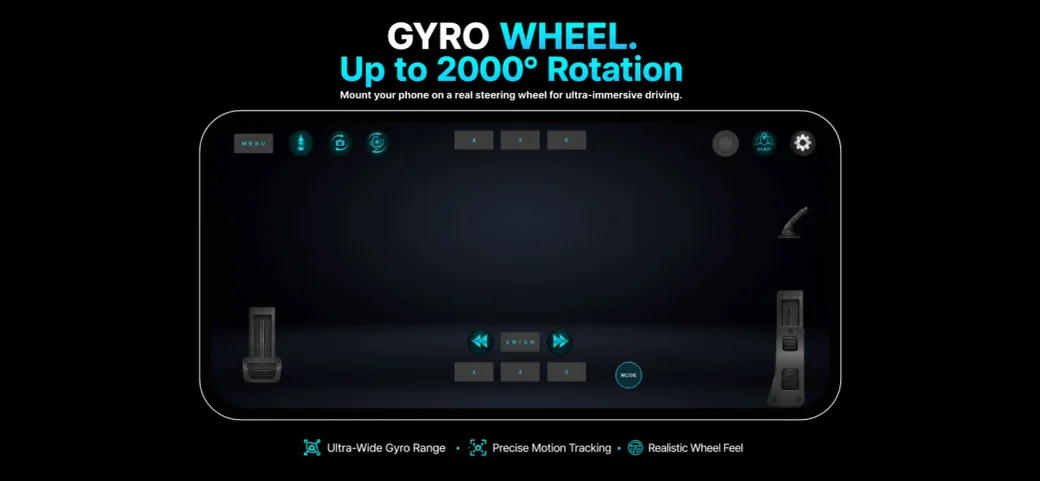
Choose the control style that best suits your game, including steering wheel controls, tilt steering, high-range gyro steering, gamepad controls, and mouse-based aiming. Customize layouts, adjust sensitivity, and create a control setup that works for your play style.
Download the required PC receiver software from:
https://vsteer.pages.dev
Key Features
• Multiple control modes
• Steering Wheel Mode
• Tilt Steering
• Gyro Wheel (up to 2000° rotation)
• Gamepad Mode
• Mouse Mode
• Fully customizable on-screen layouts
• Save multiple custom control layouts
• Analog and digital pedal options
• Adjustable steering and sensitivity settings
• Gyroscope support for compatible devices
• Dynamic touch camera controls
• Real-time haptic feedback for supported games
• Works over your local WiFi network (LAN)
• No account required
How It Works
1. Download and install the VSteer Receiver on your Windows PC from the website above.
2. Connect your phone and PC to the same local WiFi network.
3. Launch both applications and follow the connection instructions provided in the documentation.
Important Information
• Requires the VSteer Receiver application on a Windows PC.
• Both devices must be connected to the same local network.
• Gyroscope-based features require a device with a gyroscope sensor.
• Real-time haptic feedback is available for supported games and compatible devices.
Virtual Steering Controller provides a flexible and responsive way to control compatible PC games using your phone, without requiring dedicated gaming hardware.
Nouveautés
Version 3.5 · 15/09/2026
• General bug fixes & stability improvements
Confidentialité de l’application
Ce que Agastya Raj C déclare sur l’App Store au sujet du traitement des données par cette application.
-
Données utilisées pour vous suivre
Peuvent être utilisées pour vous suivre sur des applications et des sites web appartenant à d’autres sociétés.
- Emplacement
- Identifiants
- Données d’utilisation
- Diagnostic
-
Données établissant un lien avec vous
Peuvent être collectées et liées à votre identité.
- Emplacement
- Identifiants
- Données d’utilisation
- Diagnostic
- Autres données
-
Données n’établissant aucun lien avec vous
Peuvent être collectées, mais ne sont pas liées à votre identité.
- Achats
- Contenu utilisateur
- Diagnostic
Les pratiques en matière de confidentialité peuvent varier, notamment en fonction des fonctionnalités que vous utilisez ou de votre âge.
Informations
- Vendeur
- Agastya Raj C
- Catégorie
- Utilitaires
- Version
- 3.5
- Mis à jour
- 15/09/2026
- Publié
- 02/05/2026
- Taille
- 107,8 Mo
- Nécessite
- iOS 15.0 ou version ultérieure
- Classification d’âge
- 4+
- Prix
- Gratuit
- Achats intégrés
- Oui
- Langues
- Anglais
- Copyright
- © 2026 Agastya Raj C
Vous aimerez peut-être aussi
-
 RojX: PC Gaming ControllerUtilitaires
-
 V-Pad: Virtual GamepadUtilitaires
-
 GyroBridgeUtilitaires
-
 Gamepad Pro – Remote for PCUtilitaires
-
 Lose Control: PC ControllerUtilitaires
-
 PadLink RemoteUtilitaires
-
 TruckSim GPS - ETS2 ATS CarteNavigation Simulateur Camion
-
 Phone ControllerUtilitaires
-
 TapDeck - PC ControllerUtilitaires
-
 PC RemoteUtilitaires