
Virtual Steering Controller
Turn Phone Into PC Controller
Diseñada para iPhone, iPad, iPod touch
Gratis · Compras en la aplicación
- Clasificación por edad4+
- CategoríaUtilidades
- DesarrolladorAgastya Raj C
- IdiomasInglés
- Tamaño107,8 MB
Enlaza a la página oficial de App Store
Download.org no aloja ningún archivo de Virtual Steering Controller. El botón abre la página de la aplicación en App Store, donde la publica Agastya Raj C. Ficha comprobada por última vez el 20/11/2026.
Capturas de pantalla


Acerca de
El desarrollador no ha proporcionado este texto en tu idioma.
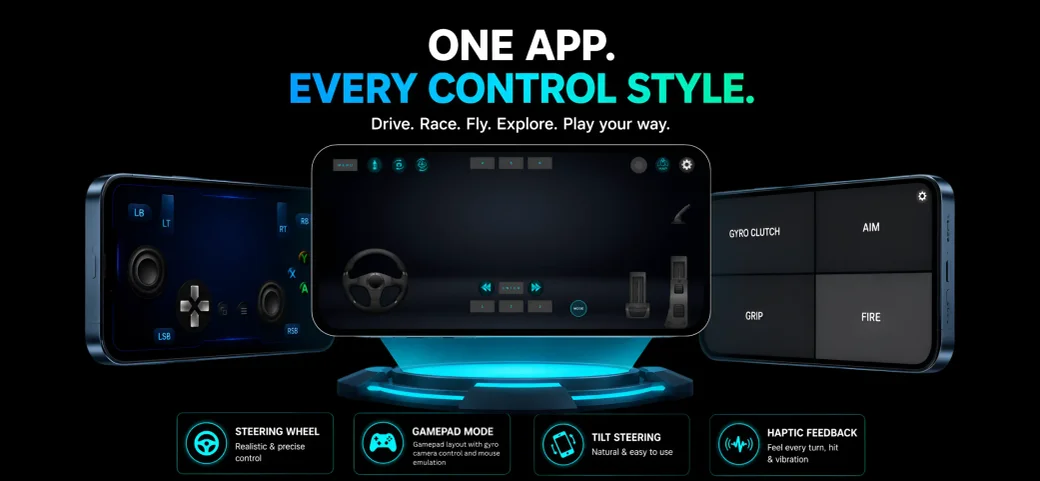
Virtual Steering Controller transforms your iPhone or iPad into a customizable controller for PC games over your local WiFi network.
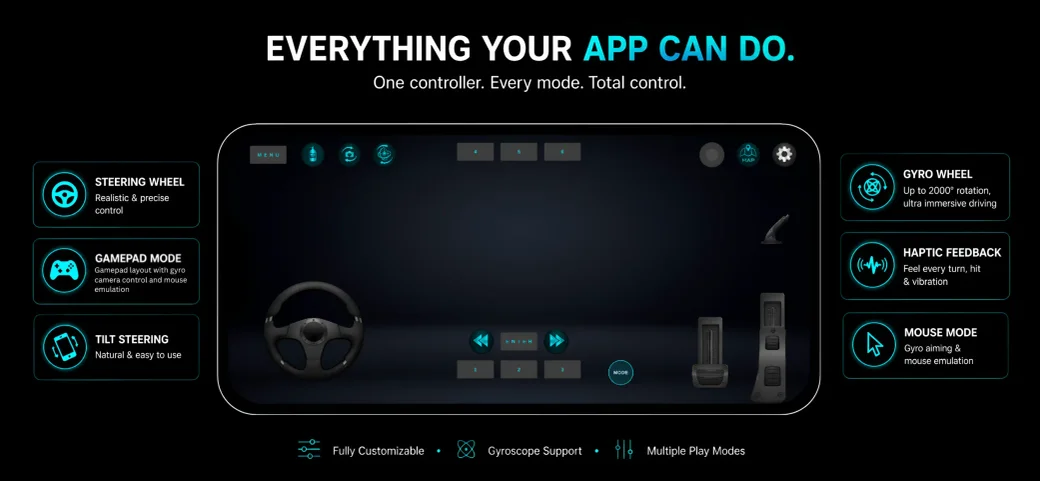
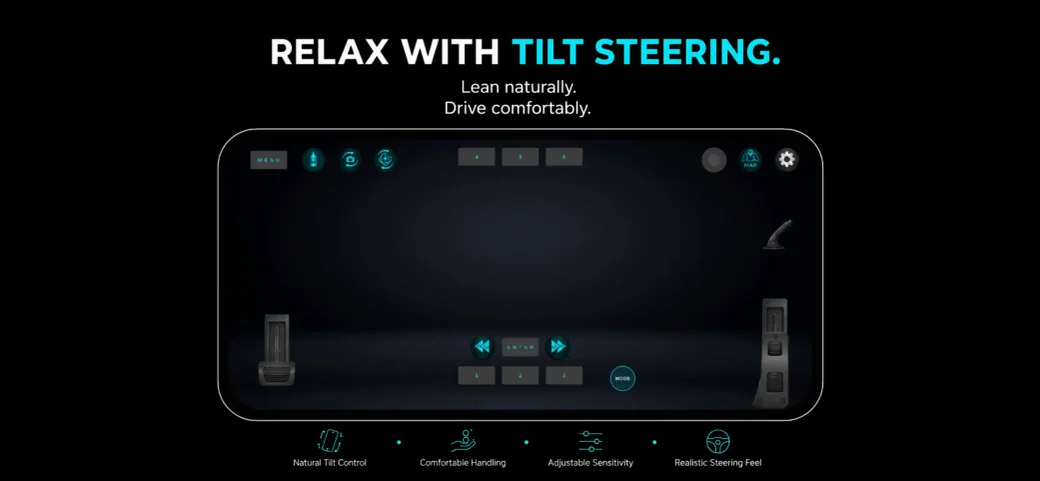
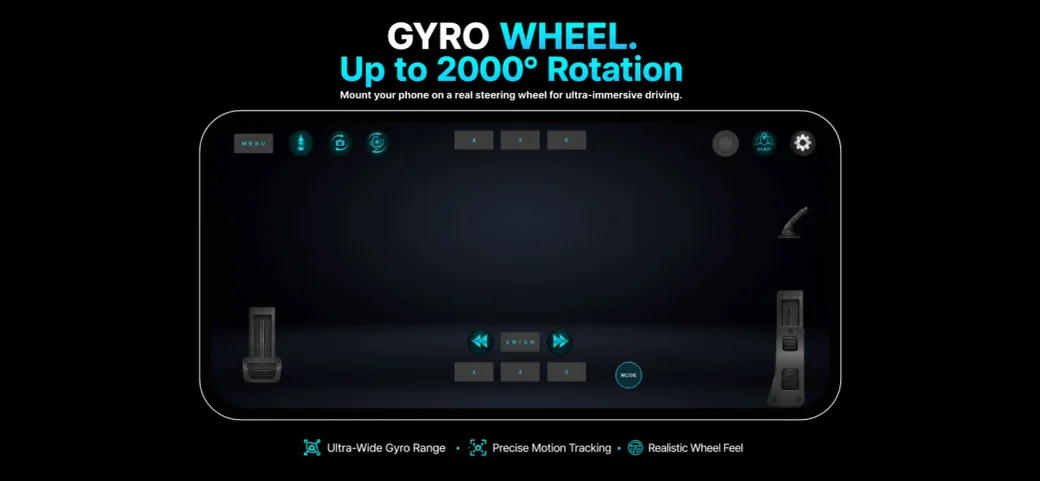
Choose the control style that best suits your game, including steering wheel controls, tilt steering, high-range gyro steering, gamepad controls, and mouse-based aiming. Customize layouts, adjust sensitivity, and create a control setup that works for your play style.
Download the required PC receiver software from:
https://vsteer.pages.dev
Key Features
• Multiple control modes
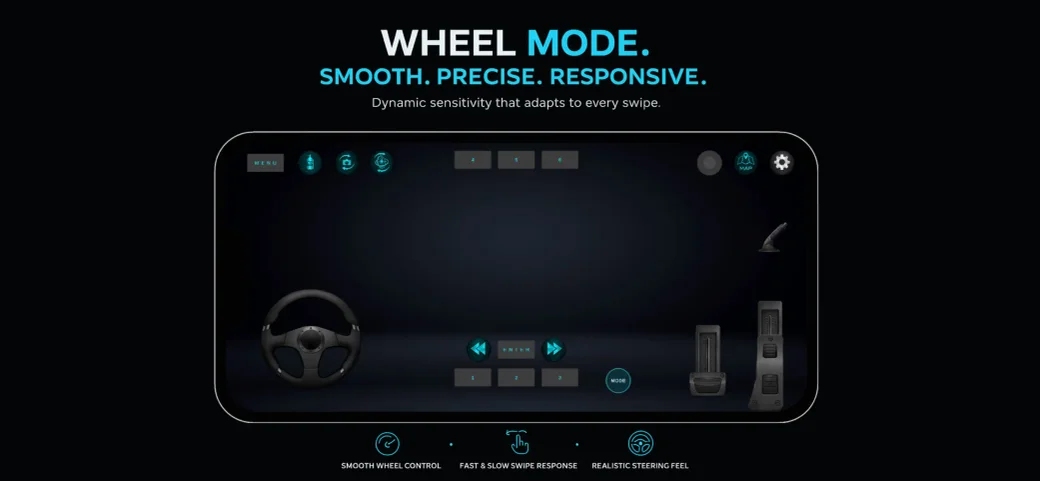
• Steering Wheel Mode
• Tilt Steering
• Gyro Wheel (up to 2000° rotation)
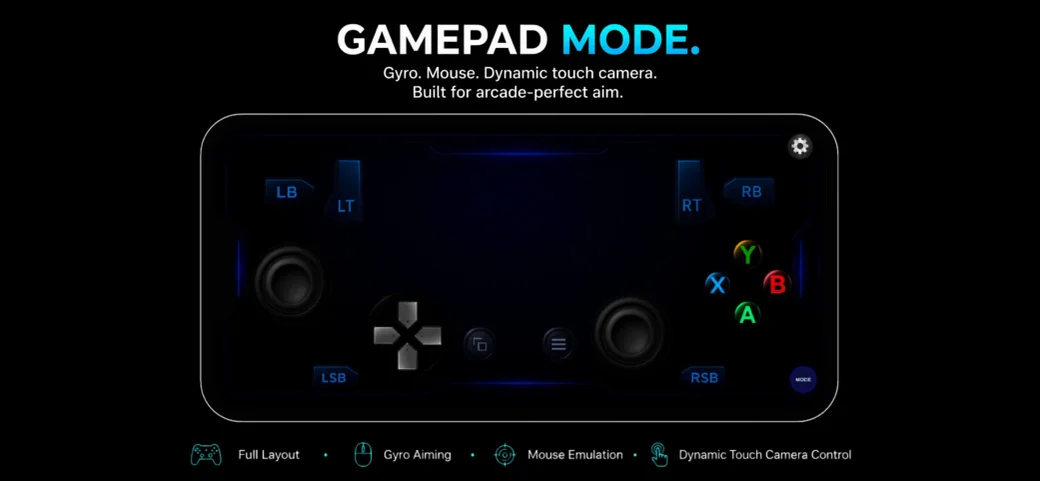
• Gamepad Mode
• Mouse Mode
• Fully customizable on-screen layouts
• Save multiple custom control layouts
• Analog and digital pedal options
• Adjustable steering and sensitivity settings
• Gyroscope support for compatible devices
• Dynamic touch camera controls
• Real-time haptic feedback for supported games
• Works over your local WiFi network (LAN)
• No account required
How It Works
1. Download and install the VSteer Receiver on your Windows PC from the website above.
2. Connect your phone and PC to the same local WiFi network.
3. Launch both applications and follow the connection instructions provided in the documentation.
Important Information
• Requires the VSteer Receiver application on a Windows PC.
• Both devices must be connected to the same local network.
• Gyroscope-based features require a device with a gyroscope sensor.
• Real-time haptic feedback is available for supported games and compatible devices.
Virtual Steering Controller provides a flexible and responsive way to control compatible PC games using your phone, without requiring dedicated gaming hardware.
Novedades
Versión 3.5 · 15/9/2026
• General bug fixes & stability improvements
Privacidad de la aplicación
Lo que Agastya Raj C declara en App Store sobre cómo esta aplicación gestiona los datos.
-
Datos usados para rastrearte
Pueden usarse para rastrearte en aplicaciones y sitios web propiedad de otras empresas.
- Ubicación
- Identificadores
- Datos de uso
- Diagnóstico
-
Datos vinculados a ti
Pueden recopilarse y vincularse a tu identidad.
- Ubicación
- Identificadores
- Datos de uso
- Diagnóstico
- Otros datos
-
Datos no vinculados a ti
Pueden recopilarse, pero no se vinculan a tu identidad.
- Compras
- Contenido del usuario
- Diagnóstico
Las prácticas de privacidad pueden variar, por ejemplo, según las funciones que uses o tu edad.
Información
- Vendedor
- Agastya Raj C
- Categoría
- Utilidades
- Versión
- 3.5
- Actualizado
- 15/9/2026
- Publicado
- 2/5/2026
- Tamaño
- 107,8 MB
- Requiere
- iOS 15.0 o posterior
- Clasificación por edad
- 4+
- Precio
- Gratis
- Compras en la aplicación
- Sí
- Idiomas
- Inglés
- Copyright
- © 2026 Agastya Raj C
Quizá también te guste
-
 RojX: PC Gaming ControllerUtilidades
-
 V-Pad: Virtual GamepadUtilidades
-
 GyroBridgeUtilidades
-
 Gamepad Pro – Remote for PCUtilidades
-
 Lose ControlTu móvil, mando para tu PC
-
 PadLink RemoteUtilidades
-
 TruckSim GPS - ETS2 & ATS MapaNavegación simulador de camión
-
 Phone ControllerUtilidades
-
 TapDeck - PC ControllerUtilidades
-
 PC RemoteUtilidades