
Wireless Presenter
Control slides with your phone
Entwickelt für iPhone, iPad, iPod touch
Kostenlos · In-App-Käufe
- Altersfreigabe4+
- KategorieProduktivität
- EntwicklerWajih JBARA
- SprachenEnglisch
- Größe39,5 MB
Verlinkt auf die offizielle App Store-Seite
Download.org hostet keine Datei von Wireless Presenter. Die Schaltfläche öffnet die App-Seite bei App Store, wo Wajih JBARA die App veröffentlicht. Eintrag zuletzt geprüft am 17.11.2026.
Screenshots

Info
Der Entwickler hat diesen Text nicht in Ihrer Sprache bereitgestellt.
**Wireless Presenter turns your phone into a simple and powerful presentation remote for your PC.**
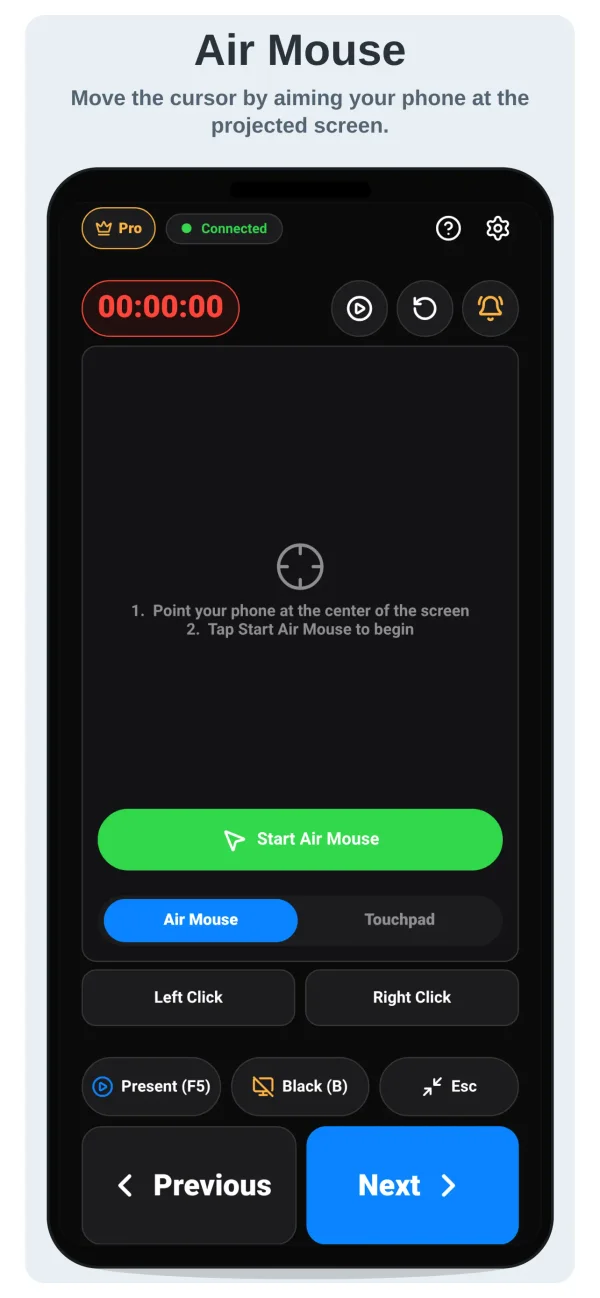
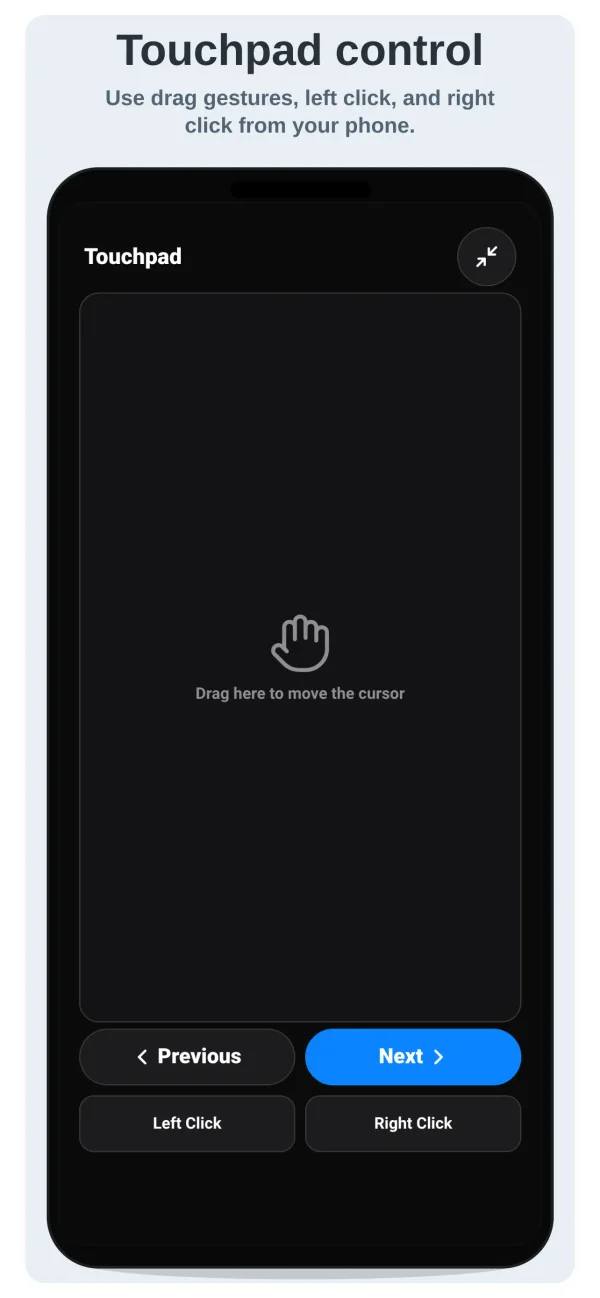
Control your slides, move the cursor with Touchpad mode, control the mouse with **Gyroscopic Mouse** mode, and highlight key points with a virtual laser pointer.
The app is ideal for PowerPoint presentations (online or local), PDF slideshows, conferences, classrooms, meetings, training sessions, and live demonstrations.
### How it works
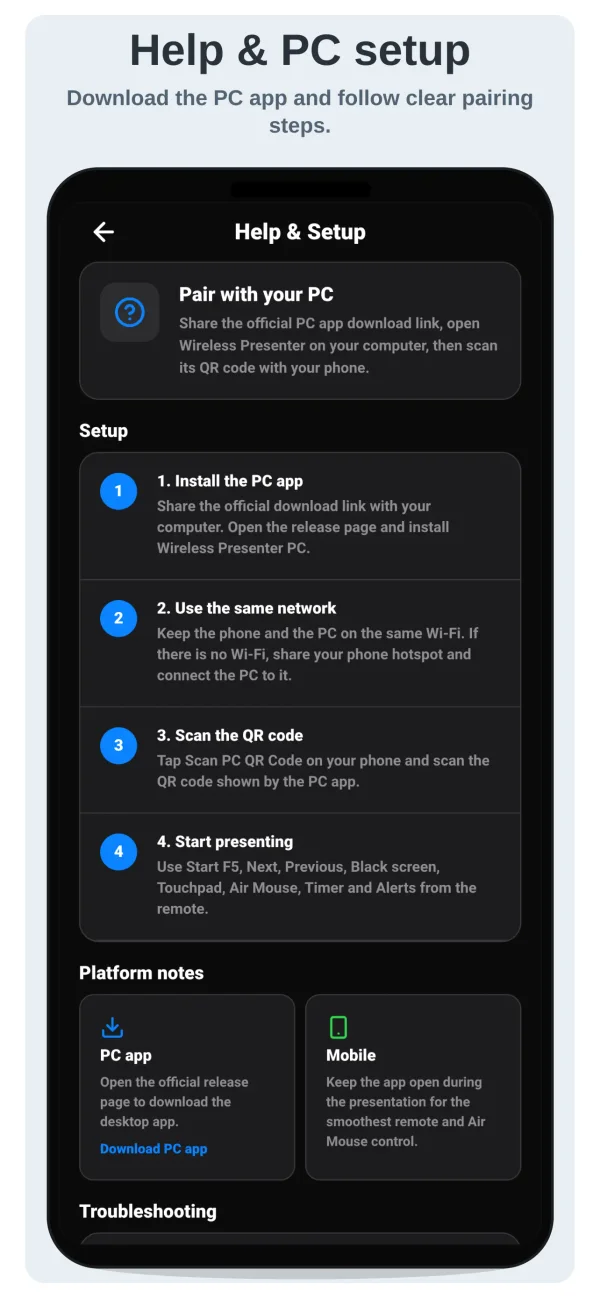
1. Install the Wireless Presenter PC app for the OS you have. It works in macos/windows/linux (download link available in the mobile app).
2. Open the mobile app.
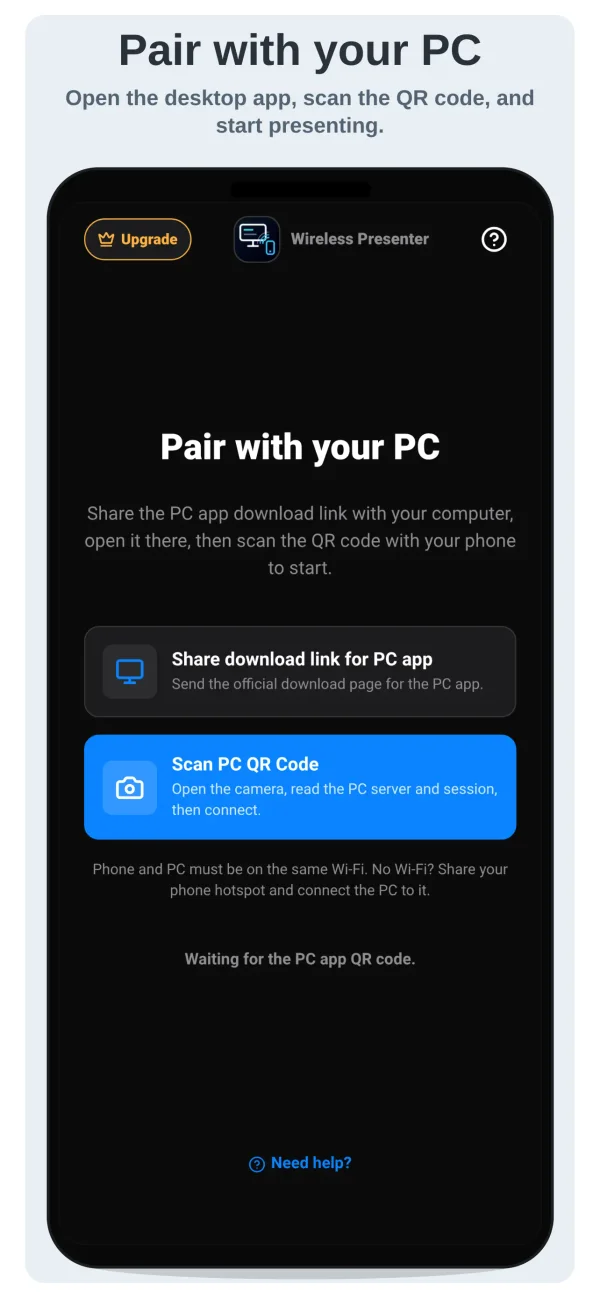
3. Scan the QR code displayed on your computer.
4. Start presenting.
Your phone and PC simply need to be connected to the same Wi-Fi network.
**No Wi-Fi available?**
Use your phone’s mobile hotspot and connect your PC to it.
### Main Features
• Fast QR code pairing with the PC app
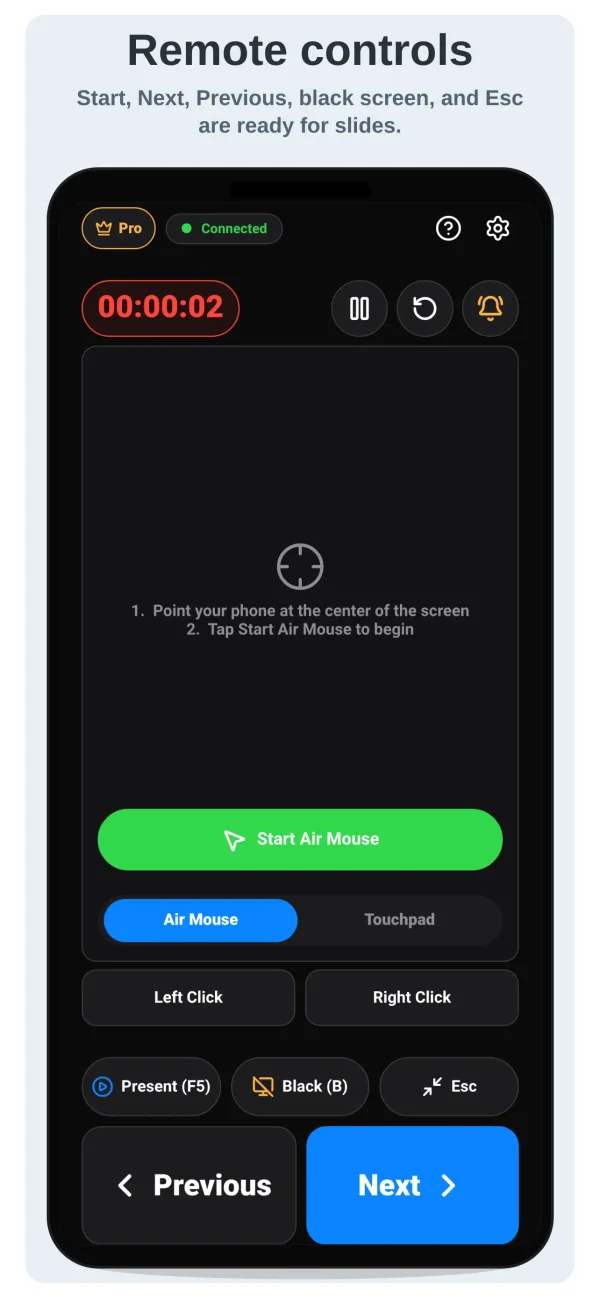
• Presentation controls: start slideshow, next slide, previous slide, black screen, and exit slideshow
• Touchpad mode for cursor control
• Gyroscopic Mouse mode using your phone’s motion sensors
• Virtual laser pointer during presentations (Pro feature)
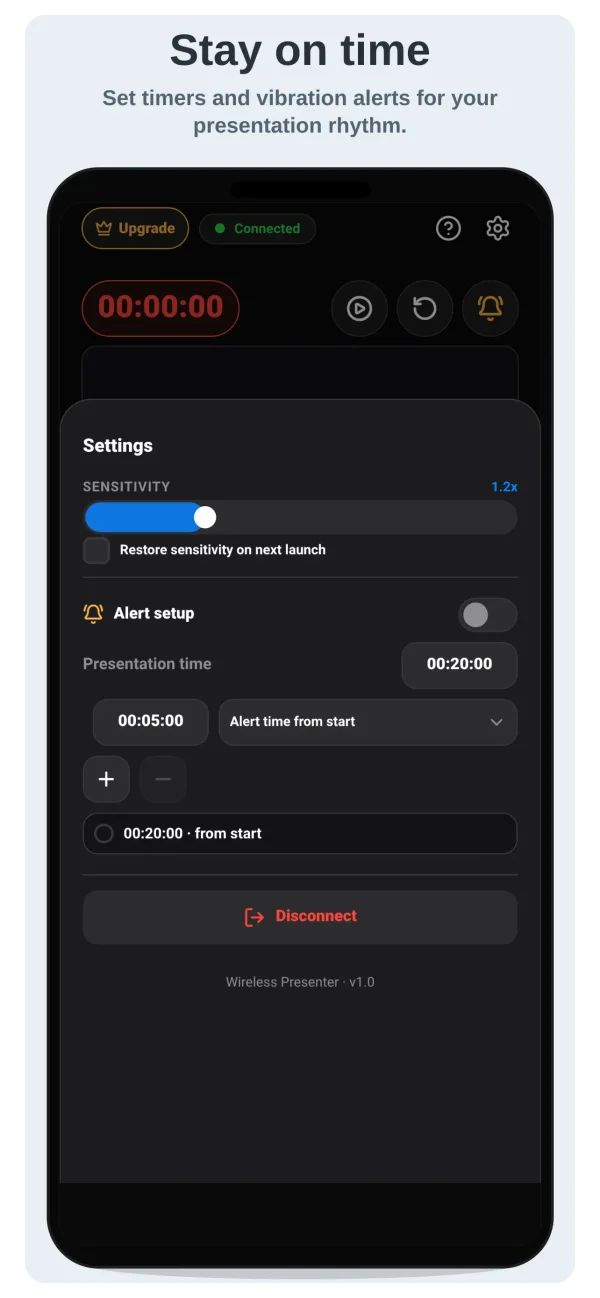
• Built-in presentation timer
• Vibration timer alerts (Pro feature)
• Multiple Pro options to fit different needs
• Remove ads with Pro Lifetime
• Try Pro for 15 minutes by watching a rewarded video
### Pro Options
**Pro Lifetime** is a one-time purchase with no subscription.
The **3-Day Pass** is optional and useful for short events, classes, meetings, or occasional presentations.
You can also try Pro features for **15 minutes** after watching a rewarded video.
### Who is it for?
Wireless Presenter is designed for teachers, students, trainers, speakers, presenters, and anyone who wants to control a presentation remotely without standing next to their computer.
**The mobile app requires the Wireless Presenter PC app. The download link for the PC app is available directly within the mobile app.**
Neue Funktionen
Version 1.0.1 · 26.07.2026
Add Developer Website (URL marketing)
App-Datenschutz
Was Wajih JBARA im App Store zum Umgang dieser App mit Daten angibt.
-
Daten, die zum Tracking Ihrer Person verwendet werden
Können verwendet werden, um Sie über Apps und Websites anderer Unternehmen hinweg zu verfolgen.
- Kennungen
- Nutzungsdaten
-
Mit Ihnen verknüpfte Daten
Können erfasst und mit Ihrer Identität verknüpft werden.
- Käufe
- Kennungen
- Nutzungsdaten
-
Nicht mit Ihnen verknüpfte Daten
Können erfasst werden, sind aber nicht mit Ihrer Identität verknüpft.
- Kennungen
- Diagnose
Die Datenschutzpraktiken können variieren, zum Beispiel je nach den von Ihnen verwendeten Funktionen oder Ihrem Alter.
Informationen
- Anbieter
- Wajih JBARA
- Kategorie
- Produktivität
- Version
- 1.0.1
- Aktualisiert
- 26.07.2026
- Veröffentlicht
- 25.07.2026
- Größe
- 39,5 MB
- Erfordert
- iOS 15.1 oder neuer
- Altersfreigabe
- 4+
- Preis
- Kostenlos
- In-App-Käufe
- Ja
- Sprachen
- Englisch
- Copyright
- © 2026 EasyLifeDev
Das könnte Ihnen auch gefallen
-
 JCueProduktivität
-
 1dea - Idea bookProduktivität
-
 DeckCue RemoteProduktivität
-
 Shine ZonesProduktivität
-
 Aufgaben & Todo: Focus oneKalender, Erinnerungen, Planer
-
 PresentSync: Slide RemoteProduktivität
-
 Aimo PointerProduktivität
-
 Presenter Remote: Slides & TVProduktivität
-
 Remote Control: Maus & MedienKabellose PC-Fernbedienung
-
 PalmCards: Speech Cue CardsProduktivität