
Wireless Presenter
Control slides with your phone
Dirancang untuk iPhone, iPad, iPod touch
Gratis · Pembelian dalam aplikasi
- Batasan usia4+
- KategoriProduktivitas
- PengembangWajih JBARA
- BahasaInggris
- Ukuran39,5 MB
Tertaut ke halaman resmi App Store
Download.org tidak menyimpan file Wireless Presenter apa pun. Tombol ini membuka halaman aplikasi di App Store, tempat Wajih JBARA menerbitkannya. Halaman terakhir diperiksa pada 17/11/2026.
Tangkapan layar

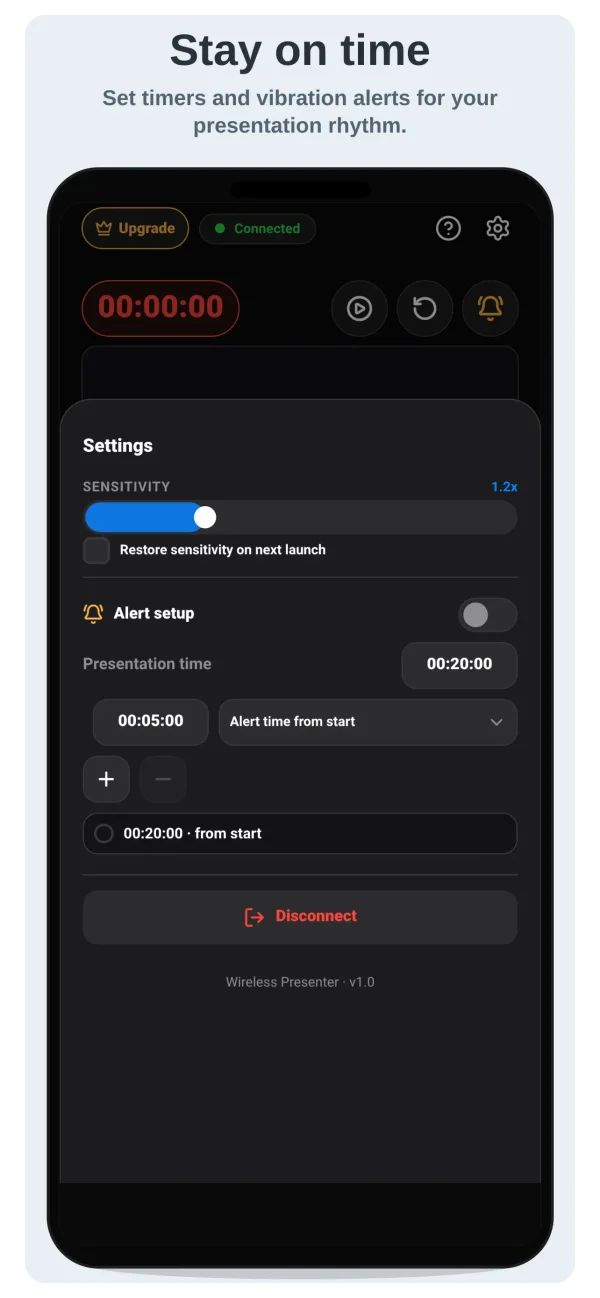
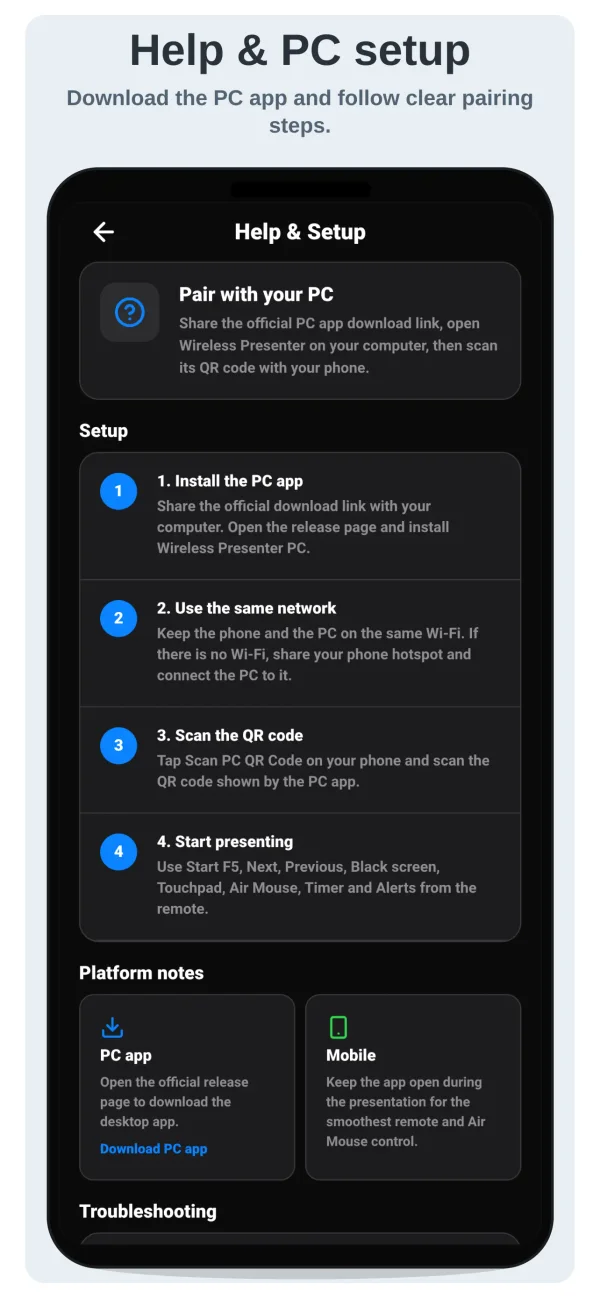
Tentang
Pengembang belum menyediakan teks ini dalam bahasa Anda.
**Wireless Presenter turns your phone into a simple and powerful presentation remote for your PC.**
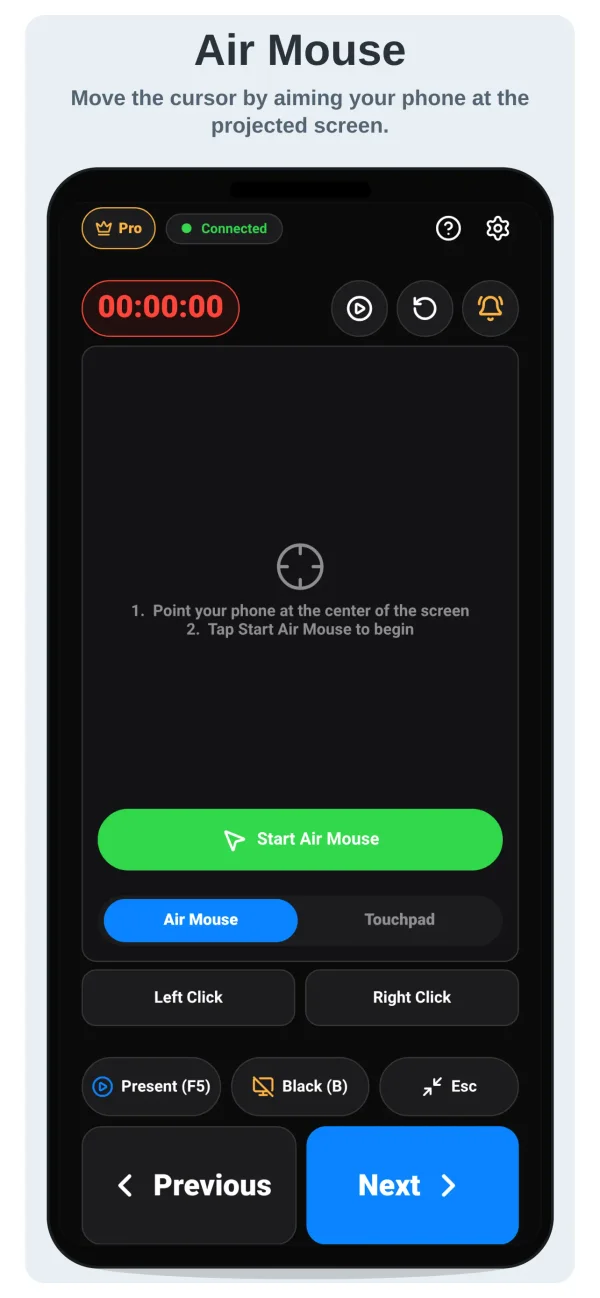
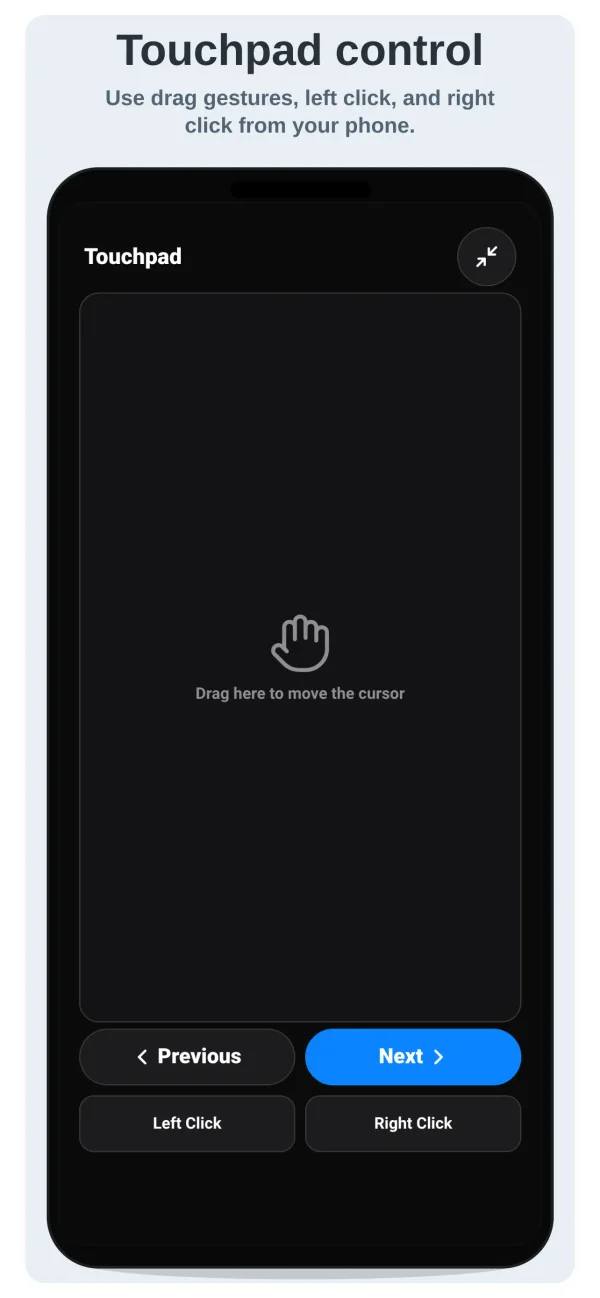
Control your slides, move the cursor with Touchpad mode, control the mouse with **Gyroscopic Mouse** mode, and highlight key points with a virtual laser pointer.
The app is ideal for PowerPoint presentations (online or local), PDF slideshows, conferences, classrooms, meetings, training sessions, and live demonstrations.
### How it works
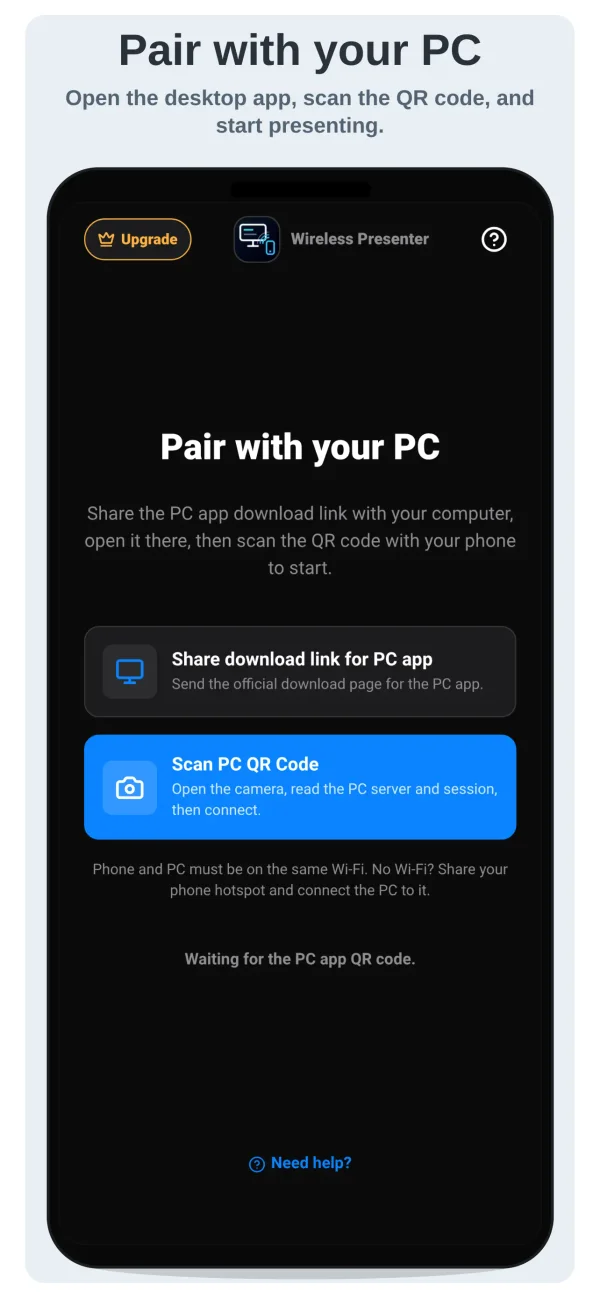
1. Install the Wireless Presenter PC app for the OS you have. It works in macos/windows/linux (download link available in the mobile app).
2. Open the mobile app.
3. Scan the QR code displayed on your computer.
4. Start presenting.
Your phone and PC simply need to be connected to the same Wi-Fi network.
**No Wi-Fi available?**
Use your phone’s mobile hotspot and connect your PC to it.
### Main Features
• Fast QR code pairing with the PC app
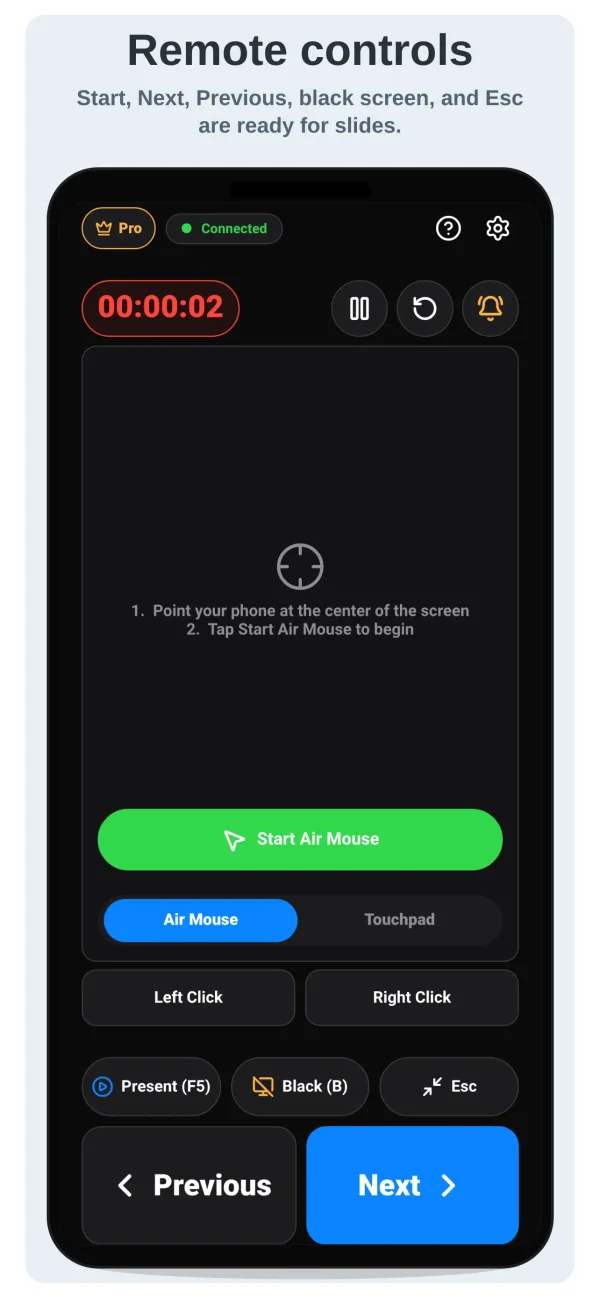
• Presentation controls: start slideshow, next slide, previous slide, black screen, and exit slideshow
• Touchpad mode for cursor control
• Gyroscopic Mouse mode using your phone’s motion sensors
• Virtual laser pointer during presentations (Pro feature)
• Built-in presentation timer
• Vibration timer alerts (Pro feature)
• Multiple Pro options to fit different needs
• Remove ads with Pro Lifetime
• Try Pro for 15 minutes by watching a rewarded video
### Pro Options
**Pro Lifetime** is a one-time purchase with no subscription.
The **3-Day Pass** is optional and useful for short events, classes, meetings, or occasional presentations.
You can also try Pro features for **15 minutes** after watching a rewarded video.
### Who is it for?
Wireless Presenter is designed for teachers, students, trainers, speakers, presenters, and anyone who wants to control a presentation remotely without standing next to their computer.
**The mobile app requires the Wireless Presenter PC app. The download link for the PC app is available directly within the mobile app.**
Yang baru
Versi 1.0.1 · 26/7/2026
Add Developer Website (URL marketing)
Privasi aplikasi
Yang dinyatakan Wajih JBARA di App Store tentang cara aplikasi ini menangani data.
-
Data yang digunakan untuk melacak Anda
Dapat digunakan untuk melacak Anda di aplikasi dan situs web milik perusahaan lain.
- Pengenal
- Data penggunaan
-
Data yang ditautkan dengan Anda
Dapat dikumpulkan dan ditautkan dengan identitas Anda.
- Pembelian
- Pengenal
- Data penggunaan
-
Data yang tidak ditautkan dengan Anda
Dapat dikumpulkan, tetapi tidak ditautkan dengan identitas Anda.
- Pengenal
- Diagnostik
Praktik privasi dapat bervariasi, misalnya berdasarkan fitur yang Anda gunakan atau usia Anda.
Informasi
- Penjual
- Wajih JBARA
- Kategori
- Produktivitas
- Versi
- 1.0.1
- Diperbarui
- 26/7/2026
- Dirilis
- 25/7/2026
- Ukuran
- 39,5 MB
- Memerlukan
- iOS 15.1 atau yang lebih baru
- Batasan usia
- 4+
- Harga
- Gratis
- Pembelian dalam aplikasi
- Ya
- Bahasa
- Inggris
- Hak cipta
- © 2026 EasyLifeDev
Mungkin Anda juga suka
-
 JCueProduktivitas
-
 1dea - Idea bookProduktivitas
-
 DeckCue RemoteProduktivitas
-
 Shine ZonesProduktivitas
-
 Task Manager: Focus oneProduktivitas
-
 PresentSync: Slide RemoteProduktivitas
-
 Aimo PointerProduktivitas
-
 Presenter Remote: Slides & TVProduktivitas
-
 Remote Control: Mouse & MediaProduktivitas
-
 PalmCards: Speech Cue CardsProduktivitas