
Wireless Presenter
Control slides with your phone
Diseñada para iPhone, iPad, iPod touch
Gratis · Compras en la aplicación
- Clasificación por edad4+
- CategoríaProductividad
- DesarrolladorWajih JBARA
- IdiomasInglés
- Tamaño39,5 MB
Enlaza a la página oficial de App Store
Download.org no aloja ningún archivo de Wireless Presenter. El botón abre la página de la aplicación en App Store, donde la publica Wajih JBARA. Ficha comprobada por última vez el 17/11/2026.
Capturas de pantalla

Acerca de
El desarrollador no ha proporcionado este texto en tu idioma.
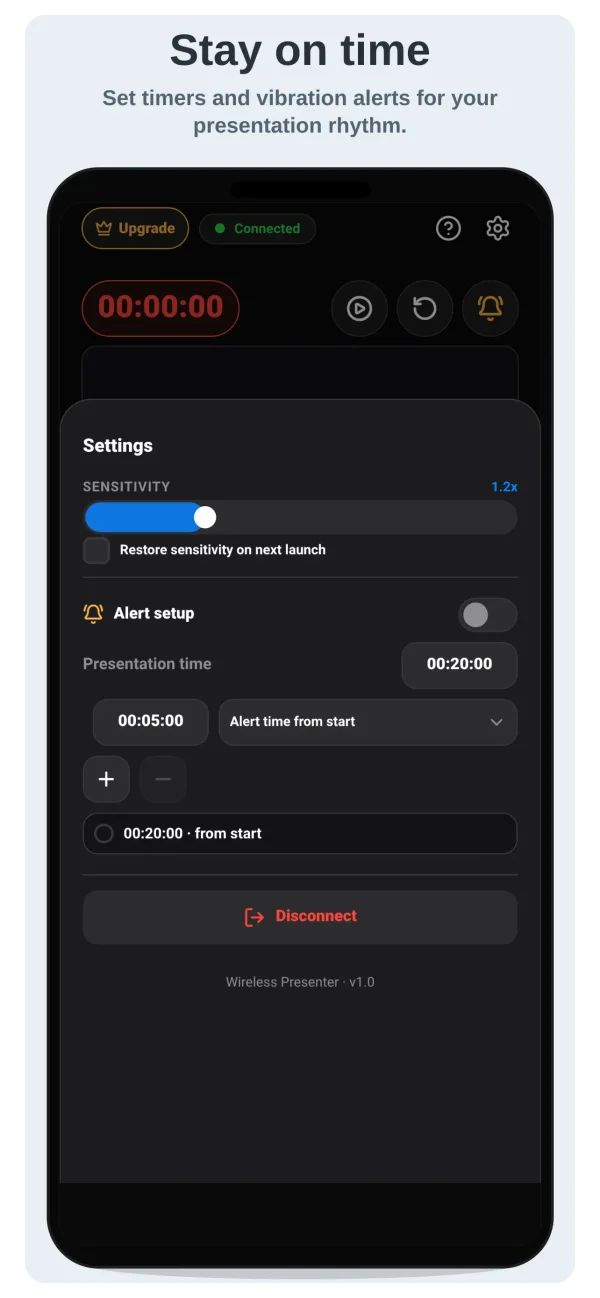
**Wireless Presenter turns your phone into a simple and powerful presentation remote for your PC.**
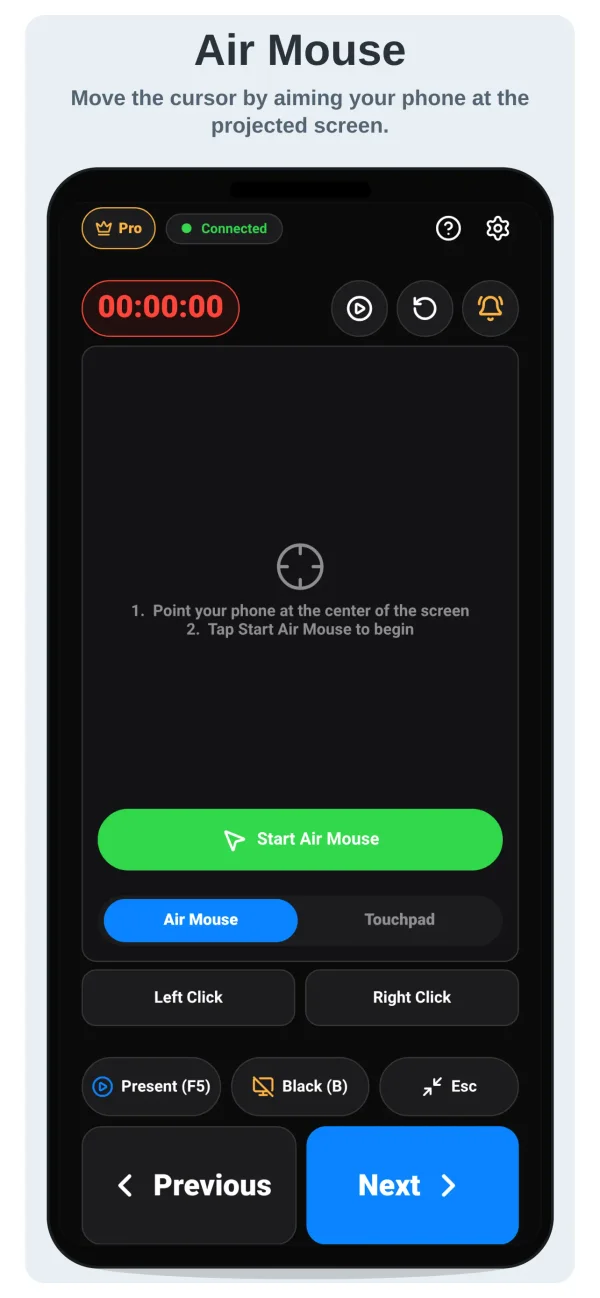
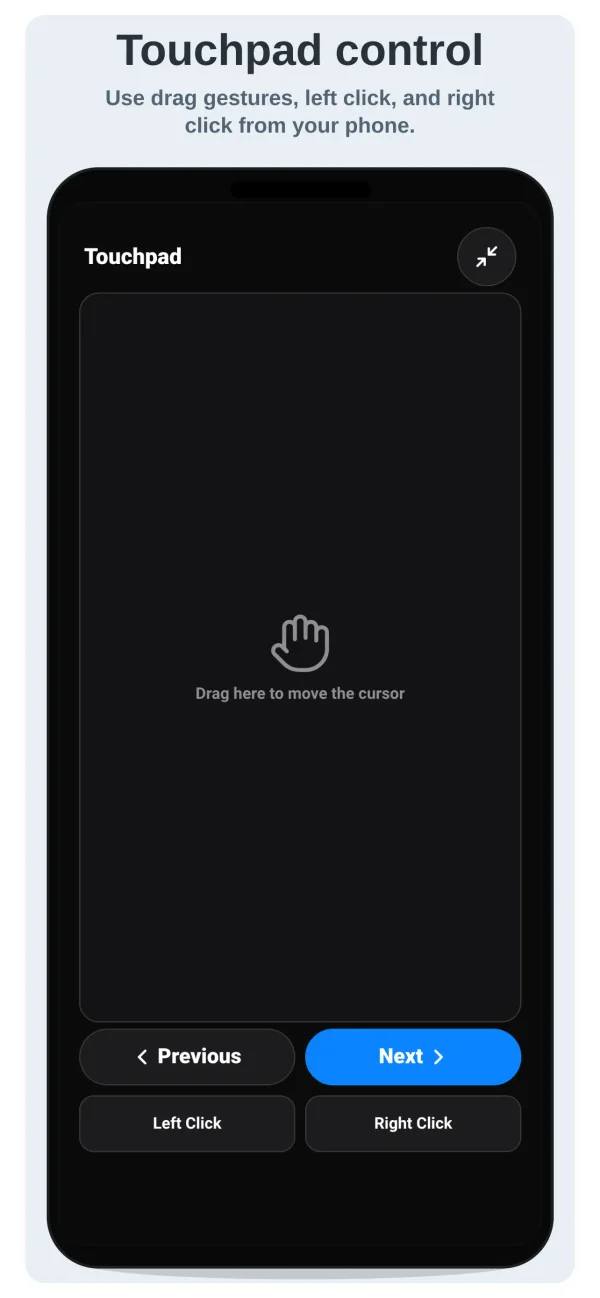
Control your slides, move the cursor with Touchpad mode, control the mouse with **Gyroscopic Mouse** mode, and highlight key points with a virtual laser pointer.
The app is ideal for PowerPoint presentations (online or local), PDF slideshows, conferences, classrooms, meetings, training sessions, and live demonstrations.
### How it works
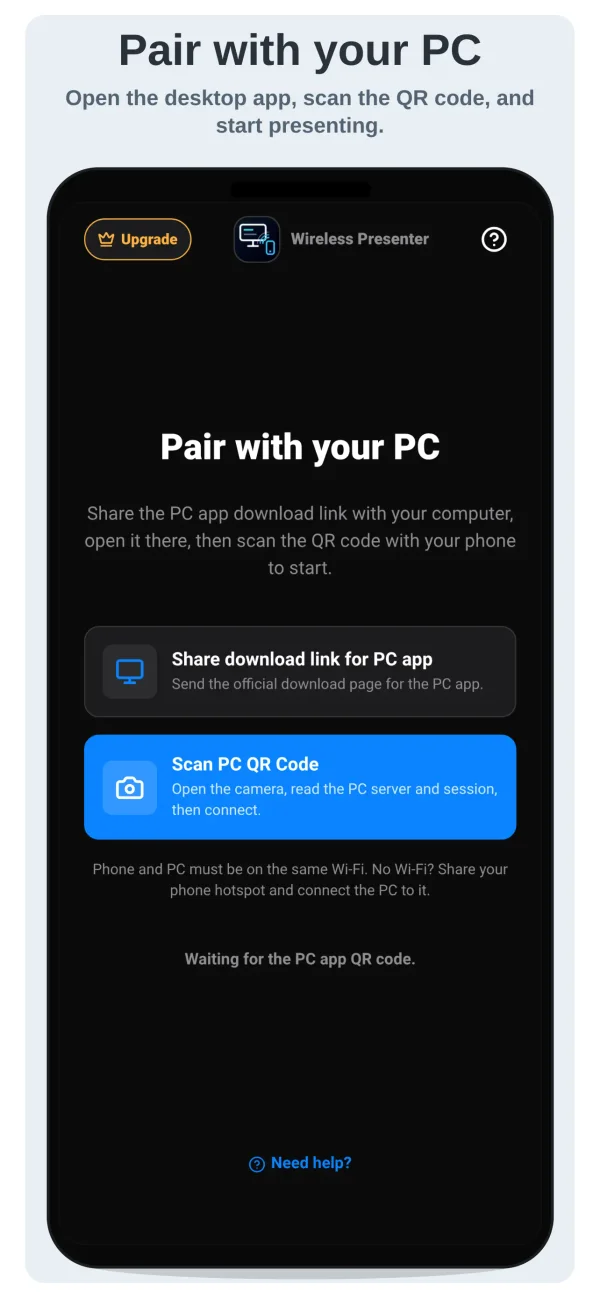
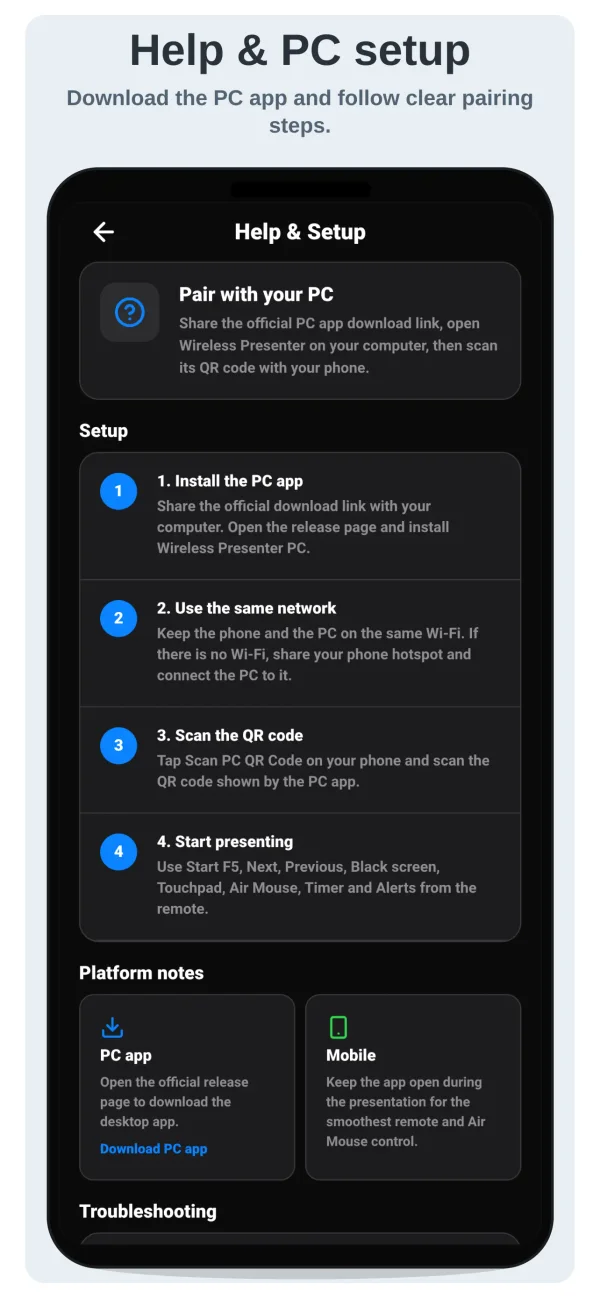
1. Install the Wireless Presenter PC app for the OS you have. It works in macos/windows/linux (download link available in the mobile app).
2. Open the mobile app.
3. Scan the QR code displayed on your computer.
4. Start presenting.
Your phone and PC simply need to be connected to the same Wi-Fi network.
**No Wi-Fi available?**
Use your phone’s mobile hotspot and connect your PC to it.
### Main Features
• Fast QR code pairing with the PC app
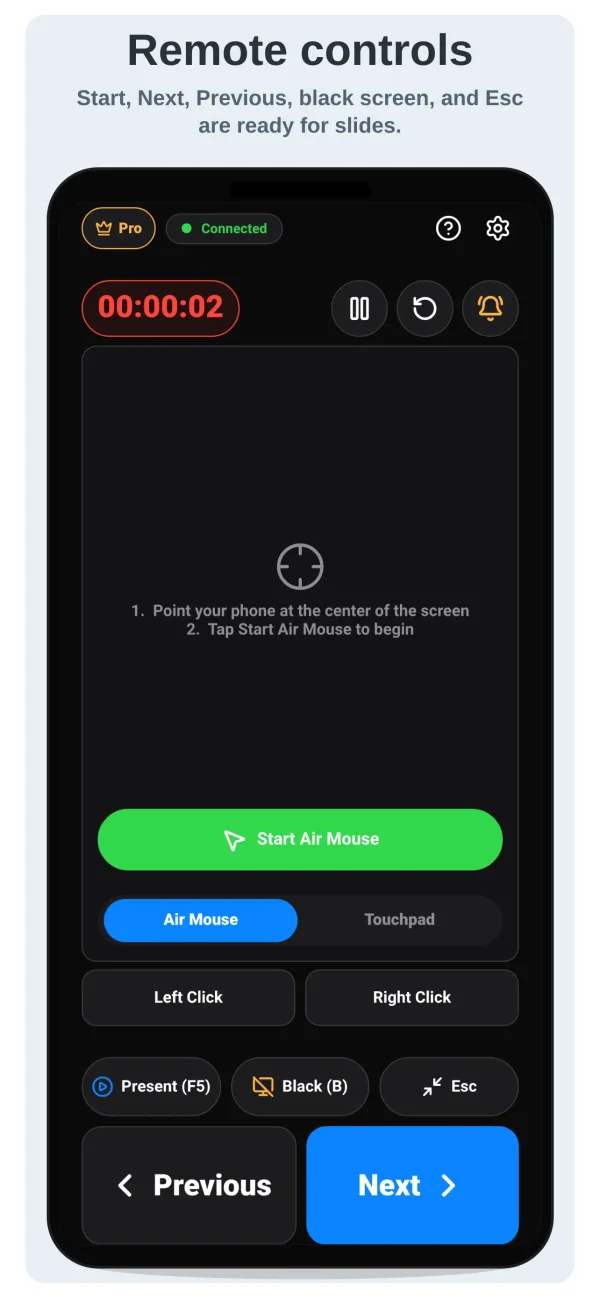
• Presentation controls: start slideshow, next slide, previous slide, black screen, and exit slideshow
• Touchpad mode for cursor control
• Gyroscopic Mouse mode using your phone’s motion sensors
• Virtual laser pointer during presentations (Pro feature)
• Built-in presentation timer
• Vibration timer alerts (Pro feature)
• Multiple Pro options to fit different needs
• Remove ads with Pro Lifetime
• Try Pro for 15 minutes by watching a rewarded video
### Pro Options
**Pro Lifetime** is a one-time purchase with no subscription.
The **3-Day Pass** is optional and useful for short events, classes, meetings, or occasional presentations.
You can also try Pro features for **15 minutes** after watching a rewarded video.
### Who is it for?
Wireless Presenter is designed for teachers, students, trainers, speakers, presenters, and anyone who wants to control a presentation remotely without standing next to their computer.
**The mobile app requires the Wireless Presenter PC app. The download link for the PC app is available directly within the mobile app.**
Novedades
Versión 1.0.1 · 26/7/2026
Add Developer Website (URL marketing)
Privacidad de la aplicación
Lo que Wajih JBARA declara en App Store sobre cómo esta aplicación gestiona los datos.
-
Datos usados para rastrearte
Pueden usarse para rastrearte en aplicaciones y sitios web propiedad de otras empresas.
- Identificadores
- Datos de uso
-
Datos vinculados a ti
Pueden recopilarse y vincularse a tu identidad.
- Compras
- Identificadores
- Datos de uso
-
Datos no vinculados a ti
Pueden recopilarse, pero no se vinculan a tu identidad.
- Identificadores
- Diagnóstico
Las prácticas de privacidad pueden variar, por ejemplo, según las funciones que uses o tu edad.
Información
- Vendedor
- Wajih JBARA
- Categoría
- Productividad
- Versión
- 1.0.1
- Actualizado
- 26/7/2026
- Publicado
- 25/7/2026
- Tamaño
- 39,5 MB
- Requiere
- iOS 15.1 o posterior
- Clasificación por edad
- 4+
- Precio
- Gratis
- Compras en la aplicación
- Sí
- Idiomas
- Inglés
- Copyright
- © 2026 EasyLifeDev
Quizá también te guste
-
 JCueProductividad
-
 1dea - Idea bookProductividad
-
 DeckCue RemoteProductividad
-
 Shine ZonesProductividad
-
 Task Manager: Focus oneProductividad
-
 PresentSync: Control remotoPuntero láser y diapositivas
-
 Aimo PointerProductividad
-
 Presenter Remote: Slides & TVProductividad
-
 Remote Control: Ratón y MediosControl remoto para PC
-
 PalmCards: Speech Cue CardsProductividad