Blue Hour: Visual Focus Timer
Calm countdown you can see
Diseñada para iPhone, iPad
Gratis · Compras en la aplicación
- Clasificación por edad4+
- CategoríaProductividad
- DesarrolladorMoses Smith
- IdiomasInglés
- Tamaño3,4 MB
Enlaza a la página oficial de App Store
Download.org no aloja ningún archivo de Blue Hour: Visual Focus Timer. El botón abre la página de la aplicación en App Store, donde la publica Moses Smith. Ficha comprobada por última vez el 25/11/2026.
Capturas de pantalla

Acerca de
El desarrollador no ha proporcionado este texto en tu idioma.
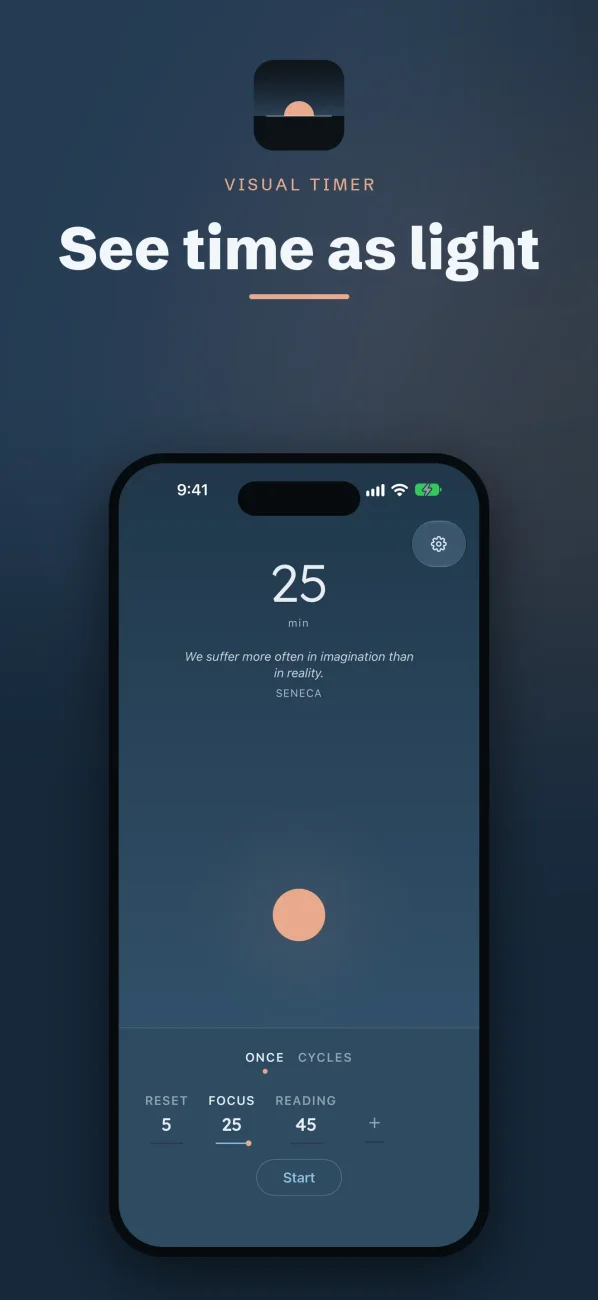
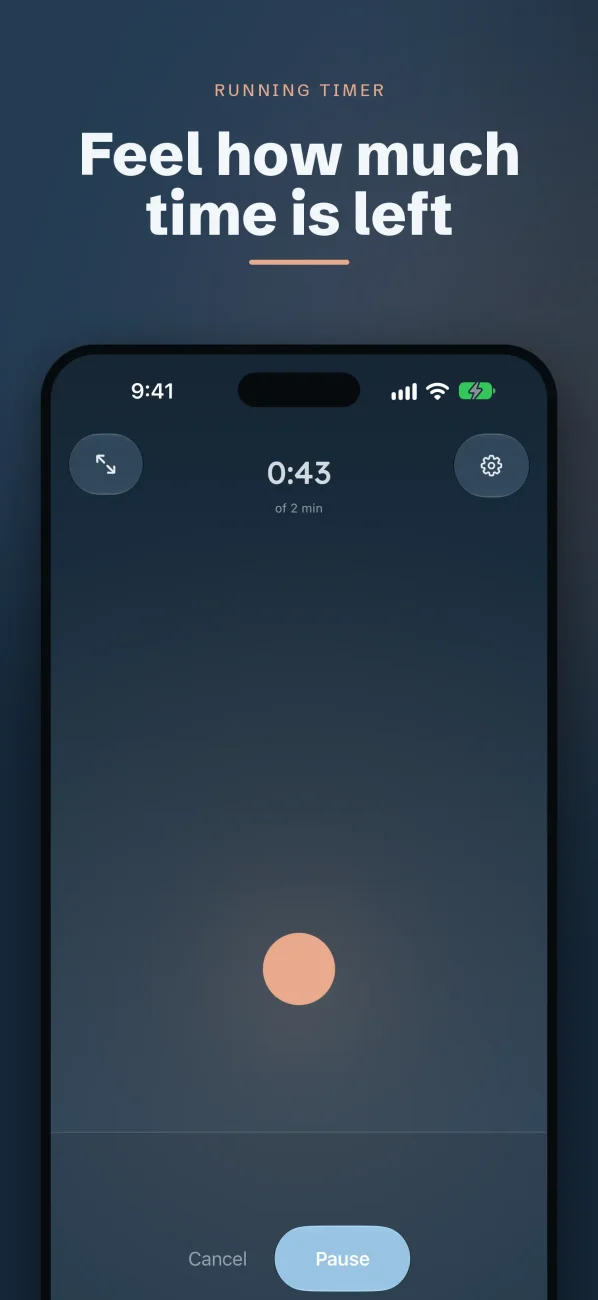
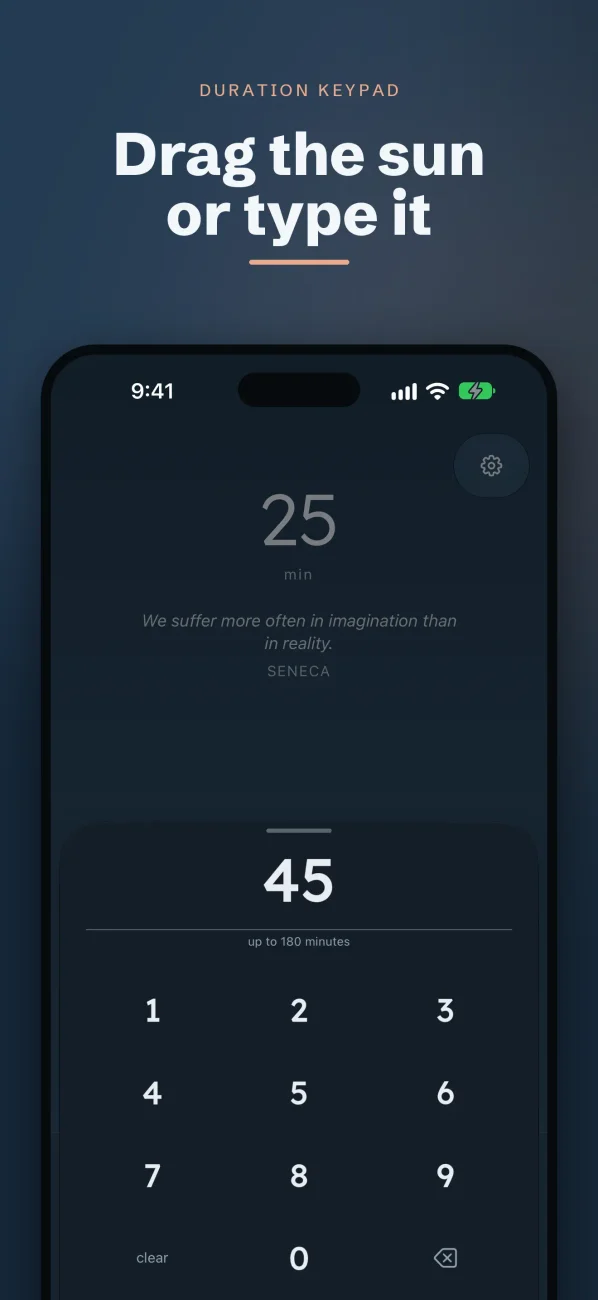
Blue Hour is a free visual timer that turns time into light: a sun sinks toward the horizon as your timer runs, so you can feel how much is left without reading a number.
You drag the sun to set the time and let the light do the counting. You get a calm countdown built kindly for ADHD and time-blindness, gentle enough for classrooms and kids. You never meet an account, an ad or a streak to keep.
What you can do
• Drag the sun up to set a time from one minute to three hours, or tap the readout and type it on a keypad
• Keep preset chips for the timers you use every day
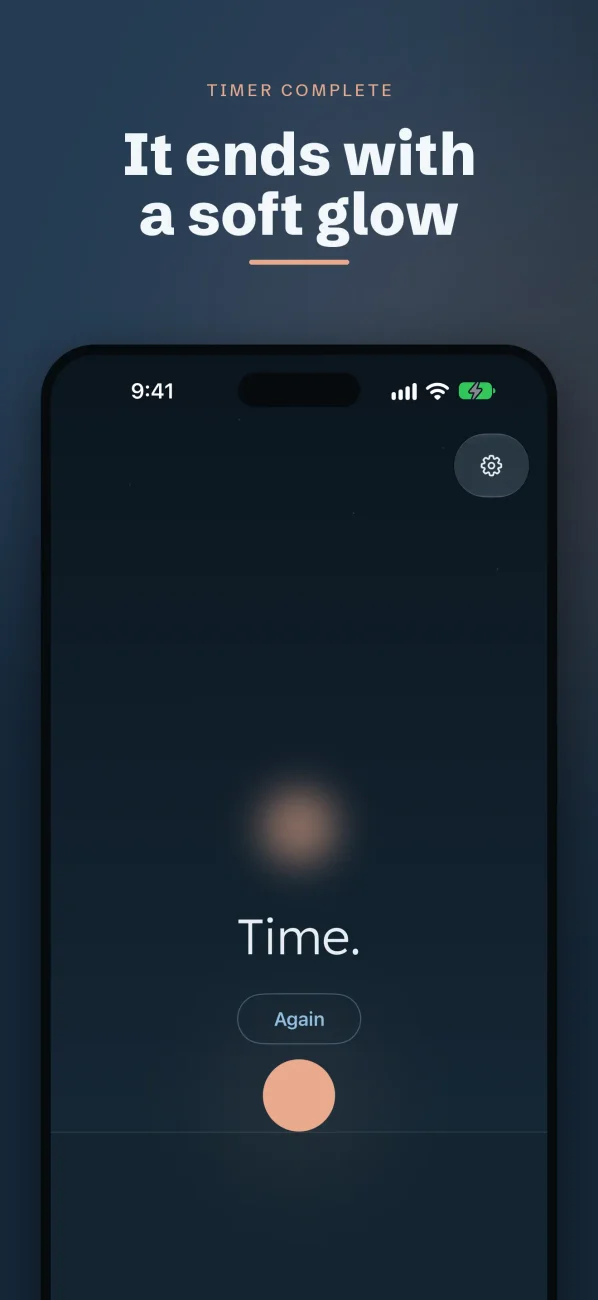
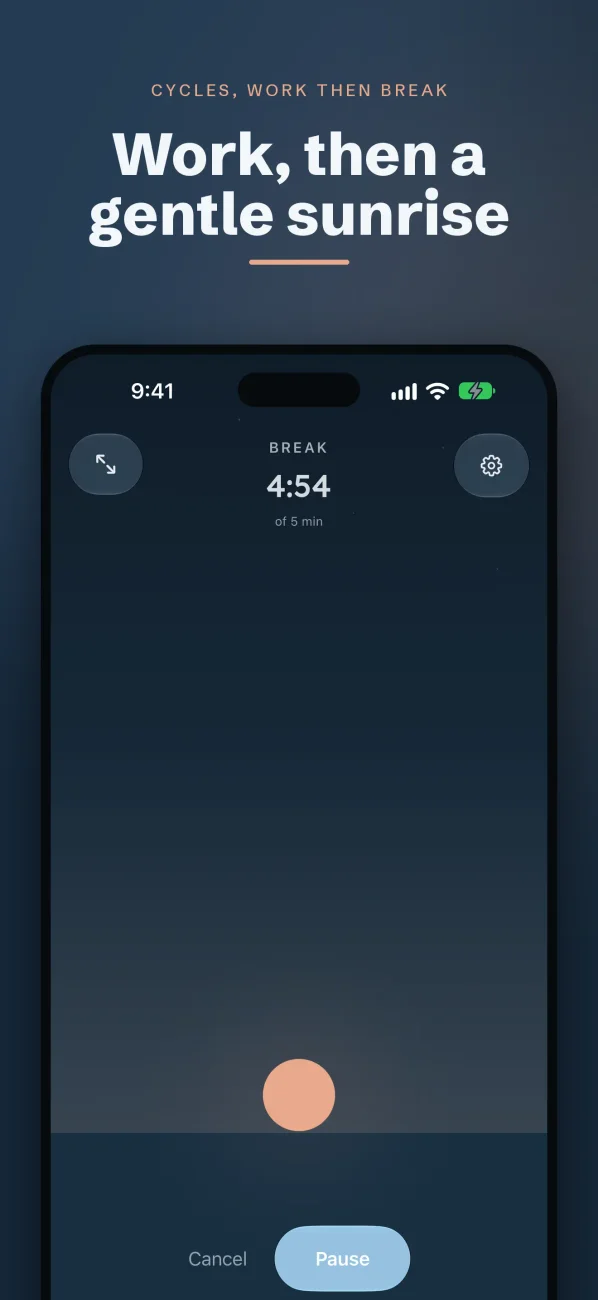
• Watch the sky deepen as the last light falls, then finish with a soft glow and an optional two-note chime
• Run work and break cycles, where each break is a sunrise and rounds are counted as little suns
• Follow the sinking sun on your Lock Screen and in the Dynamic Island with a Live Activity
• Start your usual timer from a Home Screen widget, Siri or Shortcuts
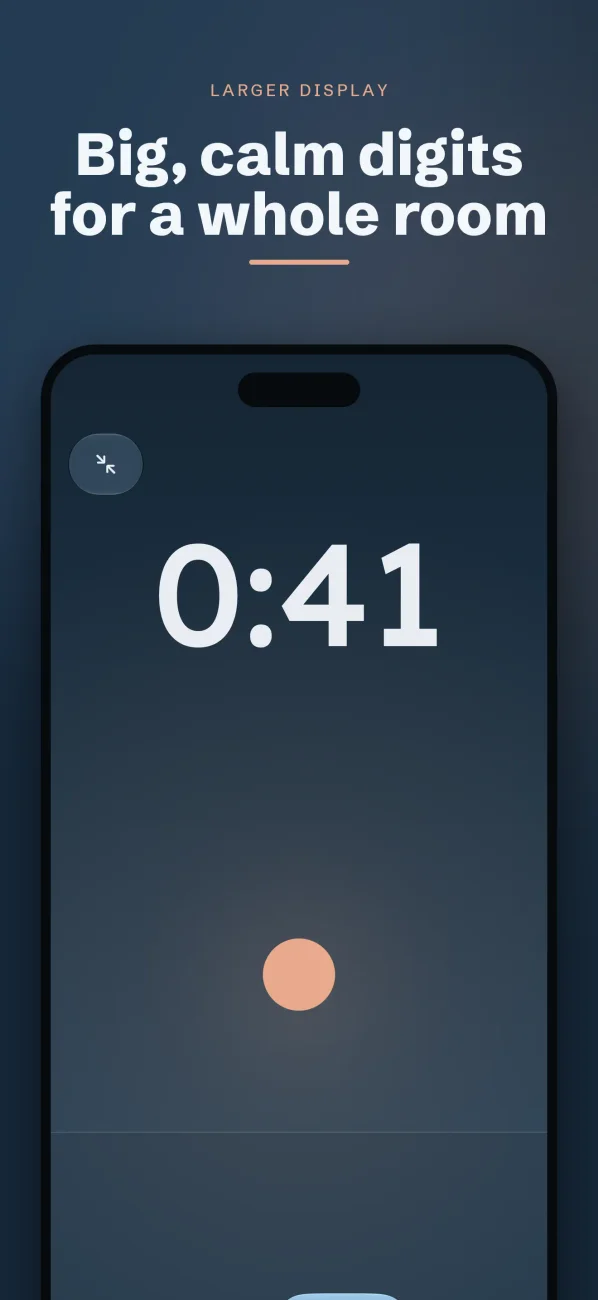
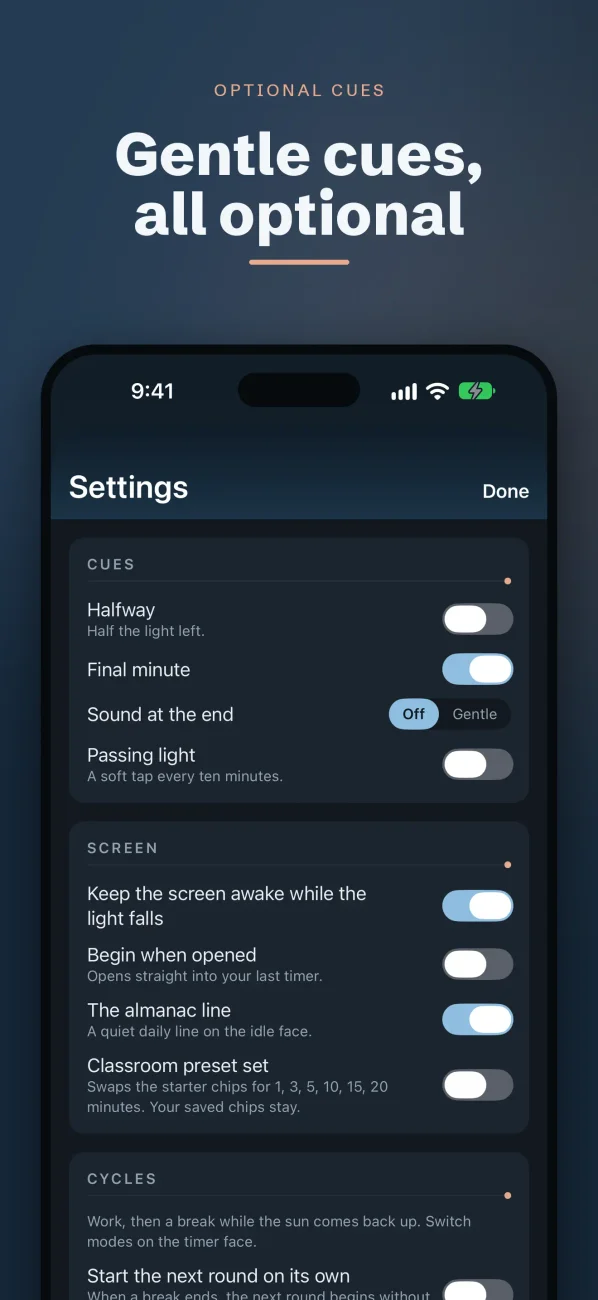
• Open the larger display for big digits across a room, with a classroom preset set of 1, 3, 5, 10, 15 and 20 minutes
• Turn on halfway and final-minute cues, or keep the screen awake while the light falls
• Read one line a day from 412 public-domain quotations on the idle sky, starting your second day, or switch it off
• Come back after backgrounding the app and the light agrees, because the timer follows the wall clock
What it costs
Nothing. Every feature is free, with no premium tier and no subscription. If Blue Hour earns a place on your Home Screen, there is a tip jar in Settings with three sizes: Coffee, Lunch or Legend. Tips go through Apple and unlock nothing.
Privacy
Blue Hour has no account, tracking or analytics, and your timers and settings stay on your phone. Settings can refresh the list of other apps from the same maker, and tips are handled by Apple, so its App Store privacy label is Data Not Collected.
Who makes it
Made by one person; write to votiquellc@gmail.com and the person who built it answers.
Support: https://bluehourtimer.vercel.app/#support
Privacy policy: https://bluehourtimer.vercel.app/privacy
Novedades
Versión 1.0.1 · 24/11/2026
Fixes a crash that could leave the Live Activity or the widget blank after a timer ended. The Settings privacy note is now more precise, and the App Store page has new screenshots. Your presets and settings are unchanged.
Privacidad de la aplicación
Lo que Moses Smith declara en App Store sobre cómo esta aplicación gestiona los datos.
-
No se recopilan datos
El desarrollador no recopila ningún dato de esta aplicación.
Las prácticas de privacidad pueden variar, por ejemplo, según las funciones que uses o tu edad.
Información
- Vendedor
- Moses Smith
- Categoría
- Productividad
- Versión
- 1.0.1
- Actualizado
- 24/11/2026
- Publicado
- 2/8/2026
- Tamaño
- 3,4 MB
- Requiere
- iOS 26.0 o posterior
- Clasificación por edad
- 4+
- Precio
- Gratis
- Compras en la aplicación
- Sí
- Idiomas
- Inglés
- Copyright
- © 2026 Moses Smith
Quizá también te guste
-
 BitEditorProductividad
-
 Recto MDProductividad
-
 Skein NotesProductividad
-
 Peak Browser: AI WorkspaceAsistente IA privado y kanban
-
 Clastly — Personal DatabaseProductividad
-
 To Do List Maker - DoneSnapProductividad
-
 KeepCue: Day Planner, RoutinesProductividad
-
 Diario y Notas a Mano-CuadernoEscritura, stickers y candado
-
 PutSpot: Localiza ObjetosFotos, búsqueda por voz y QR
-
 Marko: lector de MarkdownLee sin conexión y en voz alta