
- 対象年齢4+
- カテゴリ仕事効率化
- 開発元Moses Smith
- 言語英語
- サイズ3.4 MB
App Storeの公式ページにリンクしています
Download.orgはBlue Hour: Visual Focus Timerのファイルを一切ホストしていません。ボタンを押すと、Moses Smithが公開しているApp Storeのアプリページが開きます。ページの最終確認:2026/11/25。
スクリーンショット

概要
開発元はこのテキストをお使いの言語で提供していません。
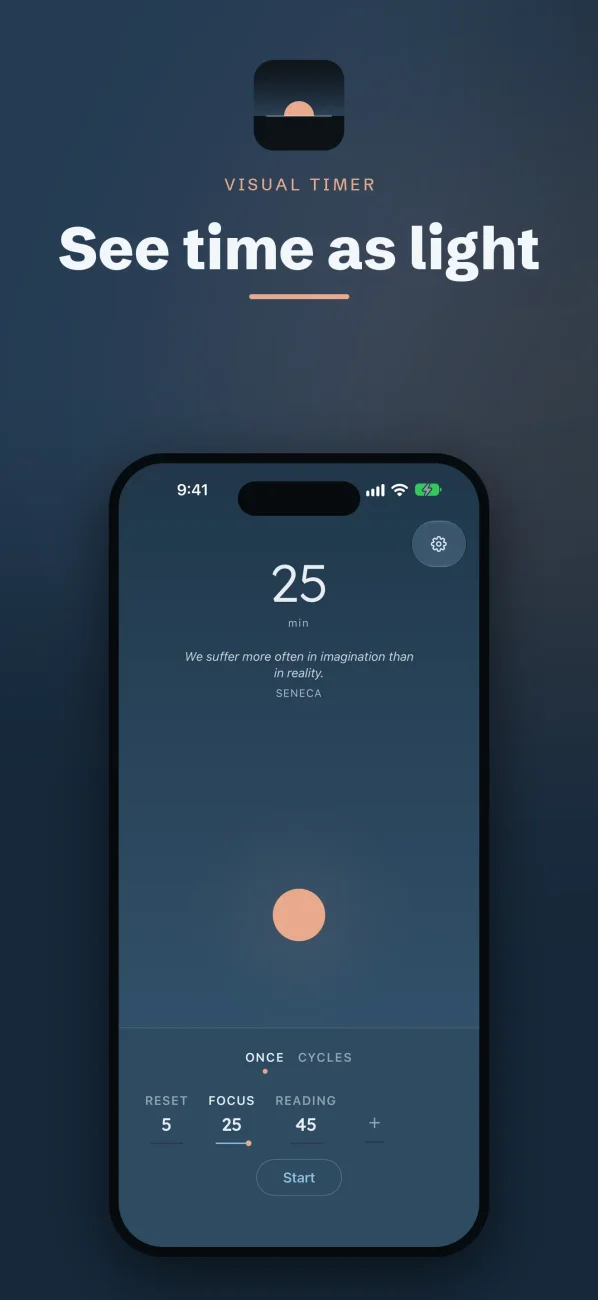
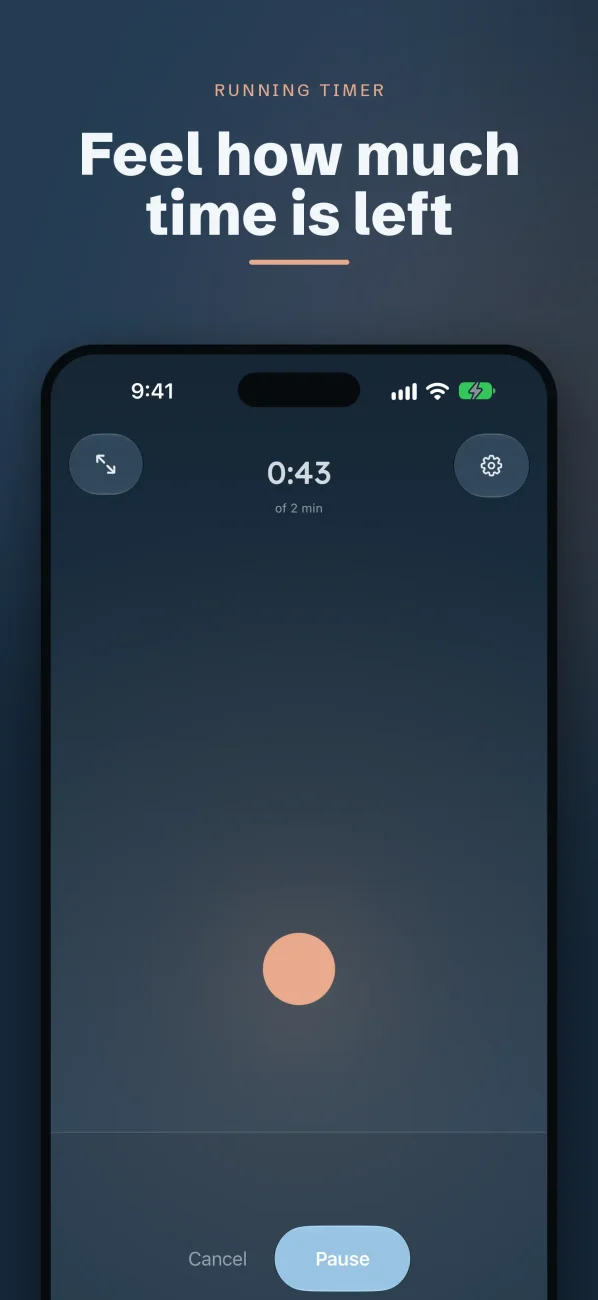
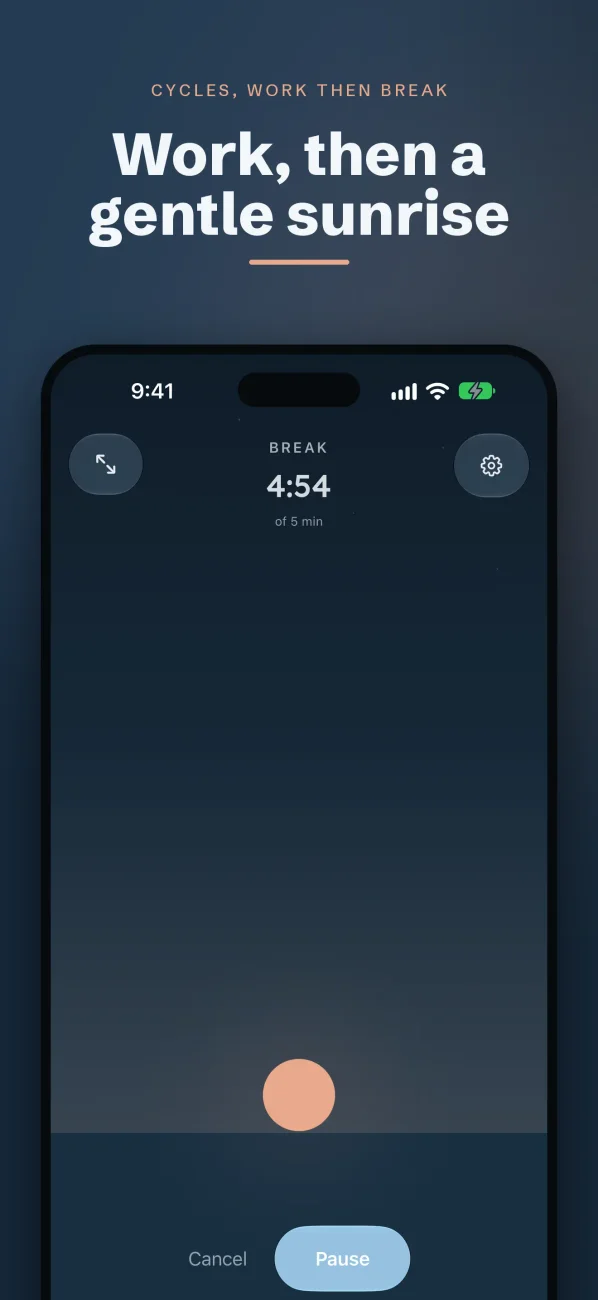
Blue Hour is a free visual timer that turns time into light: a sun sinks toward the horizon as your timer runs, so you can feel how much is left without reading a number.
You drag the sun to set the time and let the light do the counting. You get a calm countdown built kindly for ADHD and time-blindness, gentle enough for classrooms and kids. You never meet an account, an ad or a streak to keep.
What you can do
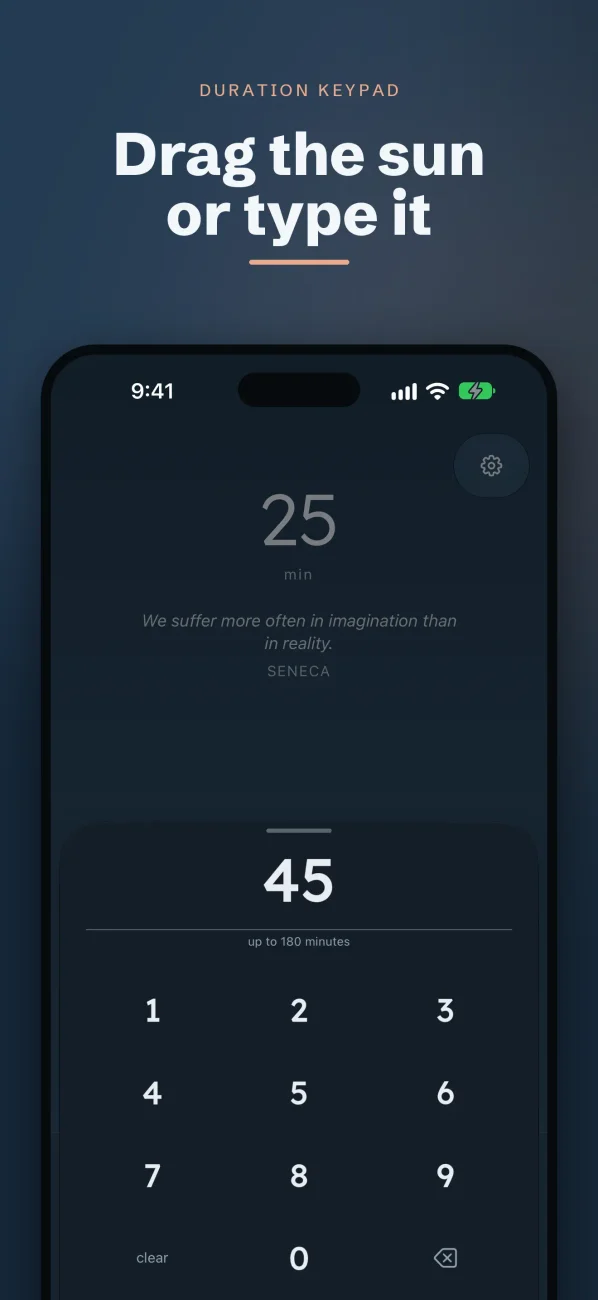
• Drag the sun up to set a time from one minute to three hours, or tap the readout and type it on a keypad
• Keep preset chips for the timers you use every day
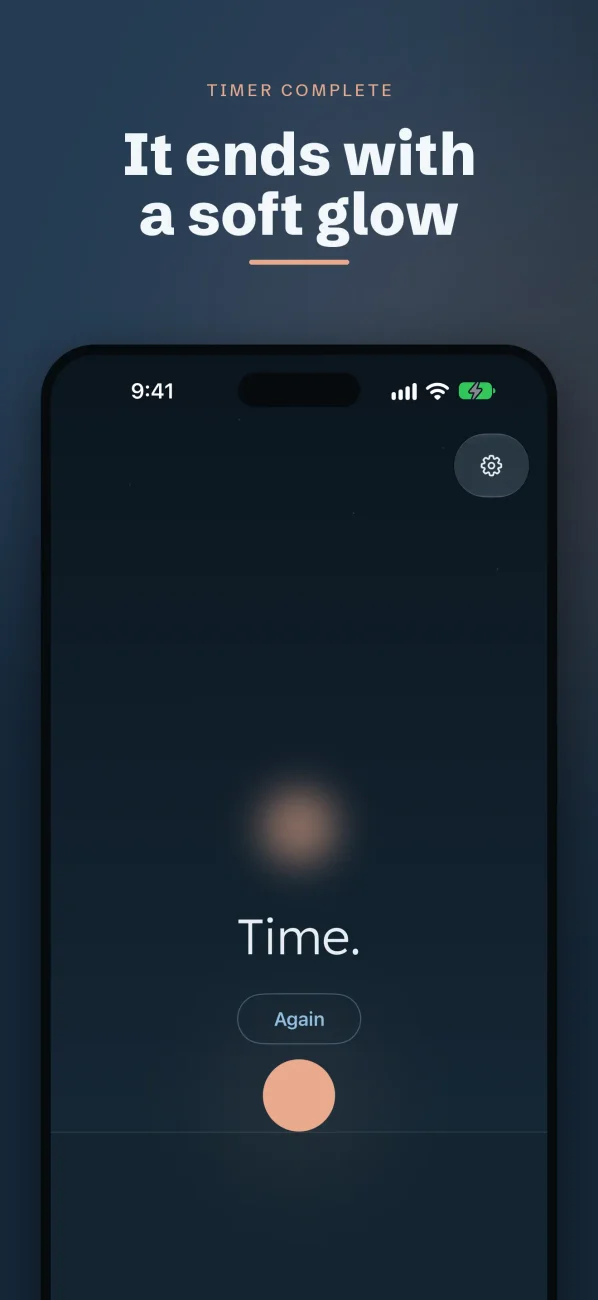
• Watch the sky deepen as the last light falls, then finish with a soft glow and an optional two-note chime
• Run work and break cycles, where each break is a sunrise and rounds are counted as little suns
• Follow the sinking sun on your Lock Screen and in the Dynamic Island with a Live Activity
• Start your usual timer from a Home Screen widget, Siri or Shortcuts
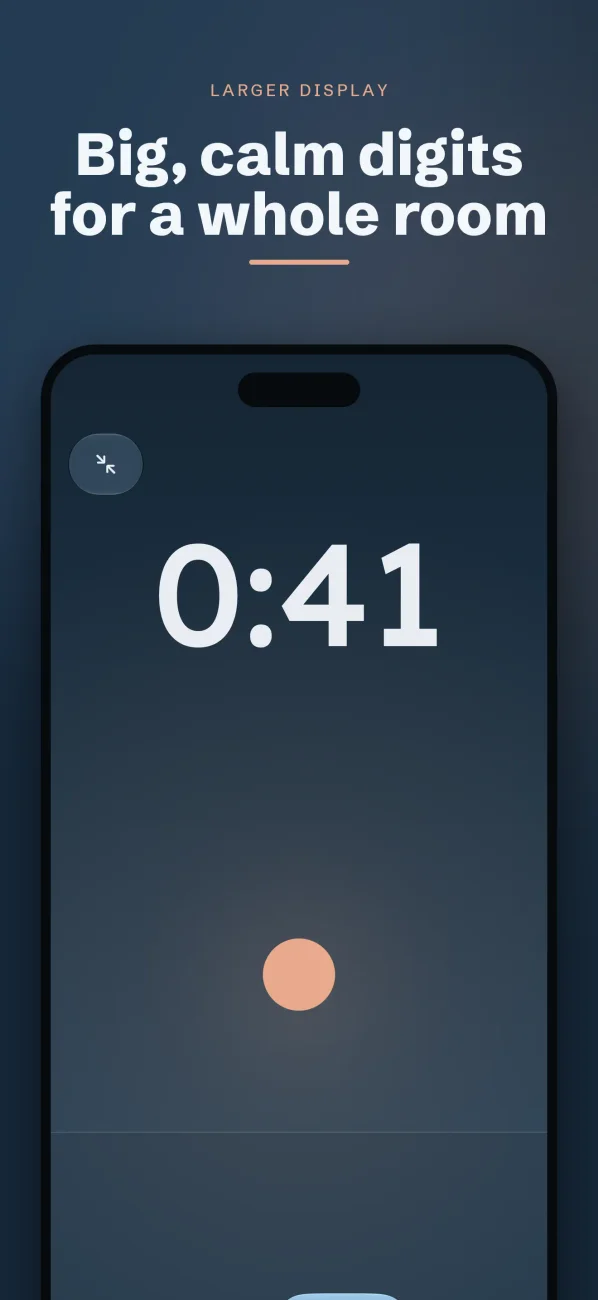
• Open the larger display for big digits across a room, with a classroom preset set of 1, 3, 5, 10, 15 and 20 minutes
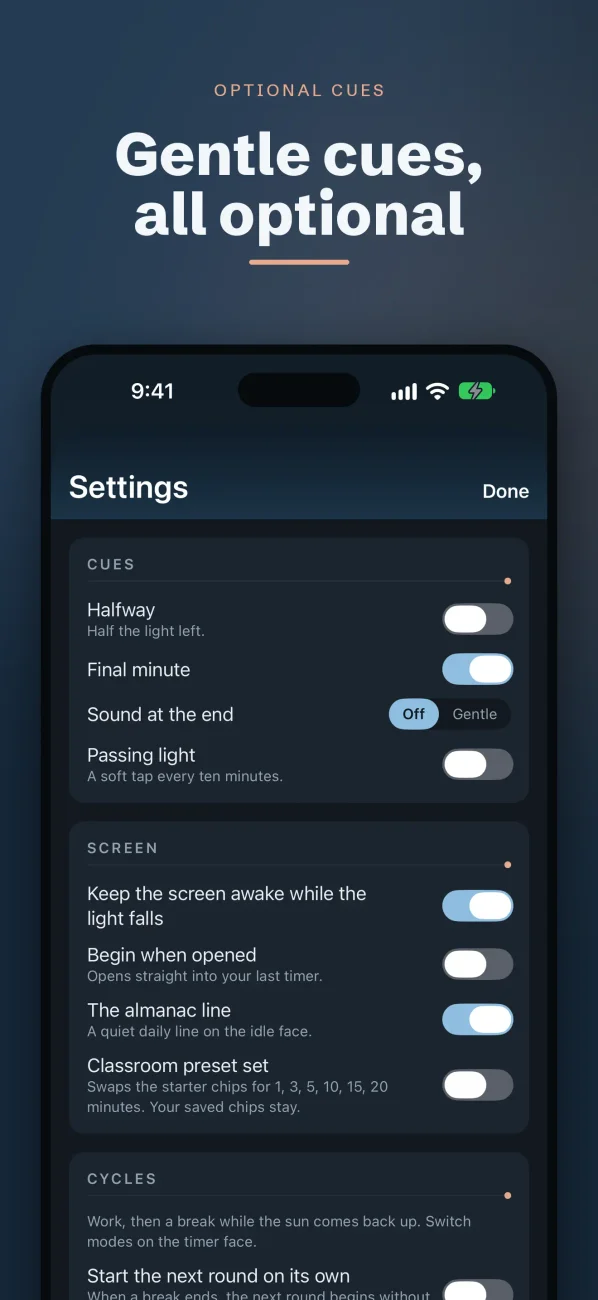
• Turn on halfway and final-minute cues, or keep the screen awake while the light falls
• Read one line a day from 412 public-domain quotations on the idle sky, starting your second day, or switch it off
• Come back after backgrounding the app and the light agrees, because the timer follows the wall clock
What it costs
Nothing. Every feature is free, with no premium tier and no subscription. If Blue Hour earns a place on your Home Screen, there is a tip jar in Settings with three sizes: Coffee, Lunch or Legend. Tips go through Apple and unlock nothing.
Privacy
Blue Hour has no account, tracking or analytics, and your timers and settings stay on your phone. Settings can refresh the list of other apps from the same maker, and tips are handled by Apple, so its App Store privacy label is Data Not Collected.
Who makes it
Made by one person; write to votiquellc@gmail.com and the person who built it answers.
Support: https://bluehourtimer.vercel.app/#support
Privacy policy: https://bluehourtimer.vercel.app/privacy
新機能
バージョン 1.0.1 · 2026/11/24
Fixes a crash that could leave the Live Activity or the widget blank after a timer ended. The Settings privacy note is now more precise, and the App Store page has new screenshots. Your presets and settings are unchanged.
アプリのプライバシー
このアプリのデータの取り扱いについて、Moses SmithがApp Storeで申告している内容です。
-
データの収集なし
開発元はこのアプリからデータを収集しません。
プライバシーの取り扱いは、ご利用の機能やお客様の年齢などに応じて異なる場合があります。
情報
- 販売元
- Moses Smith
- カテゴリ
- 仕事効率化
- バージョン
- 1.0.1
- 更新日
- 2026/11/24
- リリース
- 2026/8/2
- サイズ
- 3.4 MB
- 必要条件
- iOS 26.0以降
- 対象年齢
- 4+
- 価格
- 無料
- アプリ内課金
- あり
- 言語
- 英語
- 著作権
- © 2026 Moses Smith
こちらもおすすめ
-
 BitEditorEdit a Bit
-
 Recto MD仕事効率化
-
 Skein Notes仕事効率化
-
 Peak Browser: AI WorkspaceAIブラウザ、プライベートAIアシスタント、かんばん
-
 Clastly — パーソナルデータベースなんでも、あなたらしく整理
-
 To Do List Maker - DoneSnap仕事効率化
-
 KeepCue: Day Planner, Routines仕事効率化
-
 手書きノート&日記-Digital Notesかわいいジャーナル&ロック付き
-
 PutSpot: 持ち物探し写真・音声検索・QRで保管場所を記録
-
 Marko: Markdownビューア読み上げ対応のオフラインリーダー