
ClipKeyboard
Save & Paste Clipboard History
Diseñada para iPhone, iPad, Mac
Gratis · Compras en la aplicación
- Clasificación por edad4+
- CategoríaProductividad
- DesarrolladorChristian Krause
- IdiomasInglés+ 1 más
- Tamaño1,6 MB
Enlaza a la página oficial de App Store
Download.org no aloja ningún archivo de ClipKeyboard. El botón abre la página de la aplicación en App Store, donde la publica Christian Krause. Ficha comprobada por última vez el 17/11/2026.
Capturas de pantalla




Acerca de
El desarrollador no ha proporcionado este texto en tu idioma.
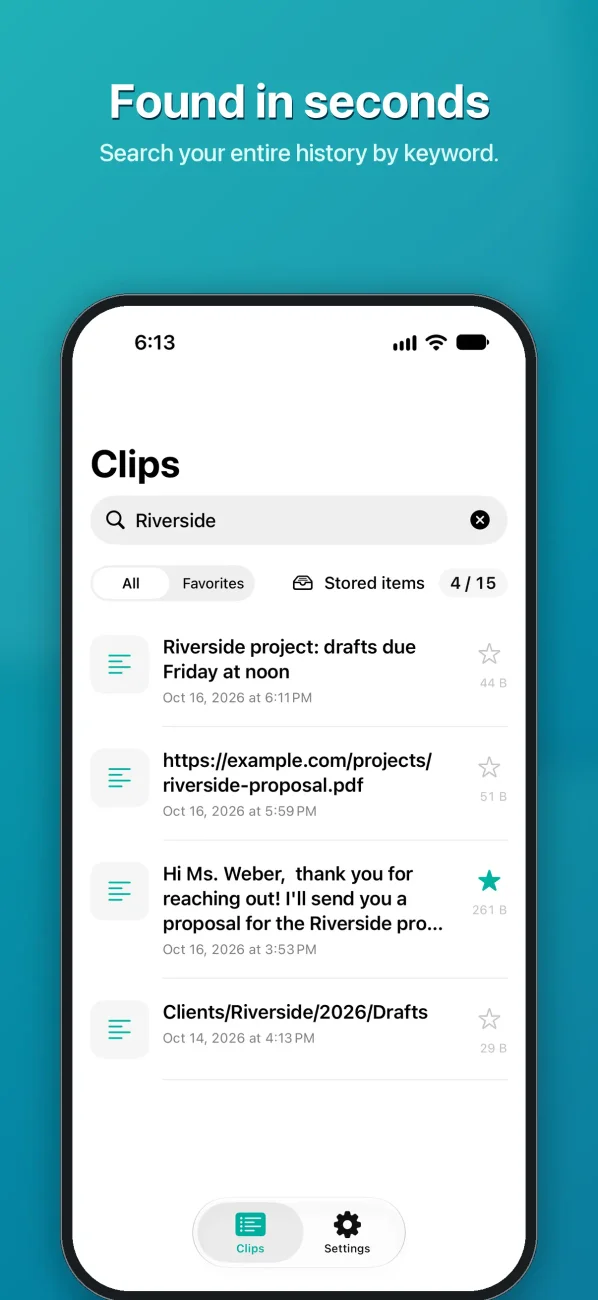
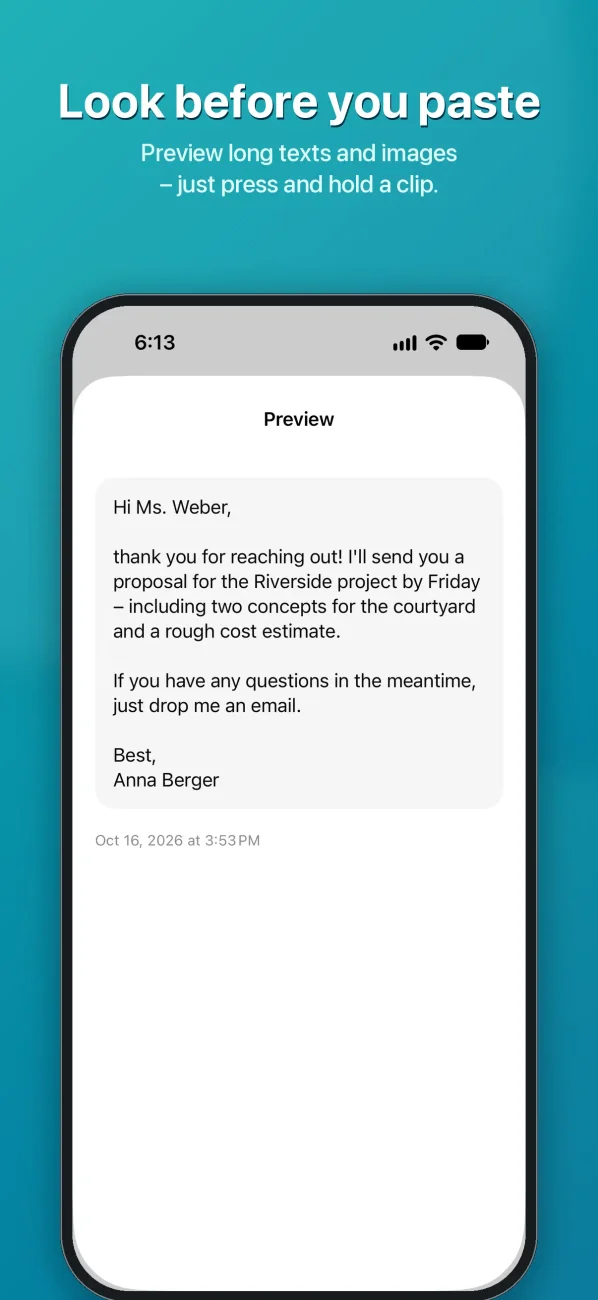
ClipKeyboard automatically saves everything you copy – text and images – and makes it instantly available again. Whether on iPhone, iPad, or Mac.
As a Keyboard on iPhone & iPad
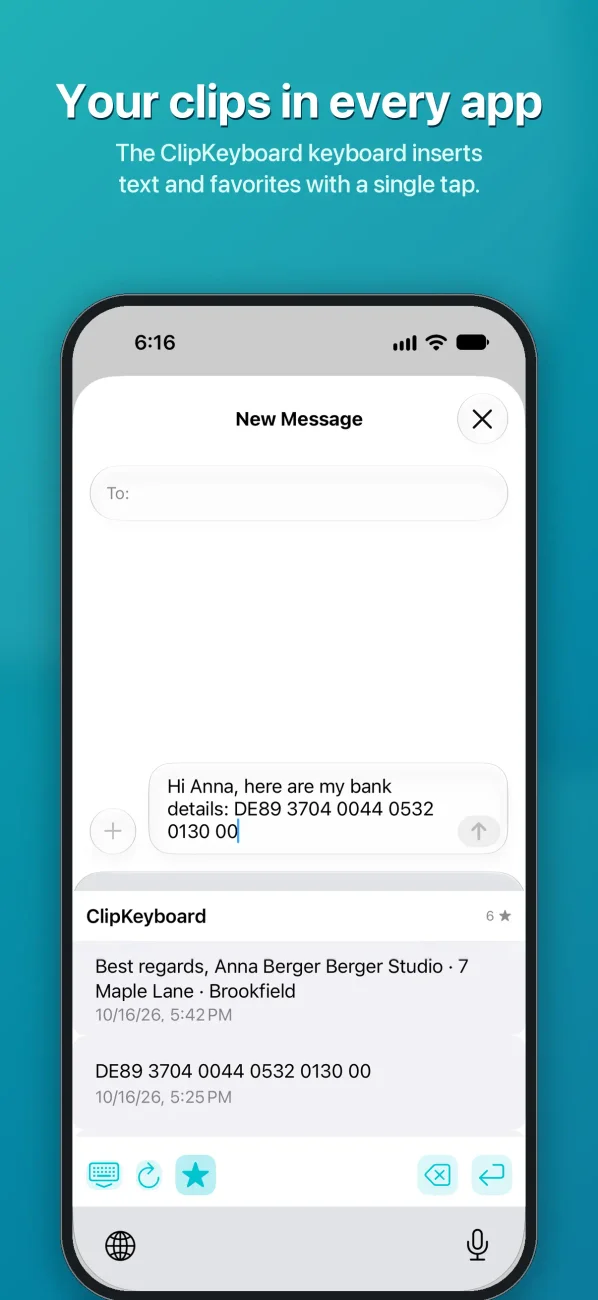
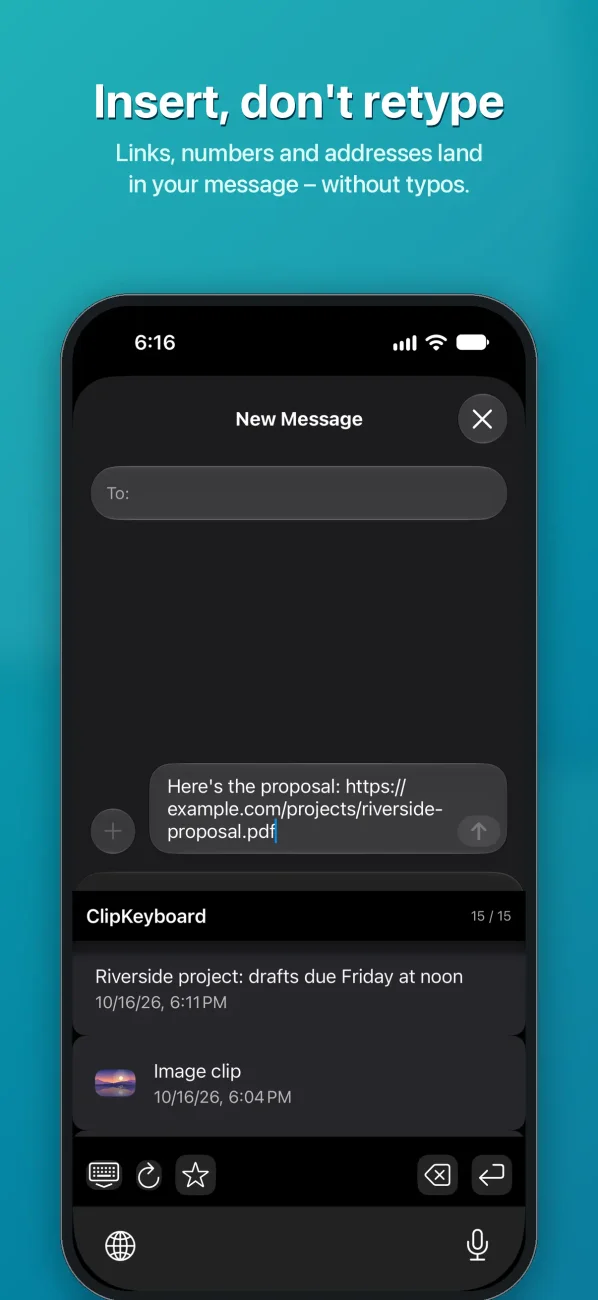
ClipKeyboard adds a dedicated clipboard key to your keyboard. Switch to ClipKeyboard using the Globe key and tap any saved clip to insert it directly – no detour through the app required. Your recently copied content is always just one tap away.
As a Menu Bar App on Mac
On Mac, ClipKeyboard sits quietly in the menu bar. Open the clip list with a keyboard shortcut, tap an entry – and the content is pasted directly into the active window. No interruption, no context switch.
Favorites
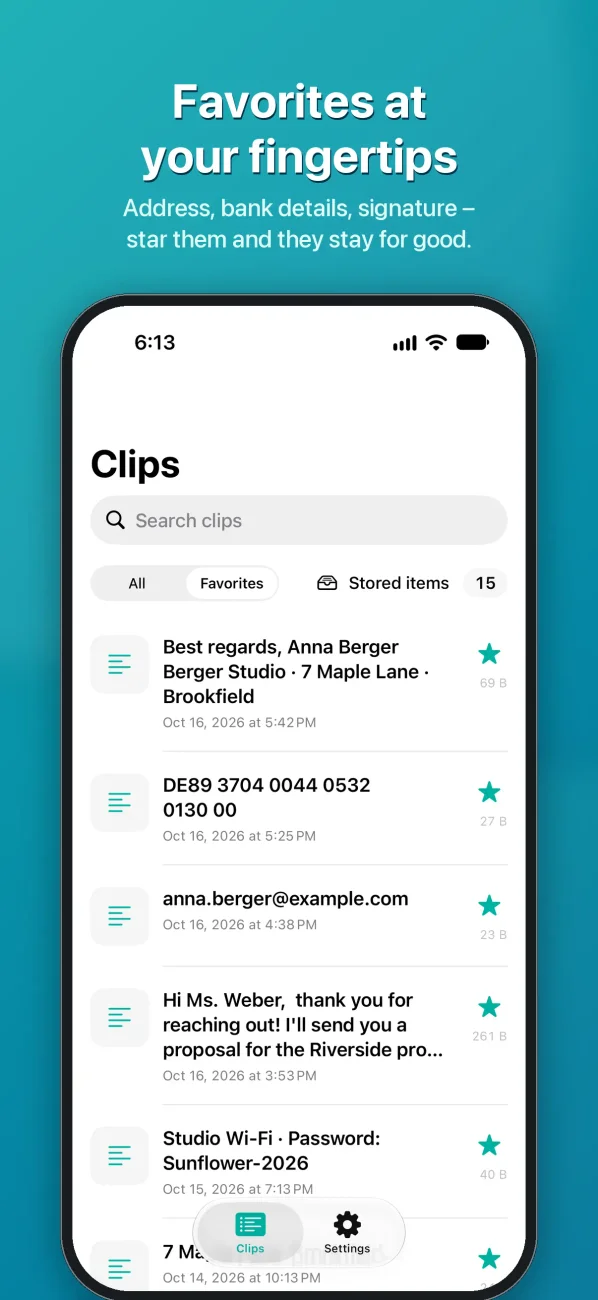
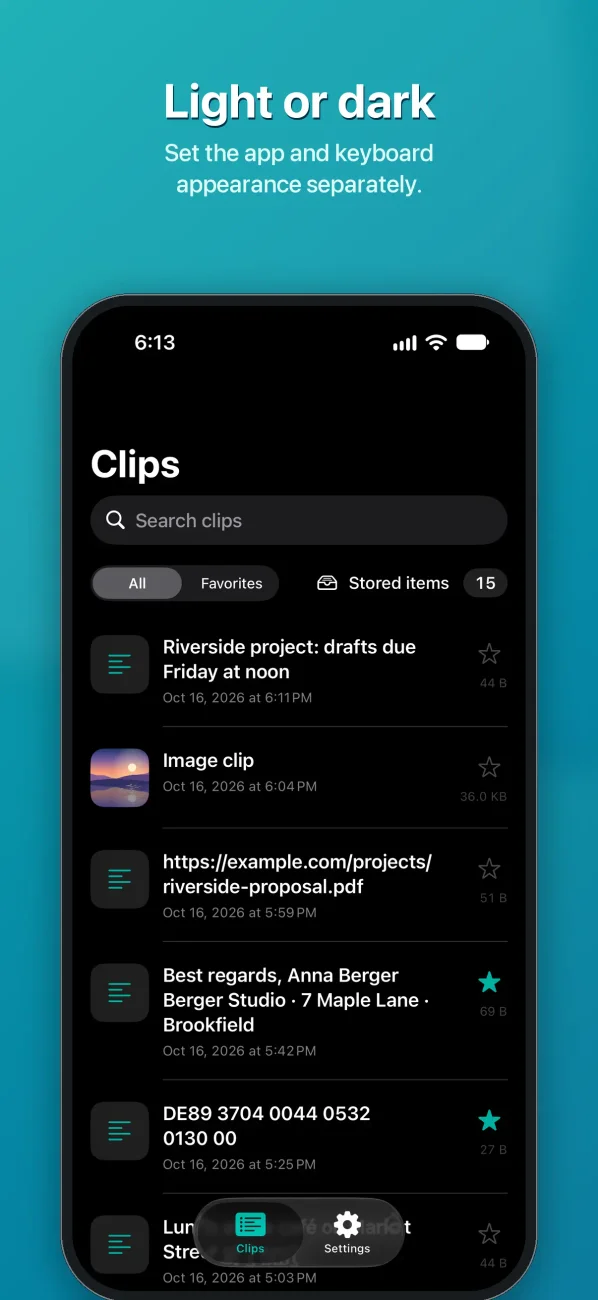
Mark frequently used clips as favorites and filter the list with a single tap on the star. Templates, addresses, standard replies – always ready instantly.
Full Version – One-Time Purchase
The free version stores up to 10 clips. With the Full Version, you expand storage to up to 5,000 entries and unlock iCloud sync – your favorites stay up to date across iPhone, iPad, and Mac automatically.
Privacy
ClipKeyboard stores all data exclusively on your device. Clip content never leaves your device – only favorites and settings are optionally synced via iCloud.
Novedades
Versión 1.6 · 15/11/2026
• More reliable with the keyboard: clips collected with the ClipKeyboard keyboard are no longer lost while the app is open at the same time – for example in Split View.
• No more duplicate image clips: an image you copy from the app or the keyboard no longer shows up twice in your history.
• Faster with many images: images are now stored more efficiently, so the list loads and saves much faster.
• New in Settings: "General" now shows how much storage your clips use.
Privacidad de la aplicación
Lo que Christian Krause declara en App Store sobre cómo esta aplicación gestiona los datos.
-
No se recopilan datos
El desarrollador no recopila ningún dato de esta aplicación.
Las prácticas de privacidad pueden variar, por ejemplo, según las funciones que uses o tu edad.
Información
- Vendedor
- Christian Krause
- Categoría
- Productividad
- Versión
- 1.6
- Actualizado
- 15/11/2026
- Publicado
- 22/6/2026
- Tamaño
- 1,6 MB
- Requiere
- iOS 26.0 o posterior
- Clasificación por edad
- 4+
- Precio
- Gratis
- Compras en la aplicación
- Sí
- Idiomas
- Inglés, Alemán
- Copyright
- © Christian Krause
Quizá también te guste
-
 JotLo: Quick Notes & SearchProductividad
-
 MailMyself: Email YourselfProductividad
-
 Simple Memo MatelialProductividad
-
 Clipy - Clipboard SyncProductividad
-
 Chaos ContactsProductividad
-
 ReplySmart: The Reply WingmanProductividad
-
 Teclado de Frases y PlantillasPega texto en cualquier app
-
 Promptty - AI Prompt ManagerProductividad
-
 LogDT • Log MonitoringProductividad
-
 Habit Tracking TimerHábitos, rachas y retos