
ClipKeyboard
Save & Paste Clipboard History
Designed for iPhone, iPad, Mac
Free · In-app purchases
- Age rating4+
- CategoryProductivity
- DeveloperChristian Krause
- LanguagesEnglish+ 1 more
- Size1.6 MB
Links to the official App Store page
Download.org hosts no file of ClipKeyboard. The button opens its official App Store page, published by Christian Krause. Listing last checked on Nov 17, 2026.
Screenshots



About
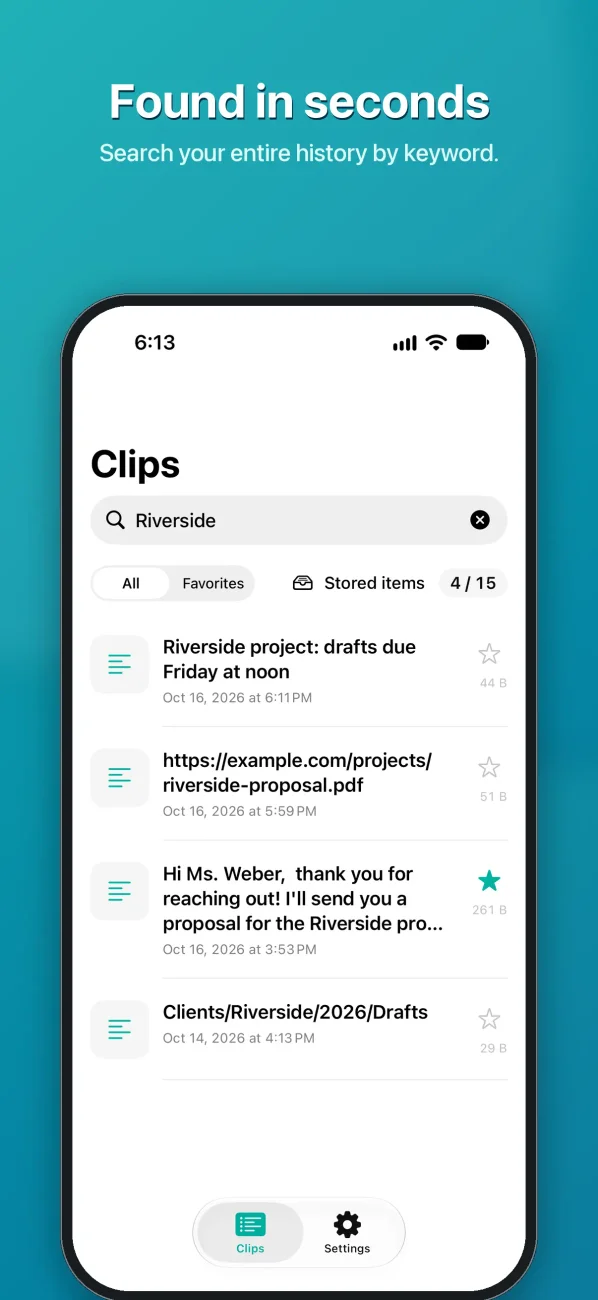
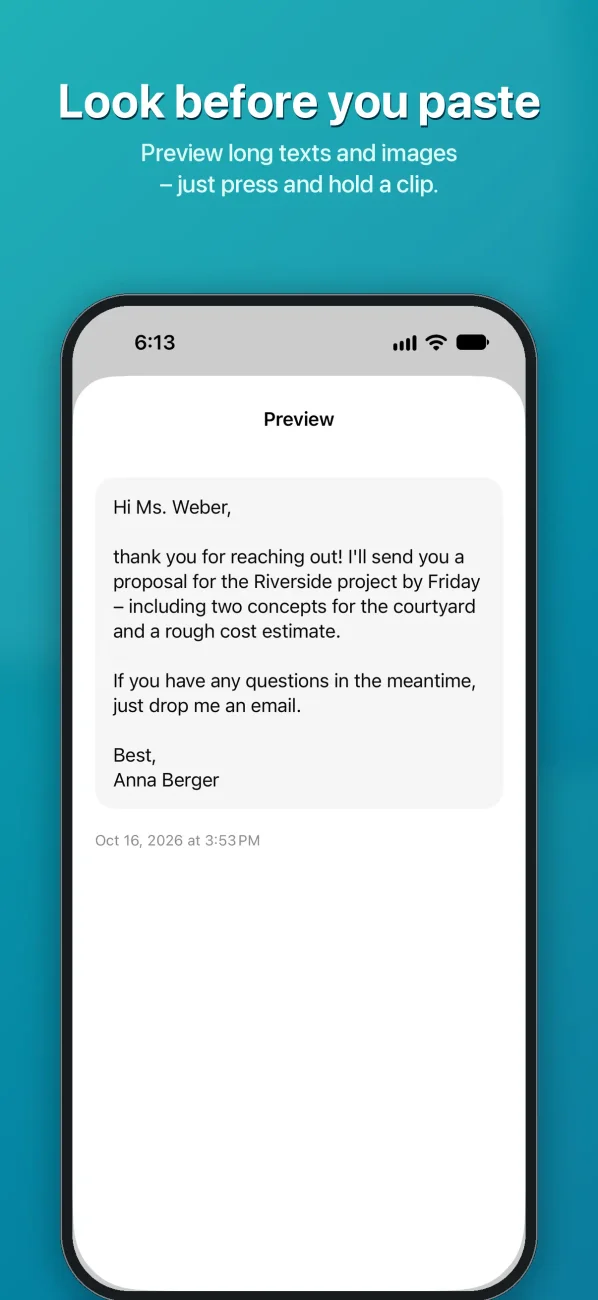
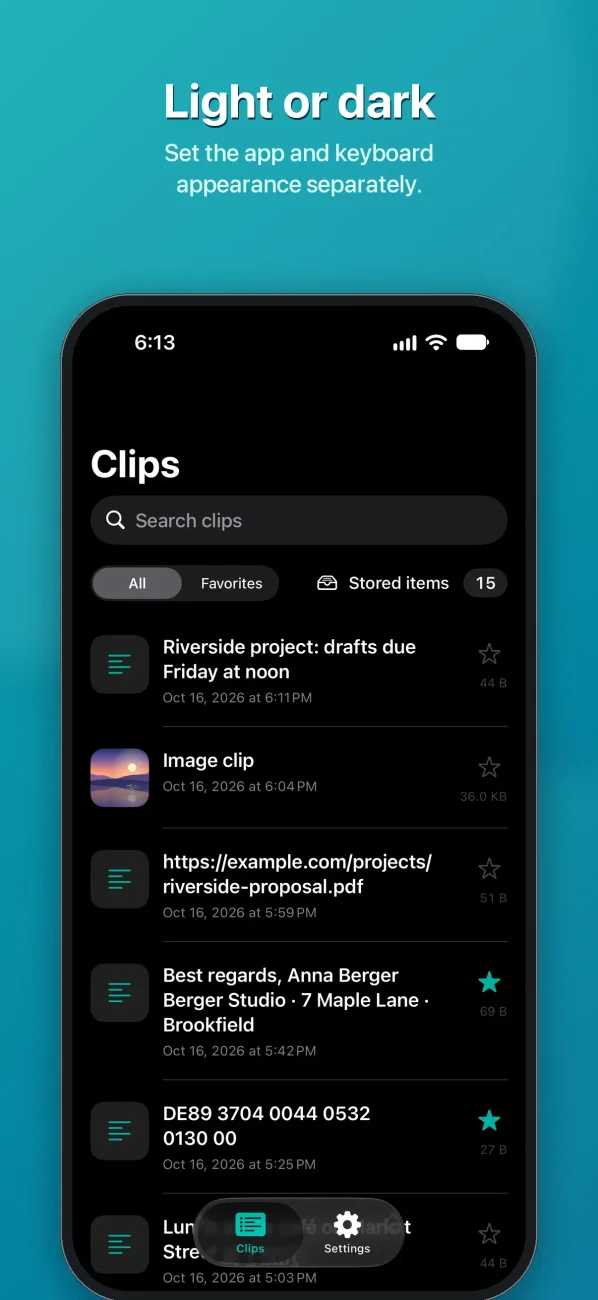
ClipKeyboard automatically saves everything you copy – text and images – and makes it instantly available again. Whether on iPhone, iPad, or Mac.
As a Keyboard on iPhone & iPad
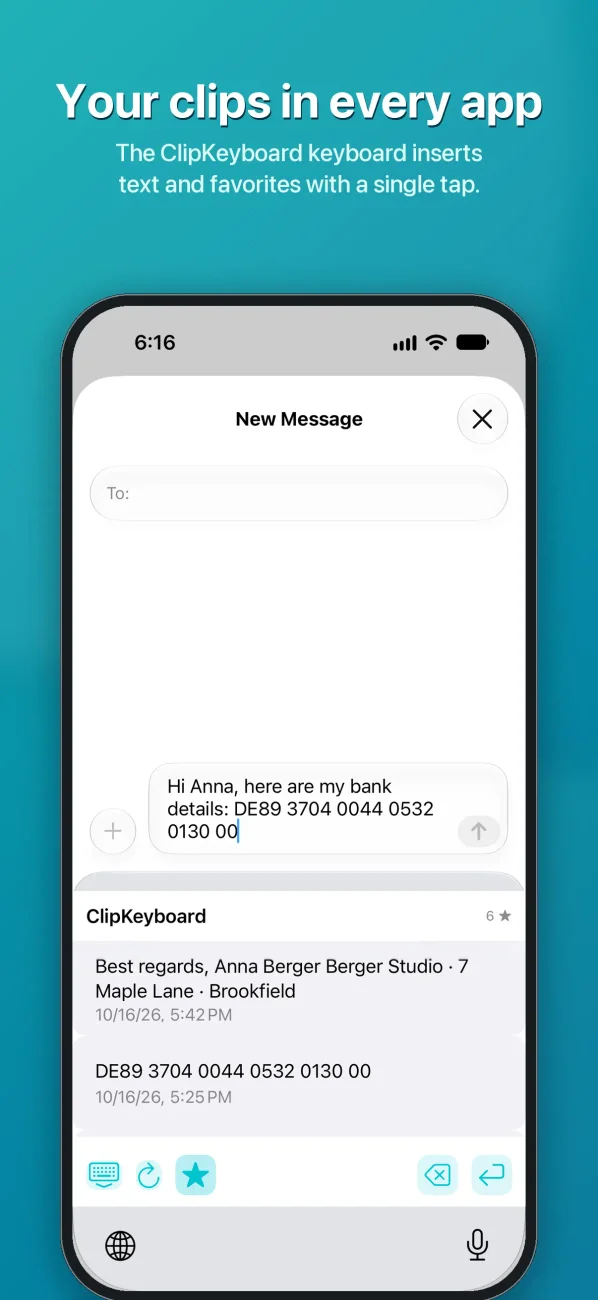
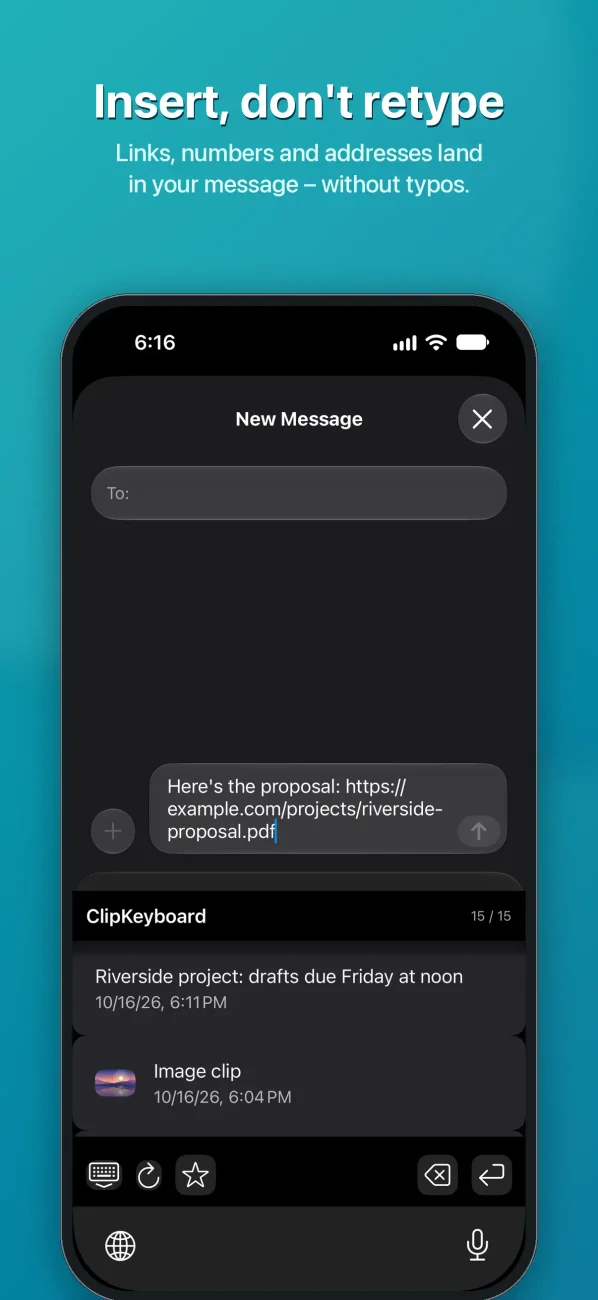
ClipKeyboard adds a dedicated clipboard key to your keyboard. Switch to ClipKeyboard using the Globe key and tap any saved clip to insert it directly – no detour through the app required. Your recently copied content is always just one tap away.
As a Menu Bar App on Mac
On Mac, ClipKeyboard sits quietly in the menu bar. Open the clip list with a keyboard shortcut, tap an entry – and the content is pasted directly into the active window. No interruption, no context switch.
Favorites
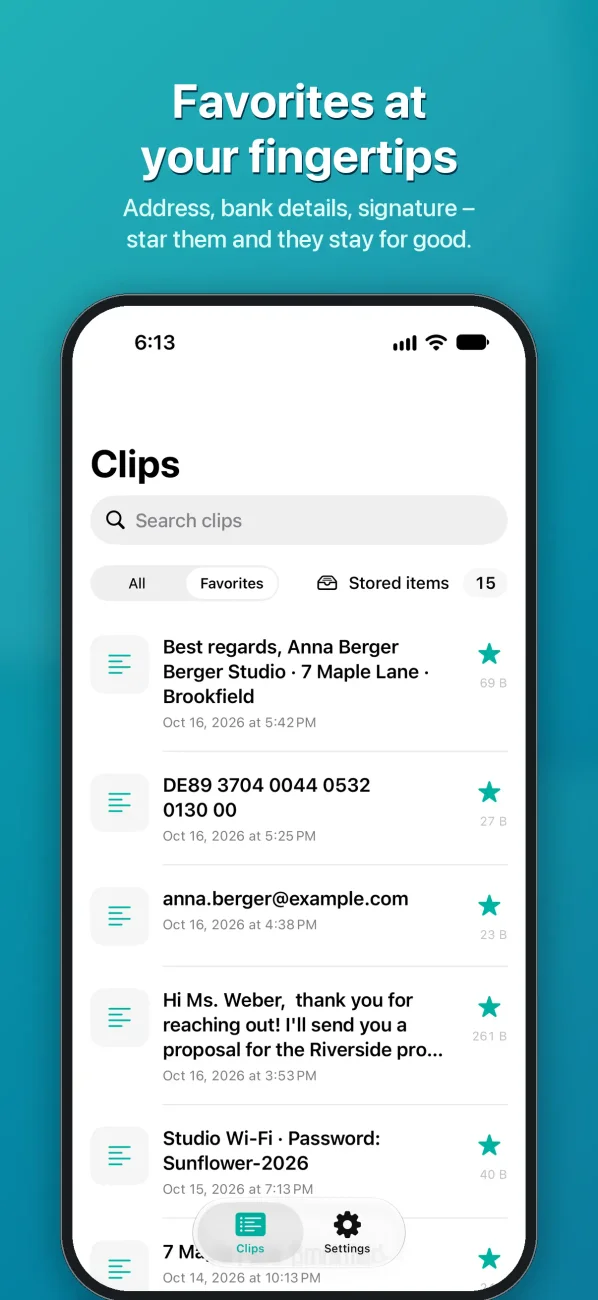
Mark frequently used clips as favorites and filter the list with a single tap on the star. Templates, addresses, standard replies – always ready instantly.
Full Version – One-Time Purchase
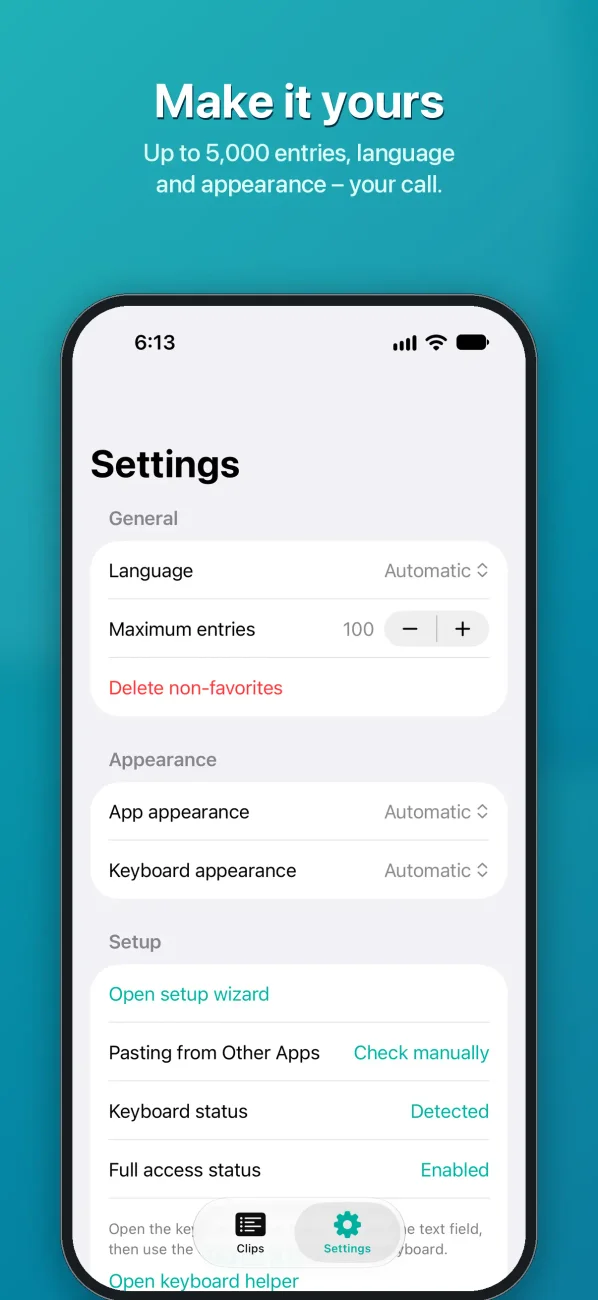
The free version stores up to 10 clips. With the Full Version, you expand storage to up to 5,000 entries and unlock iCloud sync – your favorites stay up to date across iPhone, iPad, and Mac automatically.
Privacy
ClipKeyboard stores all data exclusively on your device. Clip content never leaves your device – only favorites and settings are optionally synced via iCloud.
What’s new
Version 1.6 · Nov 15, 2026
• More reliable with the keyboard: clips collected with the ClipKeyboard keyboard are no longer lost while the app is open at the same time – for example in Split View.
• No more duplicate image clips: an image you copy from the app or the keyboard no longer shows up twice in your history.
• Faster with many images: images are now stored more efficiently, so the list loads and saves much faster.
• New in Settings: "General" now shows how much storage your clips use.
App privacy
What Christian Krause declares on the App Store about how this app handles data.
-
Data not collected
The developer does not collect any data from this app.
Privacy practices may vary, for example with the features you use or your age.
Information
- Seller
- Christian Krause
- Category
- Productivity
- Version
- 1.6
- Updated
- Nov 15, 2026
- Released
- Jun 22, 2026
- Size
- 1.6 MB
- Requires
- iOS 26.0 or later
- Age rating
- 4+
- Price
- Free
- In-app purchases
- Yes
- Languages
- English, German
- Copyright
- © Christian Krause
You might also like
-
 JotLo: Quick Notes & SearchLo-light notes for busy days
-
 MailMyself: Email YourselfNotes, reminders & voice notes
-
 Simple Memo MatelialSimple and easy operation
-
 Clipy - Clipboard SyncHistory & Quick Sharing
-
 Chaos ContactsProductivity
-
 ReplySmart: The Reply WingmanSmart Reply for Every Message
-
 Clipboard Keyboard SnippetsPaste Saved Text in Any App
-
 Promptty - AI Prompt ManagerPaste Prompts Anywhere
-
 LogDT • Log MonitoringOrganize & track app logs live
-
 Habit Tracking TimerHabit tracker with streaks