
- 対象年齢4+
- カテゴリ仕事効率化
- 開発元Christian Krause
- 言語英語ほか1言語
- サイズ1.6 MB
App Storeの公式ページにリンクしています
Download.orgはClipKeyboardのファイルを一切ホストしていません。ボタンを押すと、Christian Krauseが公開しているApp Storeのアプリページが開きます。ページの最終確認:2026/11/17。
スクリーンショット




概要
開発元はこのテキストをお使いの言語で提供していません。
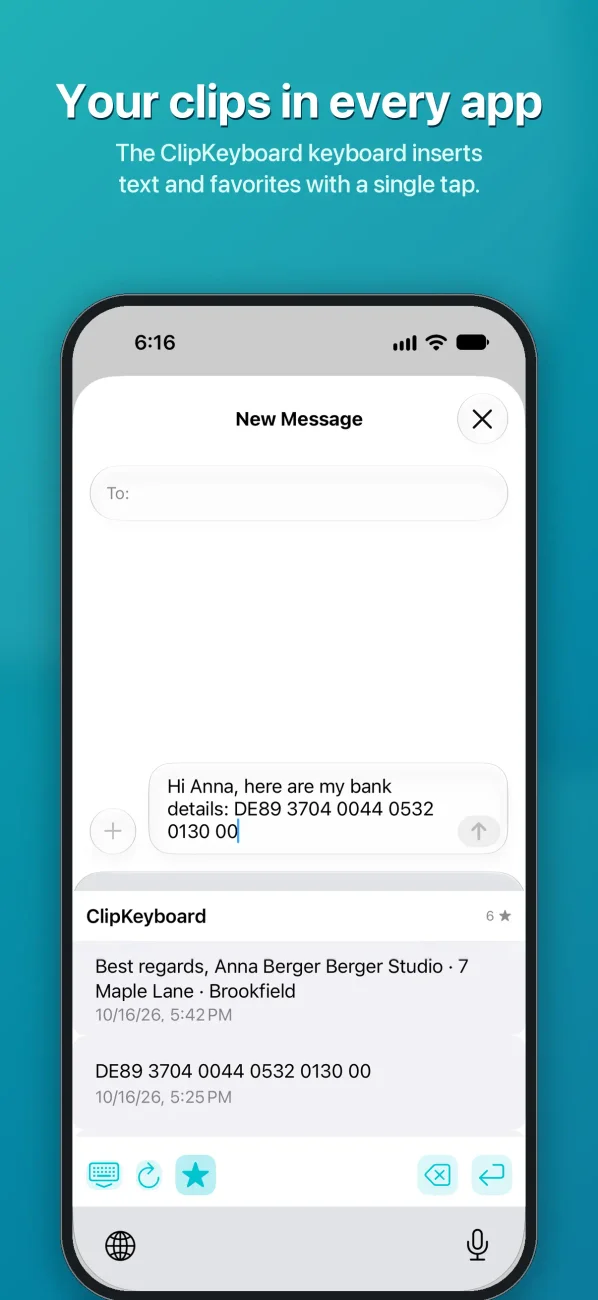
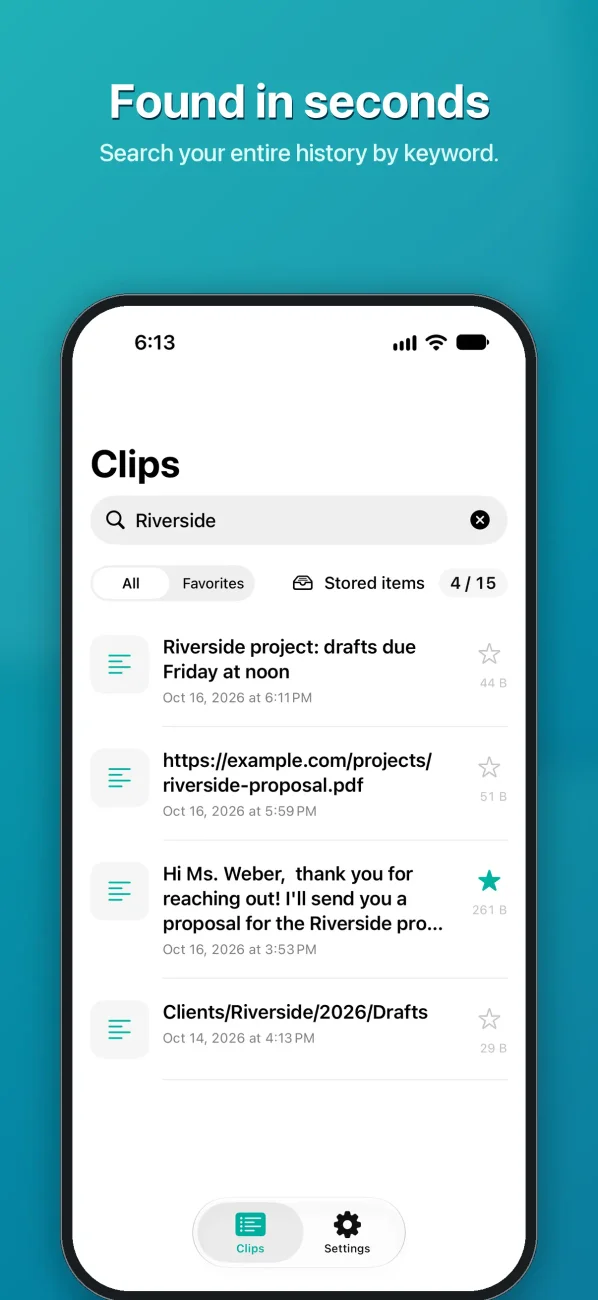
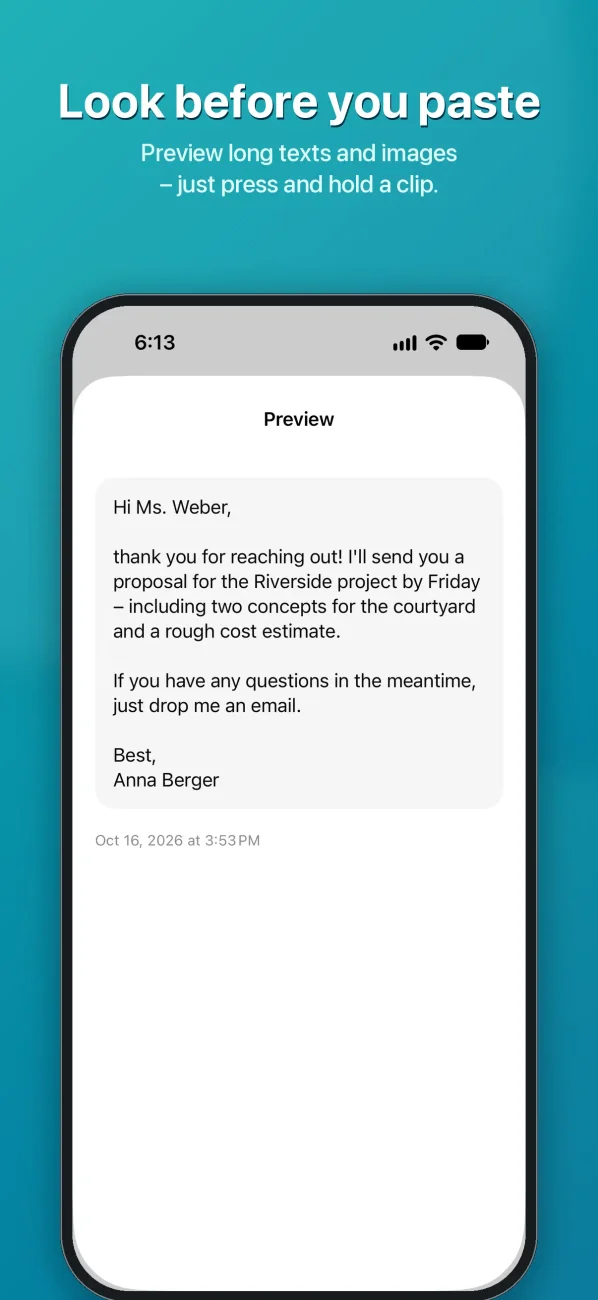
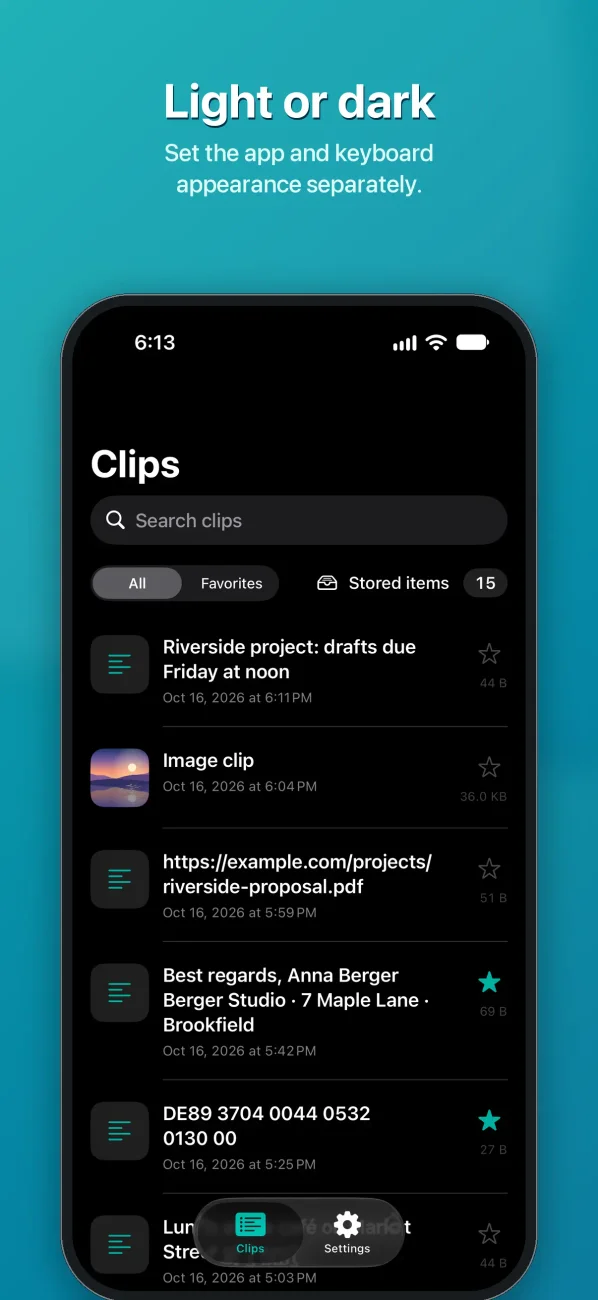
ClipKeyboard automatically saves everything you copy – text and images – and makes it instantly available again. Whether on iPhone, iPad, or Mac.
As a Keyboard on iPhone & iPad
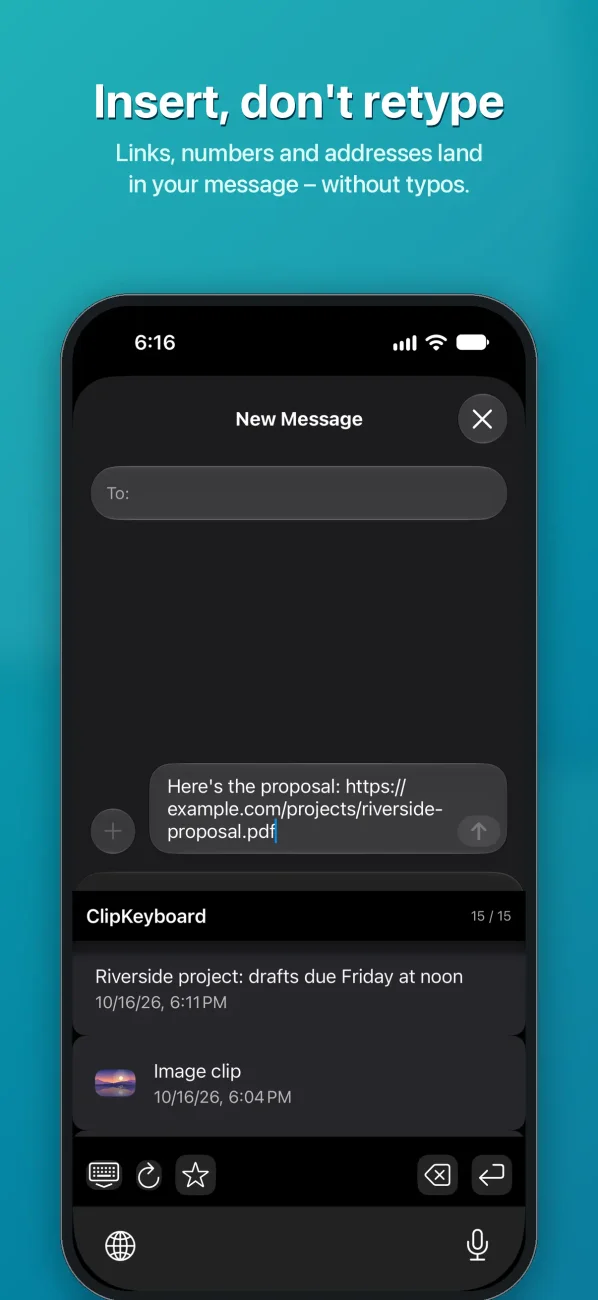
ClipKeyboard adds a dedicated clipboard key to your keyboard. Switch to ClipKeyboard using the Globe key and tap any saved clip to insert it directly – no detour through the app required. Your recently copied content is always just one tap away.
As a Menu Bar App on Mac
On Mac, ClipKeyboard sits quietly in the menu bar. Open the clip list with a keyboard shortcut, tap an entry – and the content is pasted directly into the active window. No interruption, no context switch.
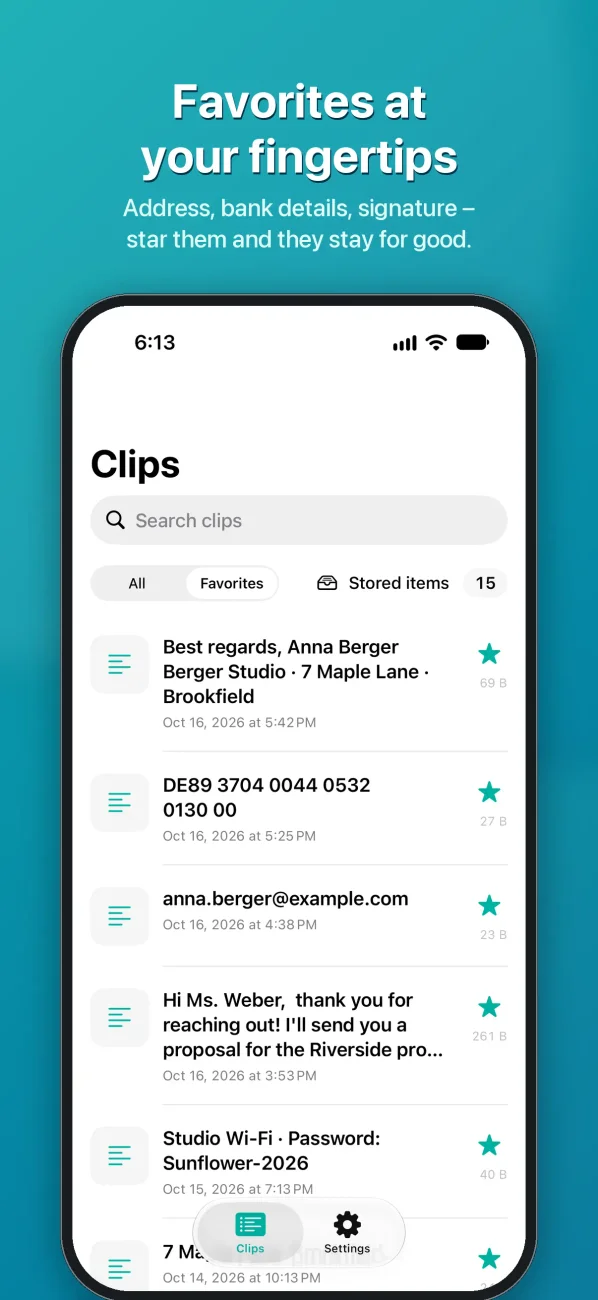
Favorites
Mark frequently used clips as favorites and filter the list with a single tap on the star. Templates, addresses, standard replies – always ready instantly.
Full Version – One-Time Purchase
The free version stores up to 10 clips. With the Full Version, you expand storage to up to 5,000 entries and unlock iCloud sync – your favorites stay up to date across iPhone, iPad, and Mac automatically.
Privacy
ClipKeyboard stores all data exclusively on your device. Clip content never leaves your device – only favorites and settings are optionally synced via iCloud.
新機能
バージョン 1.6 · 2026/11/15
• More reliable with the keyboard: clips collected with the ClipKeyboard keyboard are no longer lost while the app is open at the same time – for example in Split View.
• No more duplicate image clips: an image you copy from the app or the keyboard no longer shows up twice in your history.
• Faster with many images: images are now stored more efficiently, so the list loads and saves much faster.
• New in Settings: "General" now shows how much storage your clips use.
アプリのプライバシー
このアプリのデータの取り扱いについて、Christian KrauseがApp Storeで申告している内容です。
-
データの収集なし
開発元はこのアプリからデータを収集しません。
プライバシーの取り扱いは、ご利用の機能やお客様の年齢などに応じて異なる場合があります。
情報
- 販売元
- Christian Krause
- カテゴリ
- 仕事効率化
- バージョン
- 1.6
- 更新日
- 2026/11/15
- リリース
- 2026/6/22
- サイズ
- 1.6 MB
- 必要条件
- iOS 26.0以降
- 対象年齢
- 4+
- 価格
- 無料
- アプリ内課金
- あり
- 言語
- 英語, ドイツ語
- 著作権
- © Christian Krause
こちらもおすすめ
-
 JotLo: Quick Notes & Search仕事効率化
-
 MailMyself: Email Yourself仕事効率化
-
 シンプルメモ - Matelial使いやすいシンプルなメモアプリ
-
 Clipy - Clipboard Sync仕事効率化
-
 Chaos Contacts仕事効率化
-
 ReplySmart: The Reply Wingman仕事効率化
-
 定型文キーボード 単語登録スニペットコピペ返信署名住所どのアプリにも即貼り付け
-
 Promptty - AI Prompt Manager仕事効率化
-
 LogDT • Log Monitoring仕事効率化
-
 Habit Tracking Timer習慣トラッカー&チャレンジ