
ClipKeyboard
Save & Paste Clipboard History
Dirancang untuk iPhone, iPad, Mac
Gratis · Pembelian dalam aplikasi
- Batasan usia4+
- KategoriProduktivitas
- PengembangChristian Krause
- BahasaInggris+ 1 lainnya
- Ukuran1,6 MB
Tertaut ke halaman resmi App Store
Download.org tidak menyimpan file ClipKeyboard apa pun. Tombol ini membuka halaman aplikasi di App Store, tempat Christian Krause menerbitkannya. Halaman terakhir diperiksa pada 17/11/2026.
Tangkapan layar




Tentang
Pengembang belum menyediakan teks ini dalam bahasa Anda.
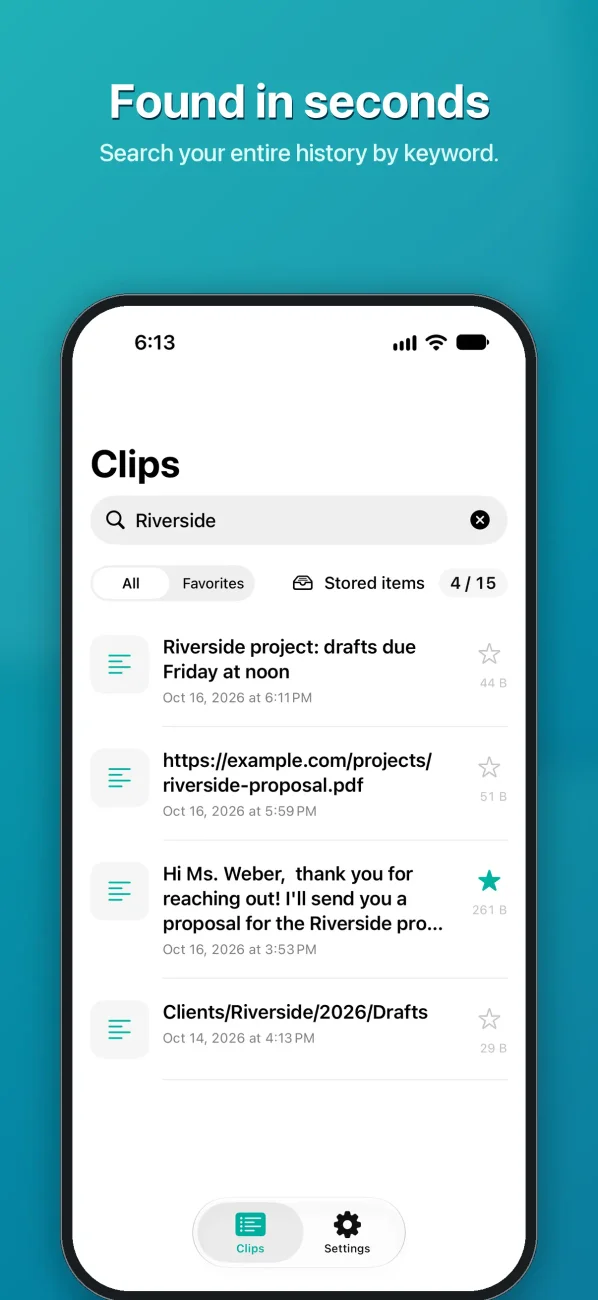
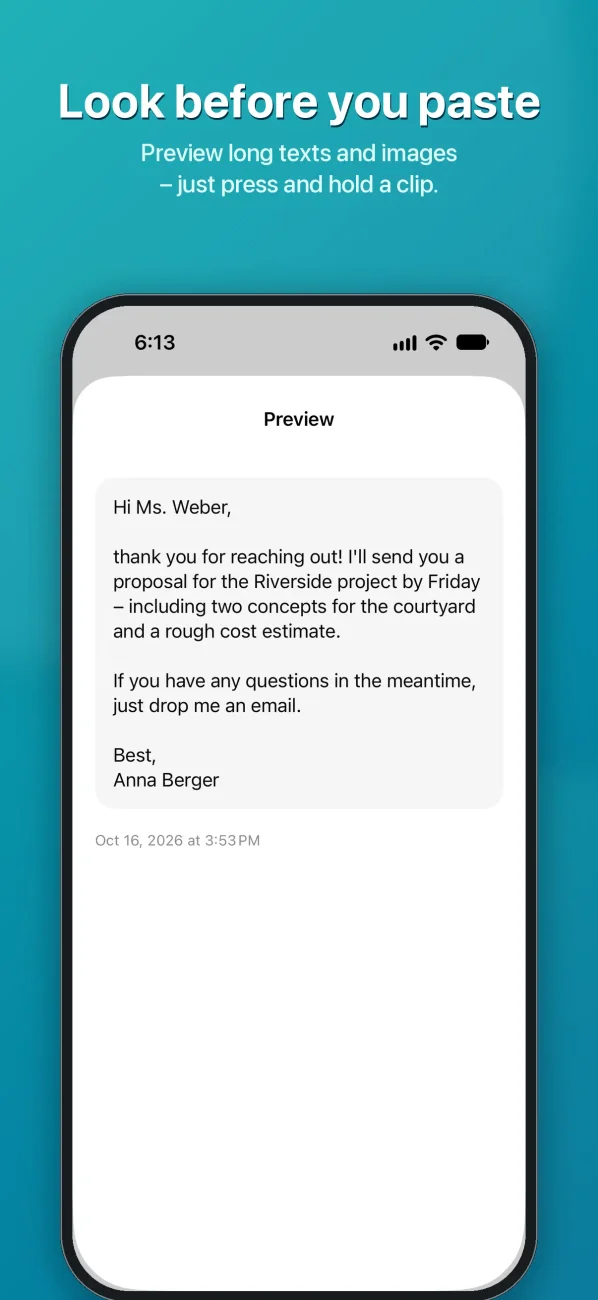
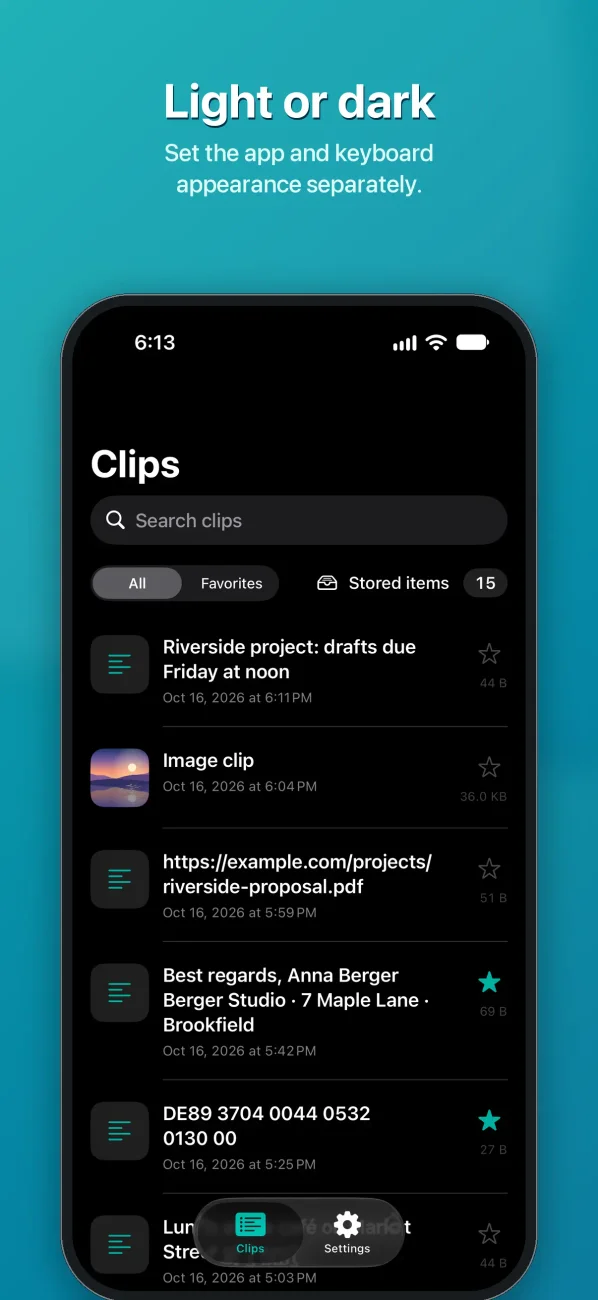
ClipKeyboard automatically saves everything you copy – text and images – and makes it instantly available again. Whether on iPhone, iPad, or Mac.
As a Keyboard on iPhone & iPad
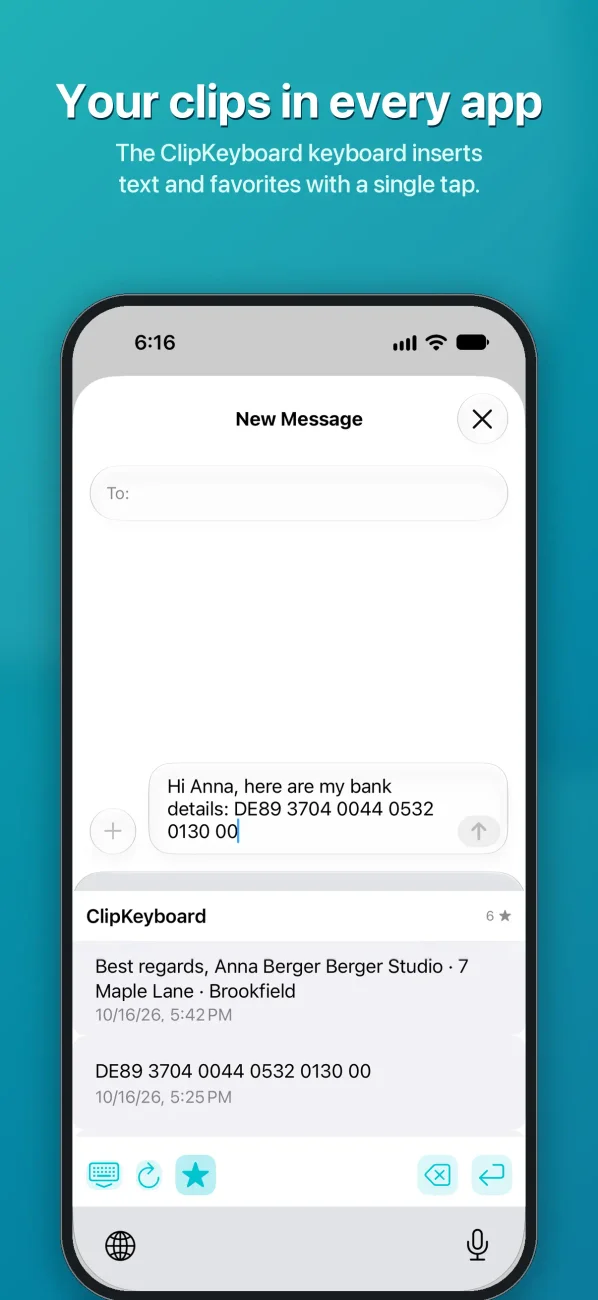
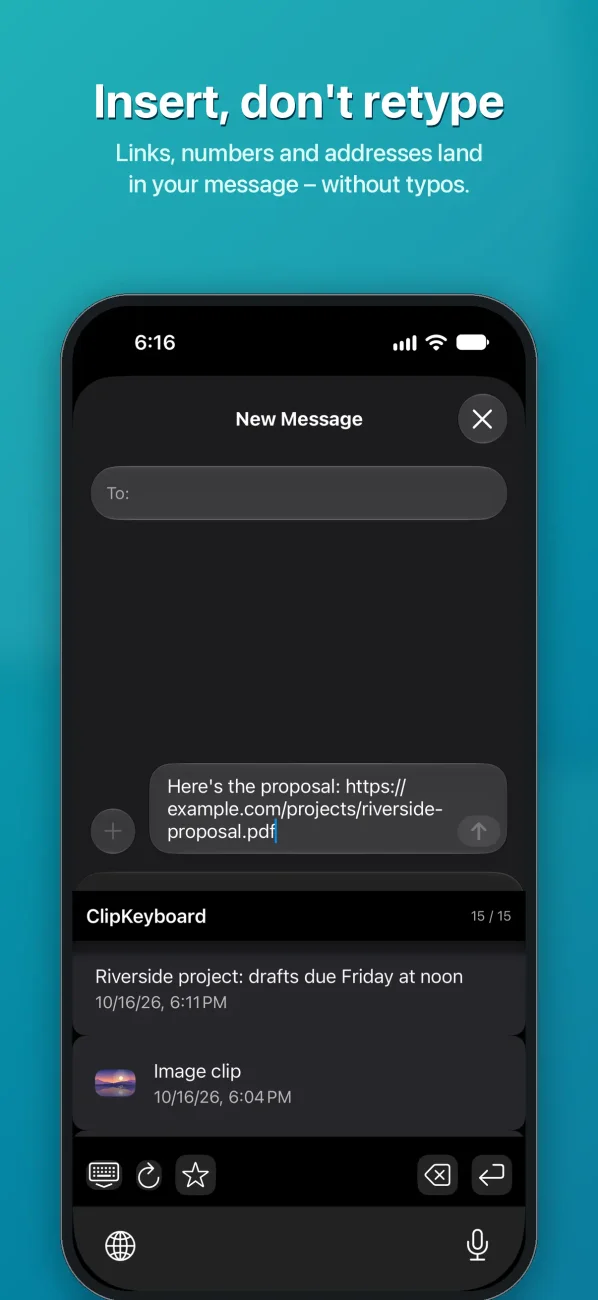
ClipKeyboard adds a dedicated clipboard key to your keyboard. Switch to ClipKeyboard using the Globe key and tap any saved clip to insert it directly – no detour through the app required. Your recently copied content is always just one tap away.
As a Menu Bar App on Mac
On Mac, ClipKeyboard sits quietly in the menu bar. Open the clip list with a keyboard shortcut, tap an entry – and the content is pasted directly into the active window. No interruption, no context switch.
Favorites
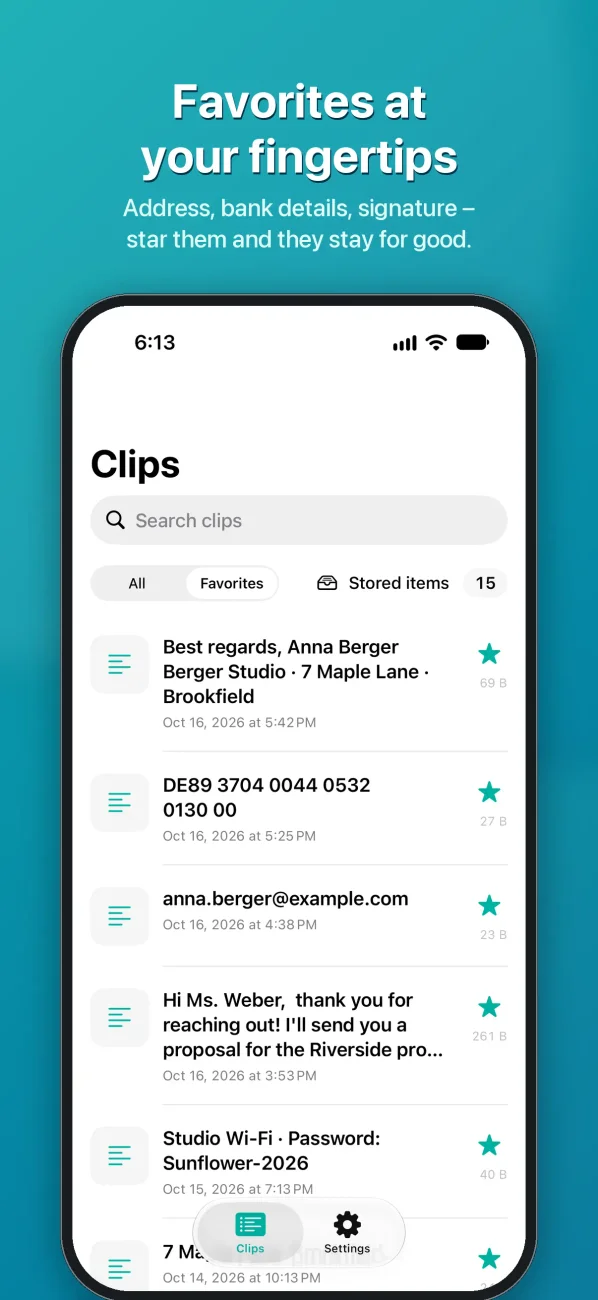
Mark frequently used clips as favorites and filter the list with a single tap on the star. Templates, addresses, standard replies – always ready instantly.
Full Version – One-Time Purchase
The free version stores up to 10 clips. With the Full Version, you expand storage to up to 5,000 entries and unlock iCloud sync – your favorites stay up to date across iPhone, iPad, and Mac automatically.
Privacy
ClipKeyboard stores all data exclusively on your device. Clip content never leaves your device – only favorites and settings are optionally synced via iCloud.
Yang baru
Versi 1.6 · 15/11/2026
• More reliable with the keyboard: clips collected with the ClipKeyboard keyboard are no longer lost while the app is open at the same time – for example in Split View.
• No more duplicate image clips: an image you copy from the app or the keyboard no longer shows up twice in your history.
• Faster with many images: images are now stored more efficiently, so the list loads and saves much faster.
• New in Settings: "General" now shows how much storage your clips use.
Privasi aplikasi
Yang dinyatakan Christian Krause di App Store tentang cara aplikasi ini menangani data.
-
Data tidak dikumpulkan
Pengembang tidak mengumpulkan data apa pun dari aplikasi ini.
Praktik privasi dapat bervariasi, misalnya berdasarkan fitur yang Anda gunakan atau usia Anda.
Informasi
- Penjual
- Christian Krause
- Kategori
- Produktivitas
- Versi
- 1.6
- Diperbarui
- 15/11/2026
- Dirilis
- 22/6/2026
- Ukuran
- 1,6 MB
- Memerlukan
- iOS 26.0 atau yang lebih baru
- Batasan usia
- 4+
- Harga
- Gratis
- Pembelian dalam aplikasi
- Ya
- Bahasa
- Inggris, Jerman
- Hak cipta
- © Christian Krause
Mungkin Anda juga suka
-
 JotLo: Quick Notes & SearchProduktivitas
-
 MailMyself: Email YourselfProduktivitas
-
 Simple Memo MatelialProduktivitas
-
 Clipy - Clipboard SyncProduktivitas
-
 Chaos ContactsProduktivitas
-
 ReplySmart: The Reply WingmanProduktivitas
-
 Keyboard Frasa Teks PintasanSimpan sekali, tempel kapanpun
-
 Promptty - AI Prompt ManagerProduktivitas
-
 LogDT • Log MonitoringProduktivitas
-
 Habit Tracking TimerLacak kebiasaan & tantangan