
ClipKeyboard
Save & Paste Clipboard History
Được thiết kế cho iPhone, iPad, Mac
Miễn phí · Mua hàng trong ứng dụng
- Độ tuổi4+
- Danh mụcHiệu Suất
- Nhà phát triểnChristian Krause
- Ngôn ngữTiếng Anh+ 1 ngôn ngữ khác
- Kích thước1,6 MB
Liên kết đến trang App Store chính thức
Download.org không lưu trữ tệp nào của ClipKeyboard. Nút này mở trang ứng dụng trên App Store, nơi Christian Krause phát hành ứng dụng. Trang được kiểm tra lần cuối: 17/11/2026.
Ảnh chụp màn hình




Giới thiệu
Nhà phát triển chưa cung cấp nội dung này bằng ngôn ngữ của bạn.
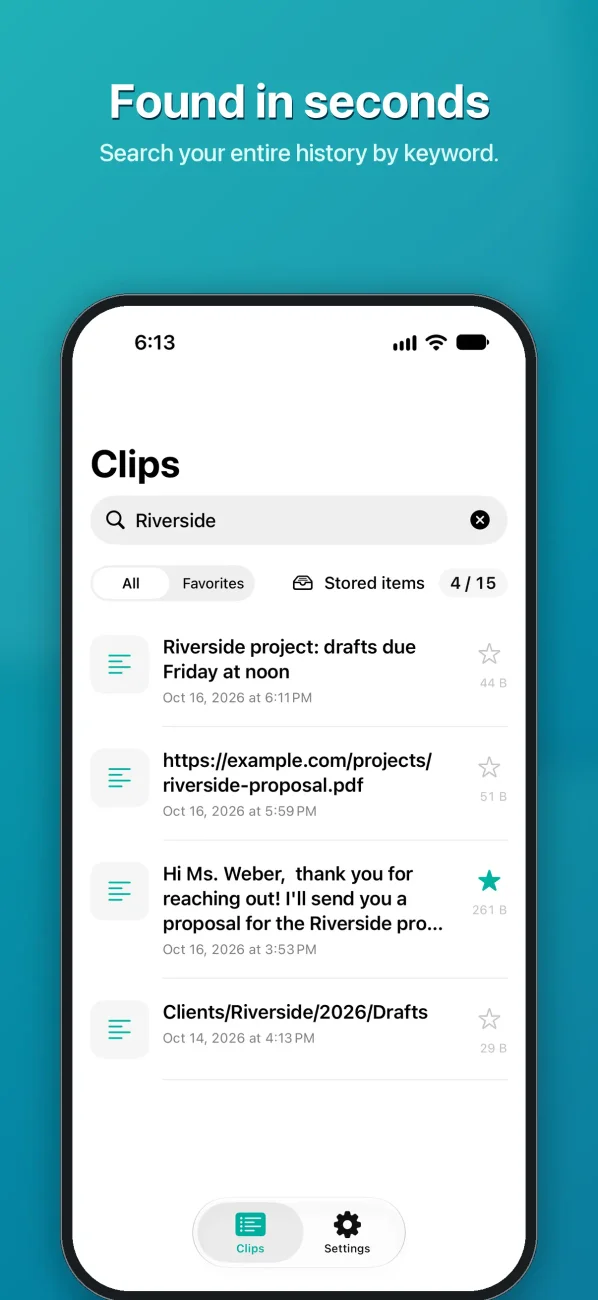
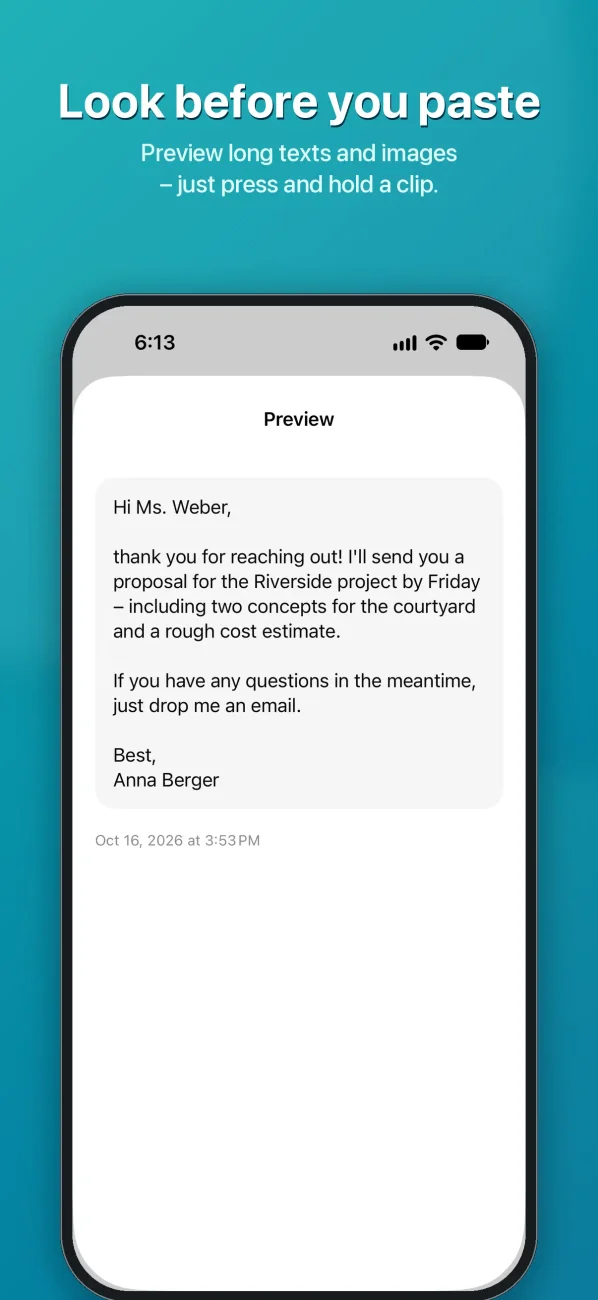
ClipKeyboard automatically saves everything you copy – text and images – and makes it instantly available again. Whether on iPhone, iPad, or Mac.
As a Keyboard on iPhone & iPad
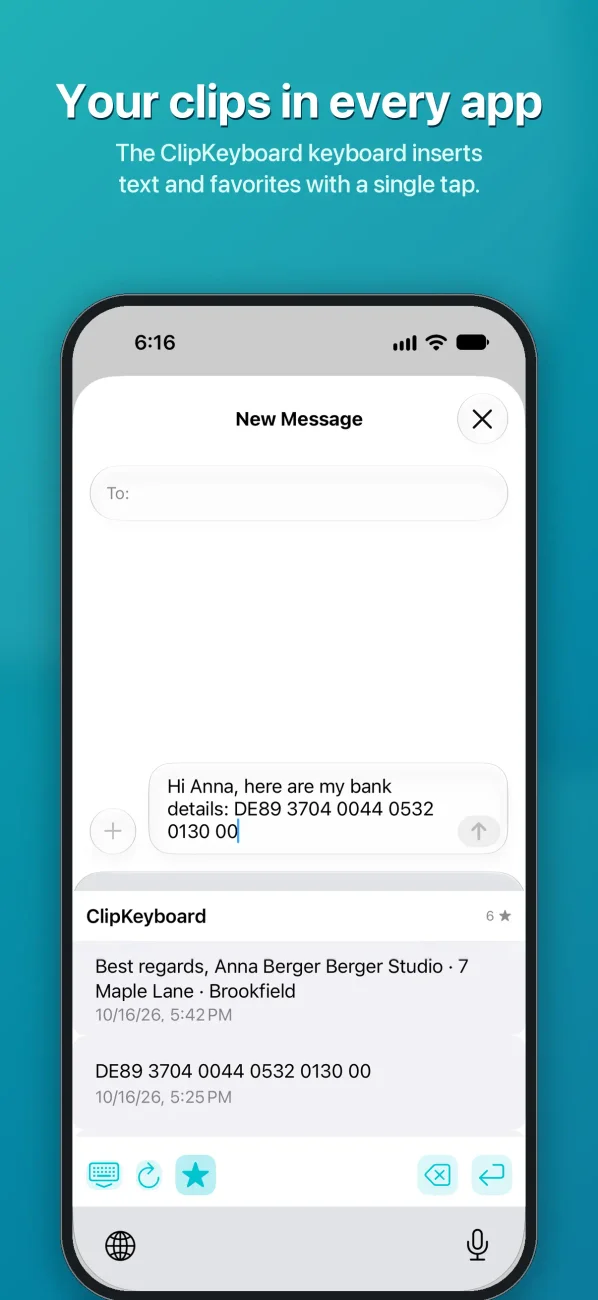
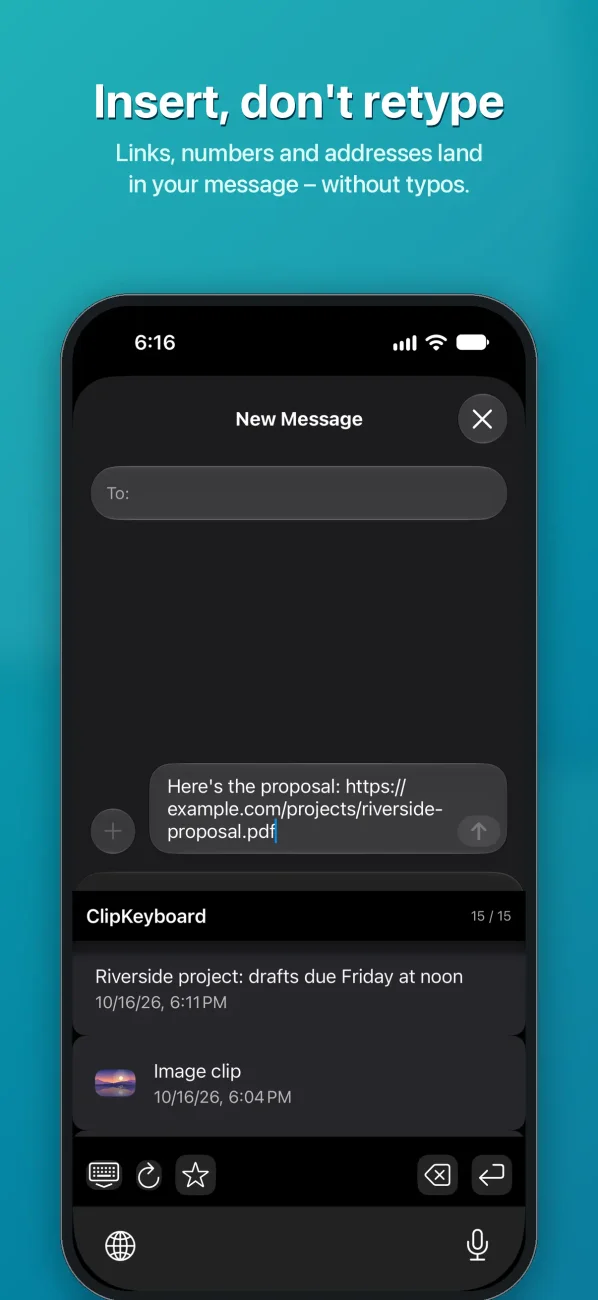
ClipKeyboard adds a dedicated clipboard key to your keyboard. Switch to ClipKeyboard using the Globe key and tap any saved clip to insert it directly – no detour through the app required. Your recently copied content is always just one tap away.
As a Menu Bar App on Mac
On Mac, ClipKeyboard sits quietly in the menu bar. Open the clip list with a keyboard shortcut, tap an entry – and the content is pasted directly into the active window. No interruption, no context switch.
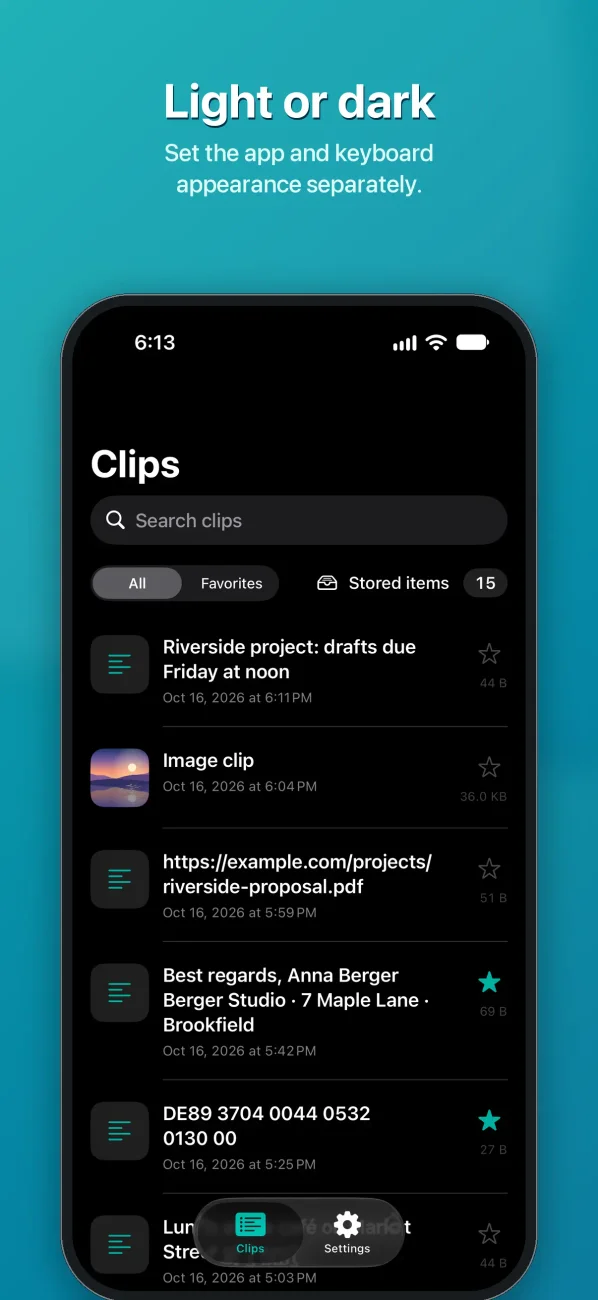
Favorites
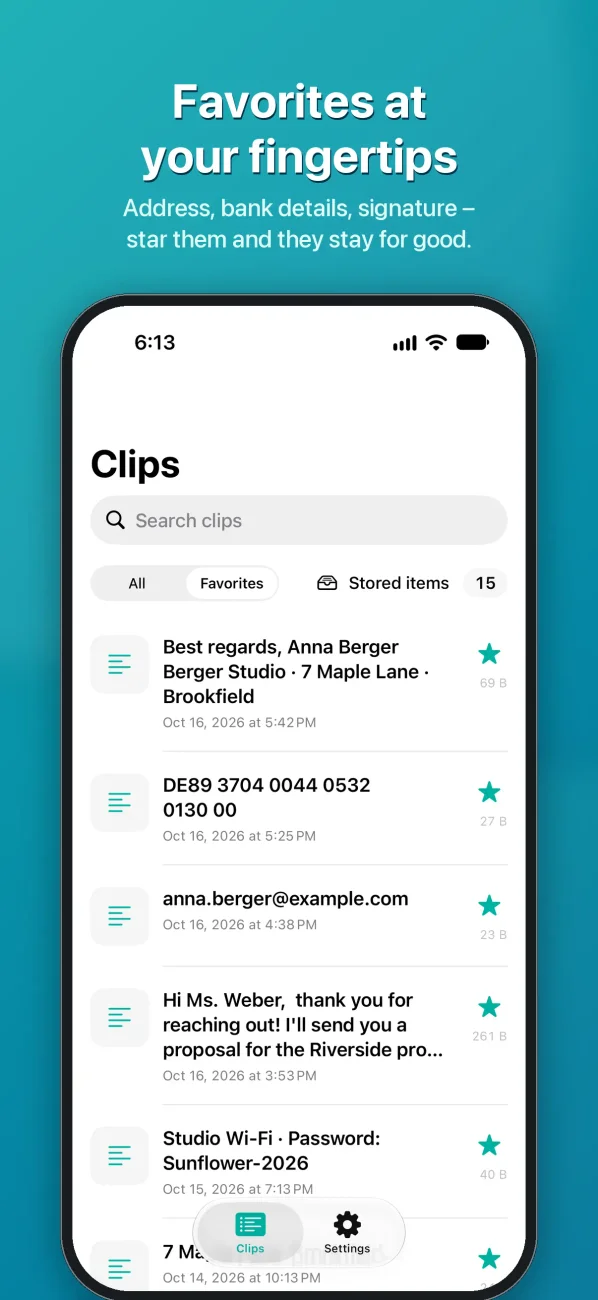
Mark frequently used clips as favorites and filter the list with a single tap on the star. Templates, addresses, standard replies – always ready instantly.
Full Version – One-Time Purchase
The free version stores up to 10 clips. With the Full Version, you expand storage to up to 5,000 entries and unlock iCloud sync – your favorites stay up to date across iPhone, iPad, and Mac automatically.
Privacy
ClipKeyboard stores all data exclusively on your device. Clip content never leaves your device – only favorites and settings are optionally synced via iCloud.
Có gì mới
Phiên bản 1.6 · 15/11/2026
• More reliable with the keyboard: clips collected with the ClipKeyboard keyboard are no longer lost while the app is open at the same time – for example in Split View.
• No more duplicate image clips: an image you copy from the app or the keyboard no longer shows up twice in your history.
• Faster with many images: images are now stored more efficiently, so the list loads and saves much faster.
• New in Settings: "General" now shows how much storage your clips use.
Quyền riêng tư của ứng dụng
Những gì Christian Krause khai báo trên App Store về cách ứng dụng này xử lý dữ liệu.
-
Dữ liệu không được thu thập
Nhà phát triển không thu thập bất kỳ dữ liệu nào từ ứng dụng này.
Phương thức đảm bảo quyền riêng tư có thể khác nhau, chẳng hạn như tuỳ theo các tính năng bạn sử dụng hoặc độ tuổi của bạn.
Thông tin
- Người bán
- Christian Krause
- Danh mục
- Hiệu Suất
- Phiên bản
- 1.6
- Cập nhật
- 15/11/2026
- Phát hành
- 22/06/2026
- Kích thước
- 1,6 MB
- Yêu cầu
- iOS 26.0 trở lên
- Độ tuổi
- 4+
- Giá
- Miễn phí
- Mua hàng trong ứng dụng
- Có
- Ngôn ngữ
- Tiếng Anh, Tiếng Đức
- Bản quyền
- © Christian Krause
Có thể bạn cũng thích
-
 JotLo: Quick Notes & SearchHiệu Suất
-
 MailMyself: Email YourselfHiệu Suất
-
 Simple Memo MatelialHiệu Suất
-
 Clipy - Clipboard SyncHiệu Suất
-
 Chaos ContactsHiệu Suất
-
 ReplySmart: The Reply WingmanHiệu Suất
-
 Bàn phím đoạn văn mẫu câuLưu một lần, dán mọi nơi
-
 Promptty - AI Prompt ManagerHiệu Suất
-
 LogDT • Log MonitoringHiệu Suất
-
 Habit Tracking TimerTheo dõi thói quen & thử thách