
Console for MATLAB programming
100% on-device computation
Diseñada para iPhone, iPad, iPod touch
Gratis
- Clasificación por edad4+
- CategoríaEducación
- DesarrolladorNumerical Co.
- IdiomasInglés+ 1 más
- Tamaño64,1 MB
Enlaza a la página oficial de App Store
Download.org no aloja ningún archivo de Console for MATLAB programming. El botón abre la página de la aplicación en App Store, donde la publica Numerical Co. Ficha comprobada por última vez el 15/11/2026.
Capturas de pantalla



Acerca de
El desarrollador no ha proporcionado este texto en tu idioma.
Console allows you to run MATLAB code on iOS devices. It comes with a MATLAB interpreter that supports functions frequently used by college students or learners. Individuals who do not need specialised functions should find this app a valuable tool.
Console is powered by the same MATLAB interpreter of our flagship app, SIMO. Before purchasing SIMO, you should download Console to see if this interpreter is adequate for your work. We continue to expand its capability by supporting more functions and language syntax in future updates.
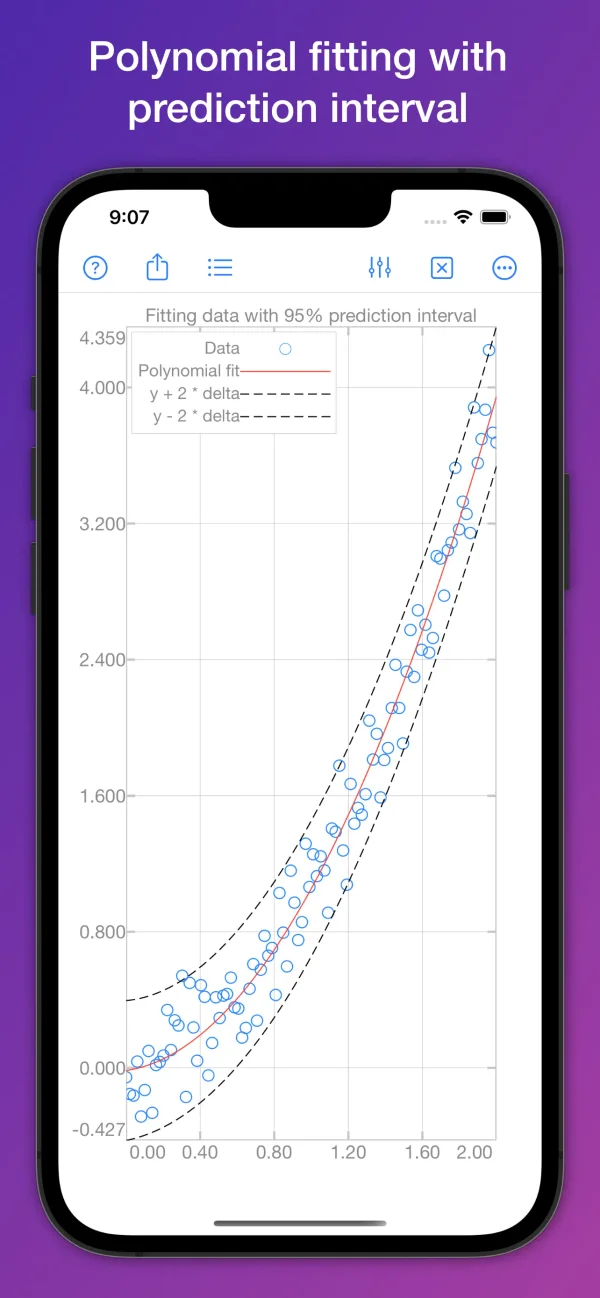
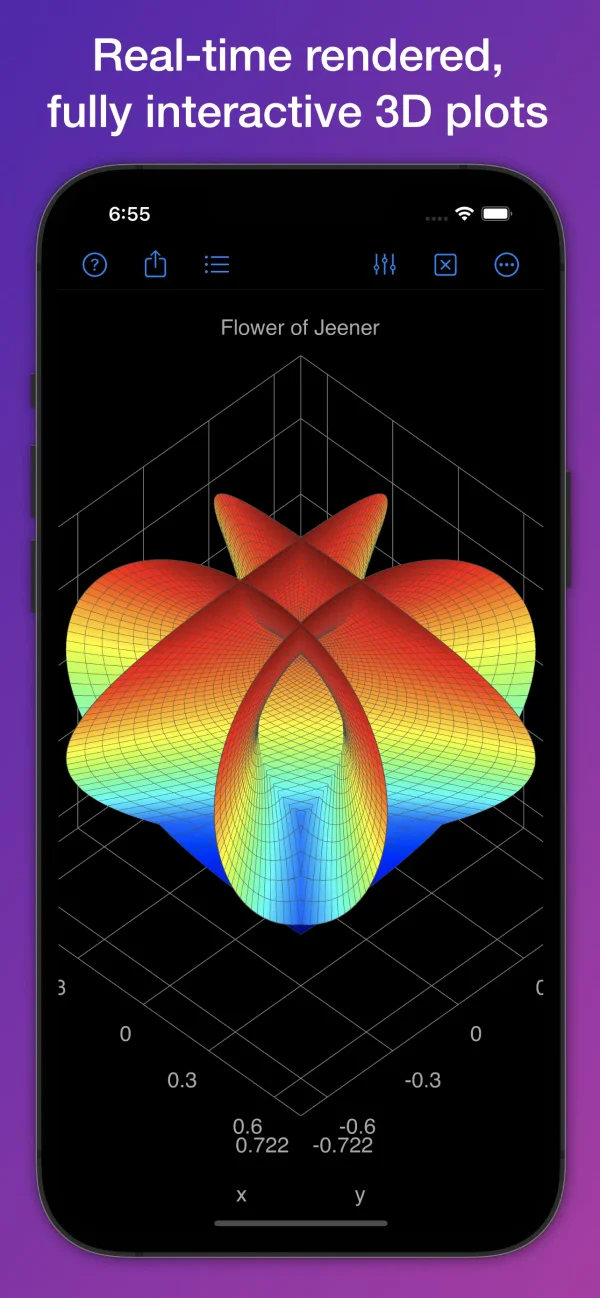
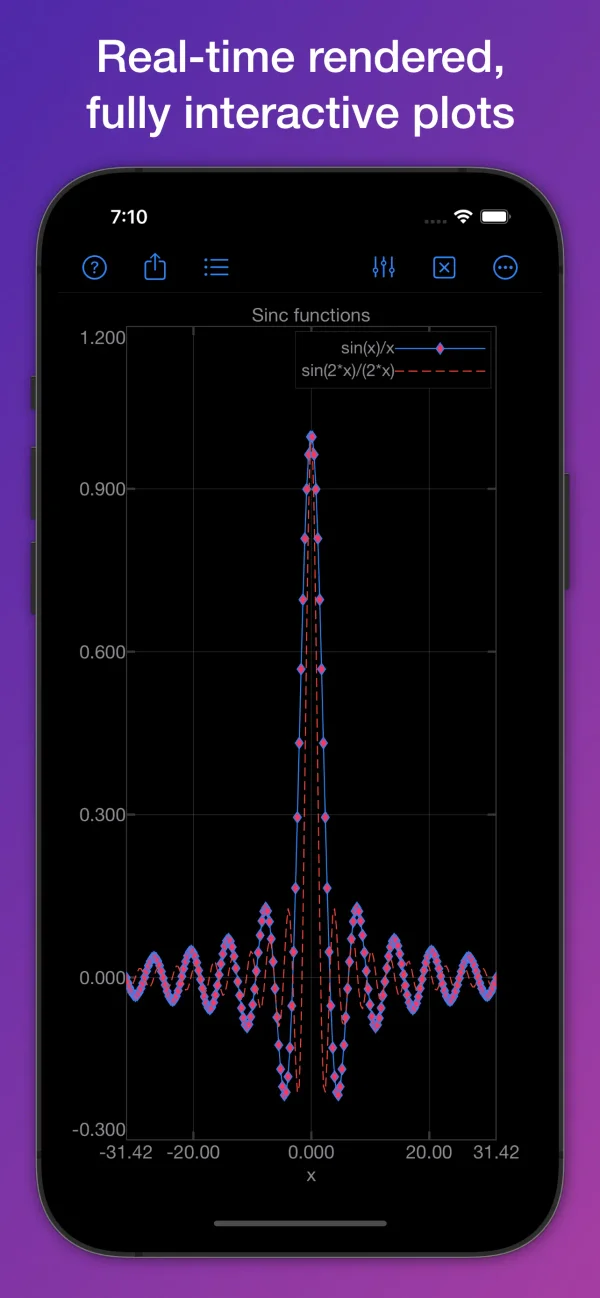
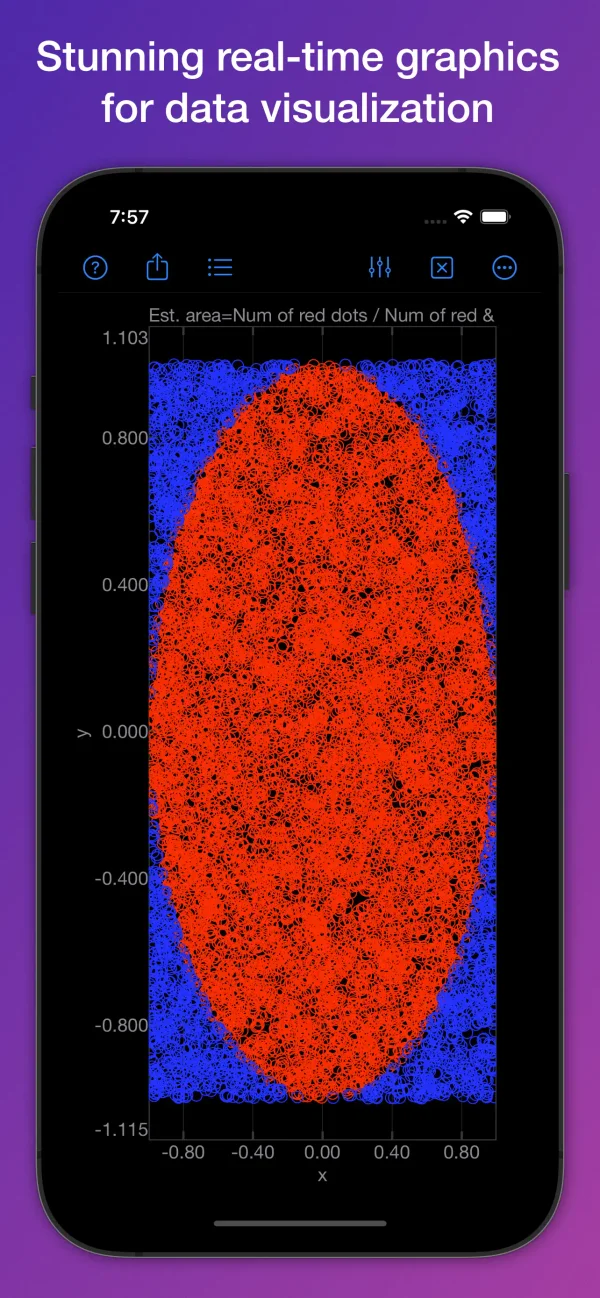
While other similar apps perform computation on the cloud, Console executes MATLAB code using the on-board silicon. Internet connection is not required — even the documents are offline accessible within the app. Being able to use the app without internet connectivity is a great benefit for users with non-cellular iPads. Another great benefit is that plots are interactive and responsive since they are rendered in real-time by the on-board GPU.
Console has 4 key components:
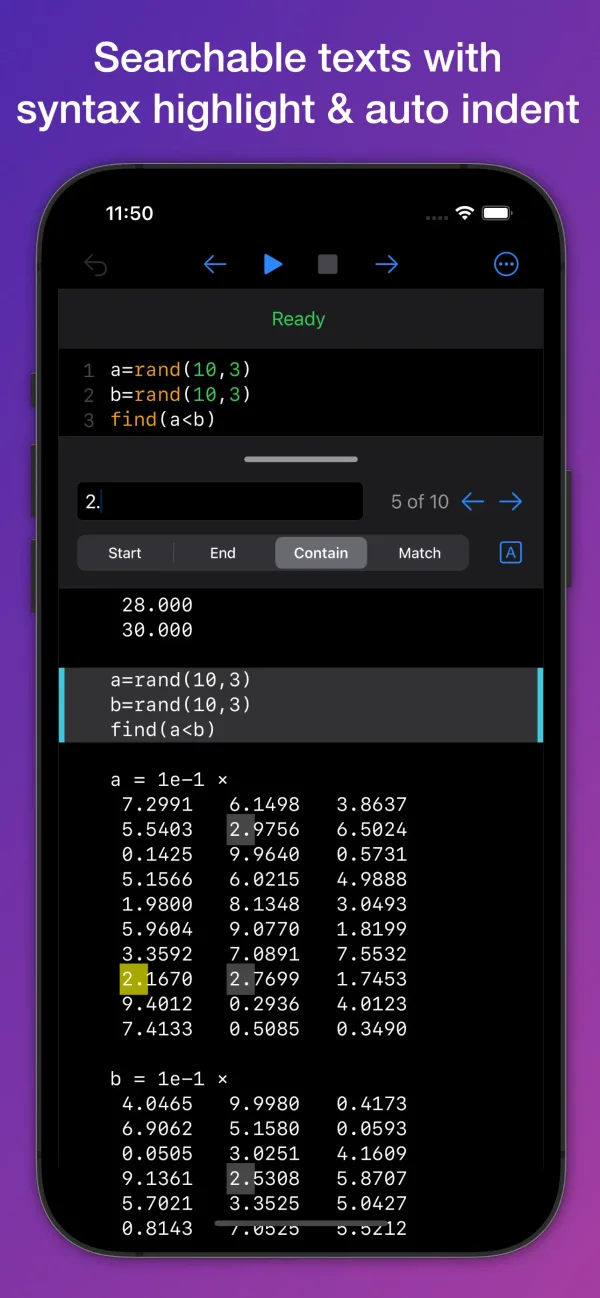
1. Console Input, where you input MATLAB statements. It supports
- Line numbering
- Syntax highlighting for MATLAB keywords and built-in functions.
- Auto-indent.
2. Console Output, where the results are displayed. It supports
- Full-text search
- Variable view height to fit the contents.
3. Figure, where 2D or 3D plots are displayed. It supports
- Multi-touch gestures for zoom, pan, and rotate (3D plots).
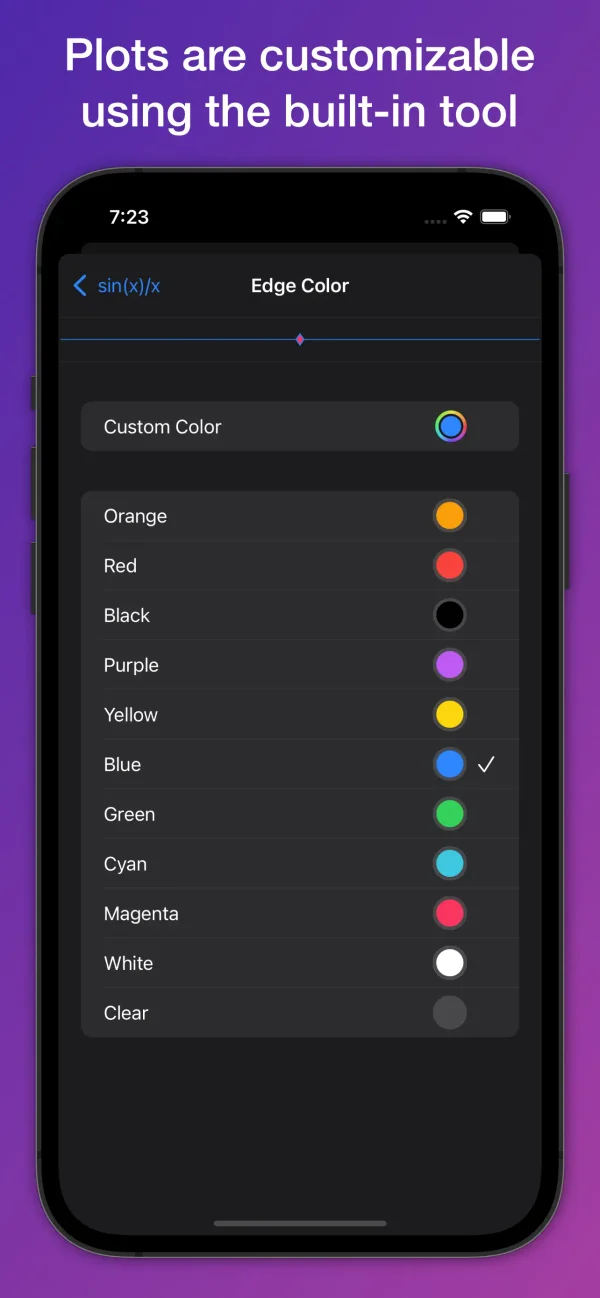
- Attributes (such as axis labels, ticks, limits, line colour) can be configured using the built-in tool. No coding is required.
- Sharing plots as images with third party apps.
- Saving plots.
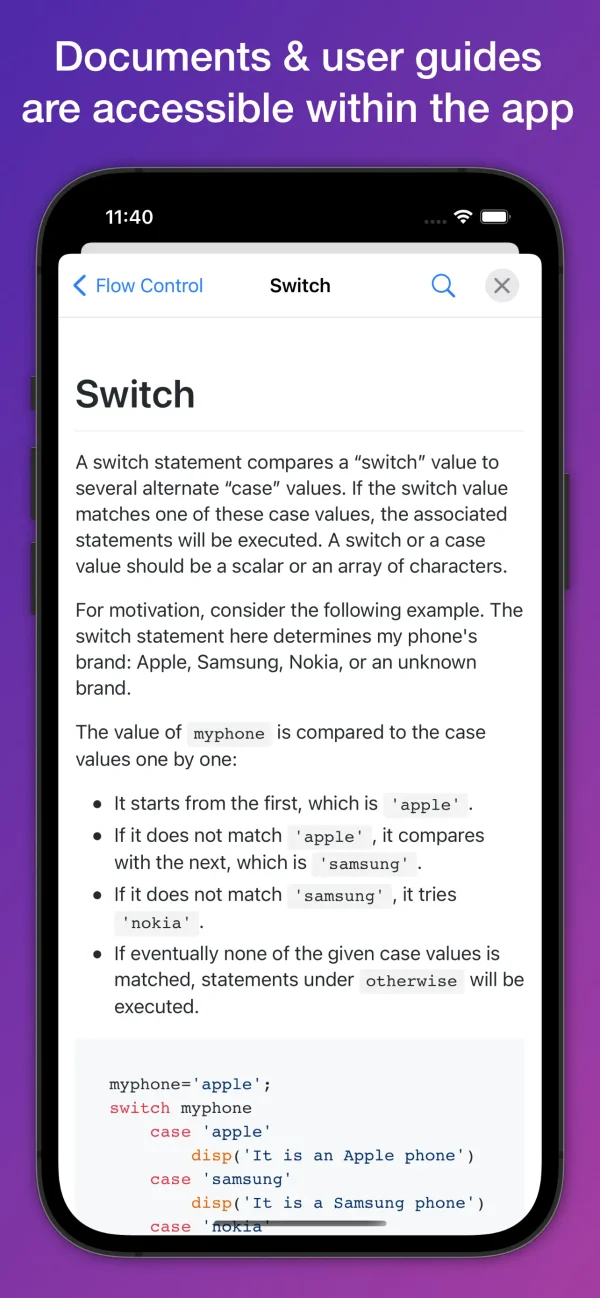
4. Documents, which contains the full set of SIMO documents accessible offline.
- MATLAB functions.
- Tutorials on MATLAB language basics.
- Searchable by document title and contents.
Novedades
Versión 1.1.7 · 13/2/2024
- New functions: cot, cotd, coth, acot, acotd, acoth.
- Various improvement and fixes.
Privacidad de la aplicación
Lo que Numerical Co. declara en App Store sobre cómo esta aplicación gestiona los datos.
-
Datos no vinculados a ti
Pueden recopilarse, pero no se vinculan a tu identidad.
- Datos de uso
Las prácticas de privacidad pueden variar, por ejemplo, según las funciones que uses o tu edad.
Información
- Vendedor
- Numerical Co.
- Categoría
- Educación
- Versión
- 1.1.7
- Actualizado
- 13/2/2024
- Publicado
- 11/2/2022
- Tamaño
- 64,1 MB
- Requiere
- iOS 14.0 o posterior
- Clasificación por edad
- 4+
- Precio
- Gratis
- Idiomas
- Inglés, Chino tradicional
- Copyright
- © 2022 Numerical Co.
Quizá también te guste
-
 Madona: Run MATLAB/Octave codeEducación
-
 PocketCAS: Calculadora gráficaGráficas 2D y 3D, derivadas
-
 GraphMathEducación
-
 Least Squares Curve FitEducación
-
 Vectors and PlanesEducación
-
 DeTeXtEducación
-
 Stochastic Signal ProcessingEducación
-
 Matrix Solver Step by StepEducación
-
 Drawing with MathEducación
-
 Learn Matlab ProgrammingEducación