
Console for MATLAB programming
100% on-device computation
Được thiết kế cho iPhone, iPad, iPod touch
Miễn phí
- Độ tuổi4+
- Danh mụcGiáo Dục
- Nhà phát triểnNumerical Co.
- Ngôn ngữTiếng Anh+ 1 ngôn ngữ khác
- Kích thước64,1 MB
Liên kết đến trang App Store chính thức
Download.org không lưu trữ tệp nào của Console for MATLAB programming. Nút này mở trang ứng dụng trên App Store, nơi Numerical Co. phát hành ứng dụng. Trang được kiểm tra lần cuối: 15/11/2026.
Ảnh chụp màn hình



Giới thiệu
Nhà phát triển chưa cung cấp nội dung này bằng ngôn ngữ của bạn.
Console allows you to run MATLAB code on iOS devices. It comes with a MATLAB interpreter that supports functions frequently used by college students or learners. Individuals who do not need specialised functions should find this app a valuable tool.
Console is powered by the same MATLAB interpreter of our flagship app, SIMO. Before purchasing SIMO, you should download Console to see if this interpreter is adequate for your work. We continue to expand its capability by supporting more functions and language syntax in future updates.
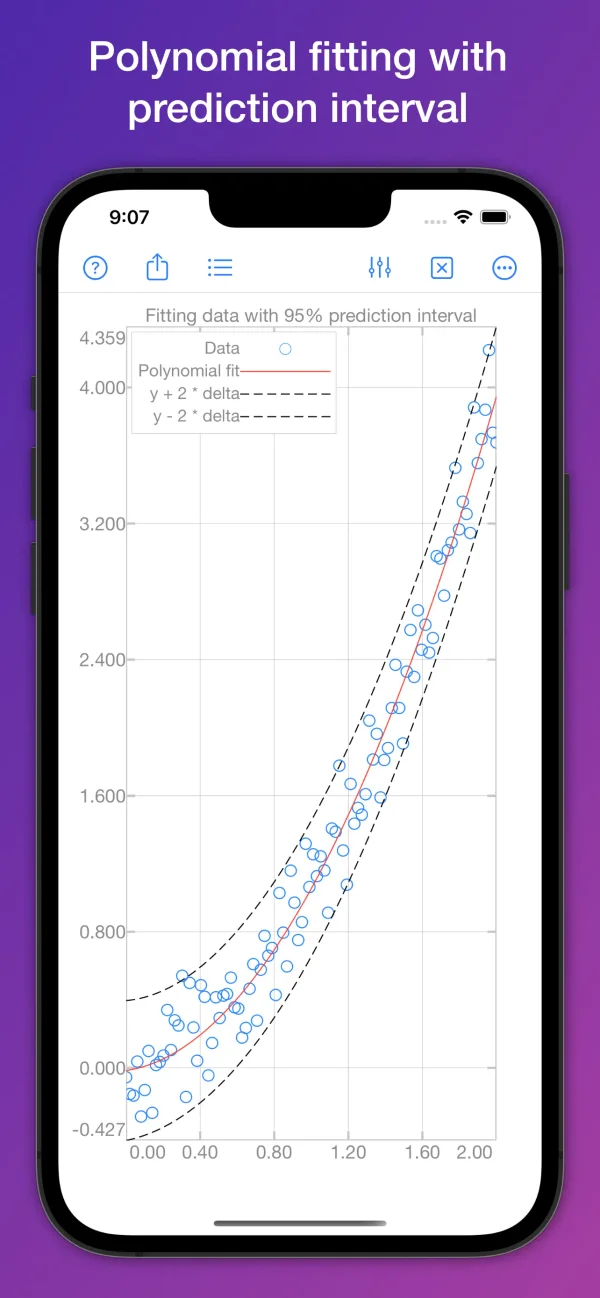
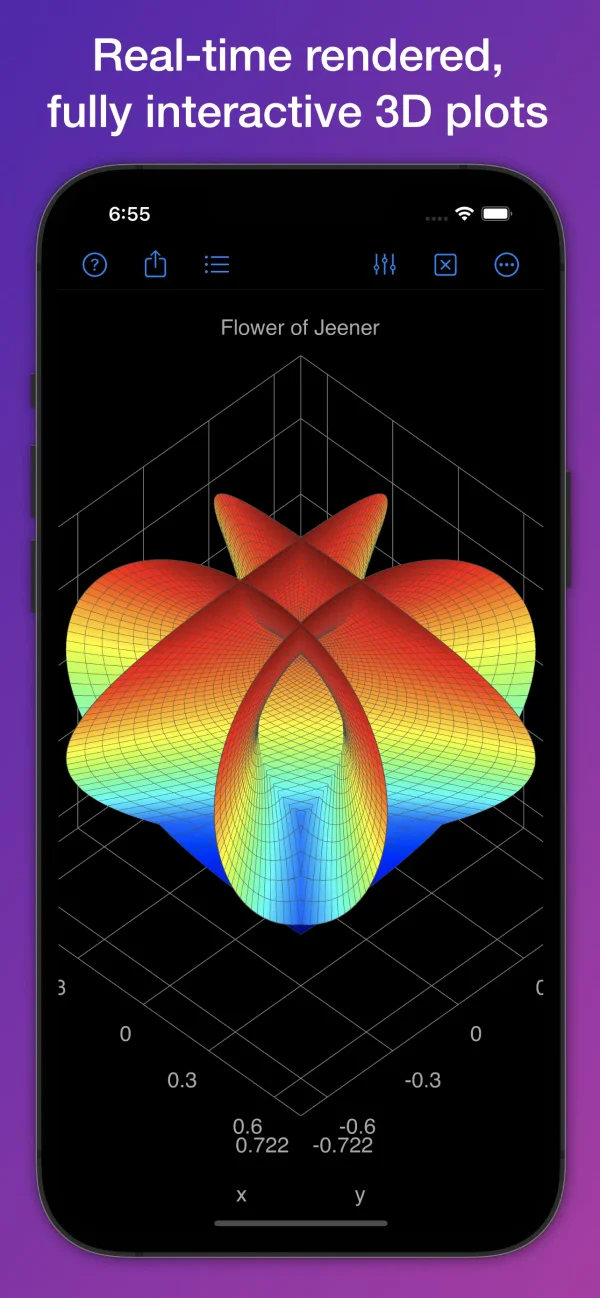
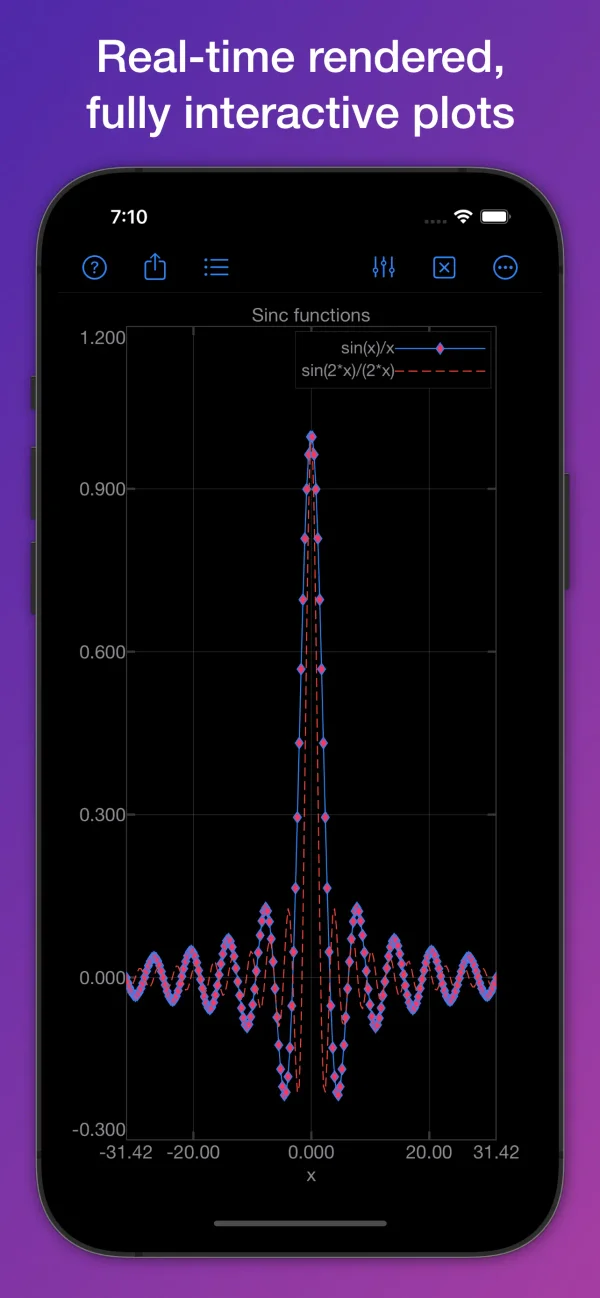
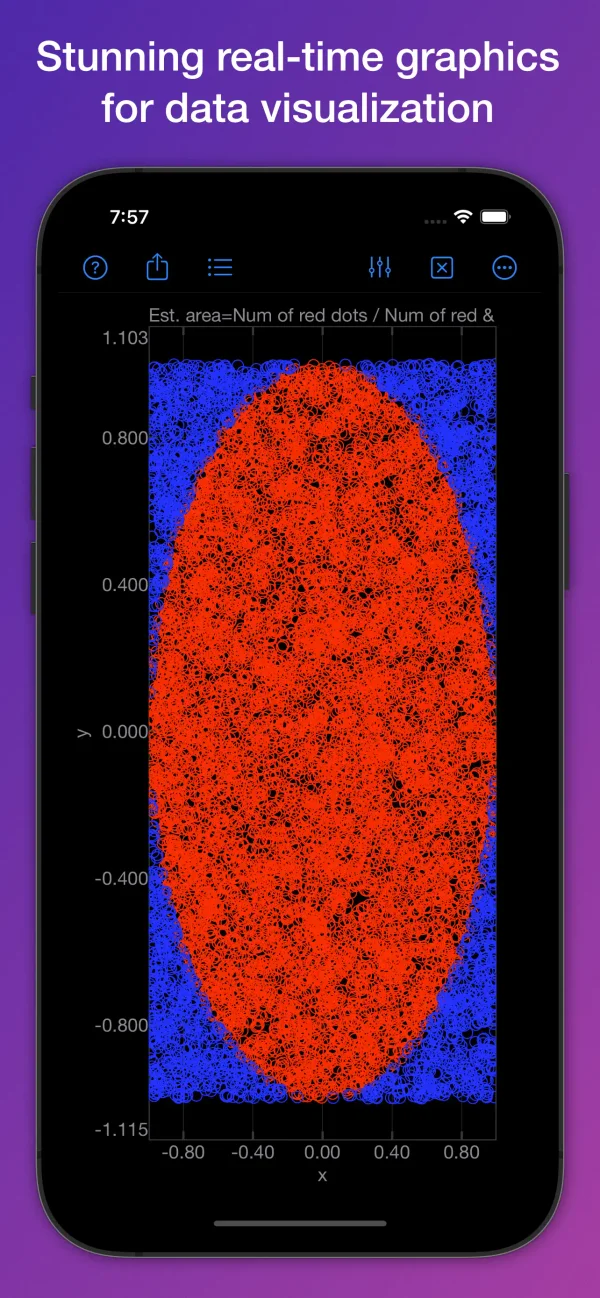
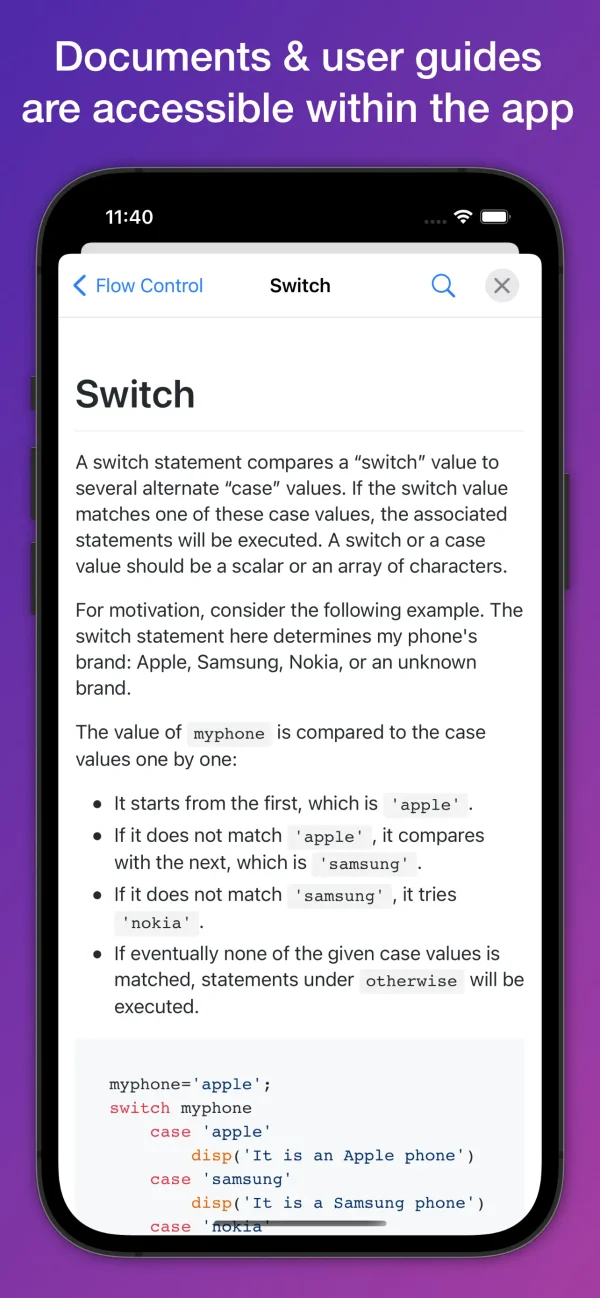
While other similar apps perform computation on the cloud, Console executes MATLAB code using the on-board silicon. Internet connection is not required — even the documents are offline accessible within the app. Being able to use the app without internet connectivity is a great benefit for users with non-cellular iPads. Another great benefit is that plots are interactive and responsive since they are rendered in real-time by the on-board GPU.
Console has 4 key components:
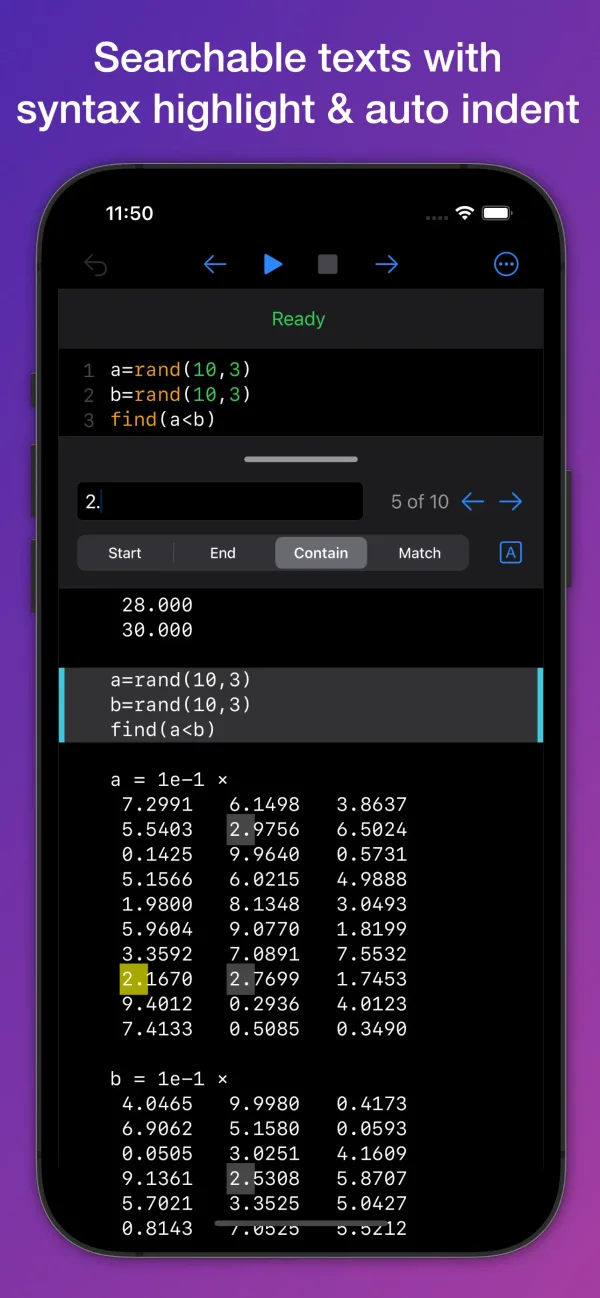
1. Console Input, where you input MATLAB statements. It supports
- Line numbering
- Syntax highlighting for MATLAB keywords and built-in functions.
- Auto-indent.
2. Console Output, where the results are displayed. It supports
- Full-text search
- Variable view height to fit the contents.
3. Figure, where 2D or 3D plots are displayed. It supports
- Multi-touch gestures for zoom, pan, and rotate (3D plots).
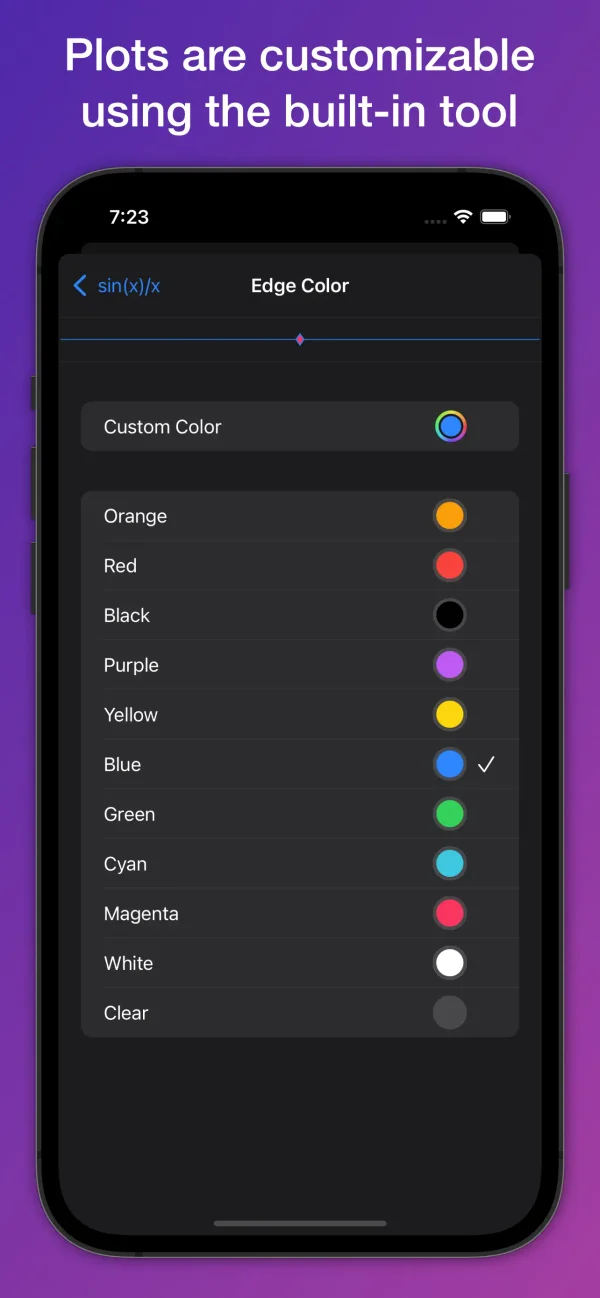
- Attributes (such as axis labels, ticks, limits, line colour) can be configured using the built-in tool. No coding is required.
- Sharing plots as images with third party apps.
- Saving plots.
4. Documents, which contains the full set of SIMO documents accessible offline.
- MATLAB functions.
- Tutorials on MATLAB language basics.
- Searchable by document title and contents.
Có gì mới
Phiên bản 1.1.7 · 13/02/2024
- New functions: cot, cotd, coth, acot, acotd, acoth.
- Various improvement and fixes.
Quyền riêng tư của ứng dụng
Những gì Numerical Co. khai báo trên App Store về cách ứng dụng này xử lý dữ liệu.
-
Dữ liệu không liên kết với bạn
Có thể được thu thập nhưng không liên kết với danh tính của bạn.
- Dữ liệu sử dụng
Phương thức đảm bảo quyền riêng tư có thể khác nhau, chẳng hạn như tuỳ theo các tính năng bạn sử dụng hoặc độ tuổi của bạn.
Thông tin
- Người bán
- Numerical Co.
- Danh mục
- Giáo Dục
- Phiên bản
- 1.1.7
- Cập nhật
- 13/02/2024
- Phát hành
- 11/02/2022
- Kích thước
- 64,1 MB
- Yêu cầu
- iOS 14.0 trở lên
- Độ tuổi
- 4+
- Giá
- Miễn phí
- Ngôn ngữ
- Tiếng Anh, Tiếng Trung Phồn thể
- Bản quyền
- © 2022 Numerical Co.
Có thể bạn cũng thích
-
 Madona: Run MATLAB/Octave codeGiáo Dục
-
 PocketCAS: Graphing CalculatorGiáo Dục
-
 GraphMathGiáo Dục
-
 Least Squares Curve FitGiáo Dục
-
 Vectors and PlanesGiáo Dục
-
 DeTeXtGiáo Dục
-
 Stochastic Signal ProcessingGiáo Dục
-
 Matrix Solver Step by StepGiáo Dục
-
 Drawing with MathGiáo Dục
-
 Learn Matlab ProgrammingGiáo Dục