Console for MATLAB programming
100% on-device computation
iPhone, iPad, iPod touch için tasarlandı
Ücretsiz
- Yaş sınırı4+
- KategoriEğitim
- GeliştiriciNumerical Co.
- Dillerİngilizce+ 1 dil daha
- Boyut64,1 MB
Resmi App Store sayfasına bağlanır
Download.org, Console for MATLAB programming için hiçbir dosya barındırmaz. Düğme, uygulamanın App Store üzerindeki sayfasını açar; uygulamayı orada Numerical Co. yayınlar. Sayfanın son kontrolü: 15.11.2026.
Ekran görüntüleri



Hakkında
Geliştirici bu metni dilinizde sunmamış.
Console allows you to run MATLAB code on iOS devices. It comes with a MATLAB interpreter that supports functions frequently used by college students or learners. Individuals who do not need specialised functions should find this app a valuable tool.
Console is powered by the same MATLAB interpreter of our flagship app, SIMO. Before purchasing SIMO, you should download Console to see if this interpreter is adequate for your work. We continue to expand its capability by supporting more functions and language syntax in future updates.
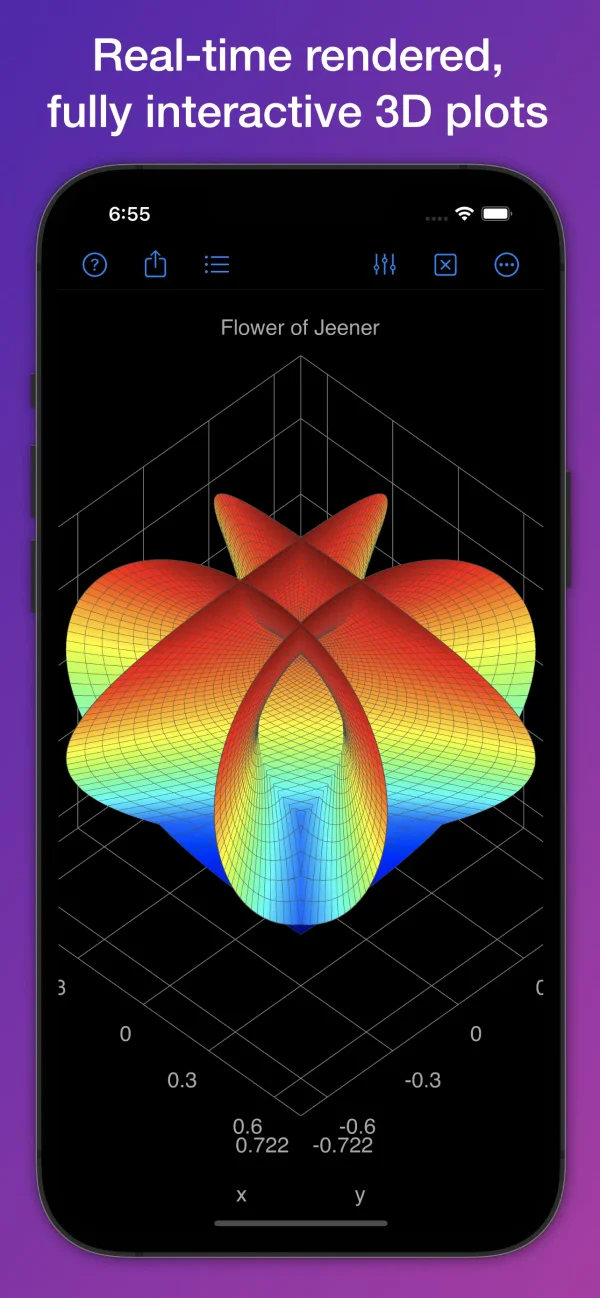
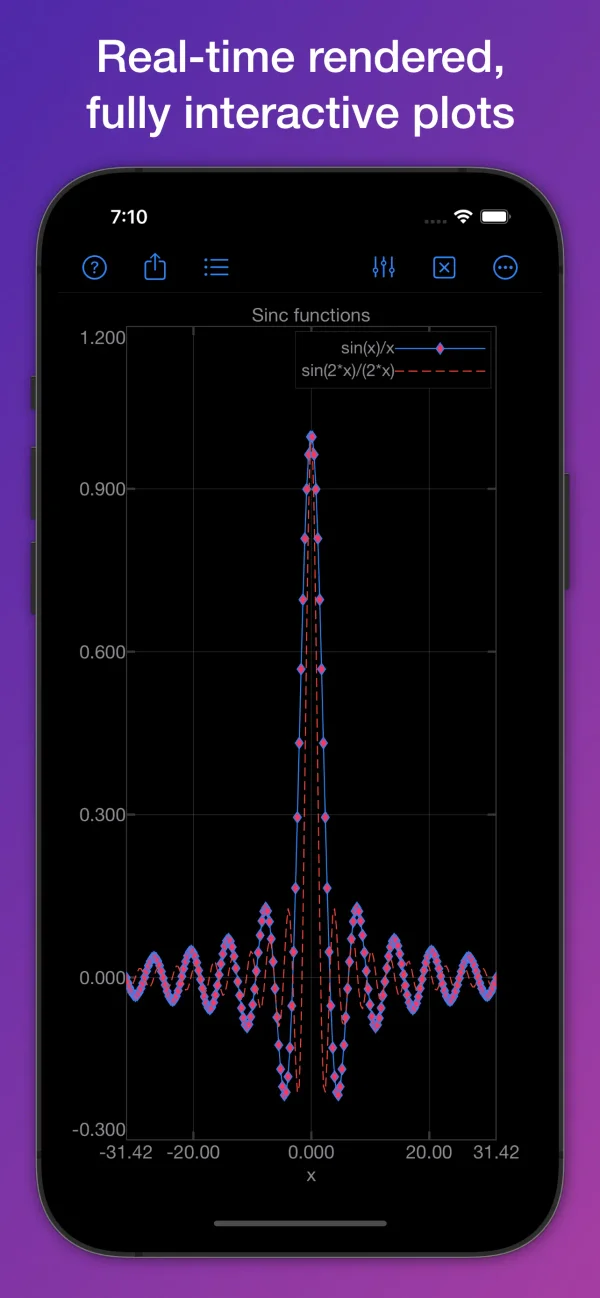
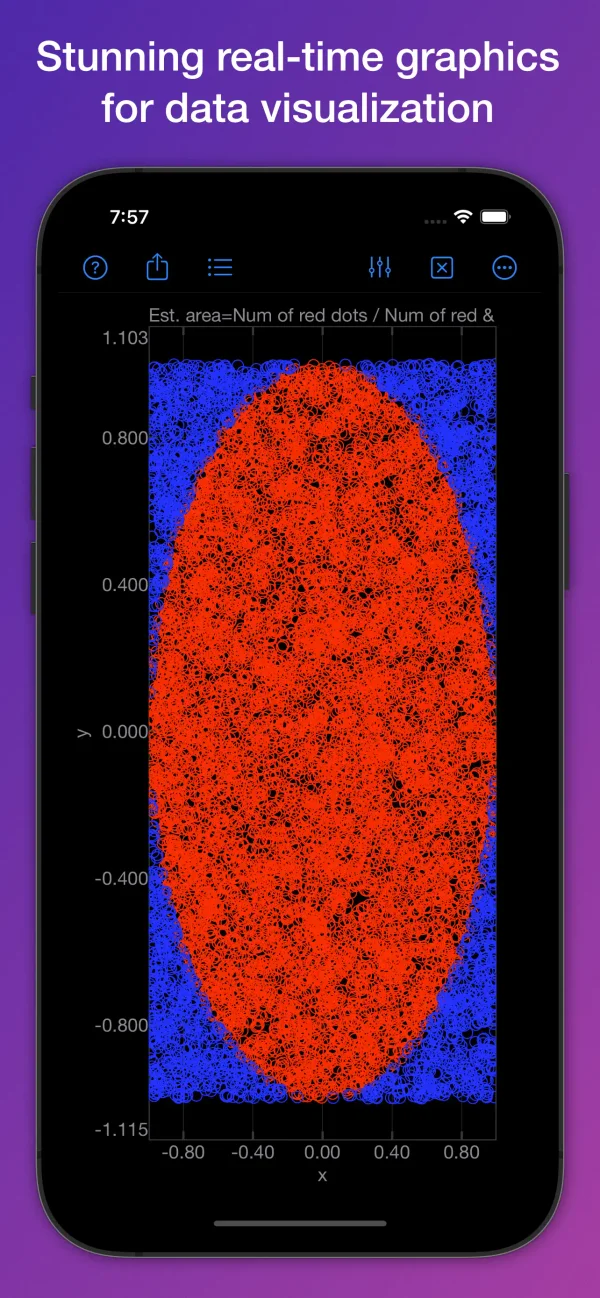
While other similar apps perform computation on the cloud, Console executes MATLAB code using the on-board silicon. Internet connection is not required — even the documents are offline accessible within the app. Being able to use the app without internet connectivity is a great benefit for users with non-cellular iPads. Another great benefit is that plots are interactive and responsive since they are rendered in real-time by the on-board GPU.
Console has 4 key components:
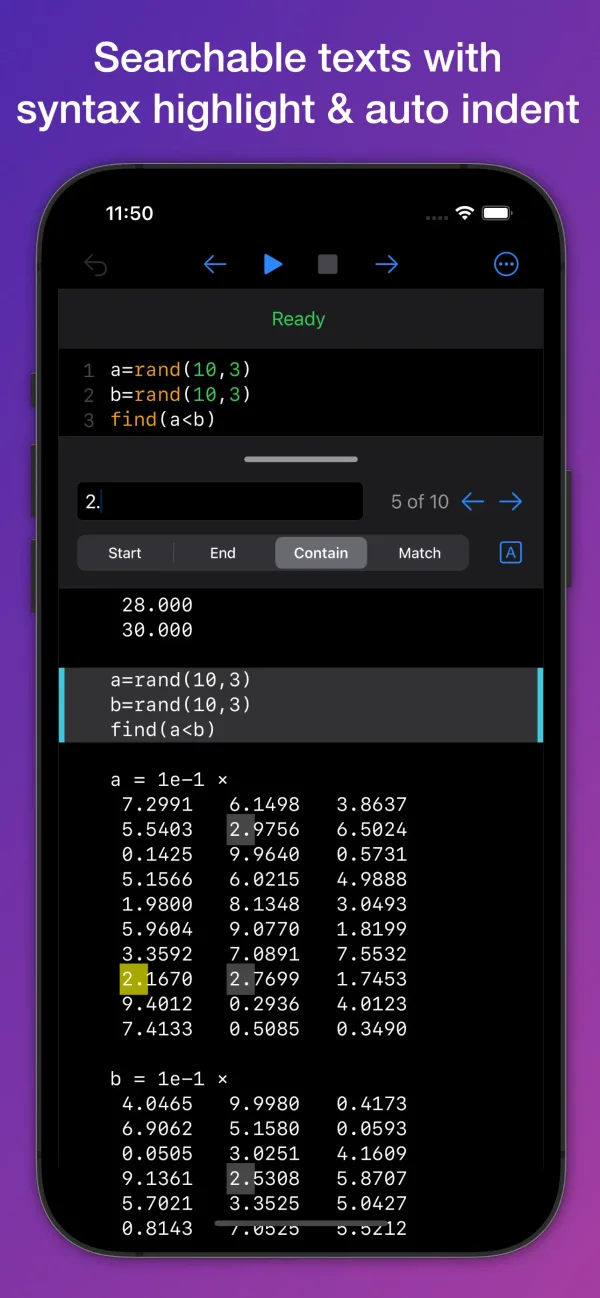
1. Console Input, where you input MATLAB statements. It supports
- Line numbering
- Syntax highlighting for MATLAB keywords and built-in functions.
- Auto-indent.
2. Console Output, where the results are displayed. It supports
- Full-text search
- Variable view height to fit the contents.
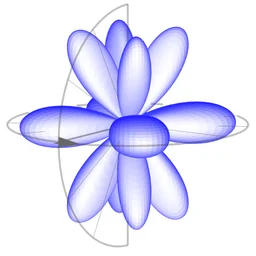
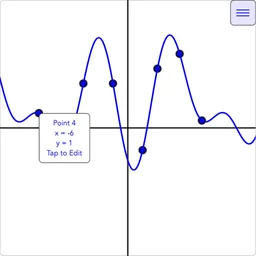
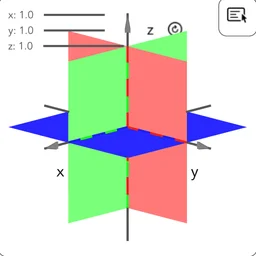
3. Figure, where 2D or 3D plots are displayed. It supports
- Multi-touch gestures for zoom, pan, and rotate (3D plots).
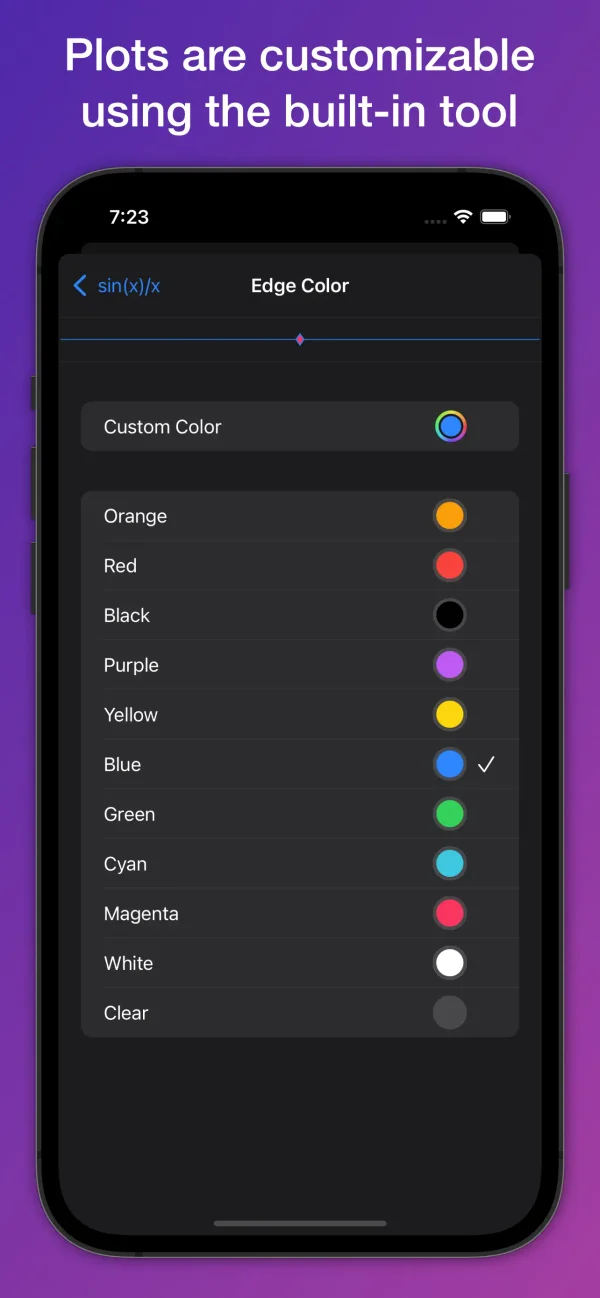
- Attributes (such as axis labels, ticks, limits, line colour) can be configured using the built-in tool. No coding is required.
- Sharing plots as images with third party apps.
- Saving plots.
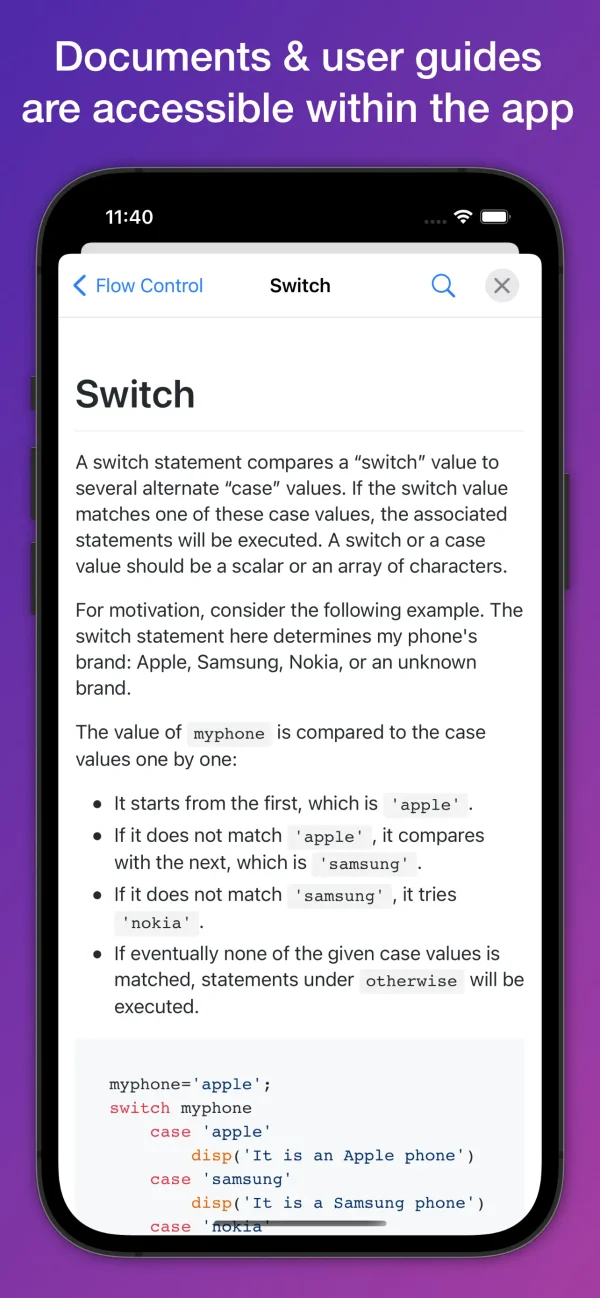
4. Documents, which contains the full set of SIMO documents accessible offline.
- MATLAB functions.
- Tutorials on MATLAB language basics.
- Searchable by document title and contents.
Yenilikler
Sürüm 1.1.7 · 13.02.2024
- New functions: cot, cotd, coth, acot, acotd, acoth.
- Various improvement and fixes.
Uygulama gizliliği
Bu uygulamanın verileri nasıl işlediği hakkında Numerical Co. tarafından App Store üzerinde yapılan beyan.
-
Sizinle ilişkilendirilmeyen veriler
Toplanabilir ancak kimliğinizle ilişkilendirilmez.
- Kullanım verileri
Gizlilik uygulamaları, örneğin kullandığınız özelliklere veya yaşınıza göre değişiklik gösterebilir.
Bilgiler
- Satıcı
- Numerical Co.
- Kategori
- Eğitim
- Sürüm
- 1.1.7
- Güncellendi
- 13.02.2024
- Yayın tarihi
- 11.02.2022
- Boyut
- 64,1 MB
- Gereksinim
- iOS 14.0 veya sonrası
- Yaş sınırı
- 4+
- Fiyat
- Ücretsiz
- Diller
- İngilizce, Geleneksel Çince
- Telif hakkı
- © 2022 Numerical Co.