Console for MATLAB programming
100% on-device computation
iPhone, iPad, iPod touch向けに設計
無料
- 対象年齢4+
- カテゴリ教育
- 開発元Numerical Co.
- 言語英語ほか1言語
- サイズ64.1 MB
App Storeの公式ページにリンクしています
Download.orgはConsole for MATLAB programmingのファイルを一切ホストしていません。ボタンを押すと、Numerical Co.が公開しているApp Storeのアプリページが開きます。ページの最終確認:2026/11/15。
スクリーンショット



概要
開発元はこのテキストをお使いの言語で提供していません。
Console allows you to run MATLAB code on iOS devices. It comes with a MATLAB interpreter that supports functions frequently used by college students or learners. Individuals who do not need specialised functions should find this app a valuable tool.
Console is powered by the same MATLAB interpreter of our flagship app, SIMO. Before purchasing SIMO, you should download Console to see if this interpreter is adequate for your work. We continue to expand its capability by supporting more functions and language syntax in future updates.
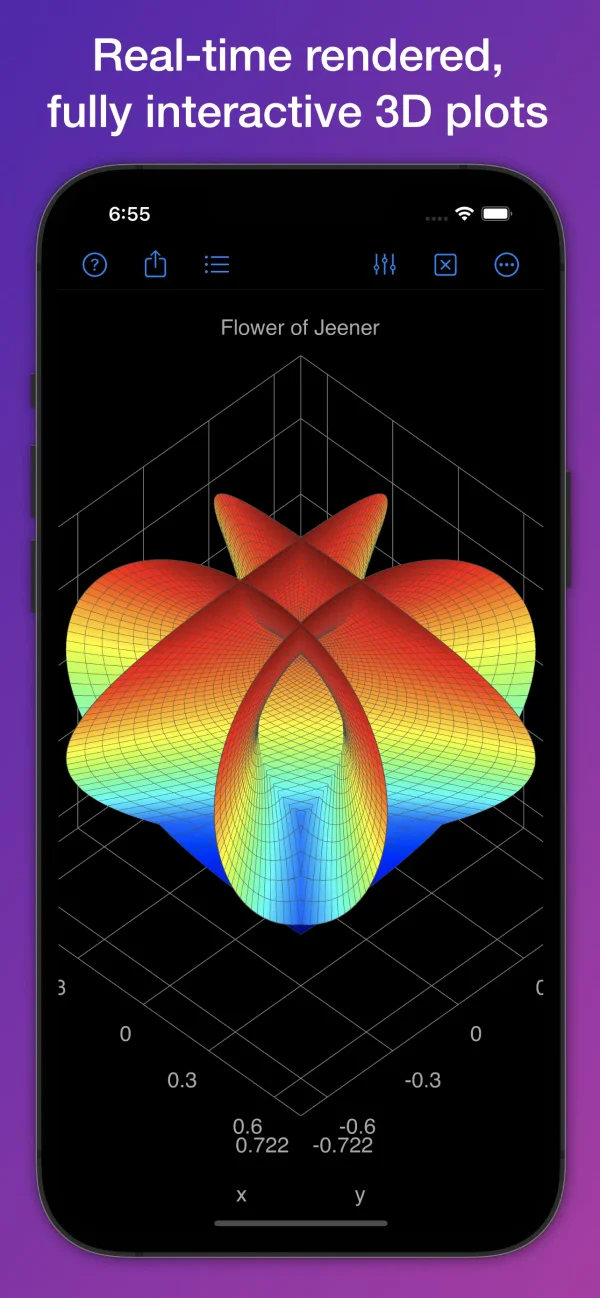
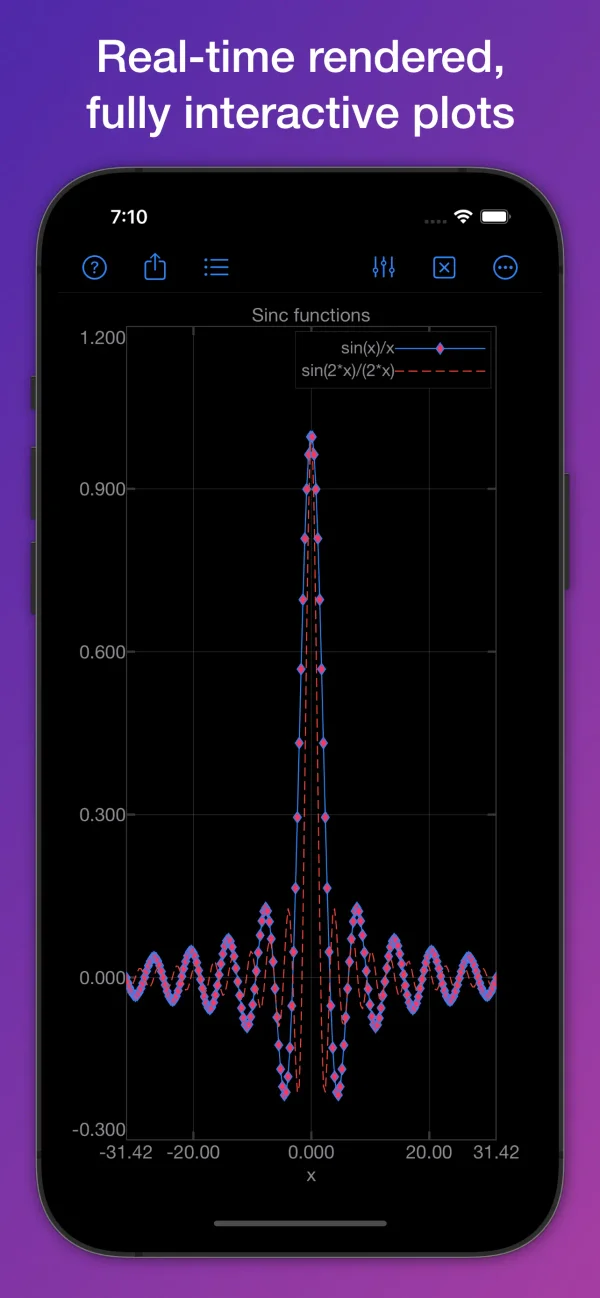
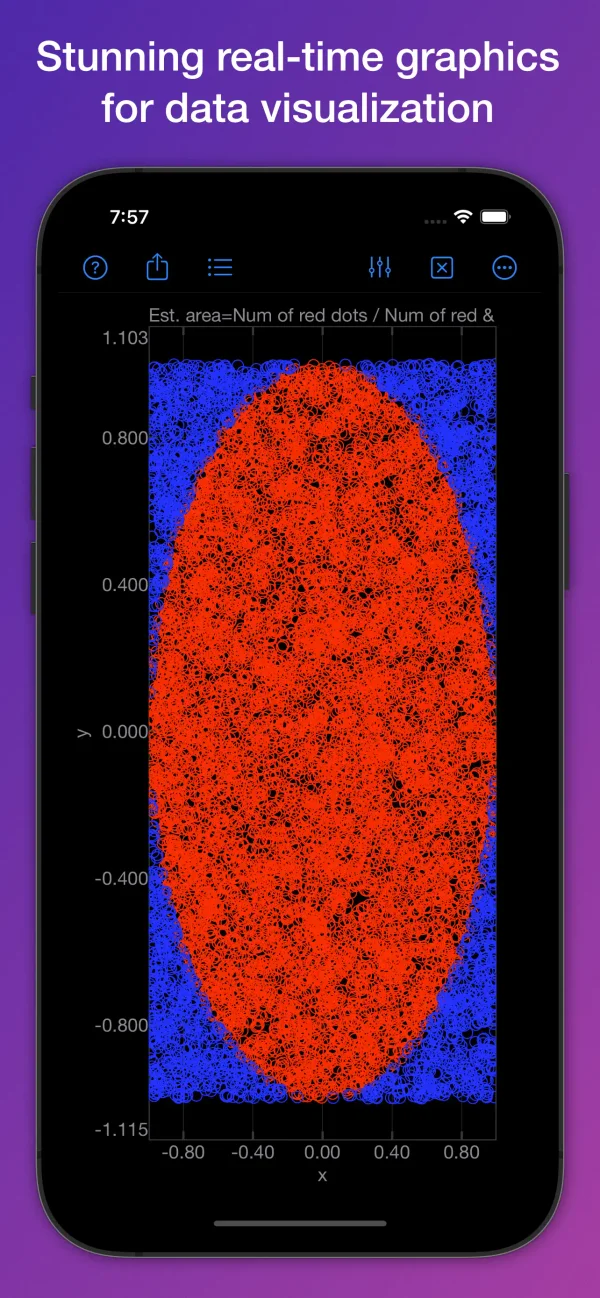
While other similar apps perform computation on the cloud, Console executes MATLAB code using the on-board silicon. Internet connection is not required — even the documents are offline accessible within the app. Being able to use the app without internet connectivity is a great benefit for users with non-cellular iPads. Another great benefit is that plots are interactive and responsive since they are rendered in real-time by the on-board GPU.
Console has 4 key components:
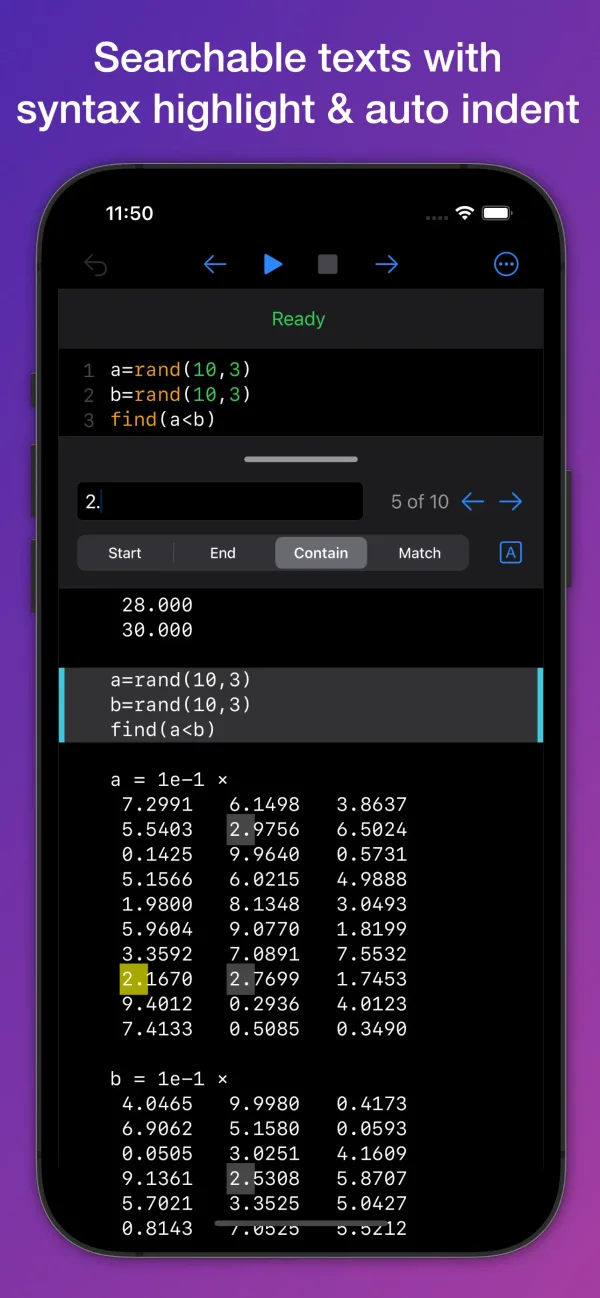
1. Console Input, where you input MATLAB statements. It supports
- Line numbering
- Syntax highlighting for MATLAB keywords and built-in functions.
- Auto-indent.
2. Console Output, where the results are displayed. It supports
- Full-text search
- Variable view height to fit the contents.
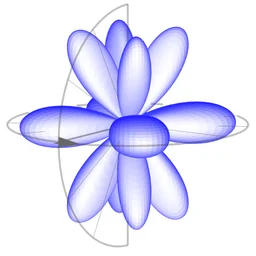
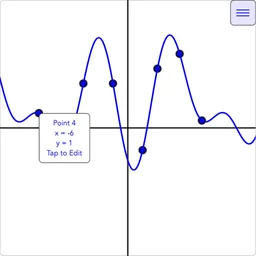
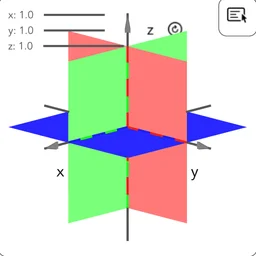
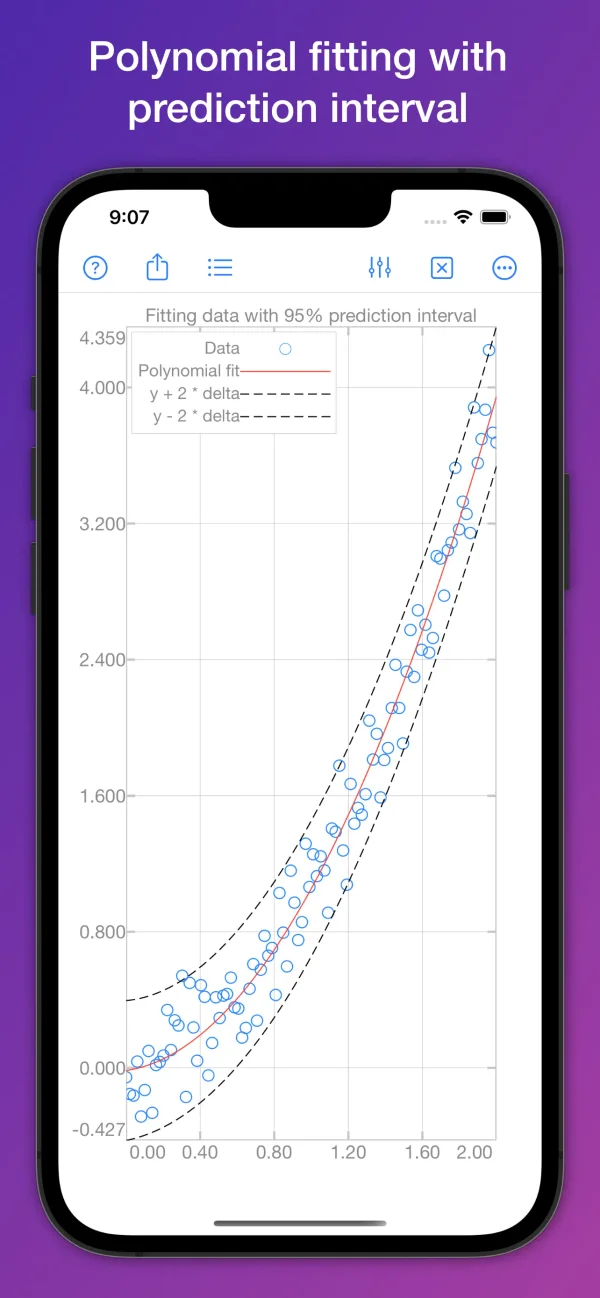
3. Figure, where 2D or 3D plots are displayed. It supports
- Multi-touch gestures for zoom, pan, and rotate (3D plots).
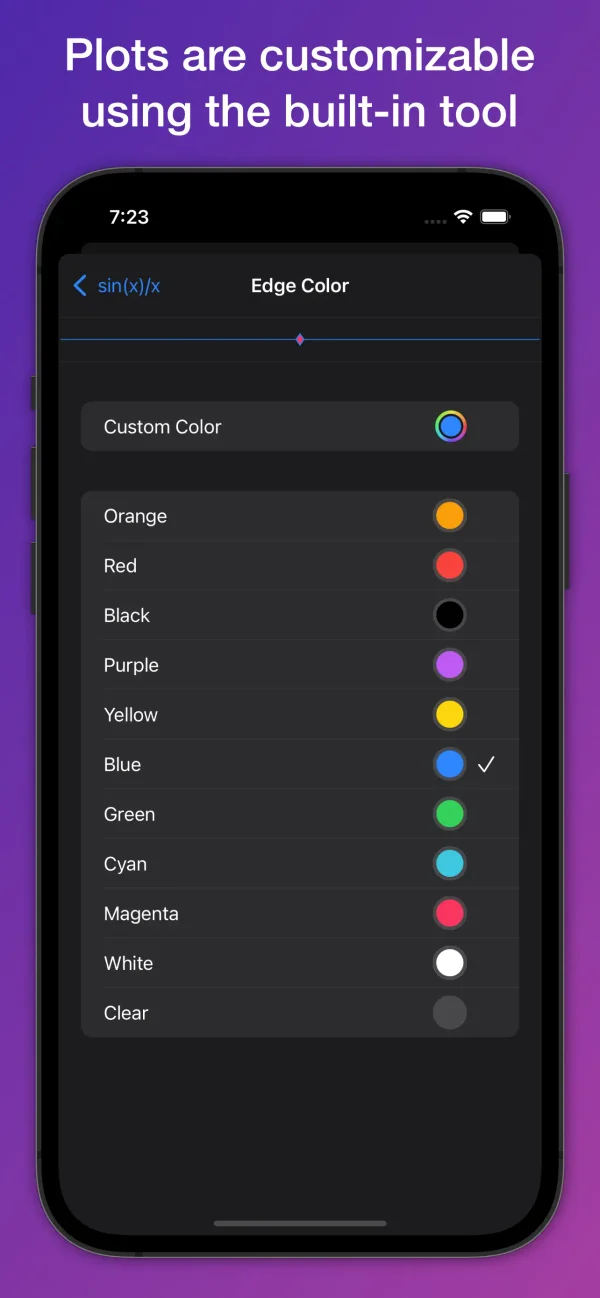
- Attributes (such as axis labels, ticks, limits, line colour) can be configured using the built-in tool. No coding is required.
- Sharing plots as images with third party apps.
- Saving plots.
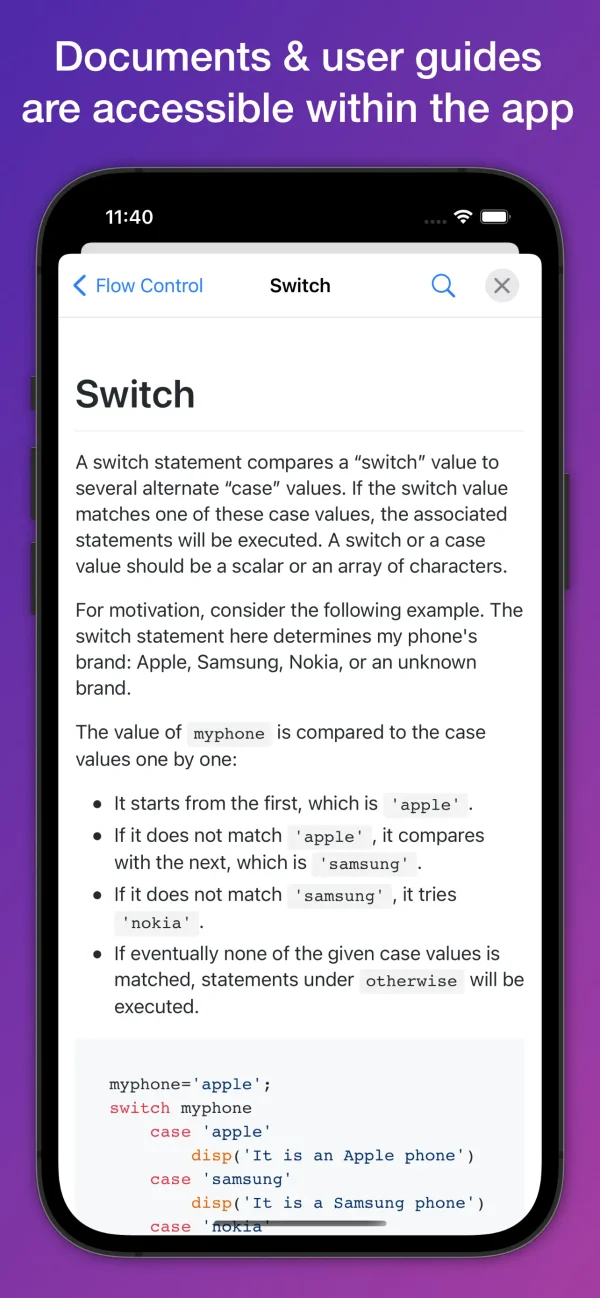
4. Documents, which contains the full set of SIMO documents accessible offline.
- MATLAB functions.
- Tutorials on MATLAB language basics.
- Searchable by document title and contents.
新機能
バージョン 1.1.7 · 2024/2/13
- New functions: cot, cotd, coth, acot, acotd, acoth.
- Various improvement and fixes.
アプリのプライバシー
このアプリのデータの取り扱いについて、Numerical Co.がApp Storeで申告している内容です。
-
ユーザーに関連付けられないデータ
収集される場合がありますが、ユーザーの識別情報には関連付けられません。
- 使用状況データ
プライバシーの取り扱いは、ご利用の機能やお客様の年齢などに応じて異なる場合があります。
情報
- 販売元
- Numerical Co.
- カテゴリ
- 教育
- バージョン
- 1.1.7
- 更新日
- 2024/2/13
- リリース
- 2022/2/11
- サイズ
- 64.1 MB
- 必要条件
- iOS 14.0以降
- 対象年齢
- 4+
- 価格
- 無料
- 言語
- 英語, 繁体字中国語
- 著作権
- © 2022 Numerical Co.