
Console for MATLAB programming
100% on-device computation
Dirancang untuk iPhone, iPad, iPod touch
Gratis
- Batasan usia4+
- KategoriPendidikan
- PengembangNumerical Co.
- BahasaInggris+ 1 lainnya
- Ukuran64,1 MB
Tertaut ke halaman resmi App Store
Download.org tidak menyimpan file Console for MATLAB programming apa pun. Tombol ini membuka halaman aplikasi di App Store, tempat Numerical Co. menerbitkannya. Halaman terakhir diperiksa pada 15/11/2026.
Tangkapan layar



Tentang
Pengembang belum menyediakan teks ini dalam bahasa Anda.
Console allows you to run MATLAB code on iOS devices. It comes with a MATLAB interpreter that supports functions frequently used by college students or learners. Individuals who do not need specialised functions should find this app a valuable tool.
Console is powered by the same MATLAB interpreter of our flagship app, SIMO. Before purchasing SIMO, you should download Console to see if this interpreter is adequate for your work. We continue to expand its capability by supporting more functions and language syntax in future updates.
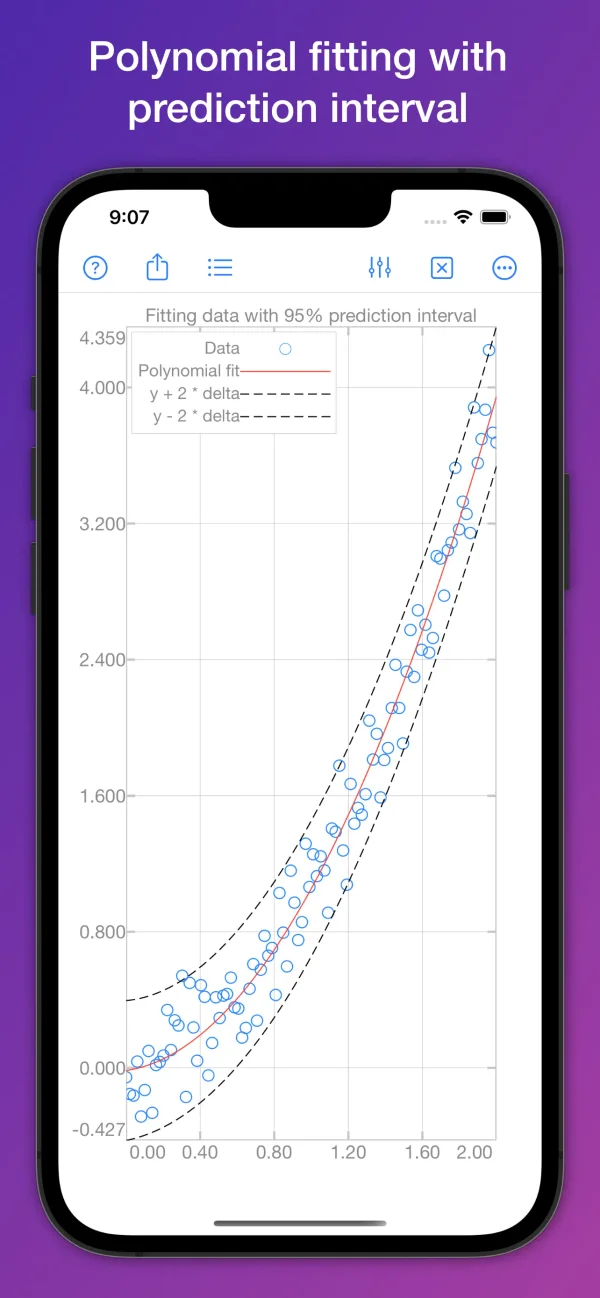
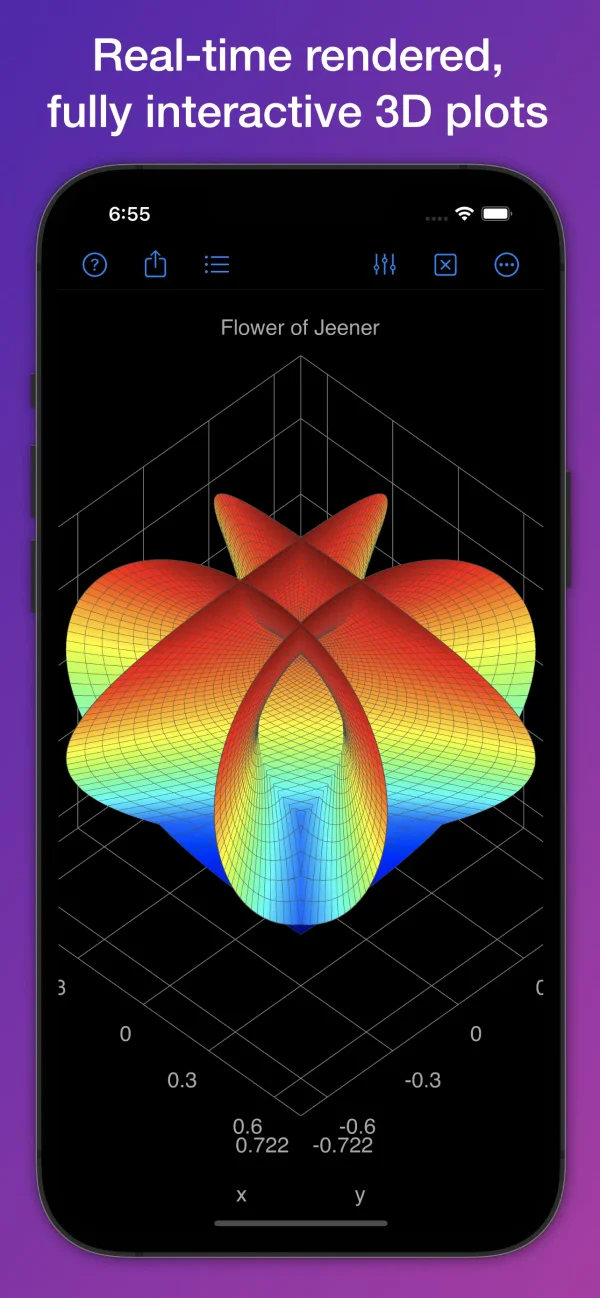
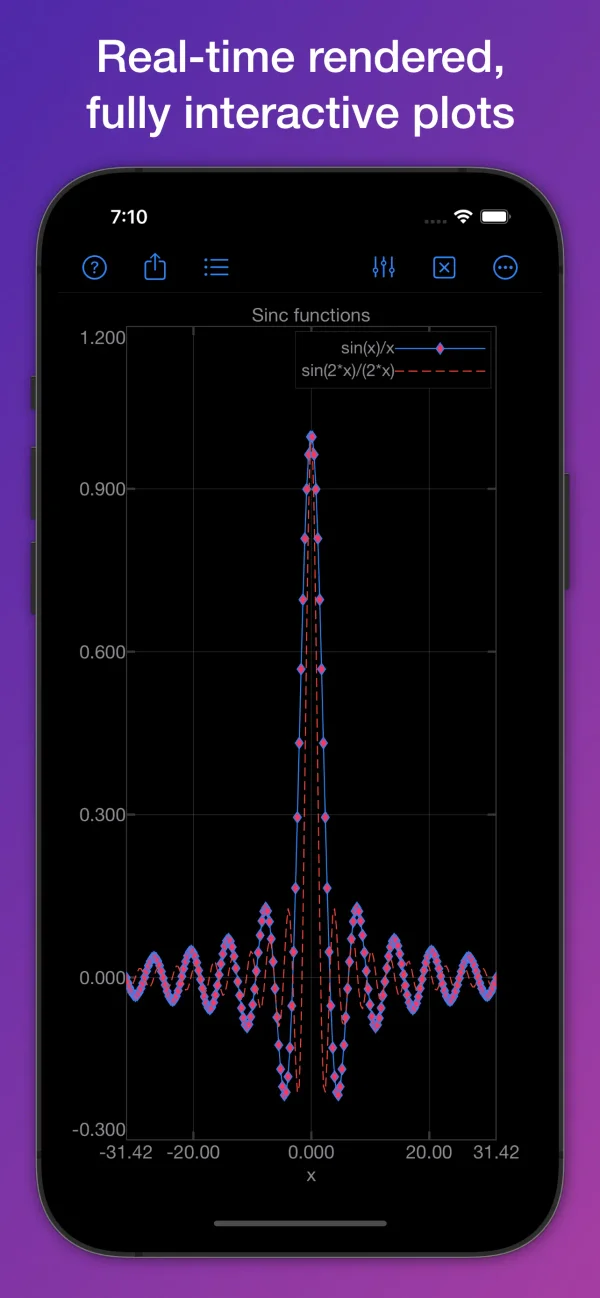
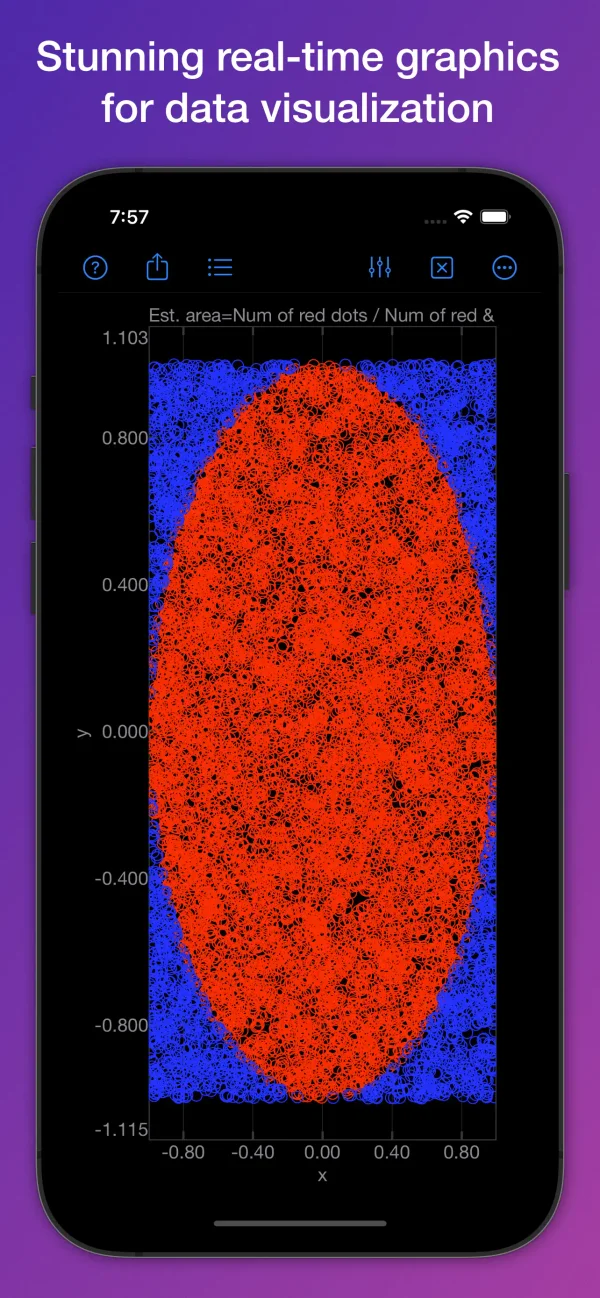
While other similar apps perform computation on the cloud, Console executes MATLAB code using the on-board silicon. Internet connection is not required — even the documents are offline accessible within the app. Being able to use the app without internet connectivity is a great benefit for users with non-cellular iPads. Another great benefit is that plots are interactive and responsive since they are rendered in real-time by the on-board GPU.
Console has 4 key components:
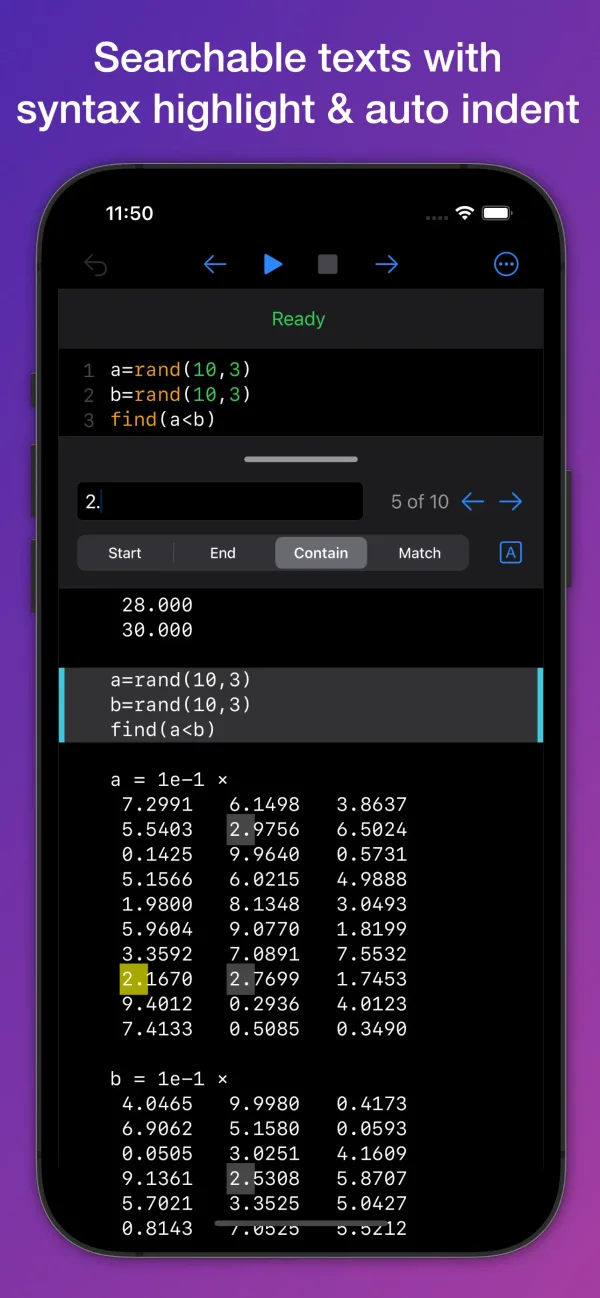
1. Console Input, where you input MATLAB statements. It supports
- Line numbering
- Syntax highlighting for MATLAB keywords and built-in functions.
- Auto-indent.
2. Console Output, where the results are displayed. It supports
- Full-text search
- Variable view height to fit the contents.
3. Figure, where 2D or 3D plots are displayed. It supports
- Multi-touch gestures for zoom, pan, and rotate (3D plots).
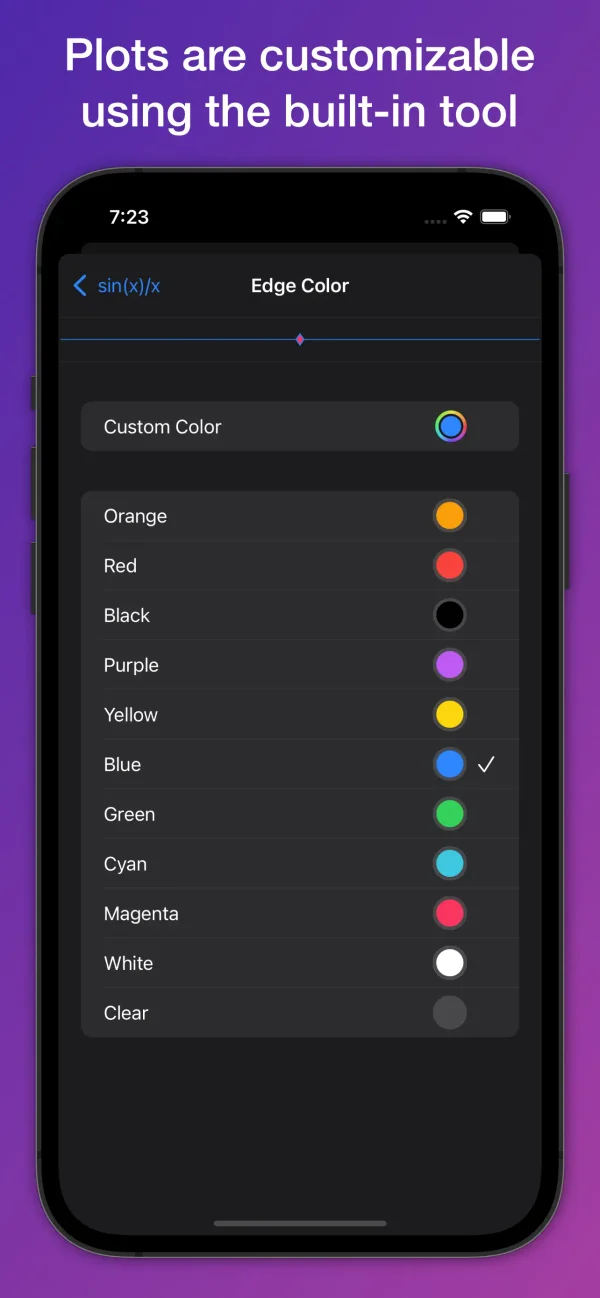
- Attributes (such as axis labels, ticks, limits, line colour) can be configured using the built-in tool. No coding is required.
- Sharing plots as images with third party apps.
- Saving plots.
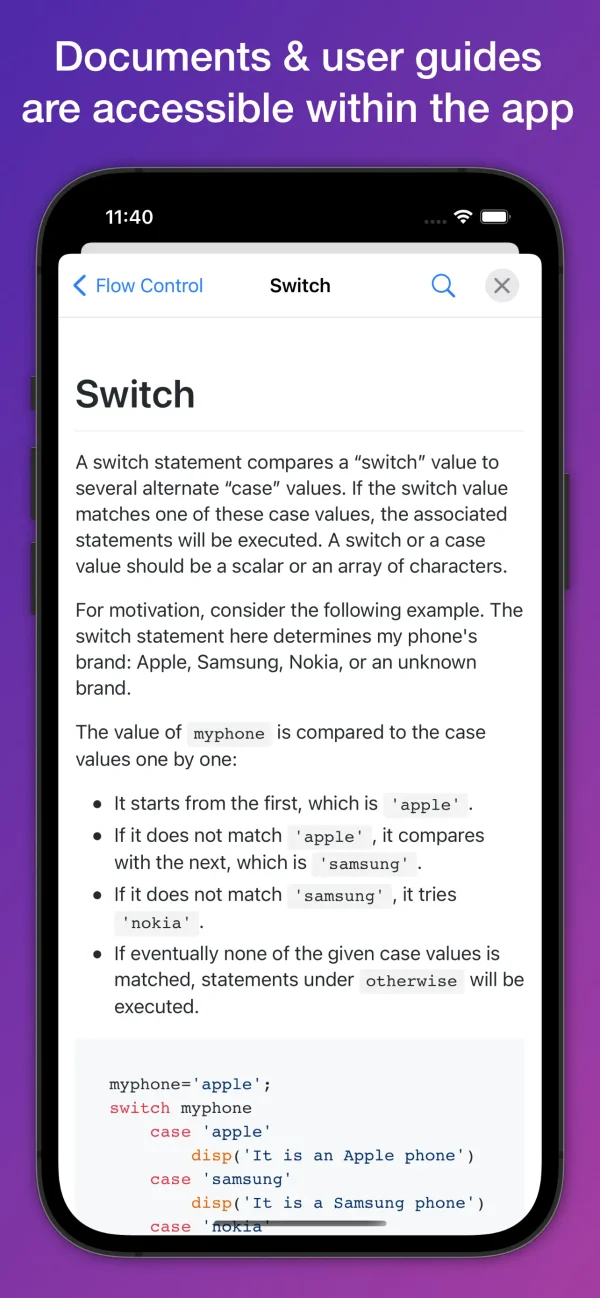
4. Documents, which contains the full set of SIMO documents accessible offline.
- MATLAB functions.
- Tutorials on MATLAB language basics.
- Searchable by document title and contents.
Yang baru
Versi 1.1.7 · 13/2/2024
- New functions: cot, cotd, coth, acot, acotd, acoth.
- Various improvement and fixes.
Privasi aplikasi
Yang dinyatakan Numerical Co. di App Store tentang cara aplikasi ini menangani data.
-
Data yang tidak ditautkan dengan Anda
Dapat dikumpulkan, tetapi tidak ditautkan dengan identitas Anda.
- Data penggunaan
Praktik privasi dapat bervariasi, misalnya berdasarkan fitur yang Anda gunakan atau usia Anda.
Informasi
- Penjual
- Numerical Co.
- Kategori
- Pendidikan
- Versi
- 1.1.7
- Diperbarui
- 13/2/2024
- Dirilis
- 11/2/2022
- Ukuran
- 64,1 MB
- Memerlukan
- iOS 14.0 atau yang lebih baru
- Batasan usia
- 4+
- Harga
- Gratis
- Bahasa
- Inggris, Tionghoa Tradisional
- Hak cipta
- © 2022 Numerical Co.
Mungkin Anda juga suka
-
 Madona: Run MATLAB/Octave codePendidikan
-
 PocketCAS: Graphing CalculatorPendidikan
-
 GraphMathPendidikan
-
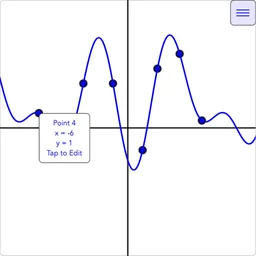 Least Squares Curve FitPendidikan
-
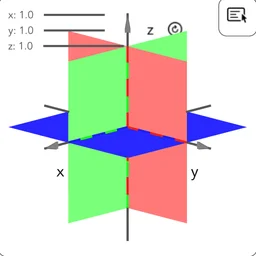 Vectors and PlanesPendidikan
-
 DeTeXtPendidikan
-
 Stochastic Signal ProcessingPendidikan
-
 Matrix Solver Step by StepPendidikan
-
 Drawing with MathPendidikan
-
 Learn Matlab ProgrammingPendidikan