
EnotRemote: Remote Access
Control your Mac or Windows PC
Diseñada para iPhone, iPad
- Clasificación por edad17+
- CategoríaUtilidades
- DesarrolladorEkaterina Shmeleva
- IdiomasInglés+ 2 más
- Tamaño14,5 MB
Es posible que EnotRemote: Remote Access no esté disponible en App Store en este momento
No se pudo acceder a la ficha de la tienda en nuestra última comprobación. El enlace sigue llevando a la página oficial de App Store.
Capturas de pantalla

Acerca de
El desarrollador no ha proporcionado este texto en tu idioma.
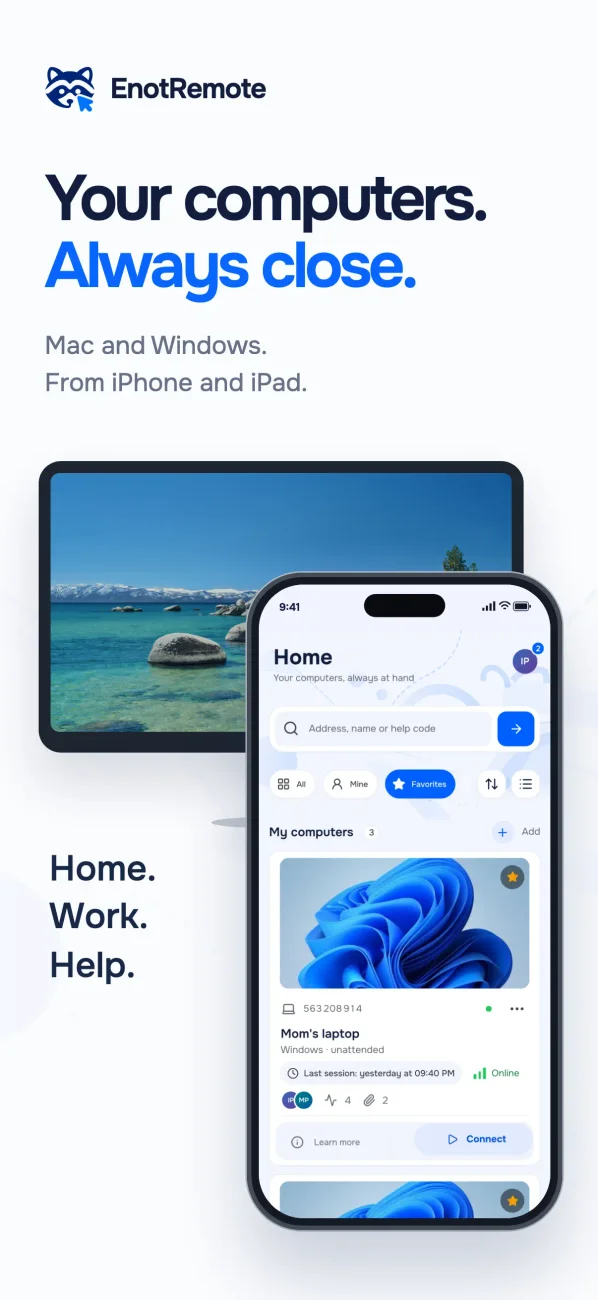
EnotRemote puts your Mac or Windows PC on your iPhone and iPad. Open your work computer from home, help your parents with their settings, or play PC games from the couch.
HOW TO CONNECT
• Install EnotRemote on the computer from enotremote.ru and sign in: with the same account as on the phone or with your own.
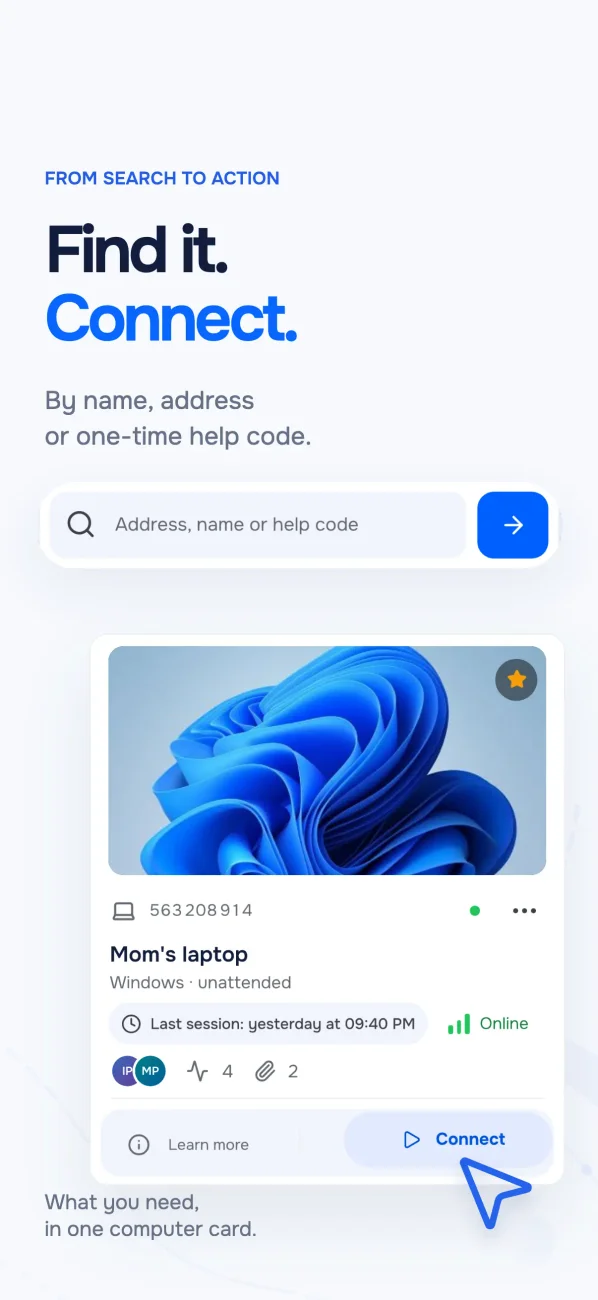
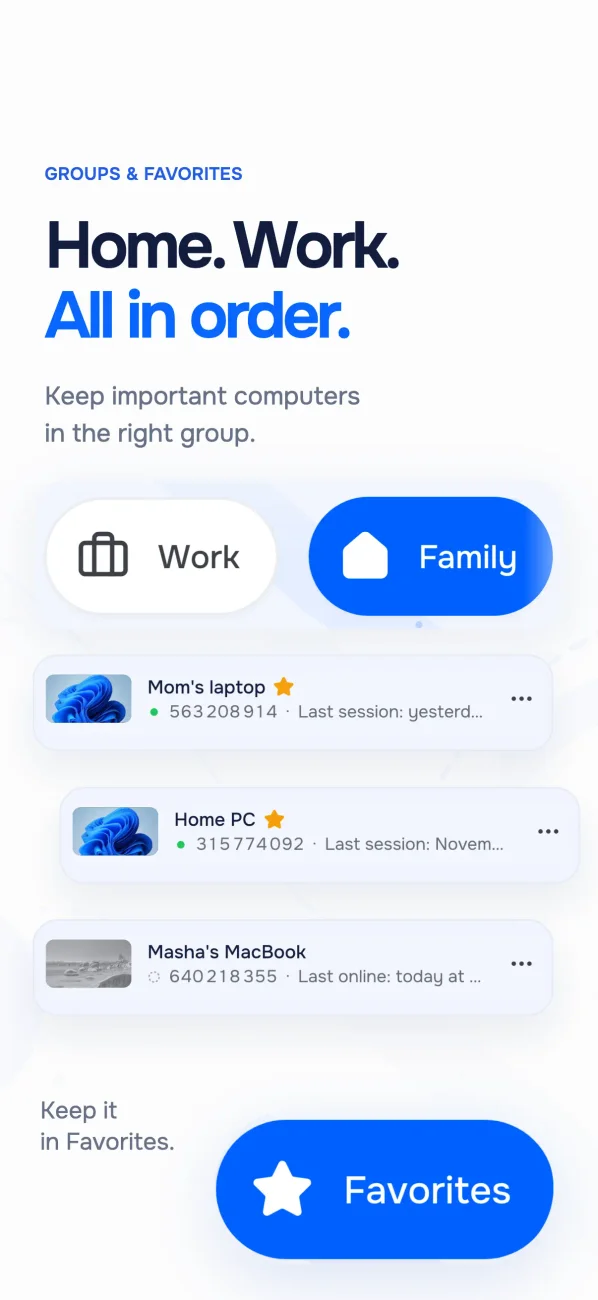
• Pick the computer in your address book or type its nine-digit address.
• The computer shows a window with your email and a check code. The codes match: someone there taps "Accept", and you're at the computer.
TOUCH CONTROL
• Touch mode: tap to click, swipe to scroll, hold for the menu.
• Touchpad mode: move the pointer as on a laptop.
• Pinch to zoom, a mini map and a magnifier for small buttons.
• The on-screen keyboard and a bar of special keys: Esc, Tab, Ctrl, Alt, Cmd or Win, arrows, Del and F1-F12.
• Paste text copied on the phone into the computer.
• Hear the computer's sound.
GAME MODE
• An on-screen gamepad for games on a Windows PC, with ready layouts for popular games.
• Your own buttons for each game.
• Pair an Xbox or PlayStation controller with the phone over Bluetooth and play with it on the computer.
A PICTURE THAT DOESN'T FALL APART
Our own Myelin protocol resends lost data without stopping the rest and never builds the picture on a frame that didn't arrive. When the network stumbles, the image doesn't break into blocks.
SECURITY
• Sign in with a password and an authenticator code. The password never reaches the server, not even encrypted: sign-in uses the OPAQUE protocol.
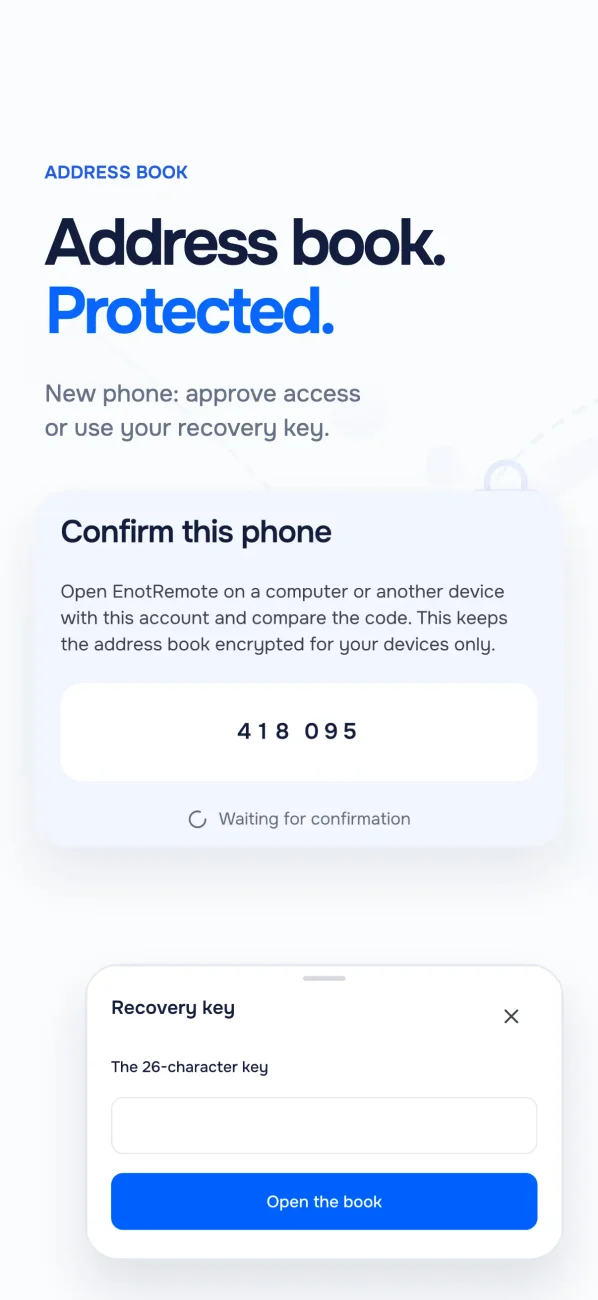
• A new phone gets the address book only after you confirm it on another of your devices or with your recovery key.
• The address book is encrypted on your devices; the server stores it and can't read it.
• The picture and your input travel encrypted between the phone and the computer.
• Lock the app with a passcode and Face ID.
• Without an "Accept" on the other side you can connect only to a computer that allowed it.
WHAT YOU NEED
• A Mac or Windows computer with EnotRemote installed. Free download: enotremote.ru.
• An EnotRemote account. You can create one right in the app.
You can delete your account in the app: Account and settings, Delete account.
Questions and ideas: "Report a problem" in the app or dshmelev@qrium.ru.
Novedades
Versión 1.0.60 · 23/11/2026
Improved playback smoothness in fast-moving remote sessions. The Always use relay setting is now applied when you connect to a saved computer.
Privacidad de la aplicación
Lo que Ekaterina Shmeleva declara en App Store sobre cómo esta aplicación gestiona los datos.
-
Datos vinculados a ti
Pueden recopilarse y vincularse a tu identidad.
- Información de contacto
- Contenido del usuario
- Identificadores
- Datos de uso
- Diagnóstico
Las prácticas de privacidad pueden variar, por ejemplo, según las funciones que uses o tu edad.
Información
- Vendedor
- Ekaterina Shmeleva
- Categoría
- Utilidades
- Versión
- 1.0.60
- Actualizado
- 23/11/2026
- Publicado
- 29/10/2026
- Tamaño
- 14,5 MB
- Requiere
- iOS 16.0 o posterior
- Clasificación por edad
- 17+
- Idiomas
- Inglés, Ruso, Chino simplificado
- Copyright
- © 2026 QRIUM
Quizá también te guste
-
 RDesk Escritorio RemotoControla tu computadora
-
 PRO КонтрольUtilidades
-
 Липецкая область onlineUtilidades
-
 PC Controller: Remote MouseRatón y teclado a distancia
-
 Número Aleatorio-Gira la RuedaLanzador de Dados-Randomizador
-
 Smart Gate AdminUtilidades
-
 CasperVPN: VPN Seguridad WiFiPrivacidad en Wi-Fi público
-
 QuickRemote - Desktop ManagerVNC, RDP y pantalla compartida
-
 Cross VPN: Protección avanzadaMaestro de la optimización
-
 Remio Remote DesktopEscritorio remoto para tu PC