
EnotRemote: Remote Access
Control your Mac or Windows PC
Được thiết kế cho iPhone, iPad
Miễn phí
- Độ tuổi17+
- Danh mụcTiện Ích
- Nhà phát triểnEkaterina Shmeleva
- Ngôn ngữTiếng Anh+ 2 ngôn ngữ khác
- Kích thước14,5 MB
Liên kết đến trang App Store chính thức
Download.org không lưu trữ tệp nào của EnotRemote: Remote Access. Nút này mở trang ứng dụng trên App Store, nơi Ekaterina Shmeleva phát hành ứng dụng. Trang được kiểm tra lần cuối: 24/11/2026.
Ảnh chụp màn hình

Giới thiệu
Nhà phát triển chưa cung cấp nội dung này bằng ngôn ngữ của bạn.
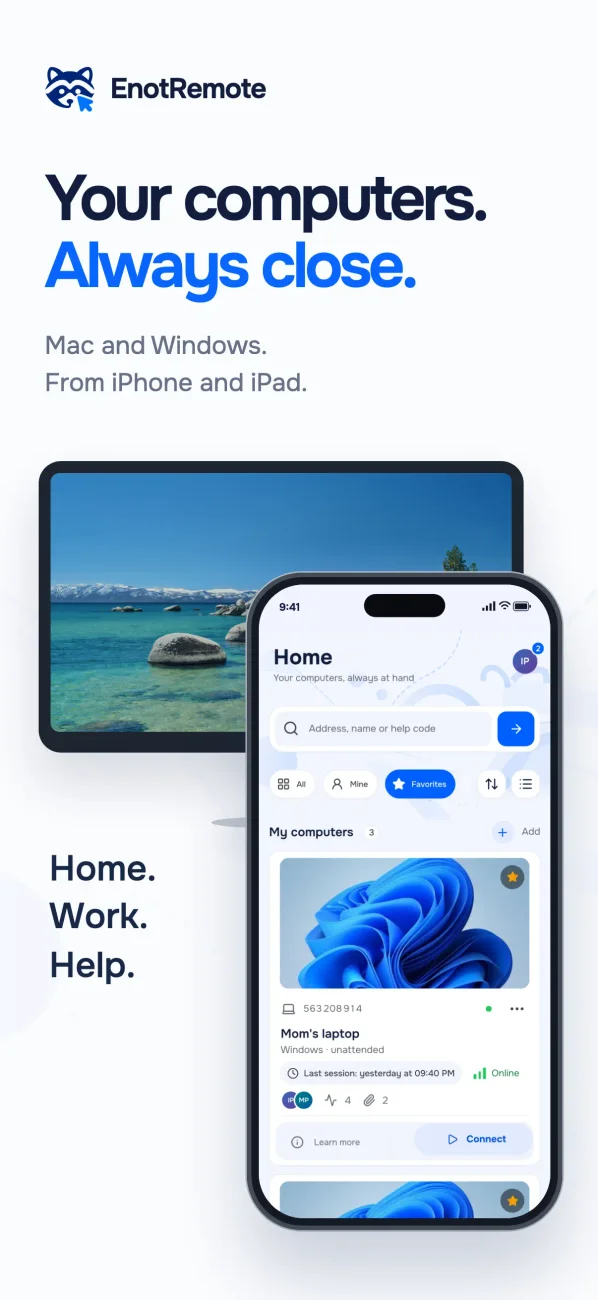
EnotRemote puts your Mac or Windows PC on your iPhone and iPad. Open your work computer from home, help your parents with their settings, or play PC games from the couch.
HOW TO CONNECT
• Install EnotRemote on the computer from enotremote.ru and sign in: with the same account as on the phone or with your own.
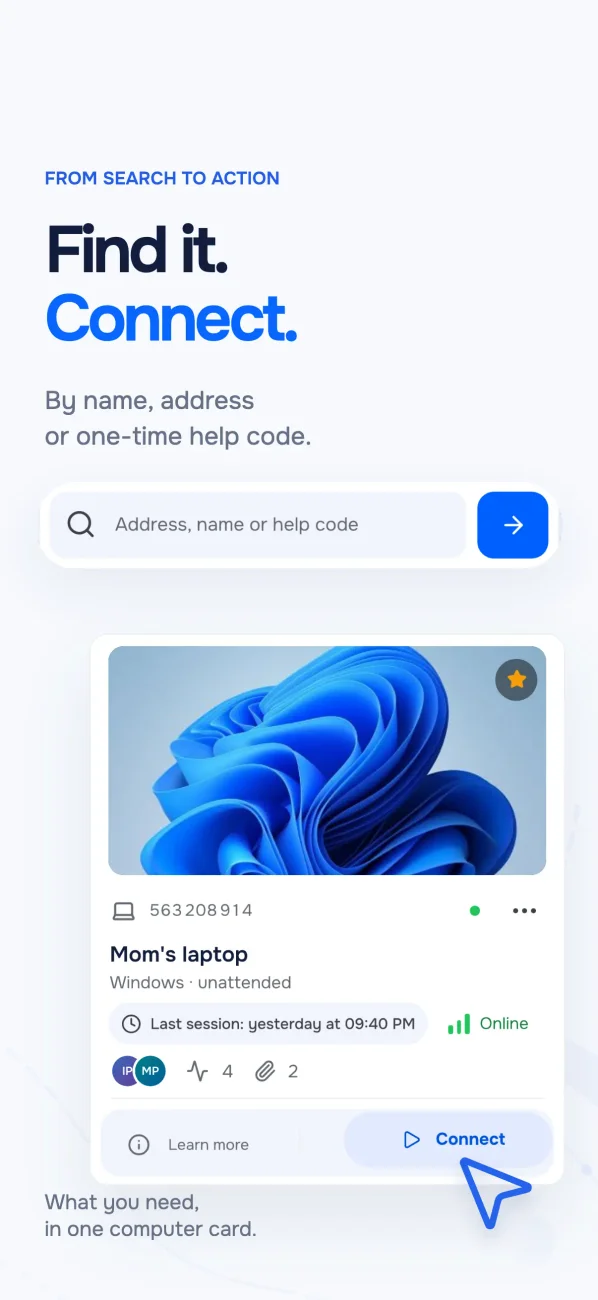
• Pick the computer in your address book or type its nine-digit address.
• The computer shows a window with your email and a check code. The codes match: someone there taps "Accept", and you're at the computer.
TOUCH CONTROL
• Touch mode: tap to click, swipe to scroll, hold for the menu.
• Touchpad mode: move the pointer as on a laptop.
• Pinch to zoom, a mini map and a magnifier for small buttons.
• The on-screen keyboard and a bar of special keys: Esc, Tab, Ctrl, Alt, Cmd or Win, arrows, Del and F1-F12.
• Paste text copied on the phone into the computer.
• Hear the computer's sound.
GAME MODE
• An on-screen gamepad for games on a Windows PC, with ready layouts for popular games.
• Your own buttons for each game.
• Pair an Xbox or PlayStation controller with the phone over Bluetooth and play with it on the computer.
A PICTURE THAT DOESN'T FALL APART
Our own Myelin protocol resends lost data without stopping the rest and never builds the picture on a frame that didn't arrive. When the network stumbles, the image doesn't break into blocks.
SECURITY
• Sign in with a password and an authenticator code. The password never reaches the server, not even encrypted: sign-in uses the OPAQUE protocol.
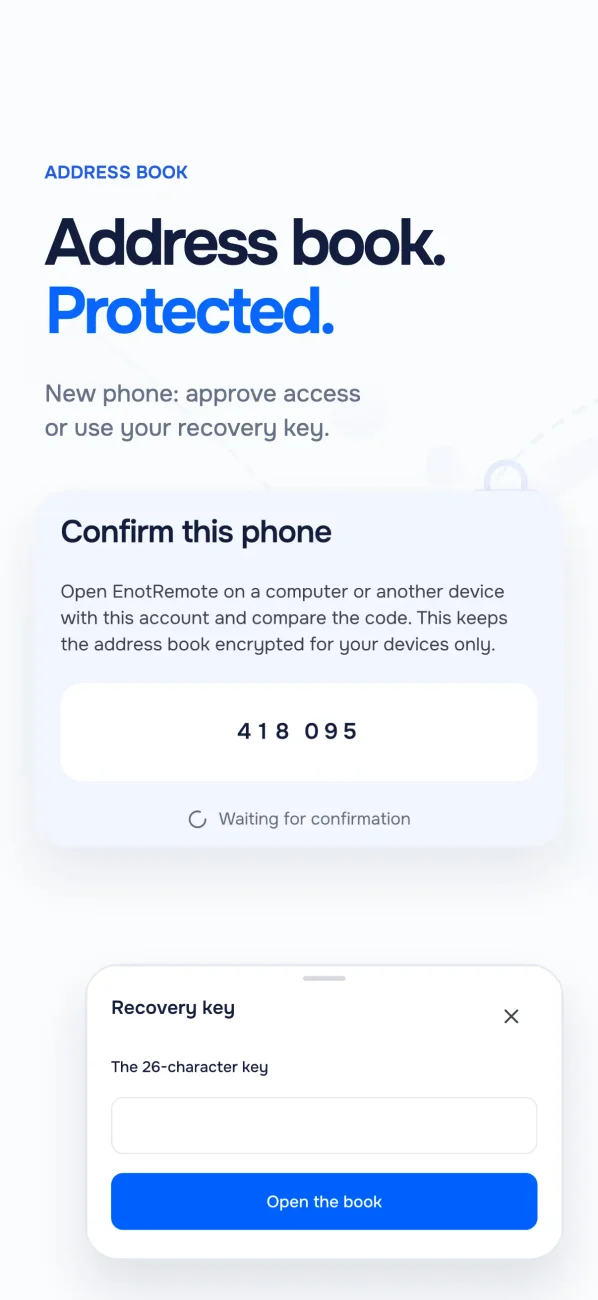
• A new phone gets the address book only after you confirm it on another of your devices or with your recovery key.
• The address book is encrypted on your devices; the server stores it and can't read it.
• The picture and your input travel encrypted between the phone and the computer.
• Lock the app with a passcode and Face ID.
• Without an "Accept" on the other side you can connect only to a computer that allowed it.
WHAT YOU NEED
• A Mac or Windows computer with EnotRemote installed. Free download: enotremote.ru.
• An EnotRemote account. You can create one right in the app.
You can delete your account in the app: Account and settings, Delete account.
Questions and ideas: "Report a problem" in the app or dshmelev@qrium.ru.
Có gì mới
Phiên bản 1.0.60 · 23/11/2026
Improved playback smoothness in fast-moving remote sessions. The Always use relay setting is now applied when you connect to a saved computer.
Quyền riêng tư của ứng dụng
Những gì Ekaterina Shmeleva khai báo trên App Store về cách ứng dụng này xử lý dữ liệu.
-
Dữ liệu liên kết với bạn
Có thể được thu thập và liên kết với danh tính của bạn.
- Thông tin liên hệ
- Nội dung của người dùng
- Mã định danh
- Dữ liệu sử dụng
- Chẩn đoán
Phương thức đảm bảo quyền riêng tư có thể khác nhau, chẳng hạn như tuỳ theo các tính năng bạn sử dụng hoặc độ tuổi của bạn.
Thông tin
- Người bán
- Ekaterina Shmeleva
- Danh mục
- Tiện Ích
- Phiên bản
- 1.0.60
- Cập nhật
- 23/11/2026
- Phát hành
- 29/10/2026
- Kích thước
- 14,5 MB
- Yêu cầu
- iOS 16.0 trở lên
- Độ tuổi
- 17+
- Giá
- Miễn phí
- Ngôn ngữ
- Tiếng Anh, Tiếng Nga, Tiếng Trung Giản thể
- Bản quyền
- © 2026 QRIUM
Có thể bạn cũng thích
-
 RDesk Remote DesktopTiện Ích
-
 PRO КонтрольTiện Ích
-
 Липецкая область onlineTiện Ích
-
 PC Controller: Remote MouseTiện Ích
-
 Random Số: Quay Vòng QuayXúc Xắc: Random & Quay Số
-
 Smart Gate AdminTiện Ích
-
 CasperVPN: VPN Bảo mật WiFiRiêng tư trên Wi-Fi công cộng
-
 QuickRemote - Desktop ManagerVNC, RDP & Chia sẻ màn hình
-
 Cross VPN: Bảo vệ nâng caoChuyên gia tối ưu hóa
-
 Remio Remote DesktopĐiều khiển máy tính từ xa