
EnotRemote: Remote Access
Control your Mac or Windows PC
Designed for iPhone, iPad
Free
- Age rating17+
- CategoryUtilities
- DeveloperEkaterina Shmeleva
- LanguagesEnglish+ 2 more
- Size14.5 MB
Links to the official App Store page
Download.org hosts no file of EnotRemote: Remote Access. The button opens its official App Store page, published by Ekaterina Shmeleva. Listing last checked on Nov 24, 2026.
Screenshots

About
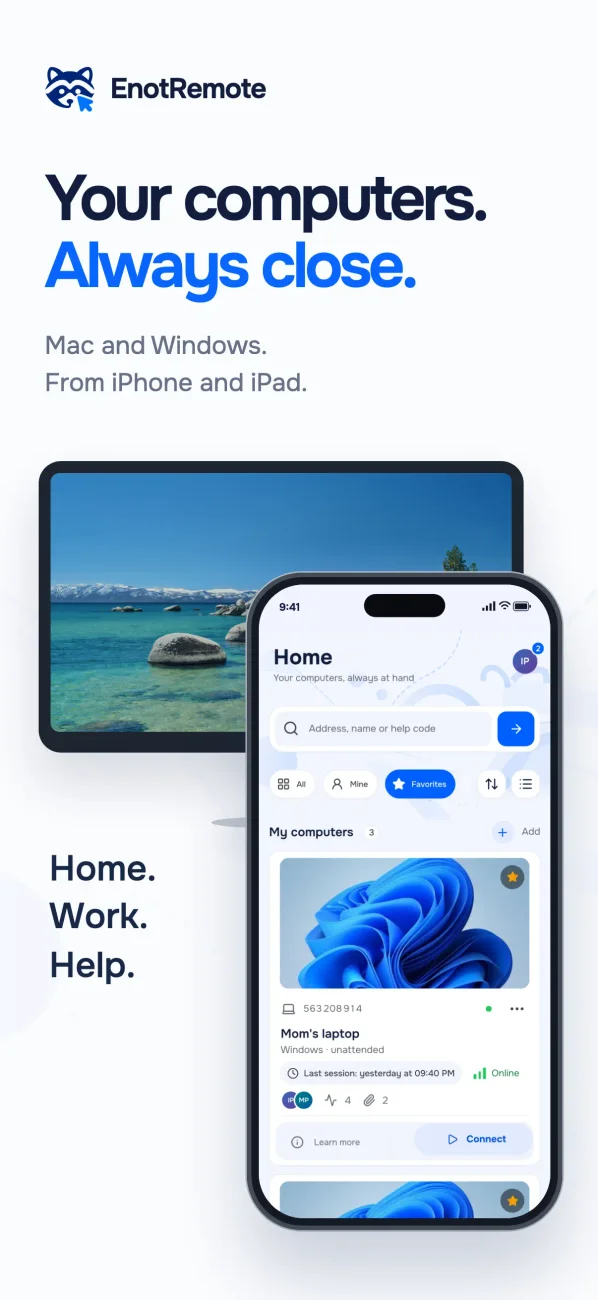
EnotRemote puts your Mac or Windows PC on your iPhone and iPad. Open your work computer from home, help your parents with their settings, or play PC games from the couch.
HOW TO CONNECT
• Install EnotRemote on the computer from enotremote.ru and sign in: with the same account as on the phone or with your own.
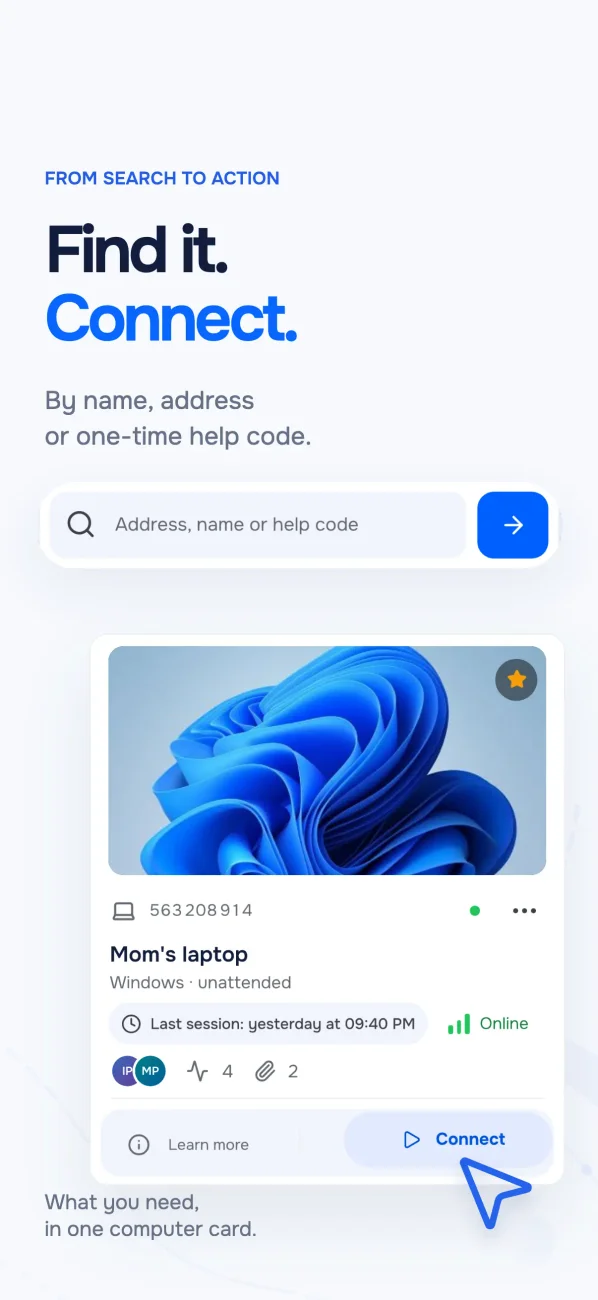
• Pick the computer in your address book or type its nine-digit address.
• The computer shows a window with your email and a check code. The codes match: someone there taps "Accept", and you're at the computer.
TOUCH CONTROL
• Touch mode: tap to click, swipe to scroll, hold for the menu.
• Touchpad mode: move the pointer as on a laptop.
• Pinch to zoom, a mini map and a magnifier for small buttons.
• The on-screen keyboard and a bar of special keys: Esc, Tab, Ctrl, Alt, Cmd or Win, arrows, Del and F1-F12.
• Paste text copied on the phone into the computer.
• Hear the computer's sound.
GAME MODE
• An on-screen gamepad for games on a Windows PC, with ready layouts for popular games.
• Your own buttons for each game.
• Pair an Xbox or PlayStation controller with the phone over Bluetooth and play with it on the computer.
A PICTURE THAT DOESN'T FALL APART
Our own Myelin protocol resends lost data without stopping the rest and never builds the picture on a frame that didn't arrive. When the network stumbles, the image doesn't break into blocks.
SECURITY
• Sign in with a password and an authenticator code. The password never reaches the server, not even encrypted: sign-in uses the OPAQUE protocol.
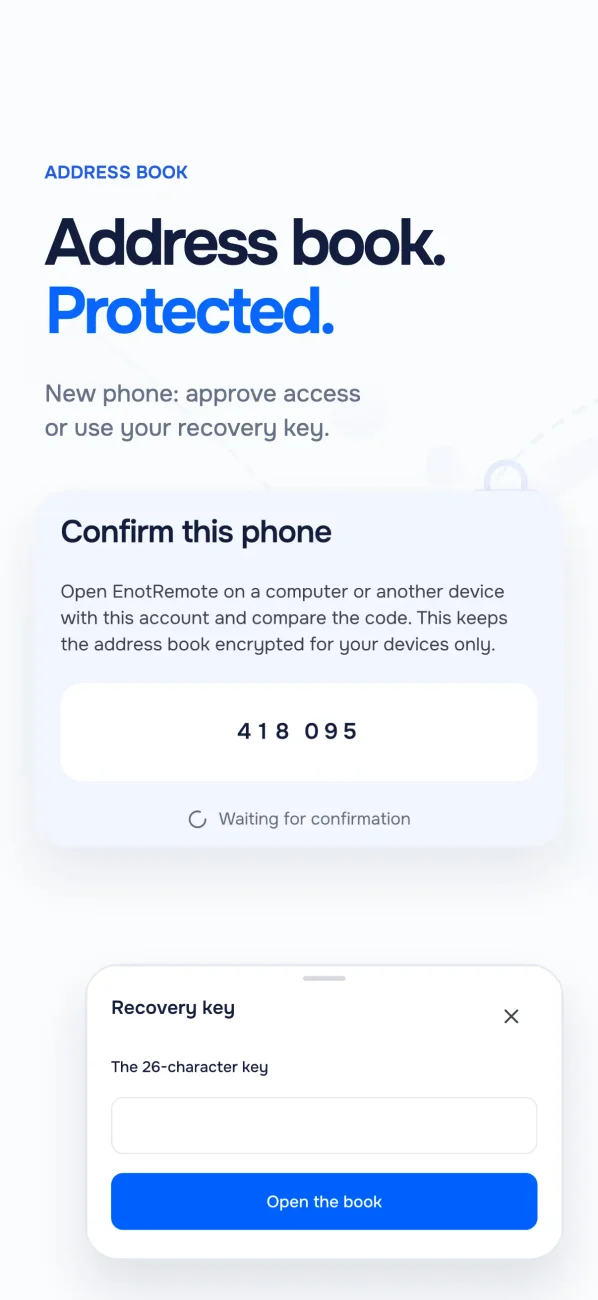
• A new phone gets the address book only after you confirm it on another of your devices or with your recovery key.
• The address book is encrypted on your devices; the server stores it and can't read it.
• The picture and your input travel encrypted between the phone and the computer.
• Lock the app with a passcode and Face ID.
• Without an "Accept" on the other side you can connect only to a computer that allowed it.
WHAT YOU NEED
• A Mac or Windows computer with EnotRemote installed. Free download: enotremote.ru.
• An EnotRemote account. You can create one right in the app.
You can delete your account in the app: Account and settings, Delete account.
Questions and ideas: "Report a problem" in the app or dshmelev@qrium.ru.
What’s new
Version 1.0.60 · Nov 23, 2026
Improved playback smoothness in fast-moving remote sessions. The Always use relay setting is now applied when you connect to a saved computer.
App privacy
What Ekaterina Shmeleva declares on the App Store about how this app handles data.
-
Data linked to you
May be collected and linked to your identity.
- Contact info
- User content
- Identifiers
- Usage data
- Diagnostics
Privacy practices may vary, for example with the features you use or your age.
Information
- Seller
- Ekaterina Shmeleva
- Category
- Utilities
- Version
- 1.0.60
- Updated
- Nov 23, 2026
- Released
- Oct 29, 2026
- Size
- 14.5 MB
- Requires
- iOS 16.0 or later
- Age rating
- 17+
- Price
- Free
- Languages
- English, Russian, Simplified Chinese
- Copyright
- © 2026 QRIUM
You might also like
-
 RDesk Remote DesktopControl your computer remotely
-
 PRO КонтрольUtilities
-
 Липецкая область onlineUtilities
-
 PC Controller: Remote MouseKeyboard, power & Wake on LAN
-
 Random Number: Spin The WheelDice Roller: Randomizer & RNG
-
 Smart Gate AdminUtilities
-
 CasperVPN: WiFi Security VPNOnline Privacy, Public Hotspot
-
 QuickRemote - Desktop ManagerFast VNC, RDP & Screen Share
-
 Cross VPN: Advanced ProtectionOptimization Master
-
 Remio Remote DesktopAccess & Control PC or Laptop