
- 対象年齢17+
- カテゴリユーティリティ
- 開発元Ekaterina Shmeleva
- 言語英語ほか2言語
- サイズ14.5 MB
App Storeの公式ページにリンクしています
Download.orgはEnotRemote: Remote Accessのファイルを一切ホストしていません。ボタンを押すと、Ekaterina Shmelevaが公開しているApp Storeのアプリページが開きます。ページの最終確認:2026/11/24。
スクリーンショット

概要
開発元はこのテキストをお使いの言語で提供していません。
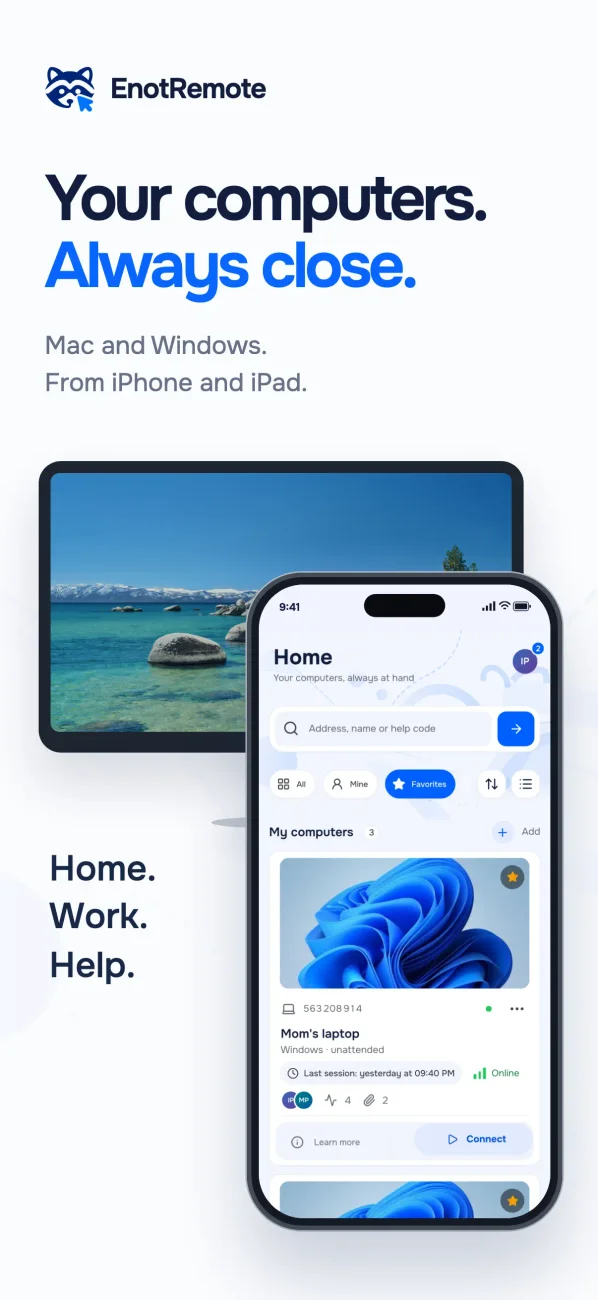
EnotRemote puts your Mac or Windows PC on your iPhone and iPad. Open your work computer from home, help your parents with their settings, or play PC games from the couch.
HOW TO CONNECT
• Install EnotRemote on the computer from enotremote.ru and sign in: with the same account as on the phone or with your own.
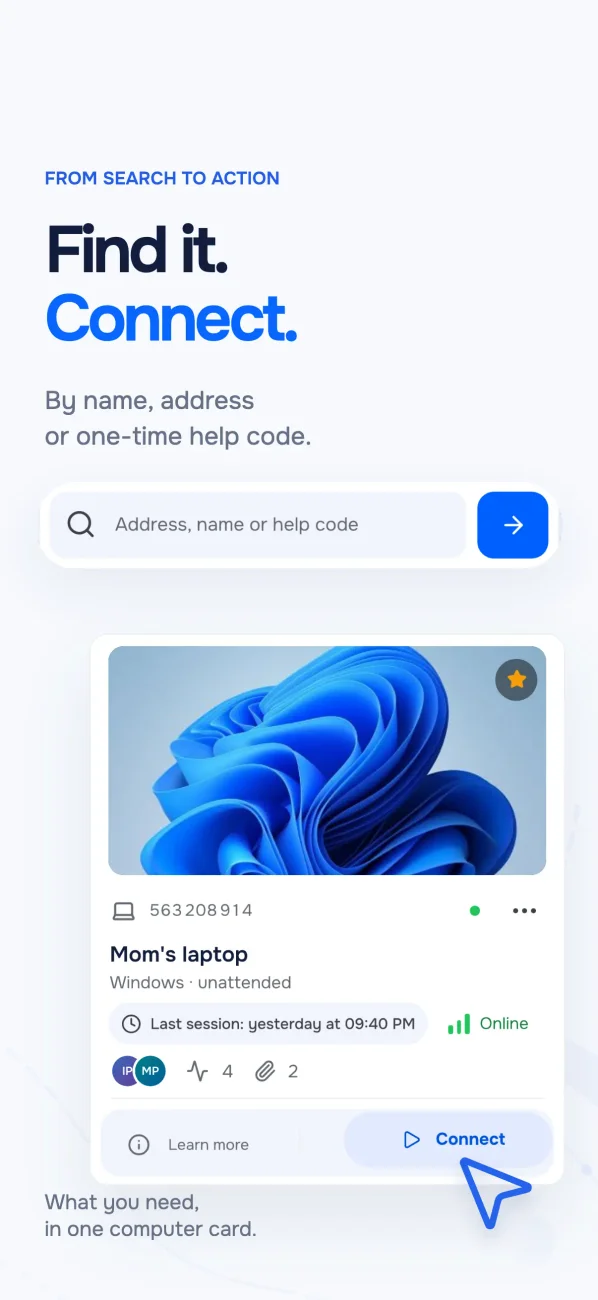
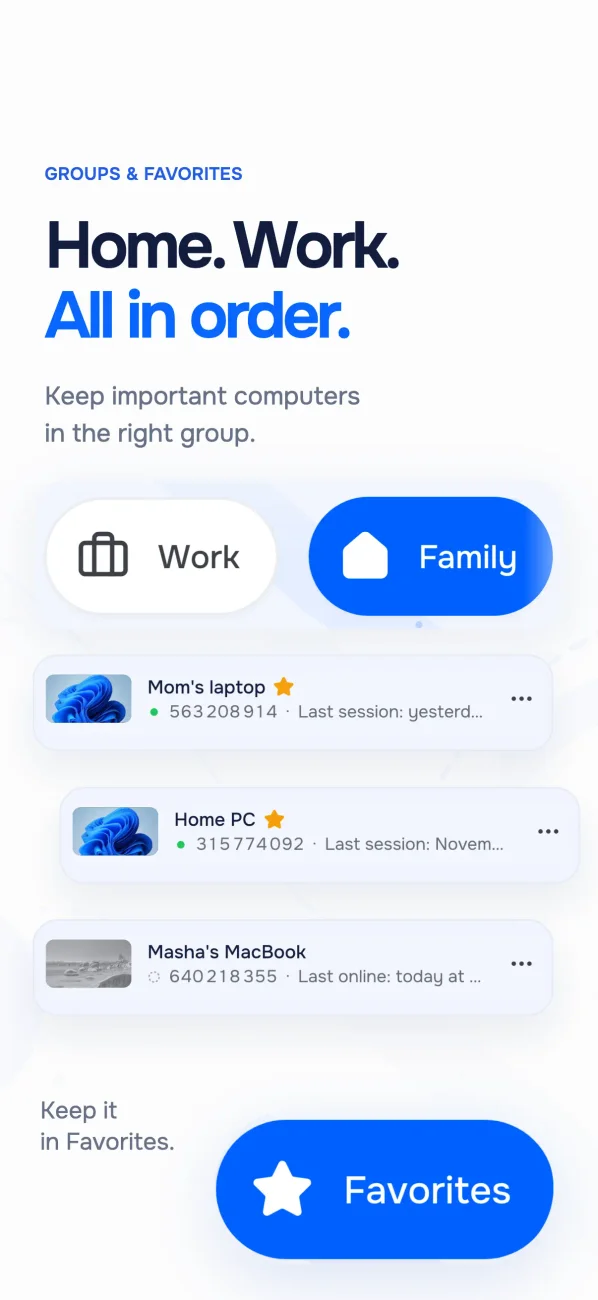
• Pick the computer in your address book or type its nine-digit address.
• The computer shows a window with your email and a check code. The codes match: someone there taps "Accept", and you're at the computer.
TOUCH CONTROL
• Touch mode: tap to click, swipe to scroll, hold for the menu.
• Touchpad mode: move the pointer as on a laptop.
• Pinch to zoom, a mini map and a magnifier for small buttons.
• The on-screen keyboard and a bar of special keys: Esc, Tab, Ctrl, Alt, Cmd or Win, arrows, Del and F1-F12.
• Paste text copied on the phone into the computer.
• Hear the computer's sound.
GAME MODE
• An on-screen gamepad for games on a Windows PC, with ready layouts for popular games.
• Your own buttons for each game.
• Pair an Xbox or PlayStation controller with the phone over Bluetooth and play with it on the computer.
A PICTURE THAT DOESN'T FALL APART
Our own Myelin protocol resends lost data without stopping the rest and never builds the picture on a frame that didn't arrive. When the network stumbles, the image doesn't break into blocks.
SECURITY
• Sign in with a password and an authenticator code. The password never reaches the server, not even encrypted: sign-in uses the OPAQUE protocol.
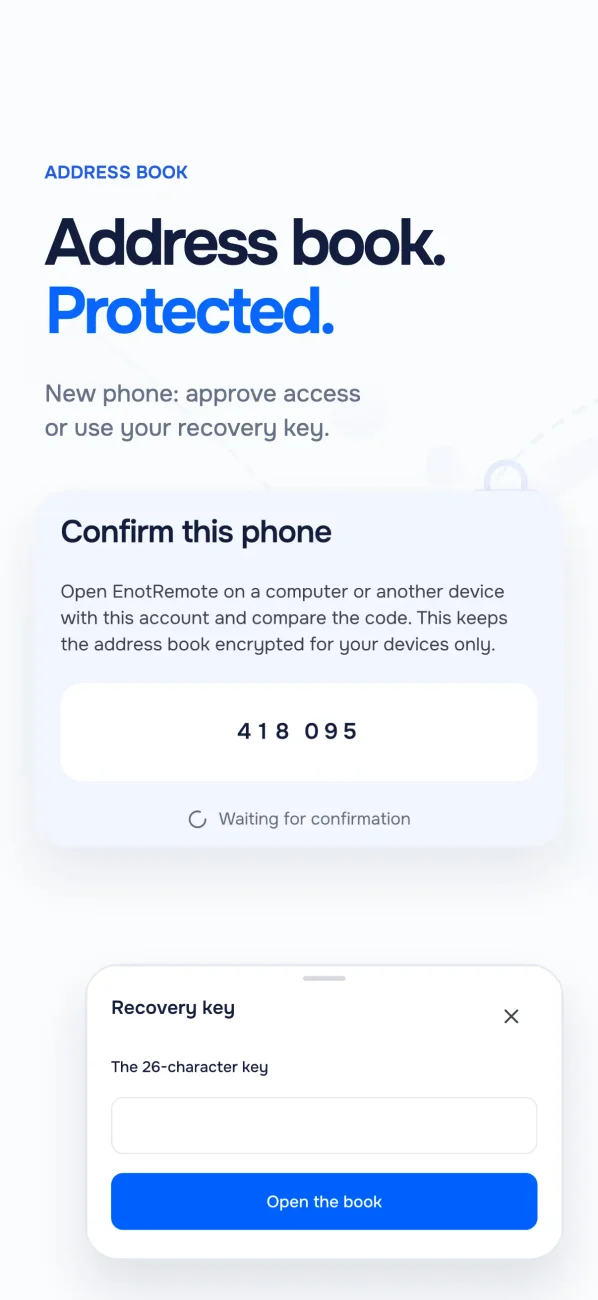
• A new phone gets the address book only after you confirm it on another of your devices or with your recovery key.
• The address book is encrypted on your devices; the server stores it and can't read it.
• The picture and your input travel encrypted between the phone and the computer.
• Lock the app with a passcode and Face ID.
• Without an "Accept" on the other side you can connect only to a computer that allowed it.
WHAT YOU NEED
• A Mac or Windows computer with EnotRemote installed. Free download: enotremote.ru.
• An EnotRemote account. You can create one right in the app.
You can delete your account in the app: Account and settings, Delete account.
Questions and ideas: "Report a problem" in the app or dshmelev@qrium.ru.
新機能
バージョン 1.0.60 · 2026/11/23
Improved playback smoothness in fast-moving remote sessions. The Always use relay setting is now applied when you connect to a saved computer.
アプリのプライバシー
このアプリのデータの取り扱いについて、Ekaterina ShmelevaがApp Storeで申告している内容です。
-
ユーザーに関連付けられたデータ
収集され、ユーザーの識別情報に関連付けられる場合があります。
- 連絡先情報
- ユーザーコンテンツ
- ID
- 使用状況データ
- 診断
プライバシーの取り扱いは、ご利用の機能やお客様の年齢などに応じて異なる場合があります。
情報
- 販売元
- Ekaterina Shmeleva
- カテゴリ
- ユーティリティ
- バージョン
- 1.0.60
- 更新日
- 2026/11/23
- リリース
- 2026/10/29
- サイズ
- 14.5 MB
- 必要条件
- iOS 16.0以降
- 対象年齢
- 17+
- 価格
- 無料
- 言語
- 英語, ロシア語, 簡体字中国語
- 著作権
- © 2026 QRIUM
こちらもおすすめ
-
 RDesk リモートデスクトップスマホからパソコンを遠隔操作
-
 PRO Контрольユーティリティ
-
 Липецкая область onlineユーティリティ
-
 PC Controller: Remote MousePC のマウス・キーボード・電源
-
 乱数生成で数字ランダム: るー れっとランダムダイスでサイコロゲーム: 選択とコイントス
-
 Smart Gate Adminユーティリティ
-
 CasperVPN: WiFiセキュリティVPN公共Wi-Fiでもプライバシーを守る
-
 QuickRemote - Desktop Manager高速VNC、RDP&画面共有
-
 Cross VPN: 高度な保護最適化マスター
-
 Remio Remote Desktopリモートデスクトップ・遠隔操作・リモート操作・画面共有