
Hey Terminal: SSH Client
Keyboard-first shell for iPad
Diseñada para iPhone, iPad
Gratis
- Clasificación por edad9+
- CategoríaPara desarrolladores
- DesarrolladorJONGMIN CHOI
- IdiomasInglés
- Tamaño14,1 MB
Enlaza a la página oficial de App Store
Download.org no aloja ningún archivo de Hey Terminal: SSH Client. El botón abre la página de la aplicación en App Store, donde la publica JONGMIN CHOI. Ficha comprobada por última vez el 17/11/2026.
Capturas de pantalla
Acerca de
El desarrollador no ha proporcionado este texto en tu idioma.
Your work machine, from your iPad.
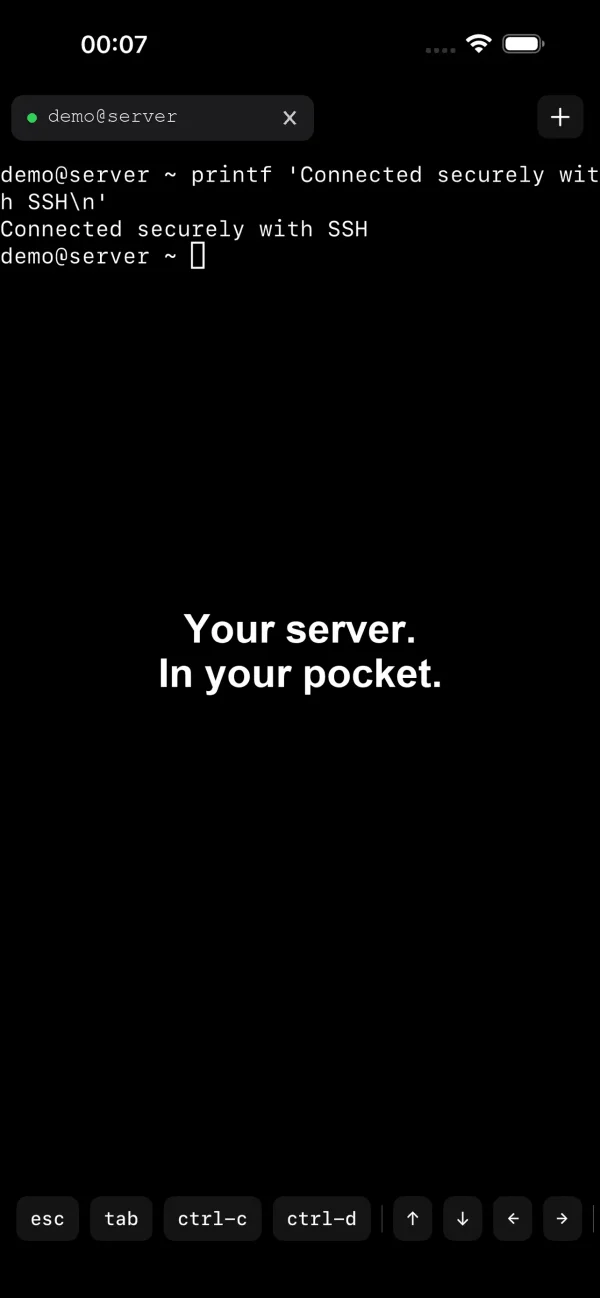
Your work computer can stay at home or in the office. Connect to it over SSH with Hey Terminal, open Codex or Claude Code there, and continue working on your project from your iPad.
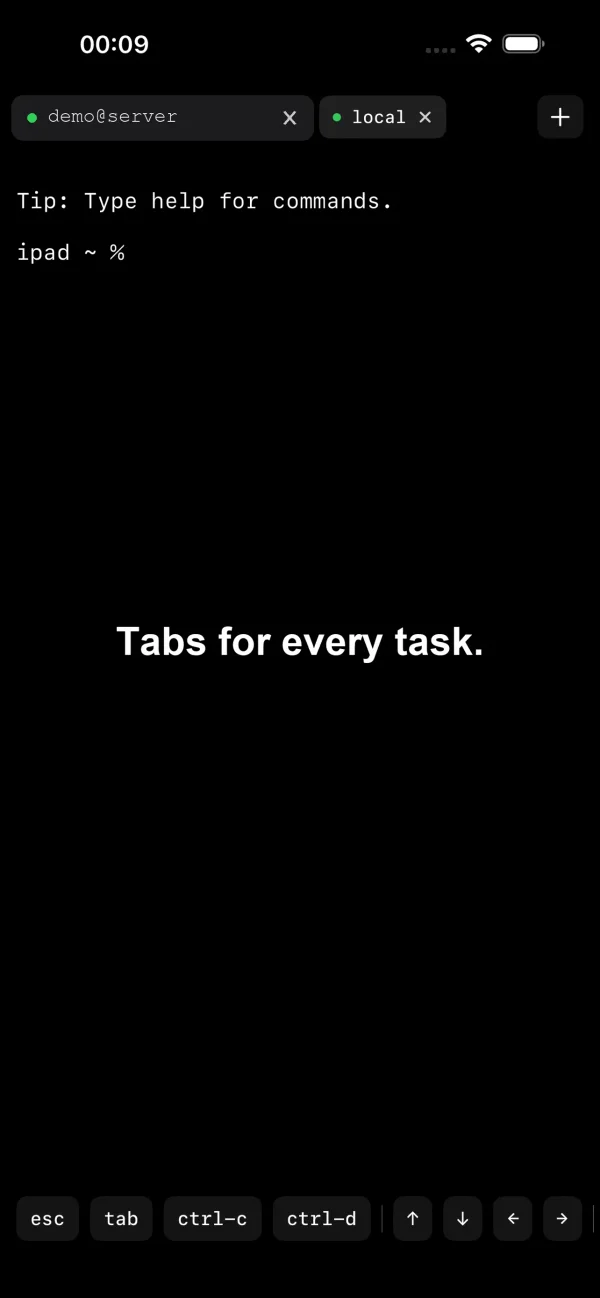
A keyboard-first terminal for iPad
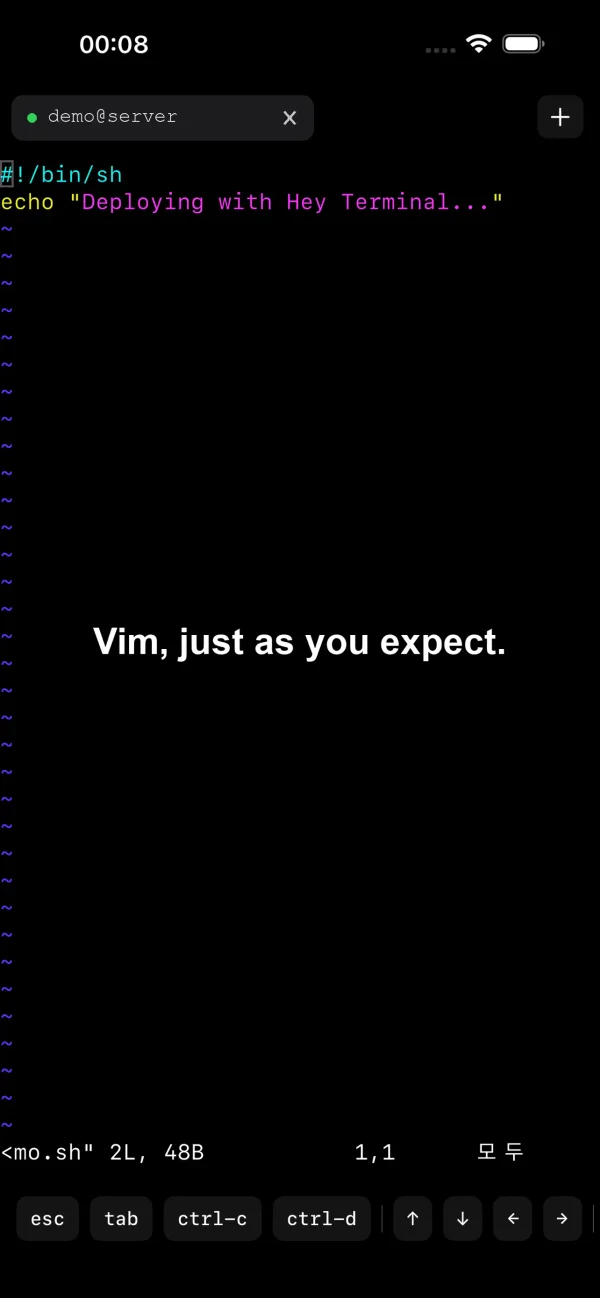
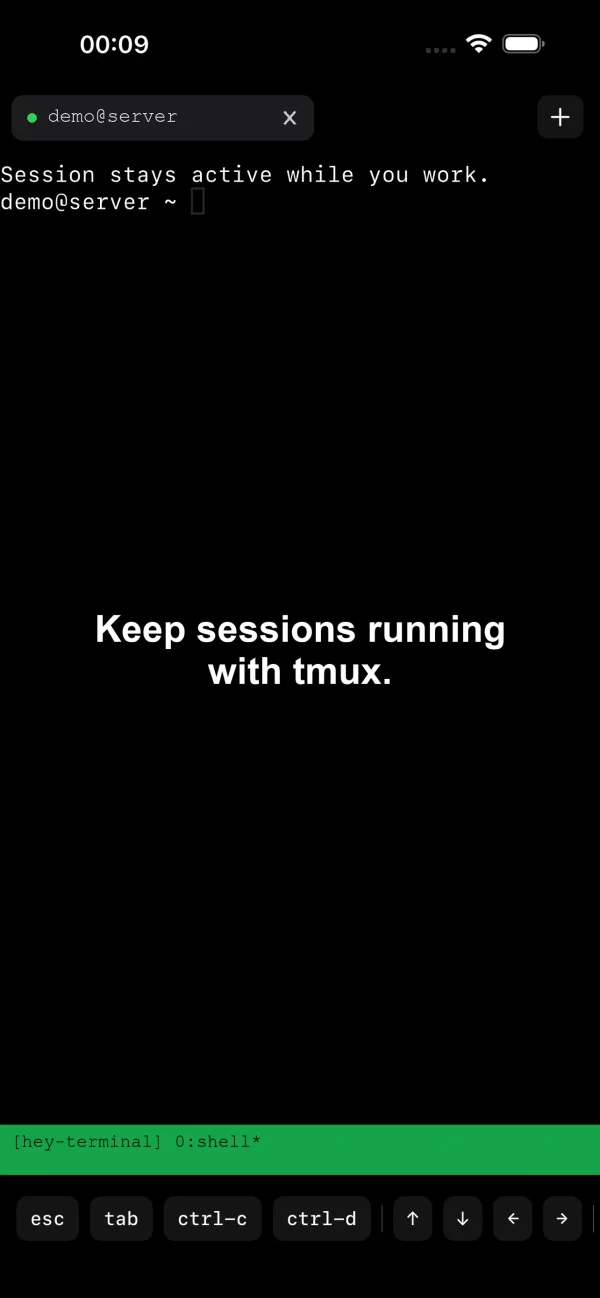
Use a physical keyboard to enter prompts and run commands. Review your project with your remote CLI, edit files with vim, or work in tmux when those tools are available on your computer.
Keep different connections in separate tabs. Create a tab with Command-T, close it with Command-W, and switch with Command-1 through Command-9.
Quick remote work on iPhone
When your computer isn't with you, connect for a short command, check a project file, or send a follow-up request to your remote CLI.
SSH and a local terminal
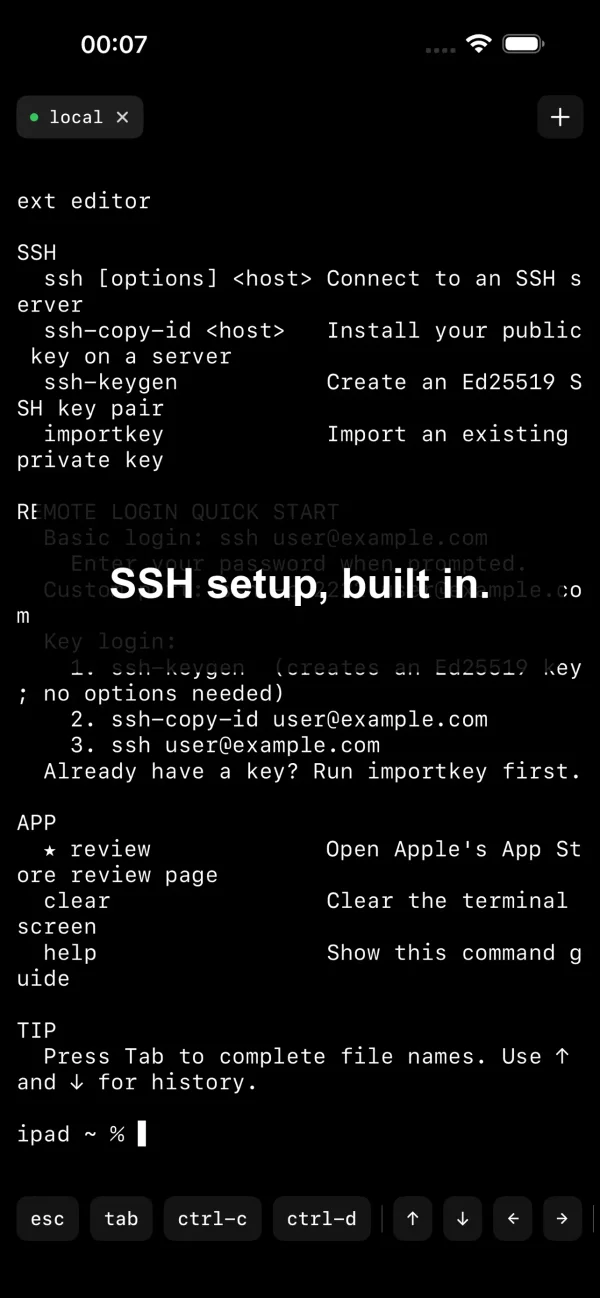
Connect with an SSH command or a configured host alias. Authenticate with a password or SSH key. Use the local terminal for basic file commands and SSH key generation.
Before you connect
You need a computer or server with SSH enabled that you can reach from your device. Remote tools run on that machine, not inside Hey Terminal. Install and configure the tools you want to use there, with any required accounts. Your remote machine must be powered on and accessible.
No app account or subscription required.
Novedades
Versión 1.3.19 · 7/11/2026
Adjust terminal text size in Settings, from 12 to 32 points.
Privacidad de la aplicación
Lo que JONGMIN CHOI declara en App Store sobre cómo esta aplicación gestiona los datos.
-
Datos vinculados a ti
Pueden recopilarse y vincularse a tu identidad.
- Información de contacto
- Contenido del usuario
- Identificadores
- Datos de uso
-
Datos no vinculados a ti
Pueden recopilarse, pero no se vinculan a tu identidad.
- Historial de búsqueda
- Identificadores
Las prácticas de privacidad pueden variar, por ejemplo, según las funciones que uses o tu edad.
Información
- Vendedor
- JONGMIN CHOI
- Categoría
- Para desarrolladores
- Versión
- 1.3.19
- Actualizado
- 7/11/2026
- Publicado
- 26/3/2026
- Tamaño
- 14,1 MB
- Requiere
- iOS 17.6 o posterior
- Clasificación por edad
- 9+
- Precio
- Gratis
- Idiomas
- Inglés
- Copyright
- © 2026 soonispapa
Quizá también te guste
-
 Shepherd: AI Agents & SSHControla tus agentes de IA
-
 SSH TerminatorPara desarrolladores
-
 TouchQube TerminalPara desarrolladores
-
 TermCOW - Stable SSH TerminalPara desarrolladores
-
 Hermit SSHPara desarrolladores
-
 Nice SSHPara desarrolladores
-
 CatClaw TerminalPara desarrolladores
-
 Terminalko - SSH TerminalServidores remotos y SFTP
-
 Cliente SSH Terminal ServidorArchivos, túnel, puertos, nube
-
 teletype computerPara desarrolladores