
Hey Terminal: SSH Client
Keyboard-first shell for iPad
Dirancang untuk iPhone, iPad
Gratis
- Batasan usia9+
- KategoriAlat Pengembang
- PengembangJONGMIN CHOI
- BahasaInggris
- Ukuran14,1 MB
Tertaut ke halaman resmi App Store
Download.org tidak menyimpan file Hey Terminal: SSH Client apa pun. Tombol ini membuka halaman aplikasi di App Store, tempat JONGMIN CHOI menerbitkannya. Halaman terakhir diperiksa pada 17/11/2026.
Tangkapan layar
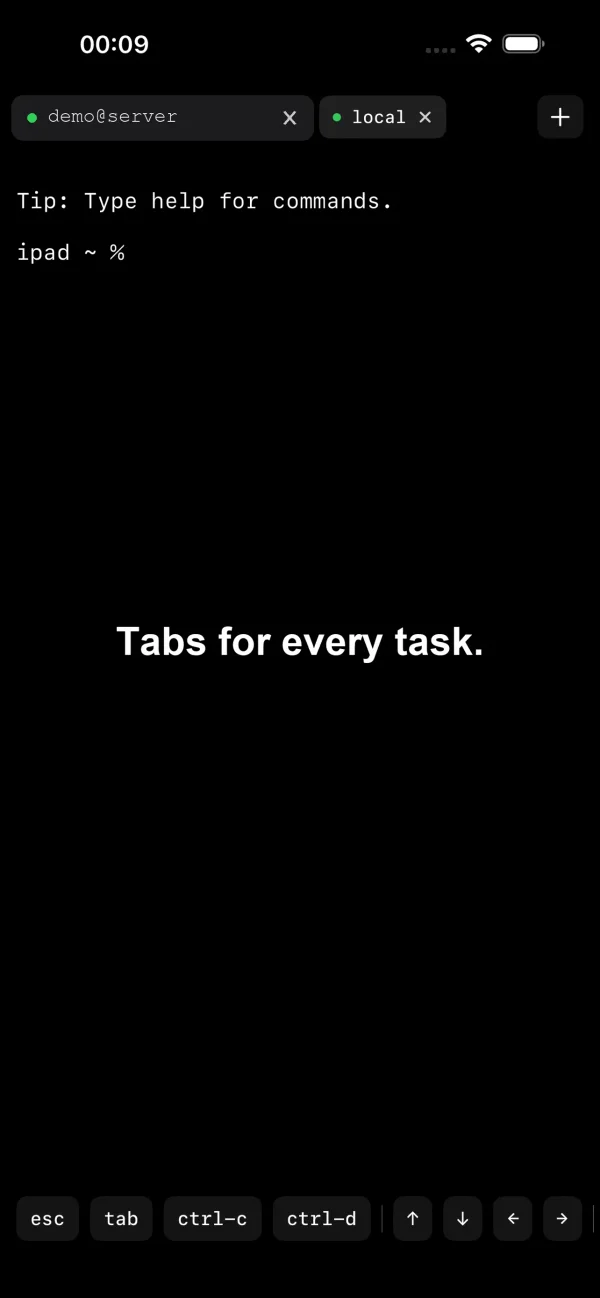
Tentang
Pengembang belum menyediakan teks ini dalam bahasa Anda.
Your work machine, from your iPad.
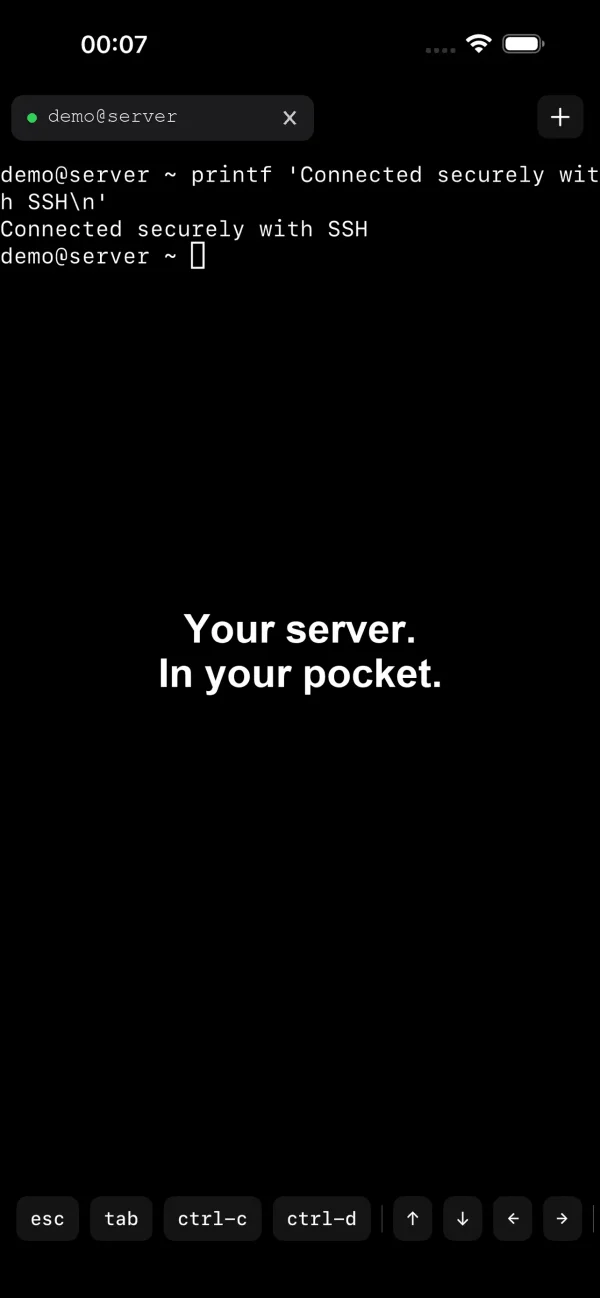
Your work computer can stay at home or in the office. Connect to it over SSH with Hey Terminal, open Codex or Claude Code there, and continue working on your project from your iPad.
A keyboard-first terminal for iPad
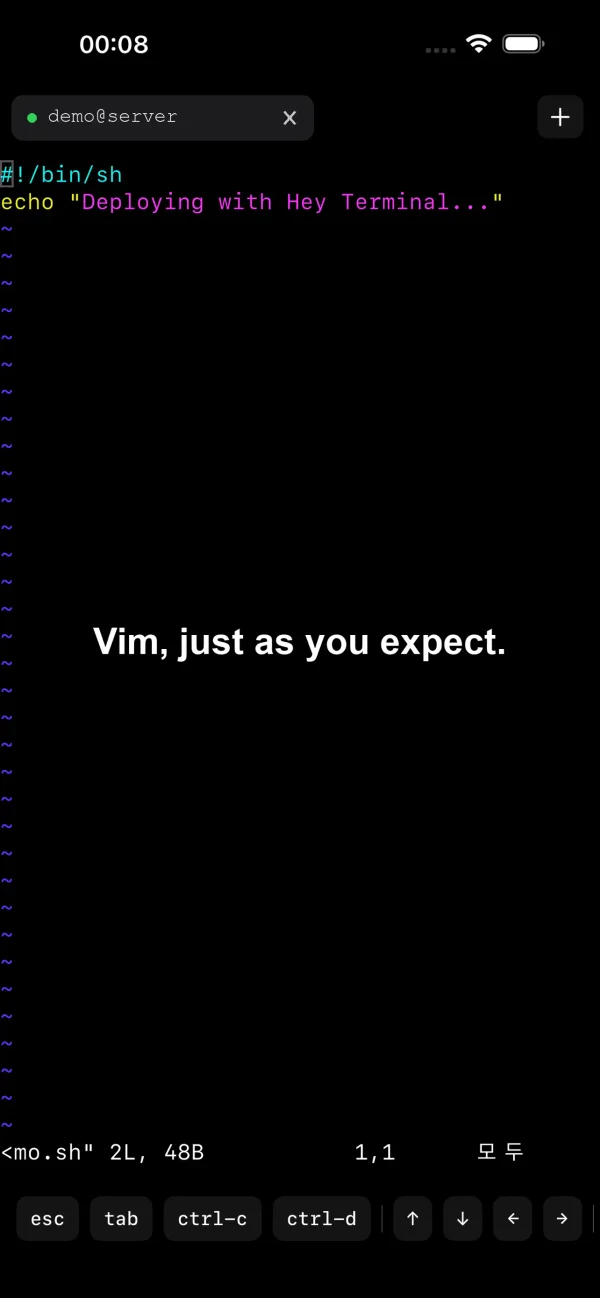
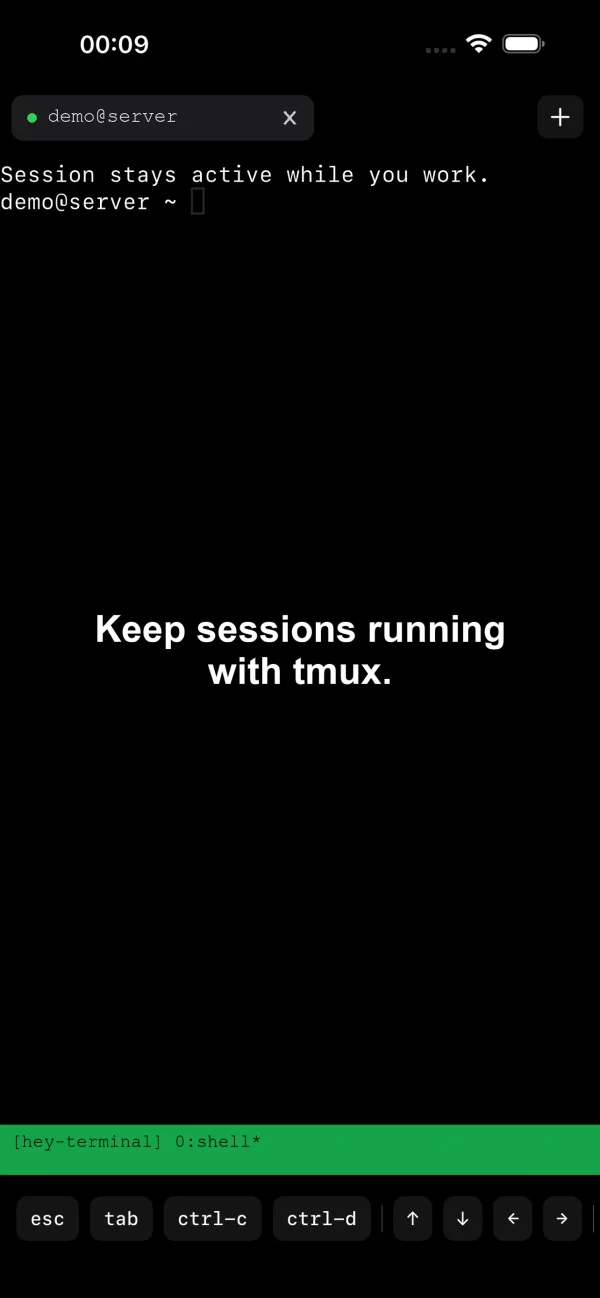
Use a physical keyboard to enter prompts and run commands. Review your project with your remote CLI, edit files with vim, or work in tmux when those tools are available on your computer.
Keep different connections in separate tabs. Create a tab with Command-T, close it with Command-W, and switch with Command-1 through Command-9.
Quick remote work on iPhone
When your computer isn't with you, connect for a short command, check a project file, or send a follow-up request to your remote CLI.
SSH and a local terminal
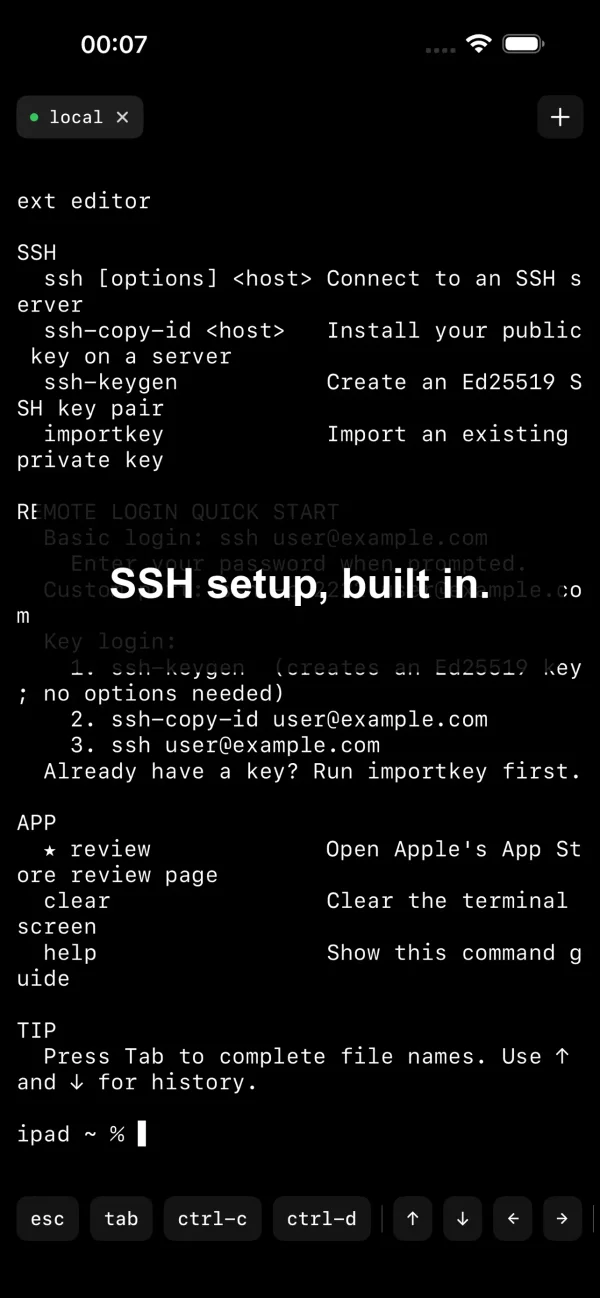
Connect with an SSH command or a configured host alias. Authenticate with a password or SSH key. Use the local terminal for basic file commands and SSH key generation.
Before you connect
You need a computer or server with SSH enabled that you can reach from your device. Remote tools run on that machine, not inside Hey Terminal. Install and configure the tools you want to use there, with any required accounts. Your remote machine must be powered on and accessible.
No app account or subscription required.
Yang baru
Versi 1.3.19 · 7/11/2026
Adjust terminal text size in Settings, from 12 to 32 points.
Privasi aplikasi
Yang dinyatakan JONGMIN CHOI di App Store tentang cara aplikasi ini menangani data.
-
Data yang ditautkan dengan Anda
Dapat dikumpulkan dan ditautkan dengan identitas Anda.
- Info kontak
- Konten pengguna
- Pengenal
- Data penggunaan
-
Data yang tidak ditautkan dengan Anda
Dapat dikumpulkan, tetapi tidak ditautkan dengan identitas Anda.
- Riwayat pencarian
- Pengenal
Praktik privasi dapat bervariasi, misalnya berdasarkan fitur yang Anda gunakan atau usia Anda.
Informasi
- Penjual
- JONGMIN CHOI
- Kategori
- Alat Pengembang
- Versi
- 1.3.19
- Diperbarui
- 7/11/2026
- Dirilis
- 26/3/2026
- Ukuran
- 14,1 MB
- Memerlukan
- iOS 17.6 atau yang lebih baru
- Batasan usia
- 9+
- Harga
- Gratis
- Bahasa
- Inggris
- Hak cipta
- © 2026 soonispapa
Mungkin Anda juga suka
-
 Shepherd: AI Agents & SSHAlat Pengembang
-
 SSH TerminatorAlat Pengembang
-
 TouchQube TerminalAlat Pengembang
-
 TermCOW - Stable SSH TerminalAlat Pengembang
-
 Hermit SSHAlat Pengembang
-
 Nice SSHAlat Pengembang
-
 CatClaw TerminalAlat Pengembang
-
 Terminalko - SSH TerminalKlien server remote & SFTP
-
 SSH Client & Terminal ServerAdmin, File, Jaringan, Tunnel
-
 teletype computerAlat Pengembang