
Hey Terminal: SSH Client
Keyboard-first shell for iPad
Entwickelt für iPhone, iPad
Kostenlos
- Altersfreigabe9+
- KategorieEntwickler-Tools
- EntwicklerJONGMIN CHOI
- SprachenEnglisch
- Größe14,1 MB
Verlinkt auf die offizielle App Store-Seite
Download.org hostet keine Datei von Hey Terminal: SSH Client. Die Schaltfläche öffnet die App-Seite bei App Store, wo JONGMIN CHOI die App veröffentlicht. Eintrag zuletzt geprüft am 17.11.2026.
Screenshots
Info
Der Entwickler hat diesen Text nicht in Ihrer Sprache bereitgestellt.
Your work machine, from your iPad.
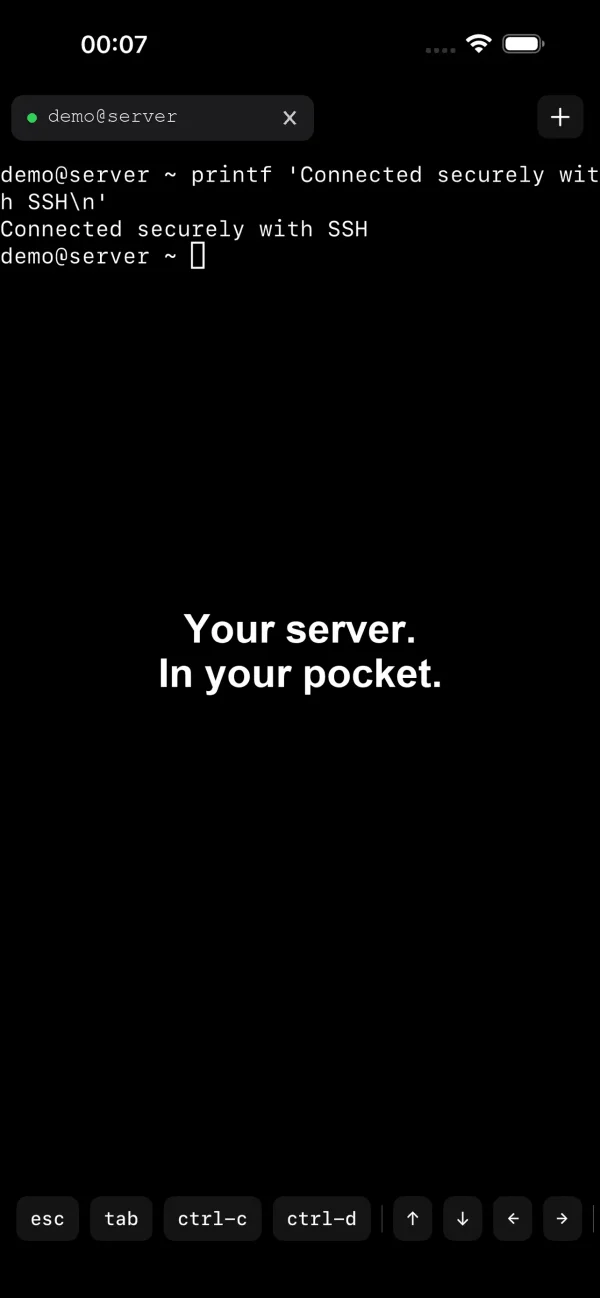
Your work computer can stay at home or in the office. Connect to it over SSH with Hey Terminal, open Codex or Claude Code there, and continue working on your project from your iPad.
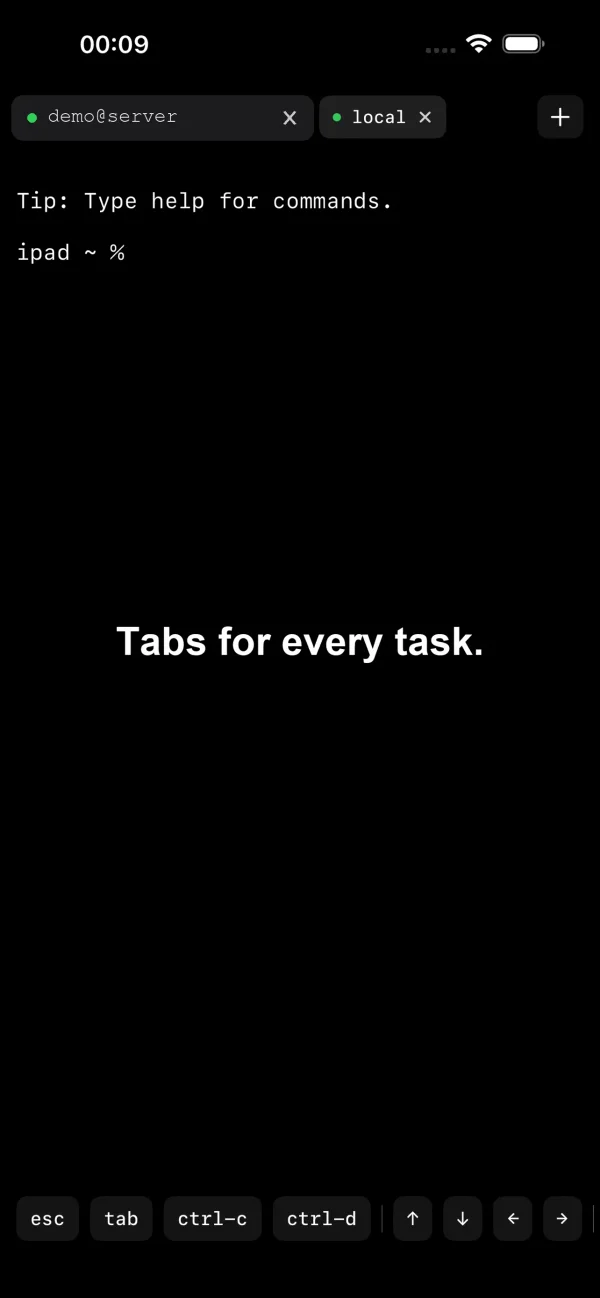
A keyboard-first terminal for iPad
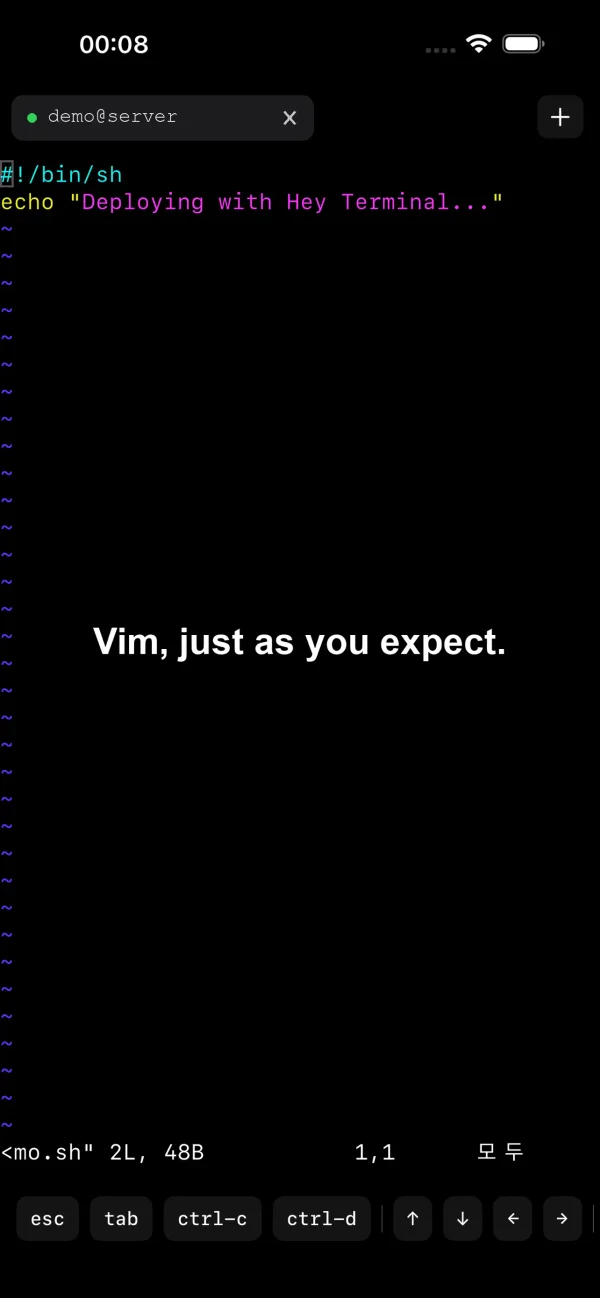
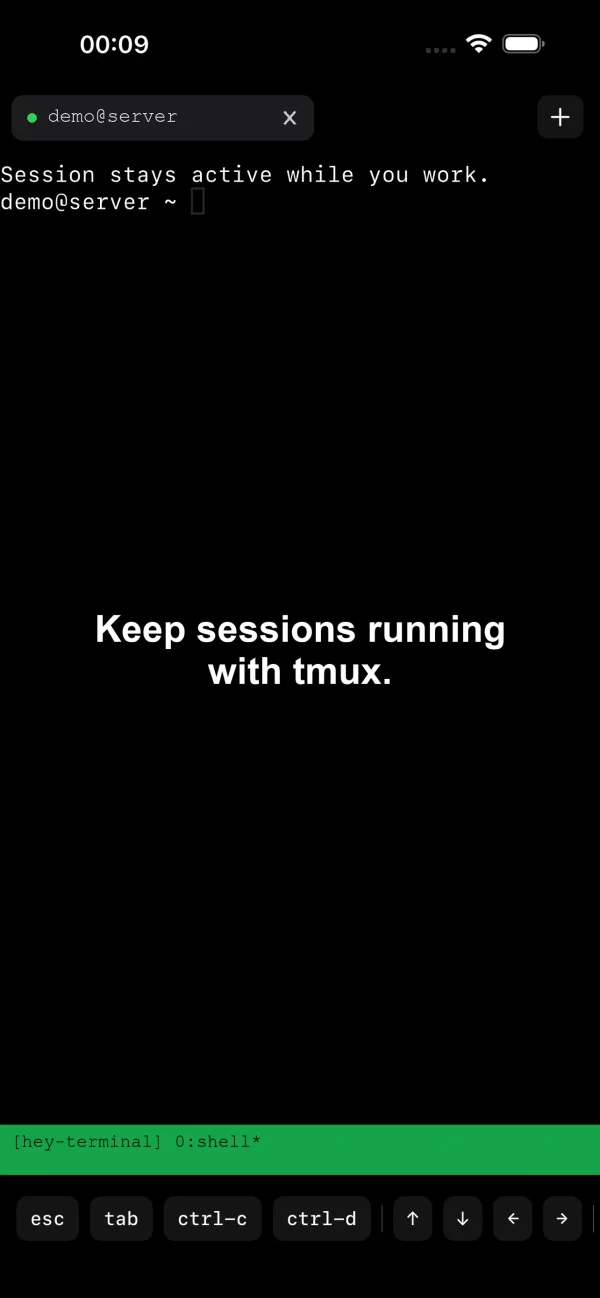
Use a physical keyboard to enter prompts and run commands. Review your project with your remote CLI, edit files with vim, or work in tmux when those tools are available on your computer.
Keep different connections in separate tabs. Create a tab with Command-T, close it with Command-W, and switch with Command-1 through Command-9.
Quick remote work on iPhone
When your computer isn't with you, connect for a short command, check a project file, or send a follow-up request to your remote CLI.
SSH and a local terminal
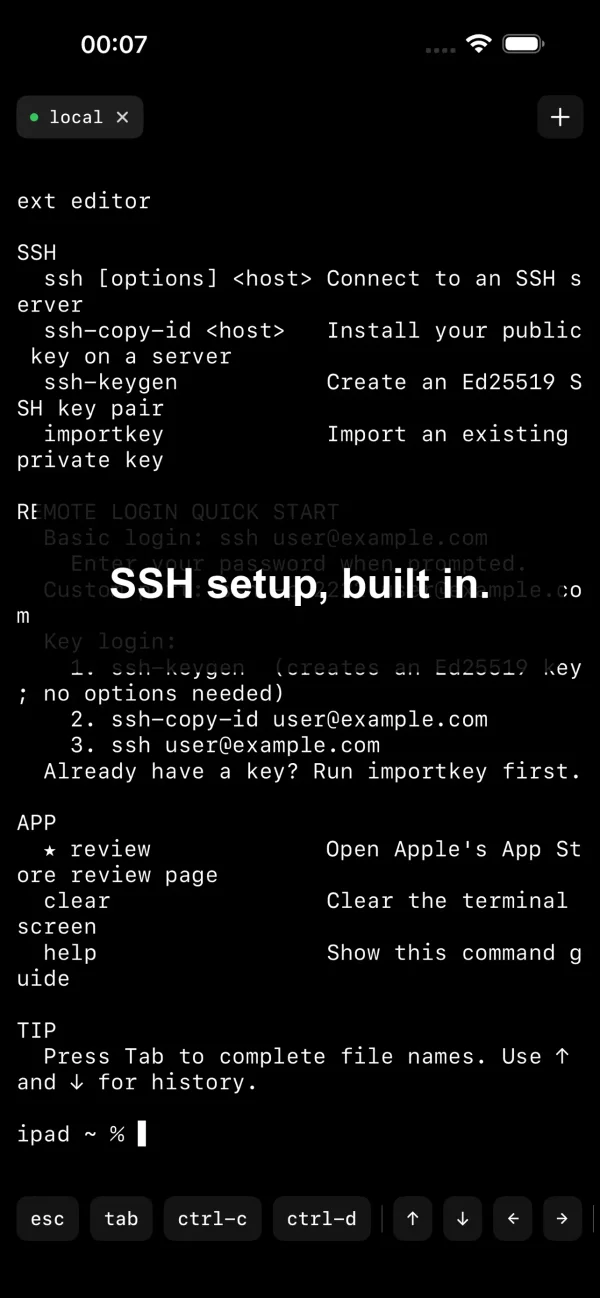
Connect with an SSH command or a configured host alias. Authenticate with a password or SSH key. Use the local terminal for basic file commands and SSH key generation.
Before you connect
You need a computer or server with SSH enabled that you can reach from your device. Remote tools run on that machine, not inside Hey Terminal. Install and configure the tools you want to use there, with any required accounts. Your remote machine must be powered on and accessible.
No app account or subscription required.
Neue Funktionen
Version 1.3.19 · 07.11.2026
Adjust terminal text size in Settings, from 12 to 32 points.
App-Datenschutz
Was JONGMIN CHOI im App Store zum Umgang dieser App mit Daten angibt.
-
Mit Ihnen verknüpfte Daten
Können erfasst und mit Ihrer Identität verknüpft werden.
- Kontaktinformationen
- Benutzerinhalte
- Kennungen
- Nutzungsdaten
-
Nicht mit Ihnen verknüpfte Daten
Können erfasst werden, sind aber nicht mit Ihrer Identität verknüpft.
- Suchverlauf
- Kennungen
Die Datenschutzpraktiken können variieren, zum Beispiel je nach den von Ihnen verwendeten Funktionen oder Ihrem Alter.
Informationen
- Anbieter
- JONGMIN CHOI
- Kategorie
- Entwickler-Tools
- Version
- 1.3.19
- Aktualisiert
- 07.11.2026
- Veröffentlicht
- 26.03.2026
- Größe
- 14,1 MB
- Erfordert
- iOS 17.6 oder neuer
- Altersfreigabe
- 9+
- Preis
- Kostenlos
- Sprachen
- Englisch
- Copyright
- © 2026 soonispapa
Das könnte Ihnen auch gefallen
-
 Shepherd: AI Agents & SSHEntwickler-Tools
-
 SSH TerminatorEntwickler-Tools
-
 TouchQube TerminalEntwickler-Tools
-
 TermCOW - Stable SSH TerminalEntwickler-Tools
-
 Hermit SSHEntwickler-Tools
-
 Nice SSHEntwickler-Tools
-
 CatClaw TerminalEntwickler-Tools
-
 Terminalko - SSH TerminalServer & SFTP für unterwegs
-
 SSH Client, Terminal & KonsoleServermonitor, Dateien, Tunnel
-
 teletype computerEntwickler-Tools