
Hey Terminal: SSH Client
Keyboard-first shell for iPad
Được thiết kế cho iPhone, iPad
Miễn phí
- Độ tuổi9+
- Danh mụcCông Cụ Nhà Phát Triển
- Nhà phát triểnJONGMIN CHOI
- Ngôn ngữTiếng Anh
- Kích thước14,1 MB
Liên kết đến trang App Store chính thức
Download.org không lưu trữ tệp nào của Hey Terminal: SSH Client. Nút này mở trang ứng dụng trên App Store, nơi JONGMIN CHOI phát hành ứng dụng. Trang được kiểm tra lần cuối: 17/11/2026.
Ảnh chụp màn hình
Giới thiệu
Nhà phát triển chưa cung cấp nội dung này bằng ngôn ngữ của bạn.
Your work machine, from your iPad.
Your work computer can stay at home or in the office. Connect to it over SSH with Hey Terminal, open Codex or Claude Code there, and continue working on your project from your iPad.
A keyboard-first terminal for iPad
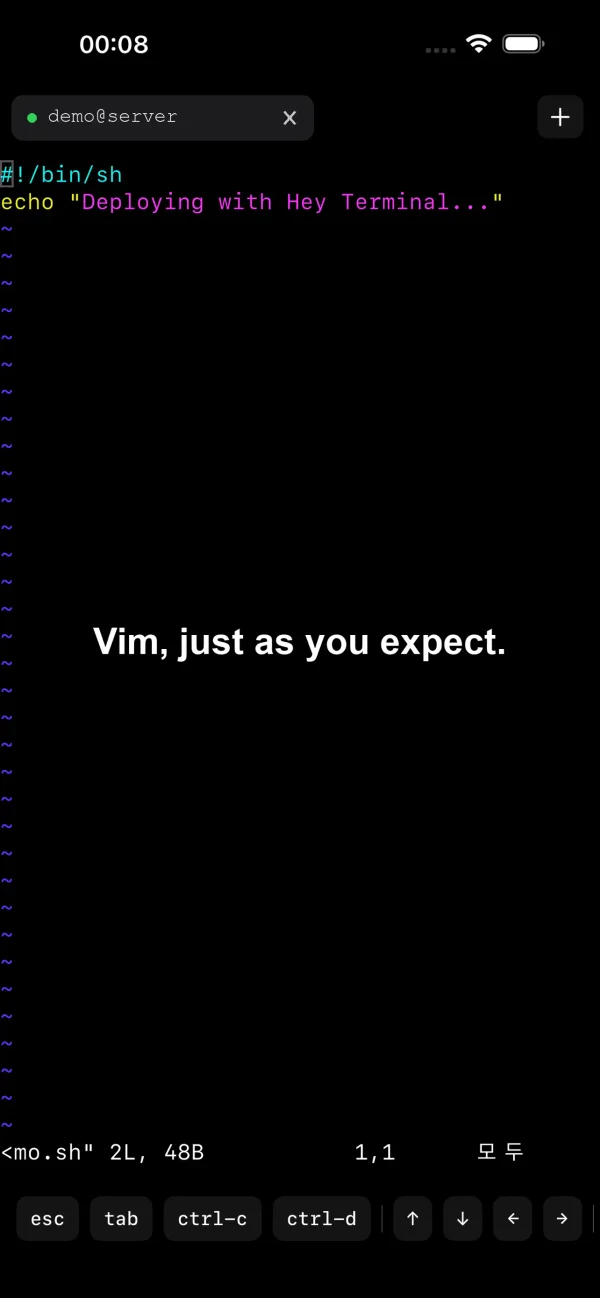
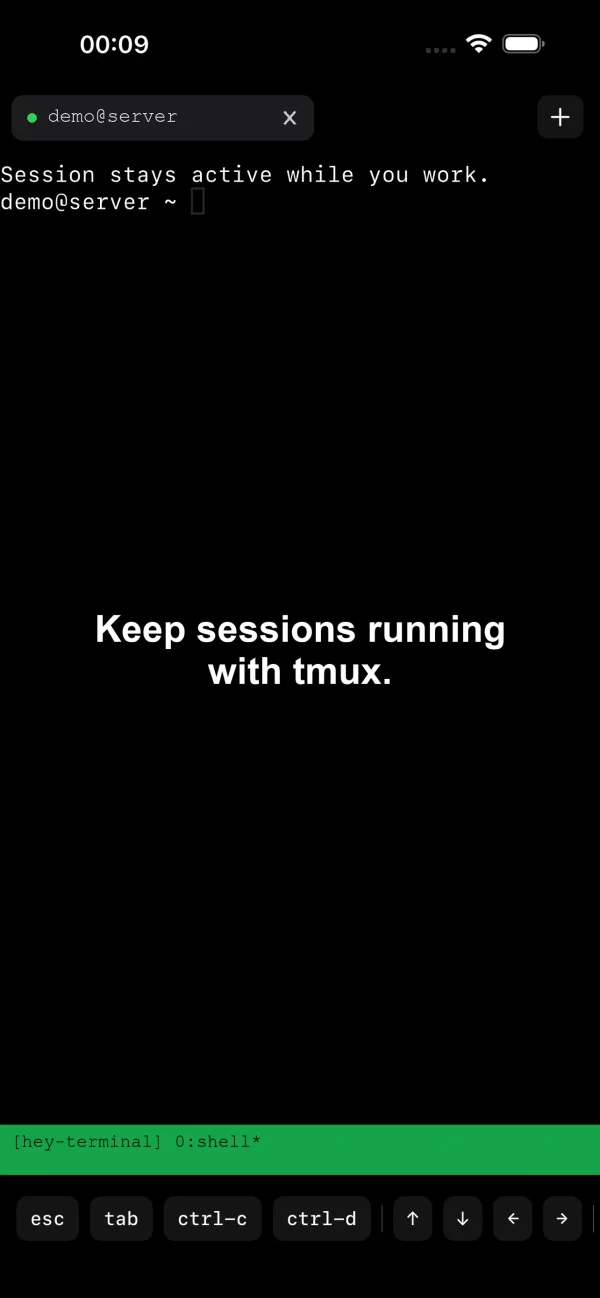
Use a physical keyboard to enter prompts and run commands. Review your project with your remote CLI, edit files with vim, or work in tmux when those tools are available on your computer.
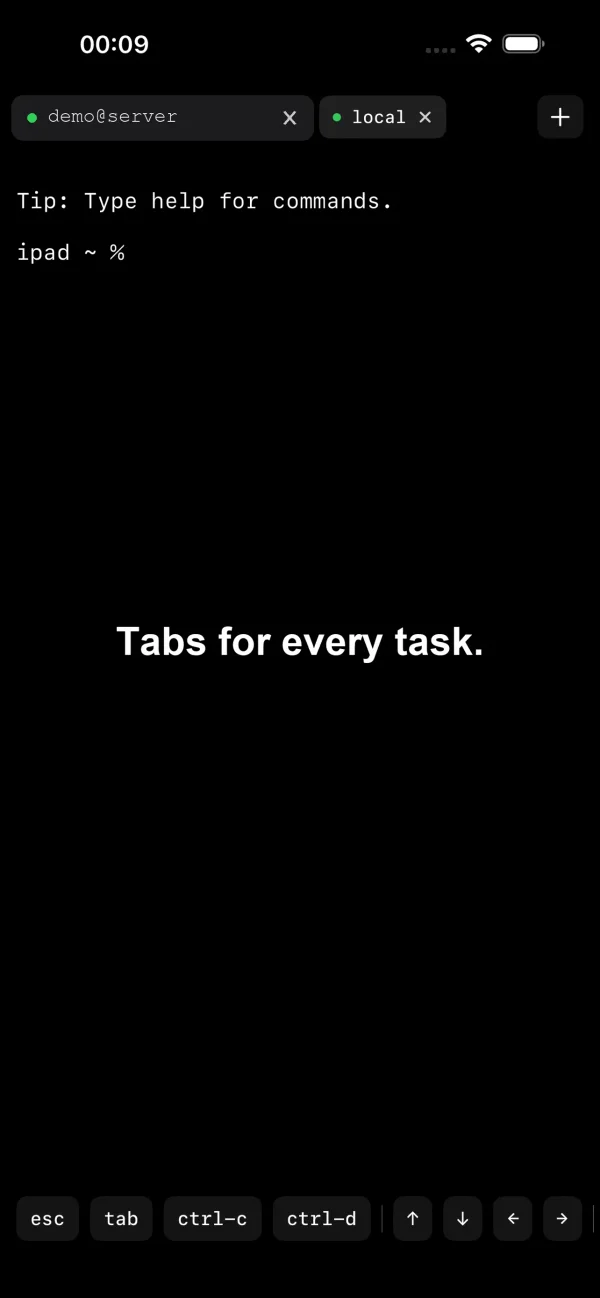
Keep different connections in separate tabs. Create a tab with Command-T, close it with Command-W, and switch with Command-1 through Command-9.
Quick remote work on iPhone
When your computer isn't with you, connect for a short command, check a project file, or send a follow-up request to your remote CLI.
SSH and a local terminal
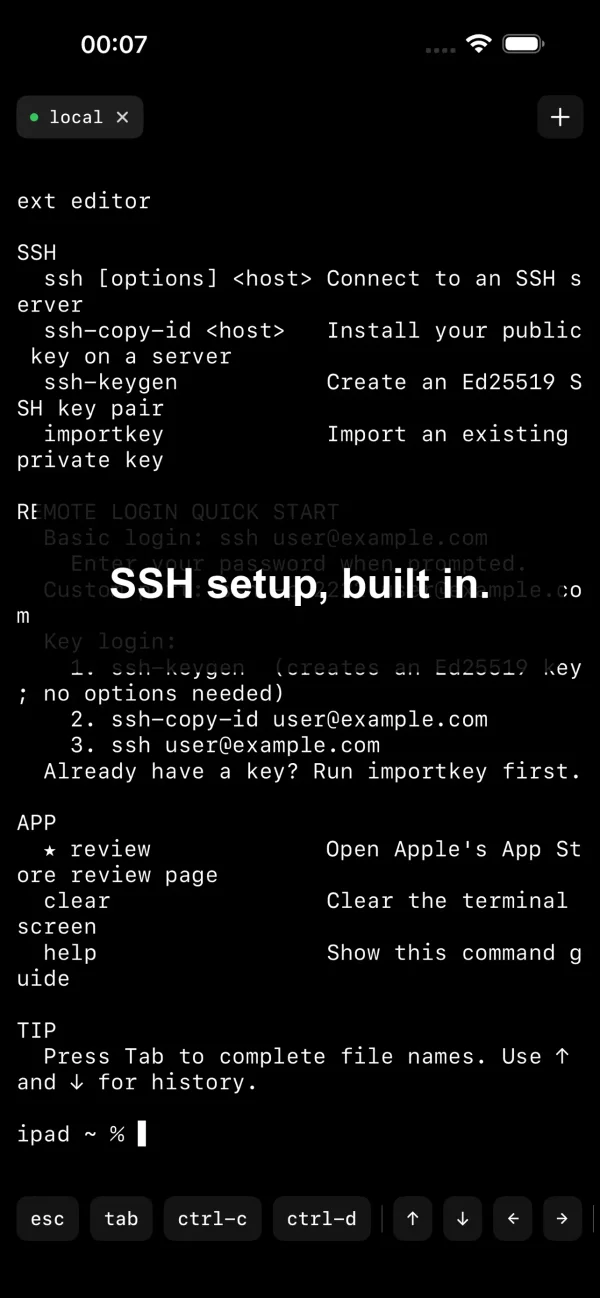
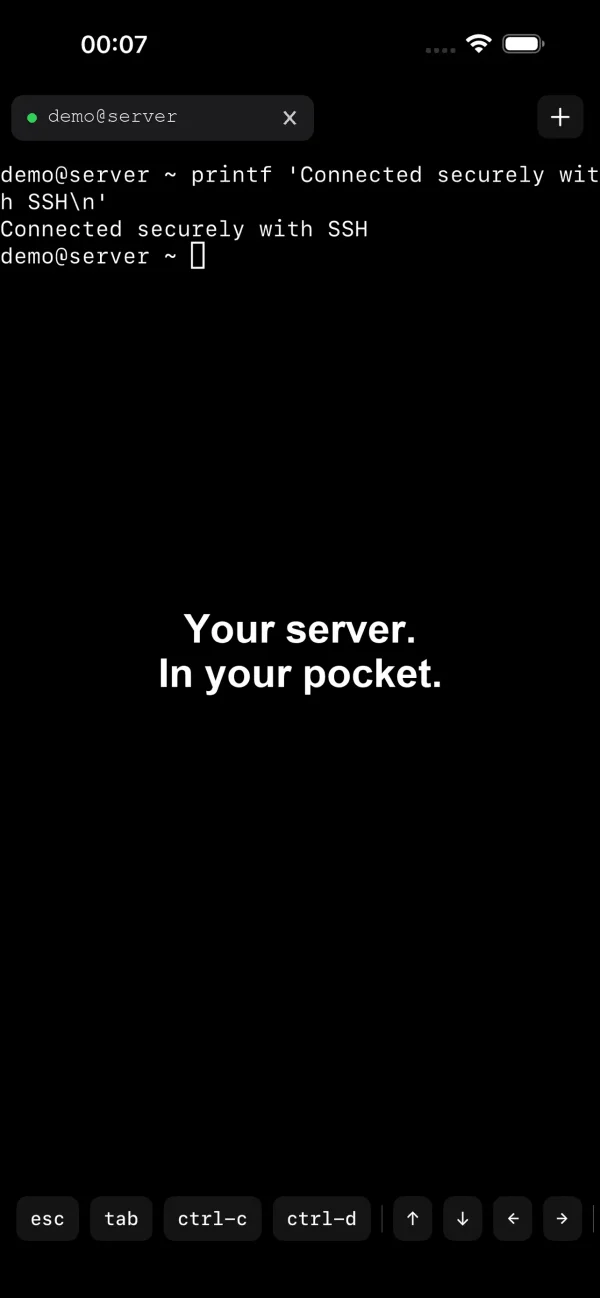
Connect with an SSH command or a configured host alias. Authenticate with a password or SSH key. Use the local terminal for basic file commands and SSH key generation.
Before you connect
You need a computer or server with SSH enabled that you can reach from your device. Remote tools run on that machine, not inside Hey Terminal. Install and configure the tools you want to use there, with any required accounts. Your remote machine must be powered on and accessible.
No app account or subscription required.
Có gì mới
Phiên bản 1.3.19 · 07/11/2026
Adjust terminal text size in Settings, from 12 to 32 points.
Quyền riêng tư của ứng dụng
Những gì JONGMIN CHOI khai báo trên App Store về cách ứng dụng này xử lý dữ liệu.
-
Dữ liệu liên kết với bạn
Có thể được thu thập và liên kết với danh tính của bạn.
- Thông tin liên hệ
- Nội dung của người dùng
- Mã định danh
- Dữ liệu sử dụng
-
Dữ liệu không liên kết với bạn
Có thể được thu thập nhưng không liên kết với danh tính của bạn.
- Lịch sử tìm kiếm
- Mã định danh
Phương thức đảm bảo quyền riêng tư có thể khác nhau, chẳng hạn như tuỳ theo các tính năng bạn sử dụng hoặc độ tuổi của bạn.
Thông tin
- Người bán
- JONGMIN CHOI
- Danh mục
- Công Cụ Nhà Phát Triển
- Phiên bản
- 1.3.19
- Cập nhật
- 07/11/2026
- Phát hành
- 26/03/2026
- Kích thước
- 14,1 MB
- Yêu cầu
- iOS 17.6 trở lên
- Độ tuổi
- 9+
- Giá
- Miễn phí
- Ngôn ngữ
- Tiếng Anh
- Bản quyền
- © 2026 soonispapa
Có thể bạn cũng thích
-
 Shepherd: AI Agents & SSHCông Cụ Nhà Phát Triển
-
 SSH TerminatorCông Cụ Nhà Phát Triển
-
 TouchQube TerminalCông Cụ Nhà Phát Triển
-
 TermCOW - Stable SSH TerminalCông Cụ Nhà Phát Triển
-
 Hermit SSHCông Cụ Nhà Phát Triển
-
 Nice SSHCông Cụ Nhà Phát Triển
-
 CatClaw TerminalCông Cụ Nhà Phát Triển
-
 Terminalko - SSH TerminalMáy chủ từ xa & SFTP
-
 SSH Client & Terminal Máy ChủQuản trị, tệp, mạng và nhật ký
-
 teletype computerCông Cụ Nhà Phát Triển