- Clasificación por edad4+
- CategoríaEducación
- DesarrolladorSatoshi Horiguchi
- IdiomasJaponés+ 1 más
- Tamaño4,0 MB
Es posible que Jottable Flash Cards no esté disponible en App Store en este momento
No se pudo acceder a la ficha de la tienda en nuestra última comprobación. El enlace sigue llevando a la página oficial de App Store.
Capturas de pantalla
Acerca de
El desarrollador no ha proporcionado este texto en tu idioma.
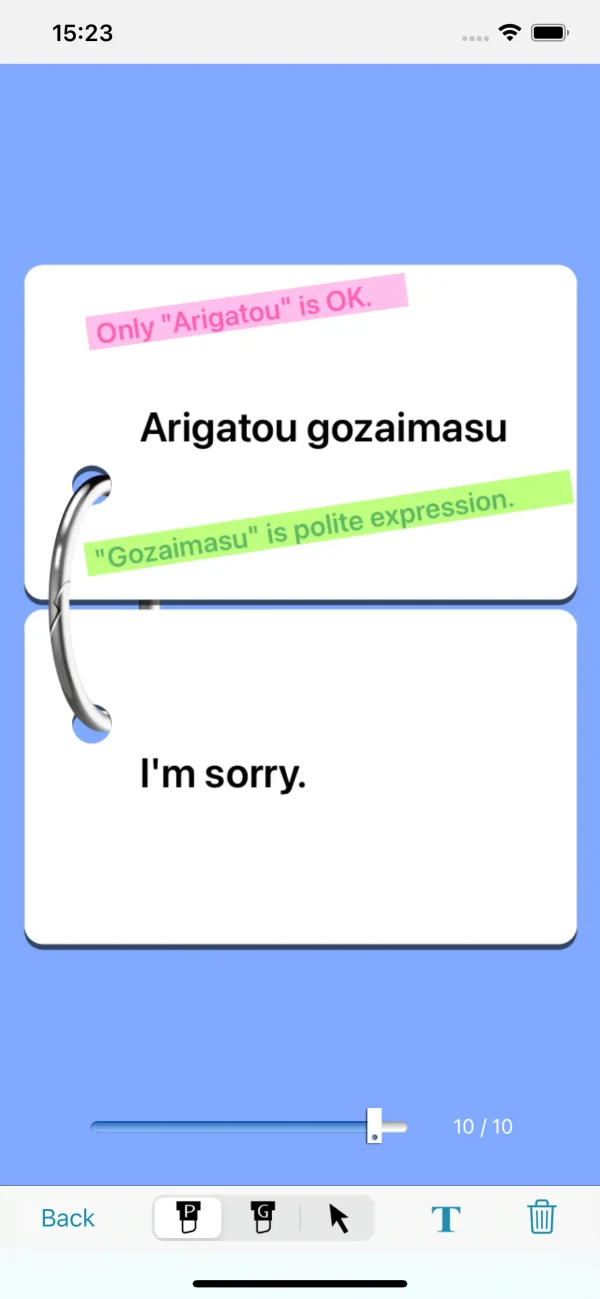
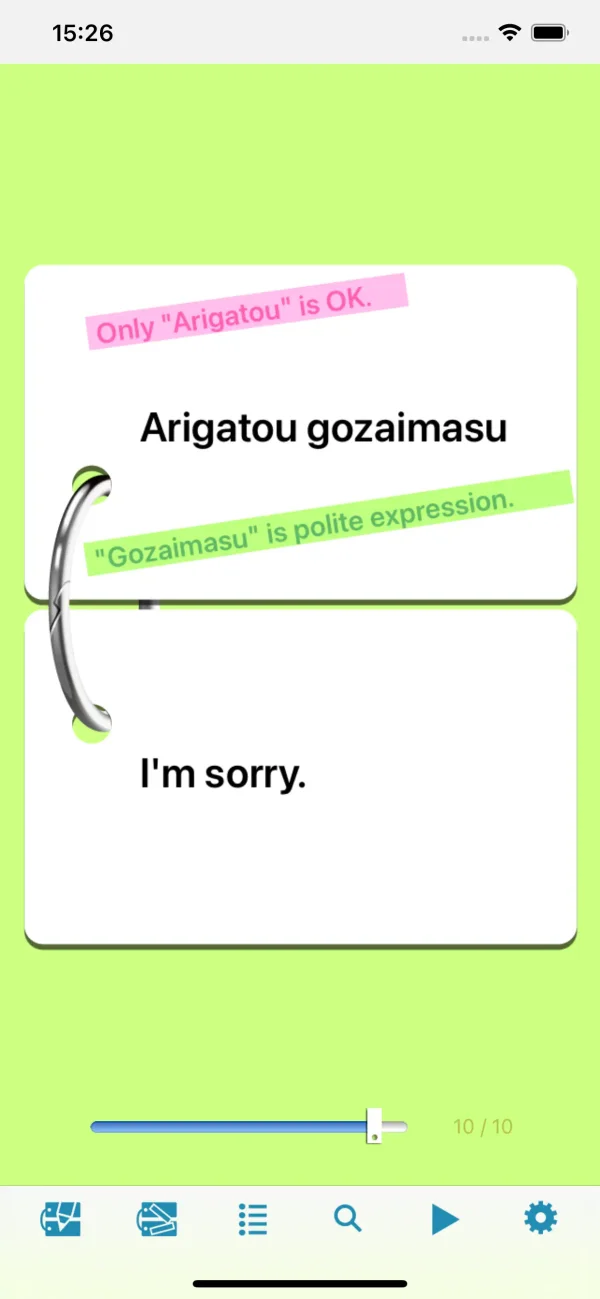
This is a flash cards app, you can take a note with color marker other than main word.
It also has the following functions. Automatic flipping, searching word, reordering cards, skipping cards with slider, importing and exporting text files.
(There is an free version "Jottable Flash Cards Free". We recommend you to try it first. It has almost same functions.)
==Function which in only paid-for version==
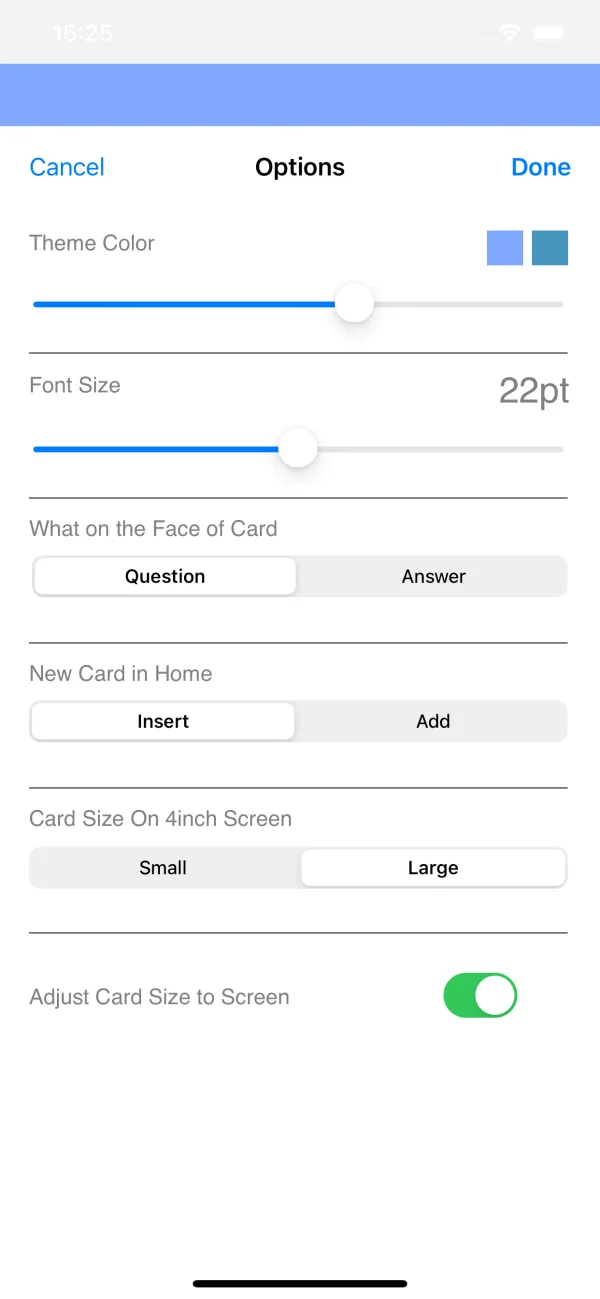
1. Adjusts font size if it's too large to write all characters in a card.
==Principal Functions==
1. Uses animation for flipping cards.
2. Can have up to 3 memos on each card.
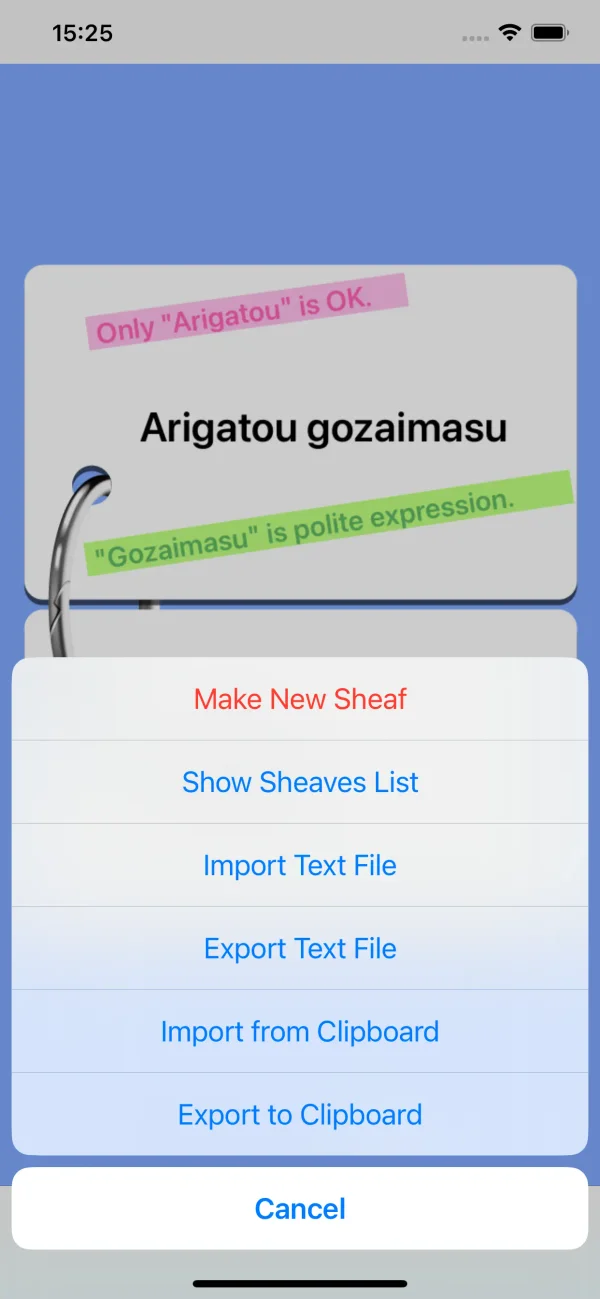
3. Can import or export text file using iTunes' "File Sharing".
4. Can have plural sheaves.
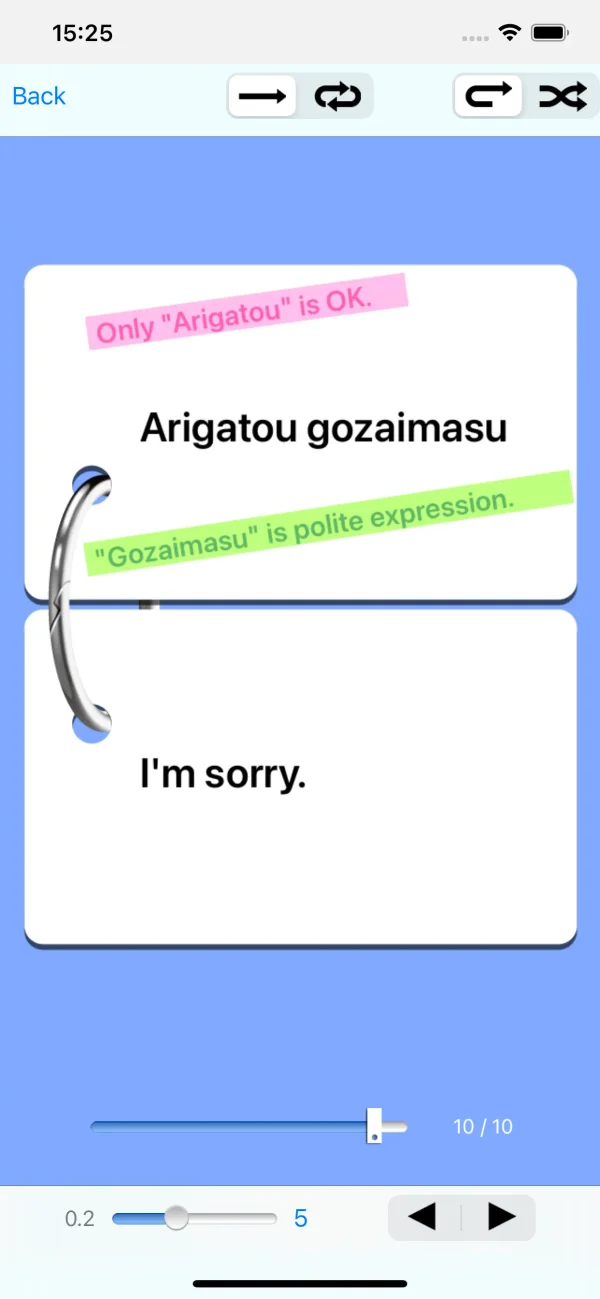
5. Can flip card automatically.
6. Can shuffle order of cards.
7. Can search keyword.
8. Can skip cards using slider.
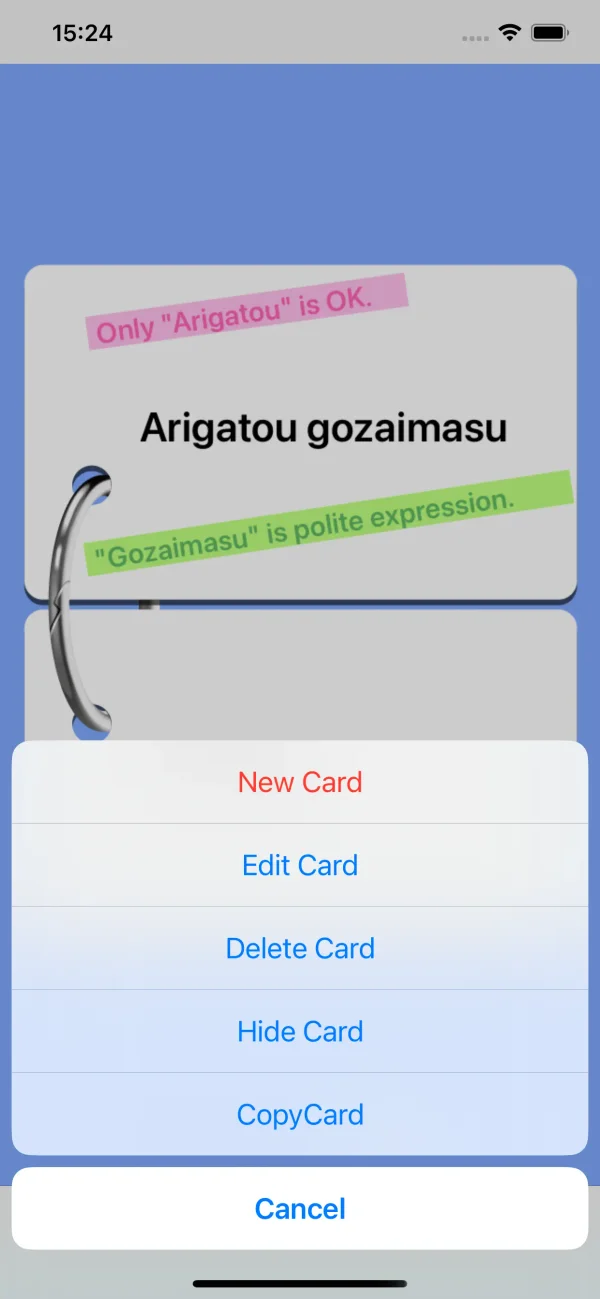
9. Can hide cards by pressing and dragging card.
10. Supports both 3.5 and 4 inch Retina displays.
11. Can change card size on 4 inch display.
==To import or export text files==
1. Use iTunes' "File Sharing", if you want to import or export text files.
2. The importing file needs to be Tab separated text or Comma separated text with UTF8 encoding. The extension for Tab separated text is ".txt", for Comma separated text is ".csv".
3. If you want to import text file with line feed code, you need to separate cards using semicolon(;).
4. The exporting file is always Tab separated text with UTF8 encoding.
==To import or export text files using clip board ==
1. You can import or export text files using clipboard.
2. The importing file needs to be Tab separated text with UTF8 encoding.
3. If you want to import text file with line feed code, you need to separate cards using semicolon(;).
4. The exporting file is always Tab separated text with UTF8 encoding.
Novedades
Versión 2.9.9 · 31/10/2025
We have updated the app for the latest iOS version.
Privacidad de la aplicación
Lo que Satoshi Horiguchi declara en App Store sobre cómo esta aplicación gestiona los datos.
-
No se recopilan datos
El desarrollador no recopila ningún dato de esta aplicación.
Las prácticas de privacidad pueden variar, por ejemplo, según las funciones que uses o tu edad.
Información
- Vendedor
- Satoshi Horiguchi
- Categoría
- Educación
- Versión
- 2.9.9
- Actualizado
- 31/10/2025
- Publicado
- 3/5/2011
- Tamaño
- 4,0 MB
- Requiere
- iOS 16.0 o posterior
- Clasificación por edad
- 4+
- Idiomas
- Japonés, Inglés
- Copyright
- © Satoshi Horiguchi