- Age rating4+
- CategoryEducation
- DeveloperSatoshi Horiguchi
- LanguagesJapanese+ 1 more
- Size4.0 MB
Links to the official App Store page
Download.org hosts no file of Jottable Flash Cards. The button opens its official App Store page, published by Satoshi Horiguchi. Listing last checked on Nov 12, 2026.
Screenshots
About
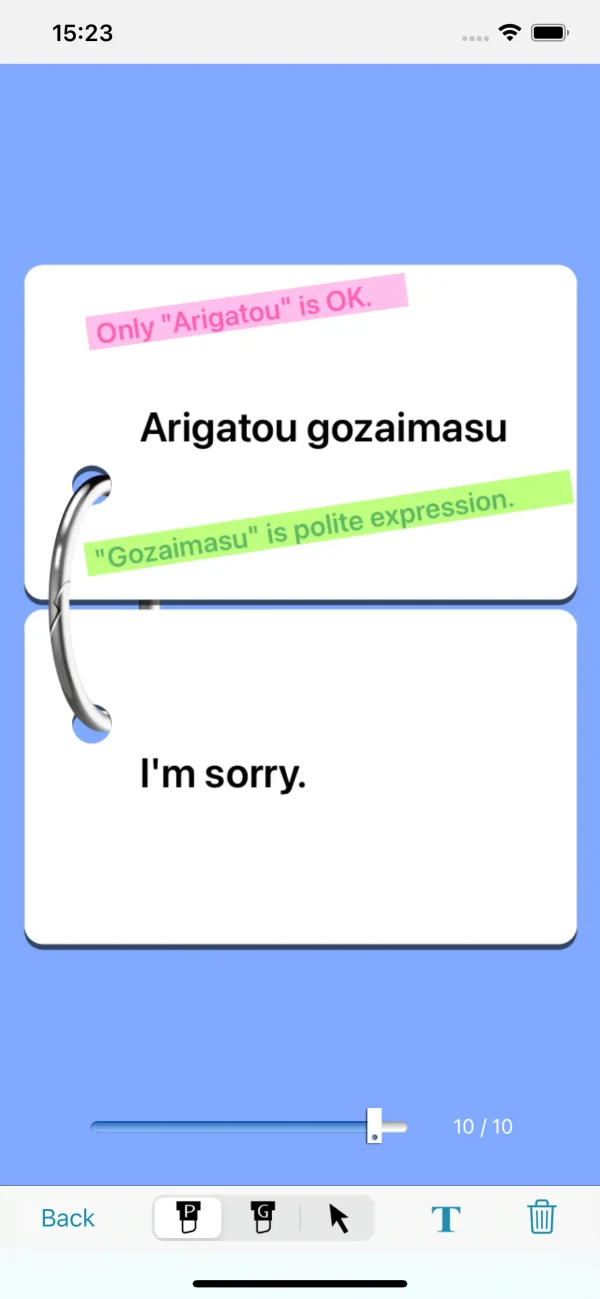
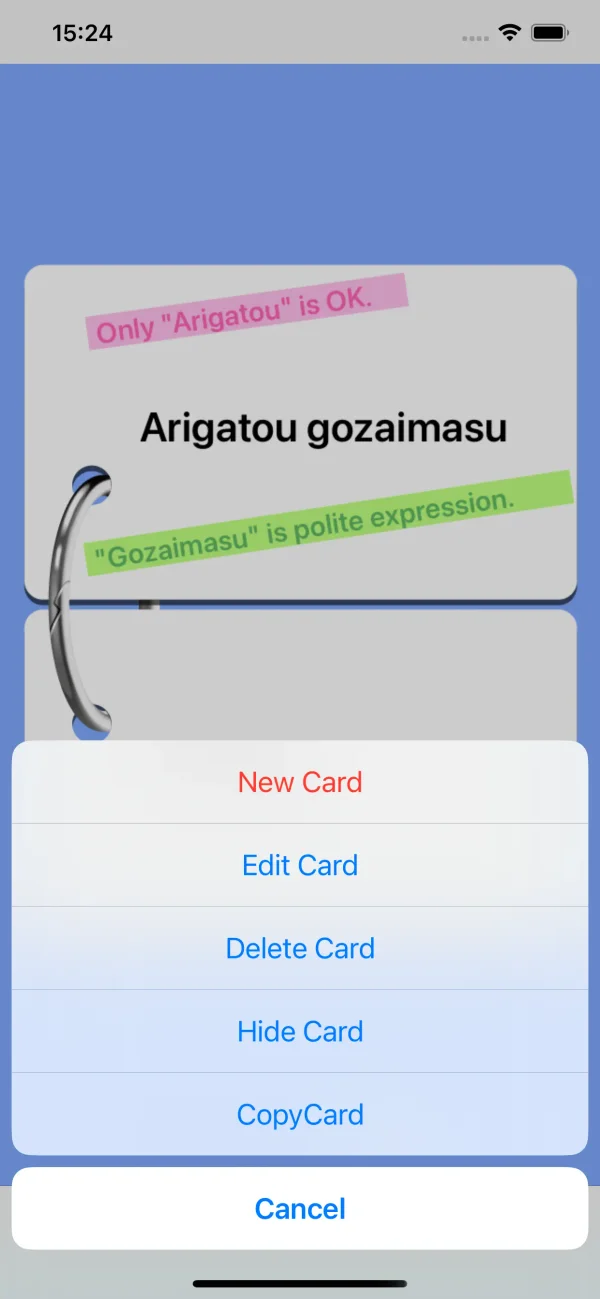
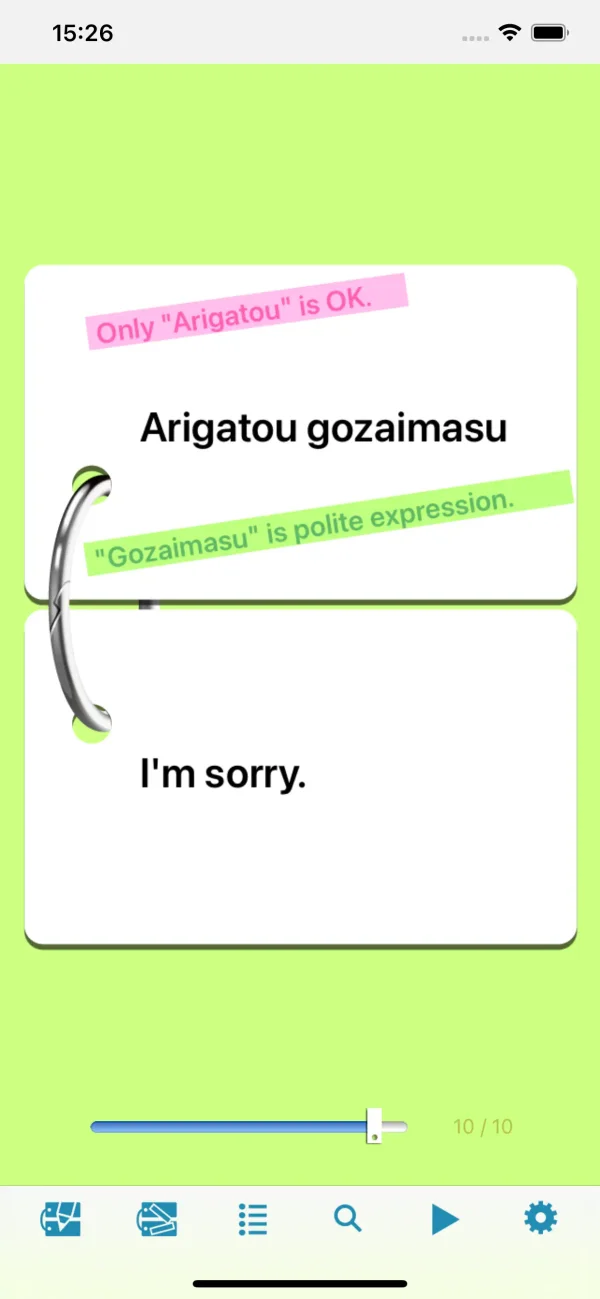
This is a flash cards app, you can take a note with color marker other than main word.
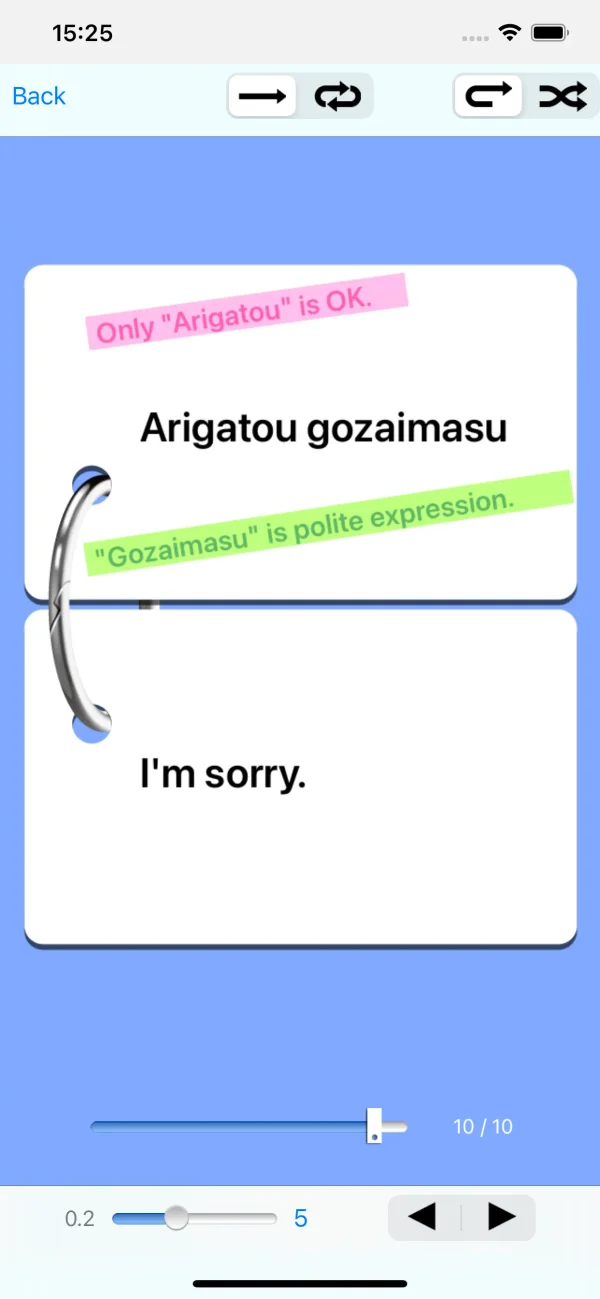
It also has the following functions. Automatic flipping, searching word, reordering cards, skipping cards with slider, importing and exporting text files.
(There is an free version "Jottable Flash Cards Free". We recommend you to try it first. It has almost same functions.)
==Function which in only paid-for version==
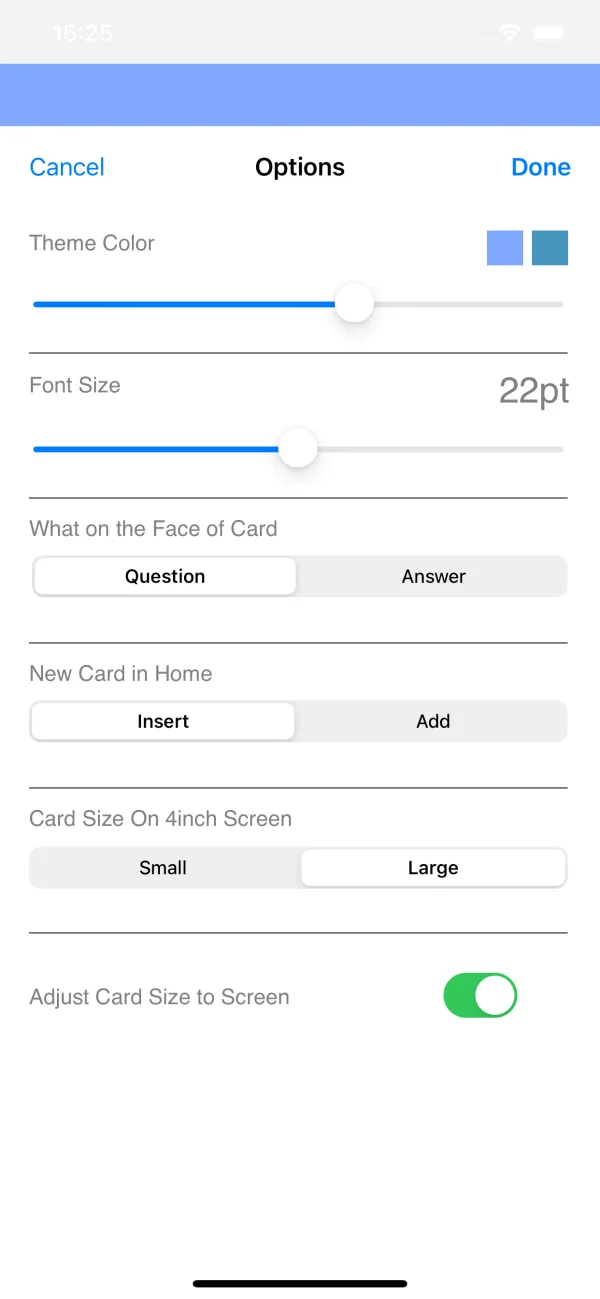
1. Adjusts font size if it's too large to write all characters in a card.
==Principal Functions==
1. Uses animation for flipping cards.
2. Can have up to 3 memos on each card.
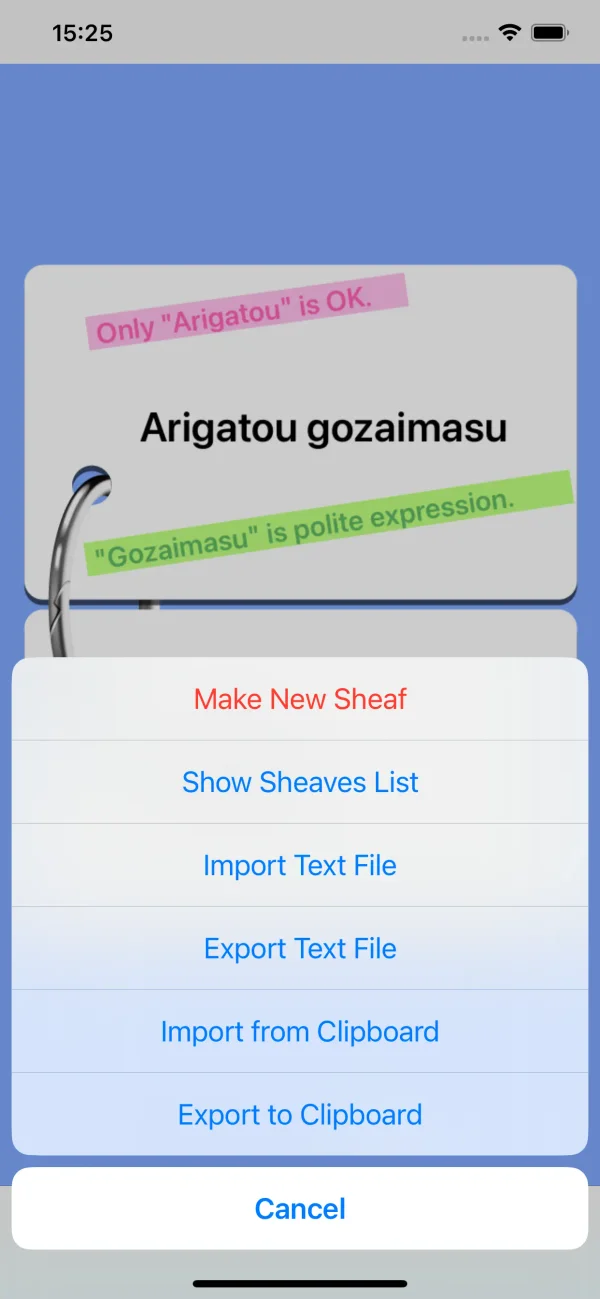
3. Can import or export text file using iTunes' "File Sharing".
4. Can have plural sheaves.
5. Can flip card automatically.
6. Can shuffle order of cards.
7. Can search keyword.
8. Can skip cards using slider.
9. Can hide cards by pressing and dragging card.
10. Supports both 3.5 and 4 inch Retina displays.
11. Can change card size on 4 inch display.
==To import or export text files==
1. Use iTunes' "File Sharing", if you want to import or export text files.
2. The importing file needs to be Tab separated text or Comma separated text with UTF8 encoding. The extension for Tab separated text is ".txt", for Comma separated text is ".csv".
3. If you want to import text file with line feed code, you need to separate cards using semicolon(;).
4. The exporting file is always Tab separated text with UTF8 encoding.
==To import or export text files using clip board ==
1. You can import or export text files using clipboard.
2. The importing file needs to be Tab separated text with UTF8 encoding.
3. If you want to import text file with line feed code, you need to separate cards using semicolon(;).
4. The exporting file is always Tab separated text with UTF8 encoding.
What’s new
Version 2.9.9 · Oct 31, 2025
We have updated the app for the latest iOS version.
App privacy
What Satoshi Horiguchi declares on the App Store about how this app handles data.
-
Data not collected
The developer does not collect any data from this app.
Privacy practices may vary, for example with the features you use or your age.
Information
- Seller
- Satoshi Horiguchi
- Category
- Education
- Version
- 2.9.9
- Updated
- Oct 31, 2025
- Released
- May 3, 2011
- Size
- 4.0 MB
- Requires
- iOS 16.0 or later
- Age rating
- 4+
- Languages
- Japanese, English
- Copyright
- © Satoshi Horiguchi
You might also like
-
 スタディアプリ小学生ProEducation
-
 ひたすら微分Education
-
 ひたすら情報コード・条件分岐・ループ・2/10進数変換の情報Ⅰ問題アプリ
-
 はなまる 小学生の漢字・計算ドリル 漢検対策Education
-
 司法・予備短答もすもす 司法試験・予備試験の過去問Education
-
 CommonDivisorMaster Simplifying Fractions
-
 Derivon - Calculus PracticeCalc Derivatives & Integrals
-
 Learn Three.js OfflineLearn 3D Web Graphics Fast
-
 シンプル単語暗記カードEducation
-
 FindSpeedAnimationDistance/Time/Speed