- Classification d’âge4+
- CatégorieÉducation
- DéveloppeurSatoshi Horiguchi
- LanguesJaponais+ 1 de plus
- Taille4,0 Mo
Jottable Flash Cards n’est peut-être pas disponible sur App Store pour le moment
La fiche de la boutique était inaccessible lors de notre dernière vérification. Le lien mène toujours à la page App Store officielle.
Captures d’écran
À propos
Le développeur n’a pas fourni ce texte dans votre langue.
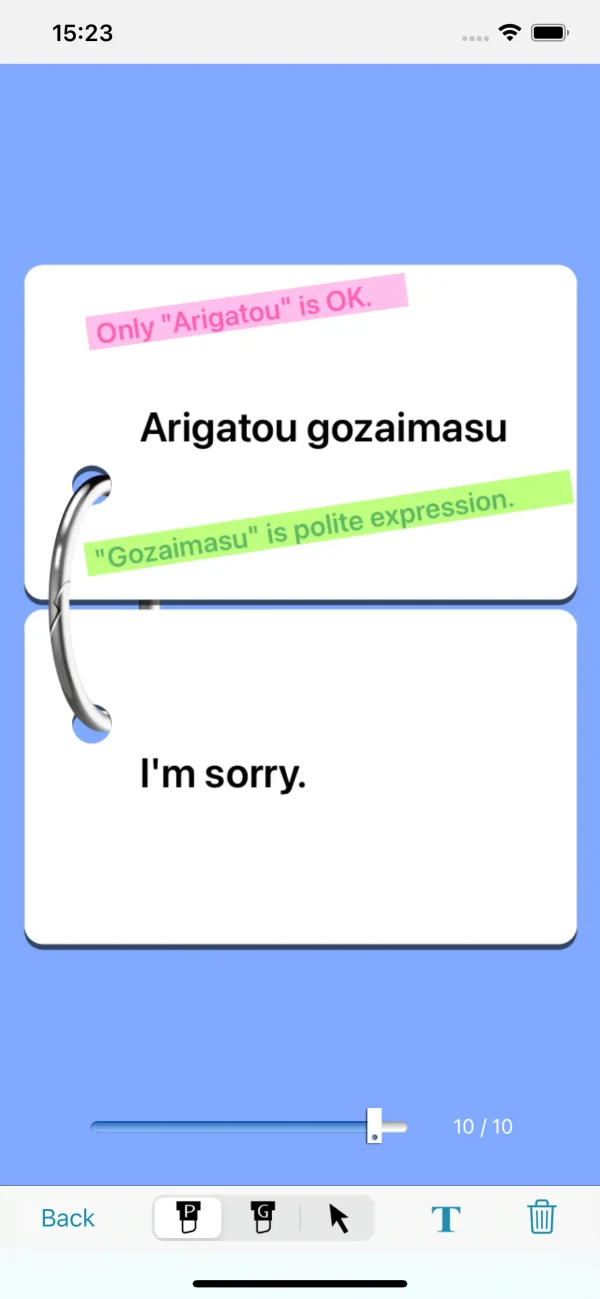
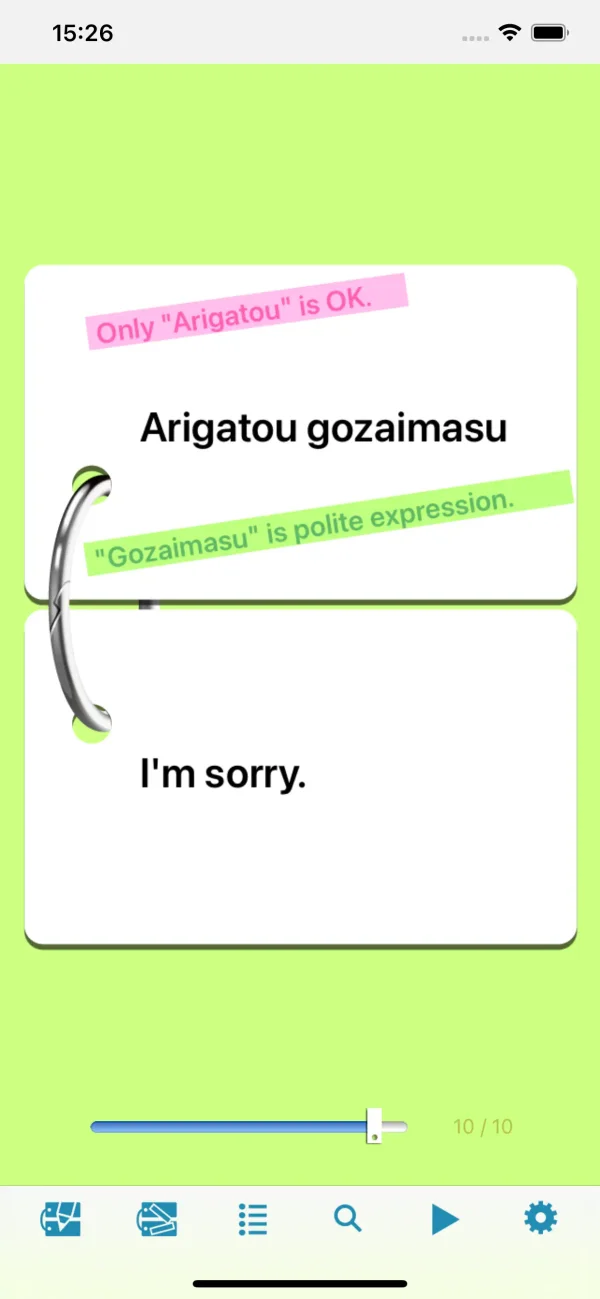
This is a flash cards app, you can take a note with color marker other than main word.
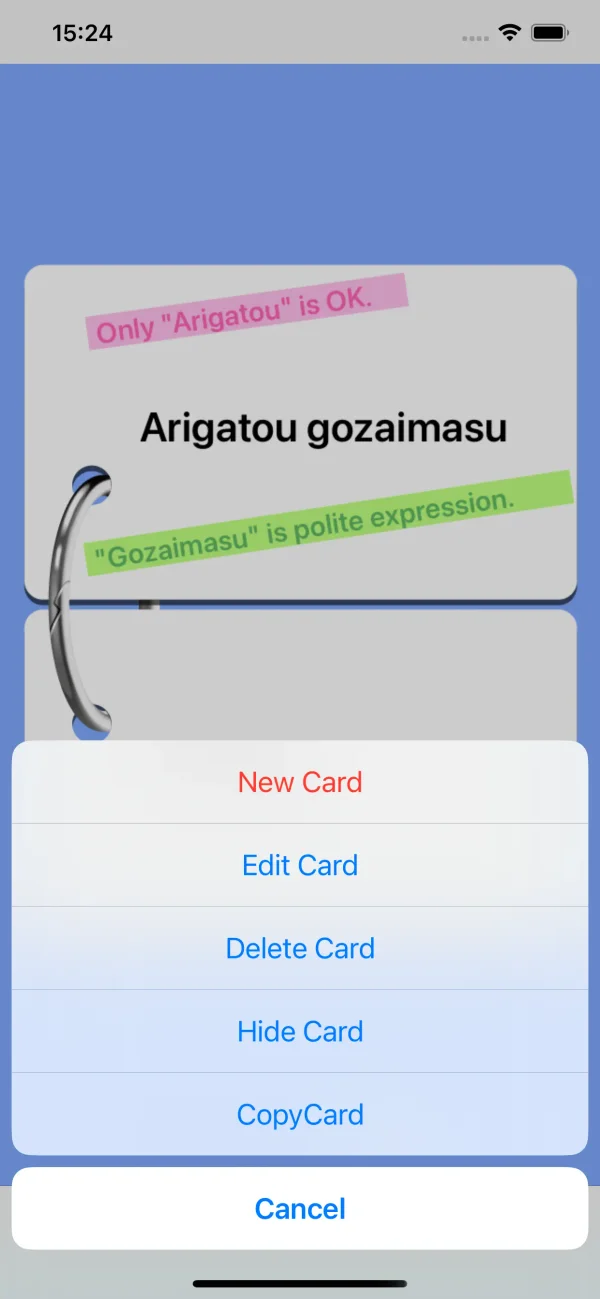
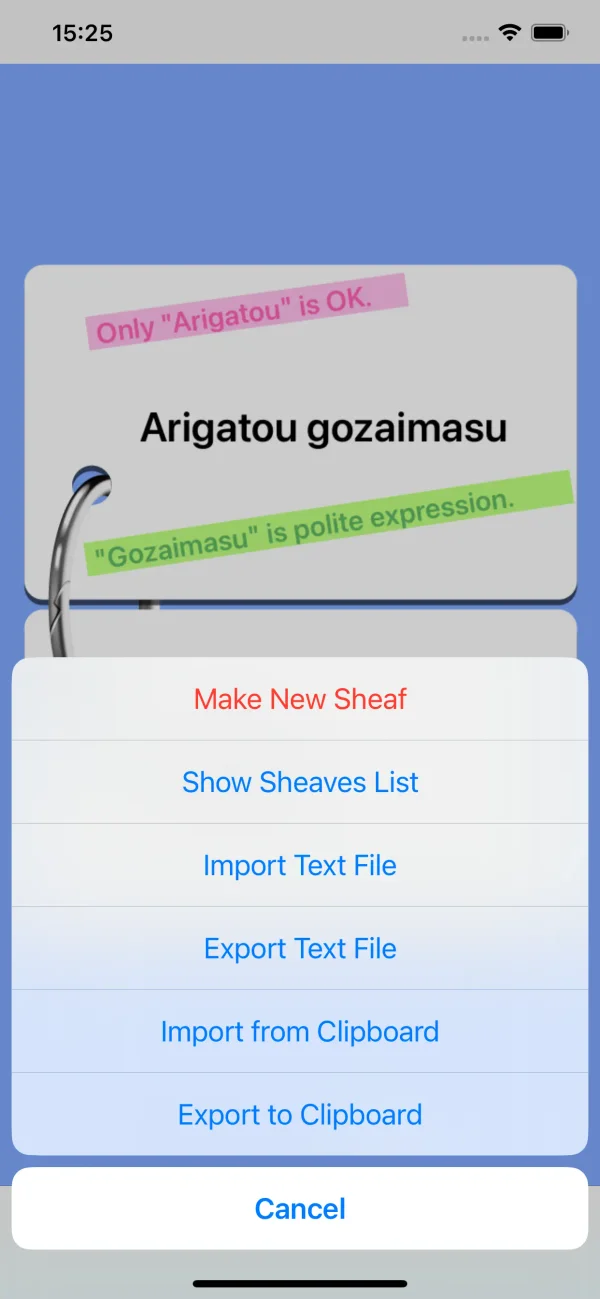
It also has the following functions. Automatic flipping, searching word, reordering cards, skipping cards with slider, importing and exporting text files.
(There is an free version "Jottable Flash Cards Free". We recommend you to try it first. It has almost same functions.)
==Function which in only paid-for version==
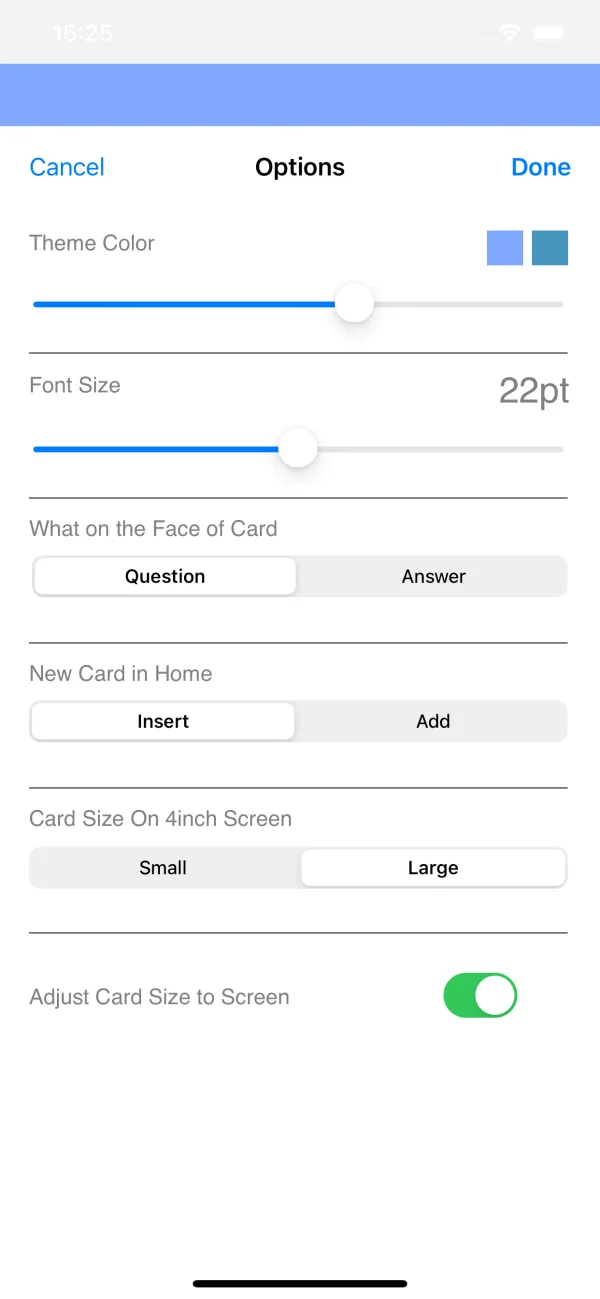
1. Adjusts font size if it's too large to write all characters in a card.
==Principal Functions==
1. Uses animation for flipping cards.
2. Can have up to 3 memos on each card.
3. Can import or export text file using iTunes' "File Sharing".
4. Can have plural sheaves.
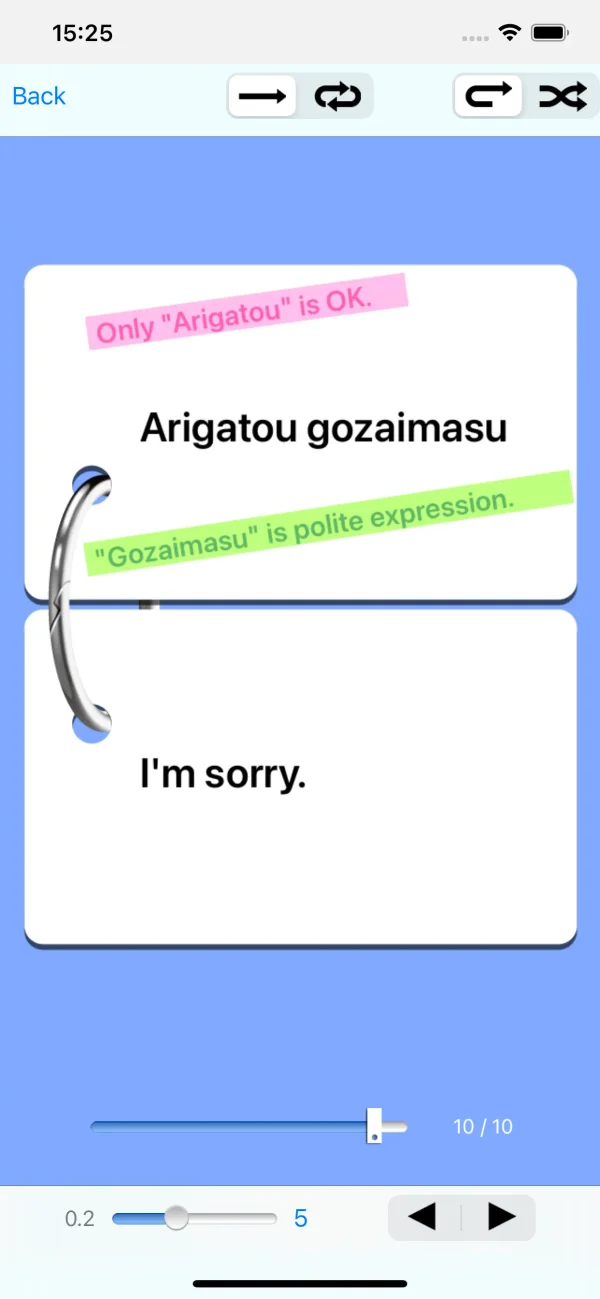
5. Can flip card automatically.
6. Can shuffle order of cards.
7. Can search keyword.
8. Can skip cards using slider.
9. Can hide cards by pressing and dragging card.
10. Supports both 3.5 and 4 inch Retina displays.
11. Can change card size on 4 inch display.
==To import or export text files==
1. Use iTunes' "File Sharing", if you want to import or export text files.
2. The importing file needs to be Tab separated text or Comma separated text with UTF8 encoding. The extension for Tab separated text is ".txt", for Comma separated text is ".csv".
3. If you want to import text file with line feed code, you need to separate cards using semicolon(;).
4. The exporting file is always Tab separated text with UTF8 encoding.
==To import or export text files using clip board ==
1. You can import or export text files using clipboard.
2. The importing file needs to be Tab separated text with UTF8 encoding.
3. If you want to import text file with line feed code, you need to separate cards using semicolon(;).
4. The exporting file is always Tab separated text with UTF8 encoding.
Nouveautés
Version 2.9.9 · 31/10/2025
We have updated the app for the latest iOS version.
Confidentialité de l’application
Ce que Satoshi Horiguchi déclare sur l’App Store au sujet du traitement des données par cette application.
-
Données non collectées
Le développeur ne collecte aucune donnée à partir de cette application.
Les pratiques en matière de confidentialité peuvent varier, notamment en fonction des fonctionnalités que vous utilisez ou de votre âge.
Informations
- Vendeur
- Satoshi Horiguchi
- Catégorie
- Éducation
- Version
- 2.9.9
- Mis à jour
- 31/10/2025
- Publié
- 03/05/2011
- Taille
- 4,0 Mo
- Nécessite
- iOS 16.0 ou version ultérieure
- Classification d’âge
- 4+
- Langues
- Japonais, Anglais
- Copyright
- © Satoshi Horiguchi