- Yaş sınırı4+
- KategoriEğitim
- GeliştiriciSatoshi Horiguchi
- DillerJaponca+ 1 dil daha
- Boyut4,0 MB
Jottable Flash Cards şu anda App Store üzerinde mevcut olmayabilir
Son kontrolümüzde mağaza sayfasına ulaşılamadı. Bağlantı yine de resmi App Store sayfasına gider.
Ekran görüntüleri
Hakkında
Geliştirici bu metni dilinizde sunmamış.
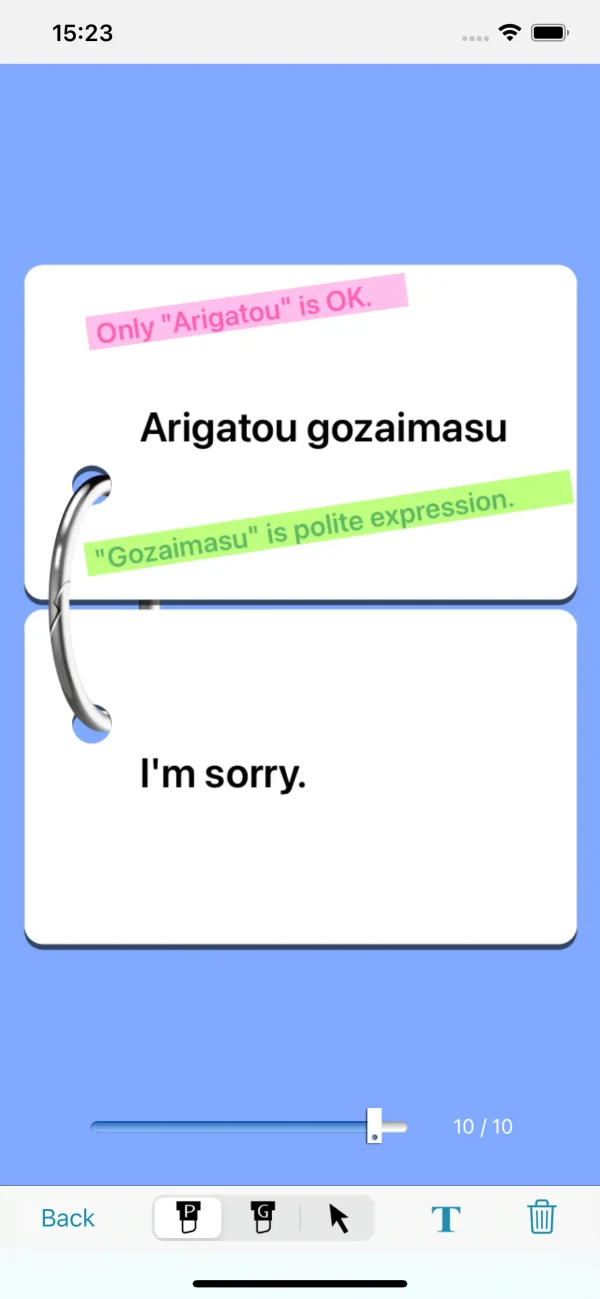
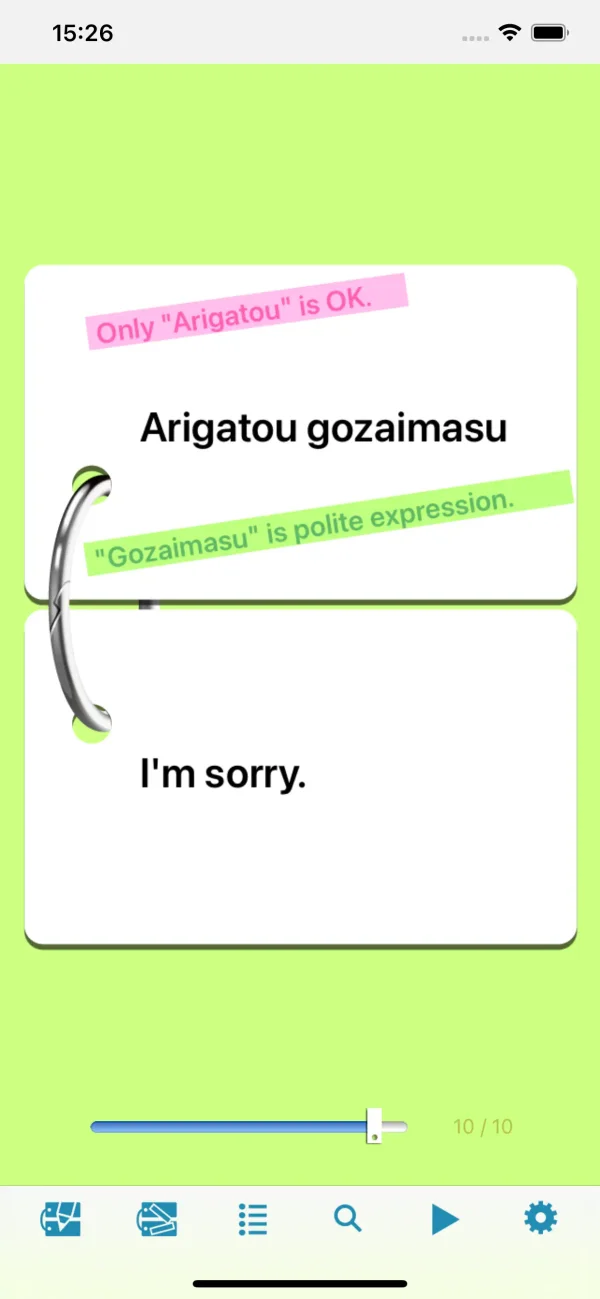
This is a flash cards app, you can take a note with color marker other than main word.
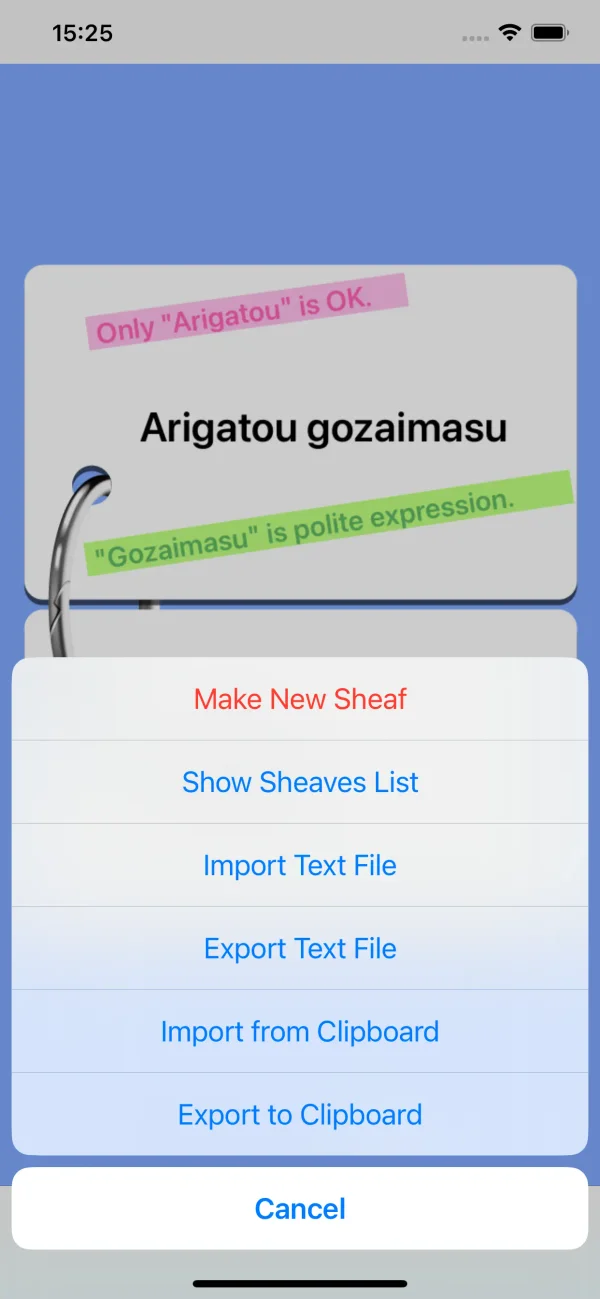
It also has the following functions. Automatic flipping, searching word, reordering cards, skipping cards with slider, importing and exporting text files.
(There is an free version "Jottable Flash Cards Free". We recommend you to try it first. It has almost same functions.)
==Function which in only paid-for version==
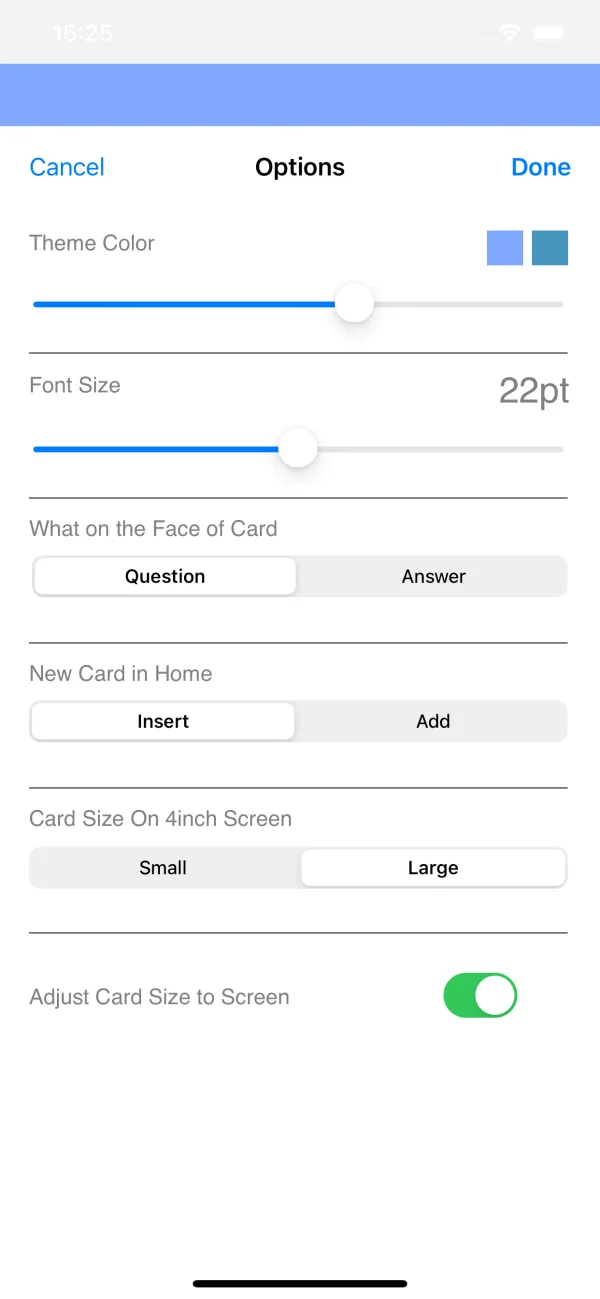
1. Adjusts font size if it's too large to write all characters in a card.
==Principal Functions==
1. Uses animation for flipping cards.
2. Can have up to 3 memos on each card.
3. Can import or export text file using iTunes' "File Sharing".
4. Can have plural sheaves.
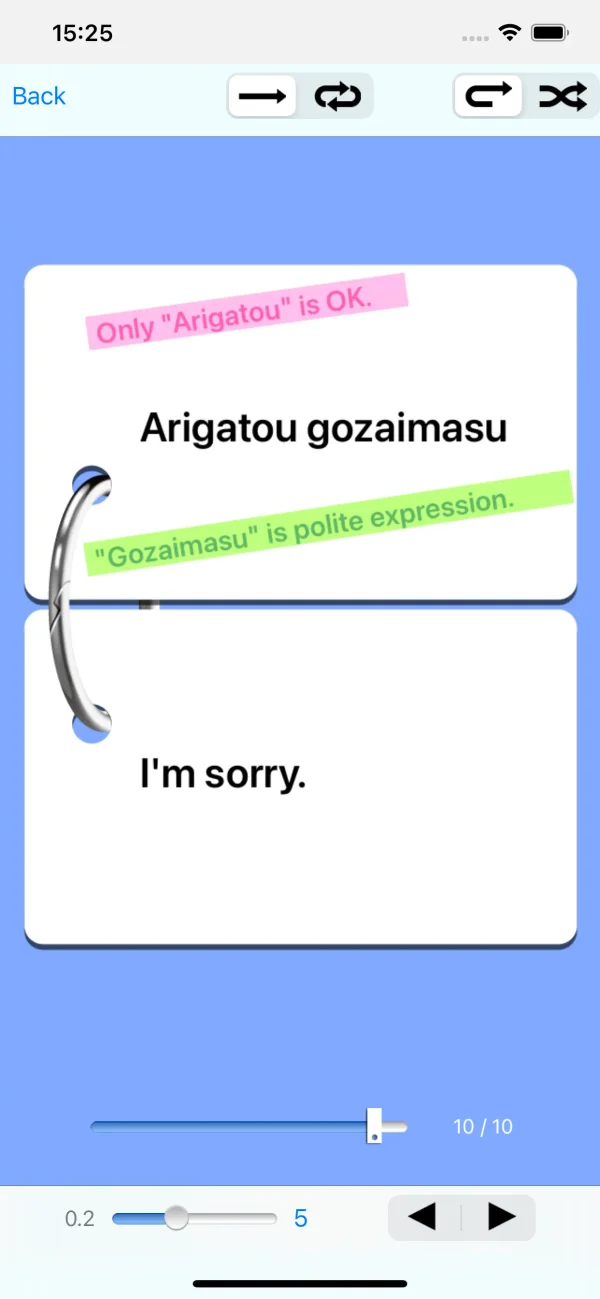
5. Can flip card automatically.
6. Can shuffle order of cards.
7. Can search keyword.
8. Can skip cards using slider.
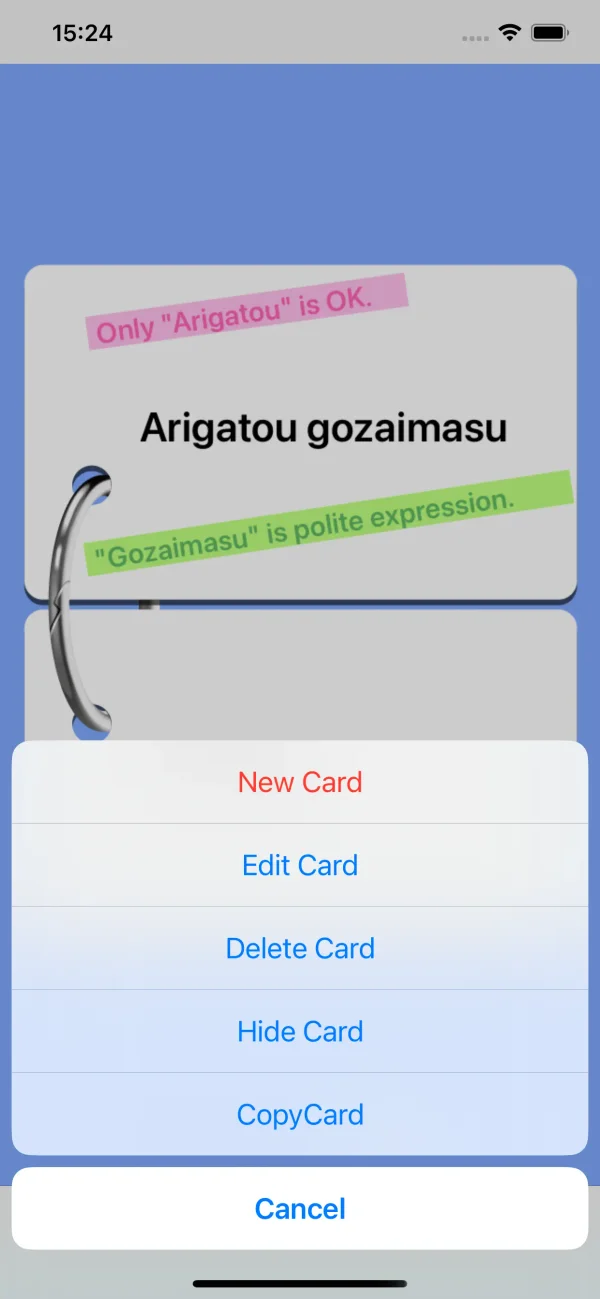
9. Can hide cards by pressing and dragging card.
10. Supports both 3.5 and 4 inch Retina displays.
11. Can change card size on 4 inch display.
==To import or export text files==
1. Use iTunes' "File Sharing", if you want to import or export text files.
2. The importing file needs to be Tab separated text or Comma separated text with UTF8 encoding. The extension for Tab separated text is ".txt", for Comma separated text is ".csv".
3. If you want to import text file with line feed code, you need to separate cards using semicolon(;).
4. The exporting file is always Tab separated text with UTF8 encoding.
==To import or export text files using clip board ==
1. You can import or export text files using clipboard.
2. The importing file needs to be Tab separated text with UTF8 encoding.
3. If you want to import text file with line feed code, you need to separate cards using semicolon(;).
4. The exporting file is always Tab separated text with UTF8 encoding.
Yenilikler
Sürüm 2.9.9 · 31.10.2025
We have updated the app for the latest iOS version.
Uygulama gizliliği
Bu uygulamanın verileri nasıl işlediği hakkında Satoshi Horiguchi tarafından App Store üzerinde yapılan beyan.
-
Veri toplanmıyor
Geliştirici bu uygulamadan hiçbir veri toplamıyor.
Gizlilik uygulamaları, örneğin kullandığınız özelliklere veya yaşınıza göre değişiklik gösterebilir.
Bilgiler
- Satıcı
- Satoshi Horiguchi
- Kategori
- Eğitim
- Sürüm
- 2.9.9
- Güncellendi
- 31.10.2025
- Yayın tarihi
- 03.05.2011
- Boyut
- 4,0 MB
- Gereksinim
- iOS 16.0 veya sonrası
- Yaş sınırı
- 4+
- Diller
- Japonca, İngilizce
- Telif hakkı
- © Satoshi Horiguchi